7 Story ThemesShape Each Explainer
Choose from 7 story theme templates based on your topic. Magiclight AI uses the selected theme to guide each scene, giving your explainer a clear structure from the first point to the very end.
Create Now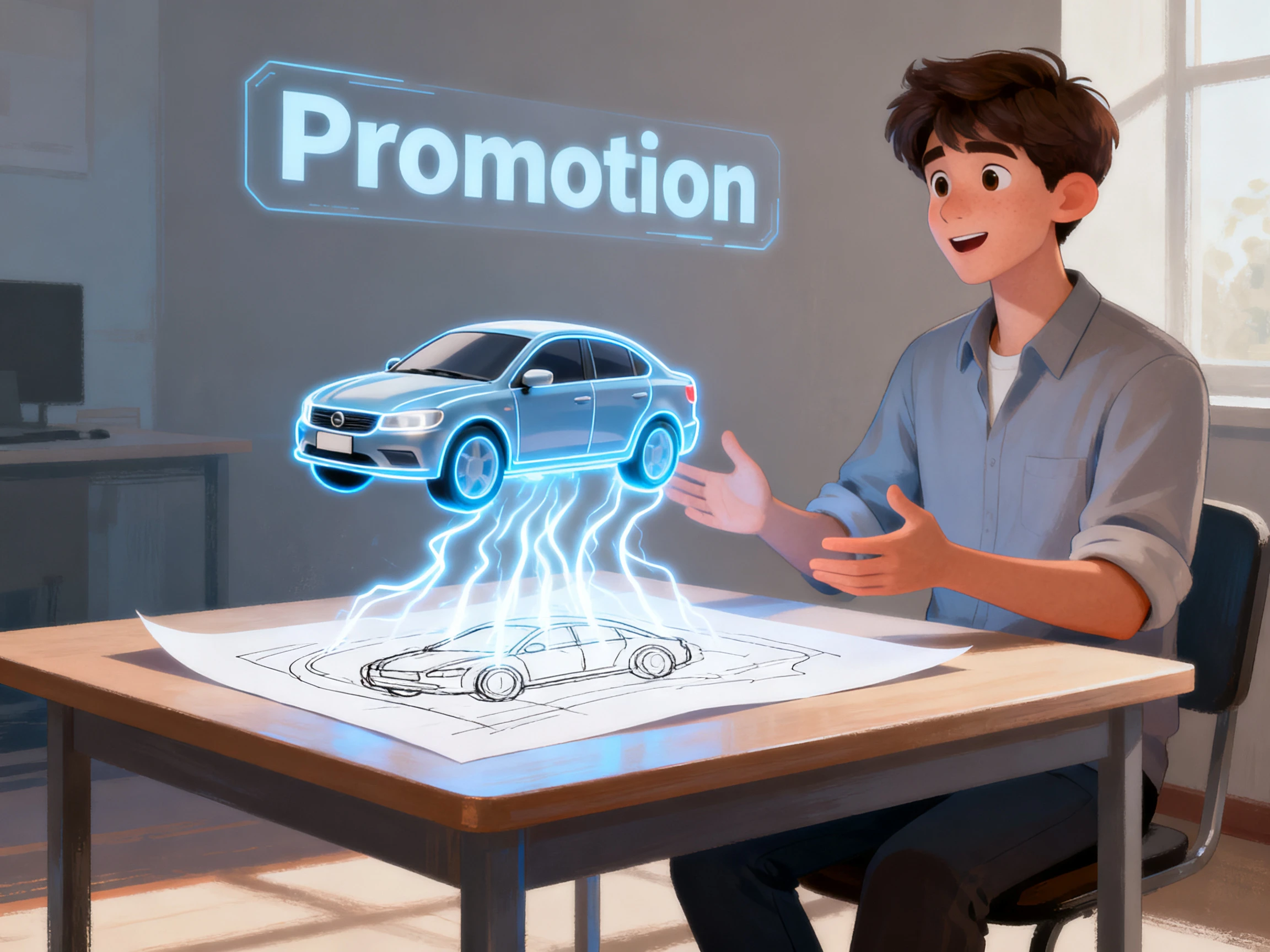

Give every important point enough space to be understood. Magiclight AI turns your script into clear visuals, narration, and animation. No camera or editing skills are required.
Create Animated Explainer Video For Free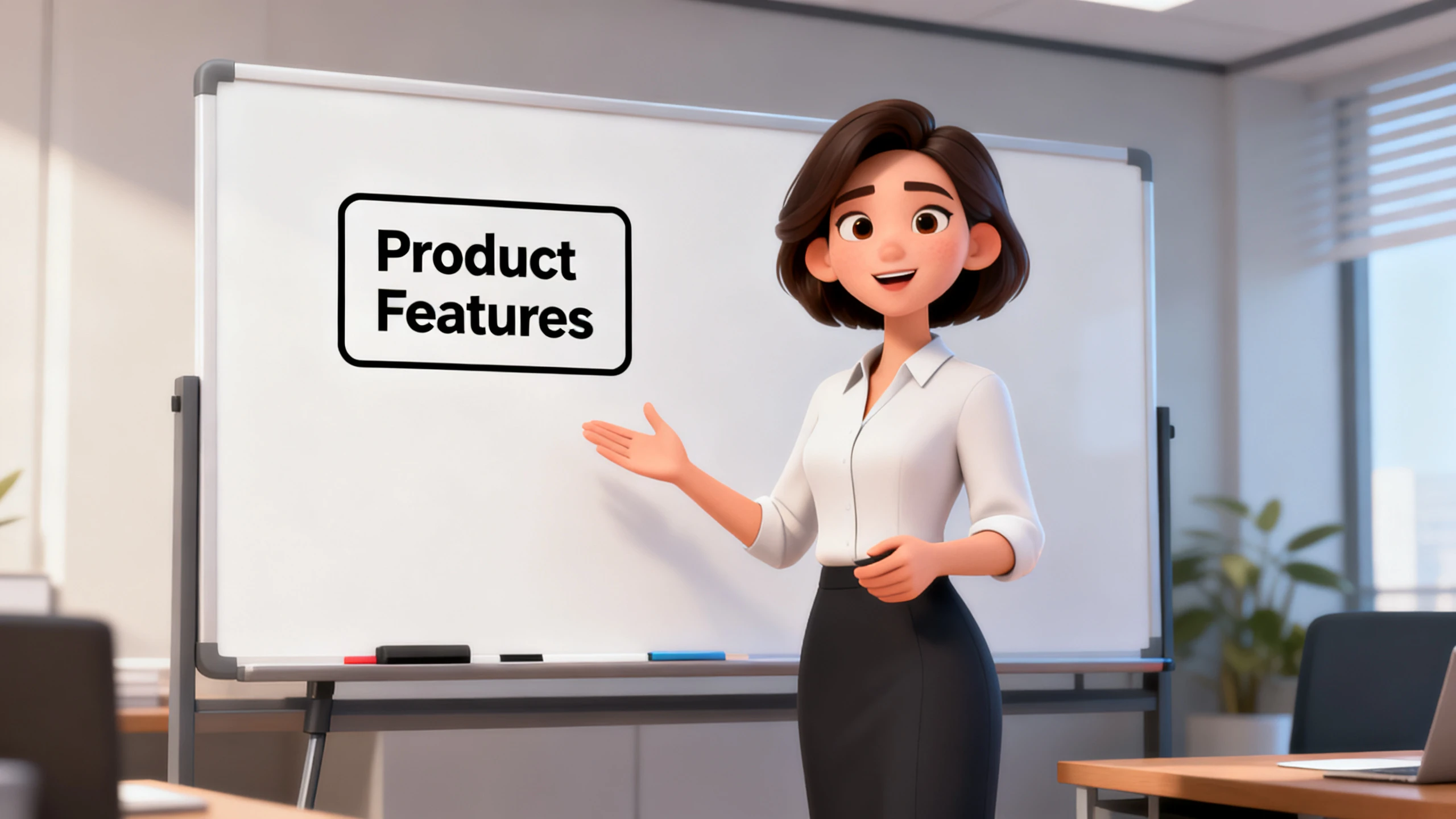










Start with the AI animated explainer video generator for free and turn written points into visual explanations. Magiclight AI organizes them into scenes with characters, voices, and animation.
Choose from 7 story theme templates based on your topic. Magiclight AI uses the selected theme to guide each scene, giving your explainer a clear structure from the first point to the very end.
Create NowWrite up to 12,000 characters when your topic needs detail. Magiclight AI turns the script into an explainer up to 50 minutes, giving each point space for examples, context, and explanation.
Create Characters
Present the same explainer in any of 11 supported languages, while keeping its message and scenes consistent. Magiclight AI changes the spoken language, helping audiences follow that explanation.
Generate a Video
Choose from 16 subtitle settings so people can read key details while listening. Key terms stay visible in each scene, giving your animated explainer written support throughout the video.
Start Creating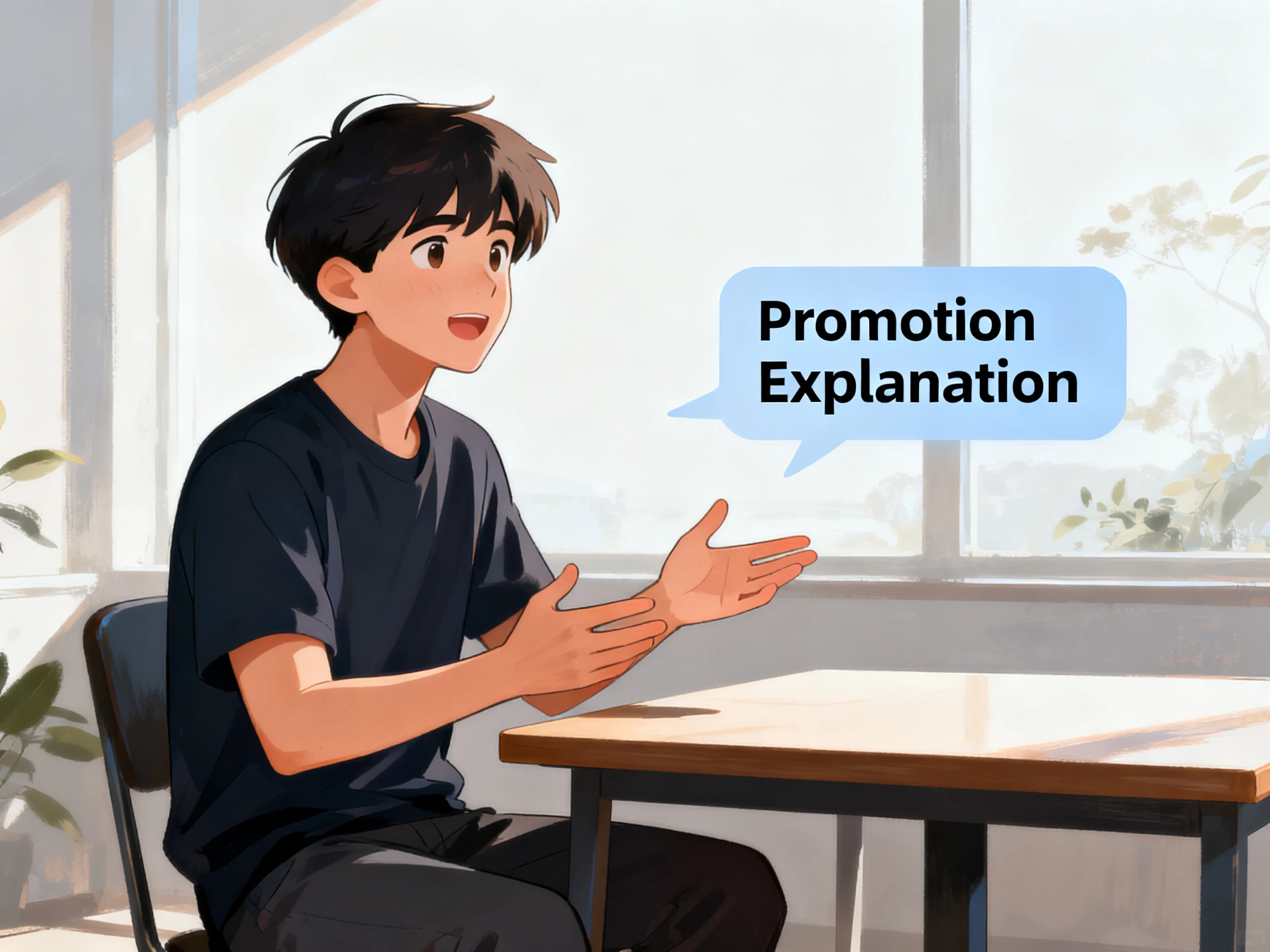


Learn how to use the Magiclight AI animated explainer video generator for free in 4 simple steps. Add your script, review each scene, adjust details, and export your video now.
Write or paste your explanation using up to 12,000 characters. Keep each scene focused on one main point so viewers can follow the topic without confusion.
Select from 37 voices to find a narrator that suits your explainer. Pick a voice with a clear pace that gives each important point enough time.
Review each explainer scene in the Nano Storyboard before generation. Adjust the visuals, character poses, expressions, and individual scenes to match your explanation.
Choose from 16 subtitle settings so viewers can read along with the narration. Select your preferred format, then export the completed animated explainer in 1080p.
Customer Success Lead
Our old walkthrough packed 4 features into one scene, and customers missed most of them. With Magiclight AI, I can give every feature its own scene and explain it properly.
Compliance Officer
Some policies simply need more than 90 seconds to explain clearly. I can give the subject the time it needs in Magiclight AI instead of cutting out important details.
Council Officer
We have residents who speak different languages, so one version of a notice is never enough. Magiclight AI lets us present the same information in each language without starting over.
Technical Writer
Our documentation changes often, but most of the video usually stays correct. When one section changes, I use Magiclight AI to update that scene instead of redoing everything.
The AI animated explainer video generator supports videos up to 10 minutes. Magiclight AI lets each subject determine the right explanation length itself.
Shorter videos do not always explain detailed topics clearly enough alone. With Magiclight AI, keep necessary details instead of chasing shorter runtimes.
Magiclight AI gives new accounts free credits after registration to start. These credits cover an initial explainer without requiring payment card details.
Commercial use is available through eligible paid plans from Magiclight AI. Free credits let you test an explainer before choosing paid access.
Magiclight AI turns your technical script into clear animated explainer scenes. You should still check technical facts before exporting the finished video.
Update one scene inside Magiclight AI when information changes later on. The remaining scenes stay unchanged, saving you from repeating everything else.



Some topics need more than text to explain. Magiclight AI gives each point its own scene so viewers can understand the full message.