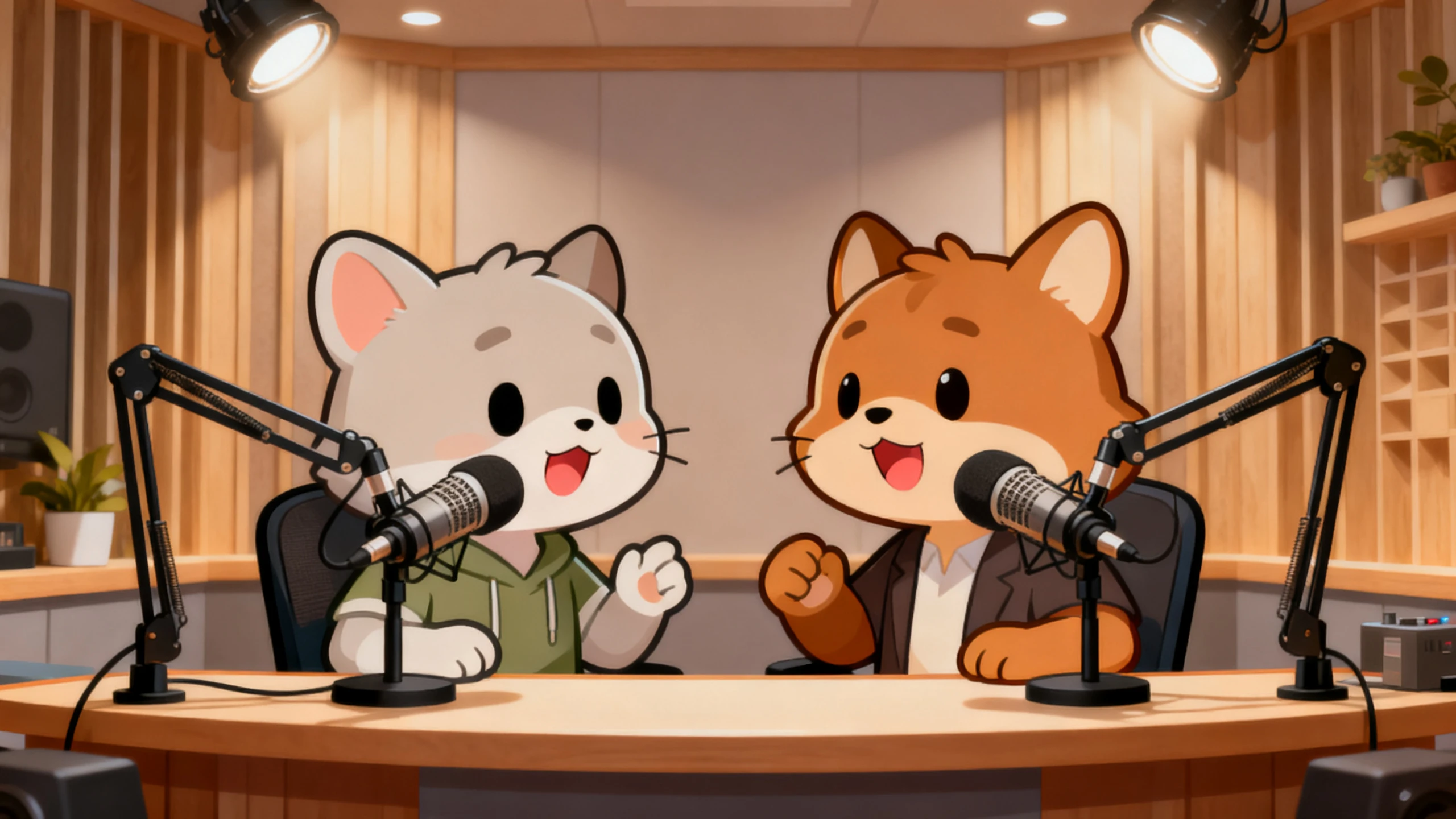
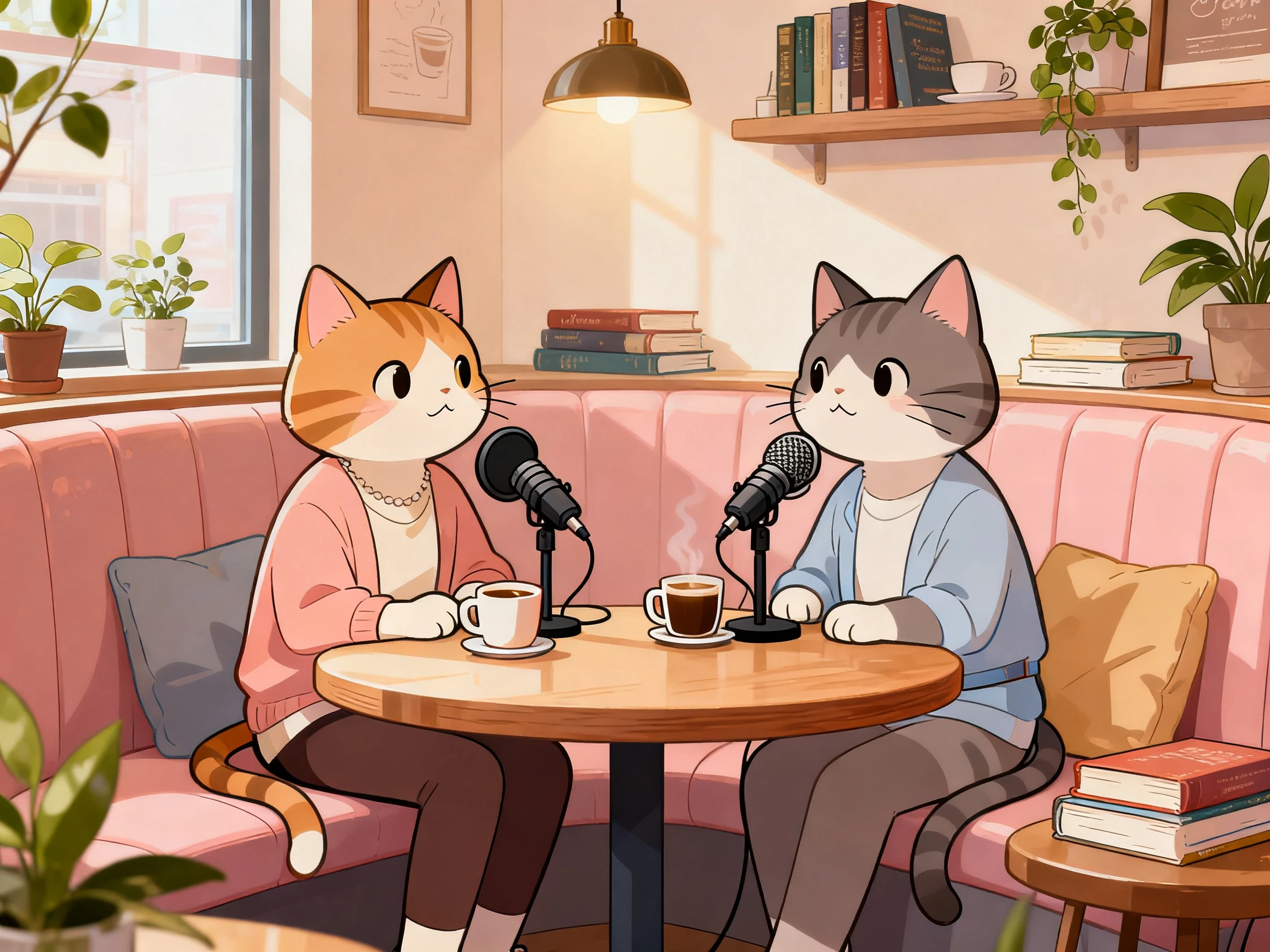
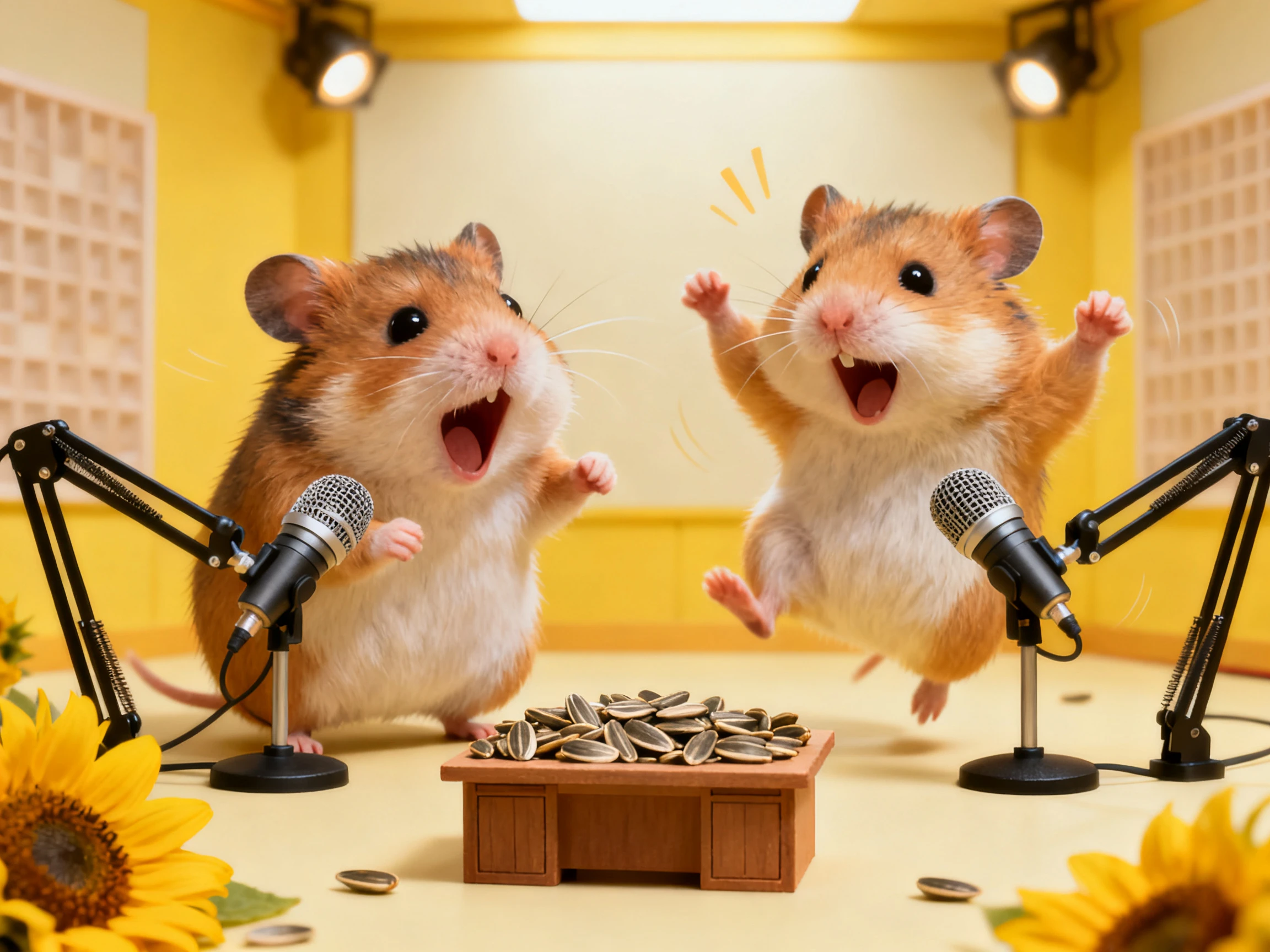
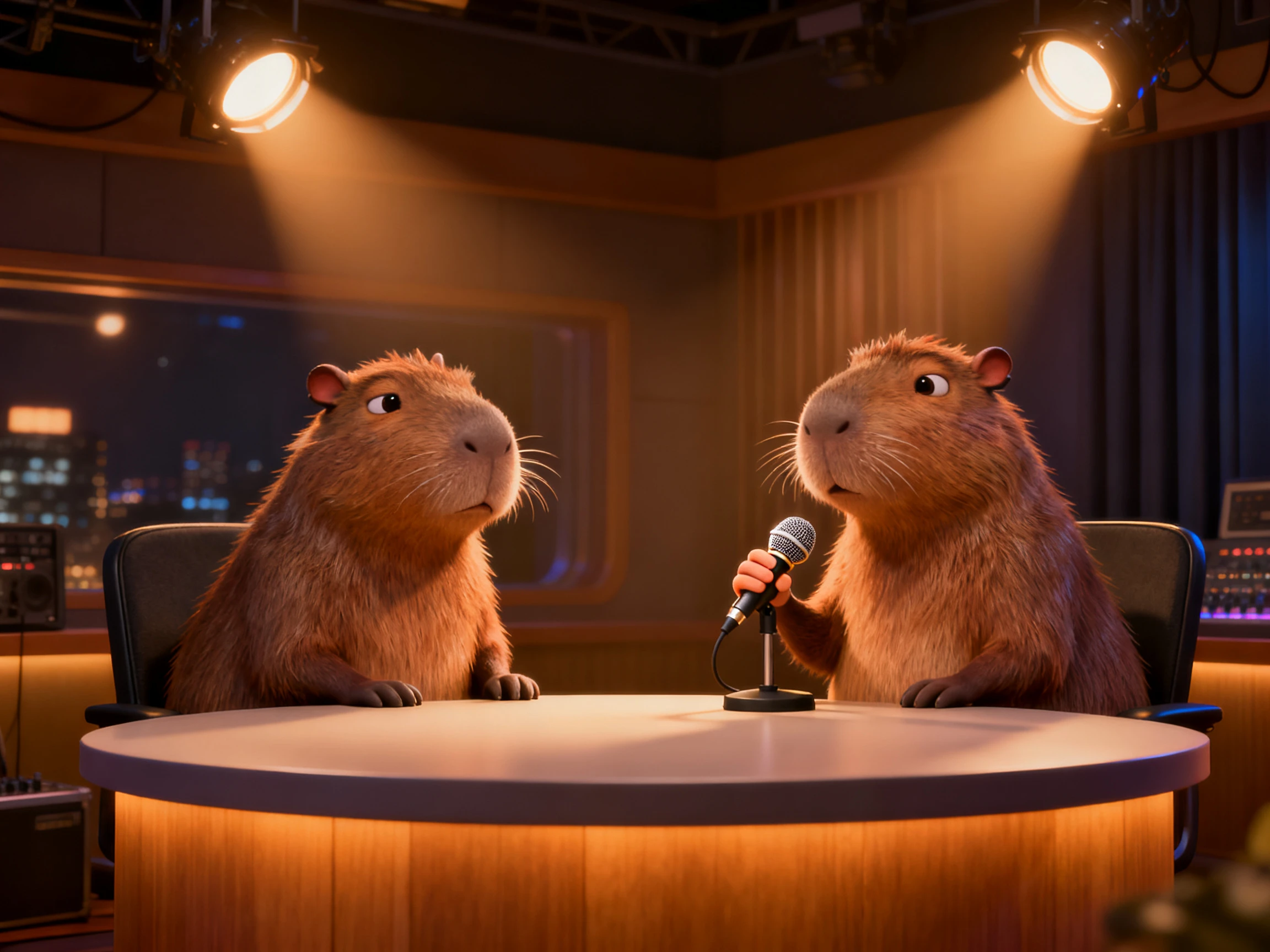
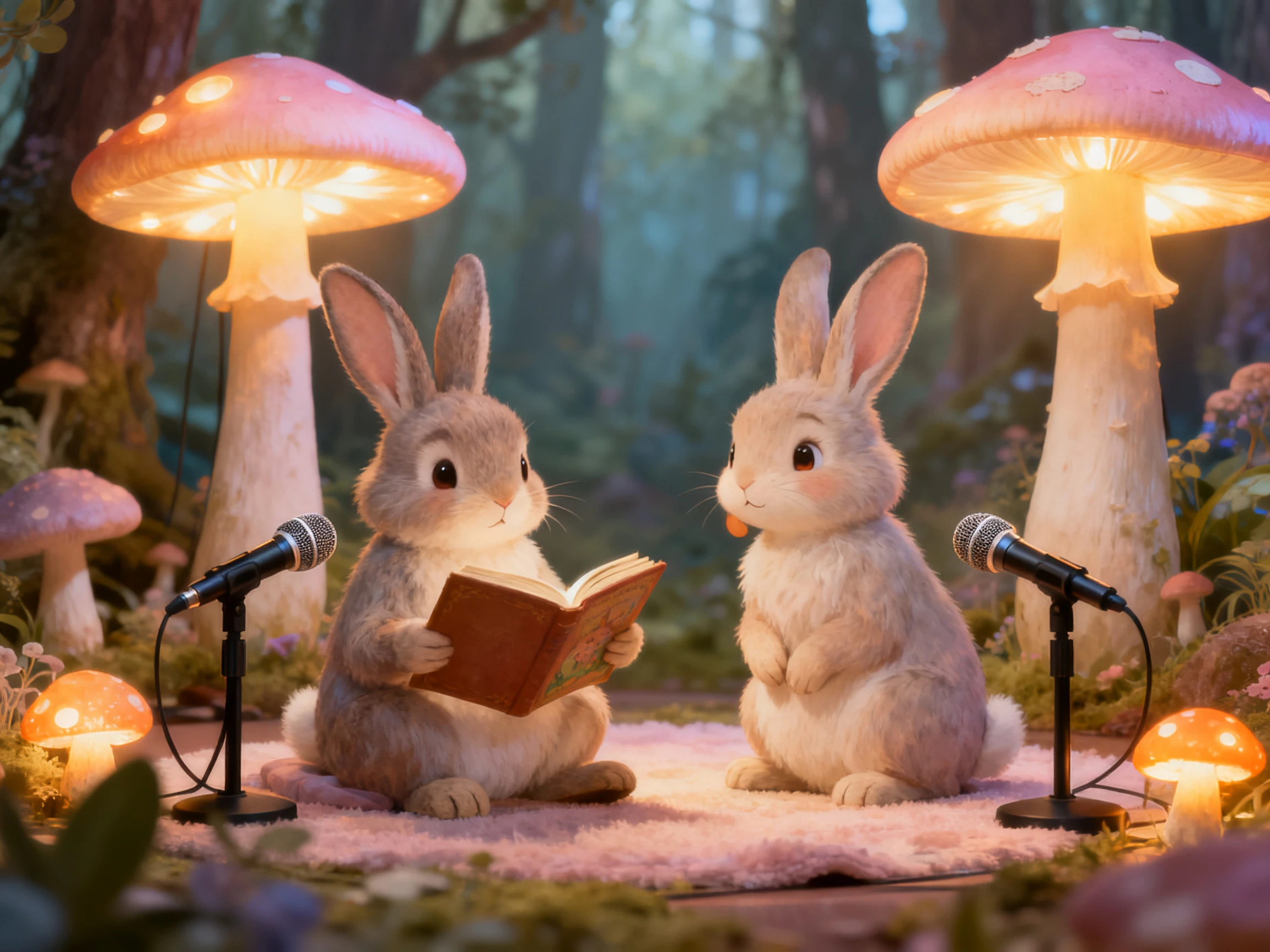
Every pet podcast idea comes out as a complete video episode. Magiclight AI handles the characters, voices, conversation, and scenes. No filming or editing skills required.
Features of the MagiclightAI Pet Podcast Generator
Set the episode in motion with the Magiclight AI pet podcast generator. Pick the hosts, plan their conversation, choose a setting, and take the show through to sign‑off.
50‑Minute Pet Podcast Episodes
Most talking animal tools stop at a few seconds. Magiclight AI accepts a script running to 12,000 characters and carries it out to a full 50 minutes, which is the difference between a meme and a show.
The comedy lives in the contrast between them. Pick a slow, deadpan voice for one animal and something faster for the other from the 37 available, and the pair start bouncing off each other.
A podcast set only ever gets created once. Settle the booth, the desk and the microphones on one of 52 style options, and every later episode after that opens on the very same room.
Keep both animals visually connected to their dialogue as the conversation moves between them. Each host’s mouth movements are synced with spoken lines in Magiclight AI, making the exchange feel more natural.
Who Can Use the Magiclight AI Pet Podcast Generator
Take your talking pets beyond simple jokes with an AI pet podcast generator. Use them for comedy, stories, useful advice, or promotions while keeping the podcast format engaging.
For Pet Channel Owners
Keep the same two animal hosts as characters on air across the series.
Run an episode out to a full 50 minutes if the talk holds.
Take a paid plan before the episodes go out commercially.
For Pet Brands and Shops
Write the entire episode inside a 12,000‑character podcast script.
Cast a mascot animal and reuse it across every campaign.
Caption the feed of the podcast with any of the 16 subtitle settings.
For Vet and Animal Educators
Let one host explain while the other asks the questions.
Deliver the same episode across all 11 supported languages for wider audience.
Give each animal a voice of its own from among the 37 options offered.
For Meme and Clip Accounts
Pull a vertical 9:16 clip straight out of the wide episode.
Let one host react while the other is still mid‑sentence.
Export the finished podcast cuts at 1080p, ready for Shorts and Reels.
How to Use the Magiclight AI Pet Podcast Generator
The Magiclight AI pet podcast generator gets you started in 4 steps. Choose animal hosts, write their conversation, set scenes, then finish episodes.
1.
Step 1. Cast and Save the Two Animal Hosts
Describe each animal in up to 1000 characters, including how they talk. Save both characters so their look stays consistent across future podcast episodes.
2.
Step 2. Write the Whole Conversation
Enter the full conversation in up to 12,000 characters for both hosts. Choose a style and characters before Magiclight AI prepares the complete exchange.
3.
Step 3. Set the Studio in Nano Storyboard
Choose the booth, desk, microphones, and other scene details for your podcast. Use the Nano Storyboard to adjust anything that needs changing before generation.
4.
Step 4. Finish and Download the Episode
Prepare the wide episode and vertical clips from the same podcast project. Download the finished video in 1080p for YouTube and other supported platforms.
What Users Say About Magiclight AI'sPet Podcast Generator
Nadine Faber
Veterinarian
Clients often skip a leaflet, but they will watch two cats discuss pet care. Magiclight AI helps me put useful advice into something people actually finish.
Tomas Rivas
Pet Shop Owner
Magiclight AI saved our shop dog once, and he now appears consistently. He is part of our brand, so that matters across every video.
Aoife Kelly
Scriptwriter
Other tools often stopped the conversation before the joke had time to land. My scripts can run longer in Magiclight AI, so the payoff stays intact.
Bruno Sant'Anna
Channel Manager
One episode needs to cover our main channel and several short posts. I get wide and vertical versions from the same Magiclight AI project.
You describe the animals here rather than uploading them. Magiclight AI creates hosts from a written description, so if the goal is your own dog's real face, a photo‑based tool will get there faster.
Will the talking animals look photoreal?
No. The AI pet podcast generator creates animated animal hosts for podcasts. Magiclight AI does not produce hyper‑real talking dog videos for feeds.
How long can a pet podcast episode run?
Episodes can run up to 50 minutes from a 12,000‑character Magiclight AI script. That gives conversations enough time to flow naturally beyond short clips.
Is the AI pet podcast generator free to try?
Credits arrive with registration, and no card is needed. They cover casting the hosts and hearing a short exchange in Magiclight AI before you commit to anything paid.
Can I use animals other than cats and dogs?
Any animal you describe can become a podcast host directly inside Magiclight AI. Create a capybara, parrot, or shark from your written brief without needing photos.
Can I get short clips from the same episode?
Yes. Magiclight AI supports wide and vertical formats from the same podcast project. Export full episodes and vertical clips without creating the entire podcast project again.
Create Unique Pet Podcasts With Magiclight AI
The format is only funny if the conversation goes somewhere. Magiclight AI pet podcast generator casts the hosts, times both mouths, and lets the episode run as long as it needs.