







Hero background

AI Speaking Generator

Turn your text into natural AI voices with Magiclight AI. Choose a voice and add narration to your videos. No microphone or recording needed.

Create an AI Speaking Video for Free
AI speaking video preview
Nano Banana
Google VEO 3
Sora 2
Gemini
Hailuo
Kling
Midjourney
Qwen
Seedance
Wan
Nano Banana
Google VEO 3
Sora 2
Gemini
Hailuo
Kling
Midjourney
Qwen
Seedance
Wan

Explore the Magiclight AI Speaking Generator Features

Hear your words spoken before your audience does. The AI speaking generator reads your script in a stock or cloned voice, shifts tone between scenes, and speaks 11 languages.

Magiclight Agent Plans to Read Your Text

Long text needs a plan before it’s read aloud. The Magiclight Agent suggests a format first, such as Explainer Video, to break text into scenes and setting up the narration that is approved by the user.

Create Now
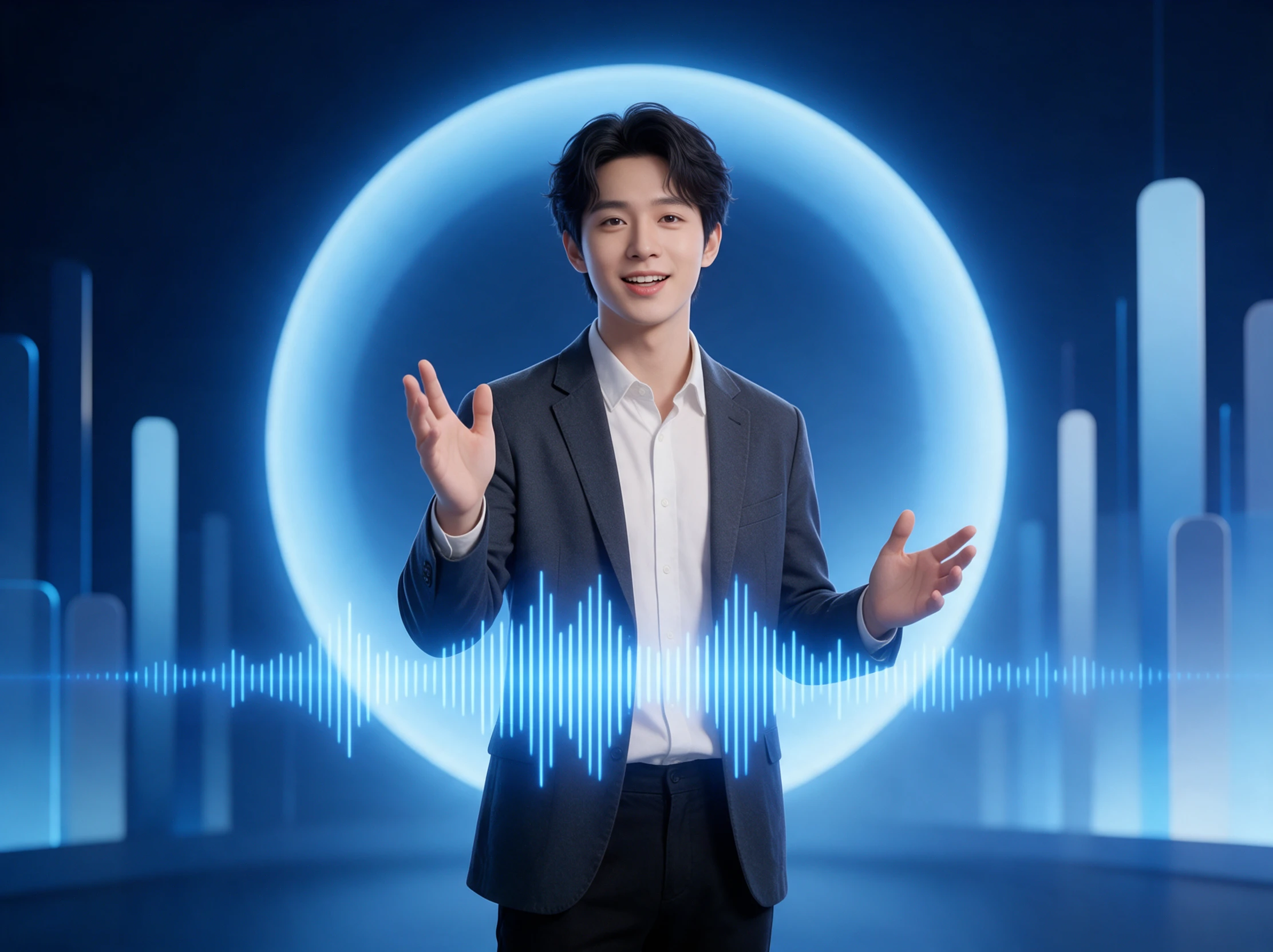
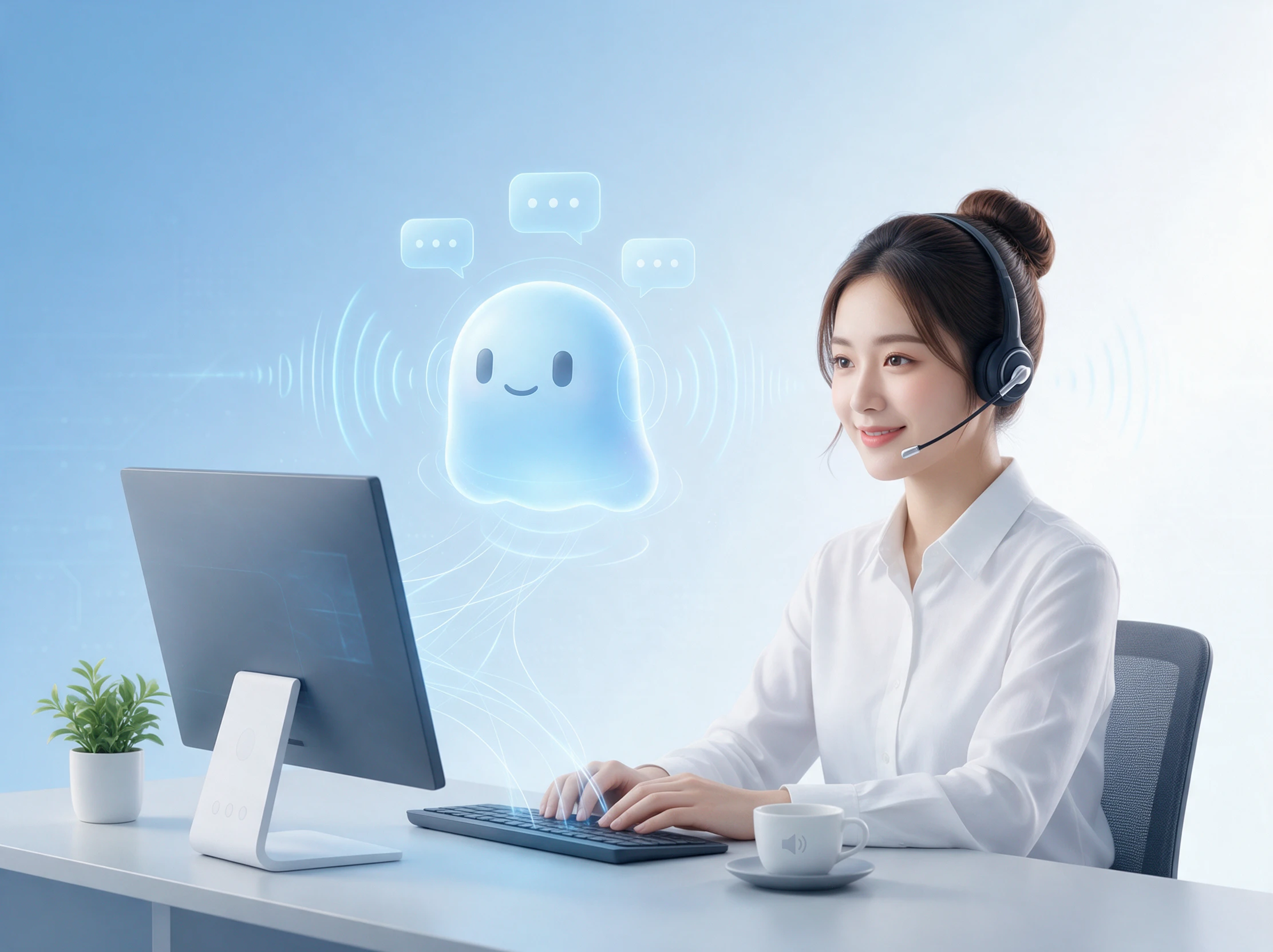
Magiclight Agent plans text narration

30-60 Seconds of Speech For Voice Clone

Want videos that sound like you without recording every other script? Record or upload a 30-60 second audio, and the clone copies your pitch, volume, and accent for any text that needs narration.

Clone Your Voice
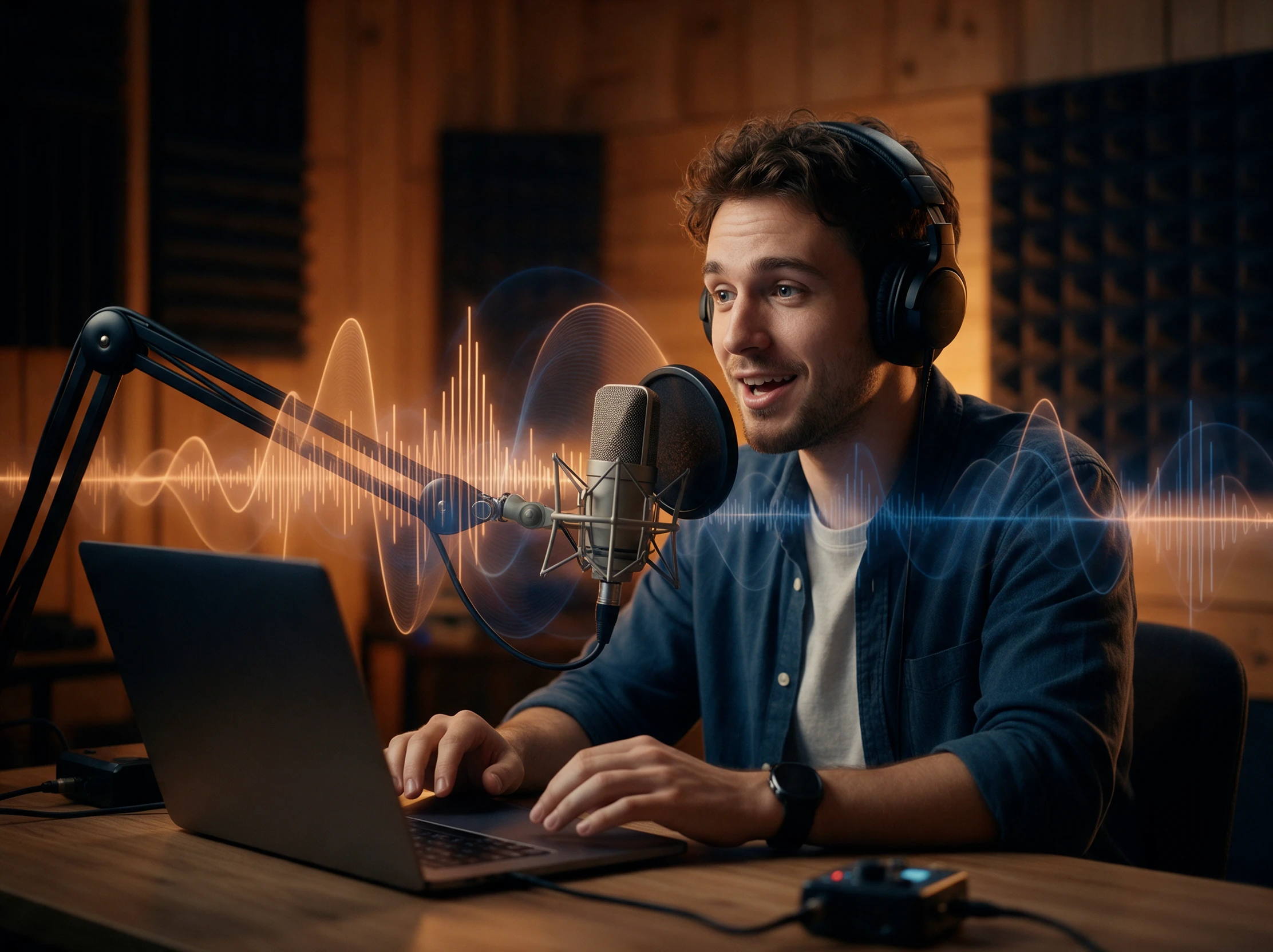
AI voice cloning from a short audio sample

37 Voices With a Tone for Every Scene

Sort the voice library by age, gender, accent, or scenario, then give each part a tone such as calm, excited, or professional. One narrator can sound gentle at bedtime and upbeat for product news.

Explore AI Voices
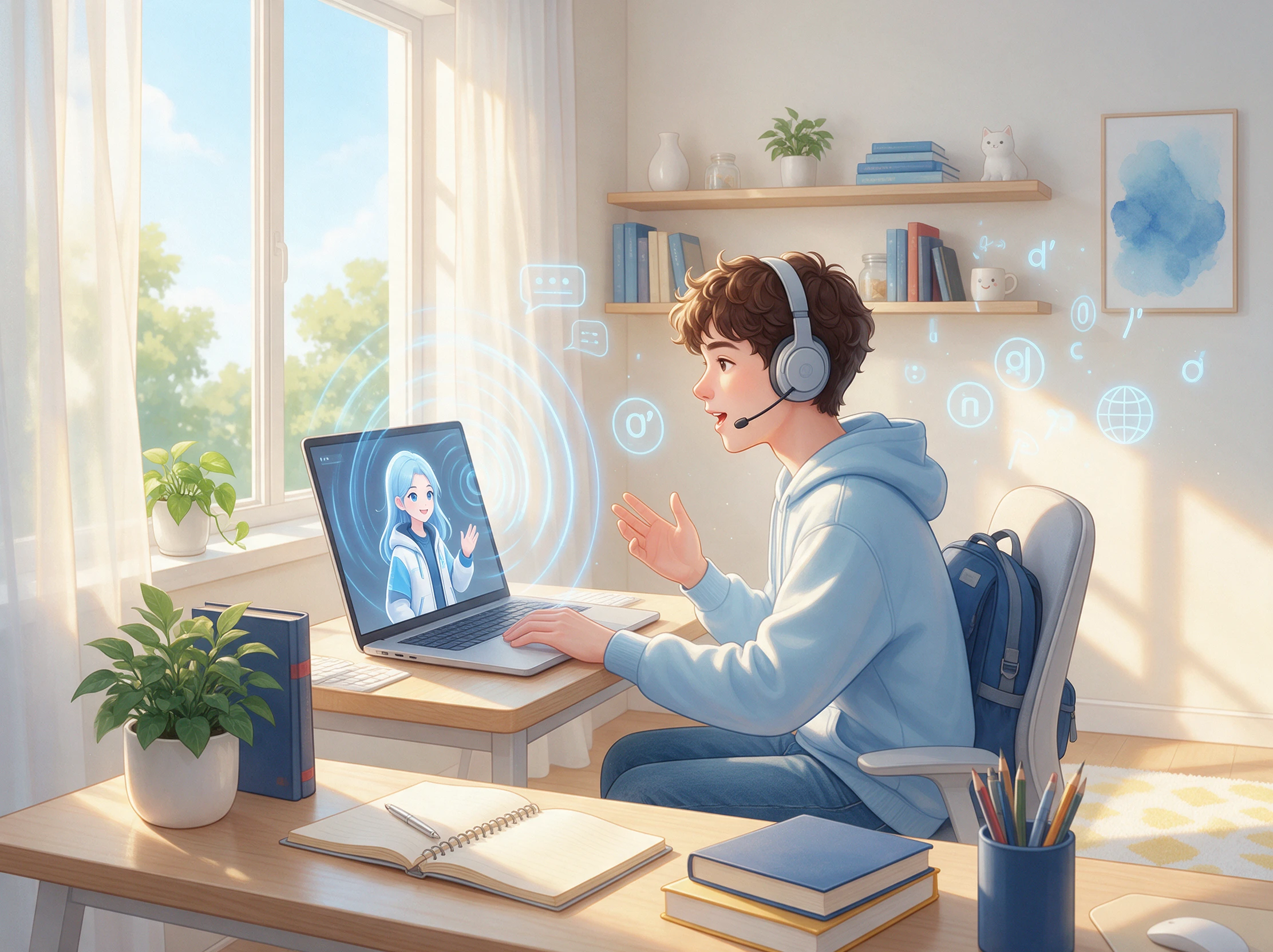
37 AI voices with different tones

11 Languages Read by Your Cloned Voice

Rather than hiring a voice actor for each market, run the same script in Hindi, Korean, and 9 other languages. Your cloned voice keeps its sound in each, so viewers still hear you.

Start Creating
AI voice cloning in 11 languages
Who Can Use the Magiclight AI Speaking Generator
Voice a faceless YouTube video, narrate an online course, read a story chapter aloud, or sell abroad in 11 languages. The Magiclight AI speaking generator handles every word for you.
AI narration for faceless YouTube lessons
For Faceless YouTube Lessons
Use the scenario filter to find a calm, documentary-style narrator.
Turn on captions and match them to the channel with 16 subtitle styles.
Run quiet background music, picked from 40 tracks, beneath every line.
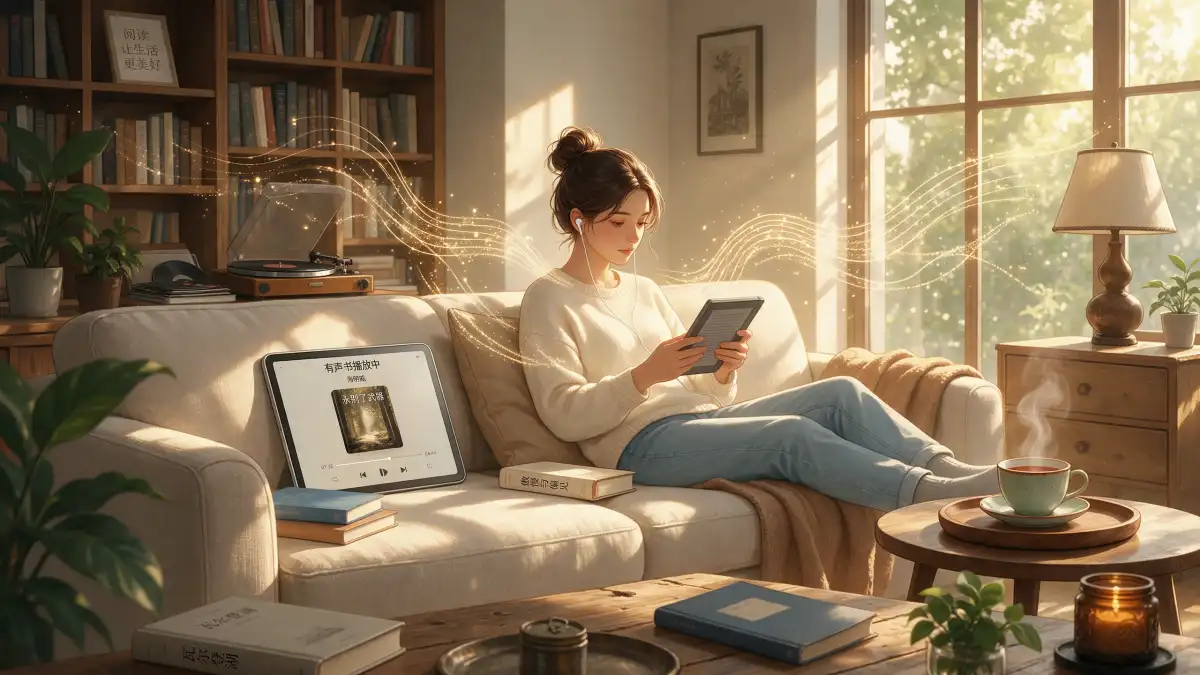
AI voice narration for online courses
For Online Courses
Narrate each module in the Explainer format, up to 50 minutes long.
Choose a professional tone so lessons sound clear and steady.
Fix an outdated line in the script and regenerate the voiceover.
AI character voices for story chapters
For Story Chapters
Pick distinct voices for the narrator out of 37 options in the chapter.
Switch to an excited tone when the chase scene starts.
Save characters with their voices so the next chapter sounds the same.
AI multilingual voiceovers for international markets
For Selling in New Markets
Read one product script in English, Spanish, Arabic, and 8 other languages.
Clone the owner’s voice, with consent, so every version sounds like them.
Save paid ad runs for after you upgrade the plan, when rights apply.

 How to Use the Magiclight AI Speaking Generator

Your favorite idea can deliver a spoken message with the Magiclight AI speaking generator. Open the Video tab in the Toolbox to create your video in 4 simple steps.

1.

Paste the Text and Pick a Format

Add your script to the provided space, and give it to Magiclight Agent to structure the perfect format. Define video language and aspect ratio before proceeding.

2.

Select Visuals and Lead to Storyboard Editing

Choose the right visual model suiting your video, finalize the characters and create the storyboard. Adjust the frames according to 50+ poses, before leading to finalizing the voiceover.

3.

Adjust the Voice Settings

Narrow the library of 37 voices with the age, gender, accent, and scenario filters, then assign one to each speaker. To use your own voice, record or upload a short sample and clone it.

4.

Check the Result and Download

Play the generated video and pay attention to the lip movements and voice. Once you are happy with how the picture speaks, download the final video to your device.

What Users Say About theMagiclight AI Speaking Generator

Mara Ellison

History Teacher

I used Magiclight AI narration to explain historical events during my lessons. The voices sounded natural, and my students stayed focused longer than they usually do with regular slides.

Dev Patel

Marketing Manager

We used Magiclight AI to create product videos in different languages while keeping the same voice. It saved us from recording everything again and made our videos sound consistent.

Nina Calder

Podcaster

I tried cloning my voice with Magiclight AI for a few podcast clips. The result sounded surprisingly close to my real voice, especially the tone and the way I speak.

Owen Mercer

Graphic Designer

I gave my illustrated characters different voices using Magiclight AI. Each character sounded distinct, which made their conversations feel more natural without hiring separate voice actors for every role.

FAQs on AI Speaking Generator

How can I fix a mispronounced name in Magiclight AI?

Write it out the way it sounds, like “Sheh-vawn” for Siobhan, and regenerate the voiceover. Magiclight AI reads the script exactly as typed, so the spelling decides the sound.

Which writing sounds best when read aloud in Magiclight AI?

Short sentences with clear punctuation, since commas and periods set the pauses. Write numbers the way people say them, like “twenty twenty-six,” and Magiclight AI keeps that rhythm.

Is the result an audio file or a video in Magiclight AI?

A video. The narration plays over matching scenes, with subtitles and music if you want them, so Magiclight AI saves you lining up an audio file by hand.

Is it okay to use someone else's voice recording?

Only use recordings you own or have permission to use. Voice cloning also requires the speaker's consent when the finished video will be shared publicly.

Does YouTube require a label for AI voices?

Not for your own cloned voice, which YouTube treats as a minor change. A voice that has a real person say something they never said needs the altered content label on Magiclight AI clips.

Which video format should I choose for a speaking photo?

Choose 9:16 for TikTok, Instagram Reels, or YouTube Shorts. A 16:9 frame works better for presentations, website videos, and content viewed on wider screens.

Turn Your Text Into AI Voices With Magiclight AI

Clone one short sample of your voice, and every script after that can be read in it. One page of text in the AI speaking generator is enough to hear the result today.