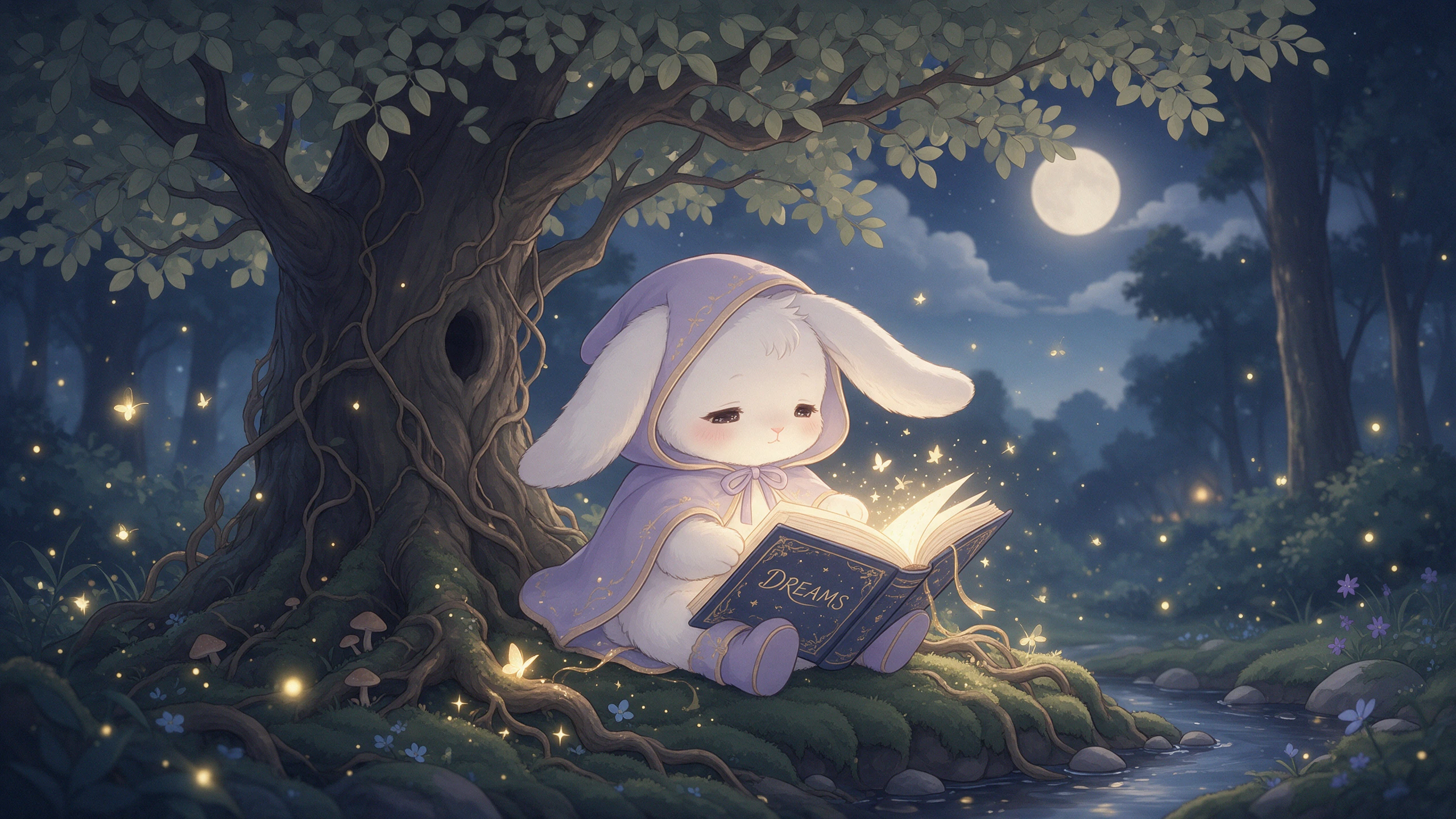
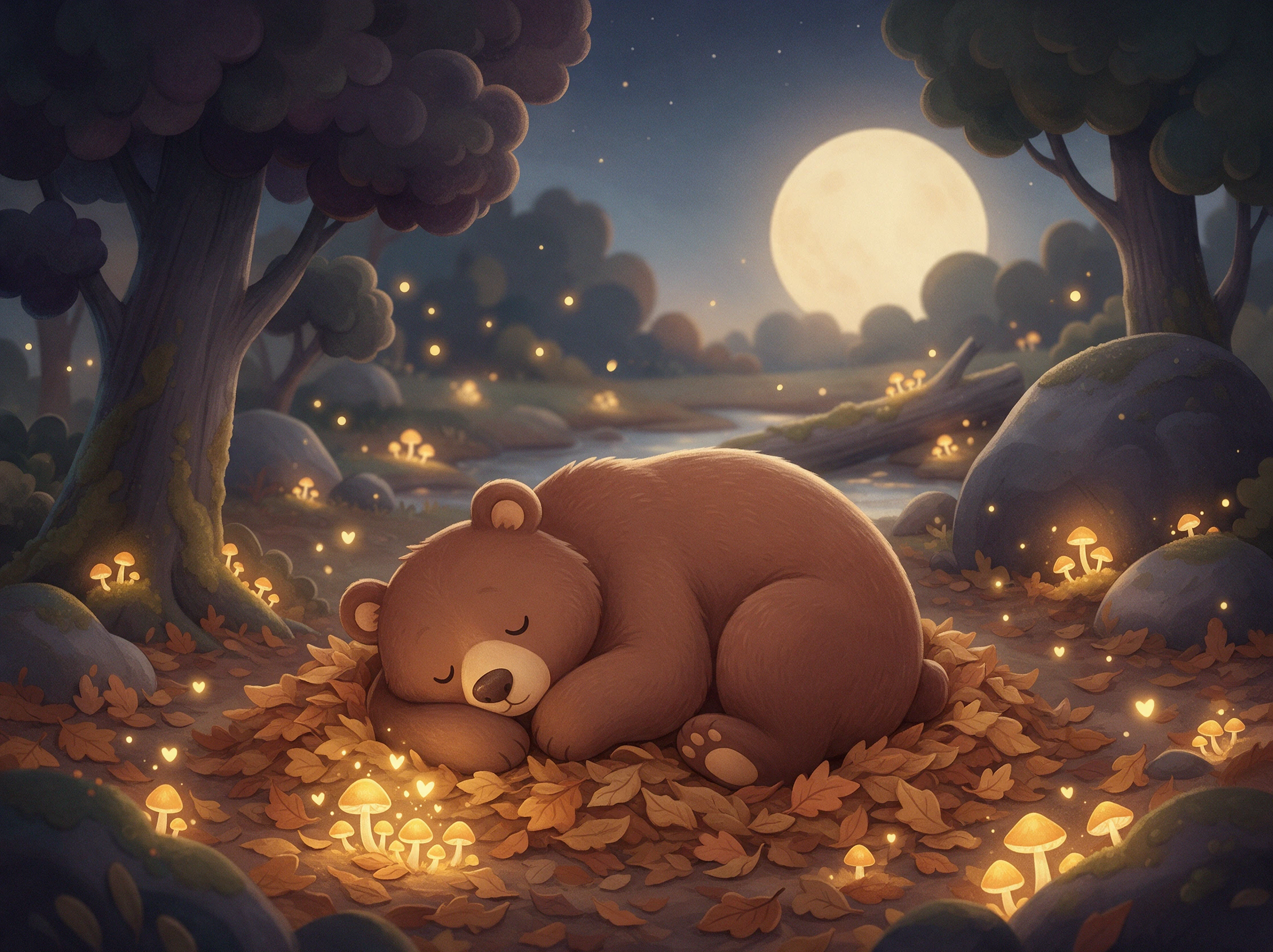
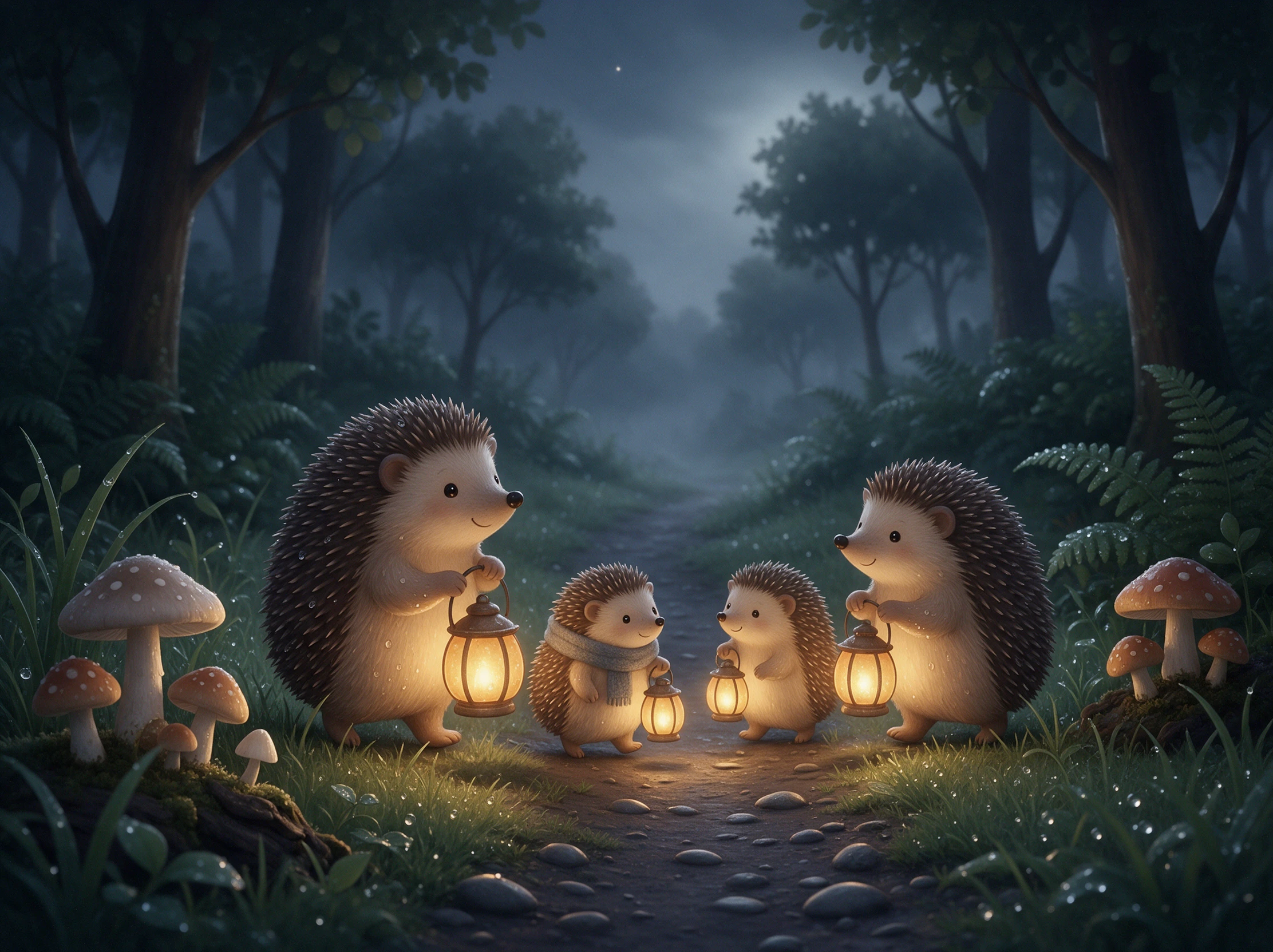
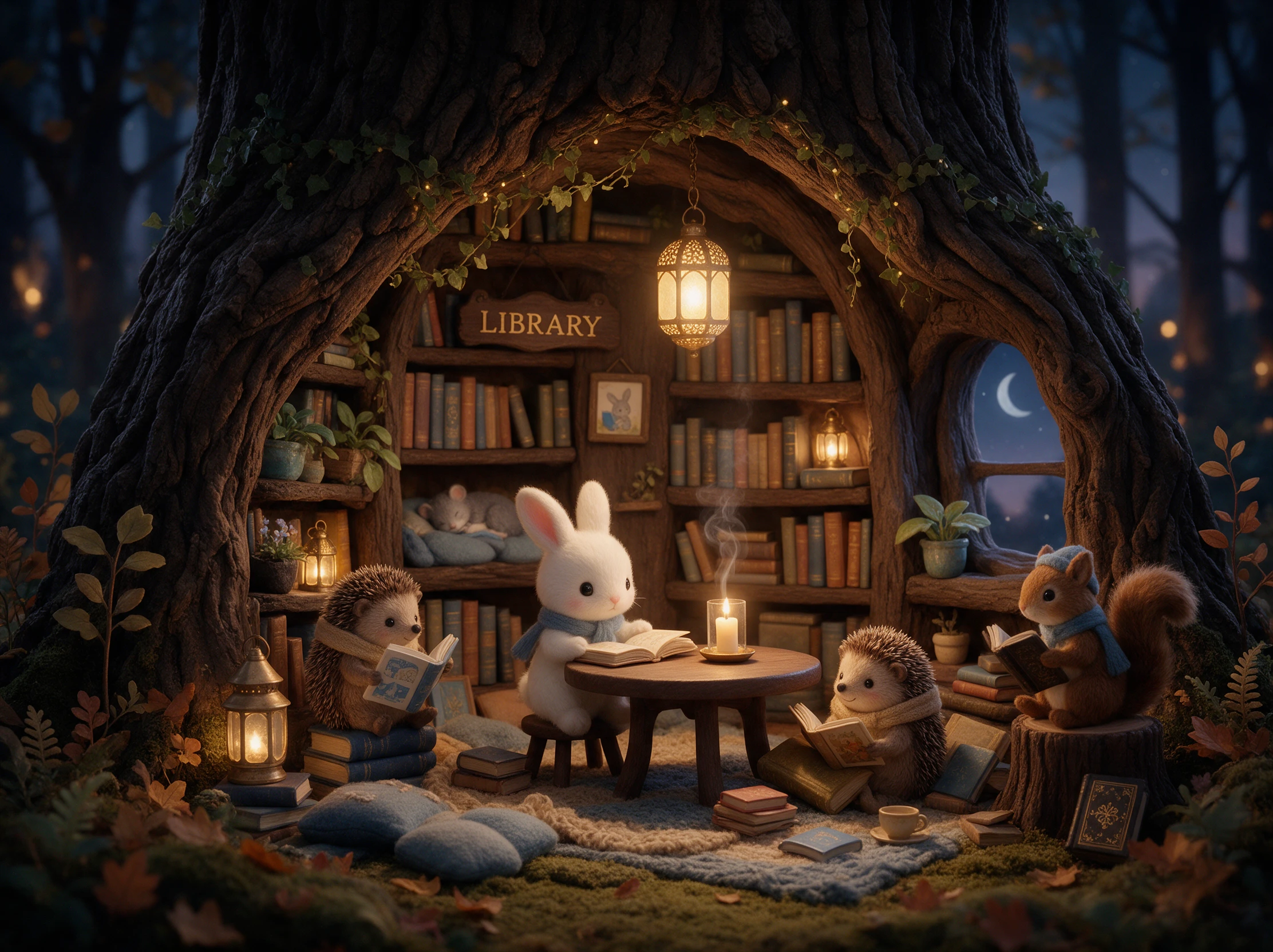
Create cozy bedtime stories with Magiclight AI, from a bunny’s woodland adventure to the next magical chapter. Turn your stories into videos without writing or editing skills.
Top Features of Magiclight AIBedtime Story Generator
Turn a bedtime tale into a story that continues. The bedtime story generator brings familiar characters back while giving them something new to discover in every chapter.
Continue the Story With 12,000 Characters
Add last night's ending, a short recap, or more story details in a prompt of up to 12,000 characters. MagicLight Agent uses them to continue tonight's chapter and bring about a proper detailed scene-by-scene review.
Give each character a clear look with up to 1,000 characters of detail. Save them in the Magiclight AI Asset Store and bring them back for future bedtime story chapters.
Who Can Use the Magiclight AI Bedtime Story Generator
Bedtime looks different at home, on a sleepover, or during a trip. With the bedtime story generator help you to keep the same adventure going wherever bedtime happens.
For Siblings Sharing a Room
Create each child's story character with up to 1,000 characters of detail.
Use 16 animation models to bring their shared adventures to the screen.
Extend simple story ideas to a complete 12,000-character scripts.
For Sleepovers at Grandma's
Turn Grandma's garden or home into a familiar place inside the story.
Explore 52 visual styles to find a look that fits the bedtime adventure.
Create in 16:9 when everyone wants to watch together on a larger screen.
For Family Trips
Add a place visited that day and make it part of the next story chapter.
Try 14 story models when the adventure needs to take a different direction.
Use 21 cover templates to give each chapter its own opening look.
For Babysitters and Nannies
Start with the parents' story idea to keep the usual bedtime routine going.
Use 16 subtitle settings when children want to follow the words on screen.
Create in 9:16 when the bedtime chapter will be watched on a phone.
How to Use the Magiclight AI Bedtime Story Generator
Add a new chapter to your child's bedtime story in 4 steps. Recap last night, check the cast, look over the scenes, and choose the music in the bedtime story generator.
1.
Step 1. Add Last Night's Story
Paste last night's ending or add a recap in a prompt of up to 12,000 characters. MagicLight Agent uses those details to continue the story, then lets you review tonight's chapter.
2.
Step 2. Choose the Characters
Choose saved characters from the Asset Store, or describe a new one with up to 1,000 characters. Keep familiar faces in the next chapter, or add a new friend for tonight's story.
3.
Step 3. Check the Story Scenes
Edit the new chapter scene by scene in the storyboard. Choose from 50+ poses to adjust how characters move, react, rest, or respond during each bedtime story moment now.
4.
Step 4. Create Tonight's Video
Add a track from 40 music options and choose from 16 subtitle settings. Generate the bedtime chapter in Magiclight AI, then export the finished video in 720p to 1080p when ready.
What Users Say About Magiclight AI'sBedtime Story Generator
Jessica Miller
Parent
My kids now take turns choosing what should happen next. Magiclight AI lets us continue the same adventure, so bedtime feels connected instead of starting over with a new story.
George Wilson
Grandparent
When my grandson stays over, we continue the story from his last visit. He remembers every character, and Magiclight AI helps us pick up the adventure right where we stopped.
Amanda Lewis
Parent
Magiclight AI has made our bedtime stories more fun because my daughter gets to suggest the next chapter. She loves seeing the same characters return with a new adventure.
Sophie Turner
Nanny
The children usually tell me what happened in the previous chapter before bed. I put their ideas into Magiclight AI, and we have another part of the story to enjoy together.
Can tonight's story pick up where last night's ended?
Yes. Paste the last few lines into the Magiclight AI bedtime story generator, and the Agent continues from there. Saved characters keep the same faces, so the story feels like one long tale.
How many minutes should each bedtime chapter run?
For most young kids, a chapter can run for 3 to 5 minutes. Kids Story videos in Magiclight AI can be up to 10 minutes, so you can keep bedtime stories short when needed.
Can one bedtime story work for two kids of different ages?
It can. Put both ages in the prompt, and Magiclight AI uses simple words with enough action to keep the older child listening. Each child can also get their own character to cheer for.
Should a bedtime chapter end on a cliffhanger?
A gentle one is fine, like a door that will open tomorrow. Avoid scary endings, and request a chapter from Magiclight AI that closes with the characters safe and sleepy.
What if my child wants a different next bedtime chapter?
Edit the idea and generate a new draft. Magiclight AI writes another version of tonight's chapter, and your child can pick the one they like before you make the video.
Can I make a bedtime story in another language?
Yes. Magiclight AI supports 11 languages, so you can create bedtime chapters in the language your family prefers while keeping the story and characters familiar each night.
Create Your Child's Bedtime Story With Magiclight AI
Ask your child what should happen next. Add their idea to Magiclight AI, and the bedtime story generator turns it into a new chapter for tonight.