50-Minute Cartoon Stories From One Script
Describe your cartoon story in up to 12,000 characters, giving enough detail for every scene and event. Magiclight AI turns one complete script into an animated video lasting up to 50 minutes.
Create Now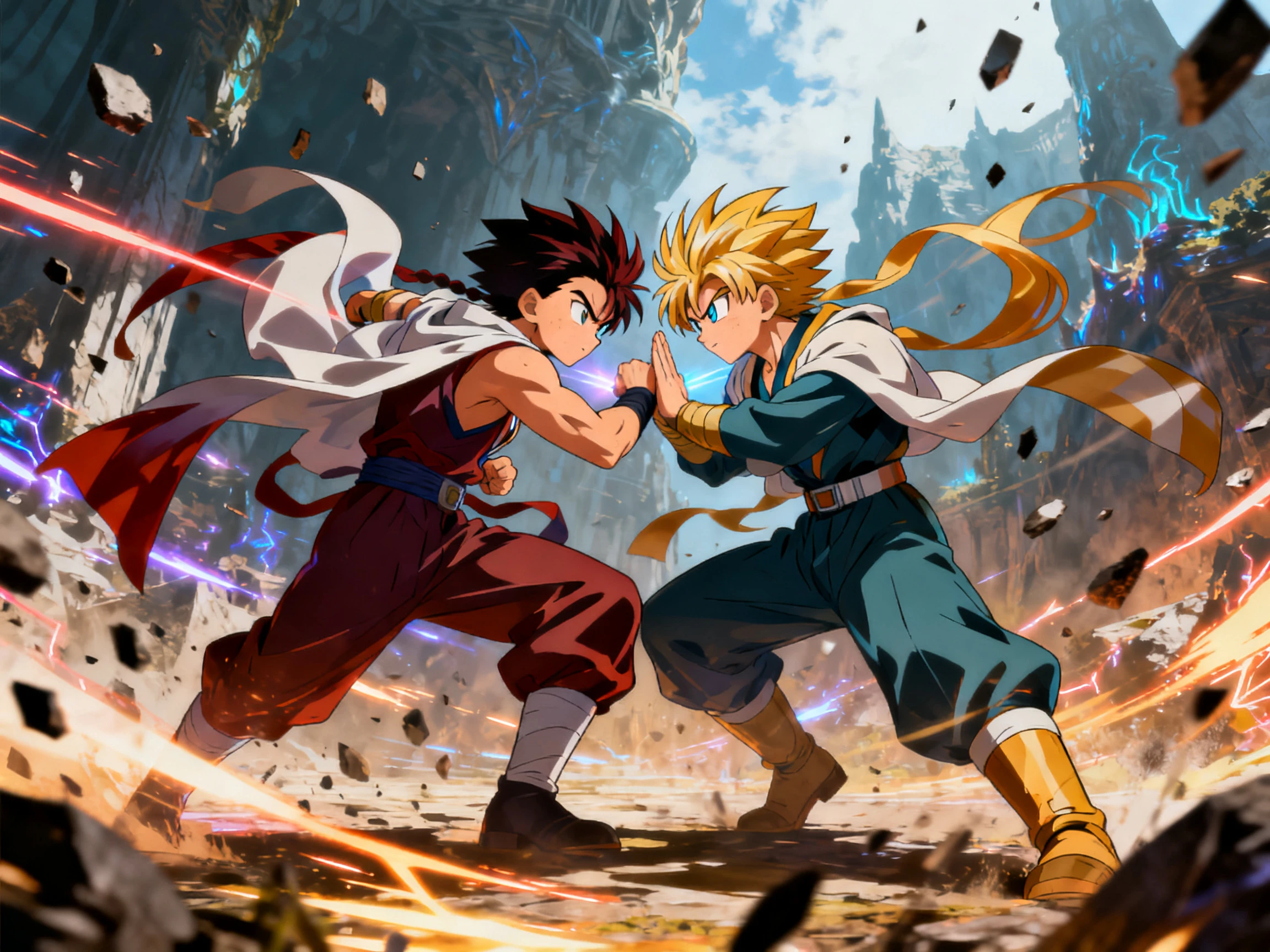

Animated videos come together from one complete script instead of countless edits. Magiclight AI handles every character, scene, voice, and movement. No editing timeline required.
Create a Cartoon Video For Free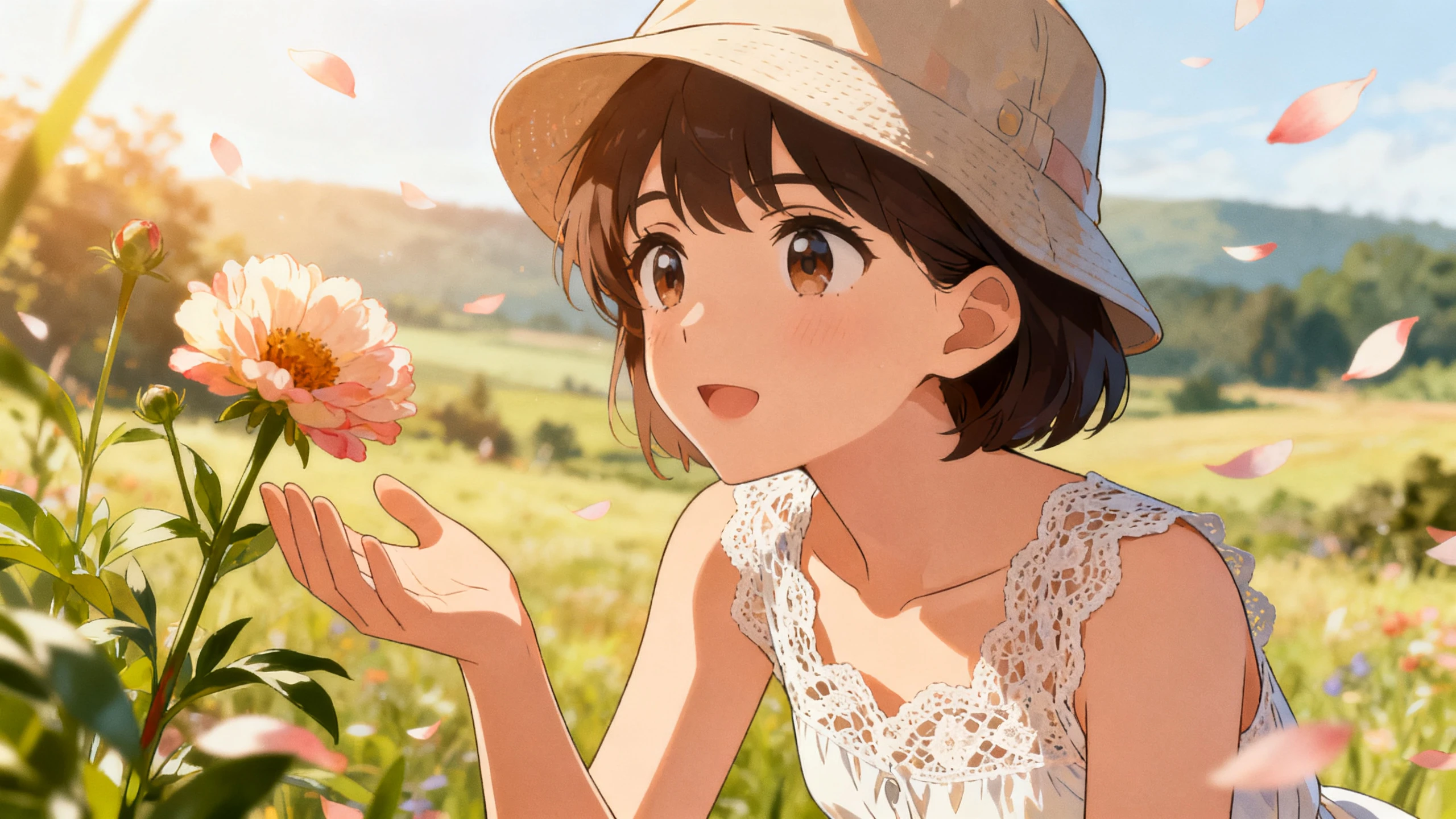










Find out how a AI cartoon video creator changes written ideas into animated videos. Add your story first, then let Magiclight AI prepare the scenes and animation.
Describe your cartoon story in up to 12,000 characters, giving enough detail for every scene and event. Magiclight AI turns one complete script into an animated video lasting up to 50 minutes.
Create NowDescribe your cartoon character in up to 1000 characters, covering the hairstyle, face, clothing, and accessories. Magiclight AI follows those details, keeping the character recognizable across every scene.
Create Characters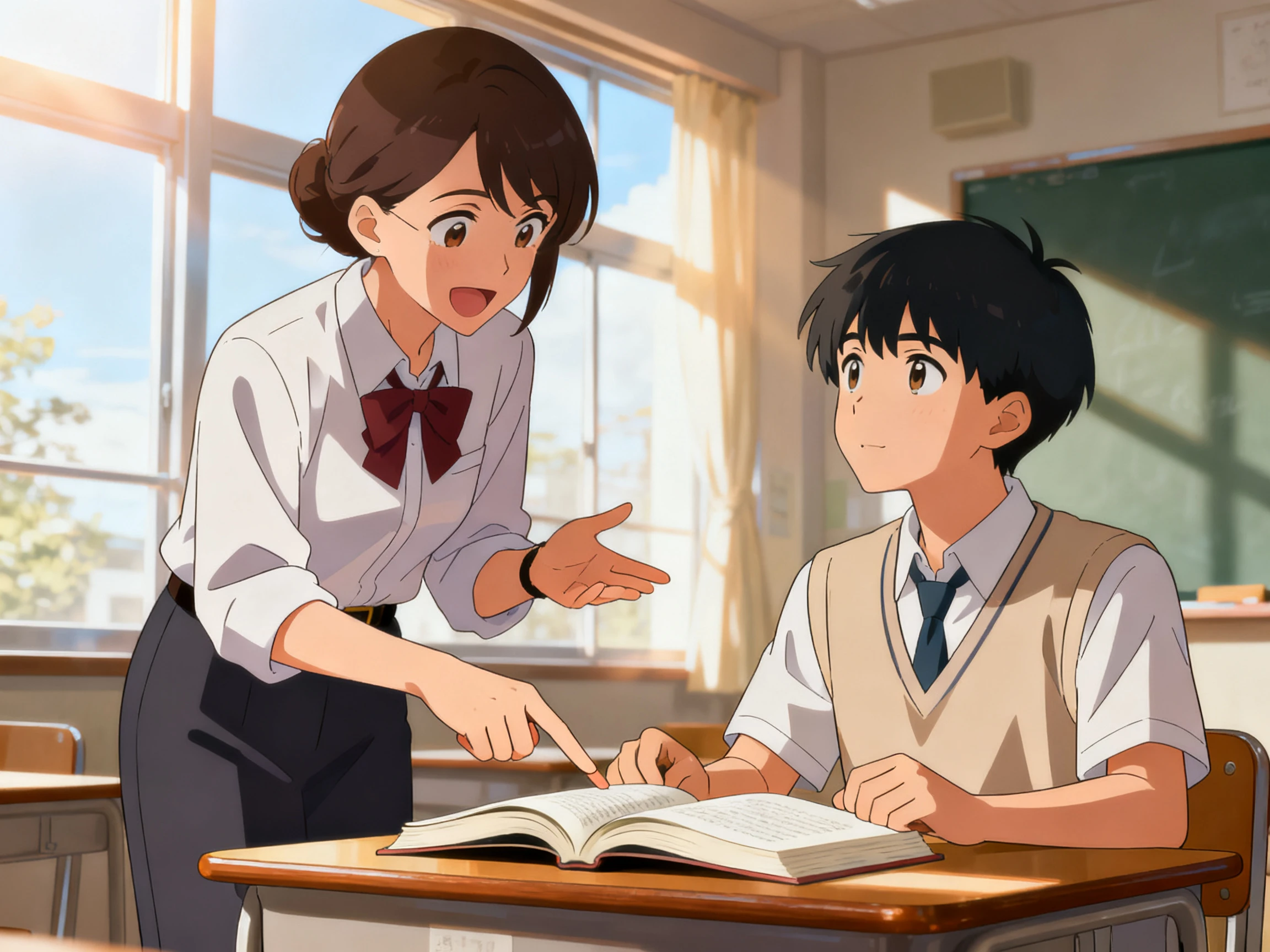
Create your cartoon once, then generate versions in 11 supported languages without changing the story. Every language keeps the same characters, scenes, and timing throughout the finished video.
Generate a Video
Try 14 story models, including GPT-6 Astra, Gemini Flash 3.1, and others, before generation. Each model takes your cartoon in a different direction, helping you find the style that fits best.
Start Creating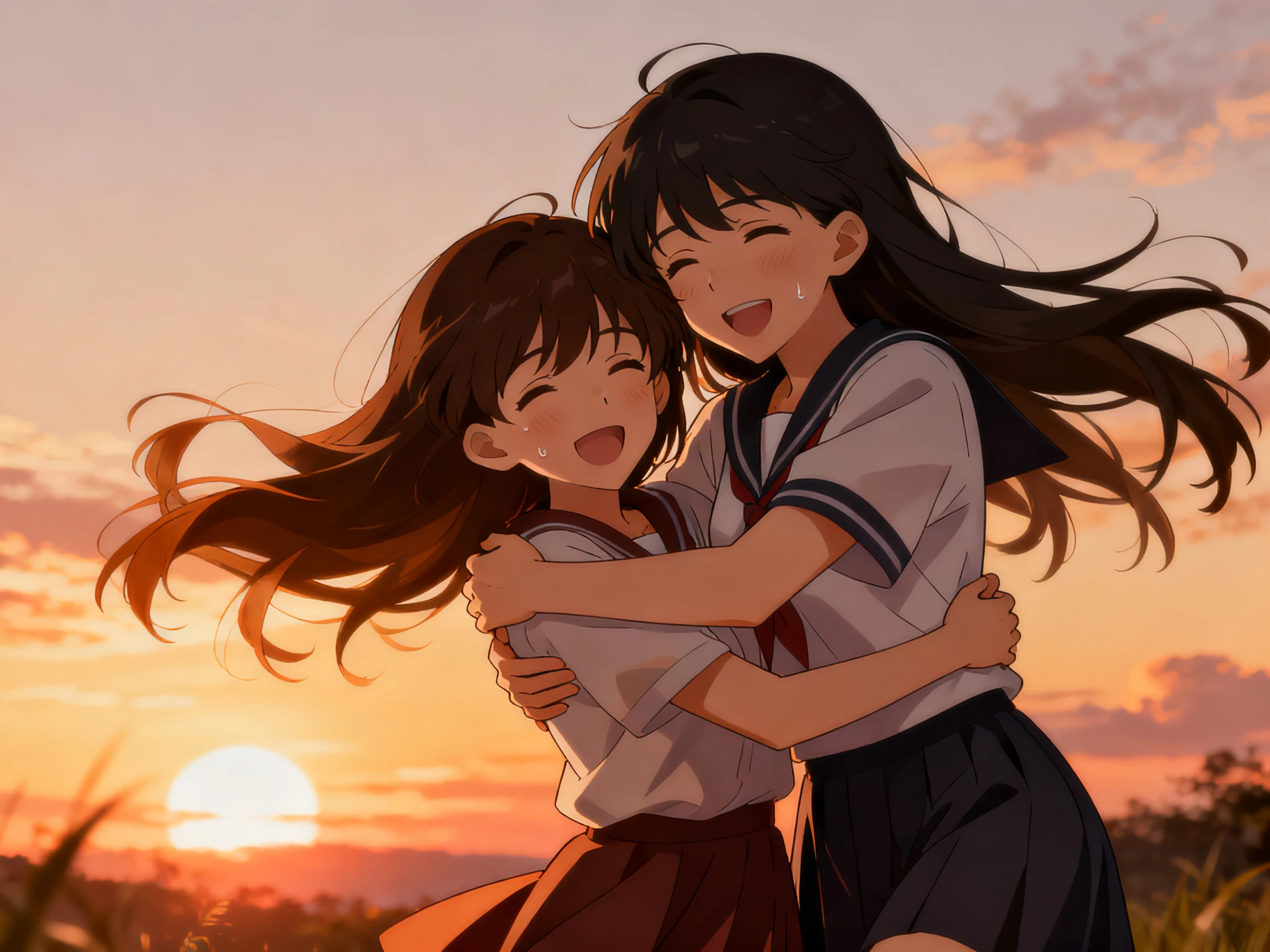


Use Magiclight AI’s free online cartoon video creator to create complete animated videos from one script. Choose your characters, review every scene, and export when everything looks right.
Write your complete cartoon script in up to 12,000 characters with scenes and dialogue. Magiclight AI uses your story to organize the characters, actions, and flow before generation.
Select the cartoon style that matches your idea, then prepare the main characters for the video. Set their appearance before moving into the storyboard, so every scene follows the same visual direction.
Open the Nano Storyboard to check each scene before generation begins. Adjust character poses, facial expressions, voices, and individual shots until everything matches your cartoon story.
Choose from 16 subtitle styles, then select 9:16 or 16:9 based on where the video will appear. Export your finished cartoon video in 720p or 1080p after reviewing every scene.
Bakery Owner
I wanted to explain our cakes without learning complicated video editing first. Magiclight AI let me write the story, and the cartoon came together on its own.
Market Trader
Most of my work happens between serving customers, so I only use my phone. Being able to open Magiclight AI anywhere made creating videos much easier.
Secondary Teacher
My students had great ideas, but none of them knew how to edit videos. They finished their classroom project with Magiclight AI just by writing the script.
Student
I had only a few days left before my presentation deadline and needed something quickly. Magiclight AI turned my written idea into a finished cartoon the same evening.
The cartoon video creator turns written ideas into finished animated videos automatically. With Magiclight AI, describing your story matters more than learning complicated editing tools.
Yes, Android and iPhone apps work alongside the browser version without problems. Start projects anywhere, then continue later through the same Magiclight AI account.
Save your finished characters once instead of creating them again for every project. The same characters return consistently whenever Magiclight AI starts another cartoon video.
Commercial use becomes available after choosing an eligible paid subscription plan. Free projects help you evaluate features before upgrading to Magiclight AI paid access.
Each project supports videos running up to 50 minutes from one complete script. Magiclight AI accepts stories reaching 12,000 characters before generating the finished animation.
Yes, update individual scenes inside the Nano Storyboard whenever changes are needed. Everything else stays unchanged while Magiclight AI regenerates only the selected scene.



Every video creator cartoon begins with your story. Magiclight AI handles the scenes, voices, and animation.