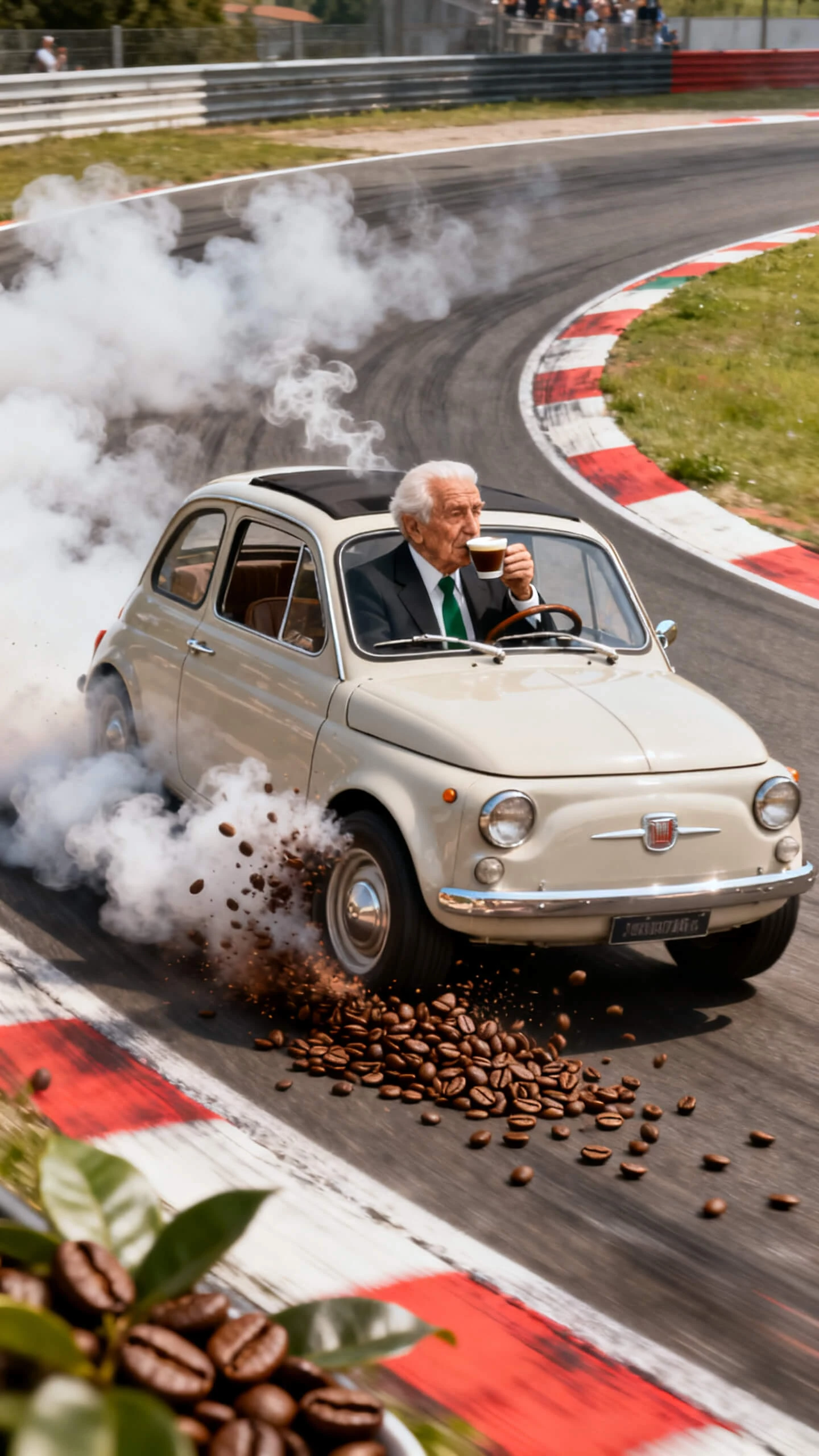
Hero background

Italian Brainrot Generator

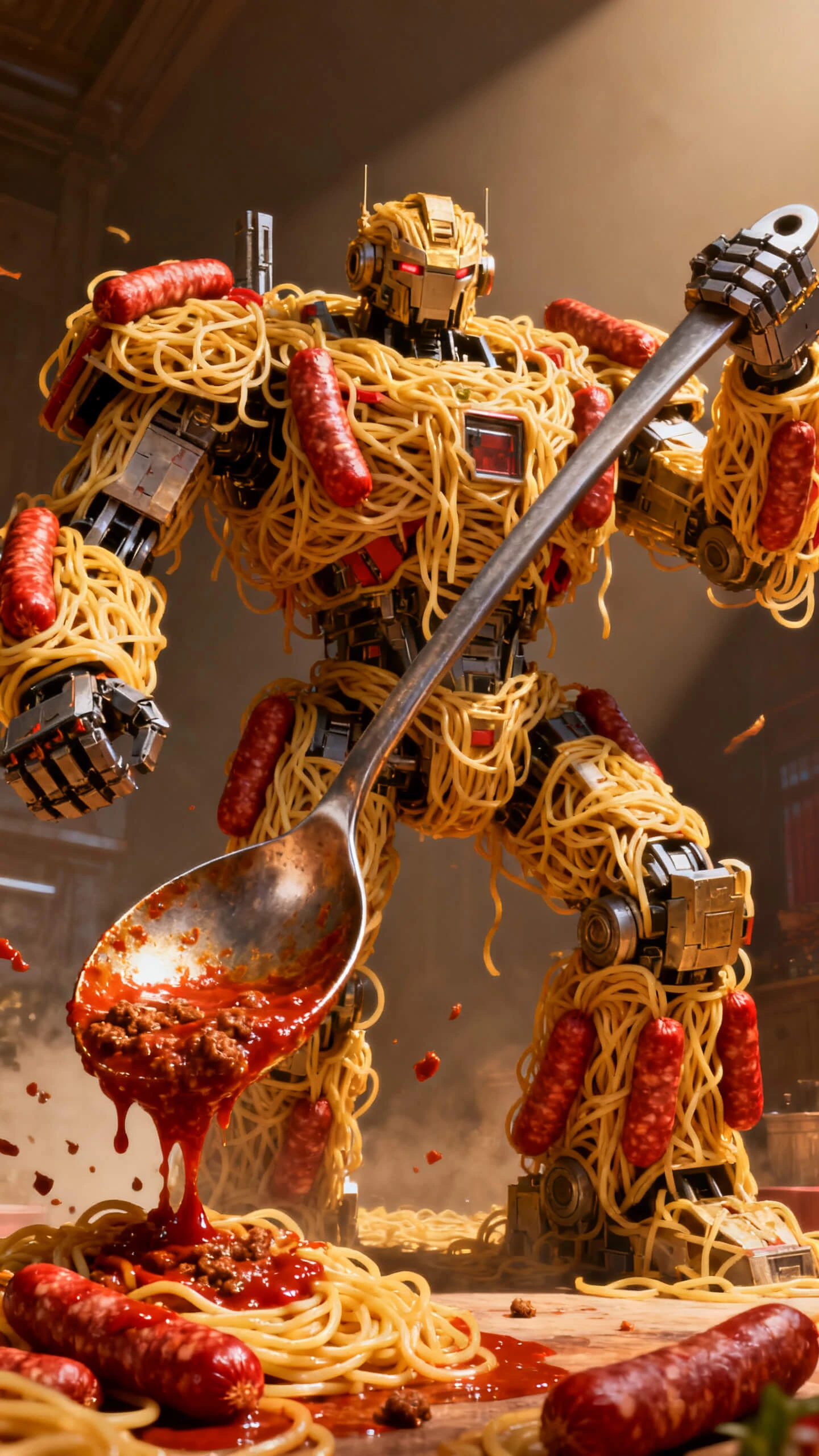
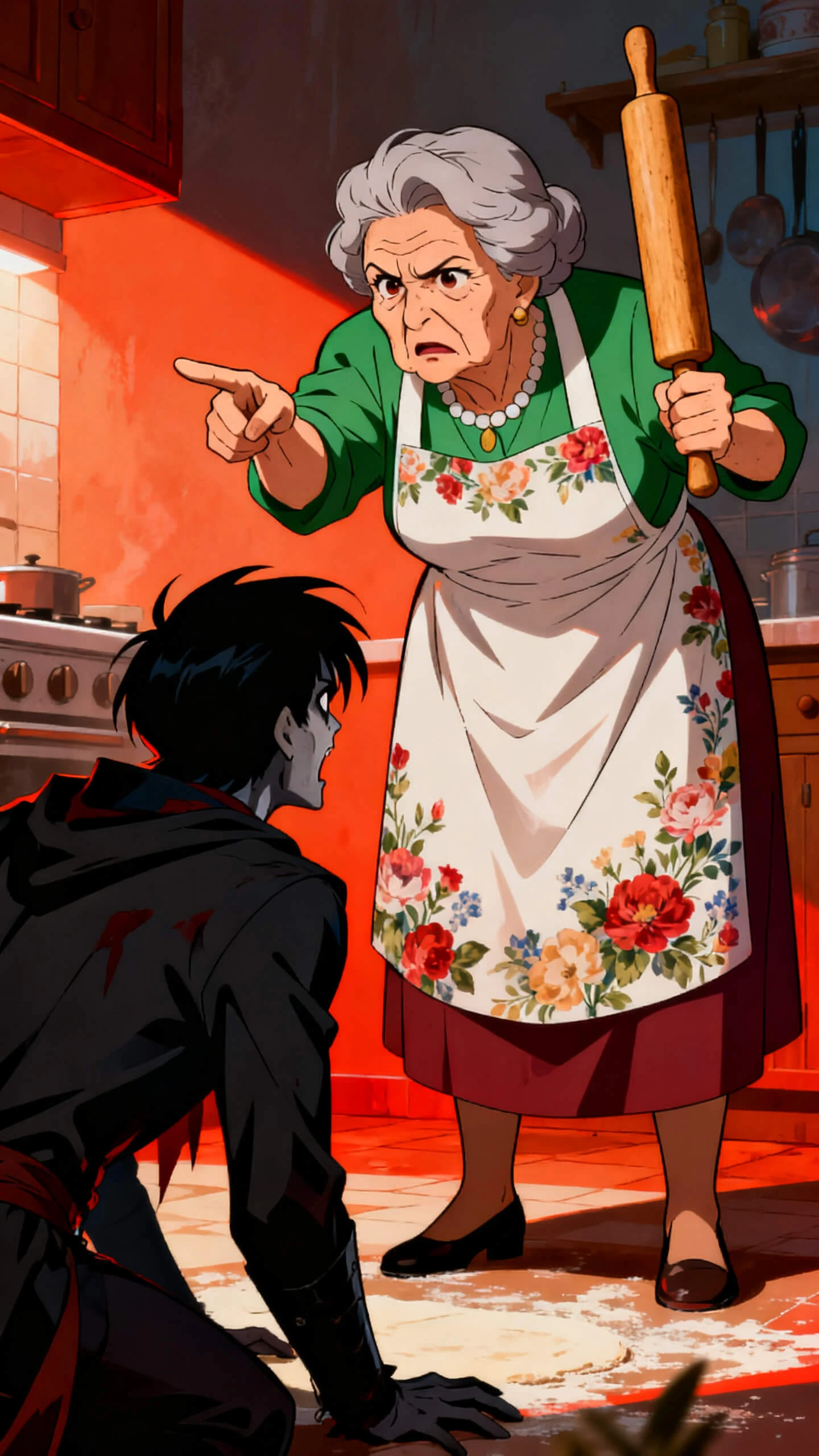
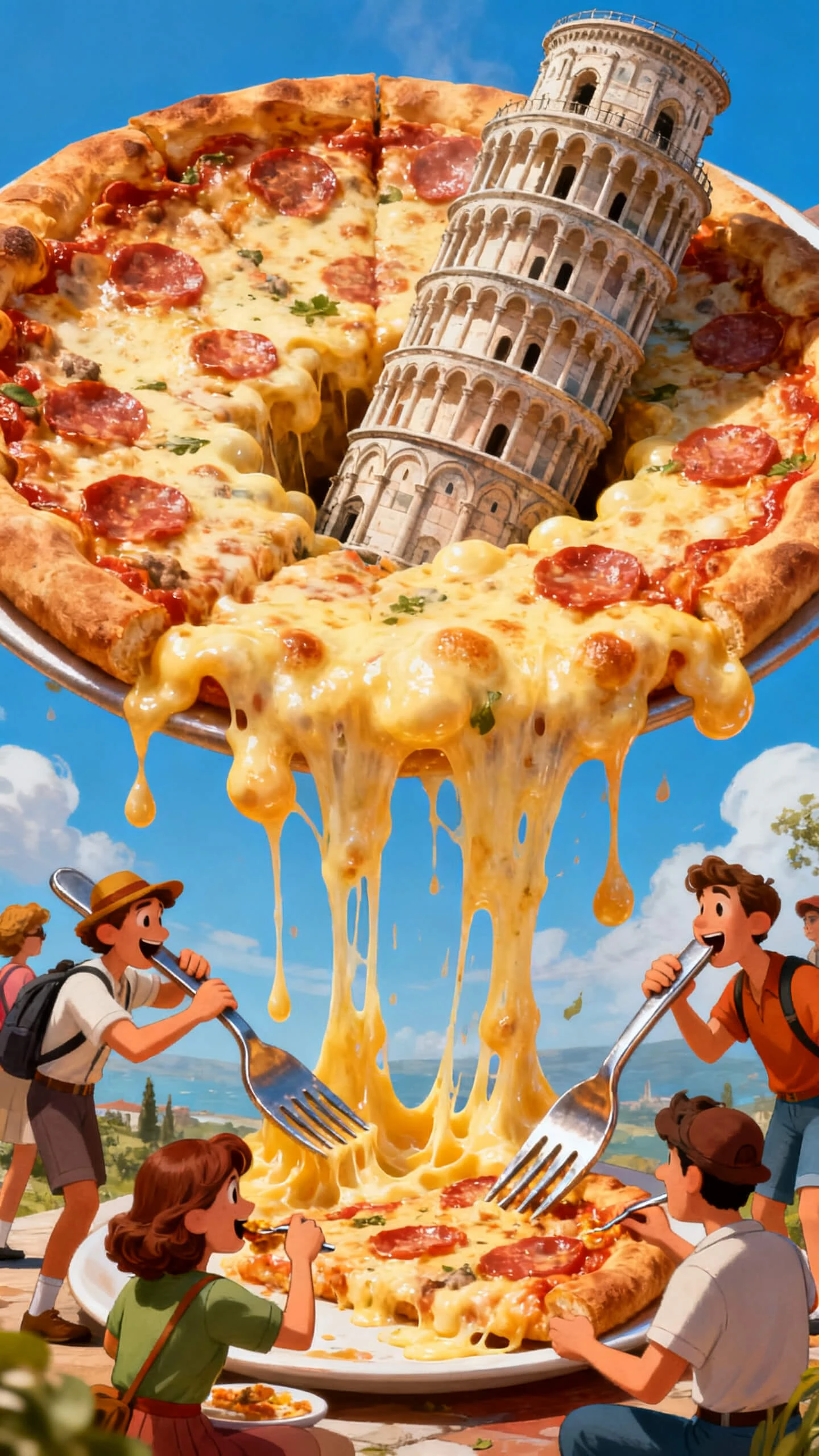
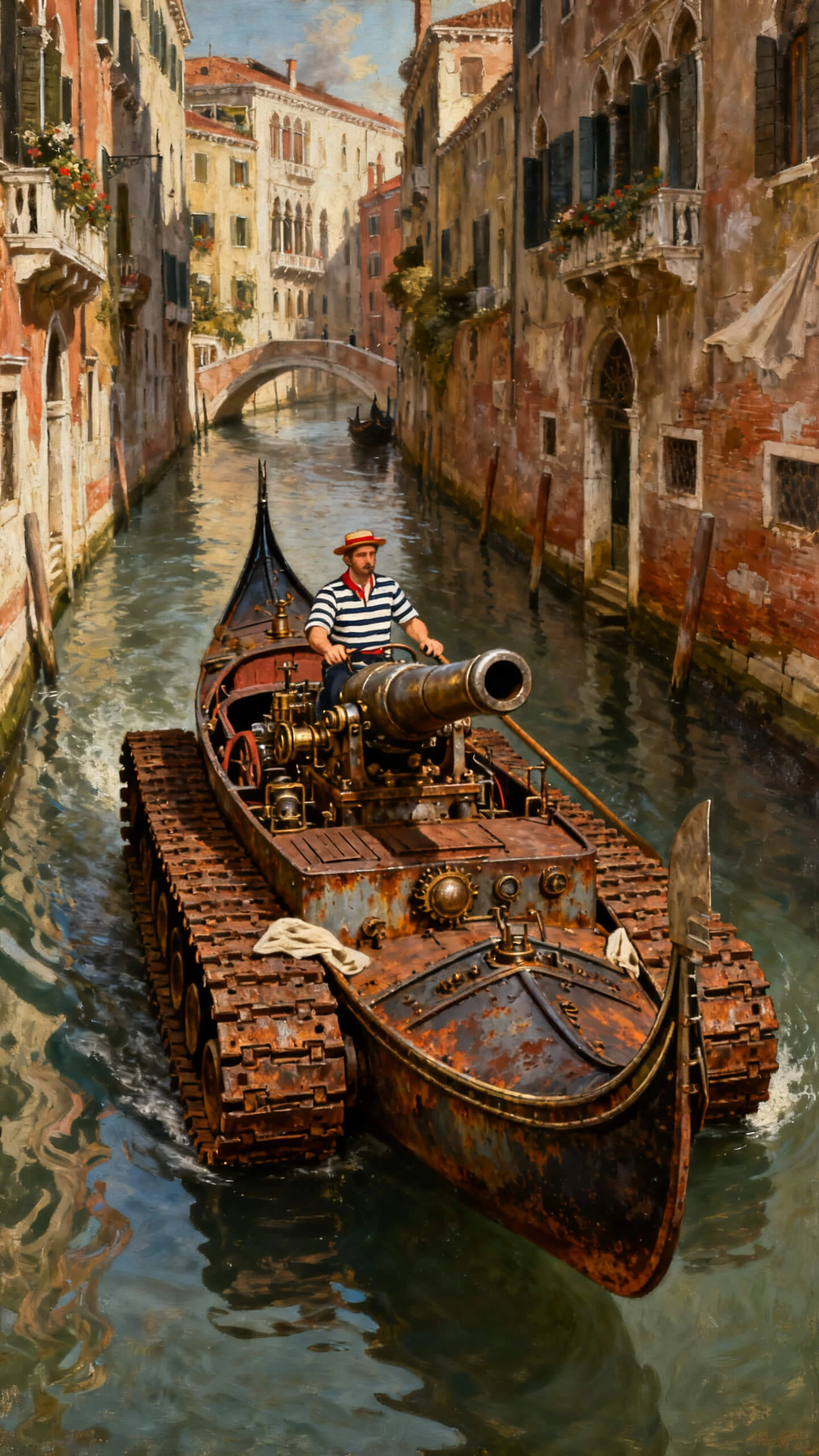
Mix two things that don't belong together, and Magiclight AI makes a bizarre character from the idea, then turns it into a video with no editing skills required.

Create Italian Brainrot For Free
italian brainrot generator
italian brainrot ai generator
ai italian brainrot generator
italian brainrot generator ai
italian brainrot generator free
italian brainrot image generator
italian brainrot generator
italian brainrot ai generator
ai italian brainrot generator
italian brainrot generator ai
italian brainrot generator free
italian brainrot image generator

Features of Magiclight AI's Italian Brainrot Generator

The whole point of this trend is two things that should not go together, going together anyway. Here is how Magiclight AI's random Italian brainrot generator makes it happen.

Explore the video generator
3D decoration

Expand One Weird Idea Into a Story

Move beyond a single character with Story to Video, where 12,000-character prompts support up to 50 minutes of video.

Pick From 19 AI Models

Upload one image, switch between AI video models like Kling 3.0 or Seedance 2.0 and create short clips with different movement styles.

9 Story Models Keep Ideas Fresh

Switch between GPT-5.4, Gemini 3.1 Pro, Claude Opus 4.6, and other story models, giving the same brainrot prompt different creative directions.

Add Voice With 37 Options

Adjust poses and expressions scene by scene, add one of 37 voices, and the creature moves and sounds like part of the trend.

Who Can Use Magiclight AI's Italian Brainrot Generator
Different creators use this trend in different ways. See who gets the most from Magiclight AI’s Italian brainrot character generator and where it fits into their content.
For Meme Pages and Meme Creators
Test dozens of absurd concepts before choosing one.
Swap image engines to change the meme's visual style.
Keep recurring characters consistent across every post.
For Kids' Content and Family Channels
Add expressive AI voices for playful storytelling.
Extend simple jokes into short animated adventures.
Choose colorful styles that fit younger audiences.
For Trend and Social Creators
Follow fast-moving trends without manual production.
Edit scenes with Nano before the final render.
Export ready-to-post videos in vertical format.
For Anyone Who Wants a Laugh
Mix impossible ideas and see unexpected results.
Create funny characters with 1,000-character prompts.
Continue the joke with Story to Video's 12,000-character scripts.
Why Choose
Magiclight AI's Italian Brainrot Generator
A funny idea alone isn't a finished character. Magiclight AI's Italian brainrot generator turns the idea into something you can actually post.
Room for a Real Combination, Not Just Two Words
A prompt of up to 1000 characters means the two halves of the idea can each get real detail, instead of collapsing into one flat, one-note mashup with no personality.
Bring the Same Chaos Back Anytime
Your saved brainrot characters stay in My Characters, ready for sequels, new jokes, or another video without recreating the design.
Finish With a Ready-Made Cover
Choose from 21 cover templates to present each brainrot video with a clear title and a social-ready look before sharing it.
Create Engaging Videos in Different Languages
Generate Italian brainrot videos in 11 languages and share the same bizarre character with global audiences in a clear, playful format.
Switch Between 4 Visual Styles
Choose from Magiclight 2.0, 2.2, 3.0, or Midjourney V7 to give the same brainrot idea a completely different visual personality.
Give Every Meme Its Own Soundtrack
Select from 40 background music options to match the character's mood, sharpen the joke, and make each brainrot video feel ready for social feeds.

How to Use Magiclight AI's Italian Brainrot Generator

Magiclight's Italian brainrot AI generator takes a silly idea to a finished character and a real video in 4 simple steps, no drawing skill required at all.

1.

Write the Full Brainrot Story

Enter your idea or script in Story to Video, with support for up to 12,000 characters to shape the plot, jokes, and scene flow.

2.

Create or Select the Character

Generate a new brainrot character by choosing its name, age, type, and voice, or select an existing design from My Characters.

3.

Review and Adjust the Storyboard

Check the generated scenes, edit prompts, regenerate weak shots, or use Nano controls to refine actions, expressions, clothing, and poses.

4.

Generate and Finish the Video

Animate the storyboard, add subtitles and background music, choose 720p or 1080p resolution, then download or publish the final video.

FAQs on Italian Brainrot Generator

Can I create a full brainrot story instead of one short clip?

Yes. Story to Video lets you enter up to 12,000 words, and Magiclight AI turns the idea into connected scenes that can run for up to 50 minutes.

Which AI models can shape my brainrot story?

You can choose from nine story models, including GPT-5.4, Gemini 3.1 Pro, and Claude Opus 4.6. Magiclight AI gives each prompt a different creative direction.

Do I need to come up with a funny name, or does the Italian brainrot generator AI do that too?

Naming is up to you, though the Italian brainrot generator AI can suggest one if you ask. Most people prefer to add their own once the character is finished.

Can I turn my brainrot character into a video?

Yes, save the finished character and bring it into Magiclight AI's video tools to build a short scene with movement and a voice.

Can I animate a brainrot image for TikTok or Reels?

Upload the image, add a motion prompt, and select a 10- or 15-second length. With Magiclight AI's free Italian brainrot generator, the still character becomes a quick social clip.

Can I control what happens in each generated scene?

Yes. Magiclight AI's Nano Storyboard lets you revise prompts, expressions, clothing, body type, timing, and poses before the final animation.


Create Italian Brainrot Memes & Videos With Magiclight AI

Pick two things that don't belong together and let Magiclight AI turn them into a character, then a video.