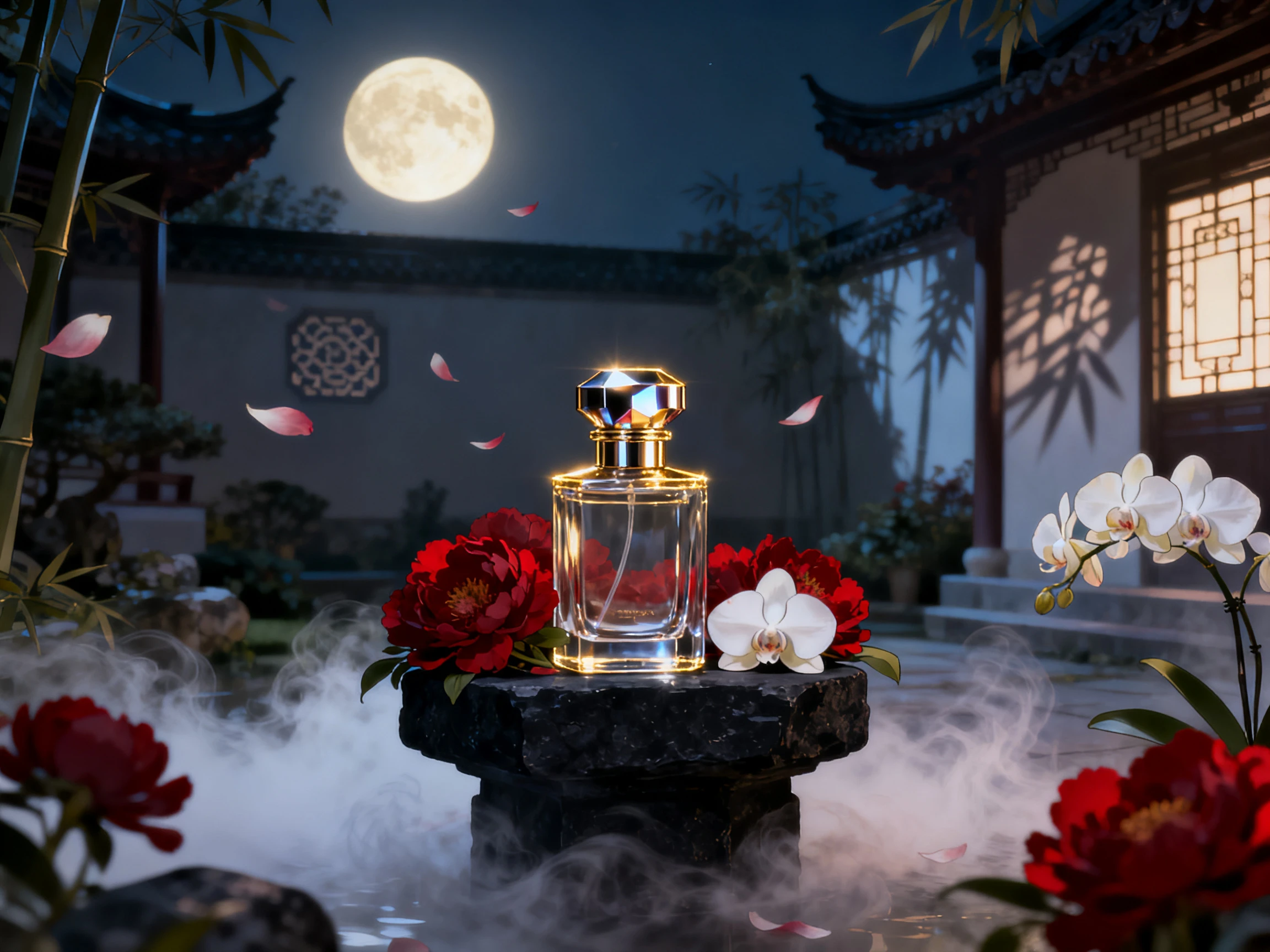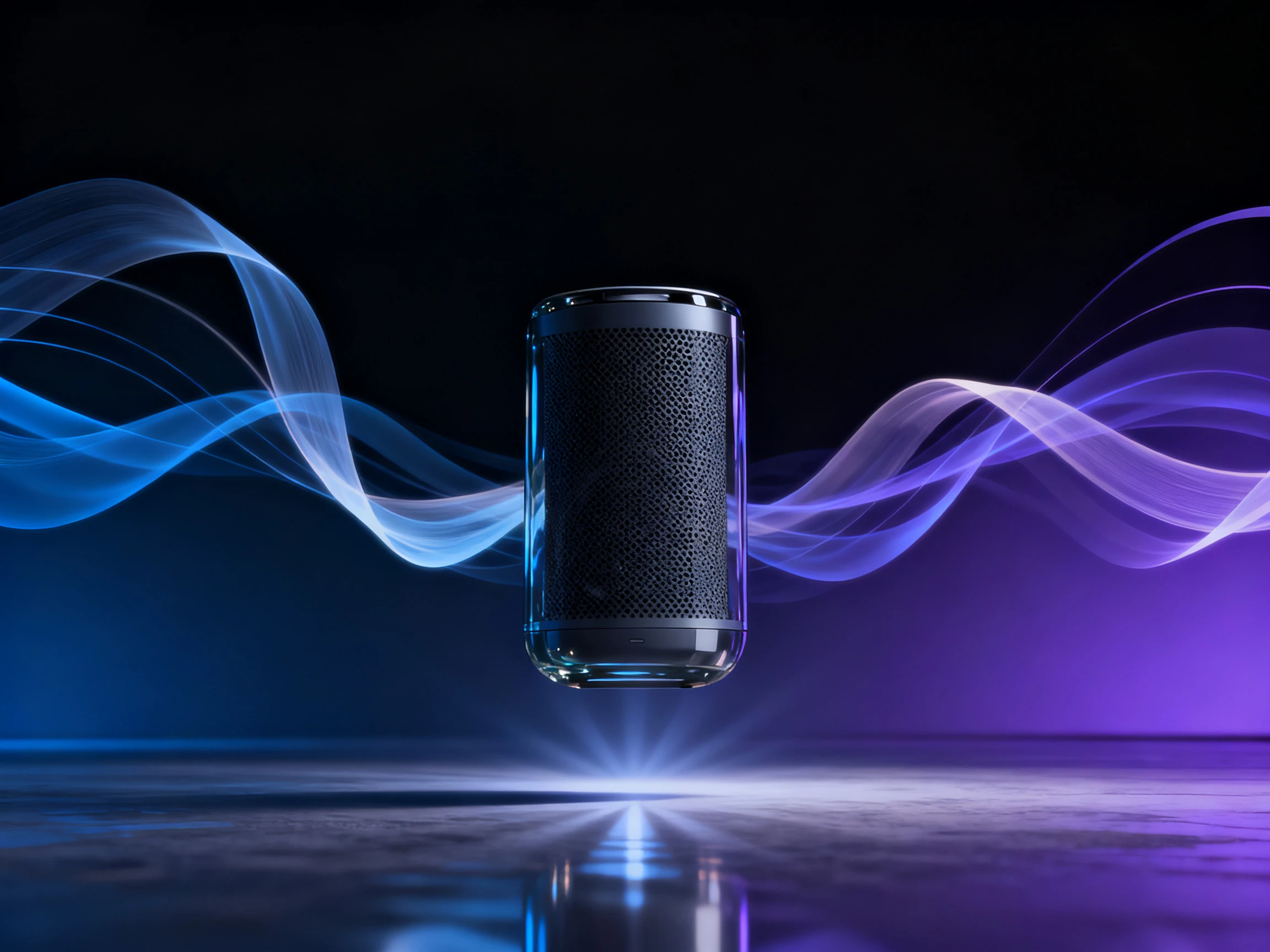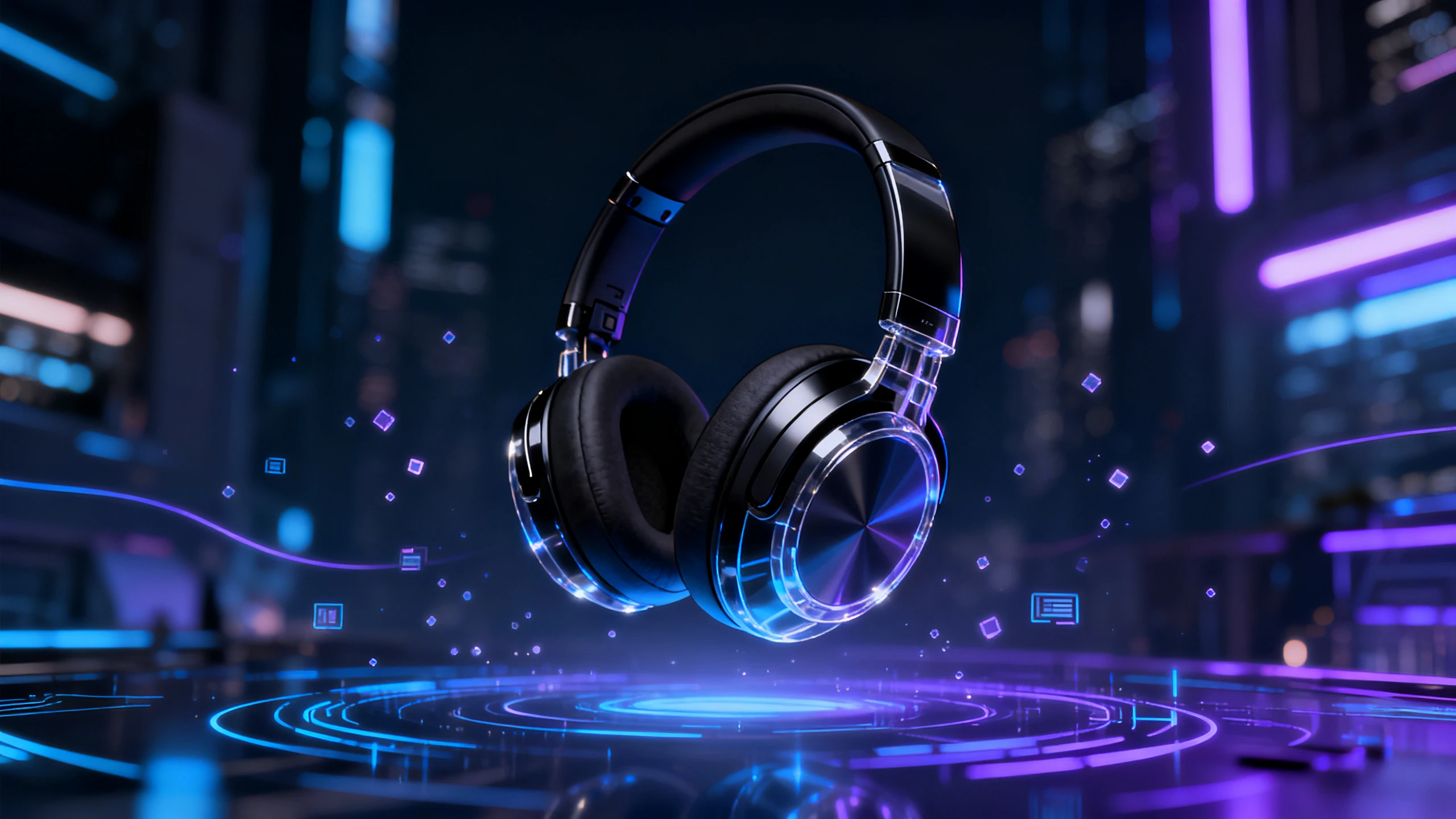









Hero background

Product Launch Video Maker

Launch without the production delays. Magiclight AI turns product ideas into complete videos, scene by scene, with no filming, reshoots, or editing skills required.

Create a Product Launch Video For Free
Product launch video preview
Nano Banana
Google VEO 3
Sora 2
Gemini
Hailuo
Kling
Midjourney
Qwen
Seedance
Wan
Nano Banana
Google VEO 3
Sora 2
Gemini
Hailuo
Kling
Midjourney
Qwen
Seedance
Wan
Nano Banana
Google VEO 3
Sora 2
Gemini
Hailuo
Kling
Midjourney
Qwen
Seedance
Wan

Explore Features of the Magiclight Product Launch Video Maker

See what a launch video needs that an ordinary product video simply does not. Write it early, keep the numbers apart, then update them late.

Upload Product Images Up to 10 MB

Add product photos in JPG, JPEG, PNG, or WebP format, with individual files up to 10 MB. These images give Magiclight AI a direct reference for the product’s shape, colors, packaging, and visible details when generating scenes for the launch video.

Create Now
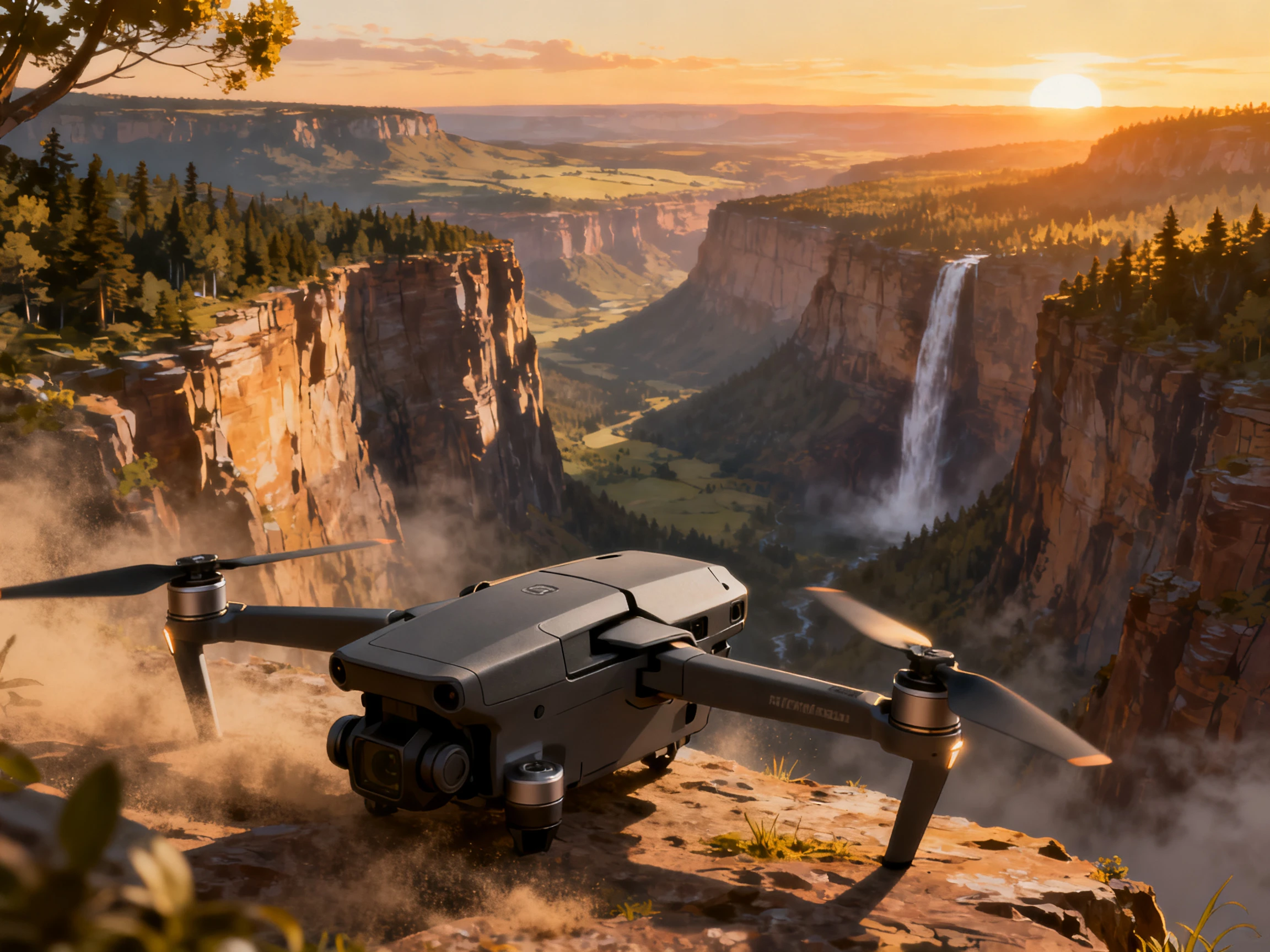
Upload product images for product launch videos

1500 Characters Before Anything Is Final

Waiting for sign-off is how launch videos miss the launch. Write the whole thing across 1500 characters while details are still moving, because the structure rarely changes even when the numbers do.

Create Your Script
Write a product launch video script

9:16 and 16:9 By Launch Day

A launch lands in several places at once. Take the vertical cut and the wide one from a single project, so the store page and the social post go out together rather than a day apart.

Generate a Video
Vertical and widescreen product launch videos

Launch in 11 Supported Languages

Magiclight AI supports narration and subtitles in 11 languages, helping you adapt one product launch for audiences in different markets. This can reduce the need to prepare separate versions from scratch.

Start Creating
Multilingual product launch video creation
Who Can Use the Magiclight Product Launch Video Maker
From product reveals to campaign launches, a product launch video maker AI gives startups, marketers, and teams a faster way to present products before release day.
Crowdfunding campaign product launch video
For Crowdfunding Campaigns
Fit a detailed pitch within 1500 script characters.
Create launch scenes before the product reaches production.
Use 52 visual styles to present the product concept.
App release product launch video
For App Releases
Prepare vertical and widescreen versions for promotion.
Add narration and subtitles in 11 supported languages.
Use up to 1080p export for app launch marketing videos.
Pre-order announcement video
For Pre-Order Announcements
Use 20 different AI video models to influence new directions.
Create videos up to 30 seconds for detailed announcements.
Add sound effects to your product video for a unique approach.
Internal product launch video
For Internal Launches
Animate product shots with 20 AI image-to-video models.
Give the briefing a steady narrator chosen from the 37 options.
Caption each scene using 16 subtitle settings available in here.

 How to Make a Product Launch Video With Magiclight AI

Launch day starts before the launch. Learn how to make a product launch video in 4 steps by planning the message, showing the product, adding details, and finalizing the video.

1.

Step 1. Upload Your Product Image

Choose a clear product image (up to 10MB) with visible details. Magiclight AI uses the still as the visual starting point for the image-to-video generation process.

2.

Step 2. Describe the Movement

Explain in 1500 characters how you want the product to move, such as rotating, appearing from a close-up, or moving with the camera during the launch clip.

3.

Step 3. Choose an Image-to-Video Model

Select from 20 AI image-to-video models and pick one that suits the motion and visual direction you want for the product launch video.

4.

Step 4. Generate and Review

Generate the clip in 720p or 1080p and review product details, visual quality, and movement. If anything looks off, refine the prompt or switch models before exporting the video.

What Users Say About Magiclight AI Product Launch Video Maker

Iris Bakhuis

Launch Manager

Our price changed nine days out and the filmed version had already been locked. Magiclight AI meant redoing one scene instead of the whole thing.

Theo Rousseau

Campaign Lead

We needed to present a product before it physically existed. With the concept in hand, Magiclight AI gave us a way to show how it could work before production began.

Nkechi Obi

App Developer

A phone recording never quite captures the app the way you want. Magiclight AI let us present the key screens and actions as part of the launch video instead.

Lars Ohlsson

Product Owner

4 markets once meant preparing separate videos one after another. The 11-language support in Magiclight AI made it easier to prepare localized narration and subtitles together.

FAQ on Product Launch Video Maker

How do you make a product launch video quickly?

Write it before the specs are final. Most people asking how to make product launch video content leave it until sign-off, which is exactly when there is no time left in Magiclight AI or anywhere.

What if the product specs change before launch?

Redo the one scene carrying them. Magiclight AI leaves the rest of the project untouched, which is why the price and the date belong in a scene of their own.

How long should a product launch video be?

Aim for 15–30 seconds for most launch videos. Image-to-video generation in MagicLight AI supports clips up to 30 seconds, giving you time to show the product and key details.

Is the AI product launch video maker free?

Registering releases a set of credits and asks for nothing more. Those cover a first attempt in Magiclight AI, showing whether it holds up before the date is set.

Can I use the product launch maker on a crowdfunding page?

You need a paid plan for that. The starting credits are there for testing the idea, and the license covering a public campaign comes with the paid tiers here.

What should a product launch video leave out?

The full feature list, mostly. Lead with the one thing that changed and let Magiclight AI carry the rest, because a launch video trying to cover everything reveals nothing.

Create the Perfect Product Launch With Magiclight AI

Launch dates stay fixed, but product details can change. Magiclight AI keeps key details in one scene, making last-minute updates quick without needing a reshoot.