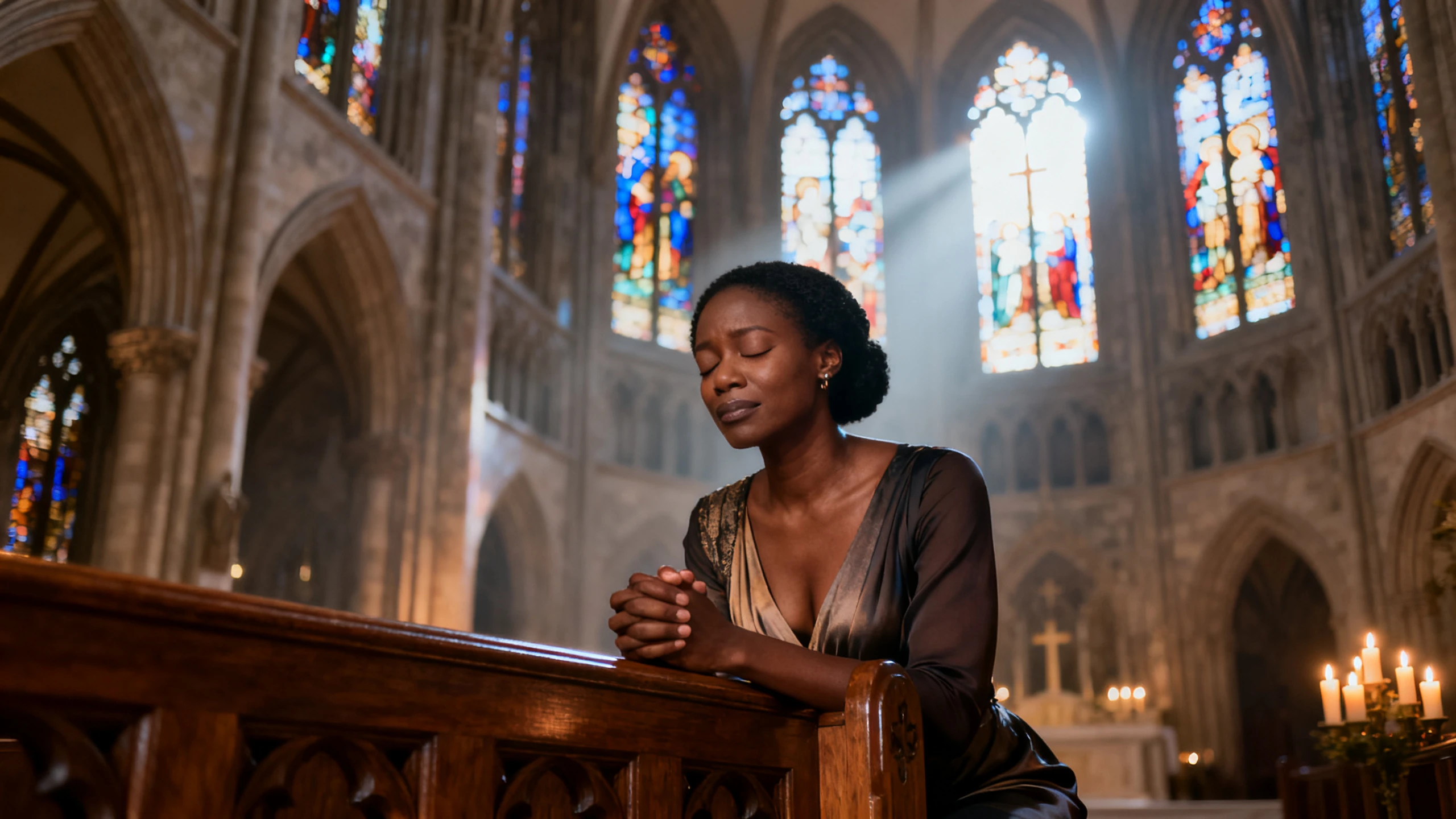









Bring meaningful stories to the screen with Magiclight AI. Create a religious video with fitting scenes and voices for each message, with no filming or editing skills required.
Explore the Features of Magiclight AI Religious Video Tool
Move beyond free religious video clips. Turn your story into a complete video with Magiclight AI by choosing the scenes, voice, and language that fit the message you want to share.
14 Story Modelsfor Different Religious Narratives
Magiclight AI offers 14 story model options to shape the script and flow of a religious video. This gives you several ways to present a parable, teaching, sacred story, or faith-based message while keeping the main idea at the center.
Create the same religious video in any of the 11 available languages. This is useful for churches, ministries, religious groups, and communities where members speak different languages but need to receive the same story or teaching clearly.
Choose from 37 voiceover options to give prayers, teachings, passages, and religious stories a spoken narration. The range makes it easier to select a voice that suits the subject and helps the message feel natural when heard rather than only read on screen.
More Than 50 Minutesfor a Complete Religious Video
Set the video duration to 1, 3, 5, or 10 minutes, or beyond. This gives short prayers and lessons room to stay brief, while longer religious stories can include more scenes, narration, and explanation.
Reach every audience with the right message. Magiclight AI turns religious videos into useful resources for weekly teaching, lessons, children’s groups, and multilingual communities.
For Weekly Teaching
Use up to 3,000 characters in the prompt to guide each AI lesson.
Keep the same visual style across a full weekly teaching series.
Adjust individual scenes in Nano Storyboard when a part needs more attention.
For Religious Studies Classes
Use Magiclight AI to show stories and lessons from different traditions.
Add subtitles in 16 available settings to make lessons easier to follow.
Create lessons on different faiths without relying on separate stock clips.
For Children's Groups
Turn religious stories into simple visual scenes for younger viewers.
Choose from 37 voices for religious narrators and characters.
Set videos from 1 to 50 minutes to match the length of each session.
For Multilingual Congregations
Present the same religious story in any of 11 supported languages.
Magiclight AI offers 14 story models for different lesson types.
Create separate language versions for different groups in the community.
How to Make a Magiclight AI Religious Video for Free
Follow the story from text to screen in 4 steps. See how to make a religious video for free by entering your script, selecting a story model, setting narration, and creating the video.
1.
Enter Your Religious Story
Add up to 3,000 characters in the Story Description box. Include the main events, people, setting, and message to give Magiclight AI enough detail to follow.
2.
Select the Story Settings
Choose a story model, video duration, and language. Magiclight AI provides 14 story models, 11 languages, and duration choices from 1 to 50 minutes.
3.
Set the Visuals and Voice
Select a visual model and style for the scenes, then choose the narration. Pick from 37 voice options to find a voice that fits the tone of your religious story.
4.
Refine and Export the Video
Review the generated scenes, narration, and timing. Refine any parts that need changes, choose your preferred export quality, and export the finished religious video.
What Users Say About Magiclight AI's Religious Videos
Daniel Okafor
Youth Leader
Reading the passage aloud lost the room within about 90 seconds. With Magiclight AI, I put the story on screen, and they stayed engaged through the whole video.
Farida Rahman
Teacher
My syllabus covers 6 traditions, but I could find suitable footage for roughly one. I used Magiclight AI to create relevant video content for each tradition I needed to cover.
Marcus Bell
Ministry Volunteer
Magiclight AI gave us a way to show the actual story instead of relying on generic stock clips. Stock sites kept giving us sunsets when the lesson needed the story itself.
Yael Brenner
Community Educator
Half our group follows far better in Russian than in English. Magiclight AI rebuilds the very same session in both of them.
Can a religious video show a prophet or sacred figure?
That depends on the beliefs and rules of your tradition. Before using Magiclight AI, decide whether showing a sacred figure is suitable for your audience.
Does Magiclight AI include free religious video clips?
No. Instead of offering a stock footage library, Magiclight AI creates new scenes from your text for the religious video you want to make.
Can a religious video cover different faiths or traditions?
Yes. Stories from different religions can be used, and Magiclight AI follows the details you provide rather than limiting you to one faith or tradition.
How long can a religious video be in Magiclight AI?
A single video can run up to 10 minutes in this mode. For longer lessons, use Magiclight AI to divide the topic into two or more shorter videos.
Can I use Magiclight AI for a religious studies video?
Yes. You can explain beliefs, stories, and traditions in a clear way. The tone and wording you enter guide how Magiclight AI presents the lesson.
What makes a religious video more effective?
Keep the story clear and easy to follow. Give the main passage or lesson first, then let Magiclight AI turn it into scenes that stay close to the message.
Turn Religious Stories into AI Videos With Magiclight AI
Start with a story or lesson your audience already knows. With Magiclight AI, you can turn it into visual scenes while keeping control of the message and tone.