
Hero background

Ghibli AI Art Video Generator

Turn your ideas or images into Ghibli-inspired videos with Magiclight AI. Create dreamy landscapes, whimsical characters, and magical story scenes without any editing skills.

Create a Ghibli Style Video for Free
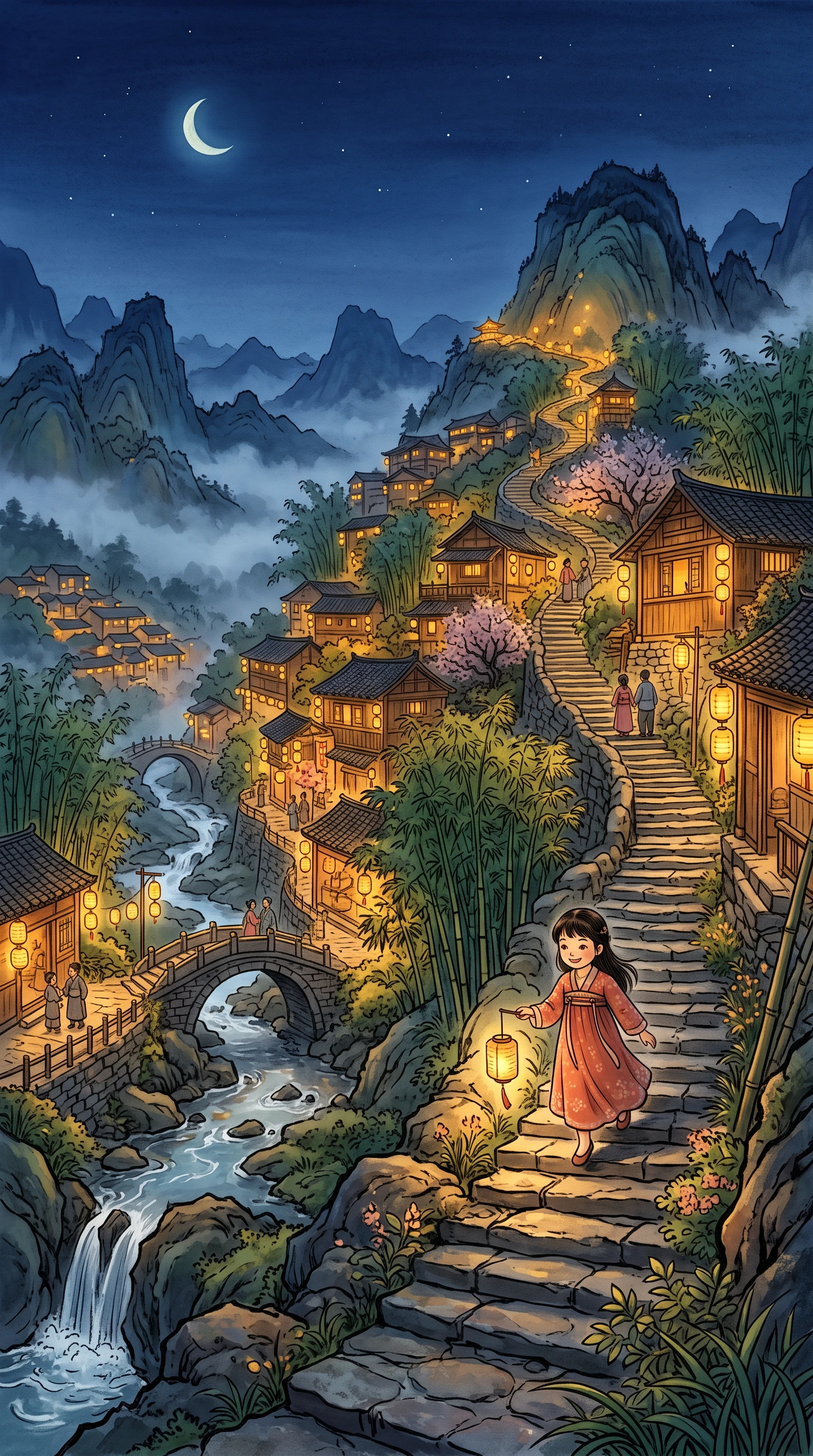
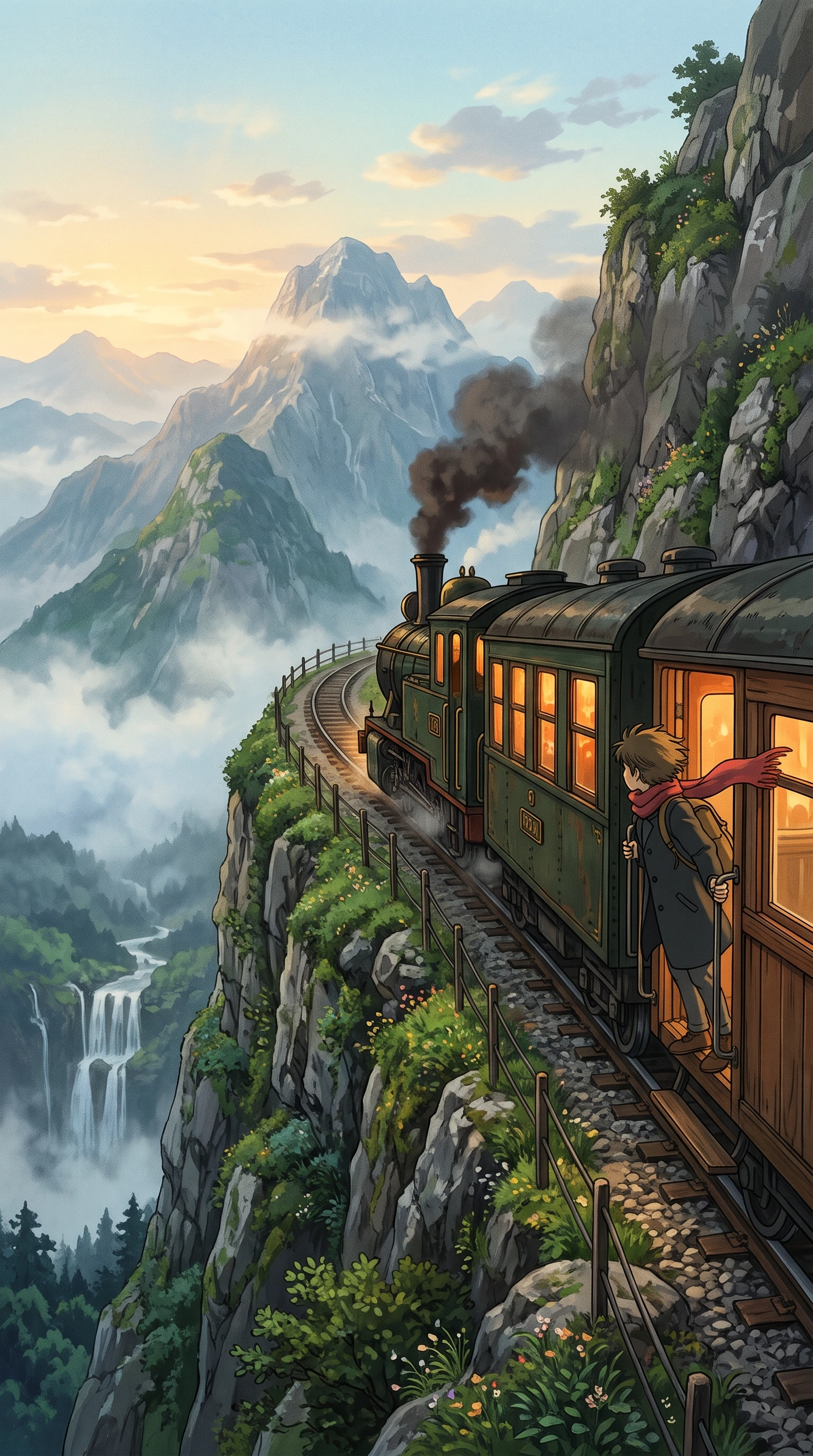
Ghibli-inspired anime video featuring a dreamy landscape
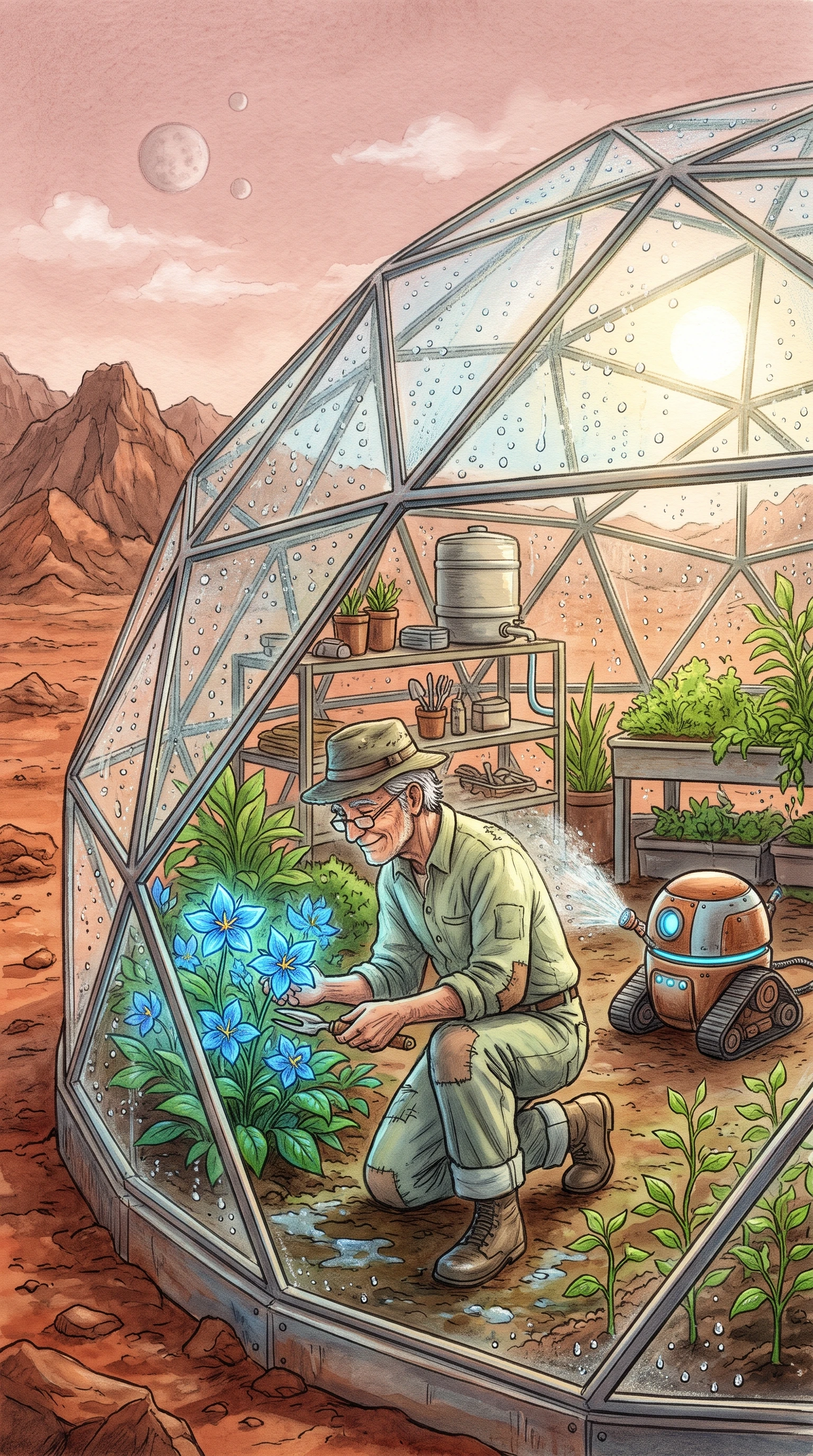
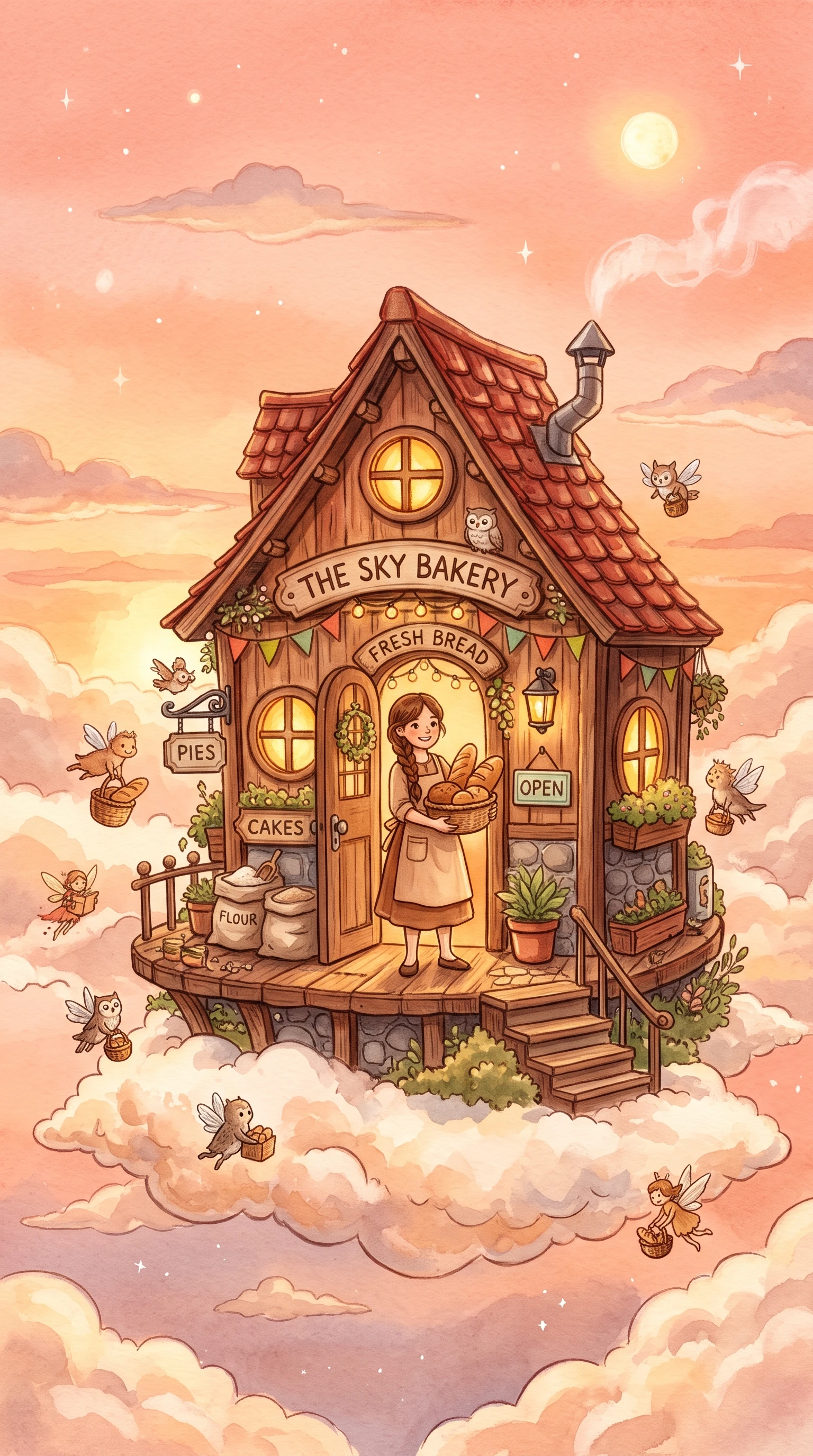
Whimsical anime characters in a magical story scene
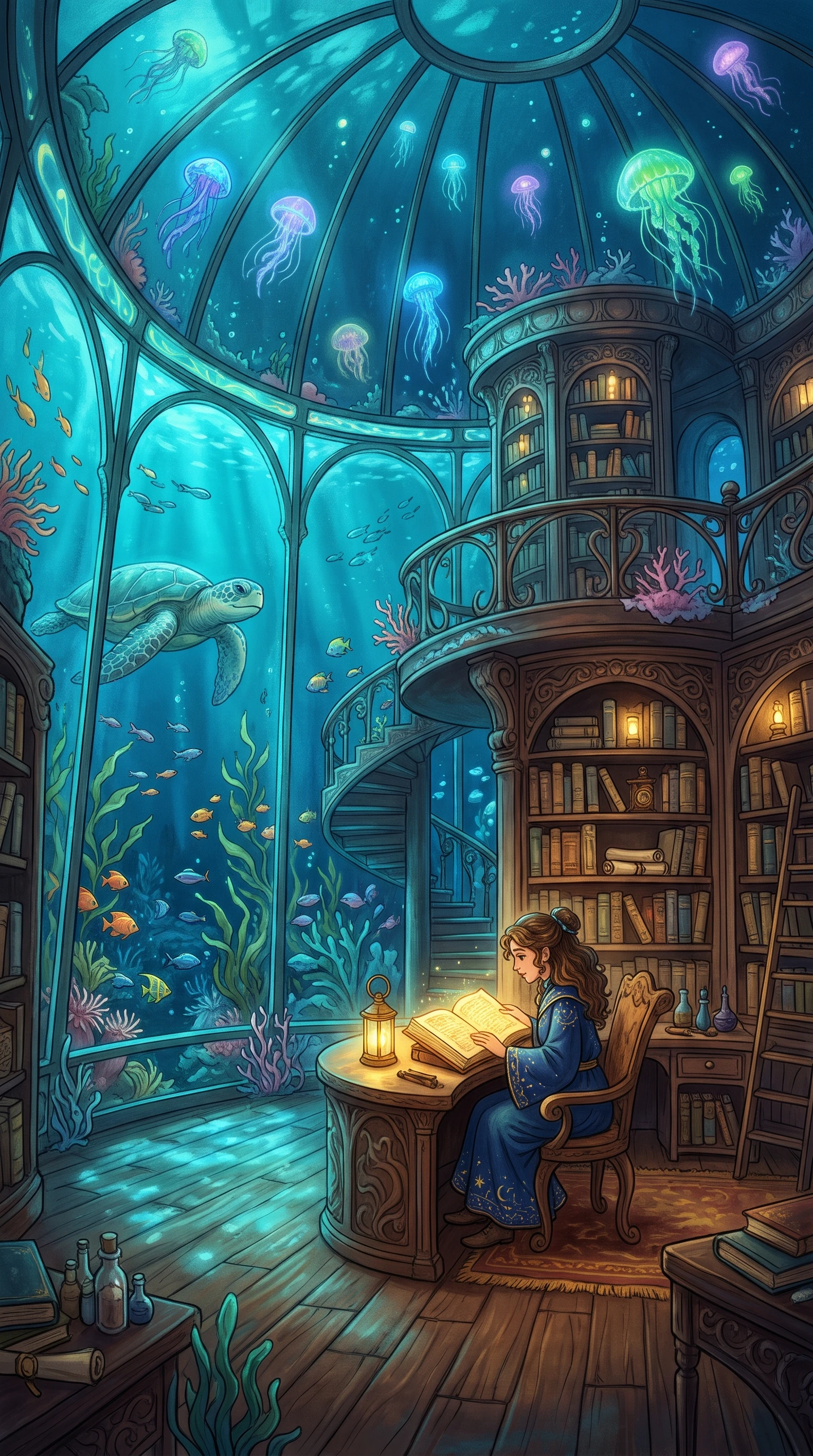
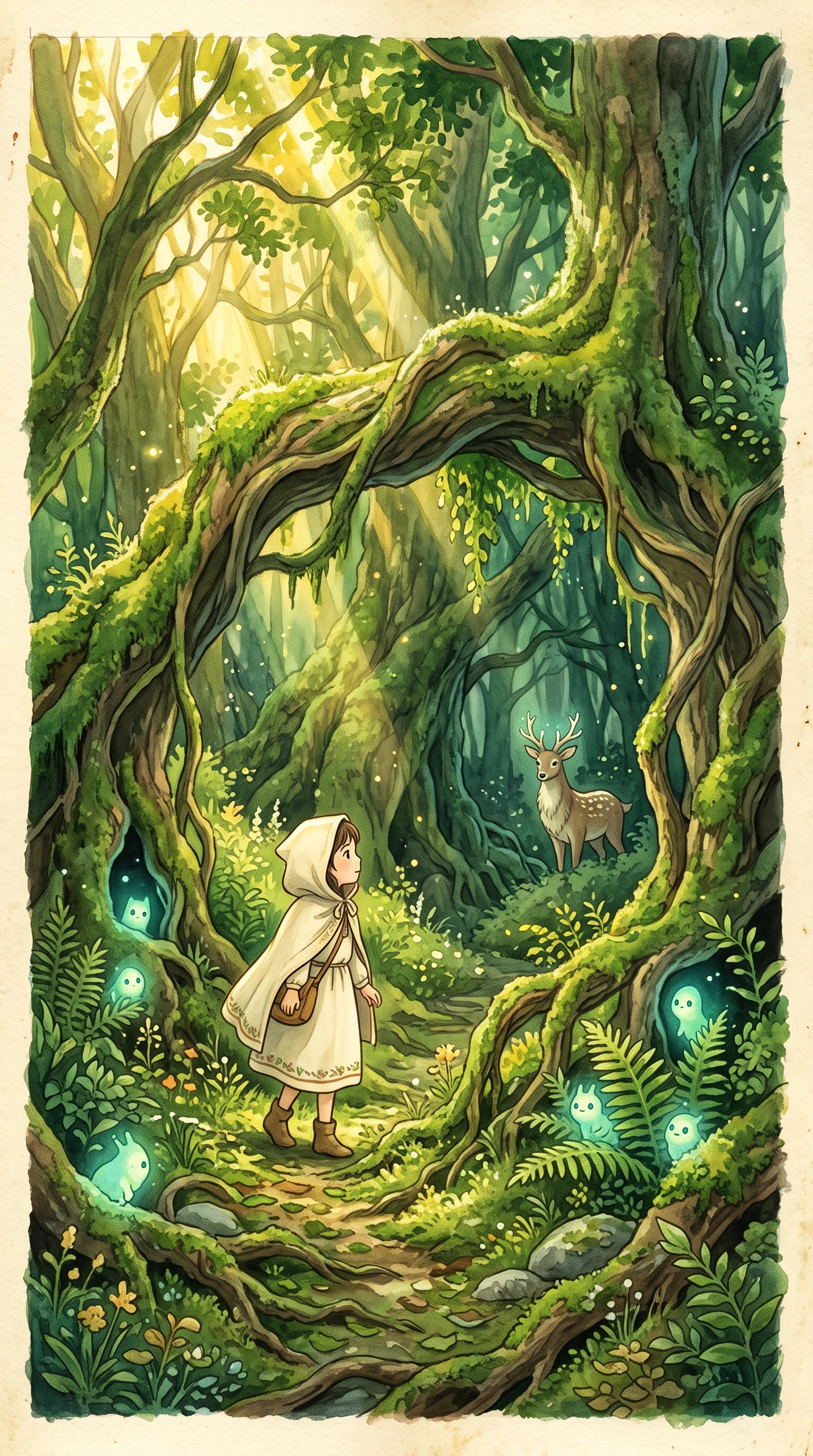
Dreamy anime scenery with a gentle storybook atmosphere
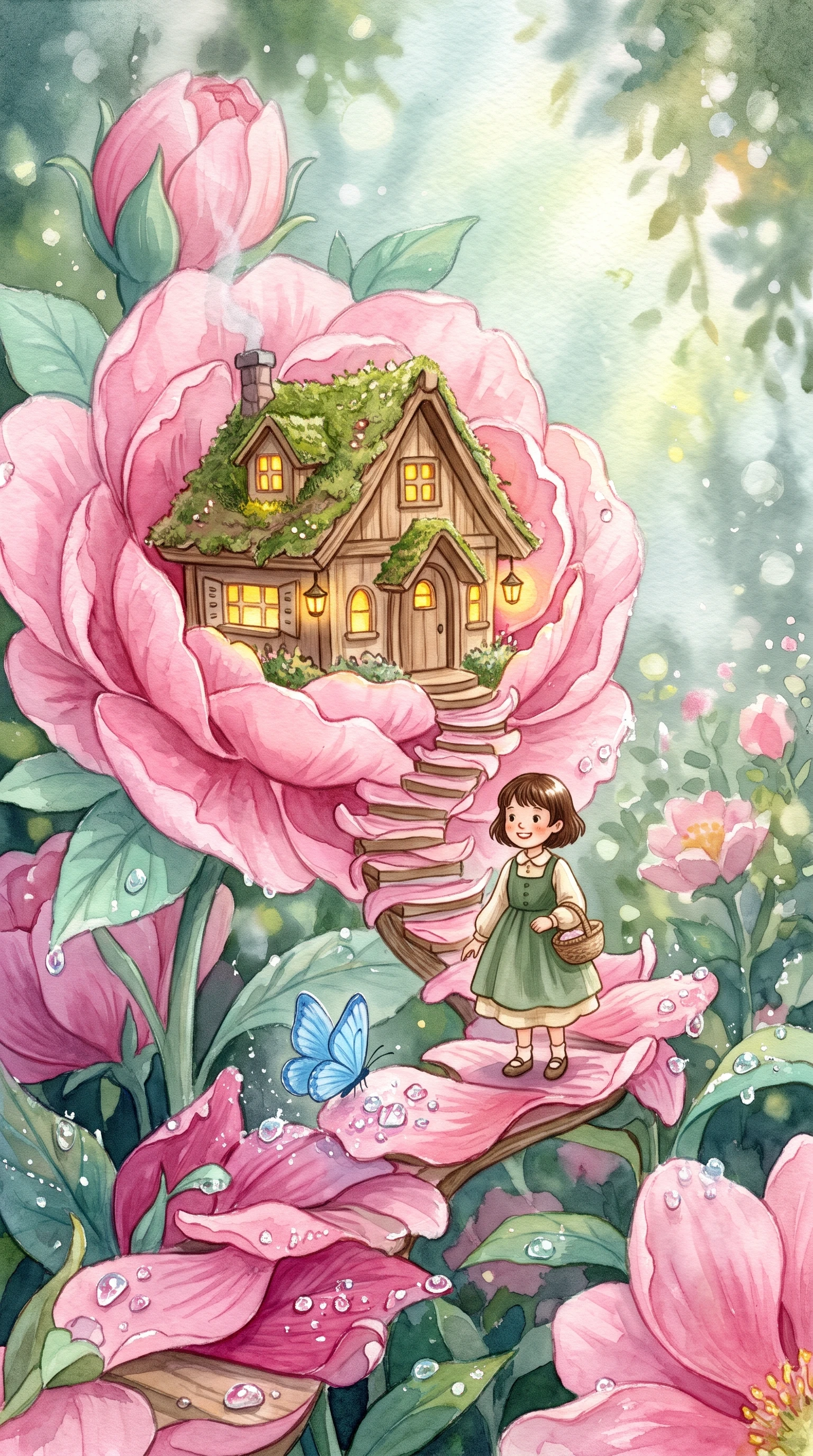
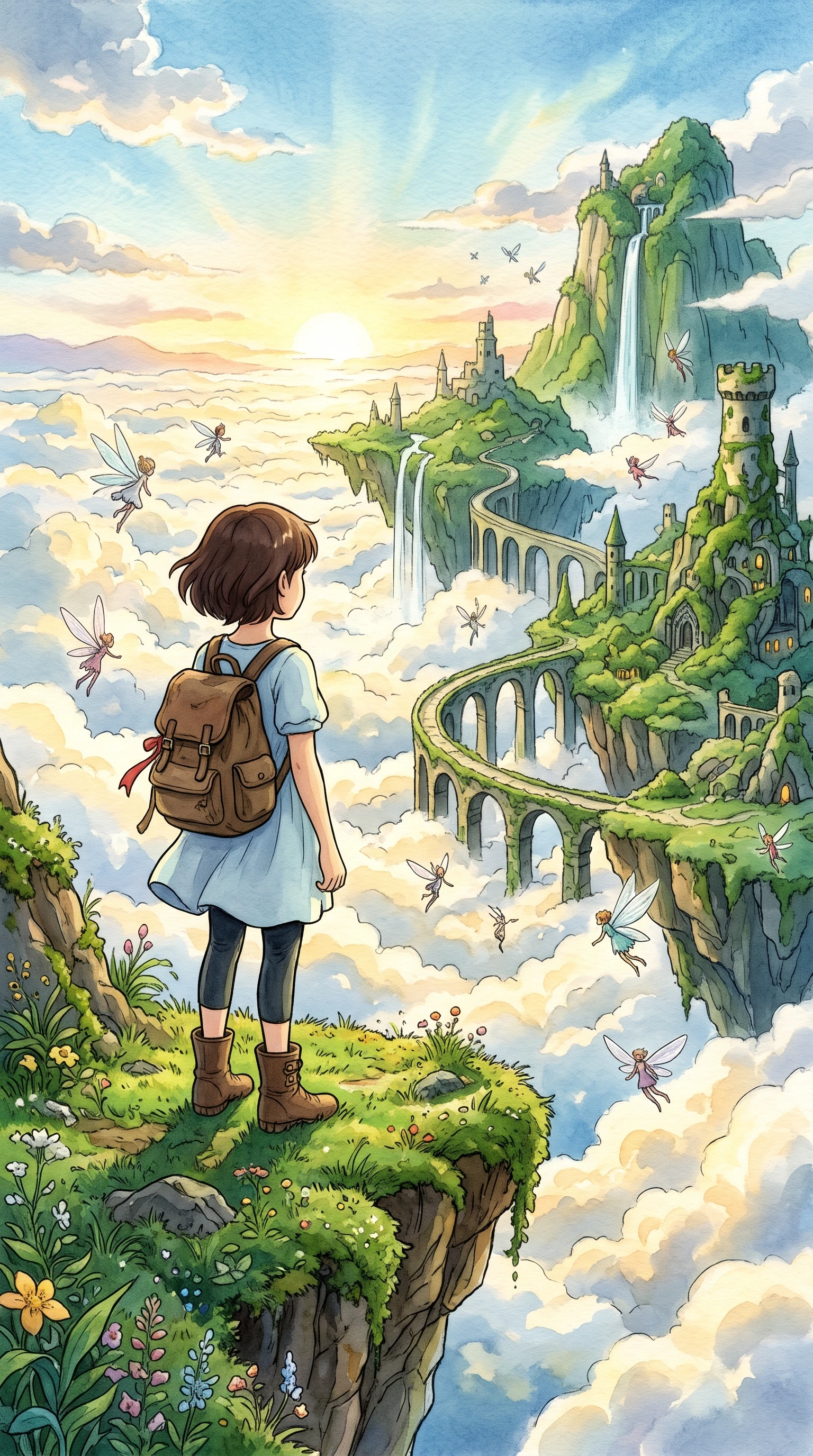
AI-generated anime story video with soft colors and imaginative scenery
Ghibli-inspired anime video featuring a dreamy landscape
Whimsical anime characters in a magical story scene
Dreamy anime scenery with a gentle storybook atmosphere
AI-generated anime story video with soft colors and imaginative scenery

Top Features of the Magiclight Ghibli AI Art Video Generator

This look celebrates slow moments, like steam rising from a bowl of soup or laundry drying in the breeze. Magiclight AI brings the Ghibli AI feel to stories where nature and small wonders matter most.

Create a Ghibli Style Video for Free
3D decoration

Tell Longer Countryside Stories

It accepts up to 12,000 characters, leaving space for a full Ghibli-style summer of village routines, growing friendships, changing weather, and magical encounters to work with.

Explore 50+ Visual Styles

Across Magiclight AI, 52 visual styles offer different directions for Ghibli-style green valleys, painted skies, wooden cottages, peaceful forests, and softly imagined worlds.

Describe Spirits in 1,000 Characters

Give an original forest spirit up to 1,000 characters of detail. Define its mossy coat, leaf-shaped ears, tiny habits, expressions, colors, and magical traits for your Ghibli videos.

Score the Quietest Moments

A 40-track music library sets the feeling for the Ghibli video without overpowering the scene. Match peaceful melodies to morning walks, rainy evenings, warm meals, or magical discoveries.

Who Can Use the Magiclight Ghibli AI Art Video Generator
Countryside stories can preserve a memory, teach respect for nature, or introduce a local place. Ghibli AI videos in Magiclight AI give each creator different ways to tell them.
Content creators making gentle anime videos
For Content Creators
Turn a morning routine into anime using Magiclight AI's 52 visual styles.
Add gentle narration from 37 voices to garden, baking, or cottage stories.
Format peaceful daily-life clips in 9:16 for vertical social viewing.
Small business owners creating countryside promotional videos
For Small Businessmen
Use MagicLight Agent to shape a farm season or harvest idea into a story.
Give a recurring farm mascot up to 1,000 characters of visual detail.
Export orchard and market stories in 1080p for clear promotional viewing.
Environmental educators creating nature-themed anime lessons
For Environmental Educators
Work with 14 story models when turning a nature lesson into a visual.
Present lessons in any of 11 supported languages for different audiences.
Make key explanations easier to follow with 16 subtitle settings.
Families turning childhood memories into gentle anime stories
For Families
Write up to 12,000 characters about a childhood home or summer visit.
Try 16 animation models to find the right movement for family memories.
Add music to reunions, camping trips, and old memories from 40 tracks.
Why Choose Magiclight Ghibli Art AI Video Generator
Gentle anime depends on more than beautiful scenery. Magiclight AI supports the writing, characters, narration, framing, and presentation that give Ghibli AI stories depth.
Turn a Small Idea Into a Full Story
Give MagicLight Agent a simple premise, such as a girl arriving at her grandmother's village. It develops the idea into a fuller script that you can review before creating scenes.
Frame Fields, Villages, and Open Skies
Use 16:9 when rolling hills and broad landscapes deserve more room. Switch to 9:16 when a quiet character moment or magical encounter is meant for vertical viewing.
Let Familiar Spirits Return
Save an original forest spirit or countryside companion in the character library. Bring it into later stories with its established design instead of setting up the character again.
Give Small Reactions More Weight
Nano Storyboard provides 50+ poses for arranging wonder, hesitation, joy, and surprise. Expressions, camera angles, and character placement can all be planned around the scene.
Tell the Story in 11 Languages
Narrate a village adventure in Japanese, English, or another supported option. With 11 languages, one gentle story can be adapted for viewers in different regions.
Open With a Storybook-Like Introduction
Choose among 21 cover templates and 16 title styles for each tale. Introduce a summer journey, forest mystery, or village chapter with its own clear visual identity.

How to Make a Ghibli Art AI Video With Magiclight AI 

Command every detail of your Ghibli AI video, from its first quiet moment to the final scene. Magiclight AI guides the story, cast, scenery, and sound through 4 clear steps.

1.

Step 1. Share Your Setting and Season

Describe the place, season, and mystery in up to 12,000 characters. MagicLight Agent expands your idea into a whole story, then lets you review its script before scenes are made.

2.

Step 2. Create Your Hero and Spirit

Give each original hero or spirit up to 1,000 characters of detail, then add a reference image if needed. Magiclight AI lets you save the finished character for easy reuse later.

3.

Step 3. Plan Calm Scenes and Big Skies

Arrange expressions, camera angles, and character placement in nano storyboard. Its 50+ poses help give quiet meals, wide landscapes, and magical encounters room to breathe.

4.

Step 4. Add Music and a Cohesive Subtitle Style

Choose from 40 music tracks to set a gentle mood. Magiclight AI supports 16 subtitle settings too, then lets you export the finished story in 720p or 1080p quality.

FAQs on Ghibli Art AI Video Generator

Is Magiclight AI connected to Studio Ghibli?

No. Studio Ghibli and its films belong to their owners. Magiclight AI has no link to the studio and offers a preset inspired by soft, hand-painted anime looks only.

Can I recreate characters from Ghibli films?

No. Existing film characters and scenes belong to their respective owners. Instead, use Magiclight AI to create original children, spirits, villages, and gentle fantasy worlds of your own.

What stories work best in this style?

Nature, family, growing up, village life, and small everyday wonders fit especially well. Inside Magiclight AI, these ideas have room for calm pacing, scenery, and quiet character moments.

Can I turn a real place into a Ghibli style scene?

Yes. Describe the place in detail, like a red-roofed farmhouse beside a pond. Magiclight AI paints it in soft anime color, and you can add a spirit or two.

Can I use these videos for my farm or shop?

Yes. Seasonal farm tales, café stories, and shop promotions can all be made in Magiclight AI. For business use, review the commercial rights included with your selected plan.

Can I add narration and music to my Ghibli-style story?

Yes. Magiclight AI offers 37 voices and a 40-track music library for narration and atmosphere. Its Ghibli AI video generator keeps story, sound, and visuals together in one workflow.

Create Ghibli-style Videos With Magiclight AI

Bring a quiet village, a curious child, and a spirit hiding in the trees. Magiclight AI paints the tale as soft anime filled with everyday wonder.


