Explore the Magiclight AI LEGO Style Video Generator Features
Choose how your brick story should look and decide what happens in each scene. The Magiclight AI LEGO style video generator gives you the tools to shape the video your way.

Turn your ideas into LEGO-style animated videos with Magiclight AI. Bring brick-built characters, creative scenes, and fun adventures to life. No filming or animation skills needed.
Create a LEGO Style Video for Free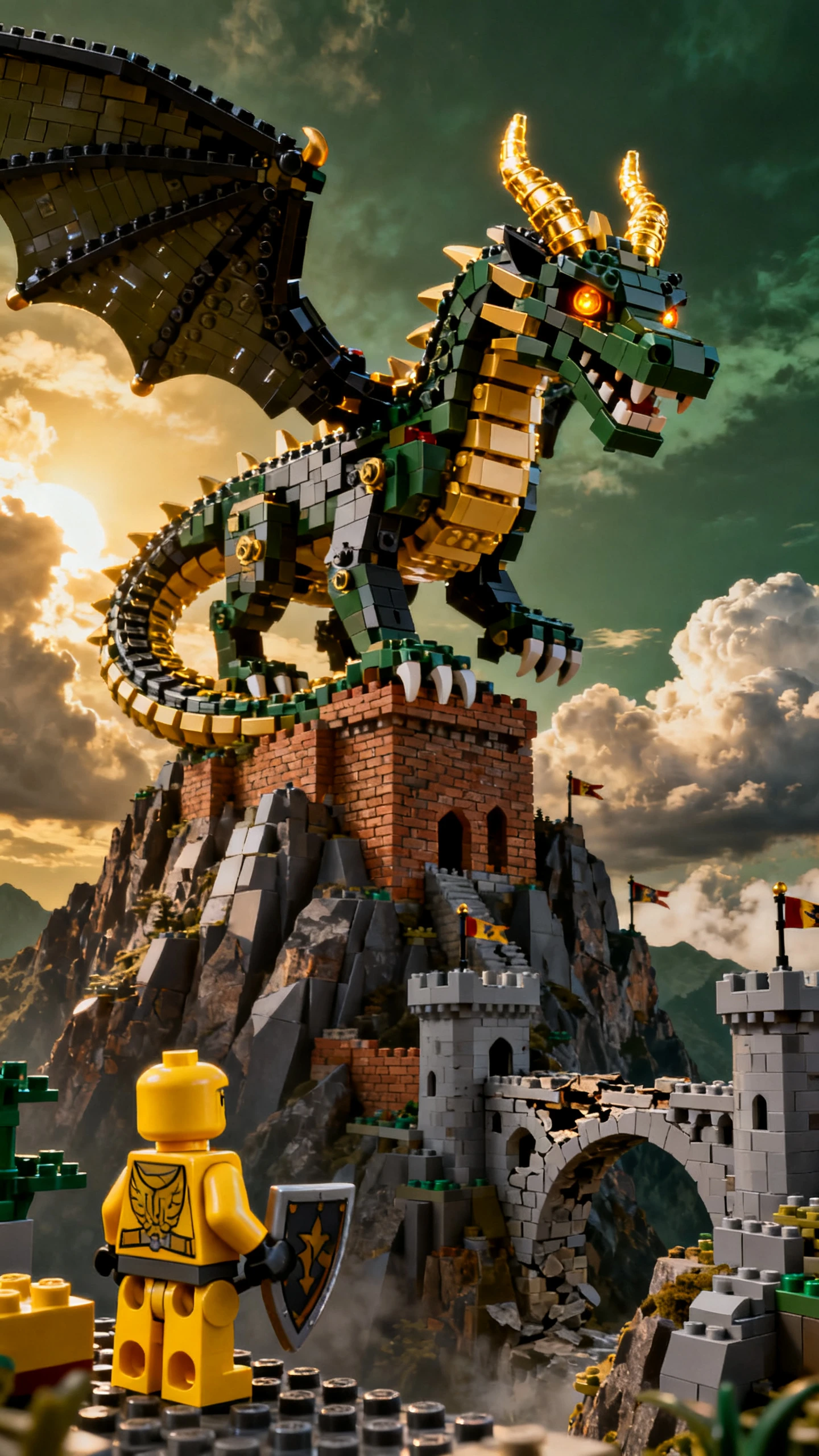

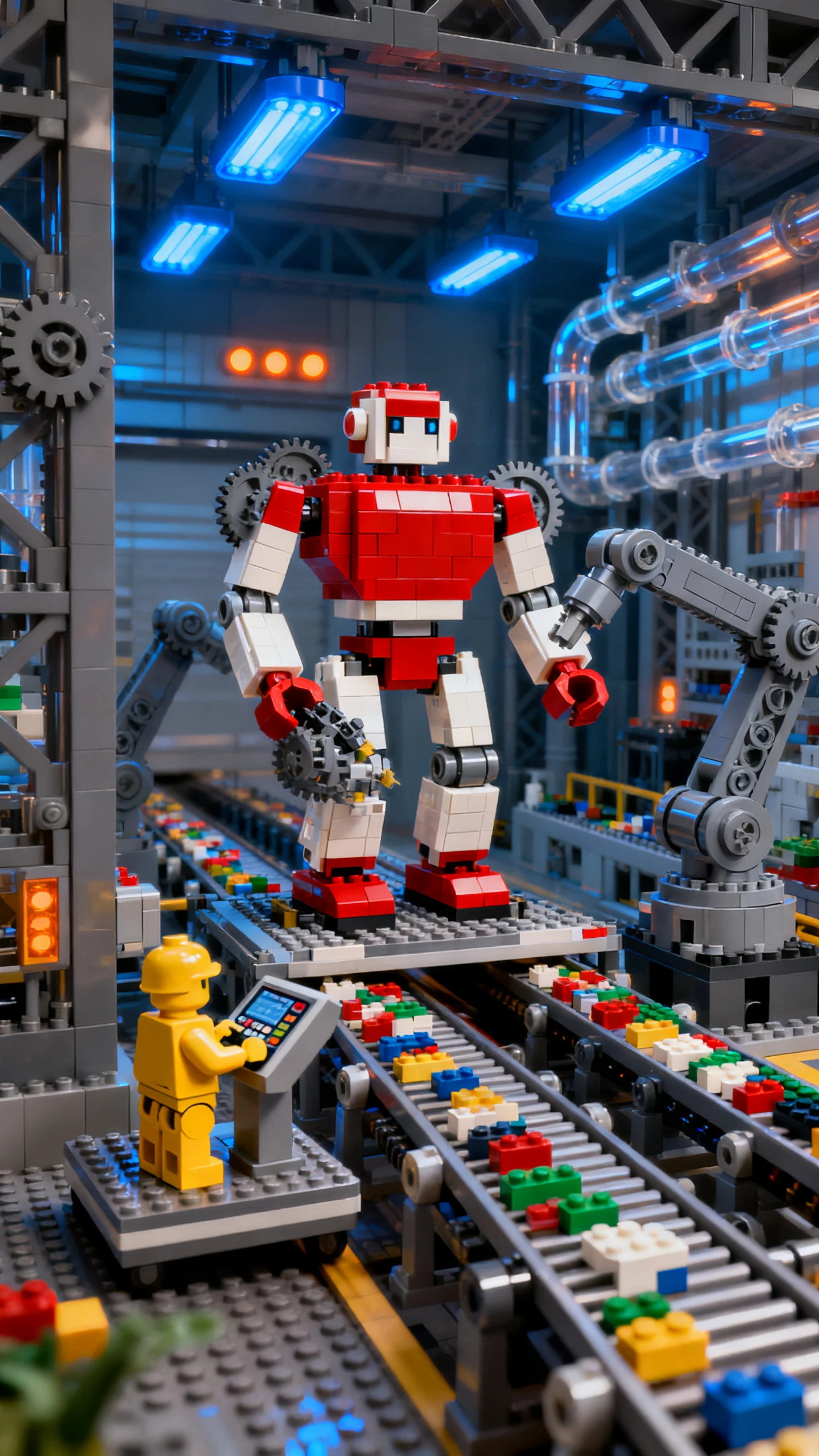

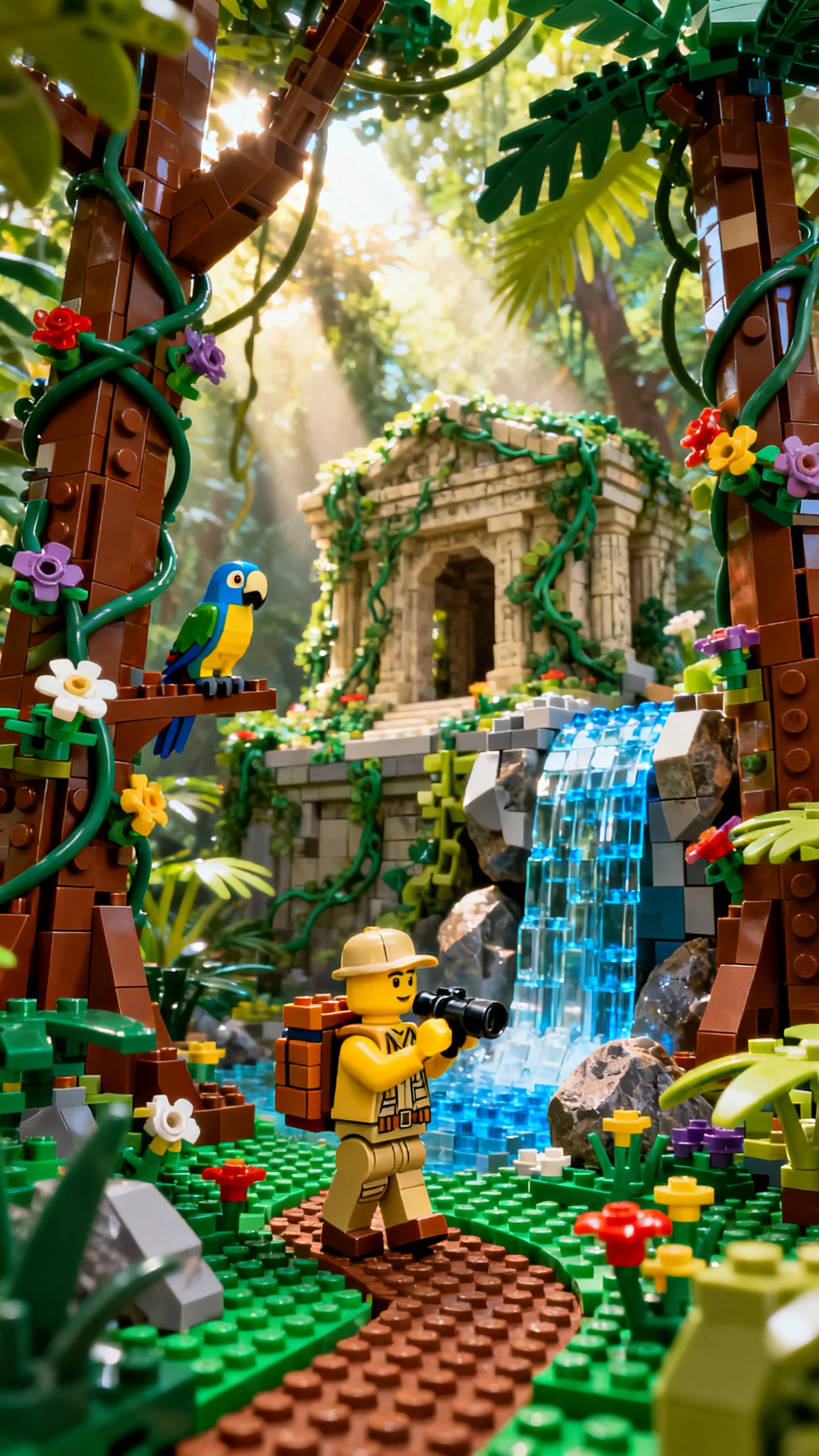


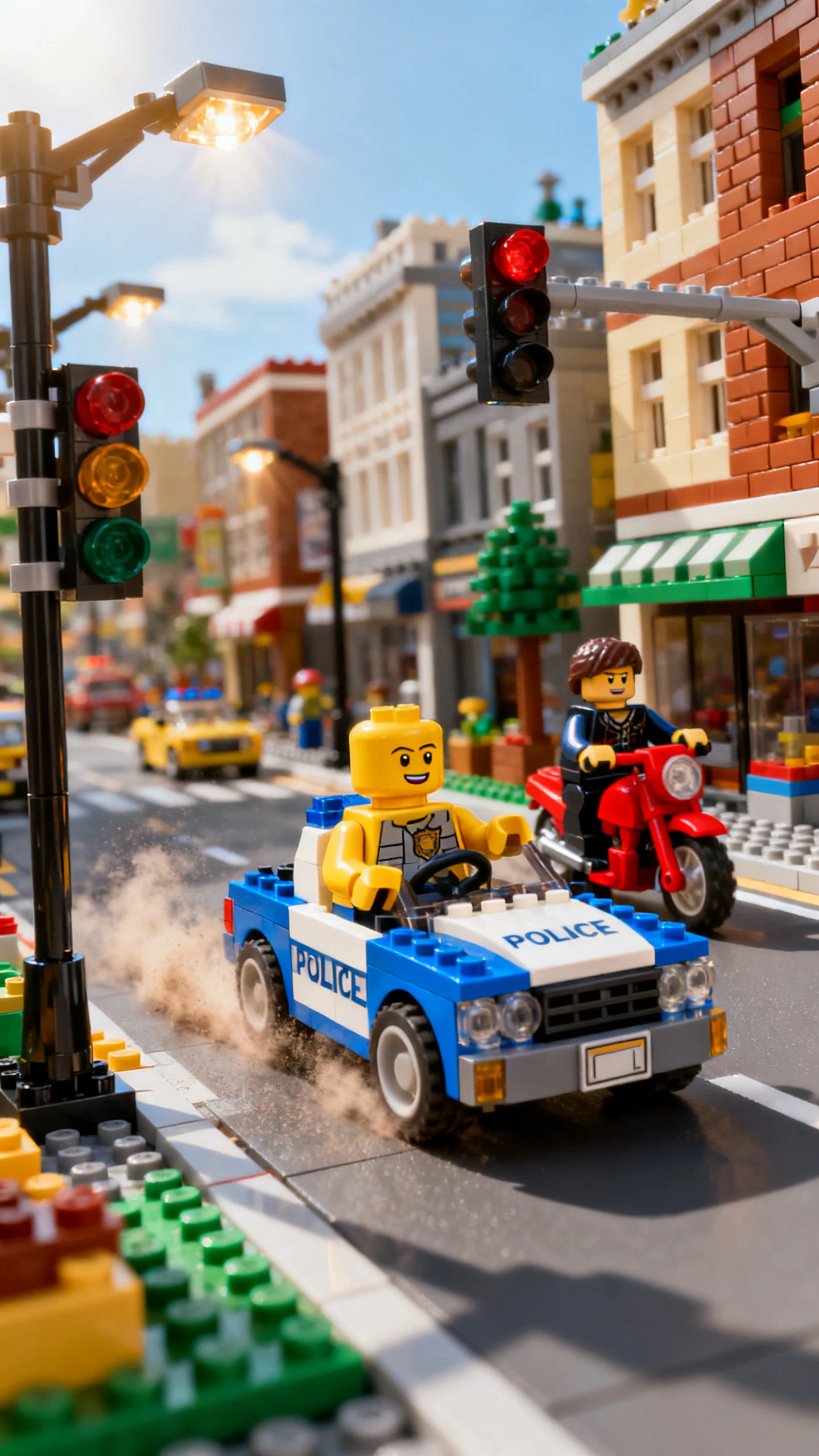
Choose how your brick story should look and decide what happens in each scene. The Magiclight AI LEGO style video generator gives you the tools to shape the video your way.

Start with a simple idea about what happens in your brick world. MagicLight Agent turns it into a story with clear scenes, giving each figure something to do as the adventure moves forward.
Magiclight AI can turn your idea into a video that runs for 50 minutes. Use the extra time for a longer brick adventure when a few short scenes are not enough to tell the whole story.
Nano Storyboard gives you 50 poses to use with the figures in your story. Pick a pose for a chase or change how a character stands when you want the next scene to show a different action.
Magiclight AI has 16 animation models to try with your brick video. Compare how your figures move with each model and select the one that gives the finished scenes the toy like motion you want.


Take your LEGO style idea from a written story to a finished video with Magiclight AI. These 4 steps show how to prepare the story and bring your brick world to the screen.
Use 12000 characters to write what happens in your brick adventure. MagicLight Agent can turn a rough idea into scenes and help you prepare the story for the video.
Describe each brick figure and explain the look you want. Pick from over 50 visual styles to find one that matches the world you pictured for your story.
Open Nano Storyboard to place the figures inside each scene. Set their poses to match the action. Change their expressions to show how they react at that moment.
Pick from 37 voice options to find a suitable voice for each character. Finally, add the ending touches to your brick video and review the story before saving it.
Yes. The whole video is created in Magiclight AI LEGO style video generator. You can make the characters and their world without buying bricks or setting up a physical scene.
Yes. Save a character after you get the design right and use it again throughout the story. This helps the figure keep a familiar look from one scene to the next.
Yes. Magiclight AI has 37 voice options for your characters. Give the main figures separate voices so it is easier to tell who is speaking during the story.
Yes. You can choose from 16 caption styles in Magiclight AI. Pick one that is easy to read and fits the look of your finished brick video.
You are not limited to one type of story. A school project can become a brick adventure just as easily as a funny family idea or an original space story.
Yes. Make your first brick-style video in Magiclight AI with free sign-up credits and no card. A paid plan is needed for monetized channels or ads.



Create your own brick world and send its characters on an adventure. Magiclight AI turns your idea into a moving story.