Explore the Magiclight AI Manga Video Maker Features
Manga tells stories through bold ink, strong contrast, and expressive characters. Magiclight AI carries that visual style into video, giving your manga story movement on screen.

Turn your manga stories into animated videos with Magiclight AI. Bring your characters, dramatic twists, and action scenes to life without drawing or video editing skills.
Create a Manga Video for Free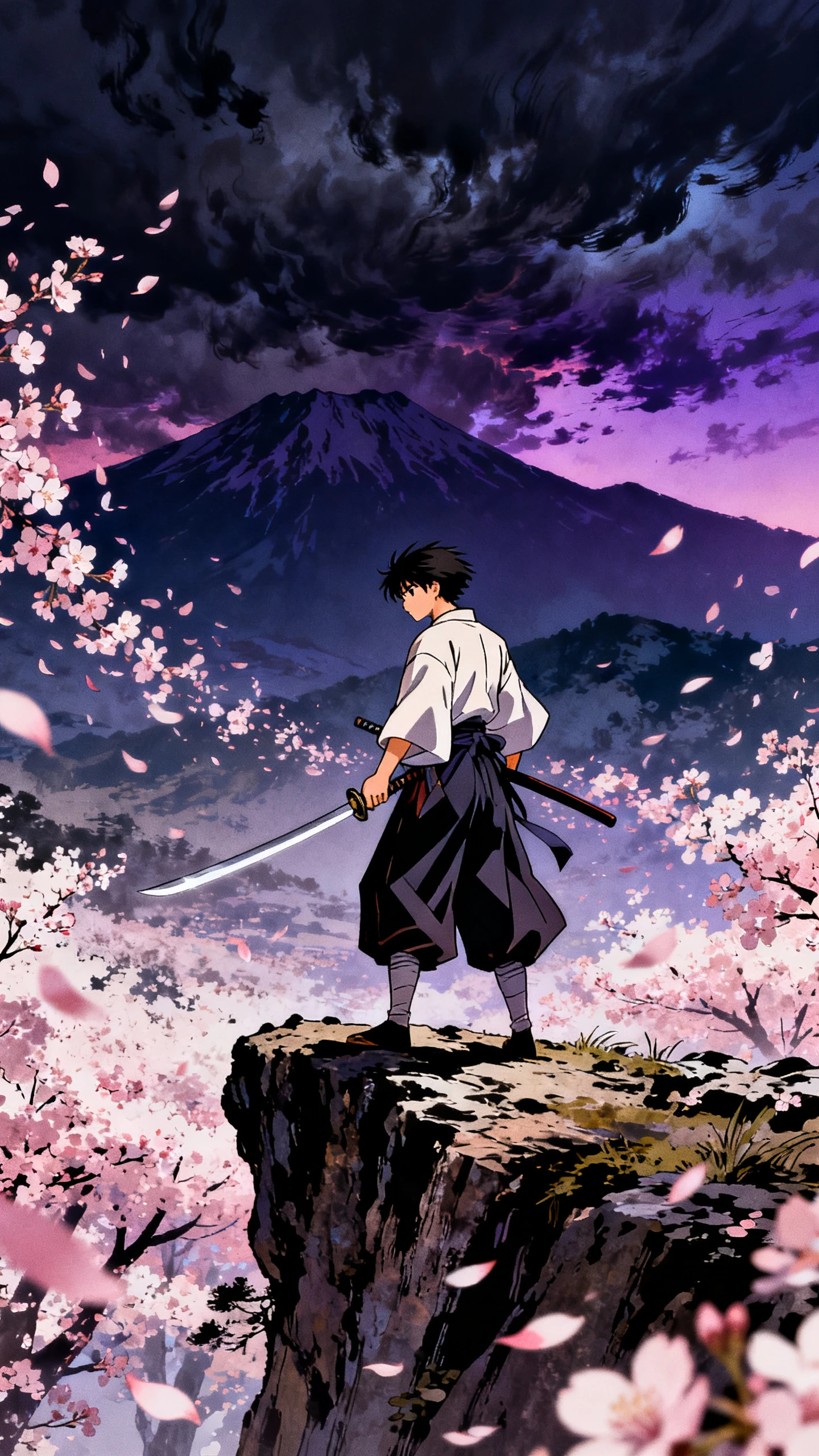
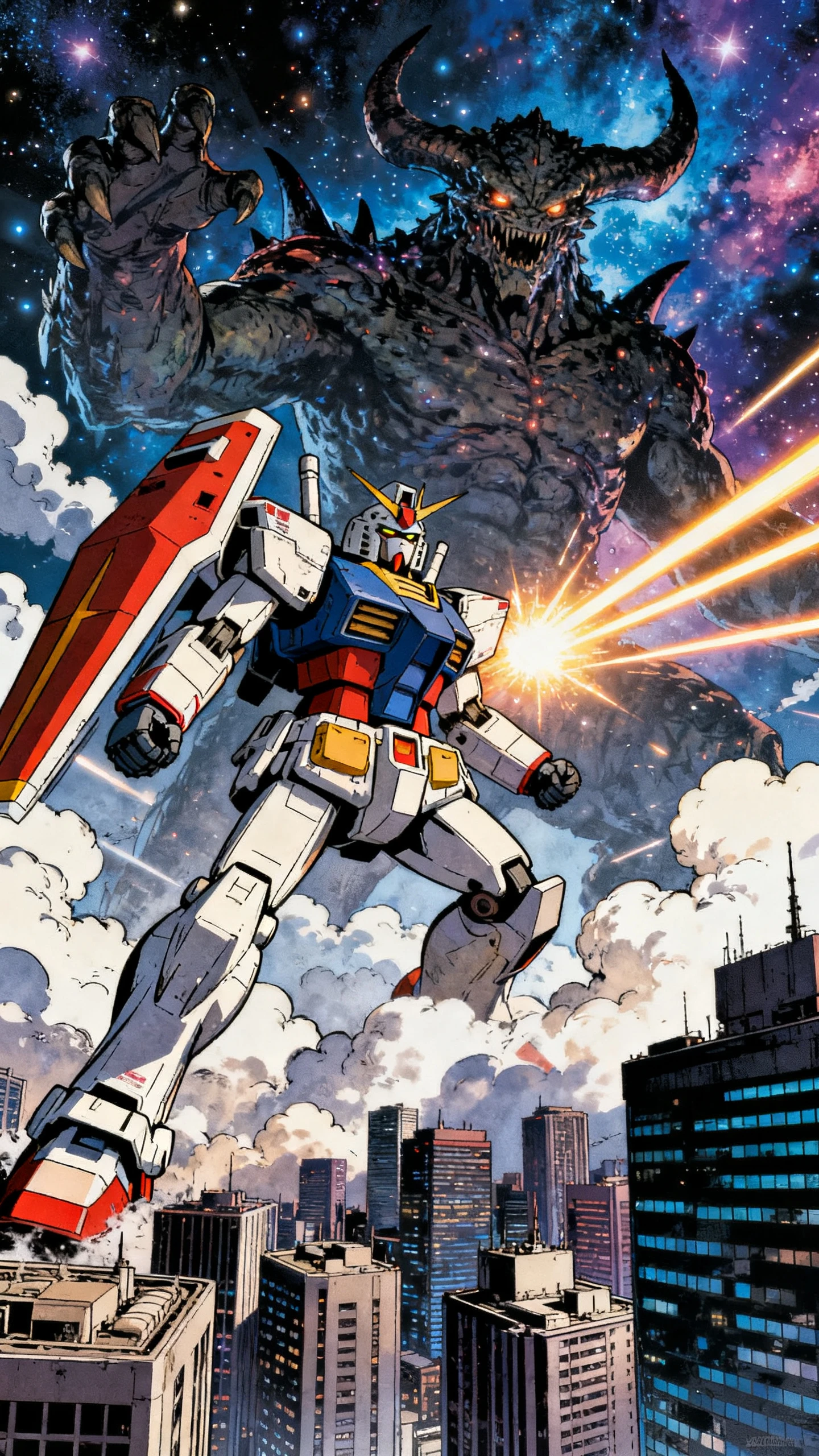
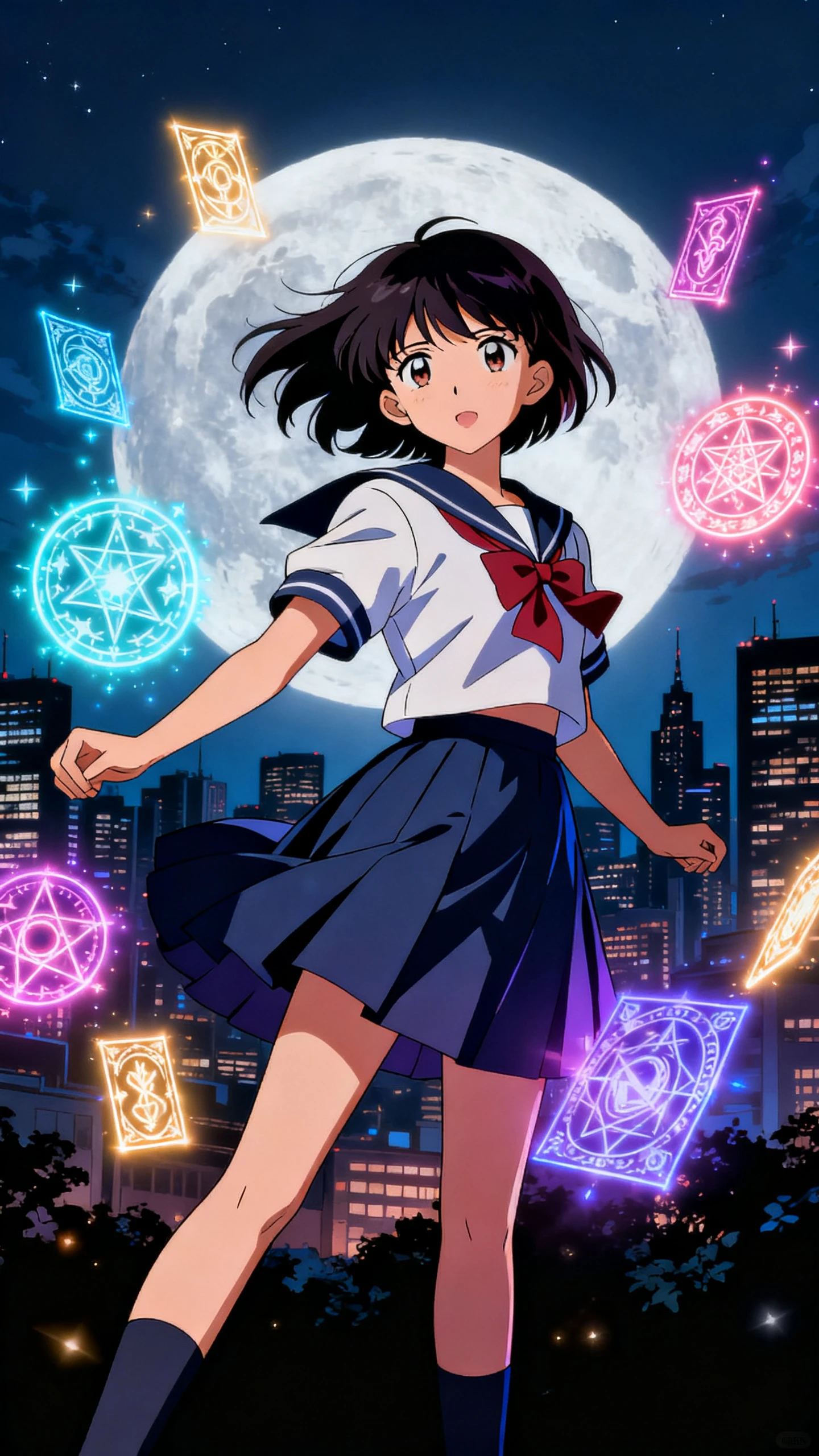
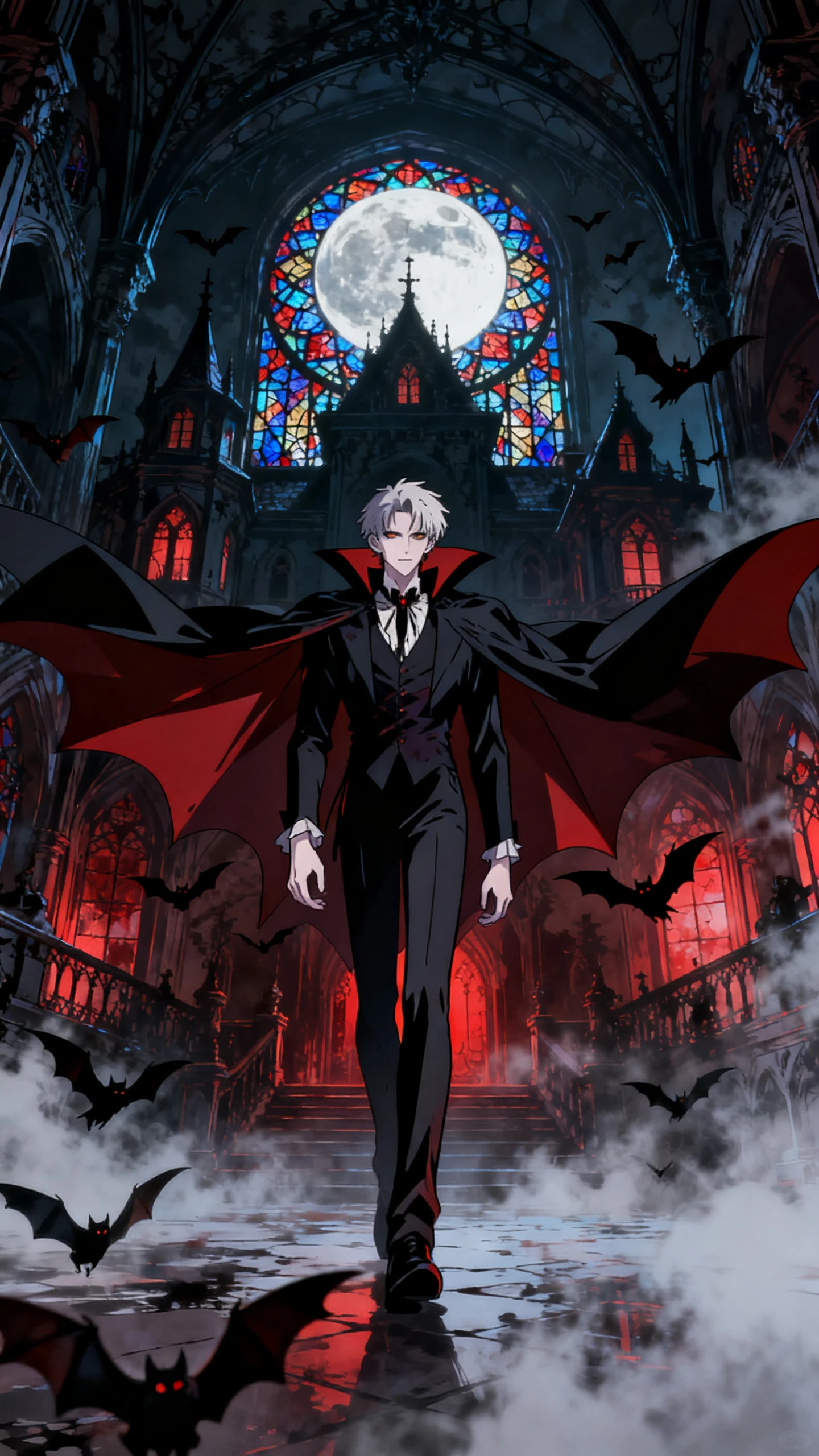
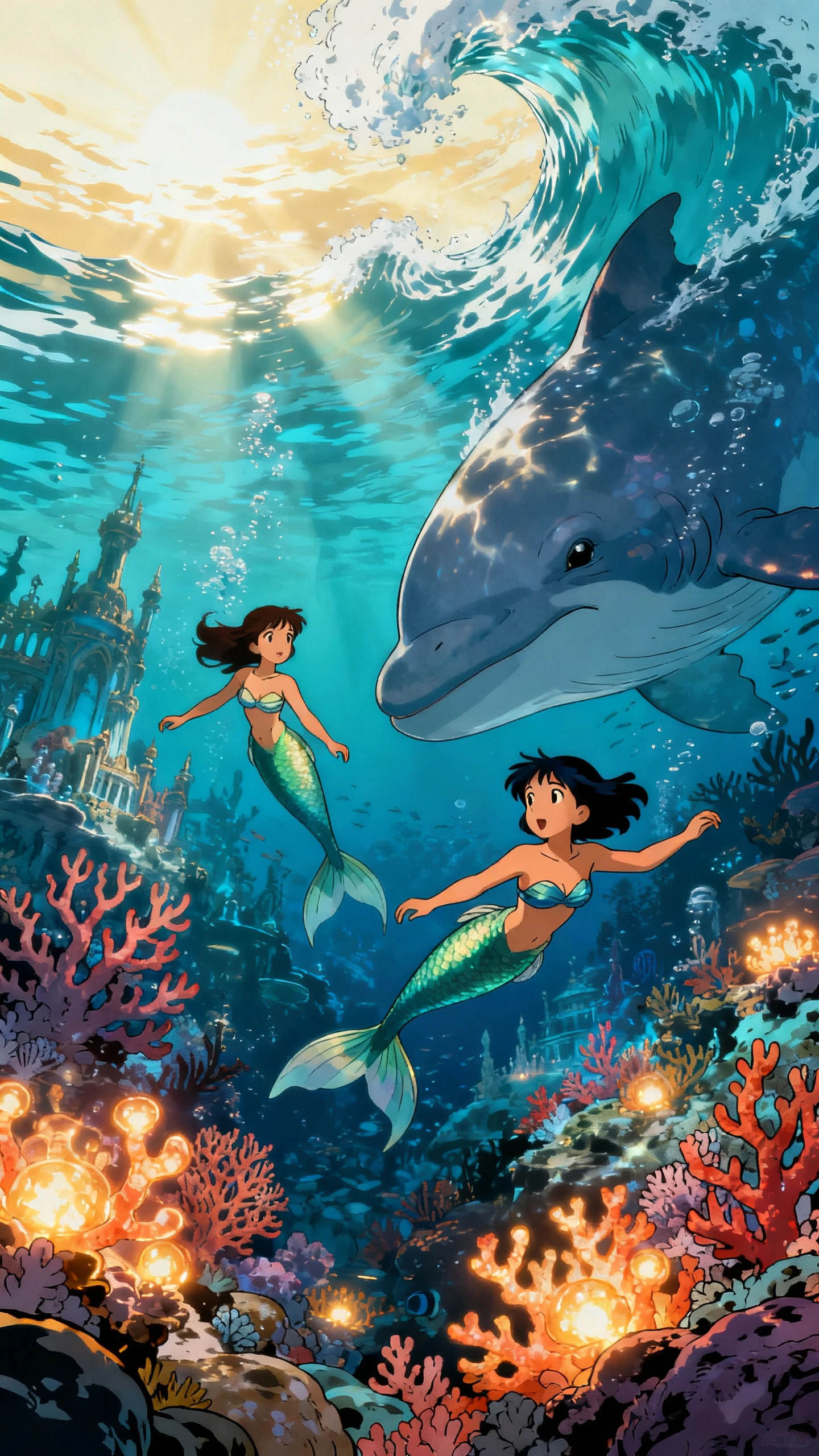
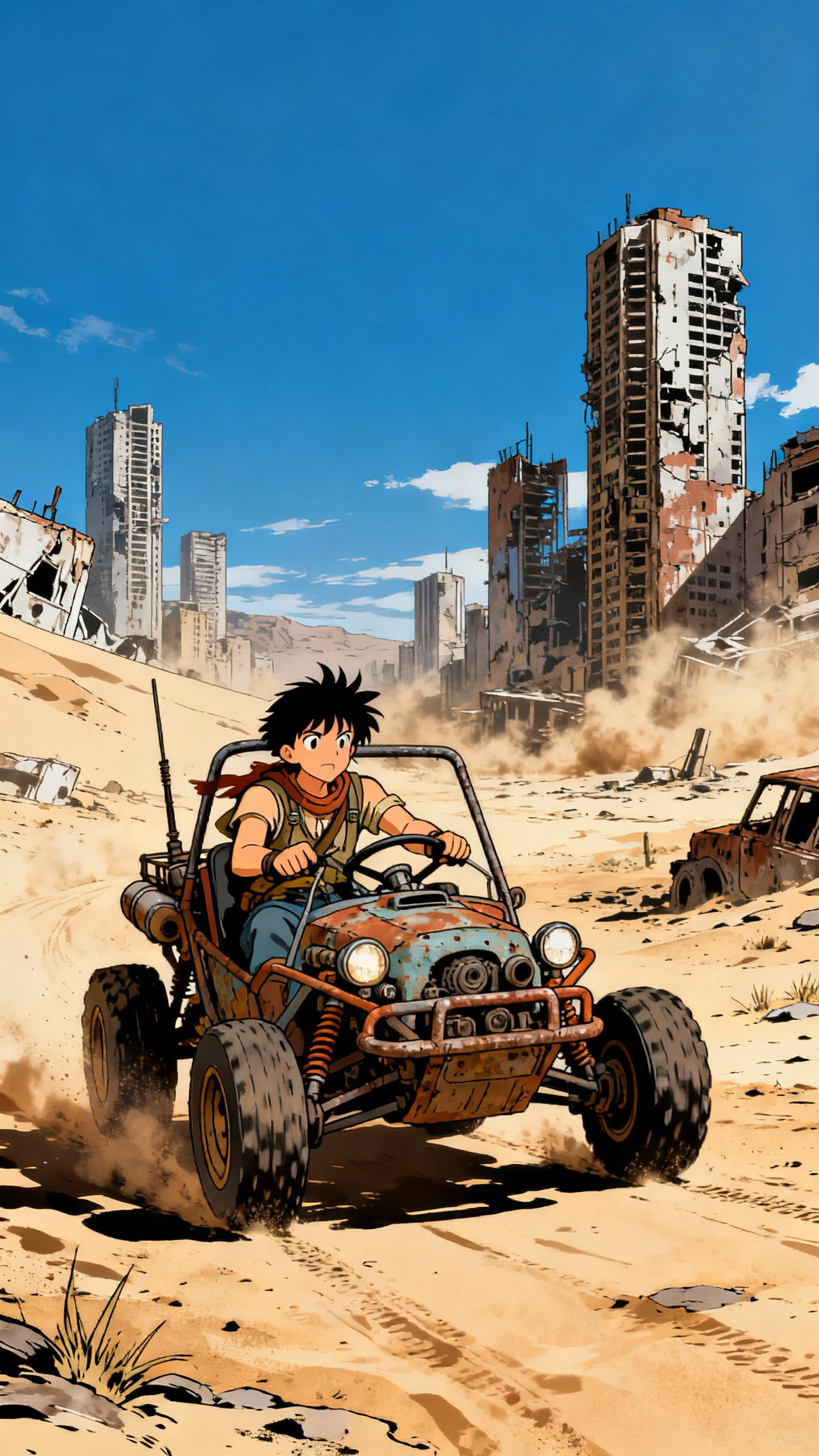
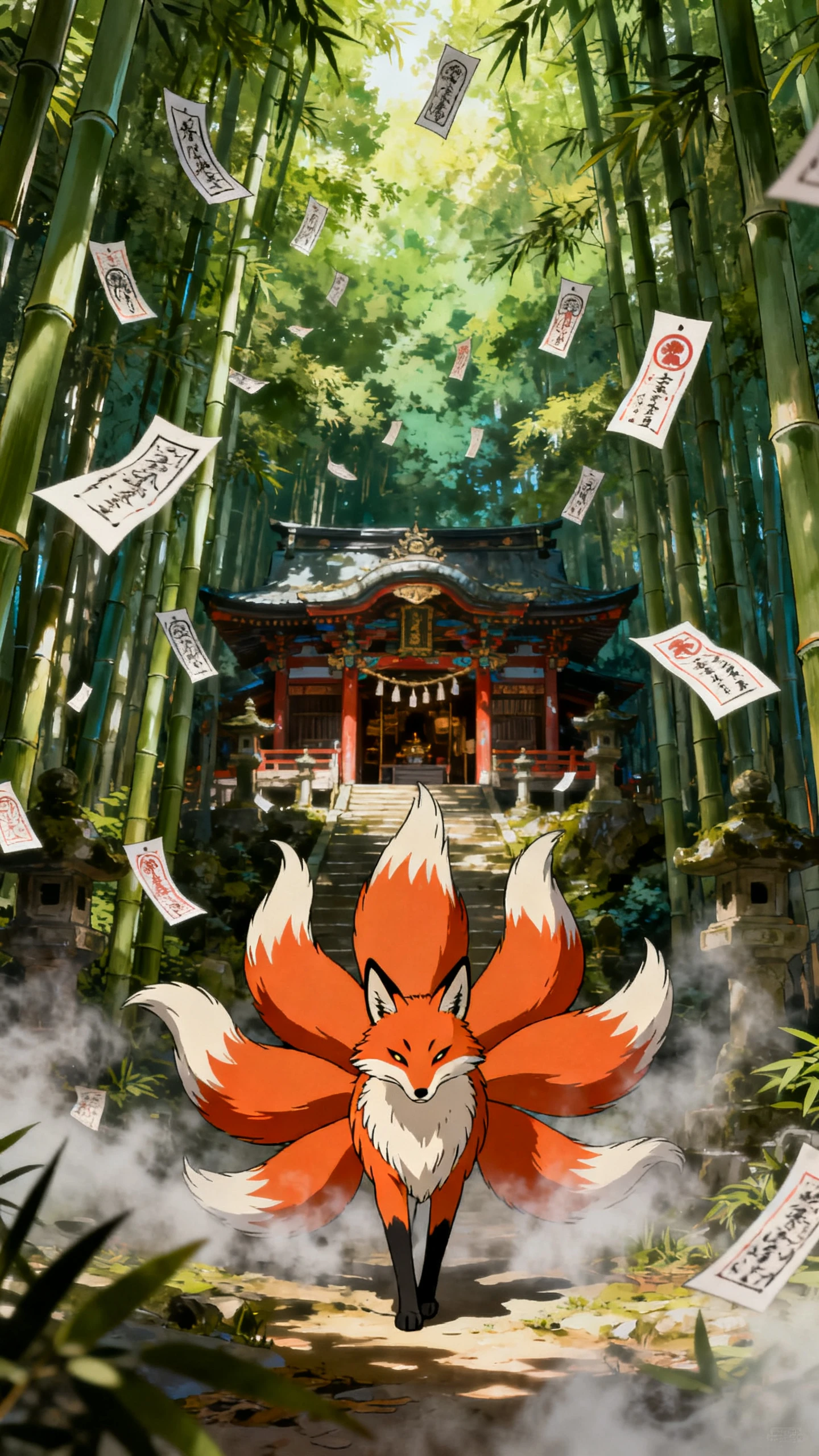
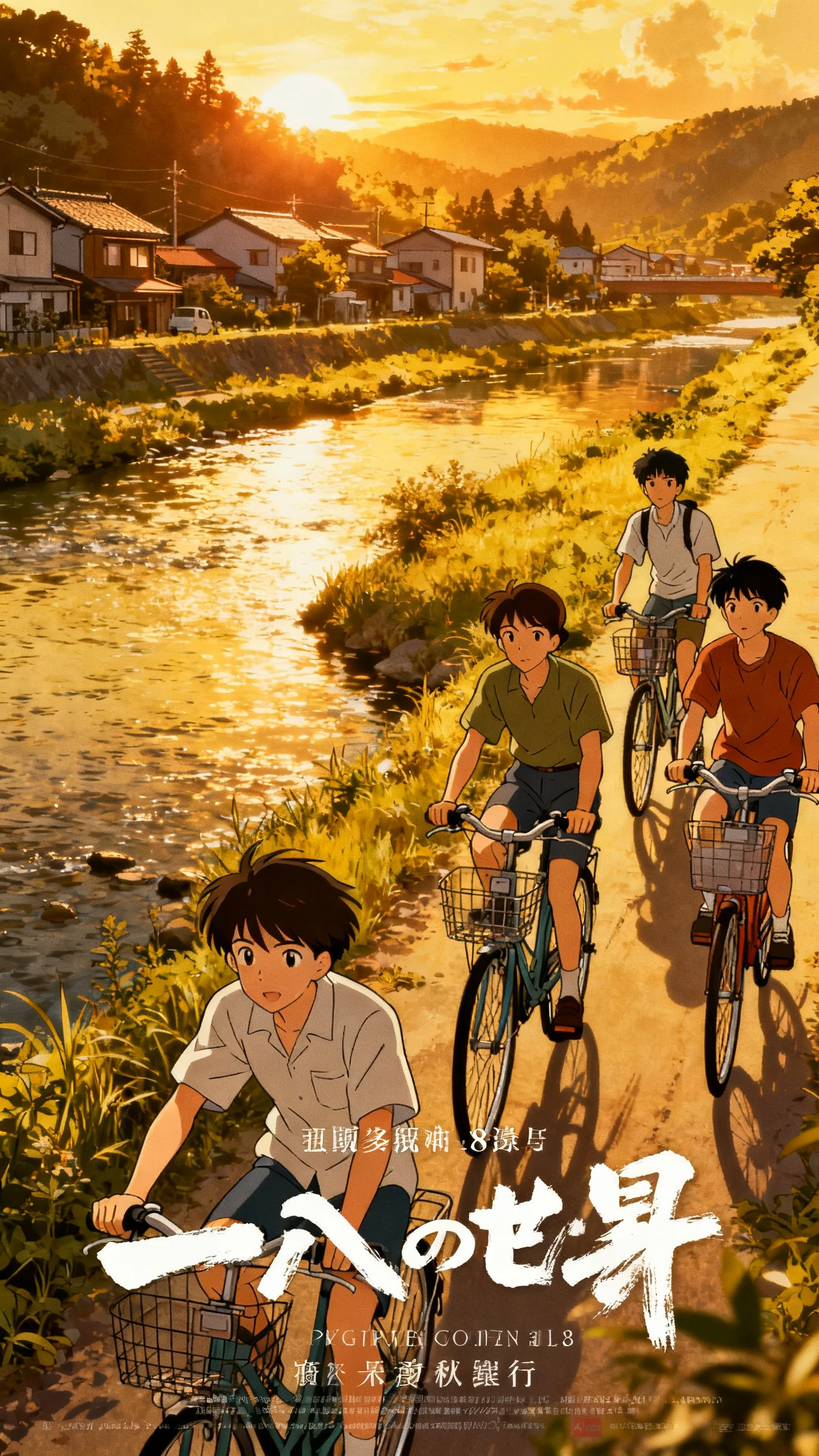
Manga tells stories through bold ink, strong contrast, and expressive characters. Magiclight AI carries that visual style into video, giving your manga story movement on screen.

Give MagicLight Agent a premise, such as a boy who hears objects think. It develops the idea into a chapter-style script with a strong opening and ending for better professional creations.
Pick a black-and-white look with clean ink lines, screentone shading, and speed lines for fast action. Magiclight AI keeps that printed-page feel in every scene with its 52 unique visual styles.
Give heroes, rivals, and narrators different voices from 37 available options. Magiclight AI helps dialogue-heavy scenes sound distinct as the story moves forward.
Close-ups can sharpen a reveal, while wider shots set up the scene. In Magiclight AI, Nano Storyboard gives you control over camera angles before the story moves forward.


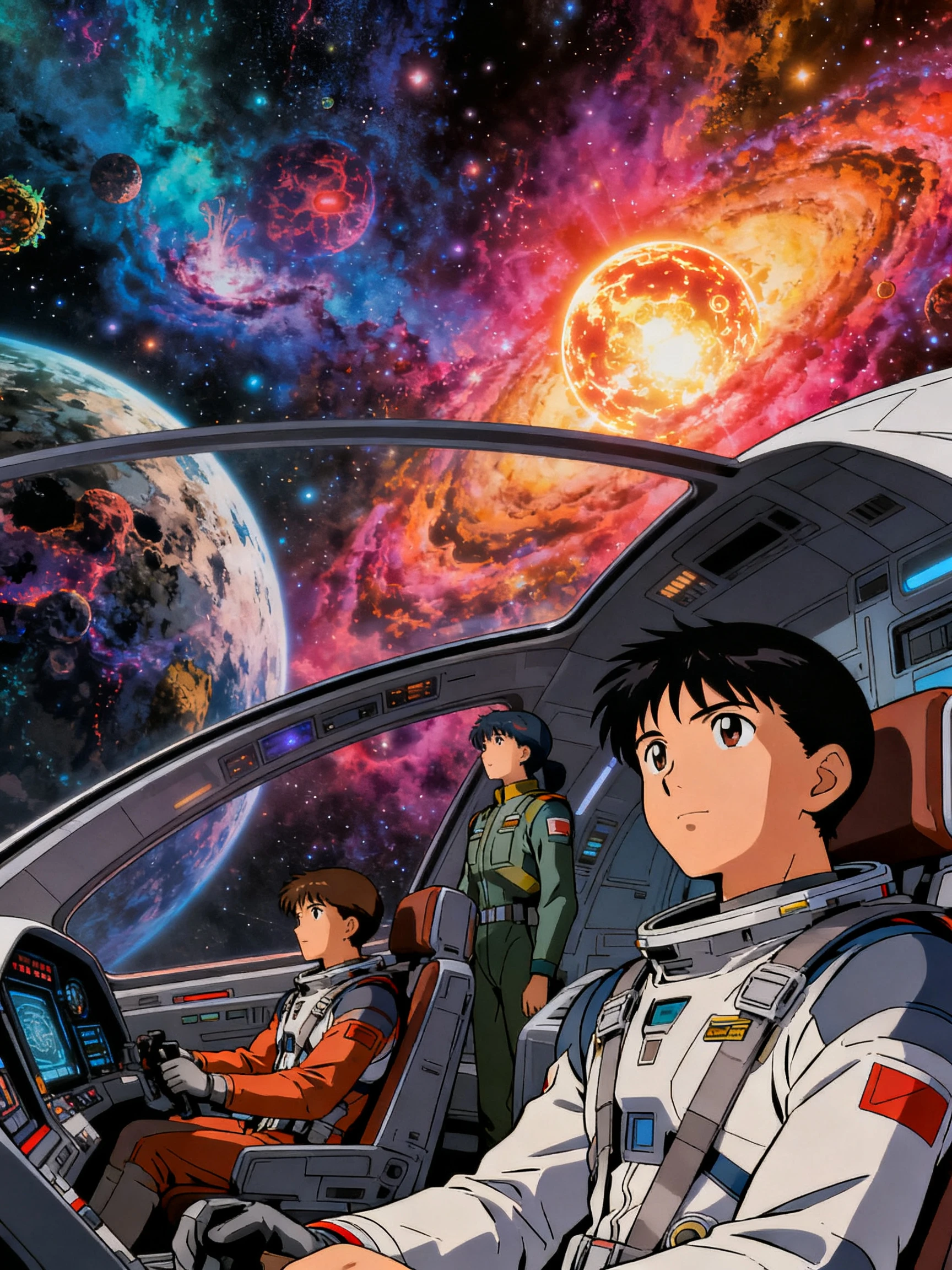
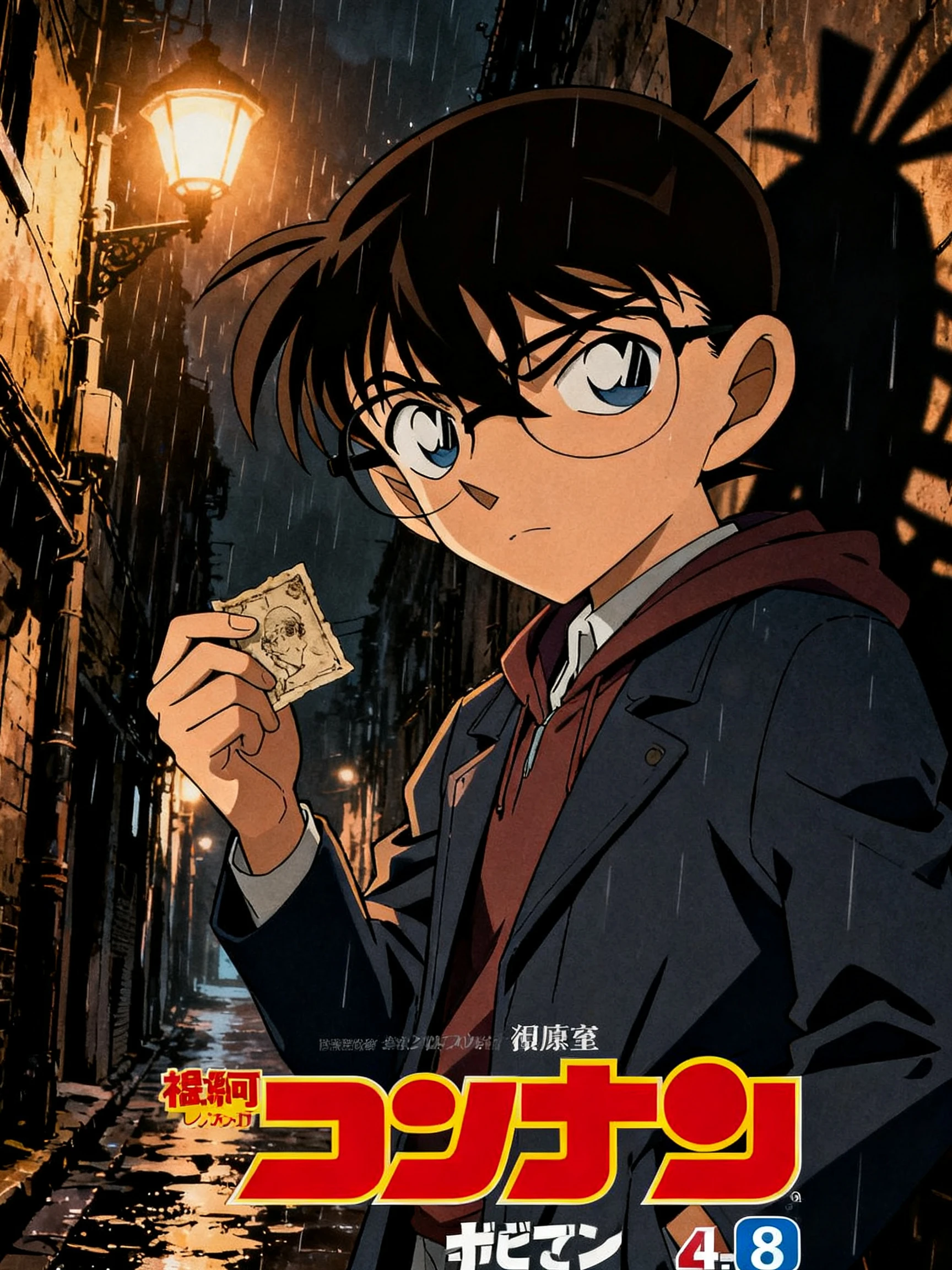
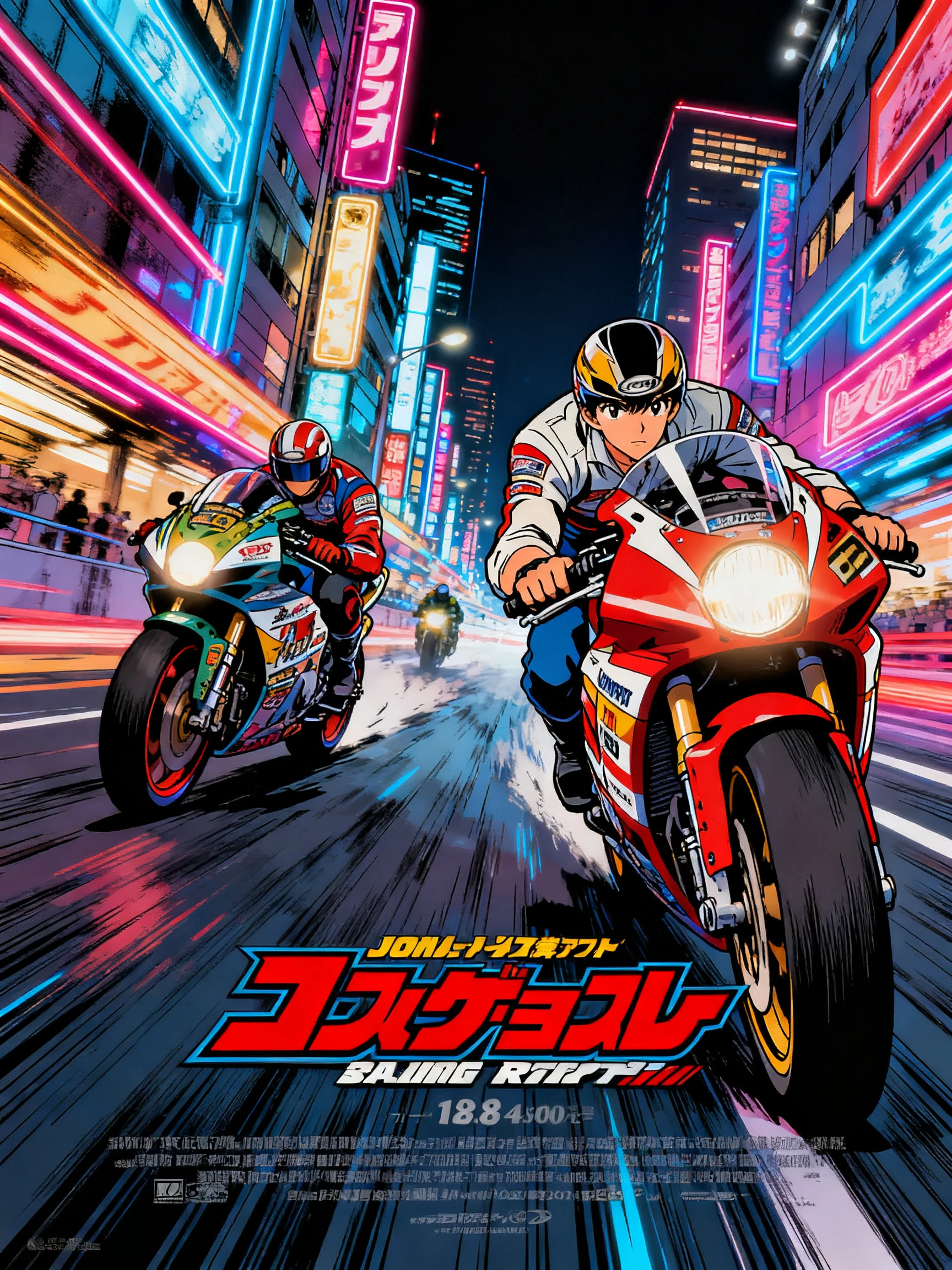
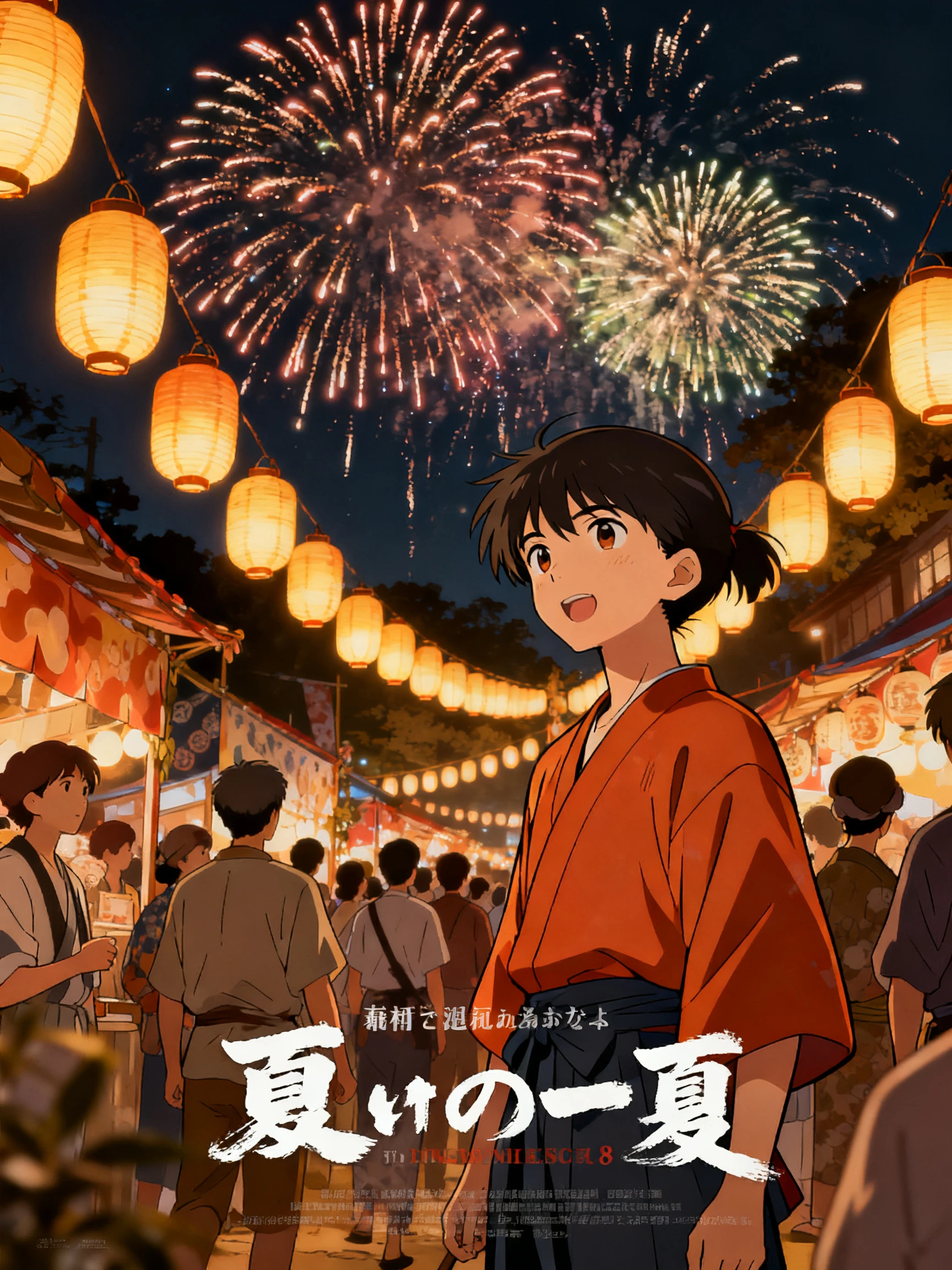
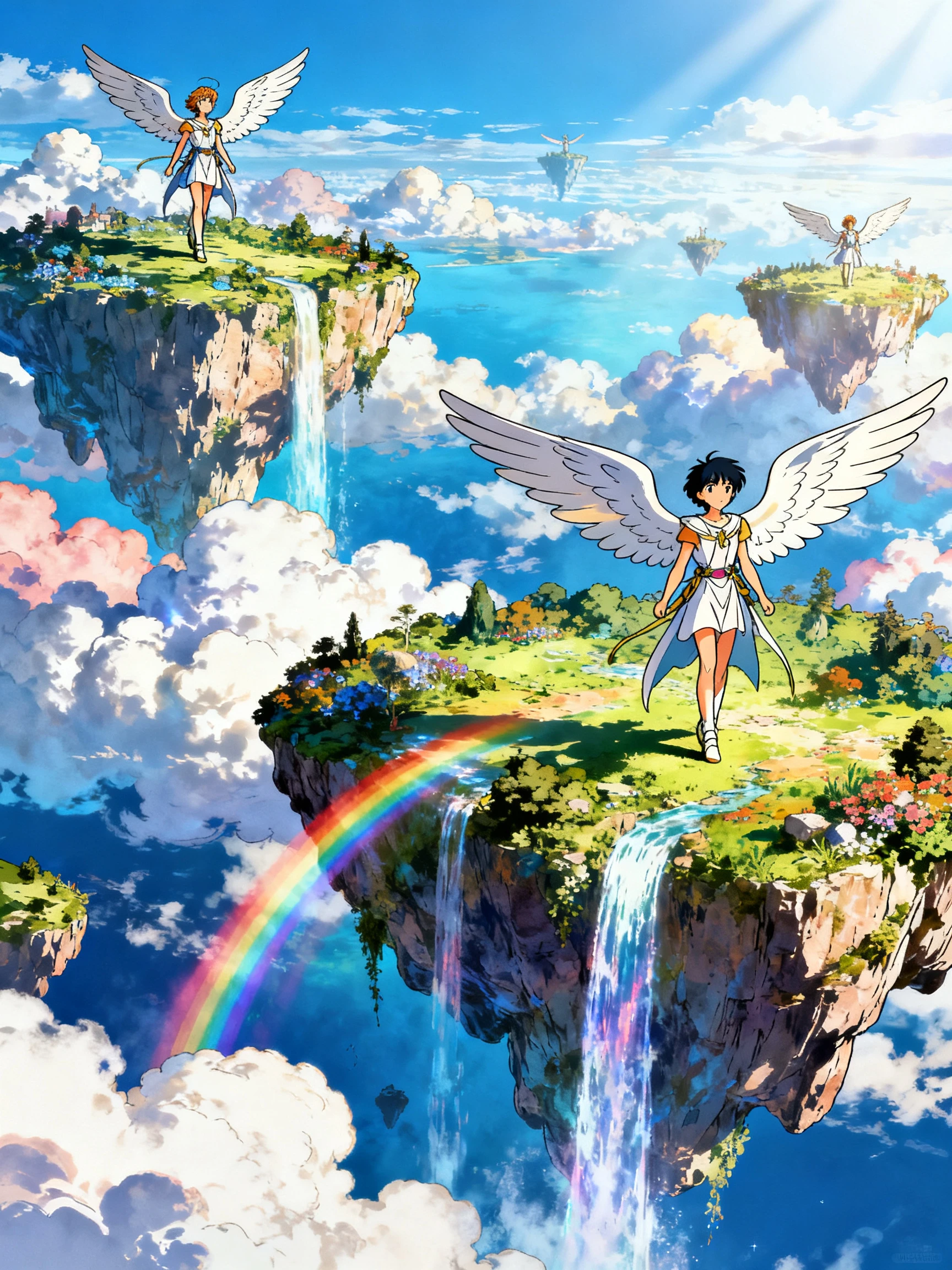
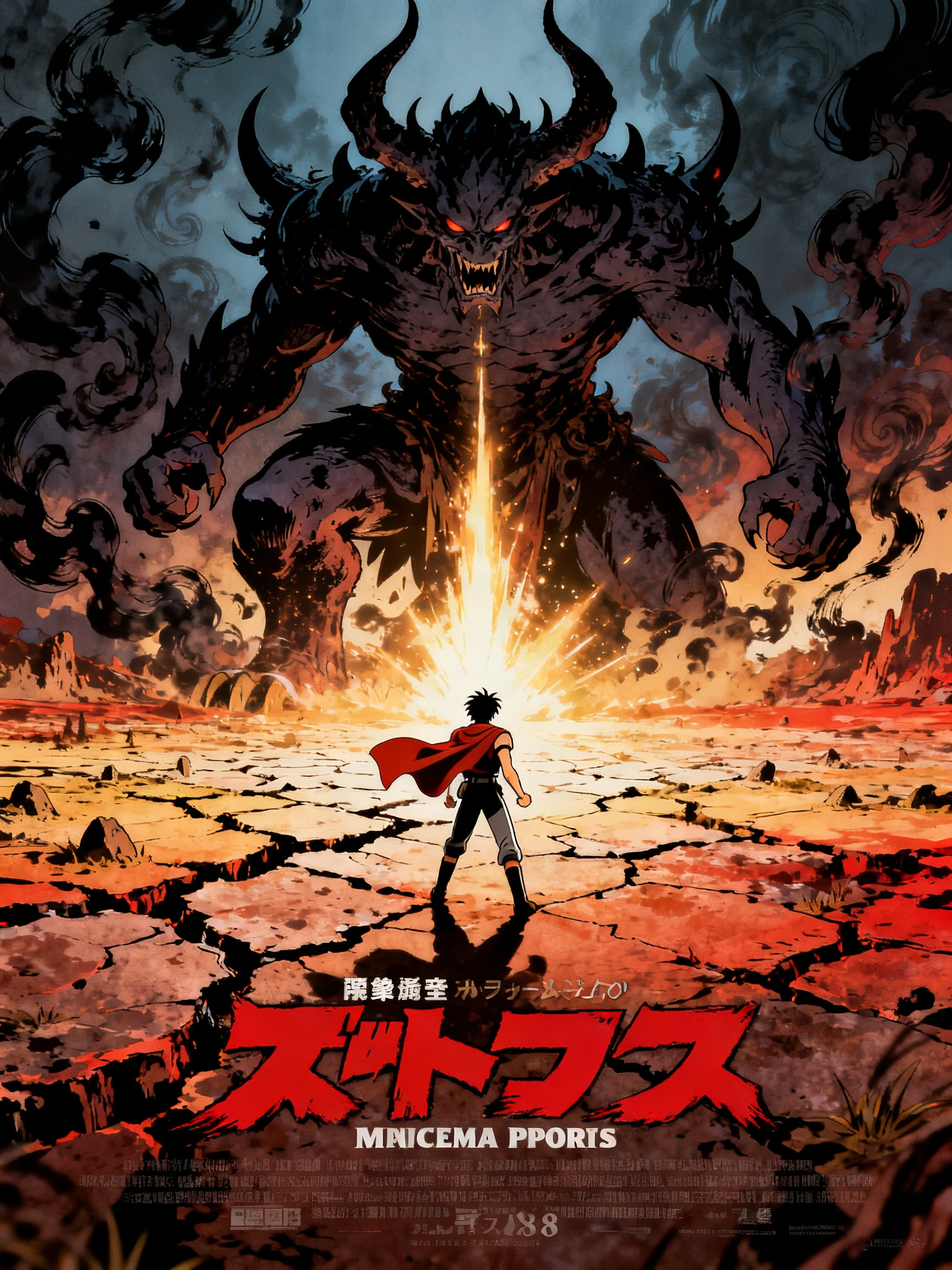
Ready to move your manga from script to screen? Follow these 4 steps to create a black-and-white manga video with characters, dramatic scenes, voices, and a finished chapter.
Paste up to 12,000 characters of your manga script into MagicLight Agent. Review the story structure and generated scenes carefully before moving ahead with your manga video.
Pick from 52 visual styles for your manga look. Describe each character in up to 1,000 characters, upload a reference image, or reuse one saved earlier from the Asset Store.
Set big expressions, poses, and tilted camera angles in Nano Storyboard. Save the strongest close-up for the chapter's final reveal or cliffhanger.
Choose music from the 40-track library, and select from 16 subtitle settings. Generate your manga chapter, then export the finished video in 720p or 1080p.
It uses black-and-white art with clean ink lines, screentone shading, and speed lines. Magiclight AI keeps this printed-page look through every scene.
Yes, through your script. Paste the story into Magiclight AI and write a profile for each character. The tool draws fresh scenes rather than animating your existing pages.
Only with permission from the rights holder. Published manga belongs to its creators and publishers, so stick to your own stories in Magiclight AI.
Yes. Magiclight AI has a wide range of visual styles, so a colored anime look can replace black and white for some scenes or whole stories.
Manga chapters in Magiclight AI can last 50 minutes. Weekly chapters of five to fifteen minutes, each ending on a hook, often keep viewers coming back.
Yes. Magiclight AI offers 16 subtitle settings to display dialogue and important story details clearly, making manga videos easier to follow across different scenes.



Start with a hero, a secret, and a cliffhanger worth waiting for. Magiclight AI draws it in sharp black-and-white manga style.