Hero background

Simpsons AI Video Generator

Turn your funny family stories into Simpsons-style animated videos with Magiclight AI. Create characters from photos and descriptions, then animate your story. No editing skills needed.

Create a Simpsons Video for Free
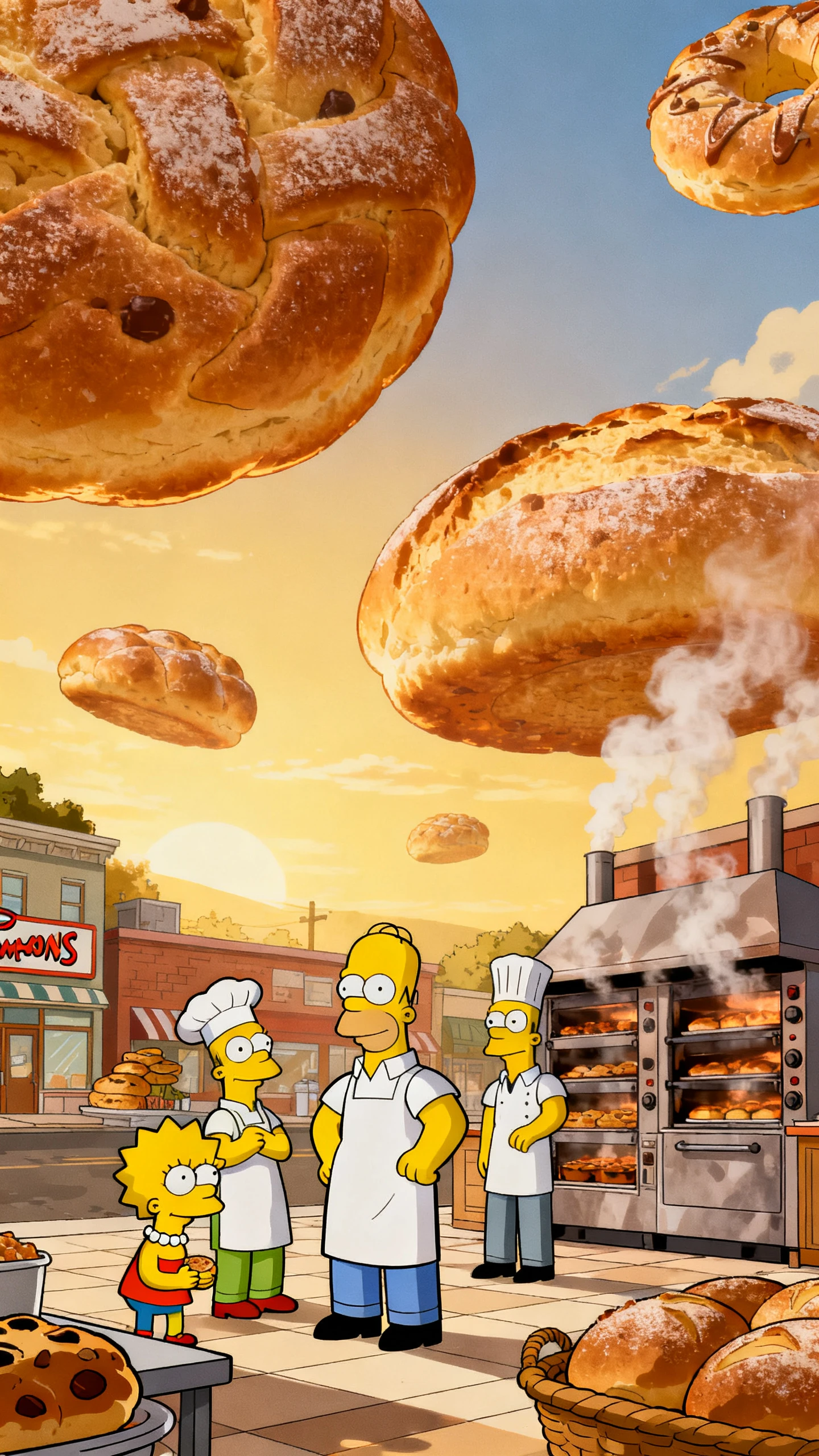
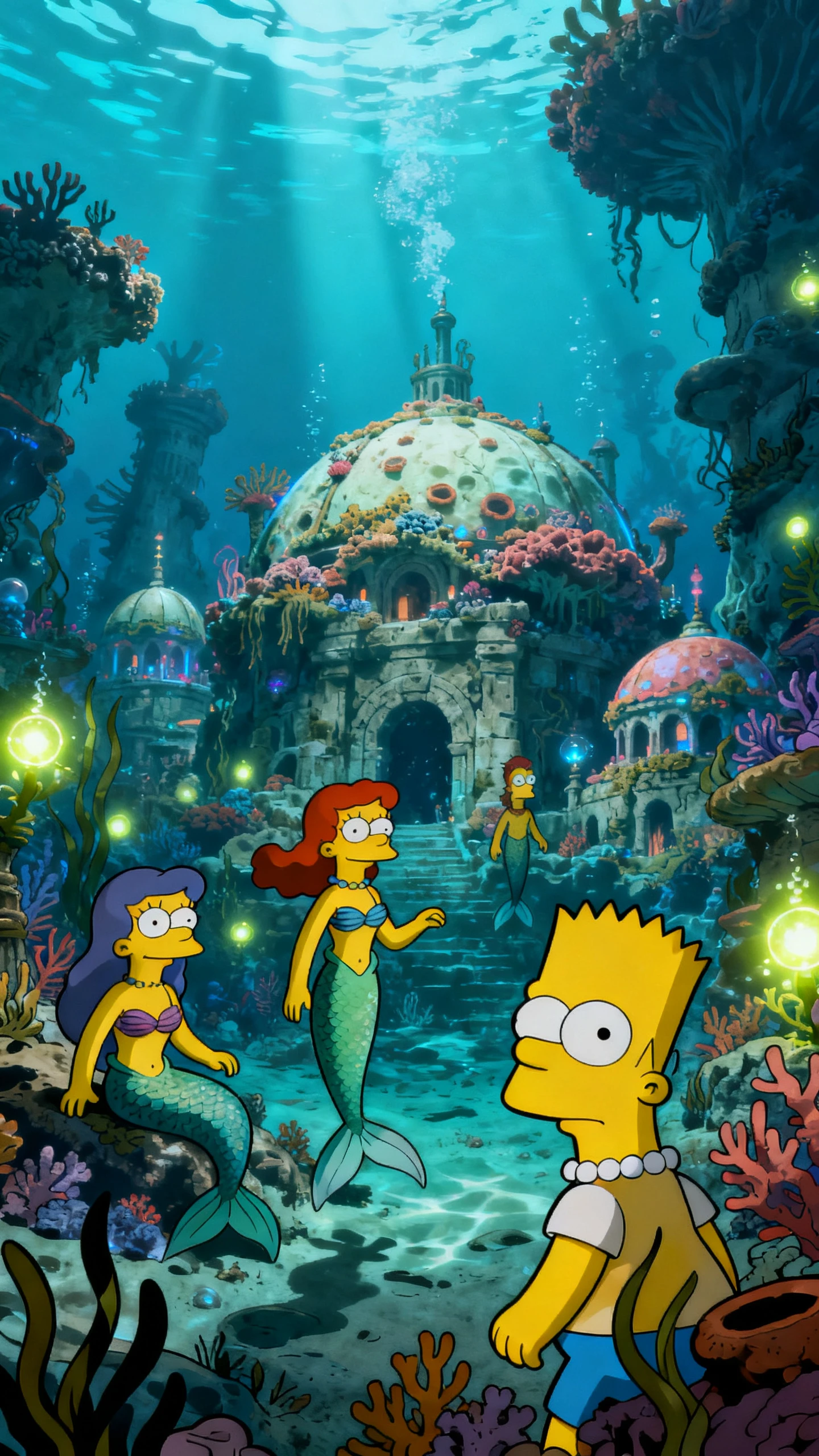
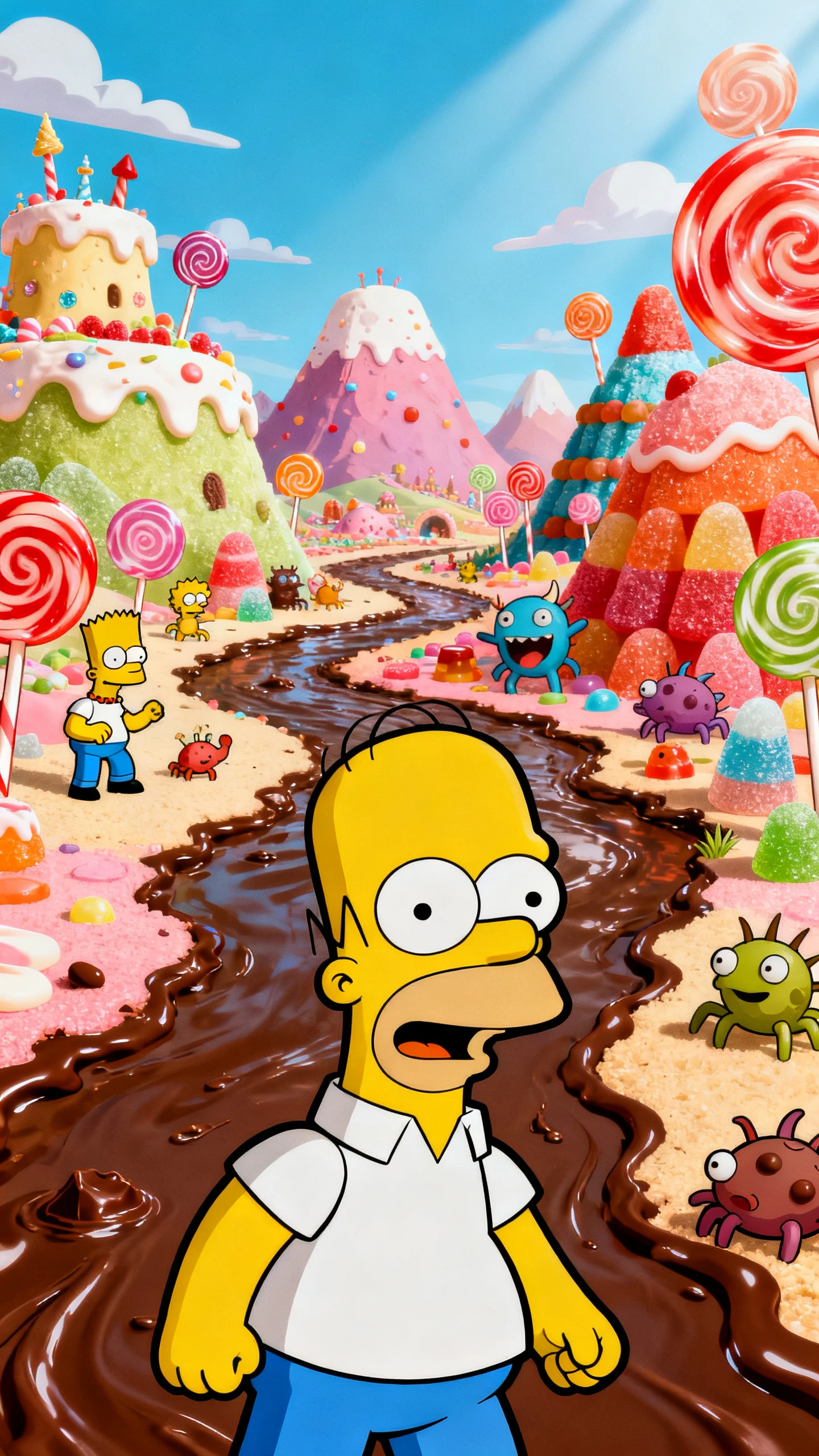
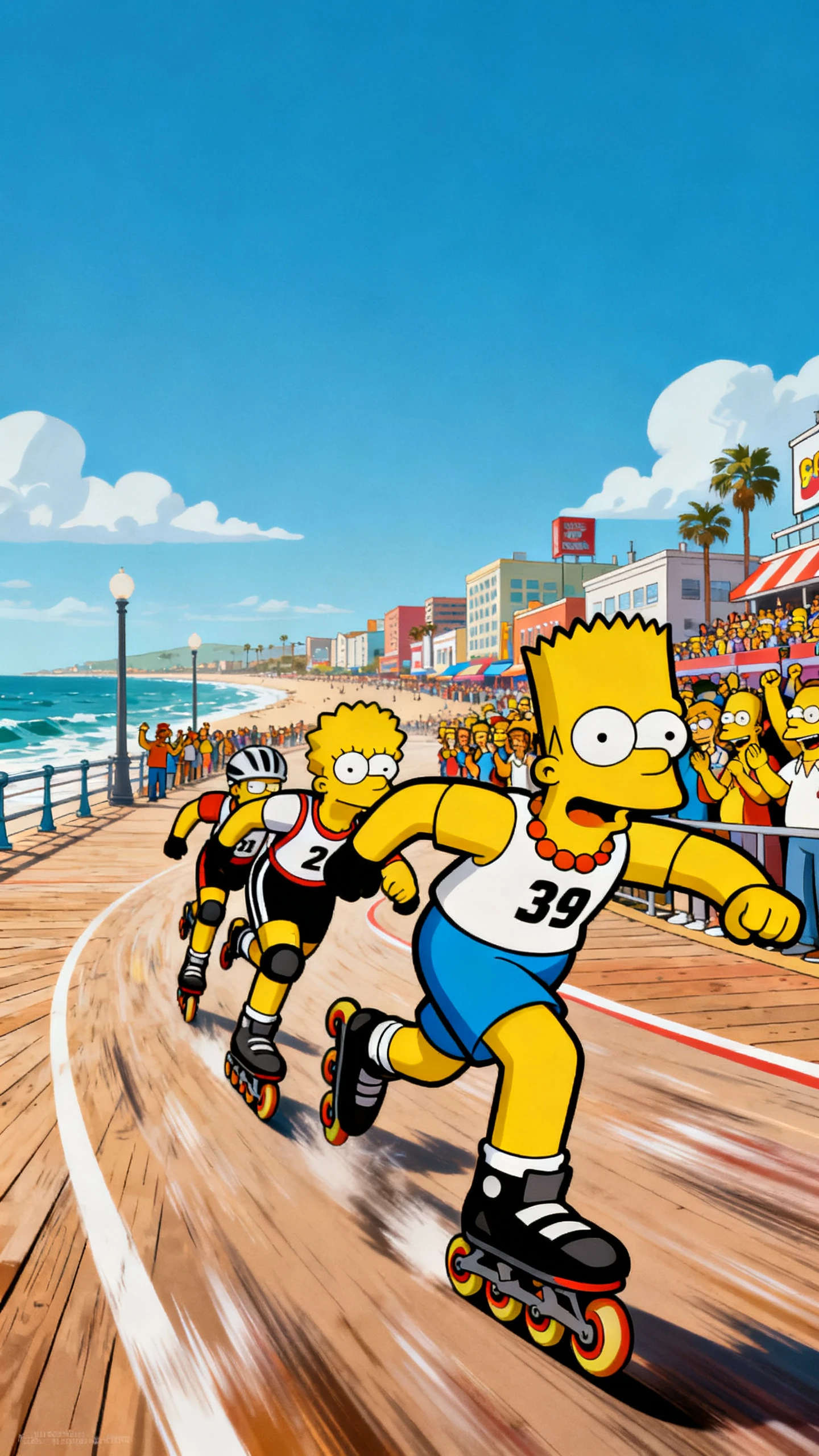
Simpsons-style AI cartoon video featuring family sitcom scenes and funny character moments
Simpsons style animated characters and sitcom storytelling visuals
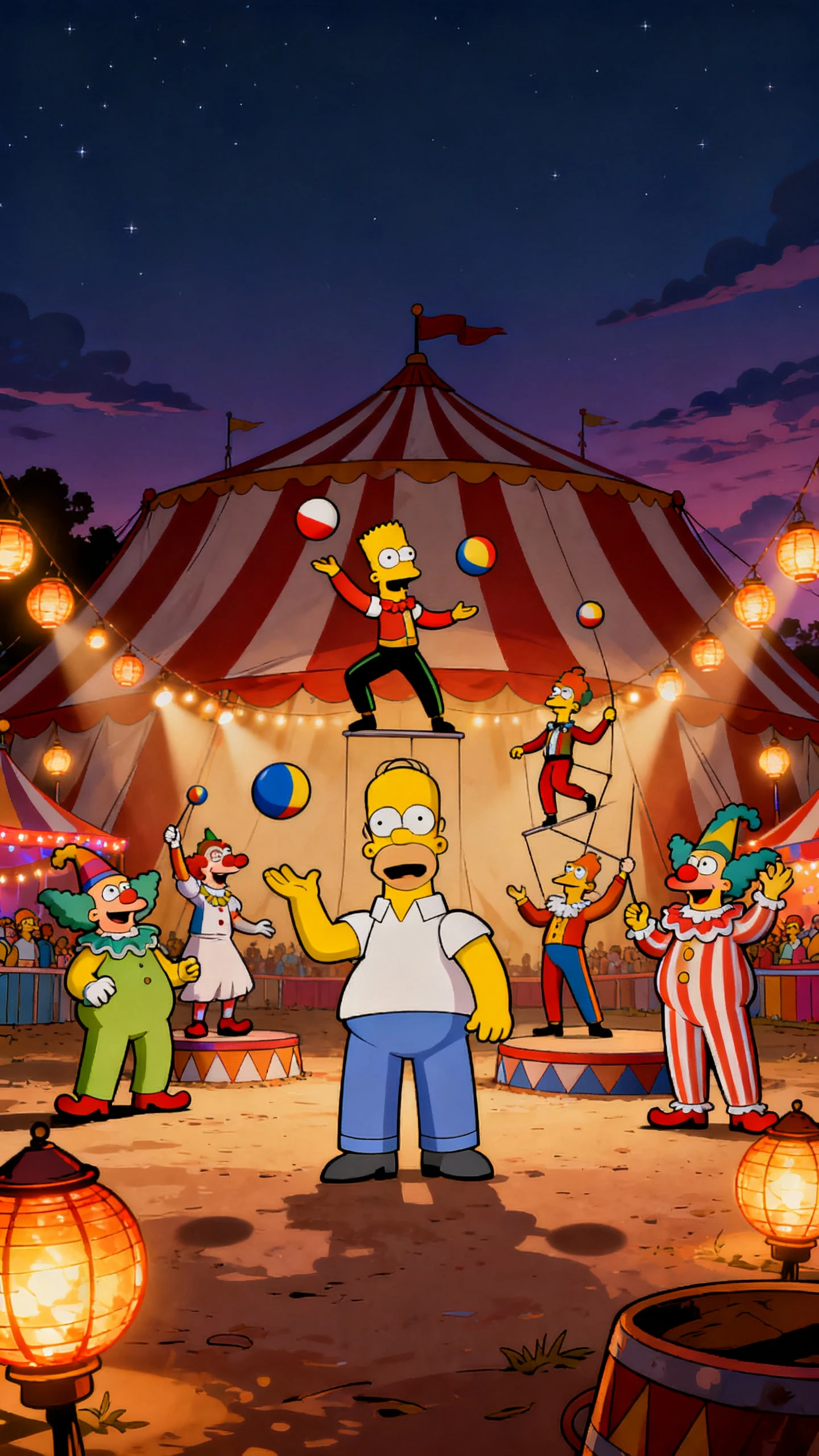
AI-generated Simpsons-style cartoon scene
Animated Simpsons sitcom storytelling example
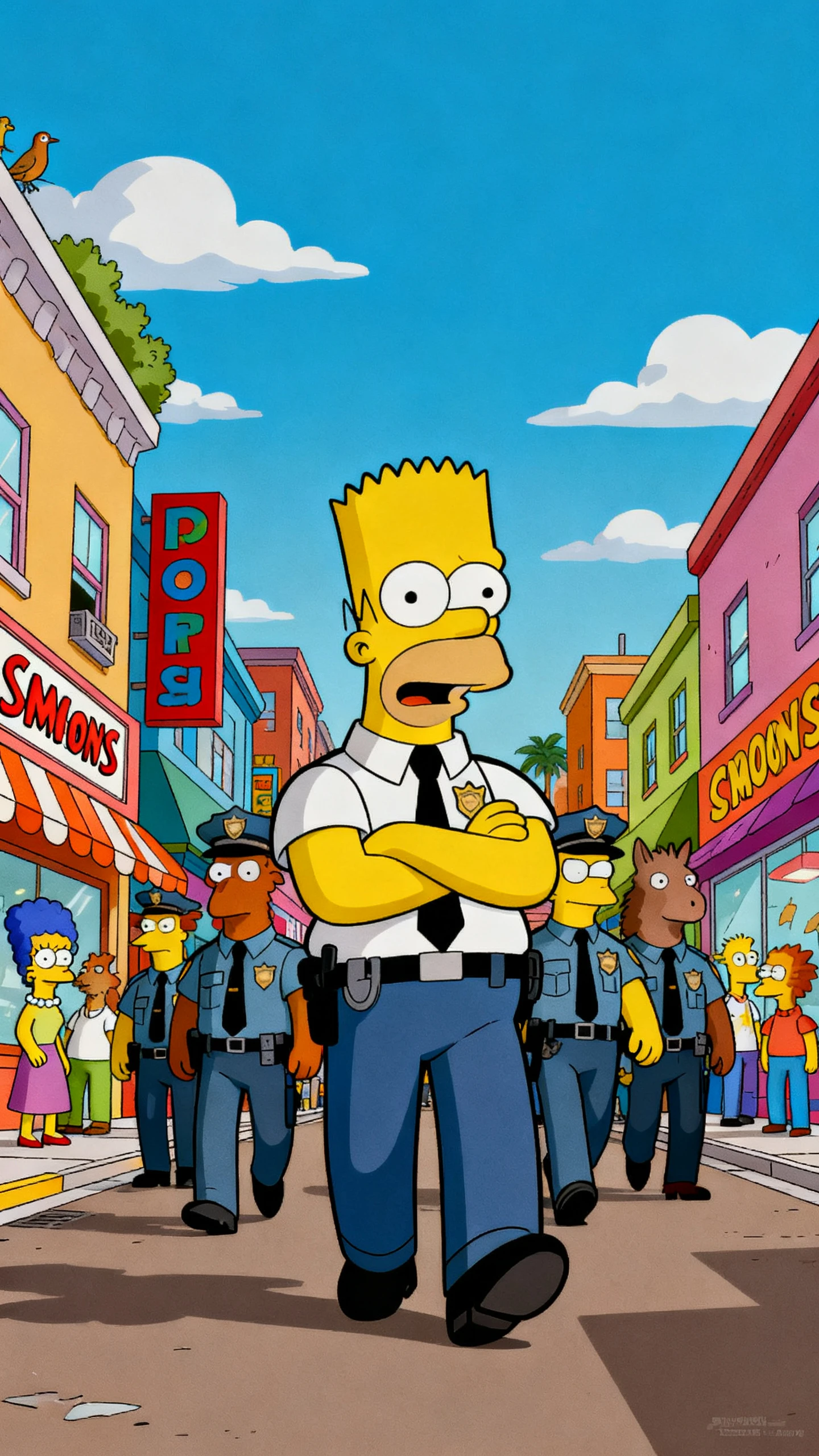
Simpsons cartoon example 2
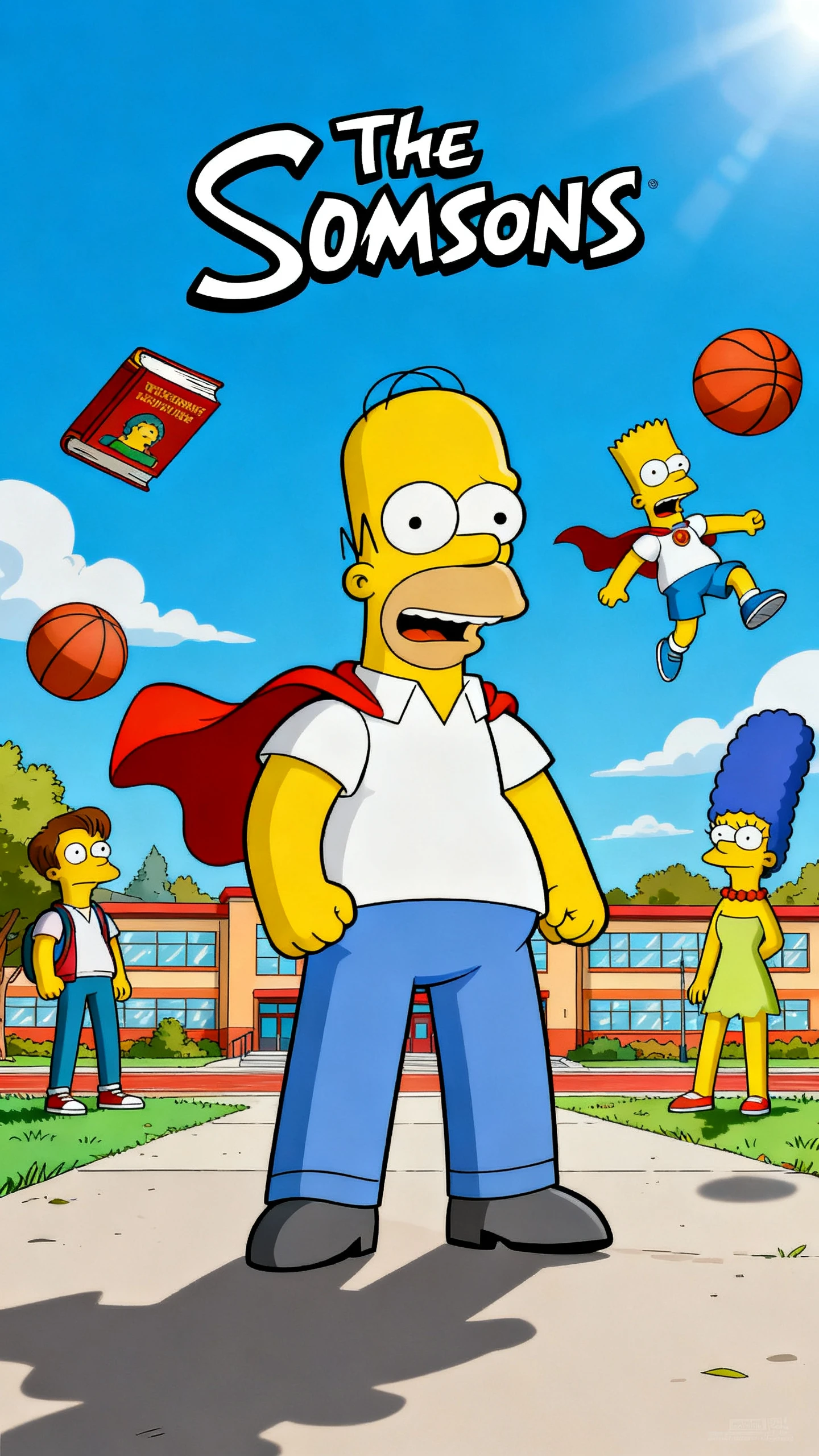
Simpsons cartoon example 3
Simpsons cartoon example 4
Simpsons cartoon example 5
Simpsons-style AI cartoon video featuring family sitcom scenes and funny character moments
Simpsons style animated characters and sitcom storytelling visuals
AI-generated Simpsons-style cartoon scene
Animated Simpsons sitcom storytelling example
Simpsons cartoon example 2
Simpsons cartoon example 3
Simpsons cartoon example 4
Simpsons cartoon example 5

Explore the Features of Magiclight AI Simpsons Video Generator

Family quirks make every sitcom memorable. A Simpsons-style video generator brings your cast, funny mishaps, and everyday moments to life as animated stories with Magiclight AI.

Create a Simpsons Video for Free
Simpsons style decoration

Design Characters From a Reference Photo

Upload a photo while creating a Simpsons-like character, then use up to 1,000 characters to describe their face, hair, outfit, body, and other defining details.

Set Your Cartoon World With 50+ Styles

Explore 52 visual styles to establish the look of your characters and surroundings. Keep the same Simpsons visual direction across family mishaps, workplace jokes, and everyday scenes.

Develop Sitcom Stories With MagicLight Agent

Give the Agent a family argument, awkward event, or funny situation. It develops the idea into a structured script and scenes that you can review before generation.

Cast Different Roles With 37 Voices

Assign from 37 voices to parents, kids, neighbors, friends, or coworkers. Separate voices make dialogue clearer and help every member of your sitcom cast feel distinct.

Who Can Use the Magiclight AI Simpsons Style Video Generator
Bring everyday chaos into a Simpsons-style AI video. Magiclight AI gives families, friends, teams, and creators the tools to make familiar moments feel sitcom-ready.
For Families and Special Occasions
Save family characters in the Asset Store and bring them back for episodes.
Preview comic reactions and family interactions using 50 character poses.
Take a family memory further with story guidance from MagicLight Agent
For Friend Groups
For Friend Groups
Use a reference photo to give each friend a recognizable cartoon identity.
Describe hairstyles, outfits, and signature details in 1,000 characters.
Try different cartoon directions for adventures across 50+ visual styles.
For Office Teams
For Office Teams
Fit retirement tributes, jokes, and office stories within 12,000 characters.
Assign coworkers distinct speaking parts from a selection of 37 voices.
Keep workplace punchlines easy to follow with 16 different subtitle settings.
For Comedy Creators
For Comedy Creators
Explore sitcom structures and comic directions using 14 story models.
Animate punchlines, reactions, and scene changes through 16 animation models.
Keep running jokes and bigger story arcs moving in videos up to 50 minutes.
Why Choose the
Magiclight AI Simpsons Style Video Generator
Sitcom magic lives beyond the punchline. A Simpsons-style video gains more personality with expressive poses, scene-ready music, readable captions, bold covers, and sharp output.
Take Every Episode in a New Direction
Explore 14 story models to change how a sitcom idea unfolds. Give the same family problem a playful, heartfelt, chaotic, or unexpected direction before creating scenes.
Keep Quick Conversations Easy to Read
Apply 16 subtitle settings to dialogue, jokes, and important lines. On-screen captions make rapid conversations easier to follow when several characters share a scene.
Land Every Joke With a Better Reaction
Use 50+ poses in Nano Storyboard to control how characters respond. Set up eye rolls, awkward stares, shocked faces, and exaggerated gestures exactly where the comedy needs them.
Make Every Episode Look Ready to Watch
Finish each story with 21 cover templates and 16 title styles. Give family adventures, workplace comedy, and recurring episodes a clear identity before viewers press play.
Give Each Scene the Right Sound
Set the atmosphere with 40 background music tracks. Add playful music to everyday chaos, softer tracks to family moments, or a lively tune to open and close an episode.
Bring Sitcom Scenes to a Bigger Screen
Generate episodes in 720p or 1080p for phones, computers, or larger displays. Characters, captions, and backgrounds stay clear when you share the finished cartoon video.

How to Make a Simpsons Style Video With Magiclight AI

Make a Simpsons-style AI video from a funny idea to a finished episode in 4 steps. Set the story, shape your cast, direct each scene, then add voices and sound.

1.

Step 1. Write Your Sitcom Story

Describe your sitcom idea or add a script of up to 12,000 characters. Use MagicLight Agent to develop the plot and organize the story into scenes before moving ahead.

2.

Step 2. Create Your Cartoon Cast

Upload a reference photo for each character, then use up to 1,000 characters to describe their face, hair, outfit, body, and other details before adding them to scenes.

3.

Step 3. Direct Each Funny Reaction

Open Nano Storyboard and work with 50 poses to stage each scene. Adjust expressions, character positions, and camera views to make jokes and reactions land clearly.

4.

Step 4. Add Voices and Finish

Assign from 37 voices, add a track from 40 music options, and apply one of 16 subtitle settings. Review your scenes, then generate the episode in 720p or 1080p.

FAQs on Simpsons Style AI Video Generator

Is this an official Simpsons product?

No. The Simpsons belongs to its creators and The Walt Disney Company. This tool runs separately from them and is meant for original sitcom-style videos.

Can I use the original Simpson family characters?

No. The show's family is owned by its rights holders. Use Magiclight AI for your own family, friends, and original characters in a similar cartoon style.

Can I turn real people into cartoon characters?

Yes, with their permission. Upload clear portraits, and Magiclight AI draws a cartoon version of each person. Only use photos of people who have said yes.

Can I add different voices to each cartoon character?

Yes. Magiclight AI offers 37 voices for your cast. Assign different voices to parents, kids, friends, or coworkers so conversations are easier to follow.

How long can a sitcom episode be?

Sitcom projects have a 50-minute ceiling. Classic sitcom episodes run around 20 minutes, while birthday or party videos work best at 2 to 5 minutes.

Can I make recurring cartoon episodes with the same family?

Yes. Save your characters in Magiclight AI and reuse them in later stories. This helps keep familiar family members recognizable across multiple sitcom episodes.


Create Your Own Simpsons Sitcom With Magiclight AI

Pick a family moment that deserves its own episode. Create your cast from reference photos, then let Magiclight AI bring the story to life as a cartoon sitcom worth replaying.