Explore the Magiclight AI Video Presentation Maker Features
Give Magiclight AI the notes you would normally put on slides. The video presentation maker helps turn them into a spoken story with scenes your audience can follow easily at home.

Turn your key points into a narrated video presentation with Magiclight AI. Make your pitch, product overview, or business idea more engaging without building slides. No video experience needed.
Create a Video Presentation for Free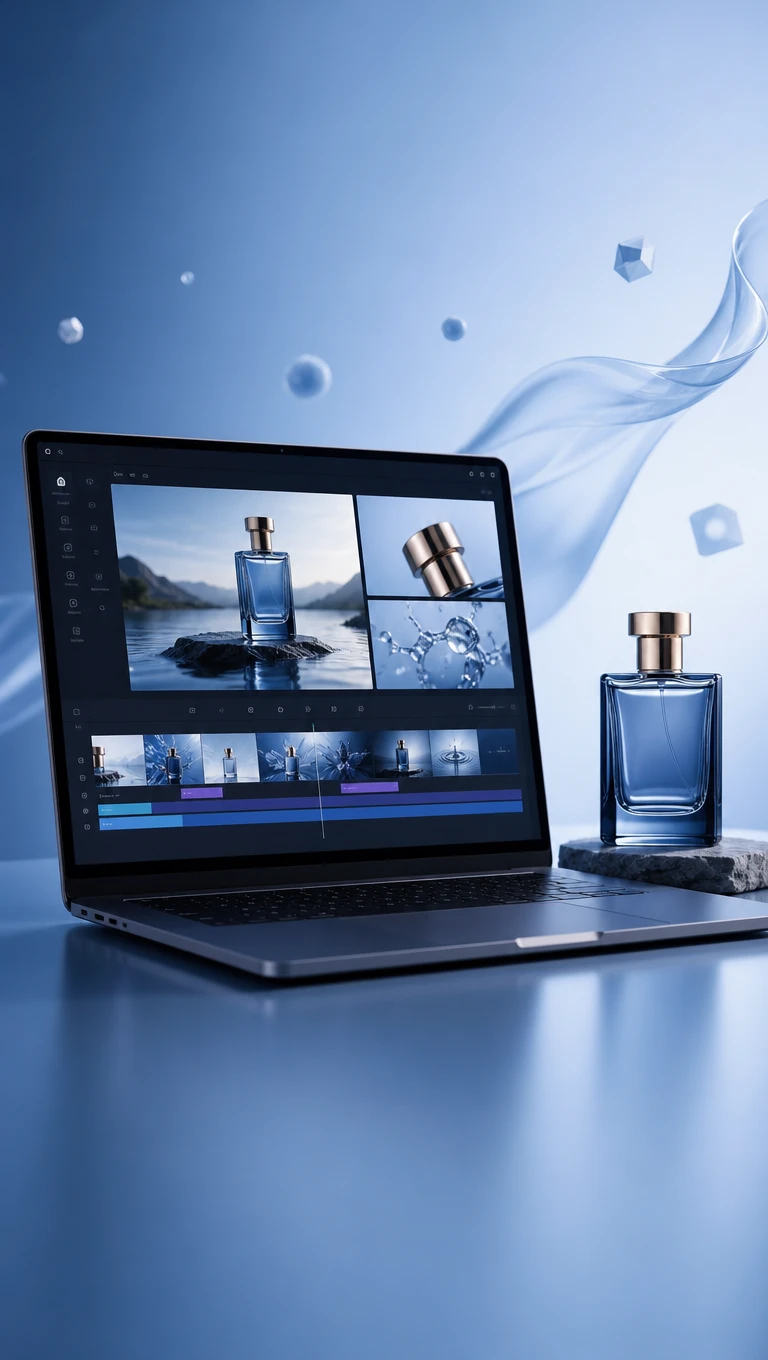


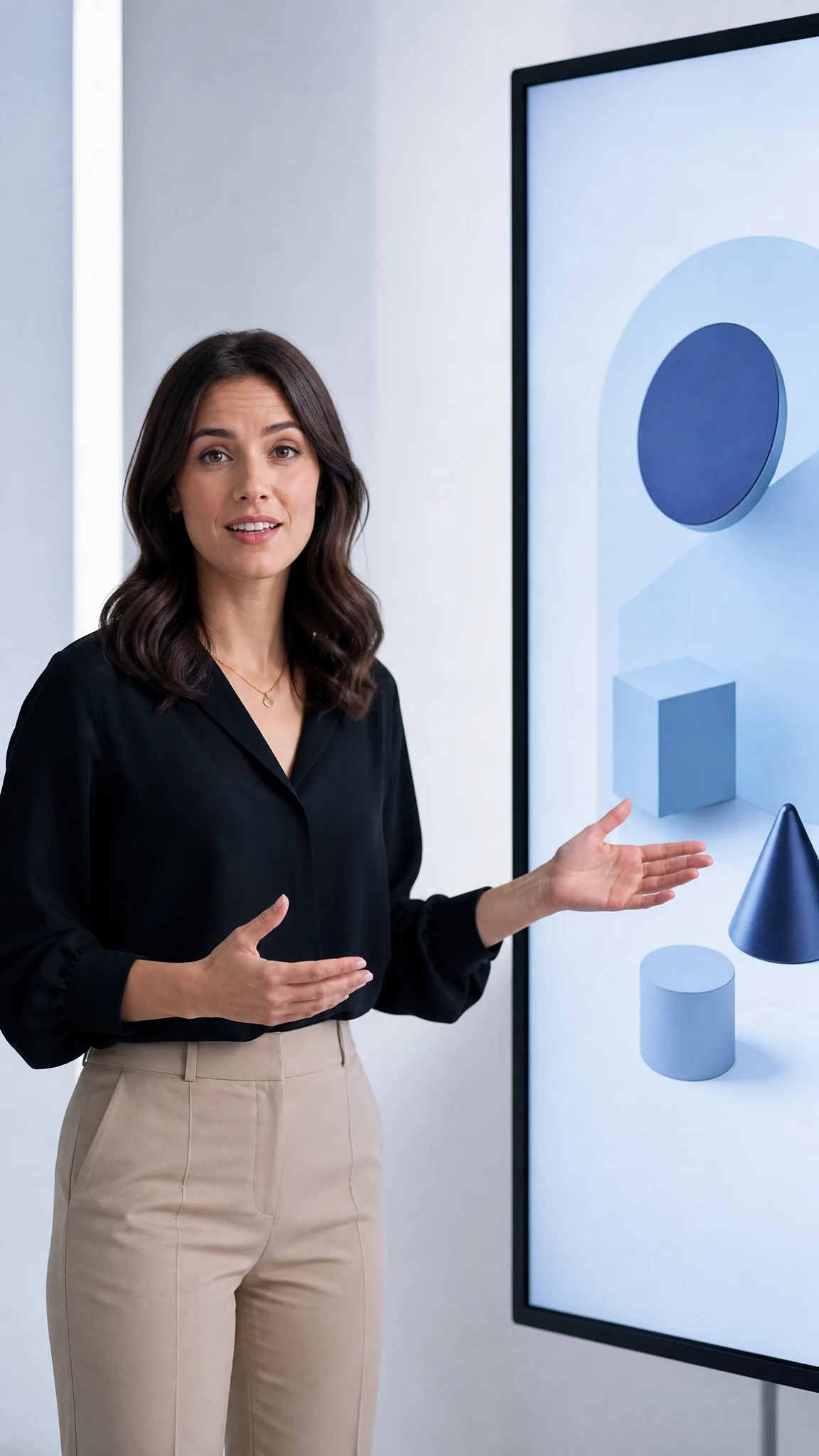
Give Magiclight AI the notes you would normally put on slides. The video presentation maker helps turn them into a spoken story with scenes your audience can follow easily at home.
Start with your own notes and let MagicLight Agent arrange the points into a script. Read the draft and change any lines that do not sound right before making your video.
Record a short sample of your voice for the presentation. Magiclight AI uses voice cloning to narrate your video, keeping the delivery familiar even when you cannot present in person.
Magiclight AI accepts 12,000 characters of script text for a presentation. There is room to explain your subject, share examples and cover the details your audience needs to understand.
Pick from 16 caption styles to suit your presentation. The captions appear on screen as the narration plays to help you follow the main points without reading a crowded slide.


The Magiclight AI video presentation maker takes you from an initial idea to a finished video in 4 steps. You can check how everything looks before the final video is made.
Paste up to 12,000 characters of text into Magiclight AI. MagicLight Agent works out the video niche from your script and prepares a story draft for you to check before continuing.
Your presentation needs a look that matches its subject. Browse the available visual styles and settle on one before choosing a character that belongs in the story.
Check how each scene looks in Nano Storyboard. Change anything that seems out of place, then let MagicLight Agent animate the scenes into a complete video.
Pick from 37 voiceover options and 40 background music tracks. Apply one of 16 caption styles before generating your presentation and saving the finished video.
A video presentation explains a topic through narrated scenes. Magiclight AI uses your written outline to generate a video that people can watch without a live presenter.
No slides are needed. Just enter your presentation notes into Magiclight AI, and the tool prepares scenes from your content without asking you to design a slide deck.
Yes. The Magiclight AI video presentation maker supports voice cloning, so your presentation can sound like you. A recorded voice sample is needed to create the narration.
An illustration video maker focuses on visual explanations. Magiclight AI's presentation tool is better suited to sharing a proposal with a particular audience.
Yes. Nano Storyboard lets you revisit individual scenes before generating the final video. You can adjust a scene that does not match the message you want to convey.
Yes. Magiclight AI supports character consistency across presentation chapters. Your chosen character can return in later scenes without changing their appearance.



Bring your outline to Magiclight AI and turn it into a video presentation with your own voice and a message your audience will remember.