MagicLight Agent for TikTok Scripts
Write a few lines about the video you have in mind. MagicLight Agent uses your description to draft a script that you can review and edit before creating your TikTok.
Create a TikTok Video for Free
Turn your funny stories and creative ideas into TikTok videos with Magiclight AI. Add narration and captions to bring your ideas to life without filming anything yourself. No editing skills needed.
Create a TikTok Video for Free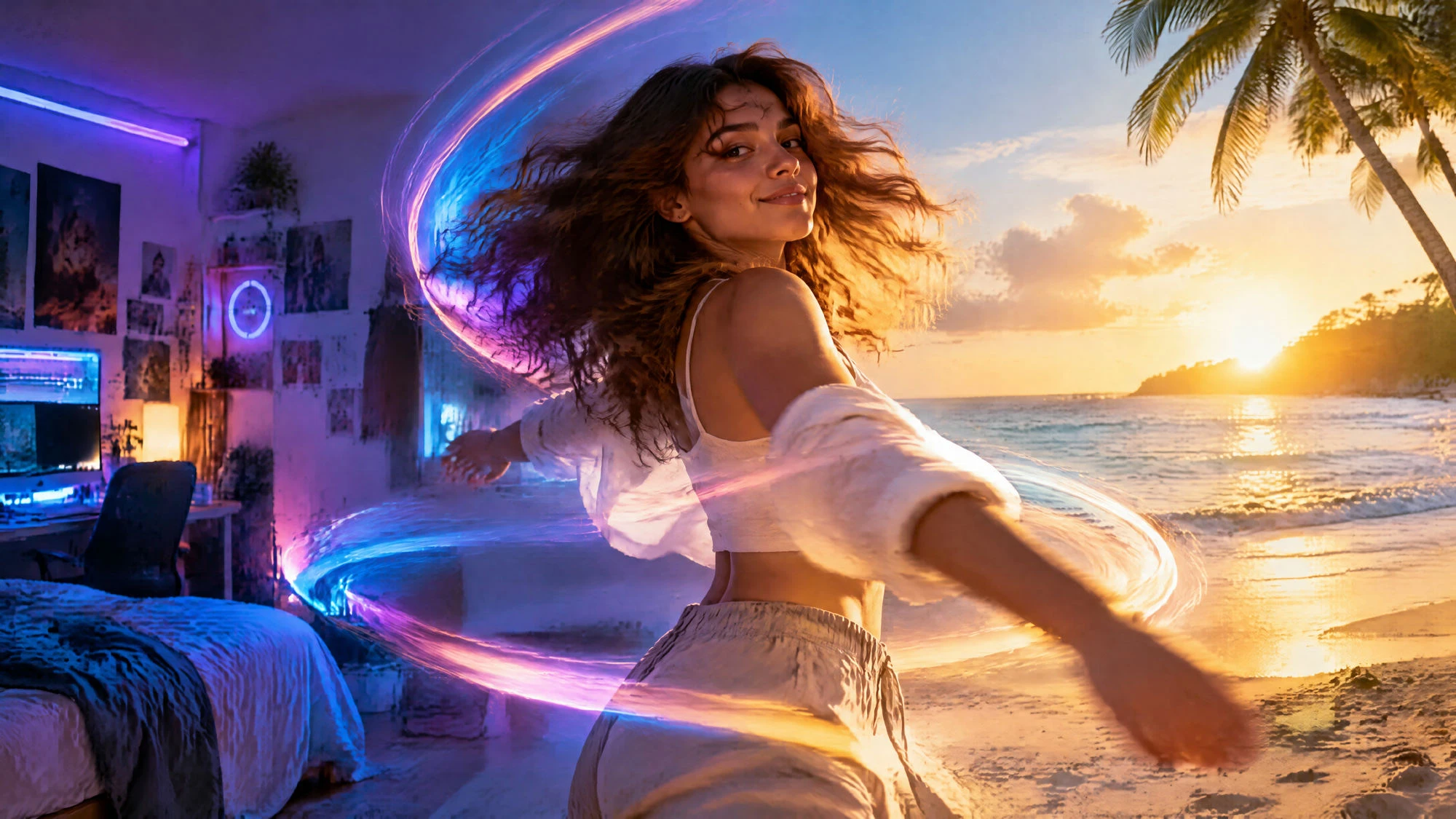










Give this tool a TikTok idea you have been saving for later. The Magiclight AI TikTok video maker helps you turn that idea into something you can finally share with your followers.
Write a few lines about the video you have in mind. MagicLight Agent uses your description to draft a script that you can review and edit before creating your TikTok.
Create a TikTok Video for FreeA ghost story sounds better with a quiet voice than a cheerful one. Magiclight AI has 37 voices you can listen to before picking the one you want your TikTok viewers to hear.
Create a TikTok Video for Free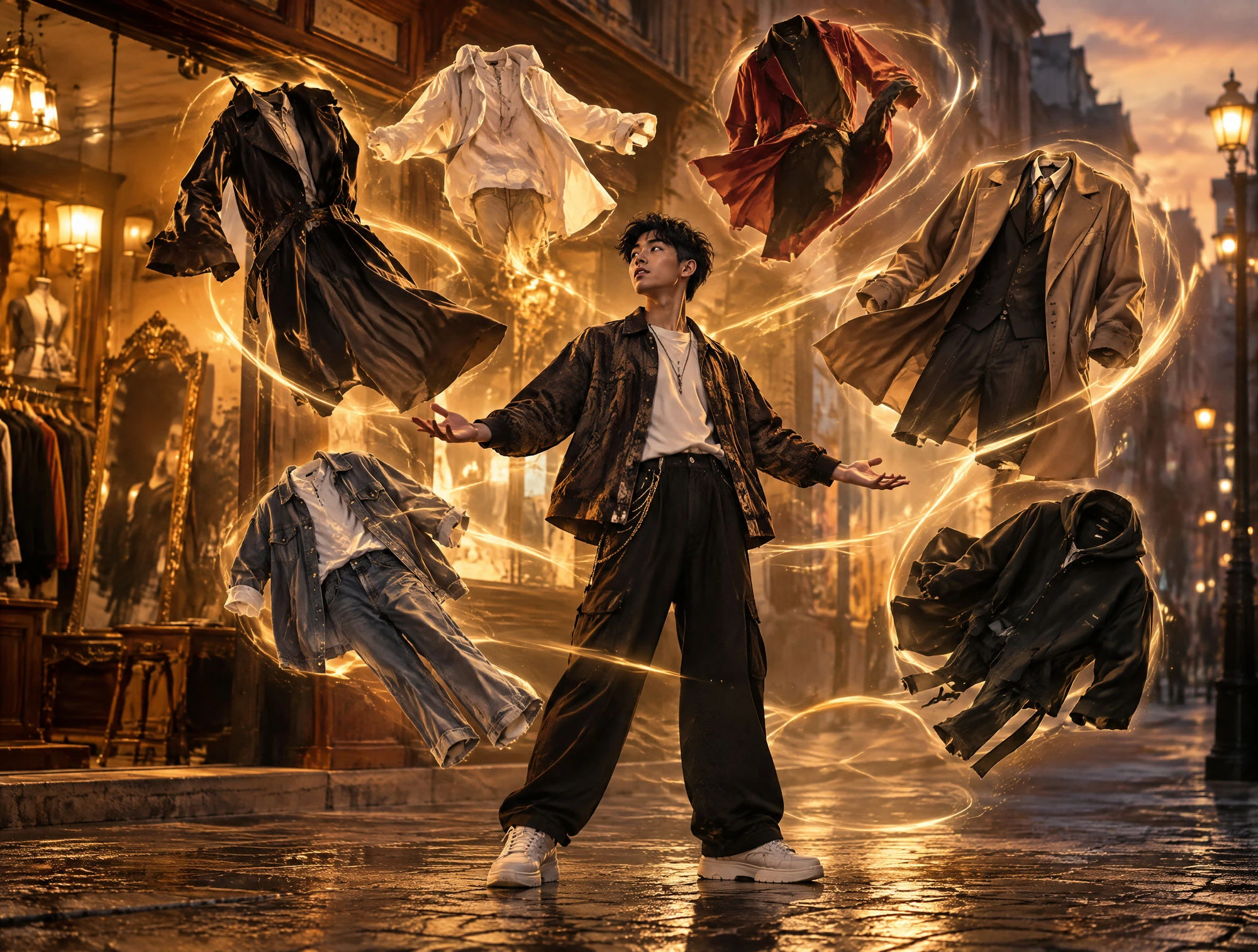
Magiclight AI gives you 12 languages to use for your TikTok videos. Pick the language your viewers speak and use lip sync to make characters move their mouths along with their dialogue.
Create a TikTok Video for Free
TikTok videos usually fill the phone screen from top to bottom. Magiclight AI lets you use the 9:16 format for that look. A horizontal option is available for wider videos.
Create a TikTok Video for Free


The Magiclight AI TikTok video maker takes you through 4 steps. Begin with your script, prepare the scenes and finish by setting the video format before exporting.
Write a short video idea or paste a script containing 12000 characters. MagicLight Agent prepares the story for your TikTok. Read through the draft and confirm it to continue.
Select a look from over 50 visual styles for your TikTok. Choose or create characters that belong to your story and check their appearance before moving on to the next stage.
Go through the scenes inside Nano Storyboard and look for anything that needs changing. Fix character poses or replace an unsuitable shot before generating the complete video.
Pick a narrator from 37 voice options and add music to the video. Set the screen format to 9:16 for TikTok, generate the finished video and export it for your account.
Content Creator
Most of my TikTok ideas sit in my notes for weeks. This makes it easier to actually use them. I still change a few things before posting, but that's fine with me.
Author
My book has a scene in an old railway station that I wanted to share on TikTok. Seeing the characters there was lovely, even though I had to adjust a couple of shots.
Social Media Manager
We needed something for a product announcement on Friday. The first version wasn't quite right, but changing the scenes took less time than arranging another shoot.
Language Teacher
The little conversations work well for my beginner lessons. My students like hearing the phrases spoken aloud, and I usually add a short explanation before sharing each video.
Yes, but the original audio will still play. Open TikTok's editor and lower the added sound until the narration is easy to hear. You can also mute the extra sound if needed.
The Magiclight AI TikTok video maker offers background music for your videos. Business accounts should check music permissions and use TikTok's Commercial Music Library as needed.
Magiclight AI offers 37 voice options as well as voice cloning. Record a sample of your own voice for narration. Only use another person's voice if they have given permission.
Captions help when someone watches TikTok without sound, especially on a bus or at work. Magiclight AI offers 16 subtitle styles to keep the spoken words visible on the screen.
Magiclight AI supports narration in 12 languages, including English and Spanish. Pick the language your audience understands before making the video and listen to the result.
Open Nano Storyboard and find the shot that looks wrong. Adjust the character's pose or change the scene before generating the final video. Your script can stay as it is.



Put that idea you've been saving to good use. The Magiclight AI TikTok video maker helps turn it into a video ready to share.