12,000 Characters for Long‑Form Scripts
Scripts can run to 12,000 characters, enough for a full long‑form episode. Edit any line before generation, and Magiclight AI creates the scenes from the version you approve.
Create Now

Your next upload can go from topic to video without a camera or mic. Magiclight AI writes the script and turns it into narrated, animated scenes. No recording or editing needed.
Create a YouTube Script for Free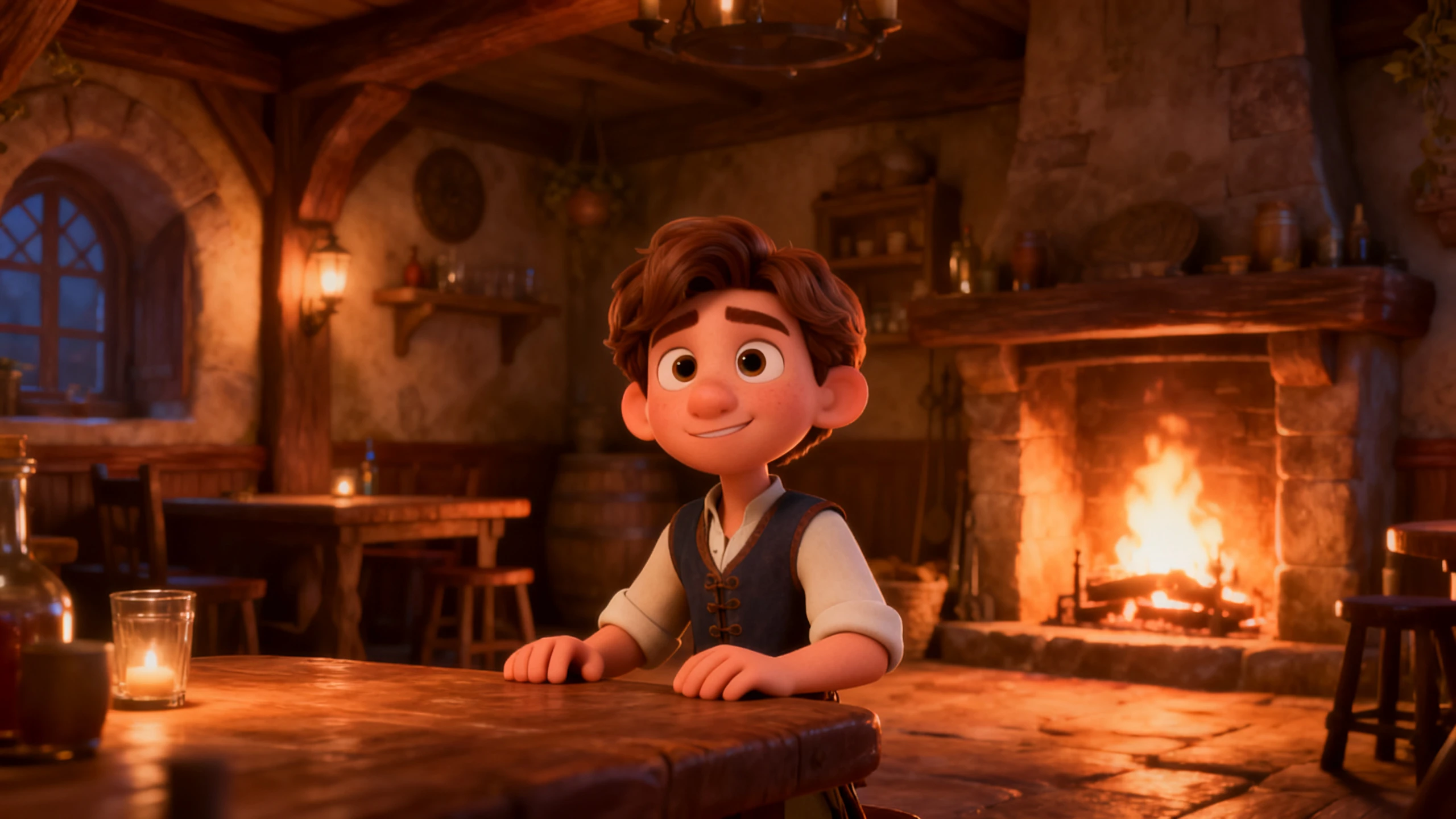










For a simpler workflow, the MagicLight AI YouTube video script generator keeps writing and video setup in one place. Choose the format, review the wording, and select the narration voice.
Scripts can run to 12,000 characters, enough for a full long‑form episode. Edit any line before generation, and Magiclight AI creates the scenes from the version you approve.
Create NowPick one of 14 story models to write the script. Try a second model on the same topic when you want a different tone, pace, or structure, then keep the draft that fits.
Create Character
Enter a topic or a rough idea for the video. Magiclight Agent picks the format, such as an explainer, a story, or an interview, then writes the script for you to confirm.
Pick Voice
Magiclight AI offers 37 voices for narration, with filters for age, gender, accent, and scenario. You can also clone your own voice, so each upload keeps the sound your viewers know.
Start Creating


With the Magiclight YouTube script generator AI, a video starts with one topic and moves through 4 stages. Check the script, review the scenes, and add the audio before finishing.
Enter the video topic, a rough idea, or your own draft. MagicLight Agent chooses the format, writes the full script, and lets you edit and confirm it before it creates scenes.
Select the video style out of the suggested options. Then pick a suggested character or create a host who appears in every episode.
Open Nano Storyboard and check each scene against its line in the script. Change a pose or camera angle where needed, then MagicLight Agent animates the video.
Continue to choose a proper subtitle style and background music, then generate the video for your YouTube channel.
YouTuber
I used to write scripts in one app, record the voice in another, and hunt for visuals for days. Magiclight AI keeps the script, the narrator, and the scenes in one project.
Teacher
My students re‑watch the lesson videos before tests, so the script has to be clear. Magiclight AI writes it from my lesson notes, and I fix any line before the scenes are made.
Marketing Specialist
We needed a short YouTube video for each new product. Now Magiclight AI writes the script from our product notes and makes the video with our mascot presenting it.
Content Creator
Every long episode I post now gets a Short from the same topic. Magiclight AI writes the short version and keeps my characters, so viewers recognize them in both.
No, Magiclight AI YouTube video script generator writes new scripts and does not extract transcripts. For an existing video, YouTube's Show transcript option works on most videos with captions.
Magiclight AI gives new accounts free credits, so you can write a first script and turn it into a short video. Longer uploads and commercial use need a paid plan.
Magiclight AI is created to turn the script into an animated, narrated video. If you plan to film yourself on camera, a text‑only script tool may fit that job better.
A clear opening, one main idea per section, and an ending that points to the next video. Magiclight AI adds the narrator and scenes, so you can check each part on screen.
They can. Pick the interview format or write the dialogue, and Magiclight AI puts both speakers in one scene, each with a different voice from the 37 available.
Magiclight AI writes and narrates scripts in 11 languages, including Hindi, Spanish, Portuguese, and Arabic. One topic can become a video for viewers in several countries.



Enter the topic of your next upload and confirm the script. The Magiclight AI YouTube script generator turns it into a video that is ready for your channel.