Explore Google Flow AI Video Generator Features
Creating separate clips is only part of the process. The Google Flow AI video generator gives you tools to connect and control your scenes.

Create one shot, extend the scene, then add another clip on the timeline. Flow uses reference ingredients to keep characters and settings consistent. No editing experience is needed from day one.
Start Creating Free


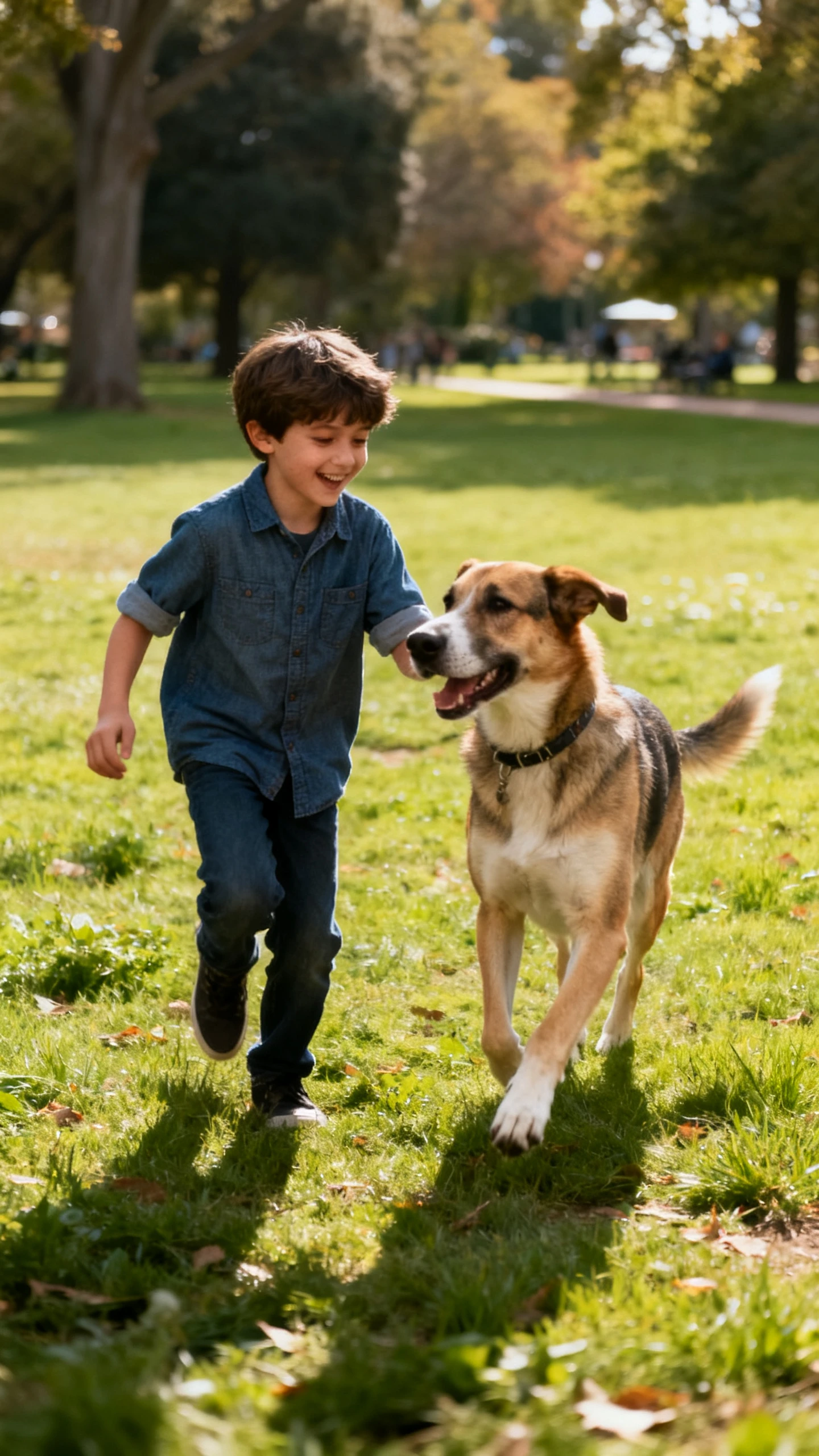
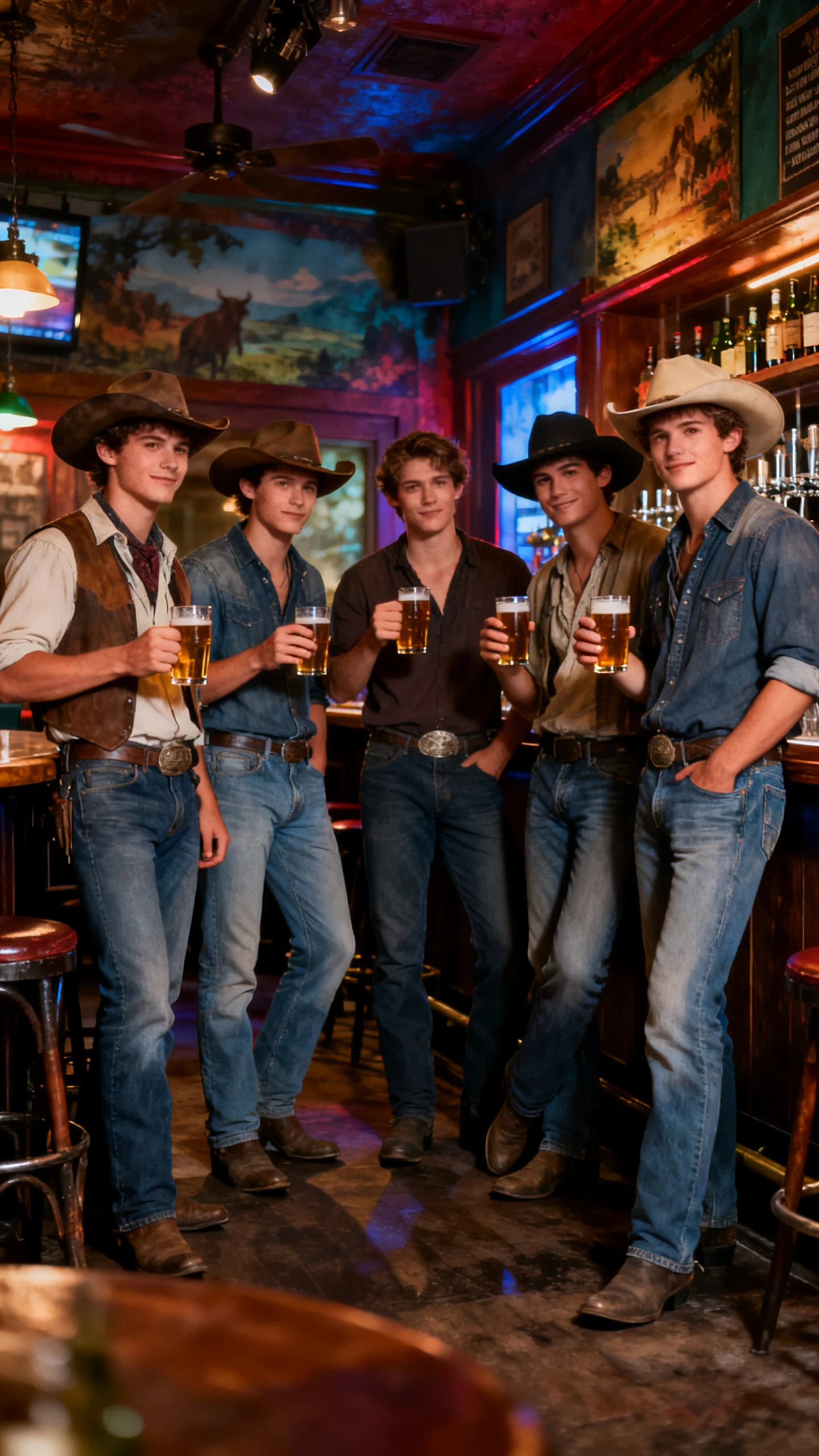
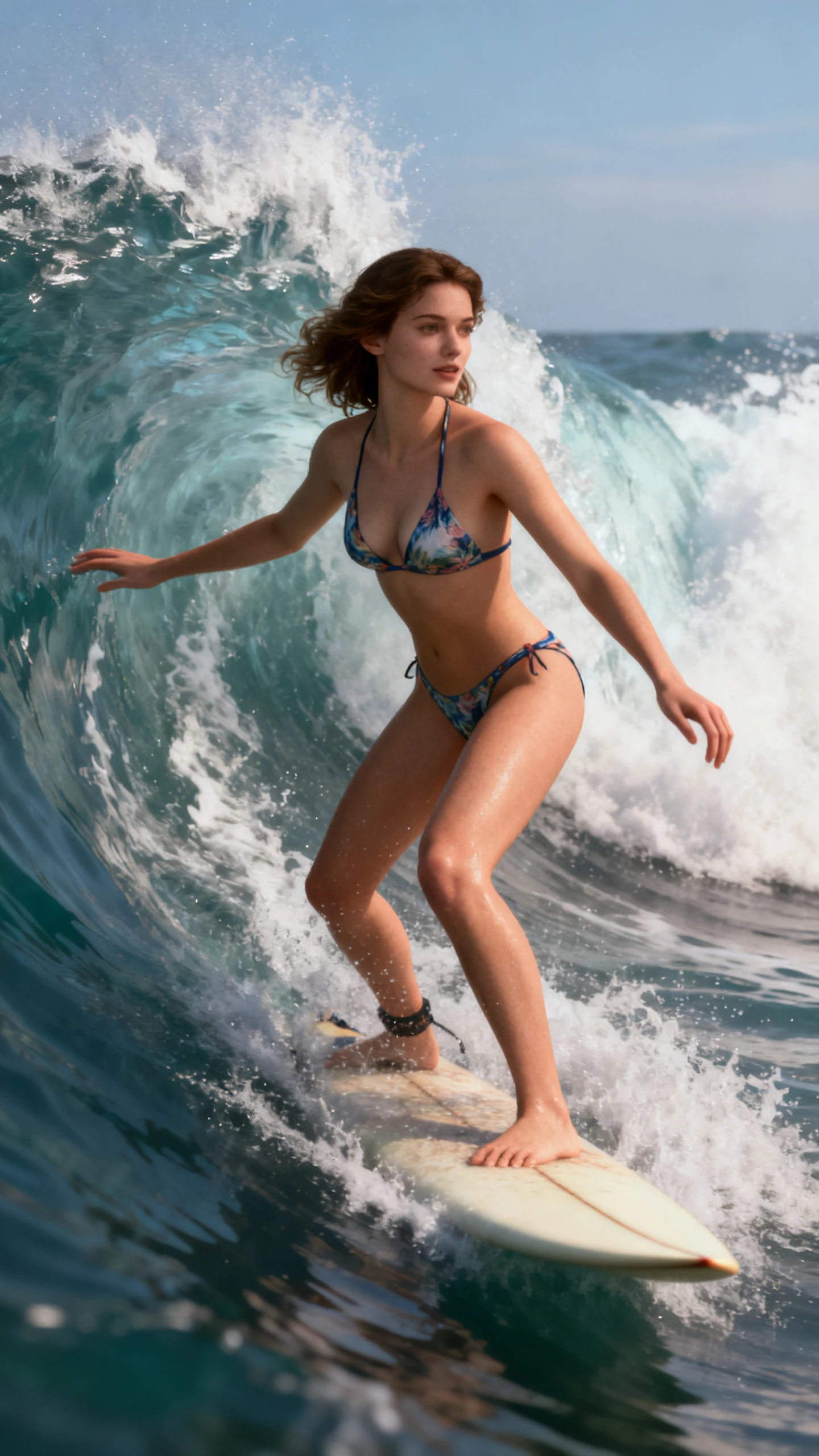

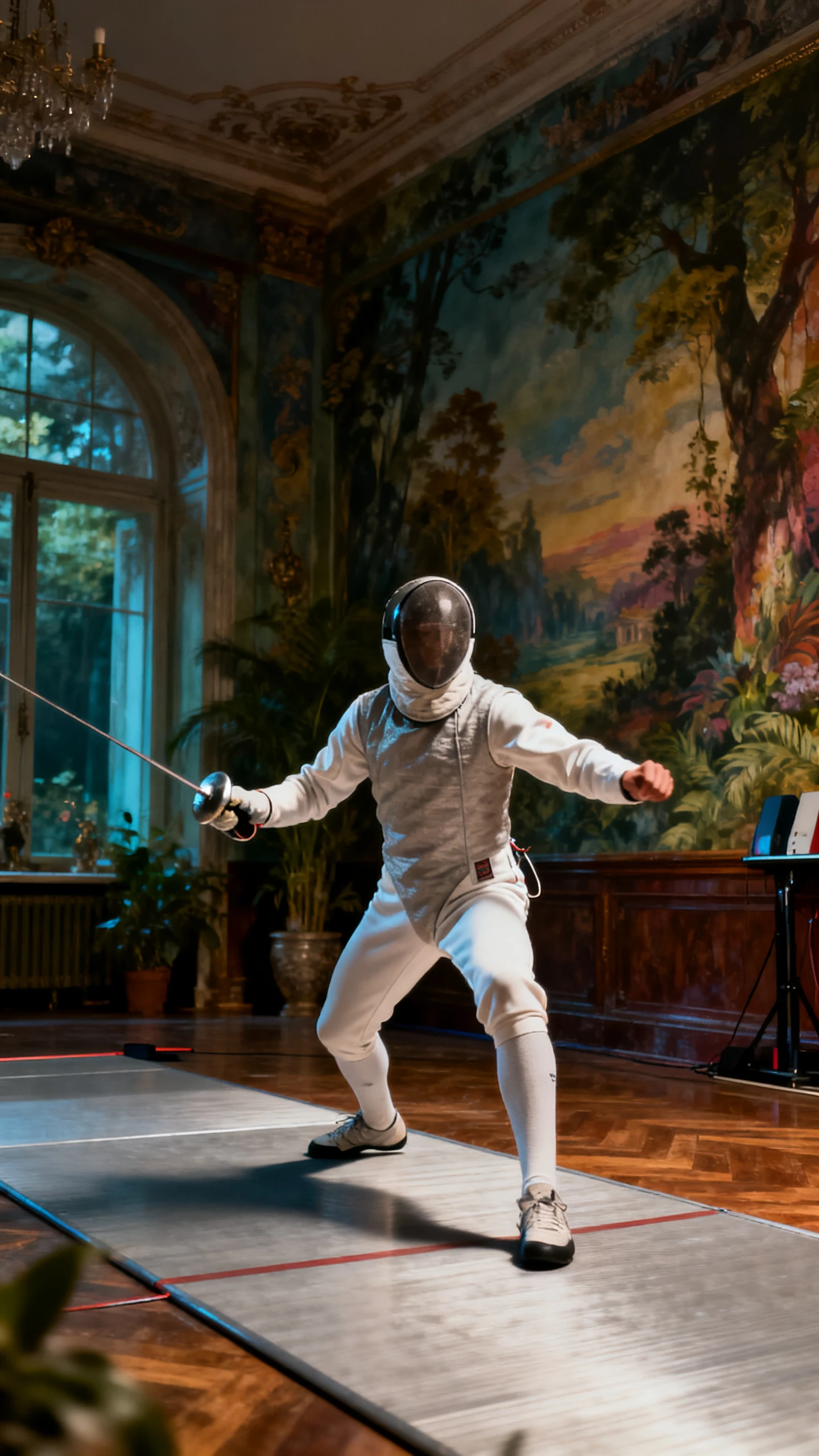
Creating separate clips is only part of the process. The Google Flow AI video generator gives you tools to connect and control your scenes.

Place generated clips inside Scenebuilder and arrange them in story order. Adjust timing, extend shorter shots, and connect separate generations into a longer scene while keeping the full main video project in one Flow space.
Add reference images for a character, object, or visual style before generating. Flow uses those Ingredients across new shots, helping the same faces, clothing, objects, and overall look stay consistent throughout the project.
Choose a starting image and an ending image to control where your shot begins and finishes. Flow creates movement between both frames, giving you more control over transitions and how each scene develops from start to finish.
Veo 3.1 can generate sound together with video directly inside Flow. Add dialogue, background sounds, or other audio while creating scenes, so finished clips can arrive with matching sound without using a separate audio tool.
The Google Flow AI video generator gives filmmakers more control over connected scenes. Here are 3 reasons creators choose Flow for longer video projects.
A single Veo clip can run for 8 seconds, but Flow lets you extend it further. Connect extended shots inside Scenebuilder to create longer scenes, so the 8-second limit does not limit your complete project.
Start Creating Free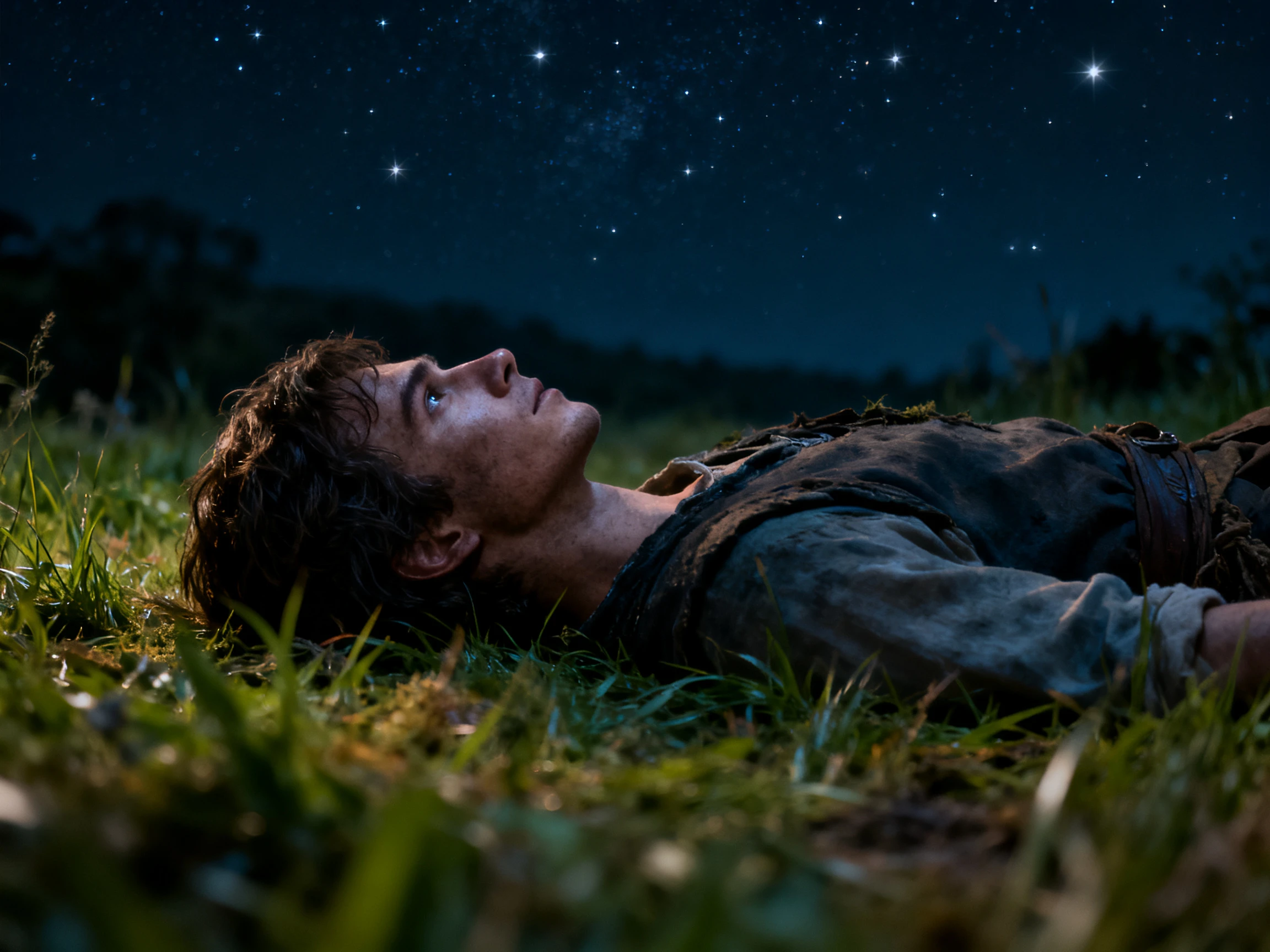
Flow brings Veo, Imagen, Nano Banana, and Gemini into the same creative space. Generate video, work with still images, and use simple prompts without moving files between different tools while creating your scenes.
Start Creating Free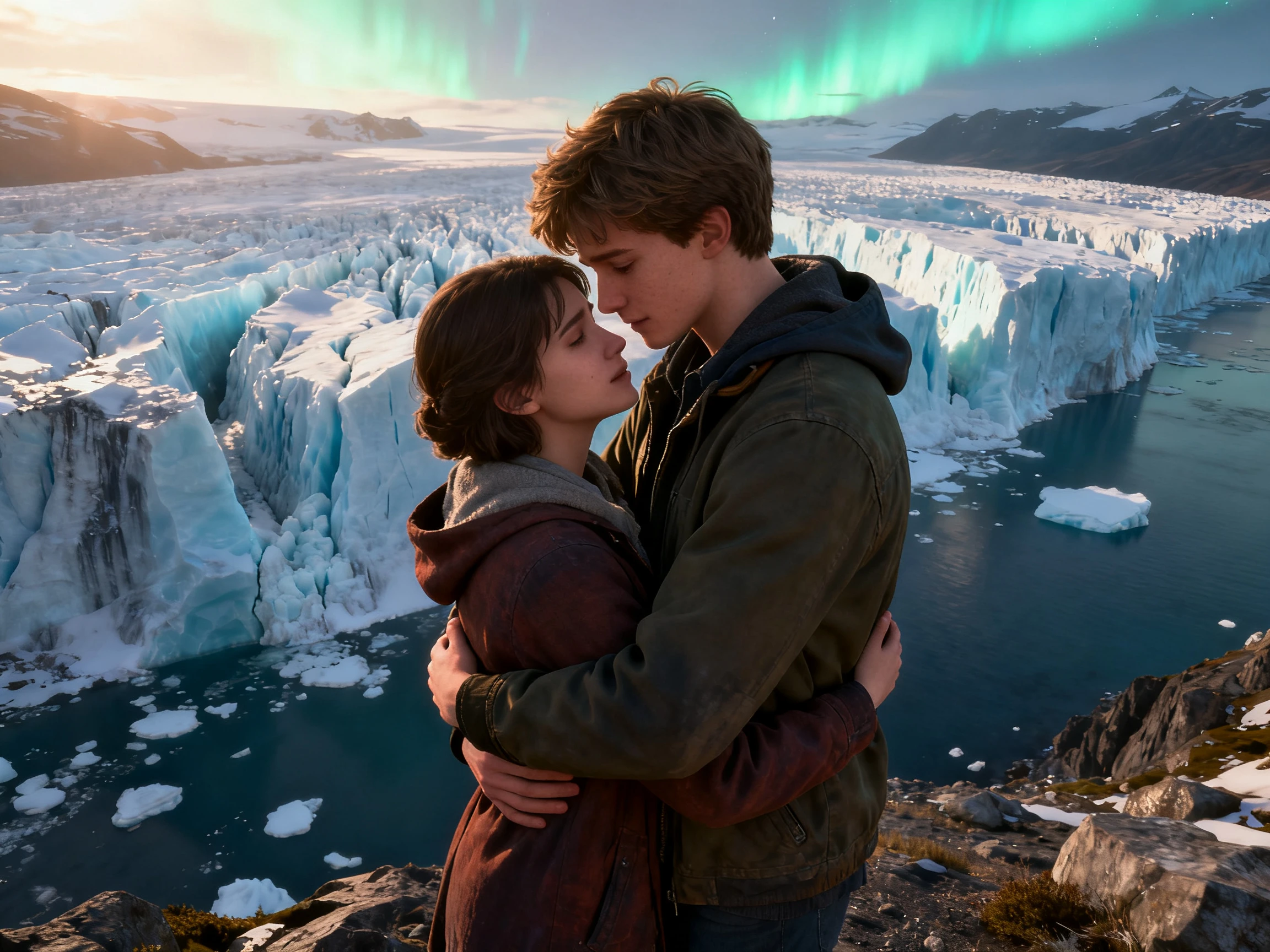
Flow TV lets you watch clips created by other users and view the prompts behind them. You can see how different instructions shape each result, giving you useful examples when writing prompts for your own scenes.
Start Creating Free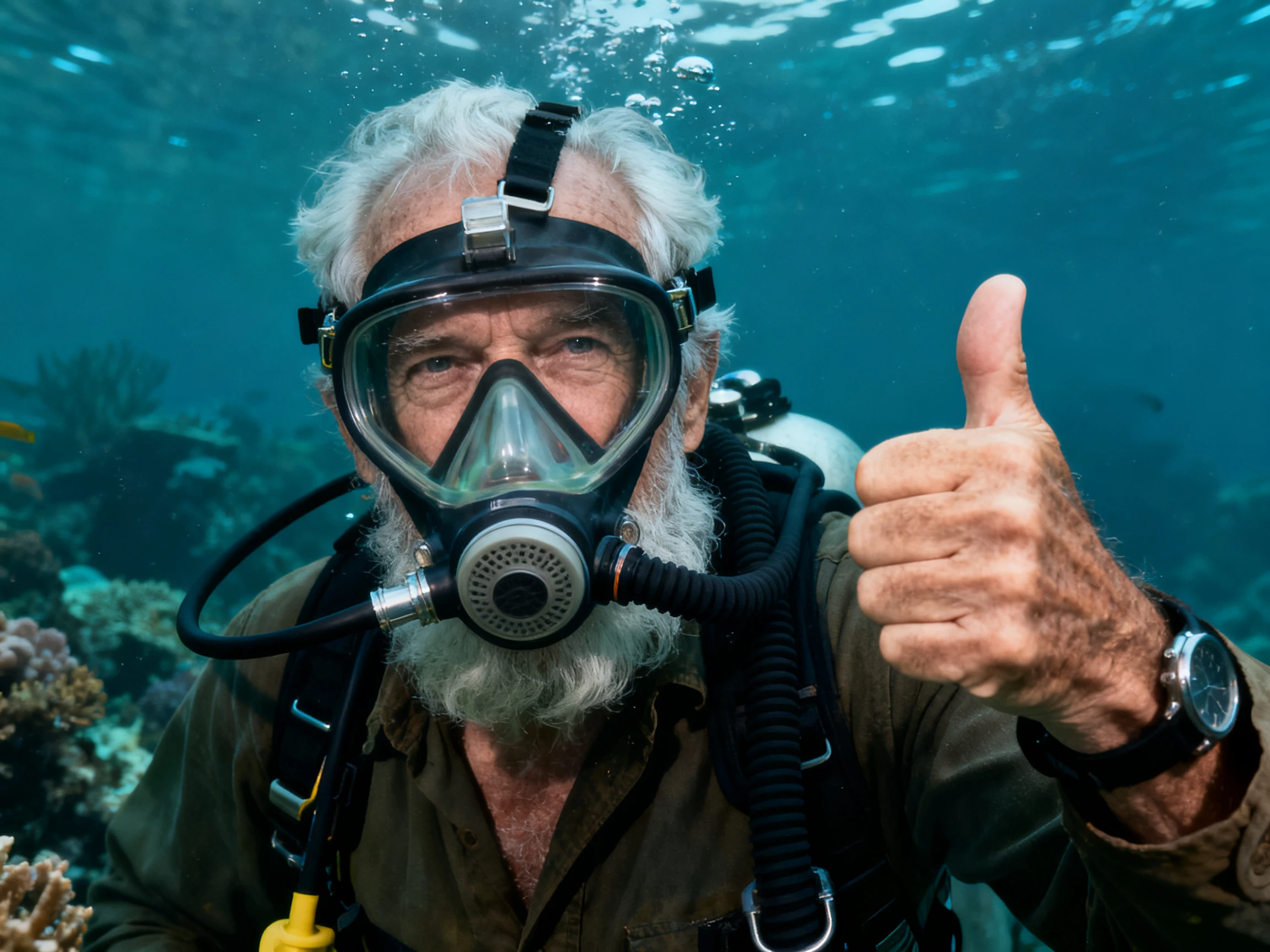
Compare the Google Flow AI video generator with other AI video tools. See which platform works best when your project needs several connected scenes.
| Platform | Clip Length | Scene Assembly | Character Consistency | Users |
|---|---|---|---|---|
| Google Flow | 8 seconds, extendable | Scenebuilder timeline | Ingredients references | Filmmakers |
| Magiclight AI | Up to 50 minutes | Storyboard editing | Saved character library | Story creators |
| Runway | Short clips | Timeline editor | Reference images | VFX artists |
| Pika | 10 to 25 seconds | None, single clips | Pikascenes | Social creators |
| Kling | Longer than most | None, single clips | Reference images | Video producers |
Create your video with the Google Flow AI video generator in four steps. Set your references, generate the scenes, arrange the shots, and finish your video.
Upload or create reference images for recurring characters, objects, and other important details. Add them to your generations so the same people and elements stay more consistent between different shots.
Select a Veo model based on the speed, quality, and features your shot needs. Flow offers different model options with different credit costs, so choose the one that fits each generation.
Choose the camera movement and framing you want instead of leaving them unclear. Flow supports controls such as pans, zooms, and other camera directions to help shape how each shot appears.
Place your clips on the timeline, change their order, and trim them where needed. Extend compatible shots when you need more footage, then preview the complete sequence before downloading it.
Independent Filmmaker
Other tools left me with clips that never felt like the same scene. Flow keeps my character consistent across shots, so I spend more time editing and less time generating again.
Commercial Video Creator
Clients notice camera movement straight away, so getting it right matters. I can ask Flow for a slow push-in and get much closer to the shot I had in mind.
YouTube Content Creator
I learned more about prompting from Flow TV in one evening than from weeks of testing. Seeing the original prompt beside each clip showed me what actually worked.
Music Video Creator
Eight-second clips seemed too short for the videos I create. Once I started using Extend in Flow, I could connect shots into a longer piece that felt like one idea.
The Google Flow AI video generator combines Veo, Gemini, and image tools together. It includes Scenebuilder, camera controls, Ingredients, and asset management for filmmaking projects.
A single Veo generation can produce a video up to 8 seconds long. Extend can continue clips, while Scenebuilder connects them into longer video projects.
Google provides free daily credits for users without a paid AI membership currently. Unused daily credits expire, while paid memberships provide larger monthly credit allowances instead.
Commercial use depends on your Google AI plan and its current usage terms. Check Google's latest terms before using generated videos for paid client projects commercially.
Scenebuilder places separate generated clips together on a timeline in story order easily. You can adjust timing, extend compatible shots, and preview the complete sequence there.
Base Veo generations remain short, so longer scenes require extending or connecting clips. Credits can disappear quickly when you regularly choose the highest-quality generation options available.



Start with the shot you have in mind. Google Flow lets you generate the clip, extend the action, and connect what comes next.