Explore the Features of Pollo AI Video Generator
Start with an idea and decide how far you want to take it. The Pollo AI video generator gives you multiple models and creation tools for exploring each direction.

Start with one prompt and test it across several video models in the same workspace. Compare what each model returns before choosing the result. No editing background is required.
Try Pollo AI For Free
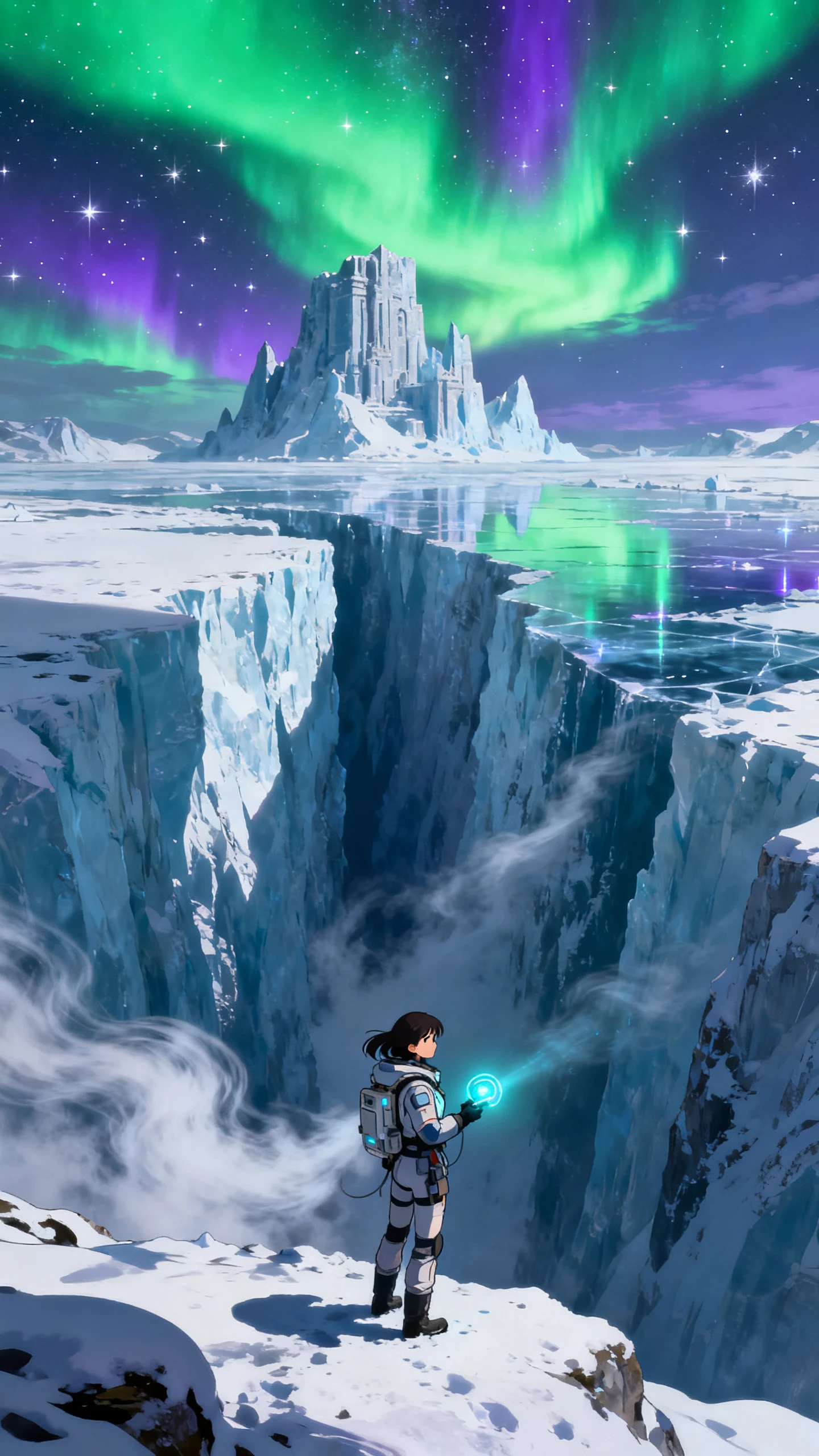

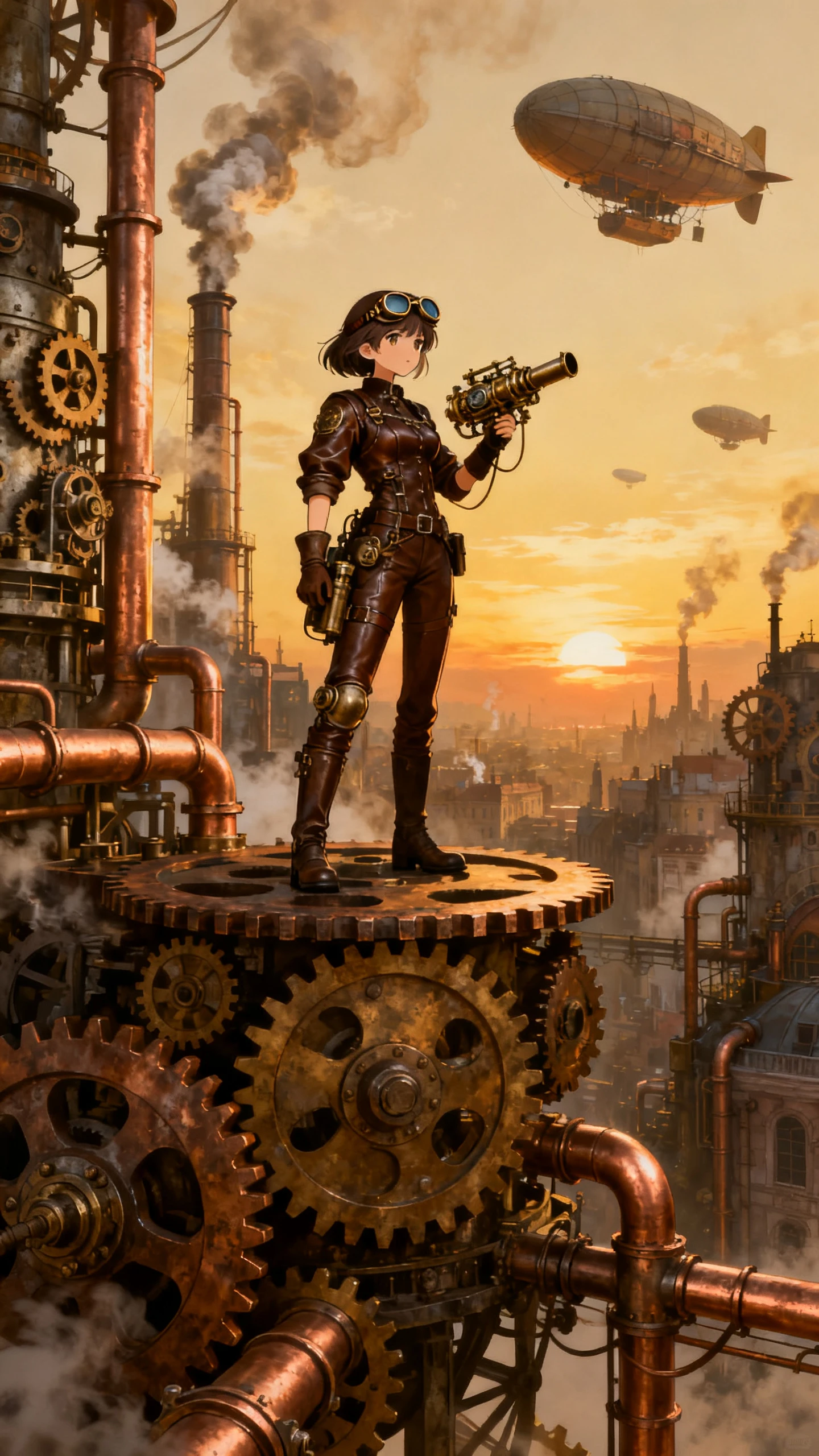

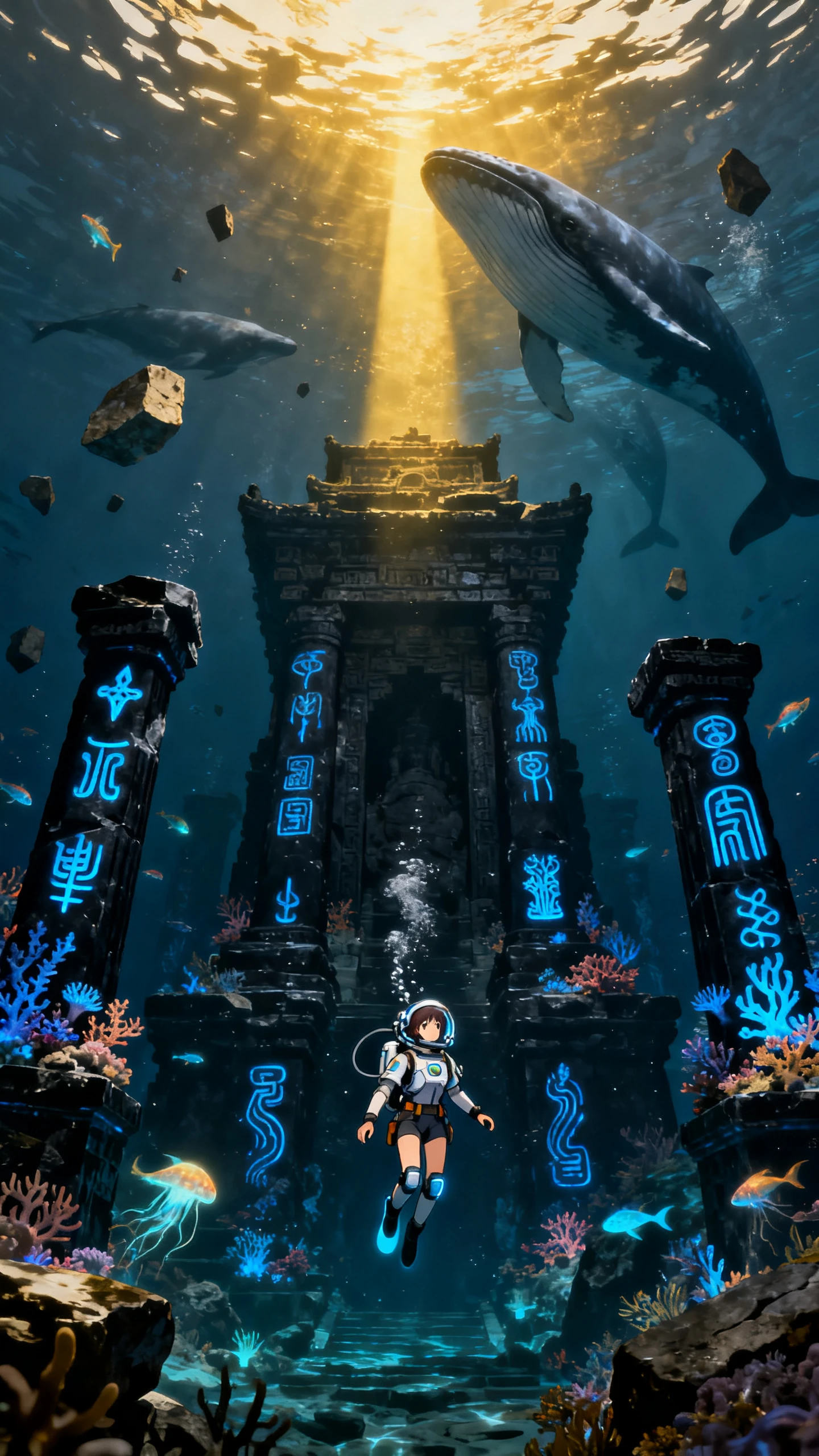
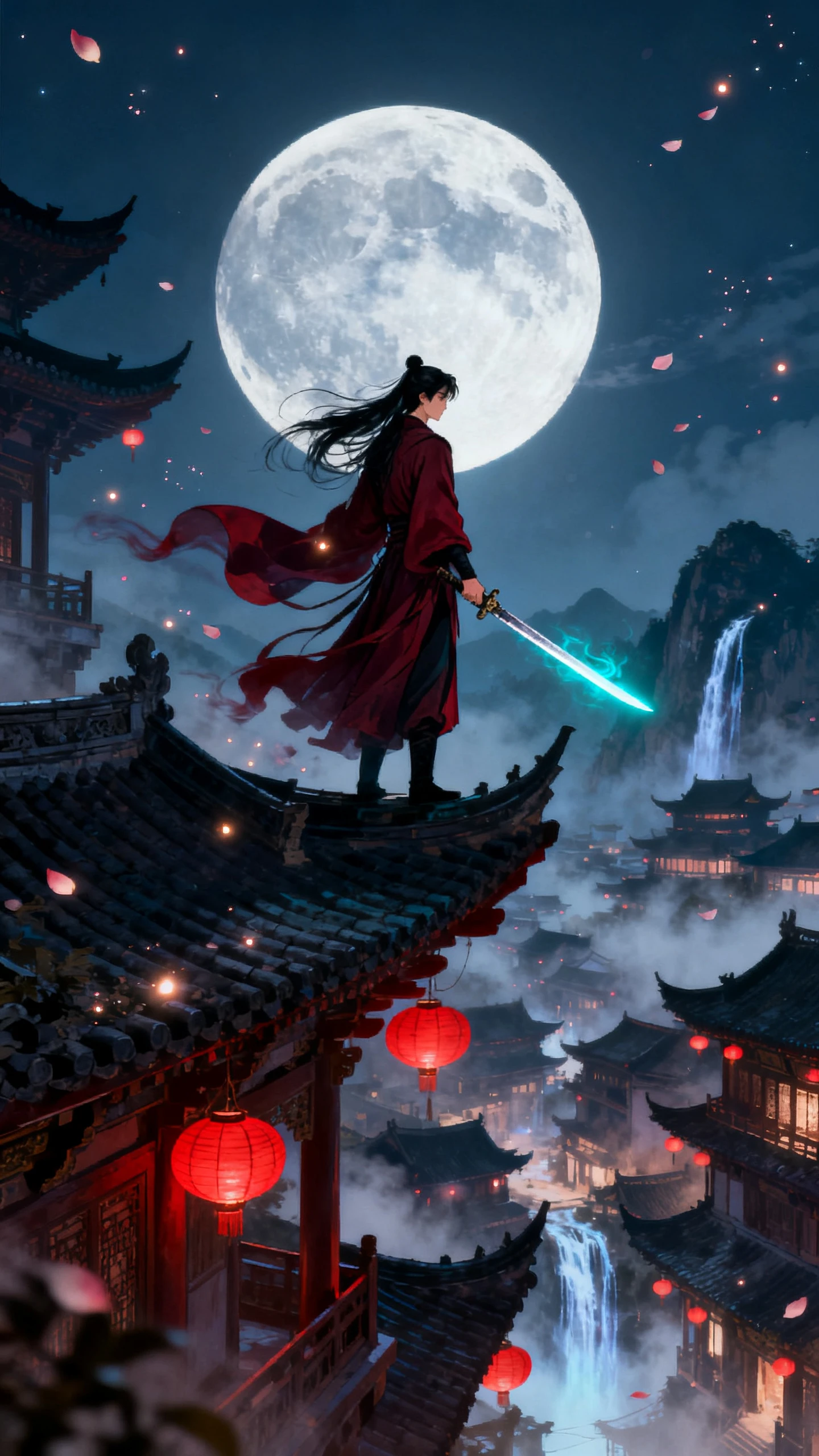
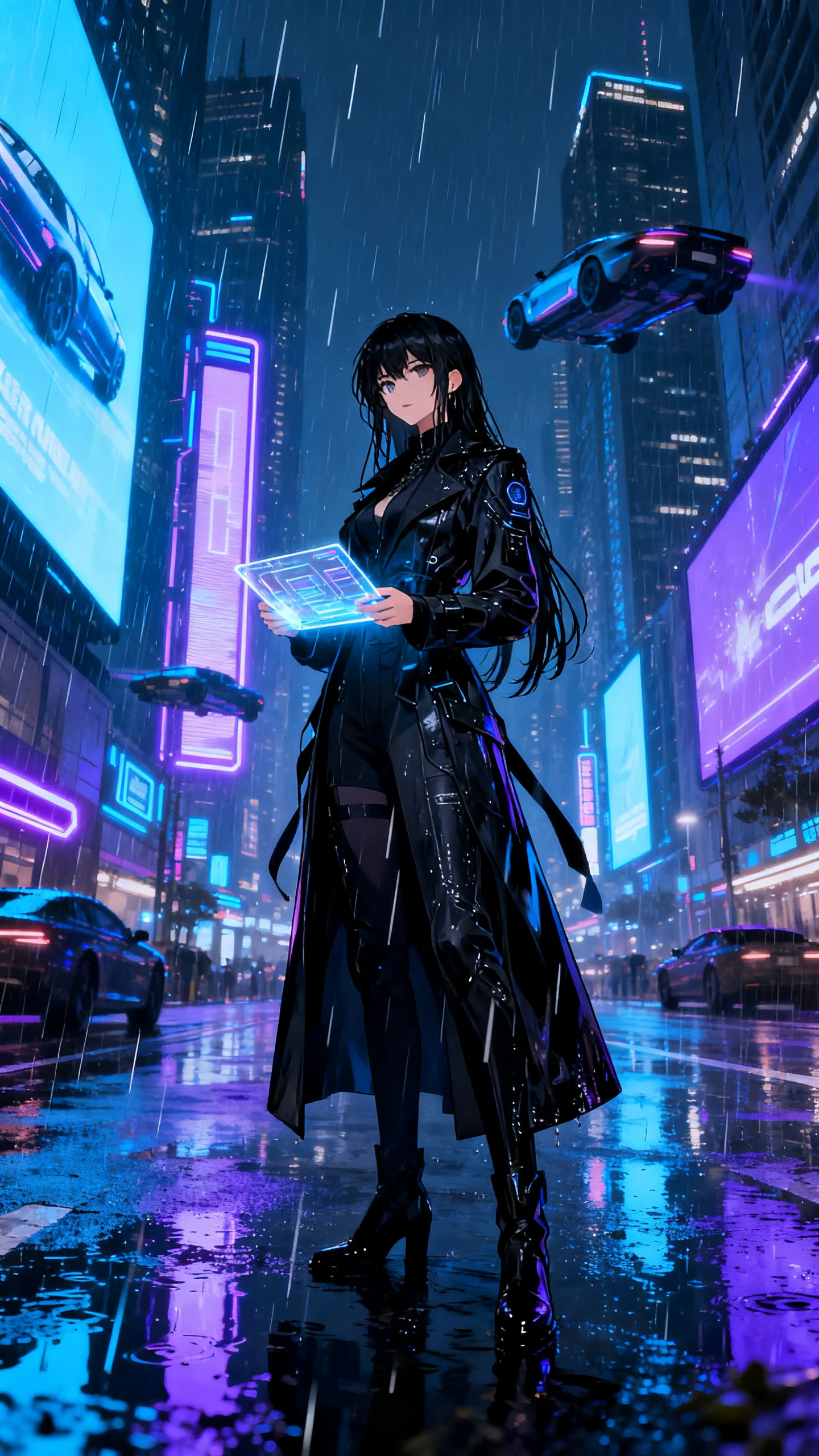
Start with an idea and decide how far you want to take it. The Pollo AI video generator gives you multiple models and creation tools for exploring each direction.

Run one prompt through up to 5 video models and compare the outputs side by side. Pollo AI gives you access to engines such as Kling and Veo, helping you see which model handles your idea and motion direction best.
Pollo AI supports lifelike avatars and consistent character representation across generated scenes. Reference-based generation helps carry the same subject into new footage instead of starting with a different character each time.
Start with a written prompt, reference image, or existing video based on what your project needs. Pollo AI supports text-to-video, image-to-video, and video-to-video generation without forcing every idea through one input type.
Continue with lip sync, video extension, face swapping, background removal, upscaling, and enhancement after generation. Pollo AI keeps these focused tools in one workspace, so you can adjust clips without changing platforms.
Testing ideas across models gives frequent creators more room to find the right output. Here are 3 reasons they use the Pollo AI video generator for ongoing projects.
Different video models can interpret the same idea in very different ways, so testing your own prompt gives you more useful evidence than relying on model comparisons alone. You can see which direction fits the shot before spending more credits on further generations.
Try Pollo AI For Free
Pollo AI uses one credit system across the video models available through its platform instead of requiring a separate subscription for every provider. That gives creators room to change direction between projects without managing several individual model accounts.
Try Pollo AI For Free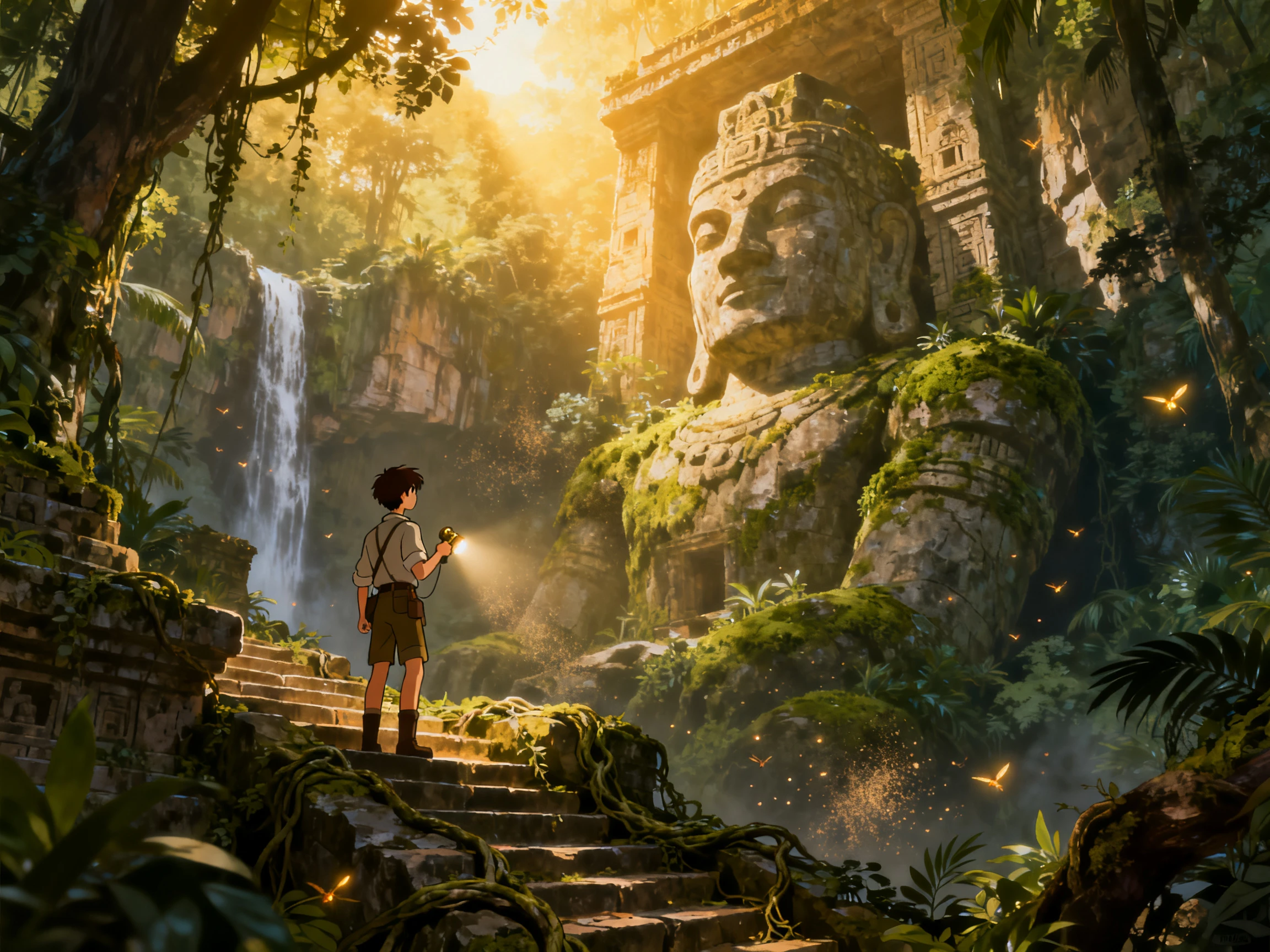
Pollo AI gives free-plan users credits that refresh each day, providing another way to test ideas without committing credits from a paid plan. For frequent creators, those recurring credits can cover early experiments before spending more on selected generations.
Try Pollo AI For Free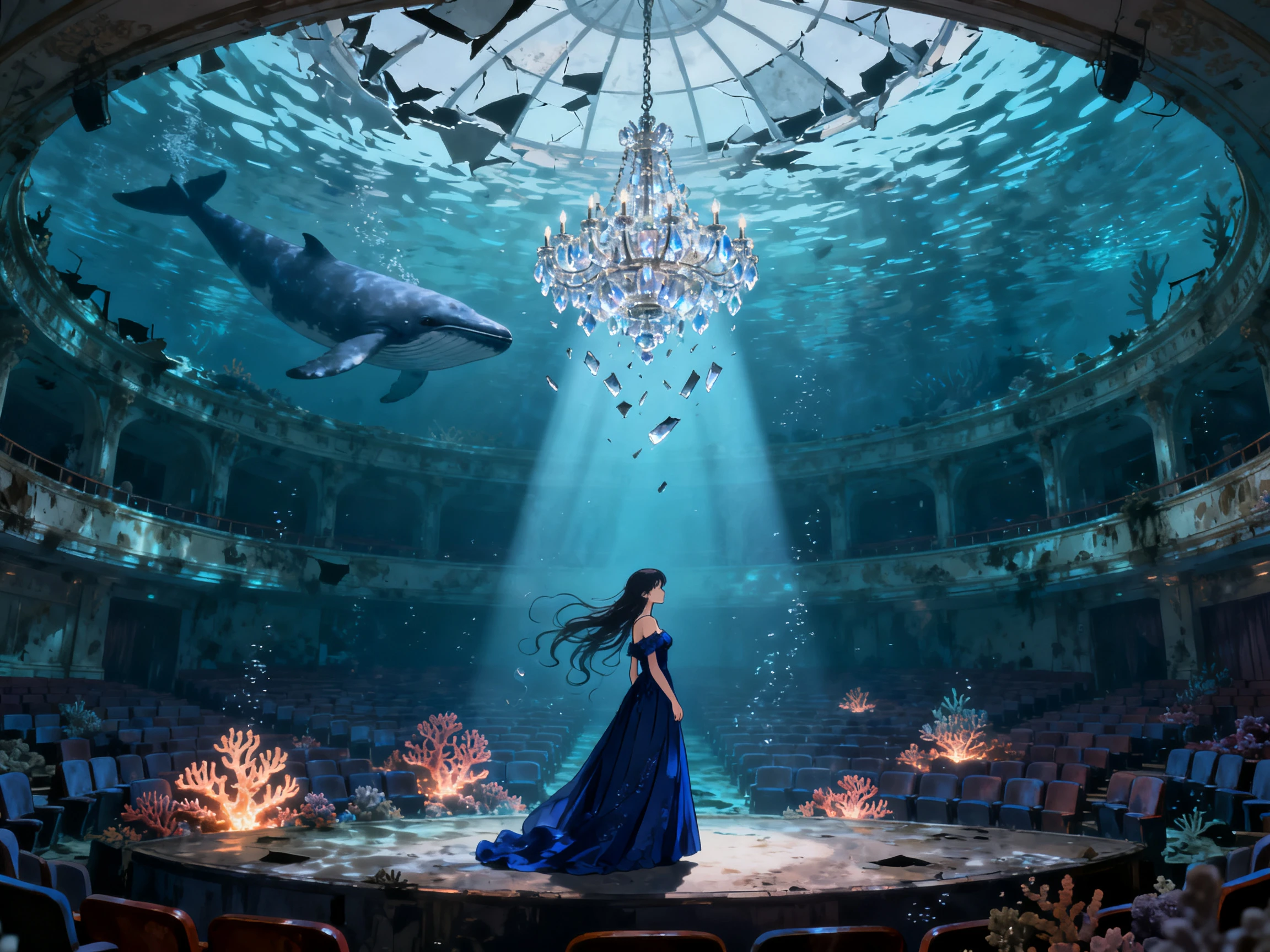
See how the Pollo AI video generator compares with other platforms for accessing and testing different video models. Here are the main choices lined up:
| Platform | Models | Side-by-Side Testing | Effect Templates | Users |
|---|---|---|---|---|
| Pollo AI | 70+ in one workspace | Yes, same prompt across models | 100+ | Volume creators |
| Magiclight AI | 20 video models | Yes, one storyboard | 20+ visual styles | Story creators |
| Higgsfield | 15+ engines | No | 70+ camera presets | Short-form creators |
| DaVinci | 50+ image and video | No | Editing presets | Marketers |
| Leonardo | Veo, Kling, Seedance | No | Elements styles | Designers |
Take your prompt through the Pollo AI video generator in 4 steps, from selecting your generation settings to reviewing and downloading the final result.
Open the video generator and select the model you want to use. Pollo AI keeps multiple video engines in one workspace, letting you choose an option suited to the type of clip you want.
Describe the scene you want with a text prompt, or upload an image as your starting point. Depending on the selected model, you can guide the subject, action, movement, setting, and visual direction.
Set the available generation options before starting the video. Depending on the model, Pollo AI can offer controls for duration, aspect ratio, resolution, output count, audio, and other model-specific settings.
Click Create and review the generated video when processing finishes. You can download the result or continue with Pollo AI tools such as upscaling, video extension, style transformation, and other editing options.
Social Video Creator
I used to jump between platforms whenever one model missed my prompt. Pollo AI keeps the options together, so testing another model no longer means starting again elsewhere.
Agency Video Producer
Managing separate platforms for different client projects became difficult to track. Pollo AI gives me access to several video models from one place, so there is less switching.
Ecommerce Content Creator
Product clips often need changes after the first generation comes back. Pollo AI gives me tools for extending, upscaling, and adjusting those videos without leaving the platform.
Series Content Creator
I often start with product photos rather than writing every scene from scratch. Pollo AI lets me animate those images with prompts, which gives each campaign more movement.
The Pollo AI video generator creates videos from text, images, and existing clips through different generation routes. It also brings 70+ video models into one platform, giving creators several engines to choose from.
Yes, Arena AI lets you compare two anonymous video models using the same prompt in Battle Mode. You can view both results side by side, choose the stronger output, and then reveal which models created them.
Yes, Pollo AI provides a free plan with limited credits for trying its generation tools. Paid subscriptions provide more credits, while the amount consumed depends on the model, duration, resolution, and output count.
Upload up to 3 reference images and select the character or subject you want to keep consistent. Pollo AI uses those references to retain the chosen subject across changing backgrounds, actions, and scenes.
Pollo AI offers ready-to-use video effects for social formats without requiring detailed prompts. Choose an effect, add the required source image or video, and use its preset format as the starting point for your clip.
Yes, its video-to-video tool restyles existing footage while keeping the original clip as the source. It offers 70 styles, including anime and clay animation, with paid users able to process clips up to 60 seconds.



Bring a prompt, an image, or an existing clip. The Pollo AI video generator gives you multiple models and tools to turn it into your next video.