Hero background

AI Mukbang Generator

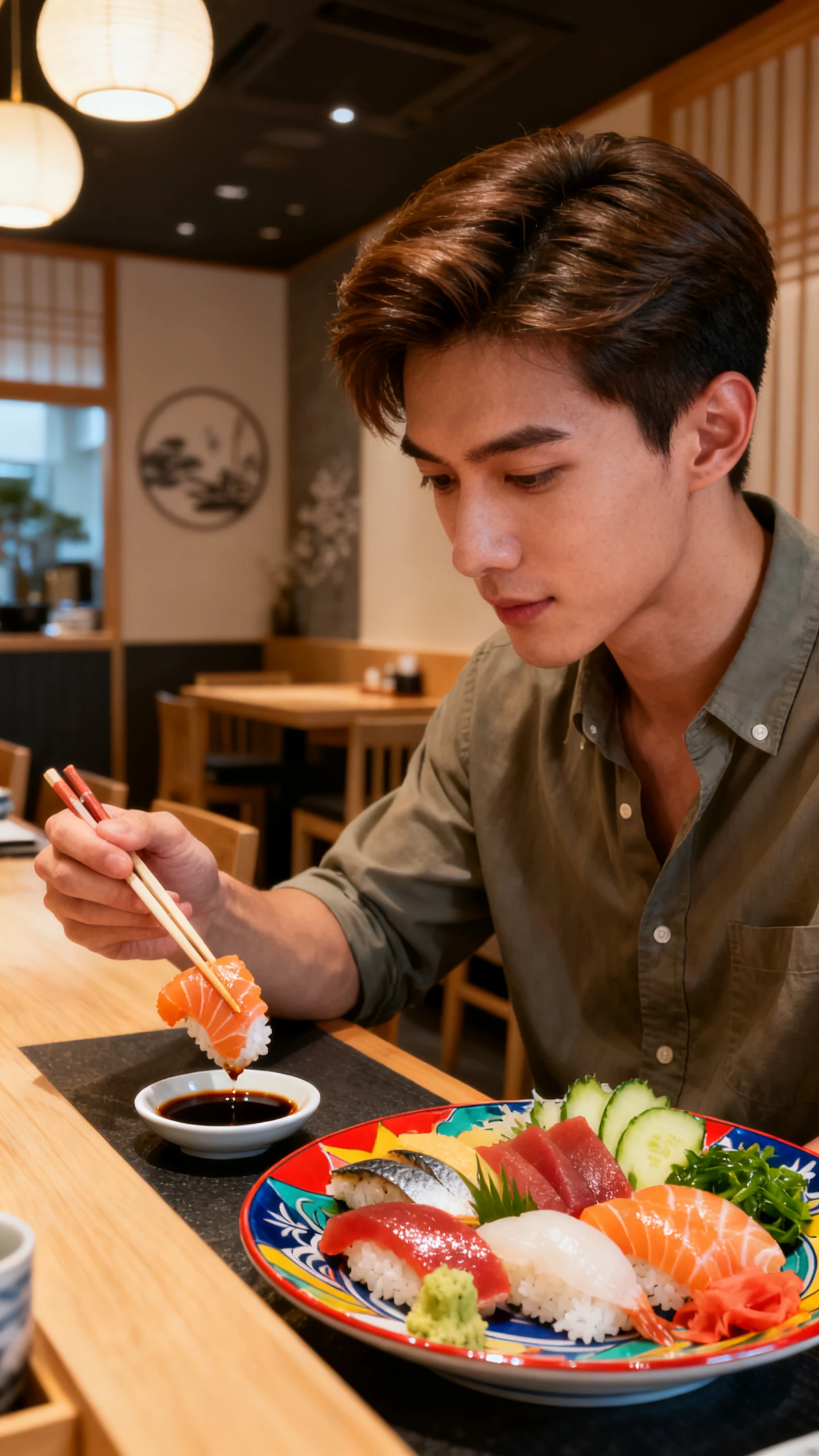
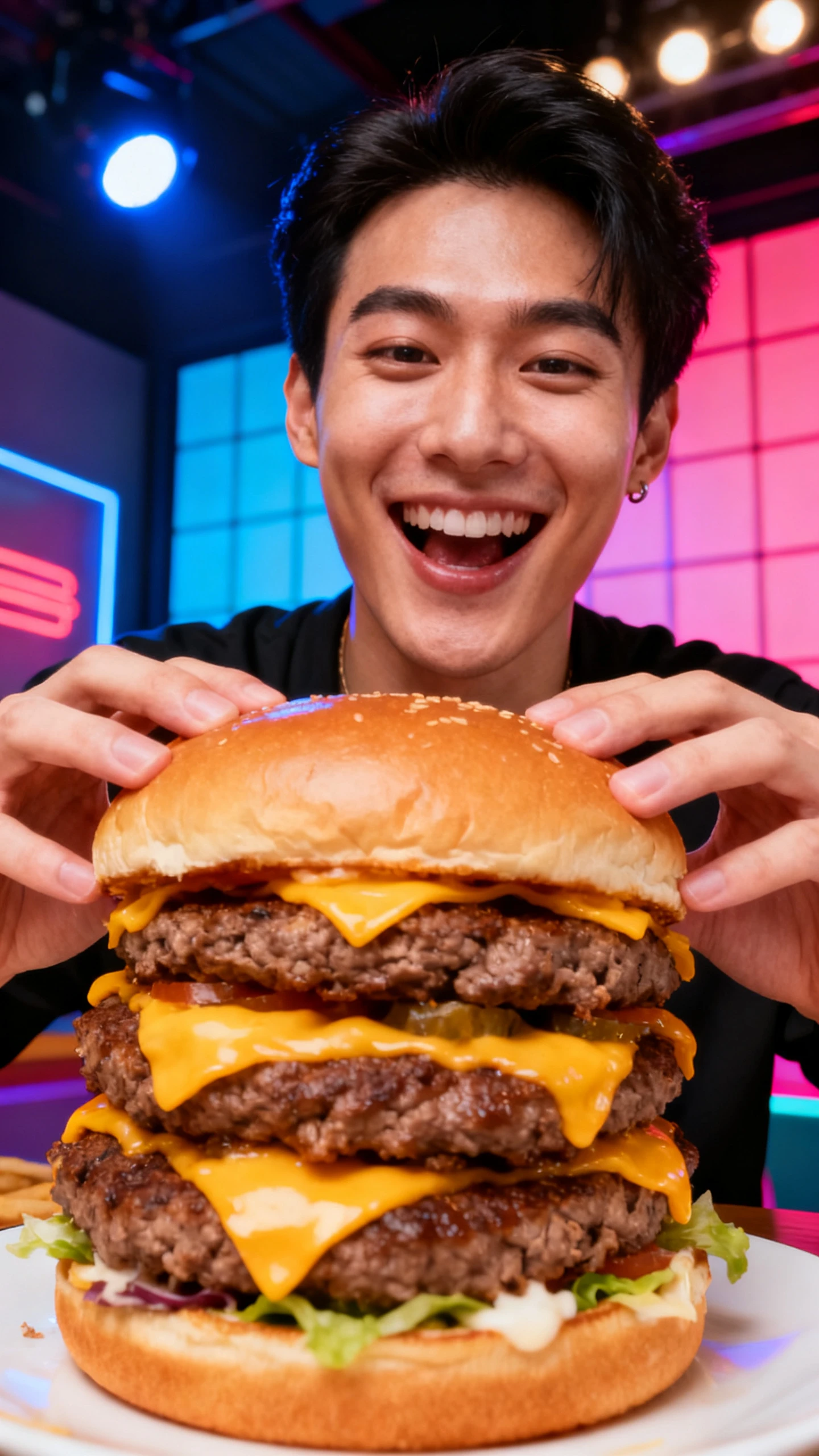
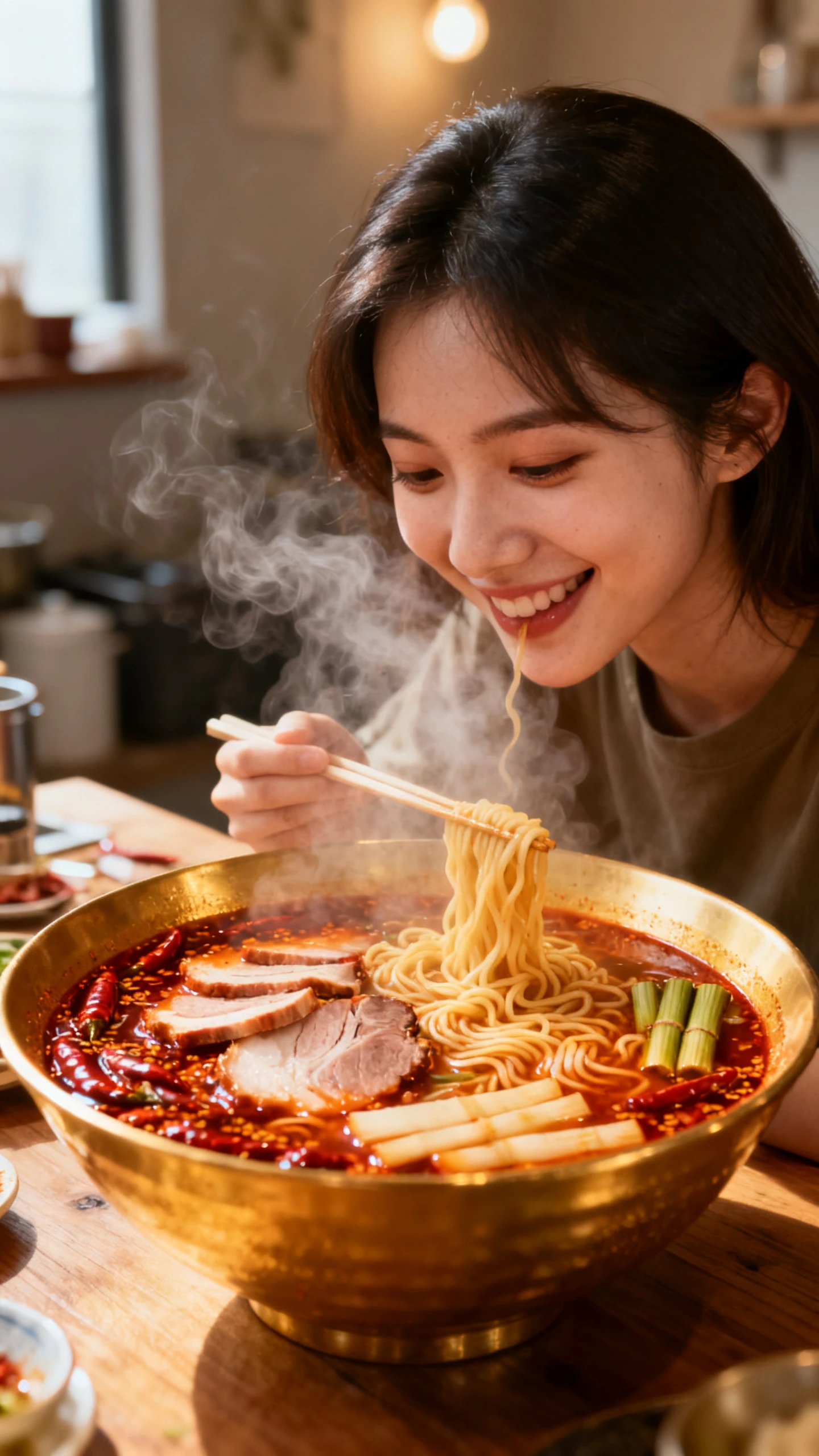
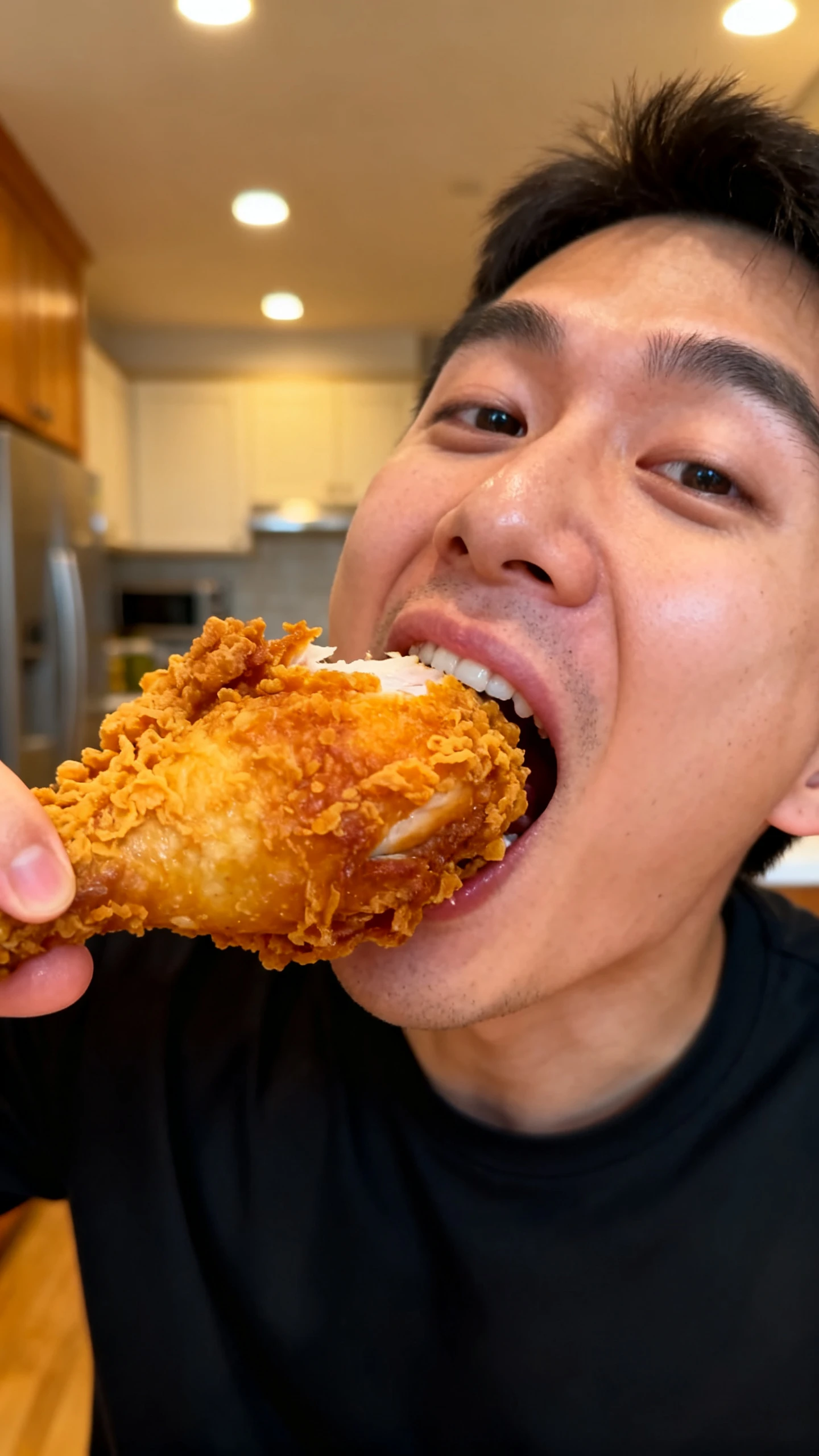
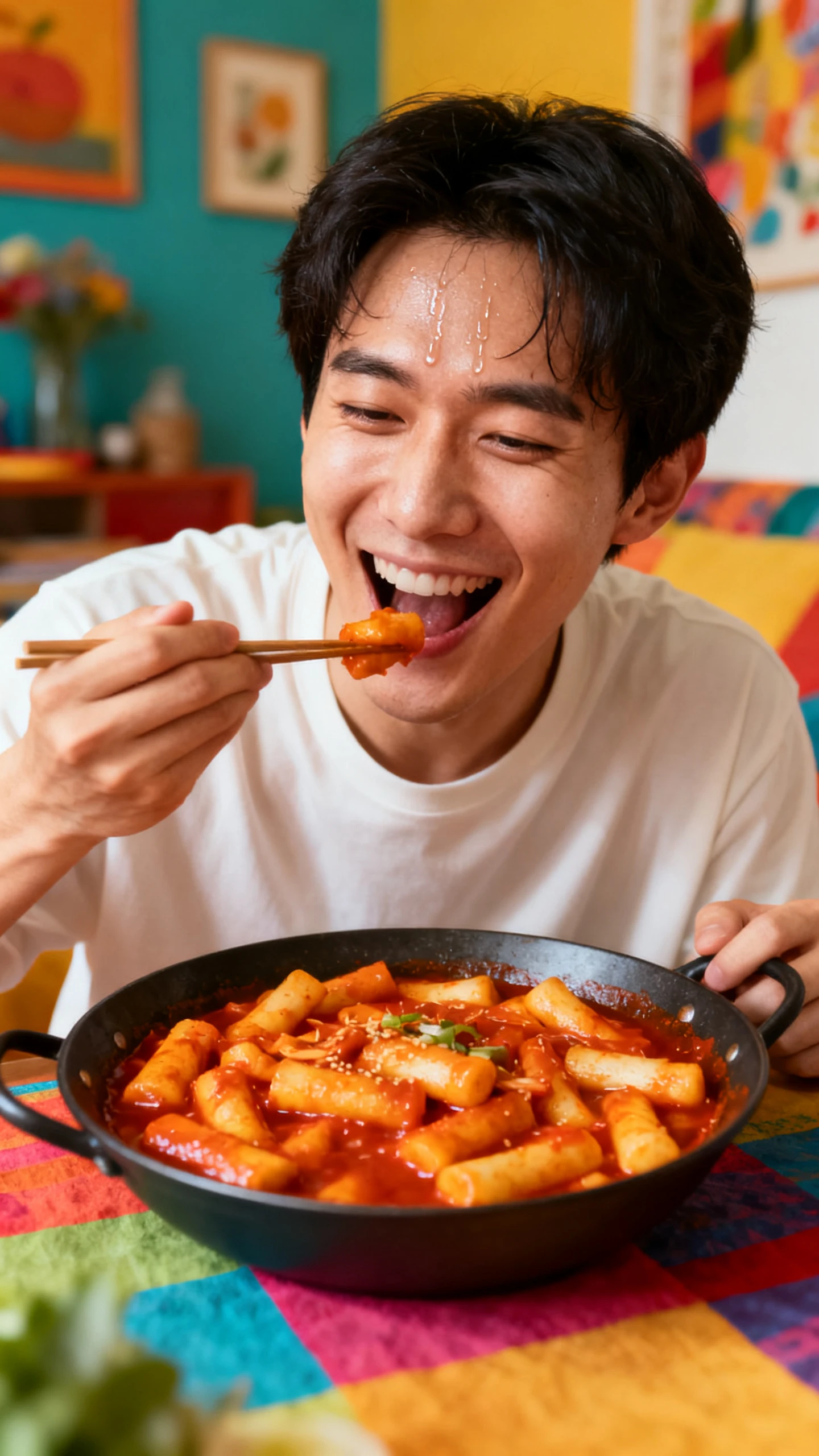
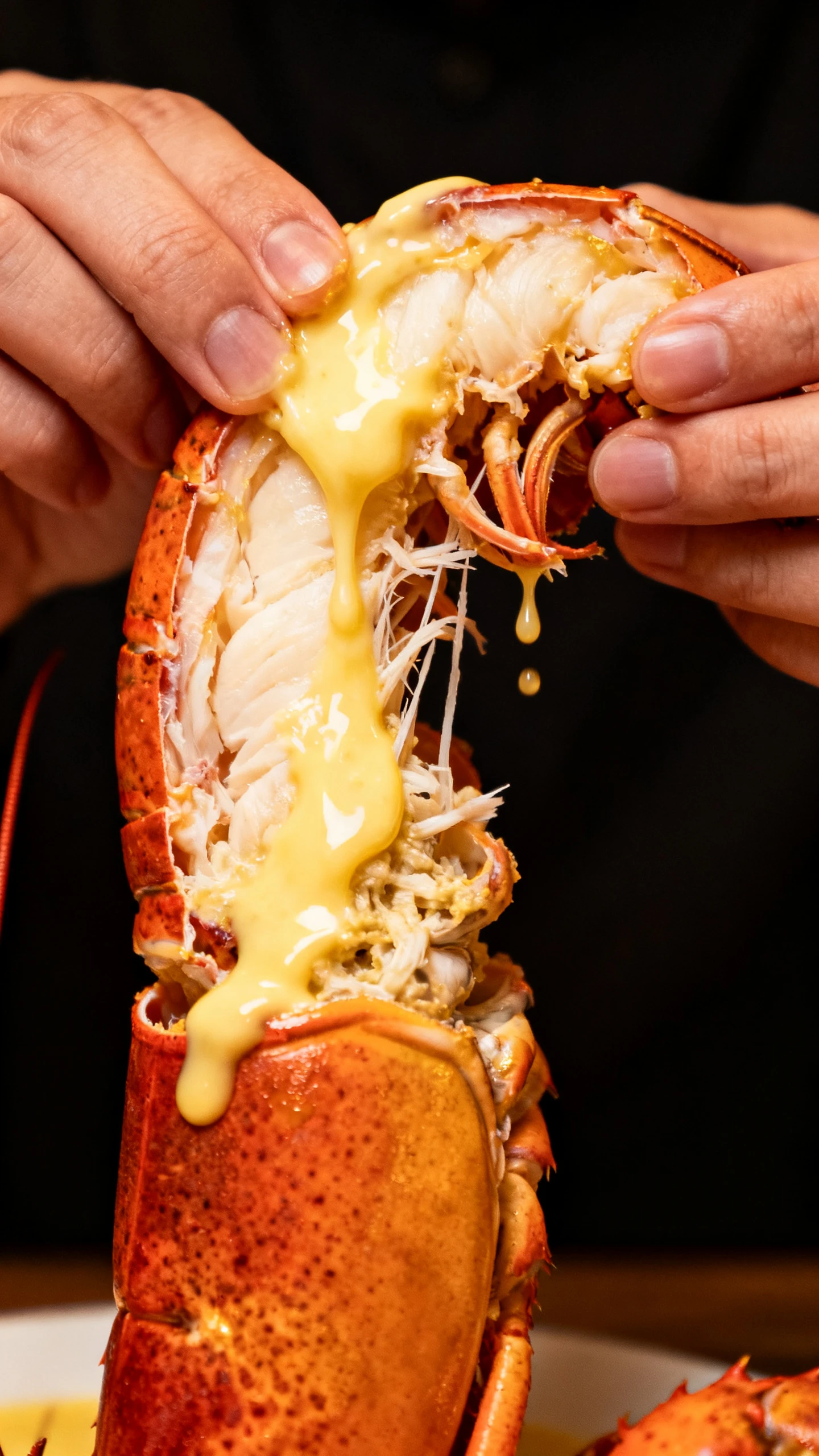
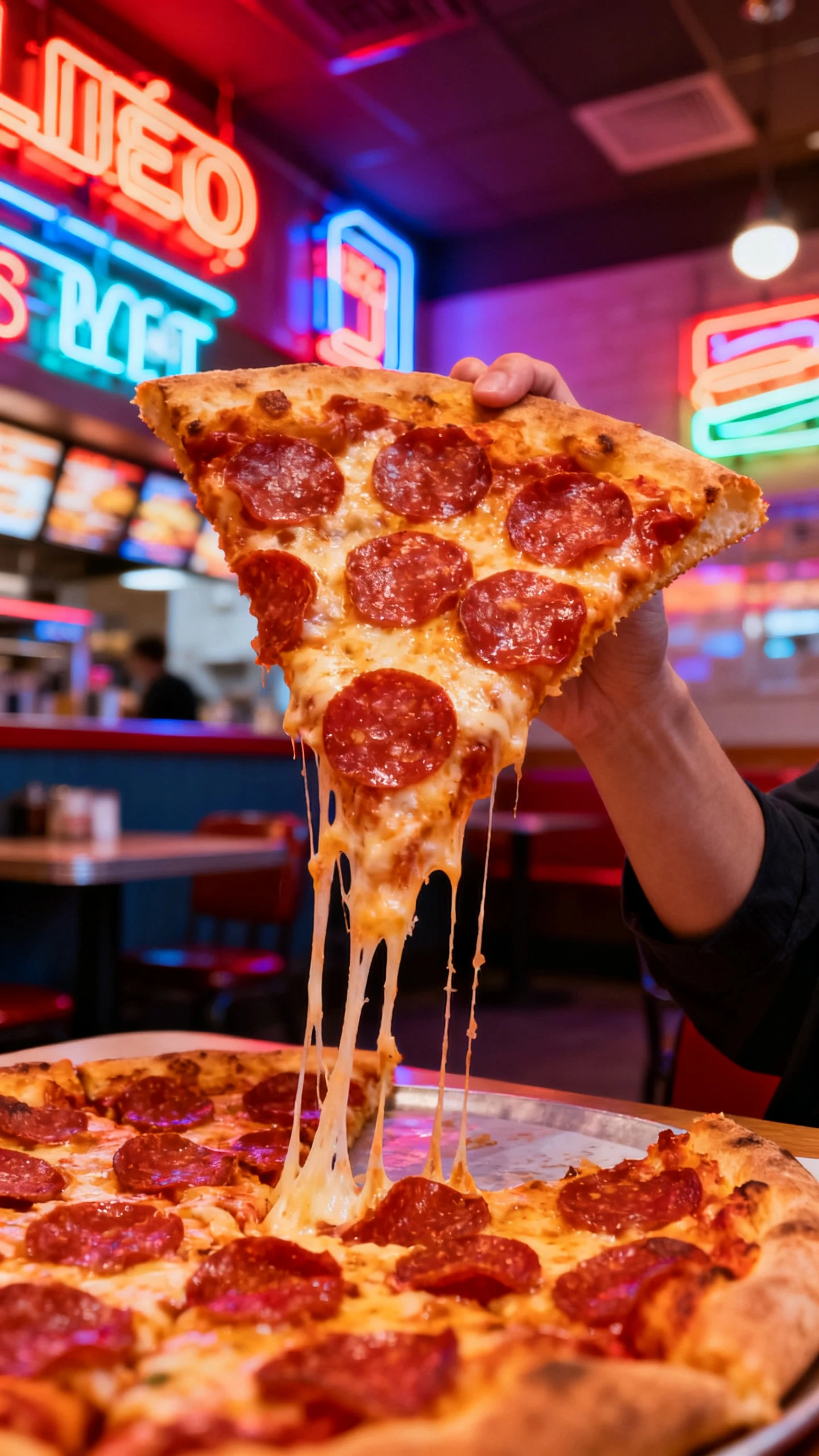
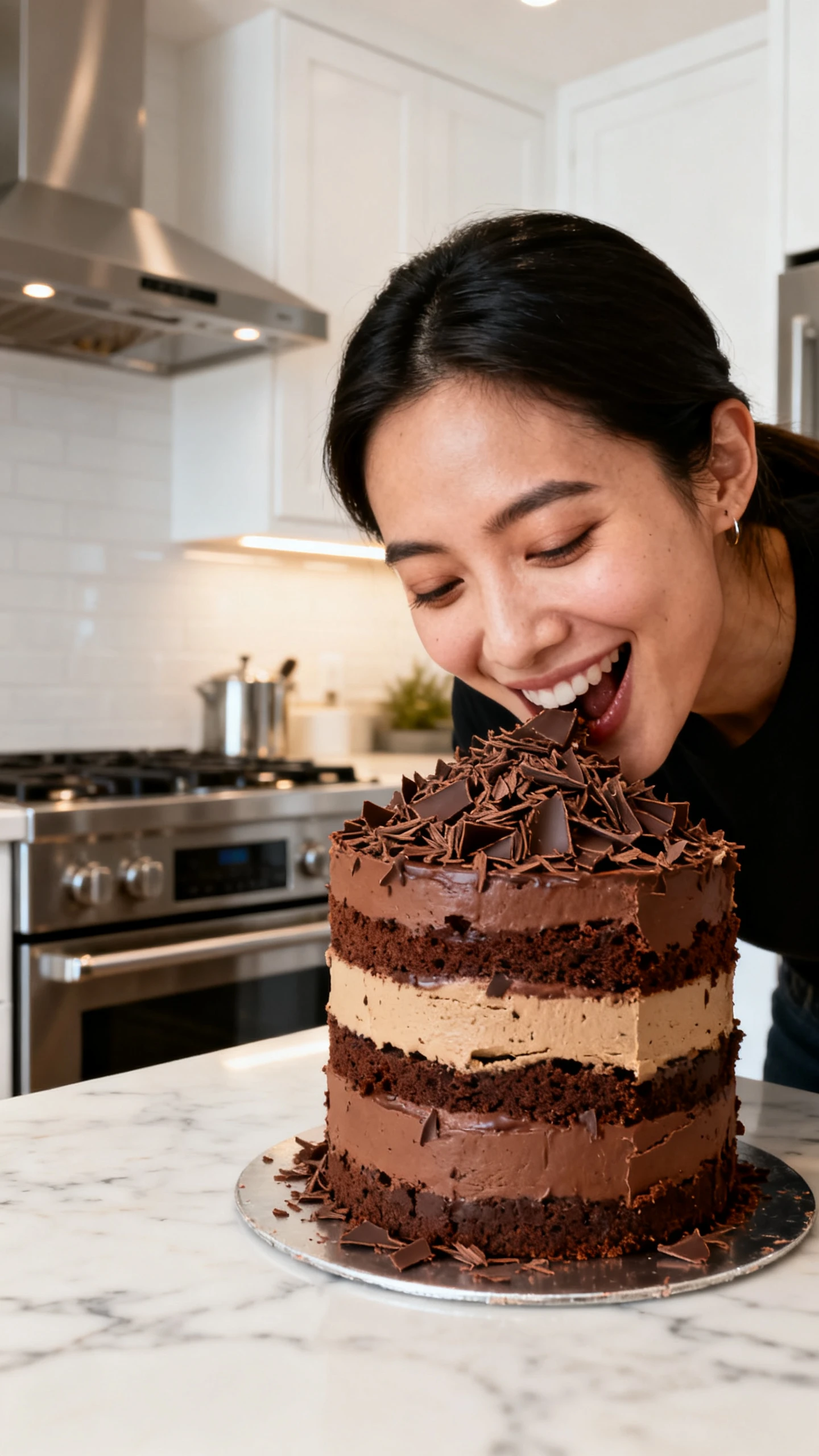
Convert a food idea into a complete AI mukbang video without filming or editing skills. Magiclight AI creates the character, meal, reactions, voice, and scenes.

Create a Mukbang Video For Free
ai mukbang generator
ai mukbang video generator
ai mukbang generator free
free ai mukbang generator
ai mukbang video generator free
free ai mukbang video generator
ai mukbang generator pizza
ai mukbang video generator cake
ai mukbang generator
ai mukbang video generator
ai mukbang generator free
free ai mukbang generator
ai mukbang video generator free
free ai mukbang video generator
ai mukbang generator pizza
ai mukbang video generator cake
ai mukbang generator
ai mukbang video generator
ai mukbang generator free
free ai mukbang generator
ai mukbang video generator free
free ai mukbang video generator
ai mukbang generator pizza
ai mukbang video generator cake

Explore Features of Magiclight AI's Mukbang Video Generator

Magiclight AI's mukbang generator combines food visuals, character control, voiceovers, subtitles, and scene editing into high-quality eating videos.

Explore the video generator
3D decoration

Consistent Mukbang Character

Create a host character once and reuse it across every episode, so your channel keeps one recognizable face from video to video.

Expressive Eating Reactions

Adjust expressions, poses, and body language scene by scene with Nano so every bite gets a real, genuine reaction on screen.

Long-Form Eating Sessions

Make a full mukbang video up to 50 minutes long from a script of up to 12000 characters, with no editing experience needed.

AI Voiceover Commentary

Add reaction commentary with 37 AI voices across different tones and accents or clone your own voice for the narration.

Who Can Use Magiclight AI's Mukbang Video Generator
Magiclight AI's mukbang generator turns simple ideas into perfect eating videos, making shareable content easier to create for different goals and platforms.
For Mukbang and ASMR Creators
Make eating stories from prompts up to 12,000 characters.
Keep one saved host consistent across every episode.
Pair reactions with 37 voices or a cloned voice.
For Food and Recipe Creators
Turn recipe ideas into playful tasting videos.
Use Nano to refine bites, poses, and camera angles.
Add clear captions with 16 subtitle styles.
For Comedy and Reaction Creators
Try new punchlines in different visual styles.
Match each joke with one of 40 music tracks.
Surprise viewers with an over-the-top eating twist.
For Social and Shorts Creators
Create vertical clips without filming each post.
Choose from 21 covers for scroll-stopping thumbnails.
Reuse the same host across Reels, Shorts, and TikTok.
Why Magiclight AI
Is the Best Mukbang Video Generator
With Magiclight AI's mukbang video generator, every bite feels made for your audience, with precise control over host expressions, scene timing, voice, and visual style.
Multi-Language Reach
Magiclight AI narrates and subtitles your mukbang video in 11 languages, so your eating content can reach audiences well beyond your home market and channel base.
Automatic Cover Design
Magiclight AI designs a matching cover from 21 templates automatically, so every mukbang episode looks finished and ready to post the moment it generates.
Built-In Audio and Subtitle Styling
Choose from 40 background tracks and 16 styles to give each mukbang episode a perfect finish without going for other editing options.
Wide Visual Style Range
Shift your mukbang character between realistic, cinematic, or animated looks anytime, all without ever leaving Magiclight AI's built-in style library.
Earn From Your Mukbang Videos
Publish through Magiclight AI's Earnings program and turn a popular mukbang character or recurring video series into an ongoing source of income over time.
Model-Powered Food Realism
Use Veo 3.1 or Hailuo 2.3 to create smoother bites, expressive reactions, and more convincing food motion in every mukbang scene.

How to Use the Magiclight AI Mukbang Generator

The Magiclight AI mukbang video generator helps you create a complete eating video in 4 simple steps, with no camera, microphone, or real food required.

1.

Set Up Your Mukbang Scene

Enter your food idea in Magiclight AI, then choose a character and setting that match the mood, theme, and style of your mukbang video.

2.

Create Your Mukbang Host

Select a visual style from Magiclight AI's library, then create or choose a mukbang host that fits your channel and remains consistent.

3.

Perfect Every Reaction

Review the generated storyboard, then use Nano to fine-tune facial expressions, poses, scene order, and reactions for every bite.

4.

Export and Publish

Save your mukbang video in 720p or 1080p, then publish it directly to a supported social platform.

FAQs on AI Mukbang Generator

What is an AI mukbang generator?

An AI mukbang generator is a tool that turns a food idea into a full eating video with a consistent host character. Magiclight AI makes the scene for you.

How does the AI mukbang video generator work?

Describe your food idea and pick a character, and the Magiclight AI mukbang video generator makes the storyboard, reactions, and commentary automatically.

Do I need a camera or real food to make one?

No, Magiclight AI handles the scenes, characters, and commentary. You only describe the idea and pick a style.

Can I keep the same host character across videos?

Yes, Magiclight AI lets you save and reuse a character, so your host stays consistent from one episode to the next.

What styles are available for my mukbang video?

Magiclight AI's style library covers realistic, cinematic, 3D cartoon, anime, and more for your mukbang episodes.

Can I create mukbang videos without showing my face?

Yes. Magiclight AI's mukbang generator creates the host, food scenes, reactions, voiceover, and captions without requiring you to appear on camera.


Create Realistic AI Mukbang Video With Magiclight

Turn a simple food idea into a complete mukbang video without manual editing with Magiclight AI.