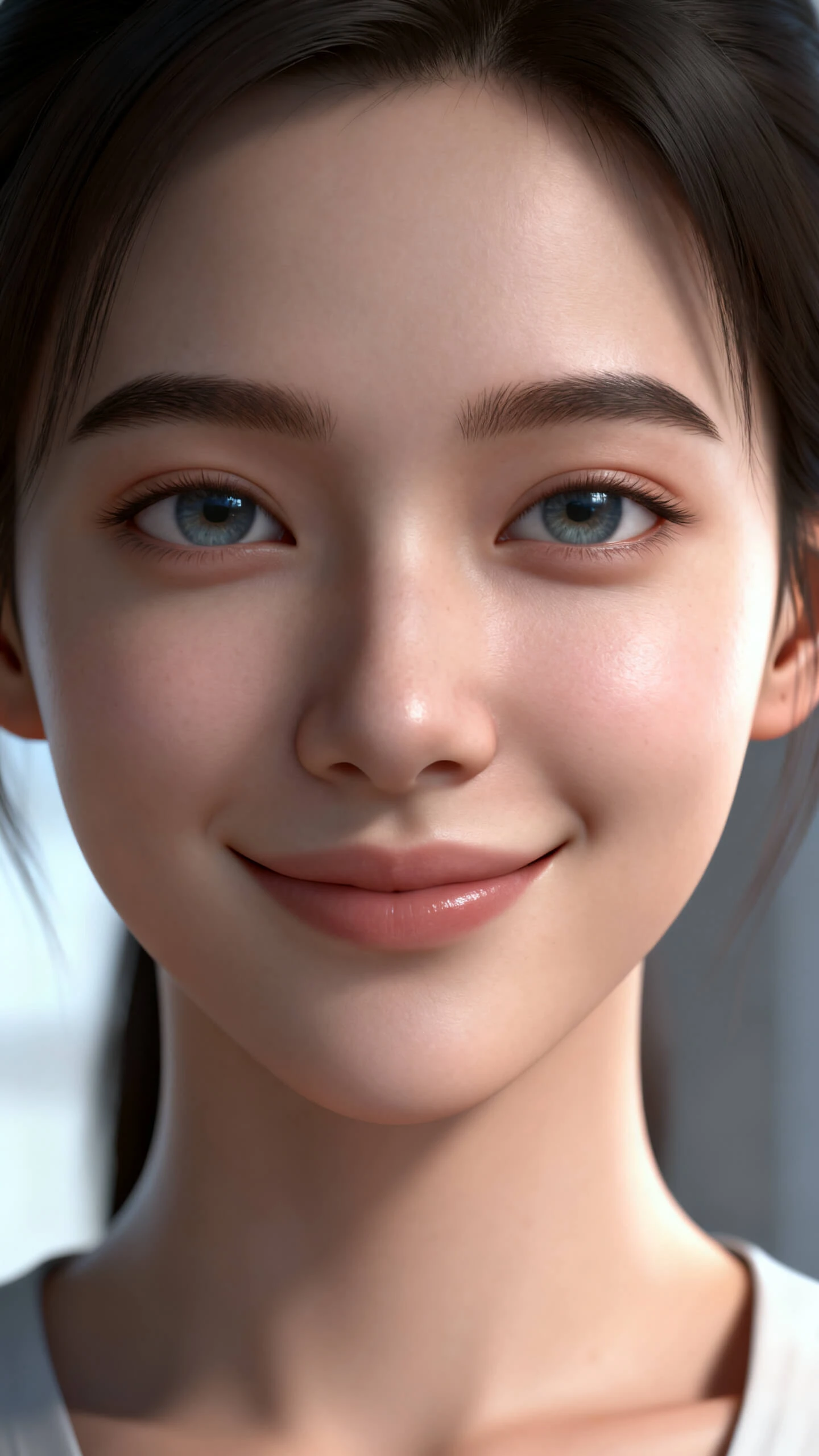
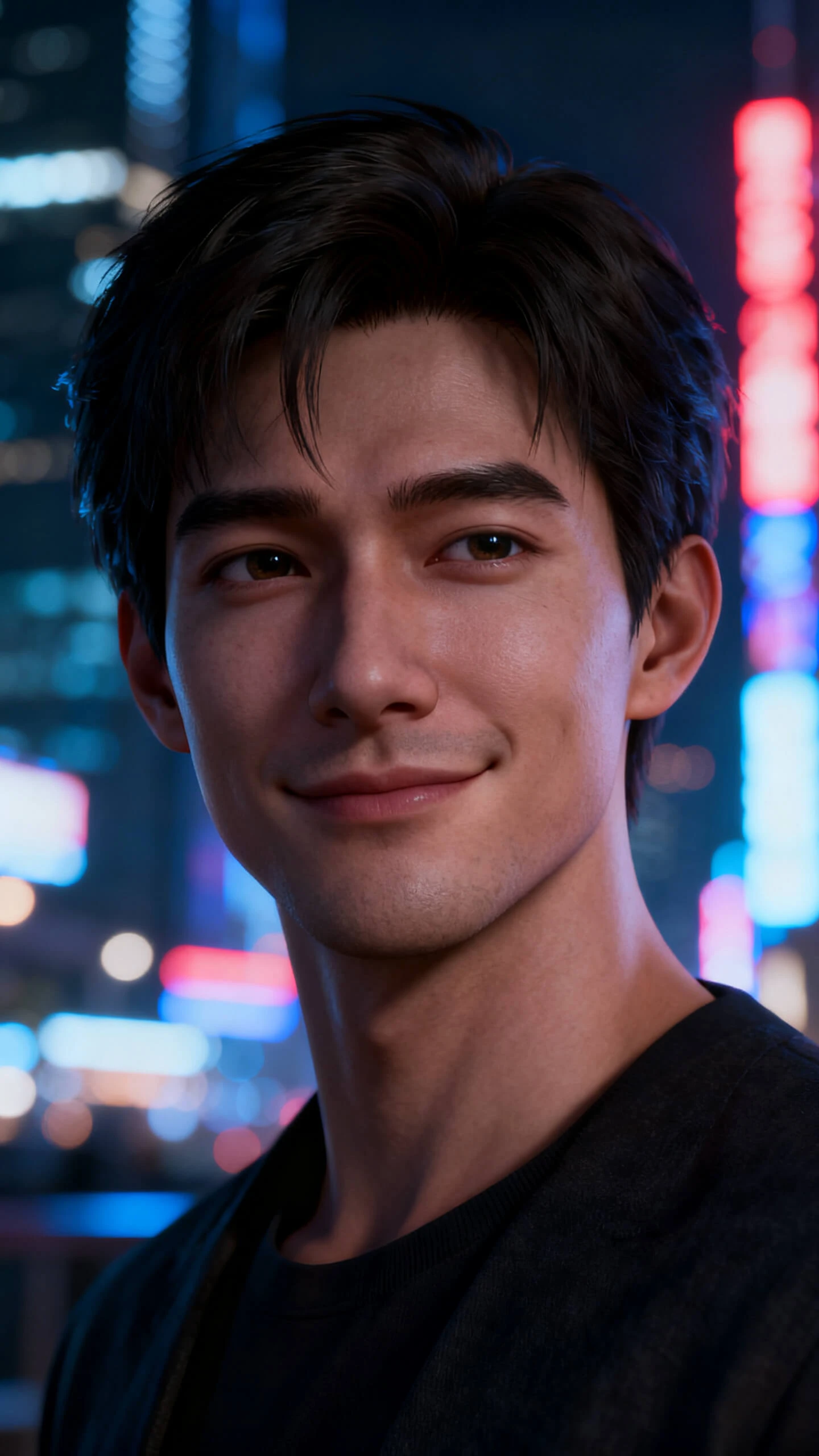
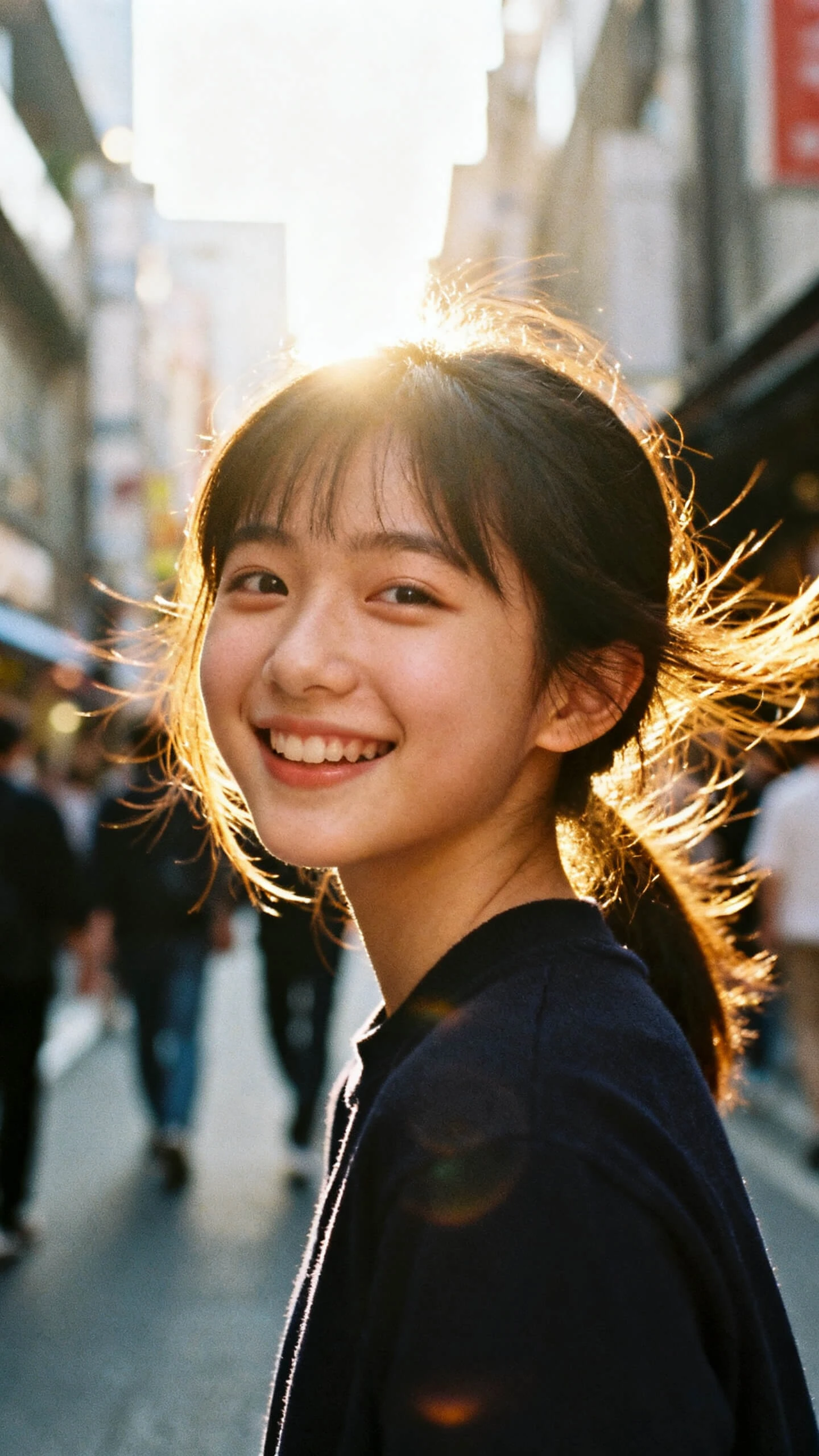
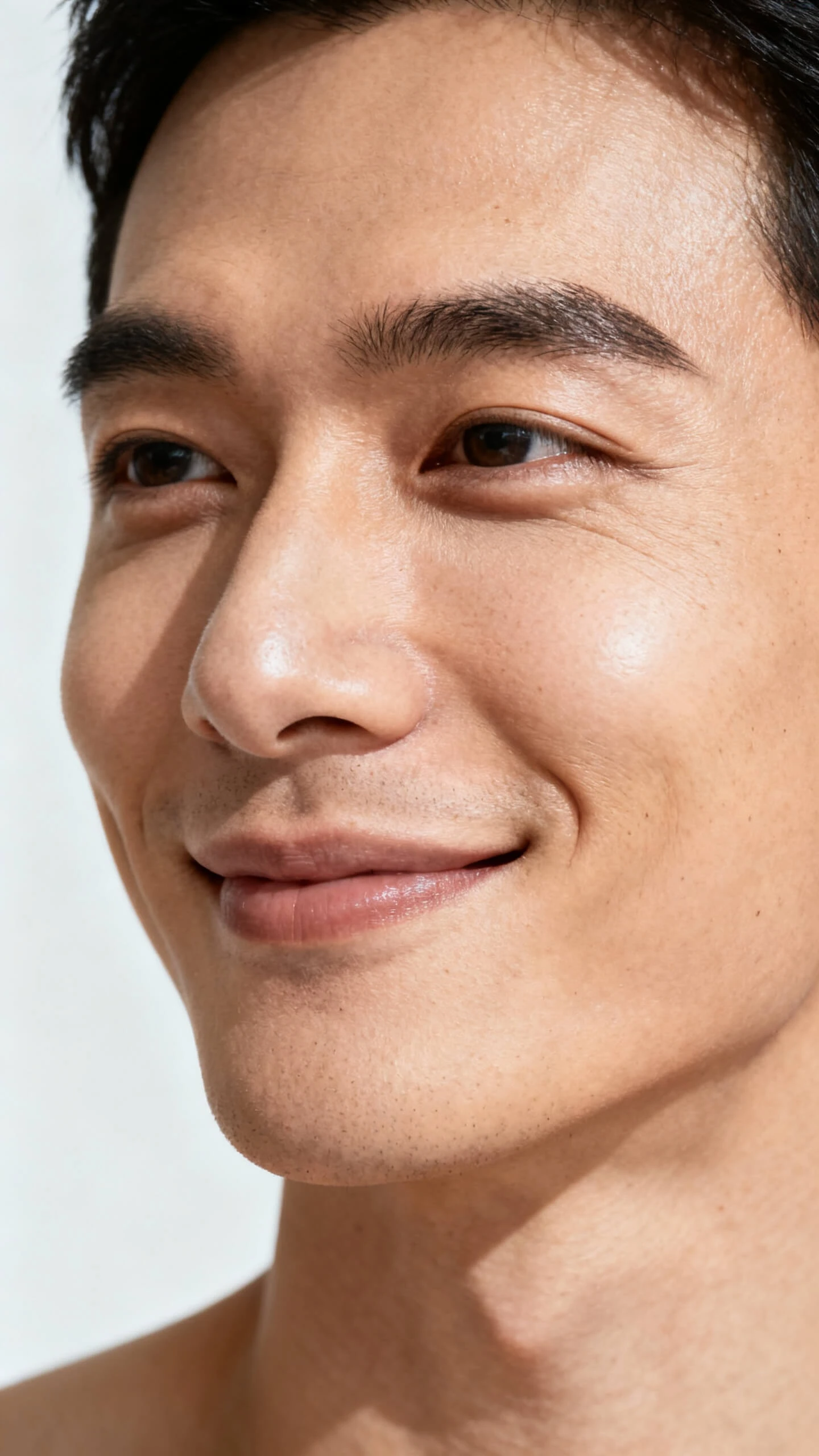
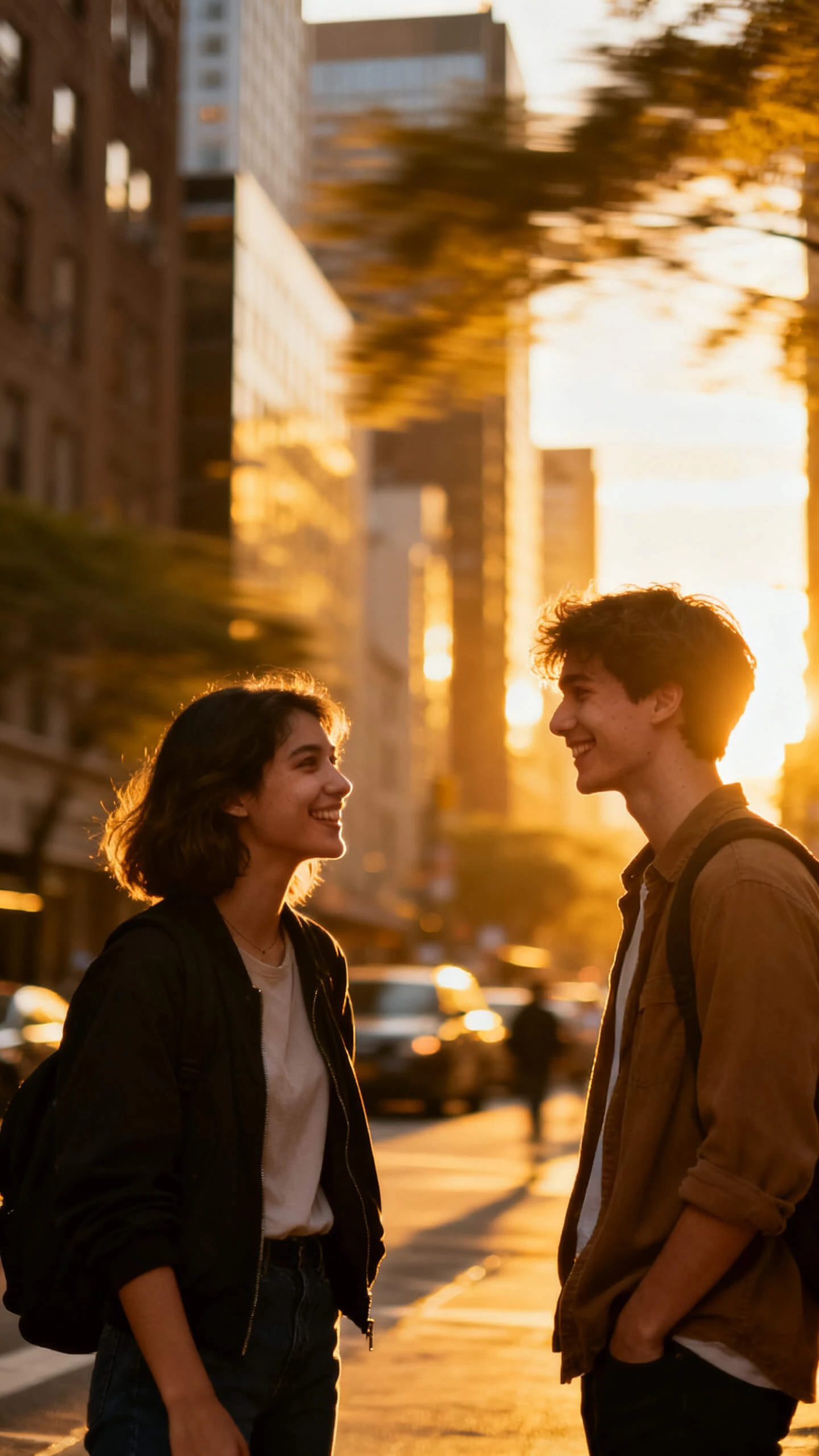
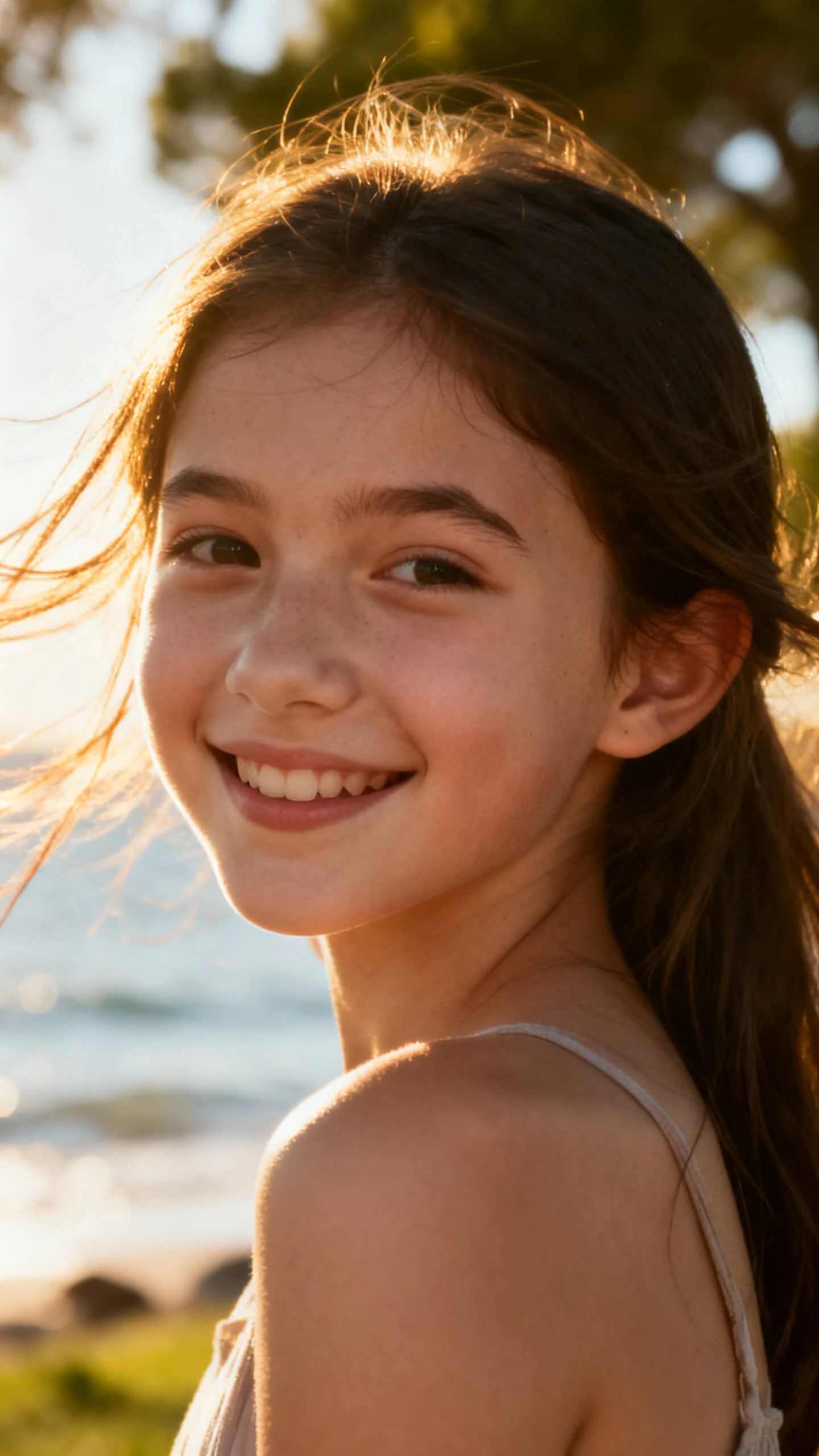
Hero background

AI Portrait Video Generator

Magiclight AI turns your ideas into lifelike AI portrait videos in minutes. No editing or filming required.

Create AI Portrait Videos Now
AI Portrait Video Generator
Vertical AI Portrait Videos
Free AI Portrait Video Creator
AI Avatar Vertical Video Maker
AI Portrait Video Generator
Vertical AI Portrait Videos
Free AI Portrait Video Creator
AI Avatar Vertical Video Maker
AI Portrait Video Generator
Vertical AI Portrait Videos
Free AI Portrait Video Creator
AI Avatar Vertical Video Maker
AI Portrait Video Generator

Features of Magiclight AI Portrait Video Generator

Make your video stand out by letting the Magiclight AI portrait video generator make a fully automated video. However, the video can be customized at every step of the process.

Try AI Portrait Video Generator
3D decoration

Vertical, But Your Size

Create portrait videos optimized for any platform with built-in aspect ratio presets. Simply choose the 9:16 size to produce vertical media.

Lengthy Storytelling Portraits

Create engaging long-form content with storytelling attributes that generate immersive narrative styles. Create videos up to 50 minutes in length.

High Resolution Video Creation

Your videos can be exported in 720p or 1080p. Choose the latter quality if you are making content for professional purposes.

Multilingual Publish

Reach a broader audience with support for video generation in 30 languages. Create localized content that connects with viewers across different regions.

Who Is Magiclight AI Portrait Video Generator Best For
Magiclight AI portrait video generator supports a range of users looking to transform portraits into videos. Different industries leverage the technology to achieve unique goals.
Content Creators & Influencers
For Content Creators and Influencers
Generate videos for social media from detailed text prompts.
Turn content ideas into engaging videos without production equipment.
Maintain a consistent posting schedule by directly publishing on YouTube.
Social Media Marketers
For Social Media Marketers
Create vertical promo videos for mobile feeds on tight budgets.
Produce campaign creatives quickly for different products and audiences.
Test content concepts and generate videos in diverse animation styles.
Business & Personal Brands
For Businesses and Personal Brands
Use the storytelling features to make videos for brand storytelling.
Create highlights and promotional content of small lengths.
Maintain a consistent visual of the branded video throughout the video.
Educators & Course Creators
For Educators and Course Creators
Transform educational scripts into visual portrait videos.
Make videos for all ages by specifying the targeted audience in the prompt.
Create educational videos quickly to save time across modules.
Why Magiclight AI Portrait Video Generator
Stands Out
Automation and customization rarely go hand in hand. However, the Magiclight AI portrait video generator combines automated video creation with extensive personalization.
Different Model for Different Content
Magiclight AI offers 19 AI models to help you generate diverse vertical videos. From Seedance 2.0 to Gemini 3.5 Flash, any model can be utilized.
Last-Minute Storyboard Edits
Feel free to make changes in the storyboard using the Nano floating toolbar. Magiclight AI enables you to customize 50 poses in the vertical video.
Engage with Vertical Video Avatars
Choose from the built-in collection of AI avatars or make a new one from scratch. You can also name the character and suggest an age to create a personality for the character.
Subtitles for Better Retention
The 16 subtitle templates will help you add a visual appeal to your video. Captions also enhance the accessibility of the video while being played muted.
Immersive Video Narration
Use Magiclight AI’s speakers from the collection of 37 voices. Moreover, clone your voice to communicate better with your audience.
Animation Styles for Captivation
Magiclight AI has diverse animation styles that add a new perspective to your motion portraits. From anime to Disney, each style offers a different visual.

How to Use Magiclight AI Portrait Video Generator in 4 Simple Steps

In just 4 simple steps, your abstract ideas can be converted into portraits. The prompt-based video generation makes the Magiclight AI portrait video generator beginner-friendly.

1.

Step 1. Describe Your Vertical Video

Use the 12,000-character prompt allowance to describe your character. The selection of the 9:16 aspect ratio will result in a portrait orientation.

2.

Step 2. Assign an Avatar

Select a character from the pre-existing collection to add a human-like presence to your video. You can also make a custom avatar to make a better connection with the audience.

3.

Step 3. Use the Nano Storyboard

Add some touch-ups to the video by playing with the character’s clothing and overall appearance. Customize 50 poses in total to add enhanced personalization to your video.

4.

Step 4. Save the Video Portrait

Download the ready portrait video or publish it on YouTube. Manage the thumbnail and other settings before publishing your content.

FAQs on AI Portrait Video Generator

What is the Magiclight AI Portrait Video Generator?

Magiclight AI Portrait Video Generator is a tool that creates portrait-style videos from text prompts. It uses AI models to transform ideas into engaging vertical video content.

Do I need prior video-making and editing experience to use this tool?

No. Magiclight AI is a fully automated video maker that only relies on your prompt. Therefore, you can use it even if it is your first time making a video.

Can I customize the generated videos?

Yes. You can customize scenes and visual elements at multiple steps throughout the process. This allows greater creative control while still benefiting from AI automation.

What types of content can I create with Magiclight AI Portrait Video Generator?

You can create marketing videos, promotional clips, and social media posts using Magiclight AI portrait video generator. The tool supports a wide range of creative and professional use cases.

Who is the Magiclight AI Portrait Video Generator best suited for?

The tool is suitable for many users, like content creators and agencies. Anyone looking to create portrait-oriented videos quickly can benefit from its AI-powered workflow.

Is the Magiclight AI Portrait Video Generator free to use?

Magiclight AI offers limited free access to the video generation tool. Frequent use of these features will require a paid subscription.


Turn Text into Portrait Videos With Magiclight AI

Just add a prompt and get social-media-ready portrait videos through Magiclight AI.