Hero background

AI Social Media Video Generator

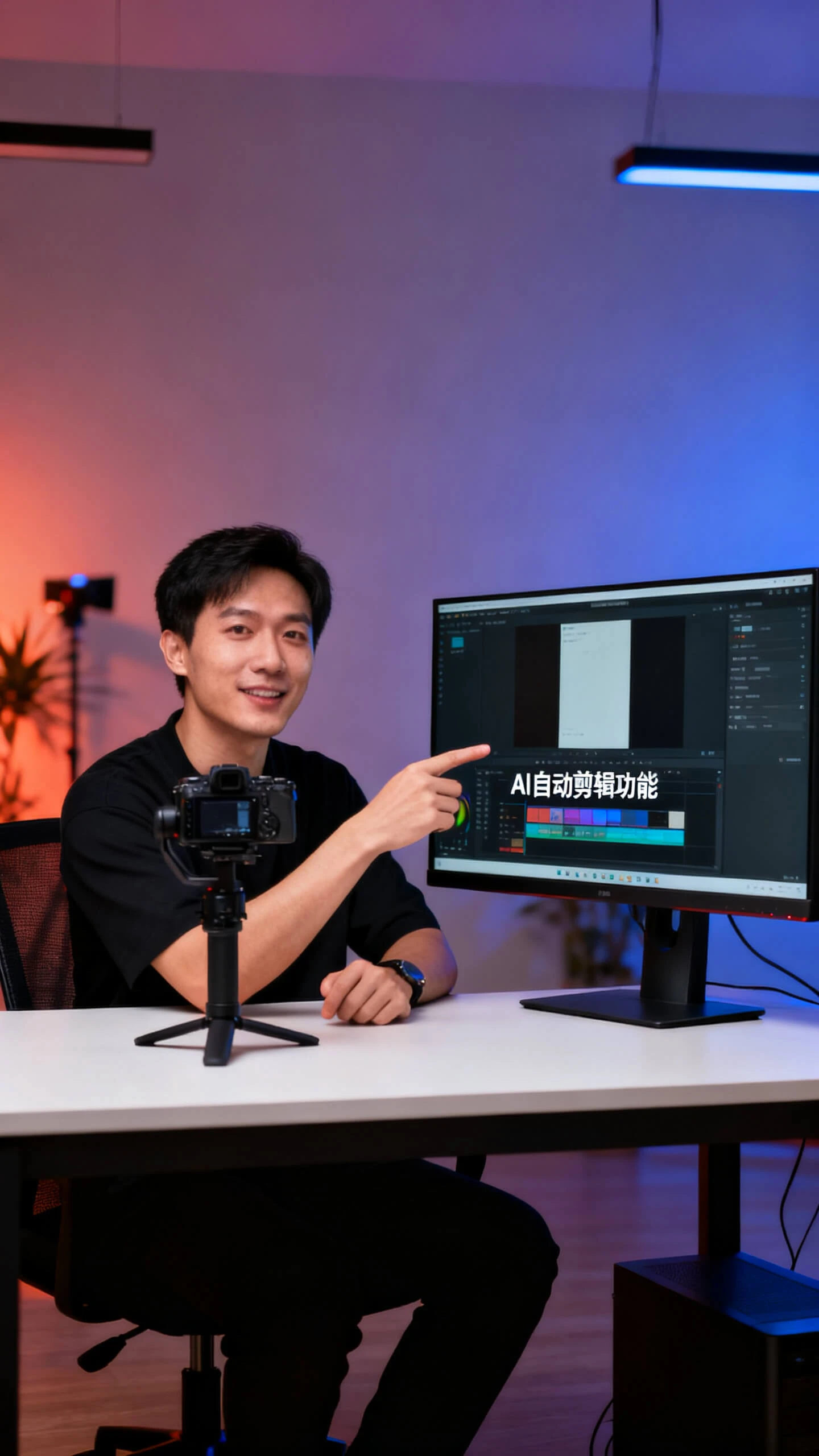
Transform any idea, image, or script into platform-ready videos with style, voice, and music built in Magiclight AI's social media video generator. No editing skills are needed.

Create AI Social Media Video Now
ai social media video generator
viral social media video maker
generate reels and shorts video
ai social video creator
social media ai video generator
viral post video maker
ai social media video generator
viral social media video maker
generate reels and shorts video
ai social video creator
social media ai video generator
viral post video maker
ai social media video generator
viral social media video maker
generate reels and shorts video
ai social video creator
social media ai video generator
viral post video maker

Discover the Features of Magiclight AI Social Media Video Maker

Magiclight AI social media video generator covers every format creator need, from short-form Reels to long-form content.

Explore the video generator
3D decoration

Video Models for Every Content Style

Choose from Kling 3.0, Veo 3.1 or 17 more models. Each produces a different motion quality to match your social media content style.

Image to Social Video Creation

You can turn any static image into a smooth and social-ready video with a consistent style across every scene in just a few clicks.

Turn Any Topic Into a Social Video

Enter any idea in Magiclight AI and choose from 9 story models. Even a one-line prompt becomes a narrated social media video ready to post.

Long-Form Platform Content

Turn scripts into deep-dive videos for YouTube and LinkedIn. Magiclight AI narrates up to 12,000 characters into videos up to 50 minutes long.

Who Uses Magiclight AI as a Social Media Video Generator
Different creators use the AI social media video generator for different outputs. Magiclight AI gives each a clear path from idea to published post.
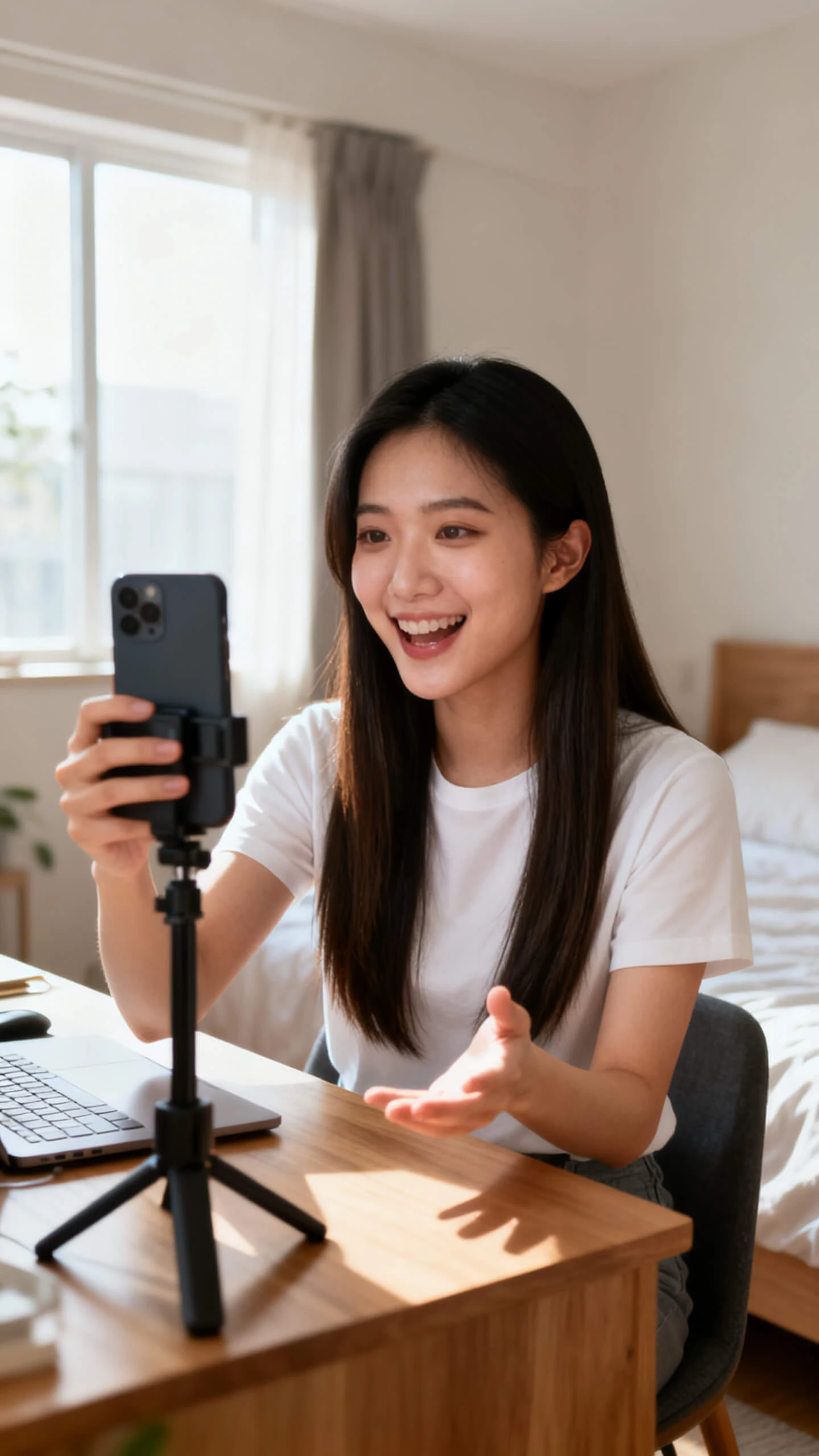
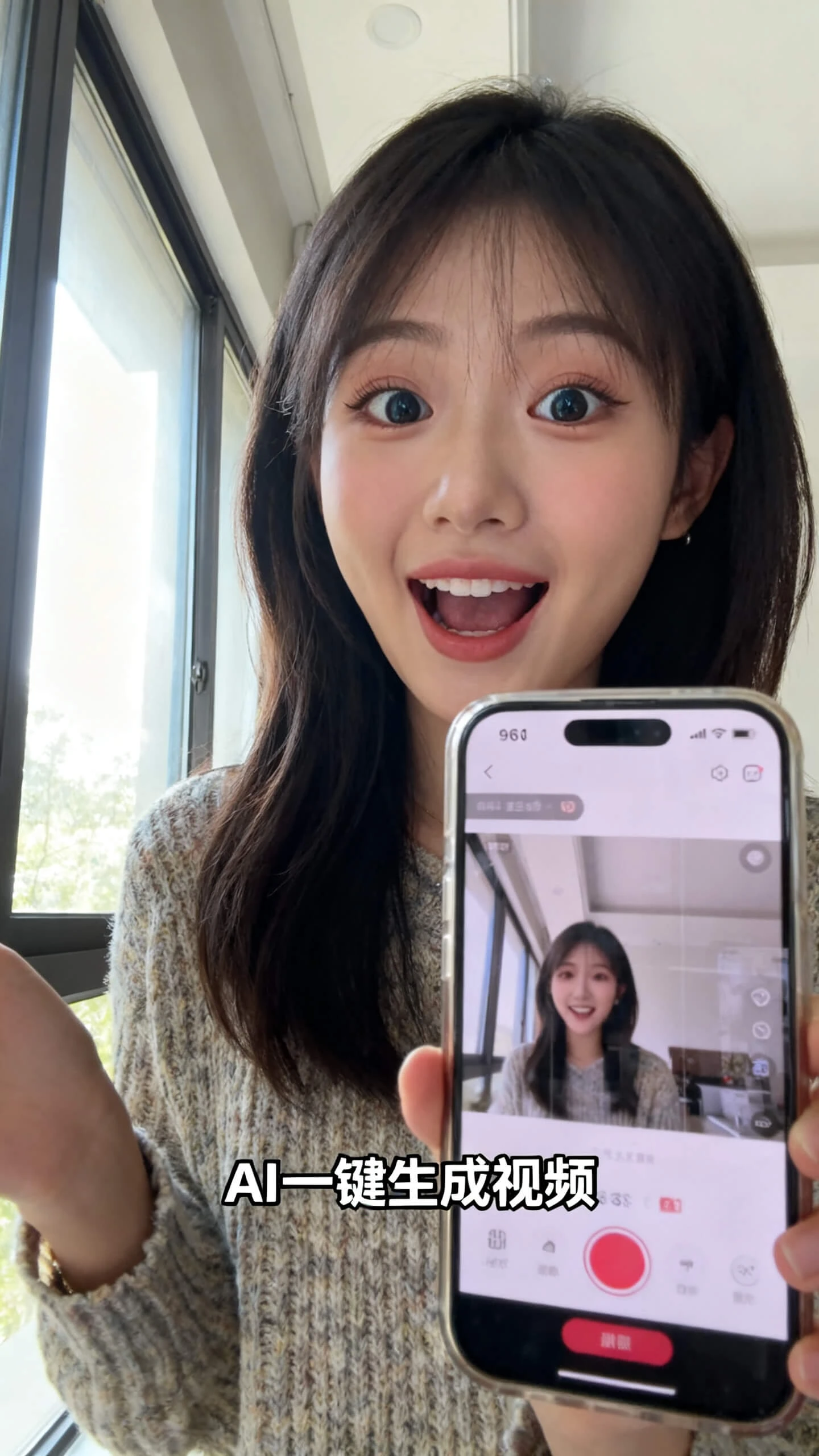
TikTok Instagram Reels video generator
For TikTok and Instagram Creators
Generate eye-catching Reels and Shorts from a single prompt.
Apply trending visual styles from 20+ looks without any editing.
Add narration and captions so videos perform with sound off.
E-commerce promo ad video maker
For E-Commerce Brands
Place products in lifestyle scenes across different visual settings.
Build promo video ads from a product description without a shoot.
Produce multiple ad variations in one session to test what converts.
Online course explainer video generator
For Educators and Online Course Creators
Turn lesson scripts into narrated explainer videos in minutes.
Choose from 9 story models to structure complex topics clearly.
Publish course content in 11 languages to reach a wider audience.
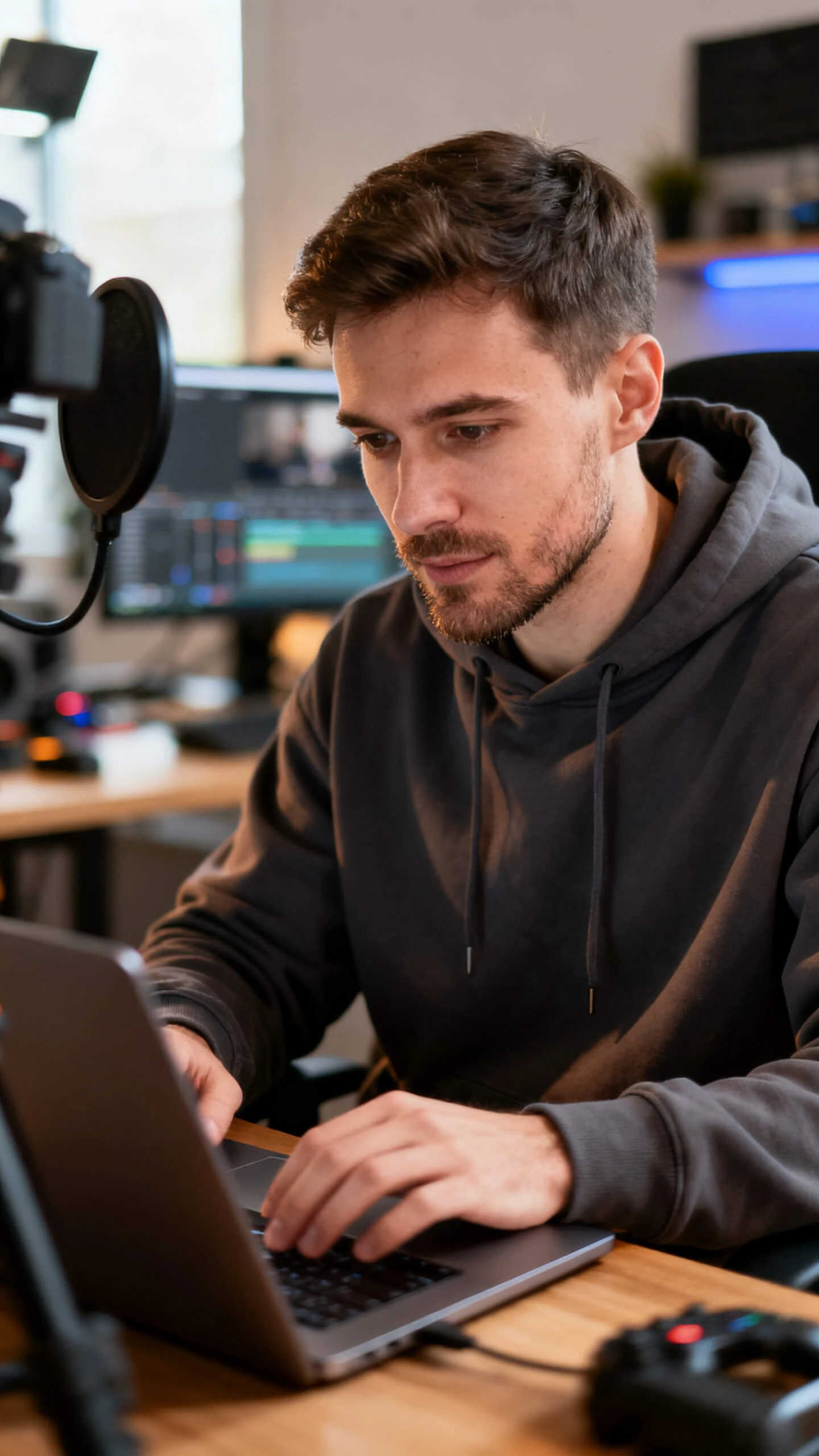
YouTube long form video creator
For YouTubers and Long-Form Creators
Input scripts up to 12,000 characters for videos up to 50 minutes.
Keep one consistent host character across every upload in a series.
Export in 1080p without needing a camera, crew, or editing software.
Why Magiclight AI Stands Out as the Best
AI Social Media Video Generator
Most video tools require editing skills and production time that posting schedules do not allow. Magiclight AI social media video generator removes all barriers at once.
Consistent Characters Across Every Post
Brand mascots and on-screen presenters stay visually consistent across every clip in Magiclight AI. Recurring hosts and characters look the same from the first post to the last.
Reach Global Audiences Without Rebuilding
Add narration and subtitles in 11 languages from one session. One video becomes region-specific versions without starting the project over in Magiclight AI.
Short Clips and Long Episodes in the Same Tool
With Magiclight AI, you can handle 15-second Reels and 50-minute series episodes without switching platforms. Your entire social content calendar lives in one place.
No Other Editing Software Required
Magiclight AI generates every scene from text alone, so you never need any other software to edit content. A written brief becomes a complete visual sequence ready to export.
Royalty-Free Music Built Right Into the Workflow
Inside every Magiclight AI session, 40 background tracks are available. You add music that fits the mood without worrying about licensing or copyright strikes.
Cover Templates Built Inside the Same Workflow
There are 21 cover templates in Magiclight AI that let you build click-driving thumbnails without opening a separate tool. Every template is sized to what the platform requires.

How to Use Magiclight AI’s Social Media Generator in 4 Steps

With Magiclight AI's social media video generator, your idea moves through guided steps. A post-ready video is ready without design skills, editing software, or production work.

1.

Step 1. Describe Your Video Idea

Type your topic, brand message, or story concept. Add mood, audience, and platform hints so Magiclight AI generates scenes that already fit your feed.

2.

Step 2. Choose Style, Voice, and Music

Pick a visual style from 20+ options and a voice from 37 choices. Select a background track from 40 options so the video feels complete before rendering starts.

3.

Step 3. Refine Scenes Before You Render

Open Nano Storyboard to adjust poses, expressions, and camera angles. Edit captions and tweak scene order until every frame matches your creative brief.

4.

Step 4. Export, Schedule, and Publish

Define the cover for your video content, preview the finished video, and select 720p or 1080p to export or publish it across your desired platform.

FAQs on AI Social Media Video Generator

What is an AI social media video generator?

An AI social media video generator is a tool that turns text prompts into produced social media videos with visuals, voice, music, and captions. Magiclight AI handles it all.

Is the social media video generator in Magiclight AI free to use?

Yes. You can explore the workflow before choosing a paid plan. Visit the Magiclight AI website to see current limits and export options.

What video length does Magiclight AI support for social media?

Magiclight AI’s social media video generator created videos up to around 50 minutes. Both short and long-form social media content work inside the same session.

Can I make social media videos in multiple languages?

Yes. You can create localized versions of every social media video in one session without rebuilding. Magiclight AI supports narration and subtitles in 11 languages.

What visual styles work best for social content?

Cinematic, 3D cartoon, realistic, and illustration styles are all available for social content. Each one in Magiclight AI keeps a consistent look, so your feed stays on brand.


Create Viral Social Media Videos With Magiclight AI

Give every social media idea the script, visual style, and post-ready quality it deserves with Magiclight AI.