Explore Features of Magiclight AI's Talking Head Video Generator
The talking head AI video generator in Magiclight AI gives you tools to create ready-to-share clips. Every clip comes out perfect and ready to share with your audience.

With Magiclight AI, the talking head video generator sets scenes, keeps the story moving, and gives a professional video with no editing skills required.
Create Talking Head Video For Free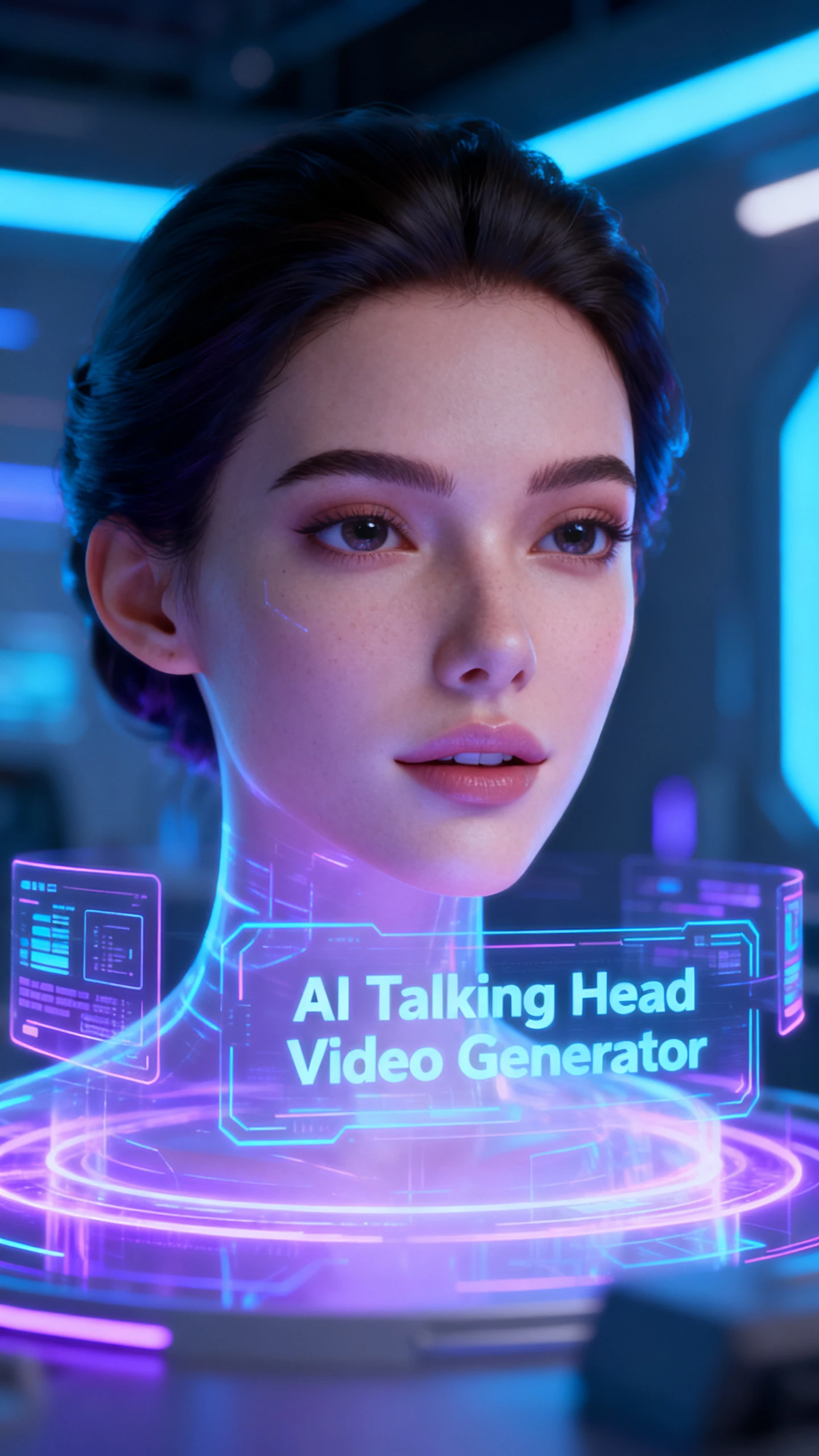
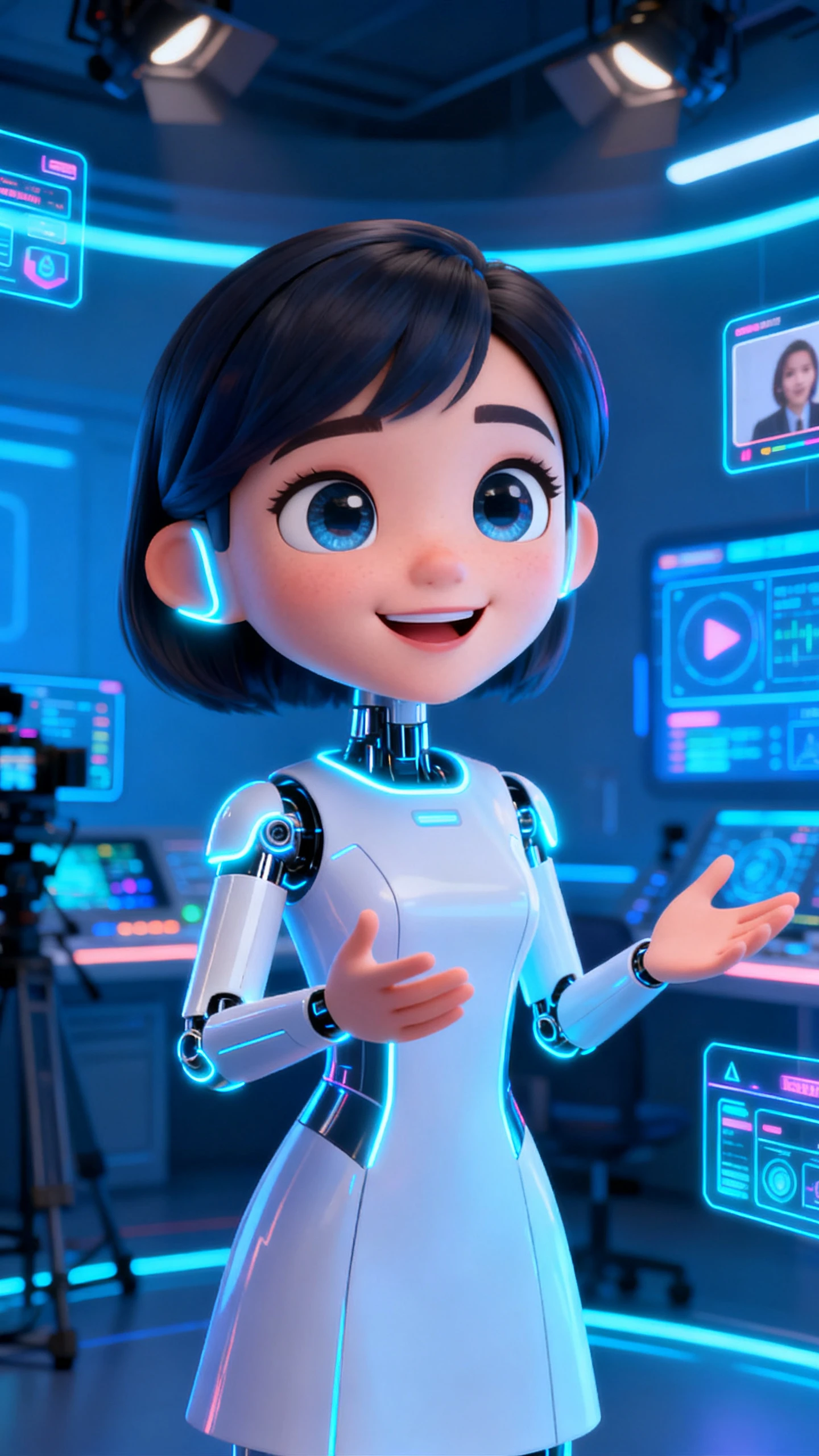
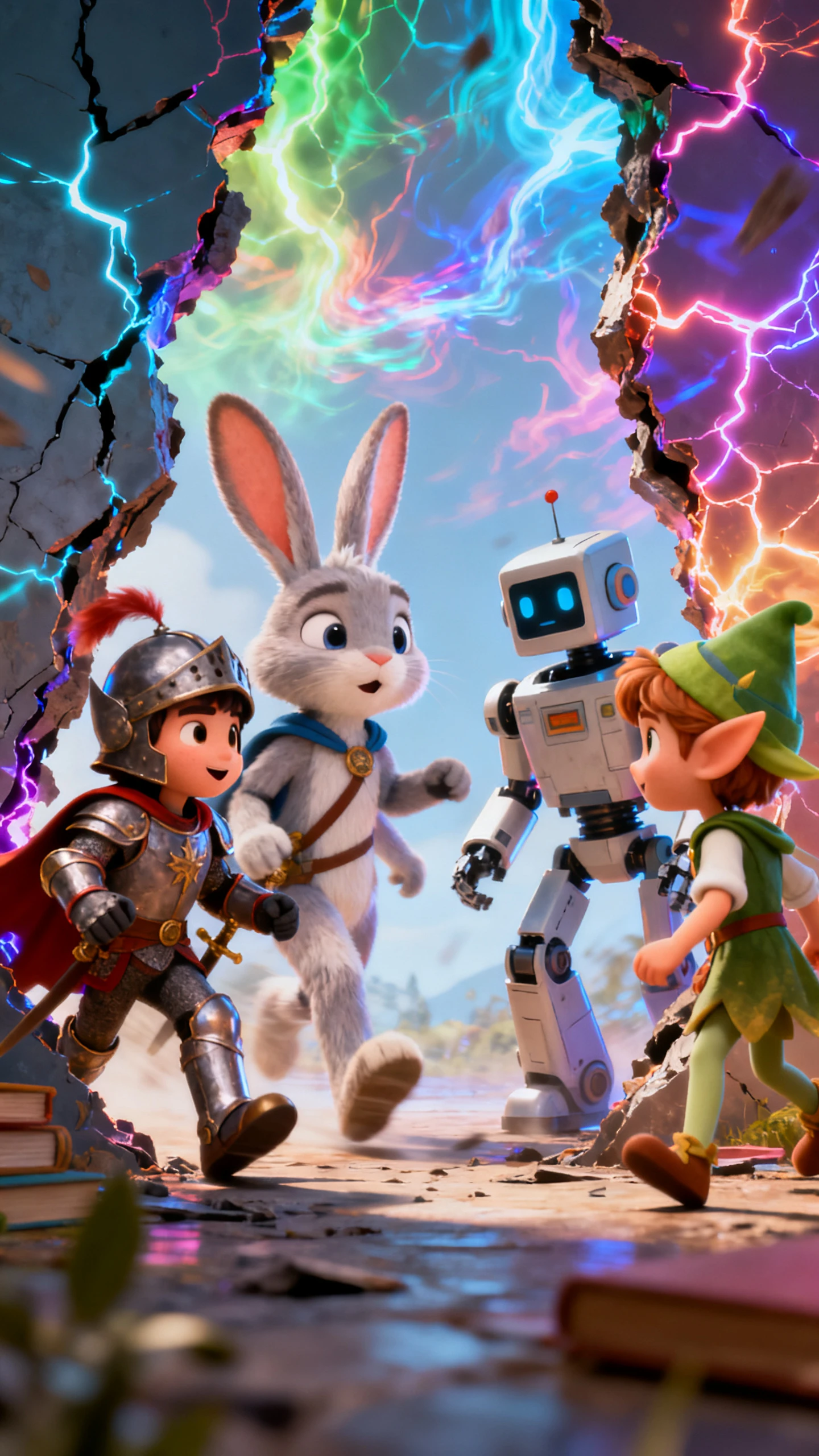
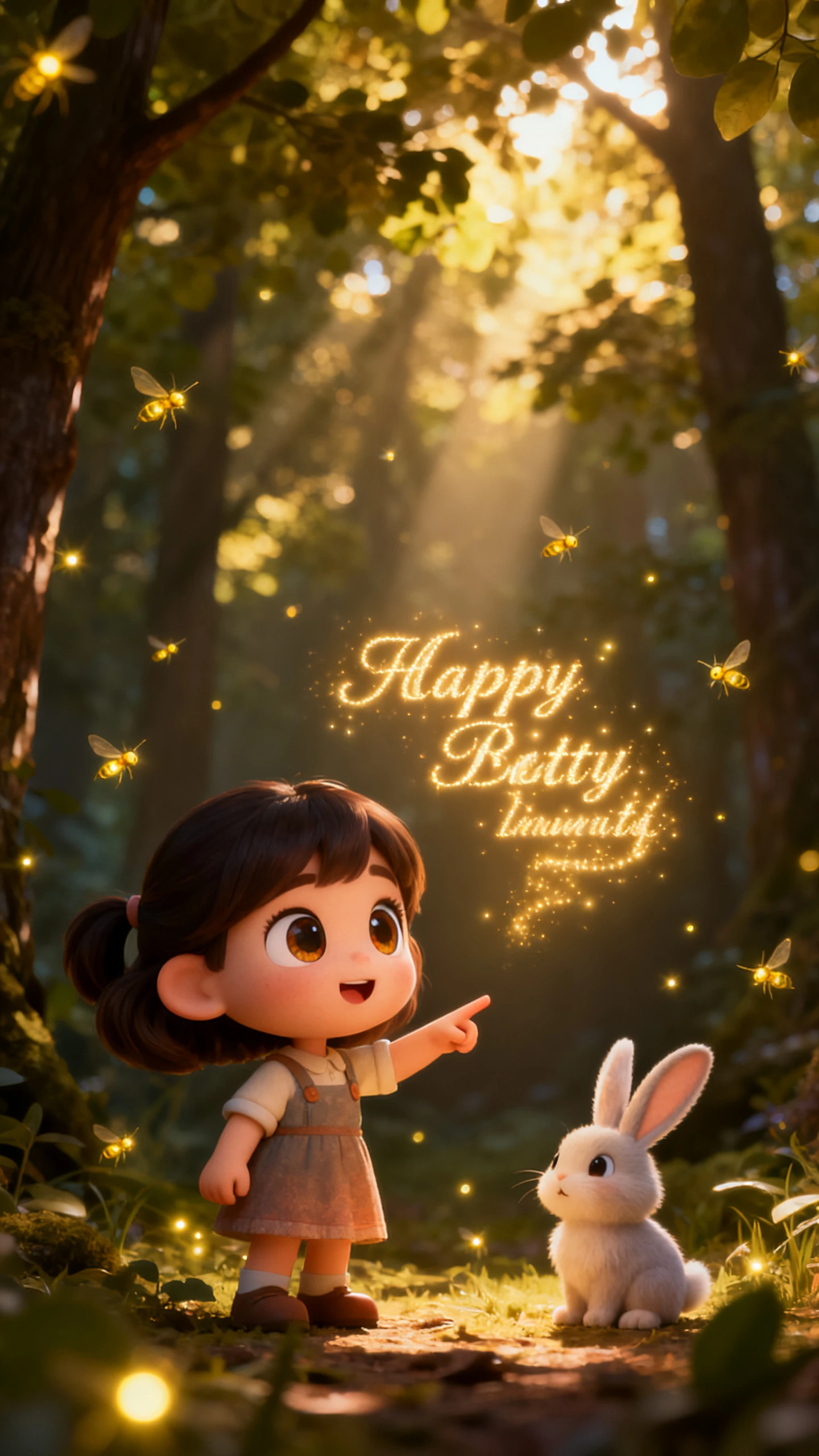
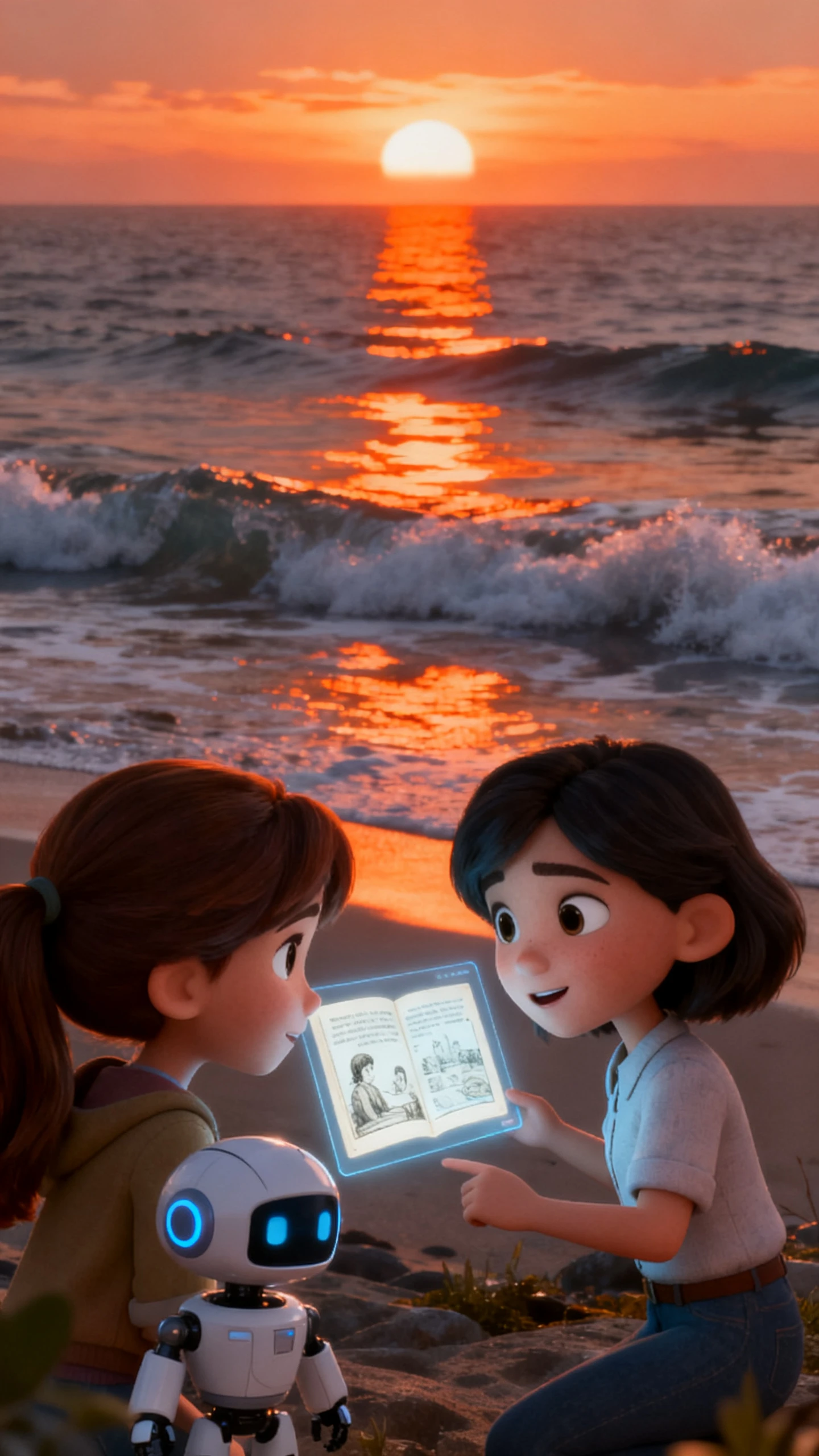
The talking head AI video generator in Magiclight AI gives you tools to create ready-to-share clips. Every clip comes out perfect and ready to share with your audience.

Magiclight AI keeps your talking head character the same across every scene. Keep every scene smooth and consistent between shots.
Pick from 37 voiceover options and filter by accent, gender, age, or scene type. Magiclight AI also supports voice cloning for a more personal feel.
Adjust your character's clothing and body type before exporting the video. Magiclight AI gives you 50 pose options for fine control.
Create talking head videos in 30 languages, including English and Arabic. Magiclight AI helps you reach viewers around the world.


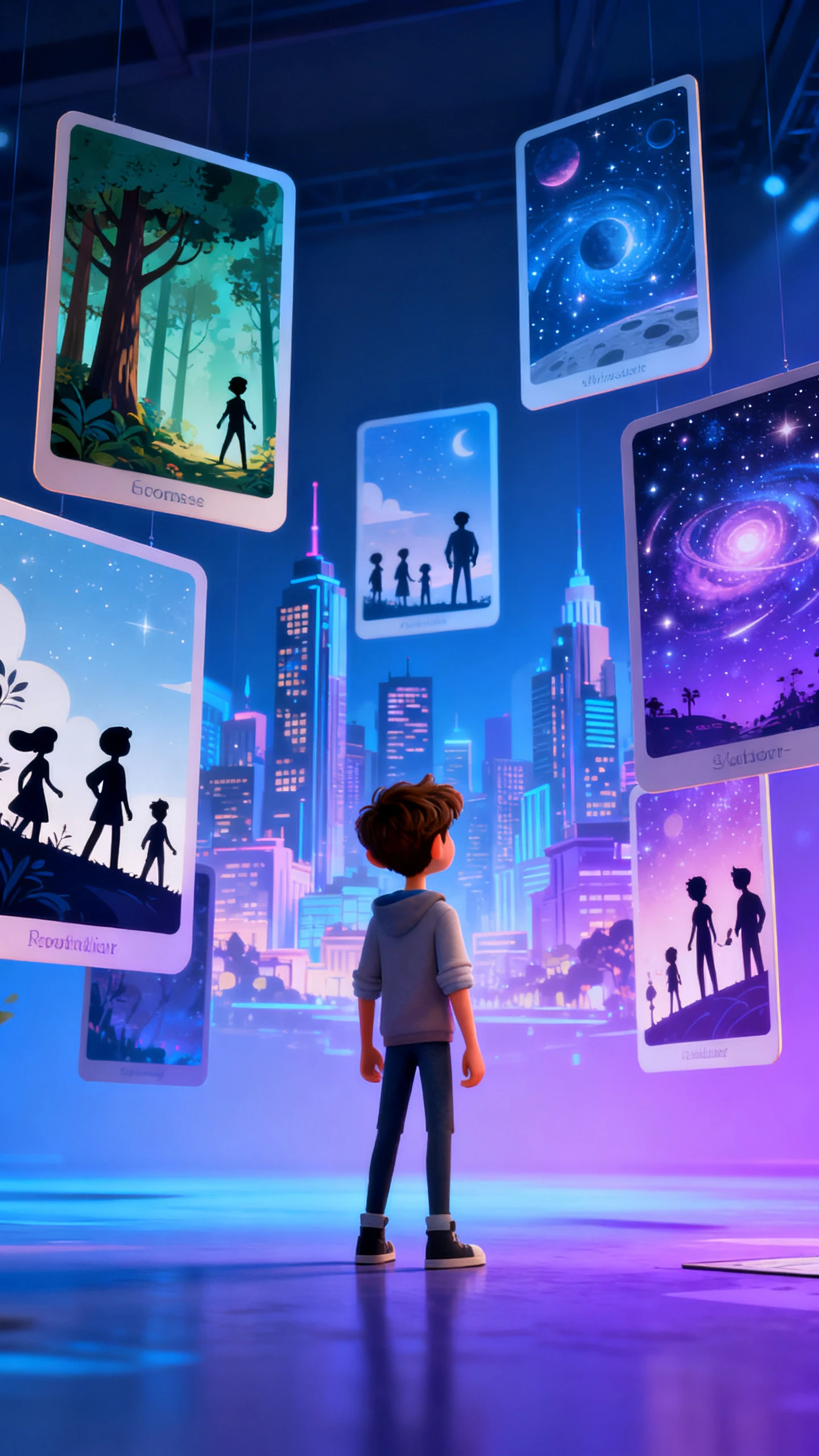
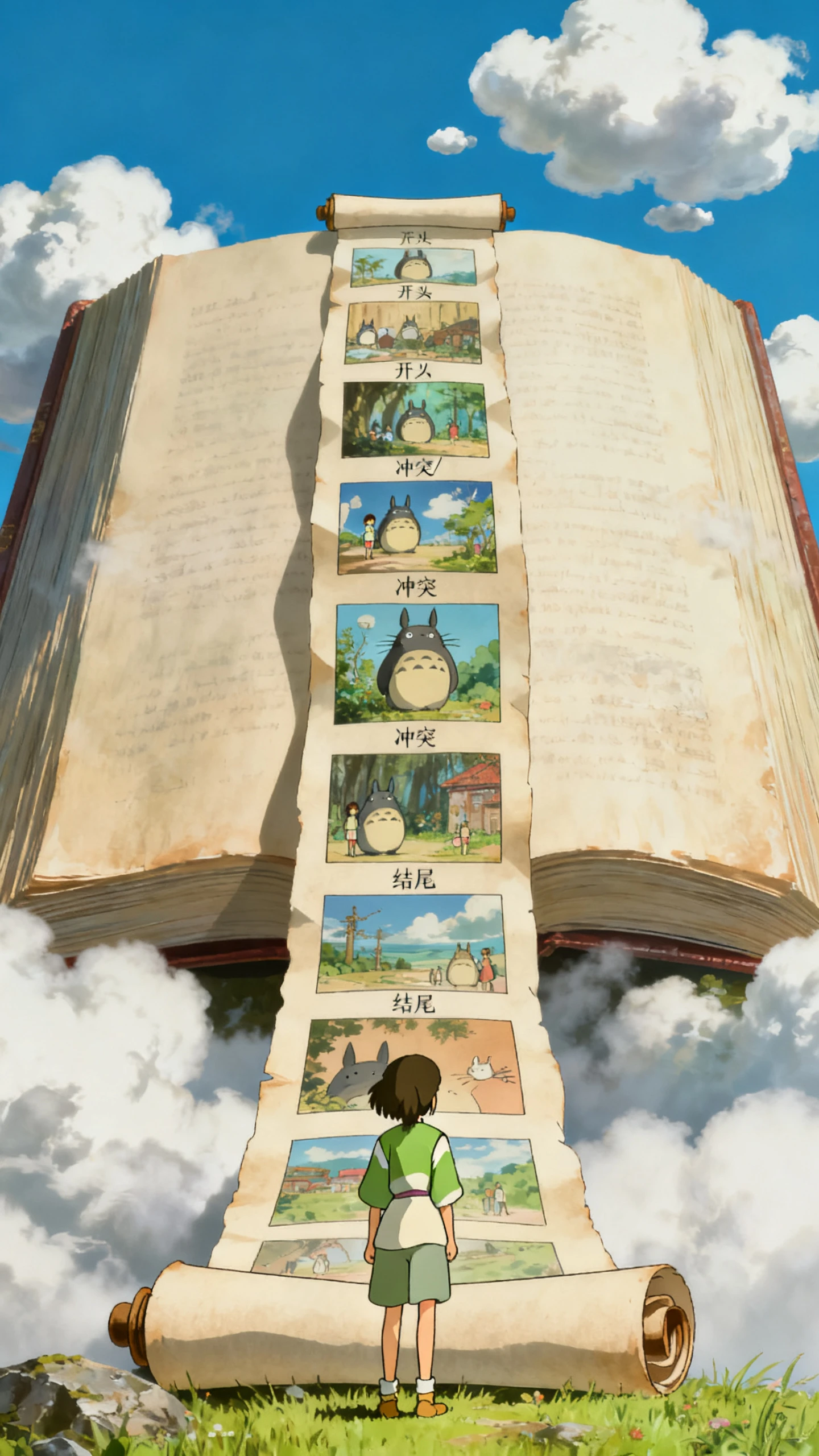
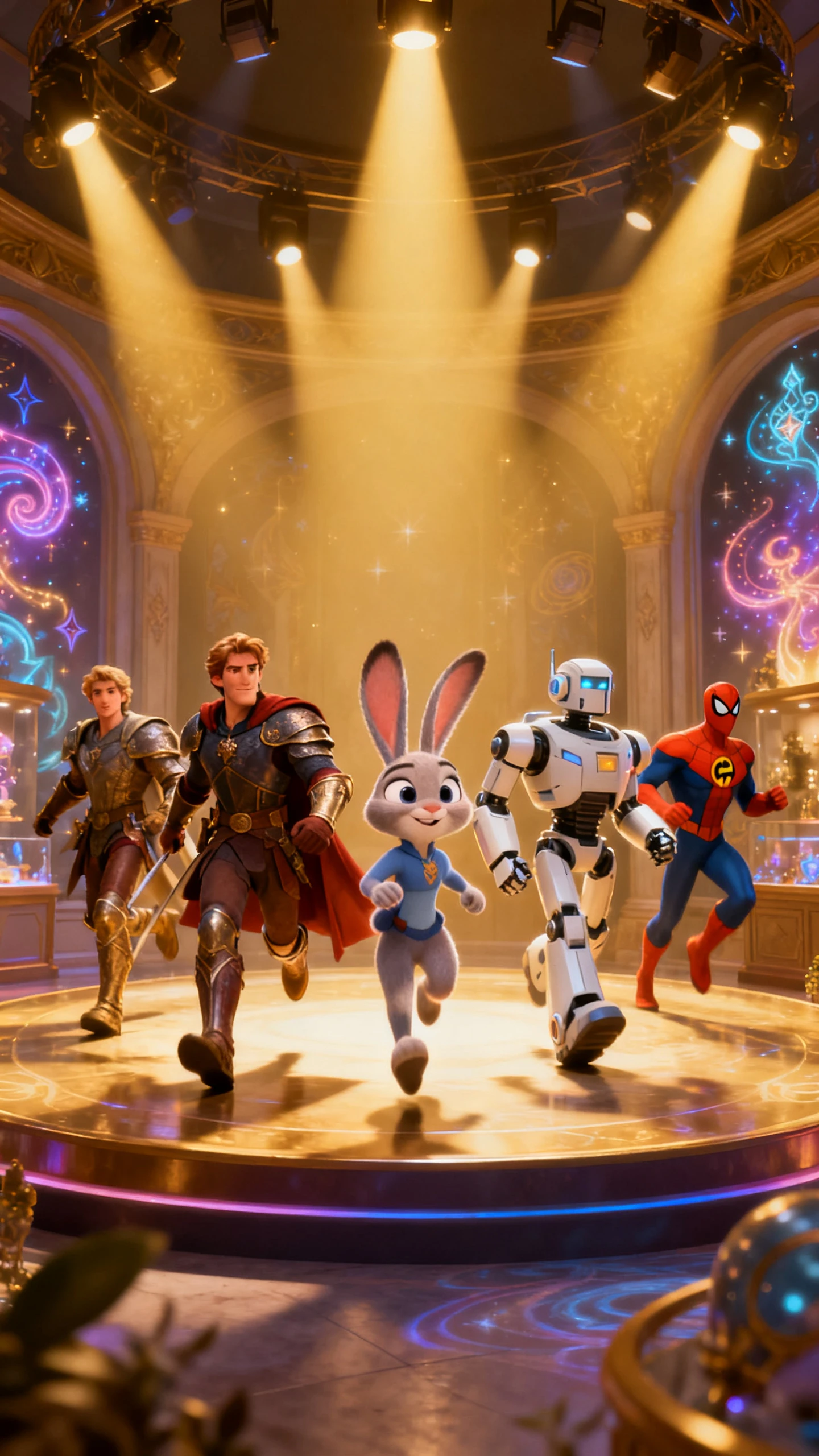
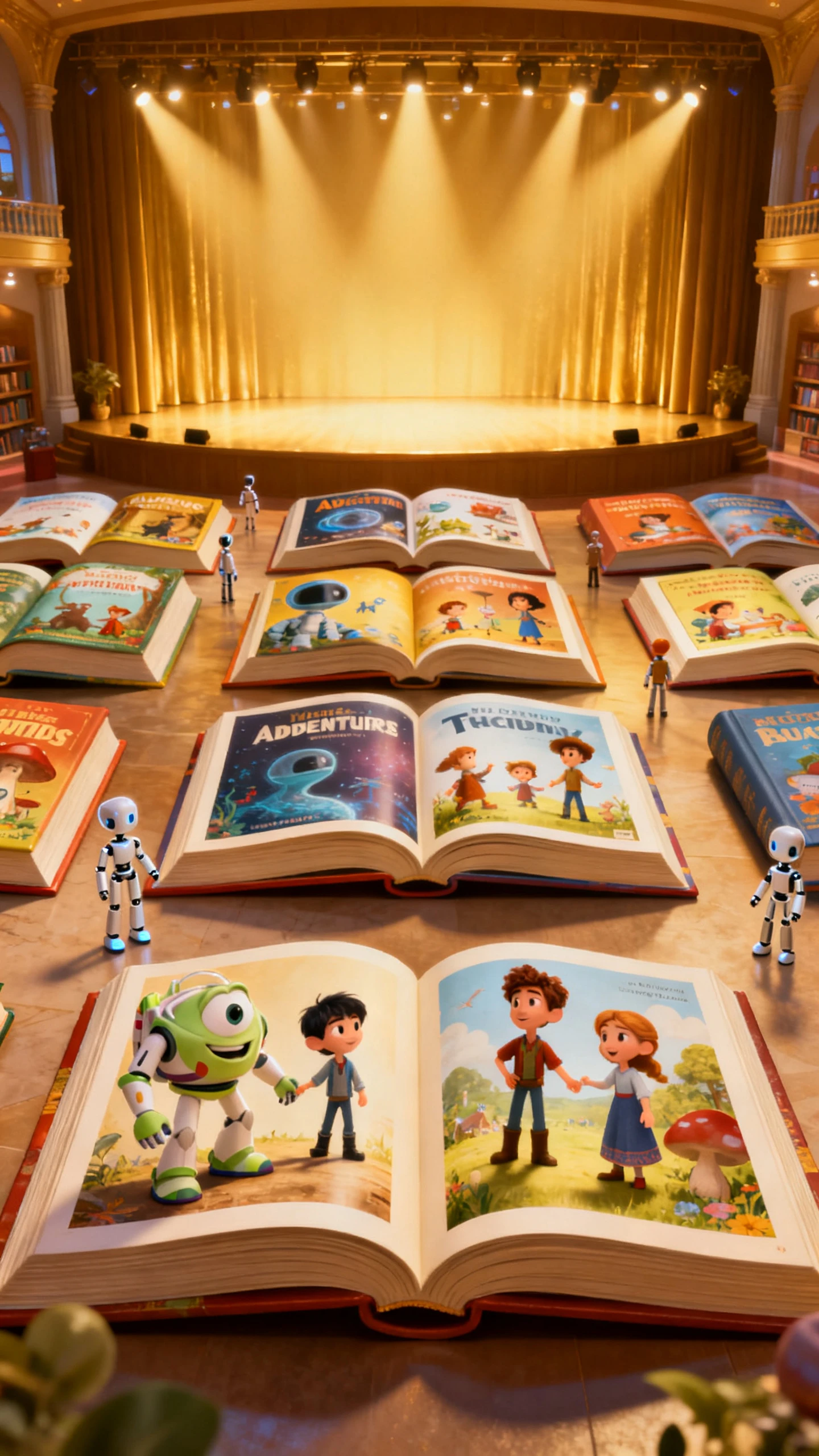
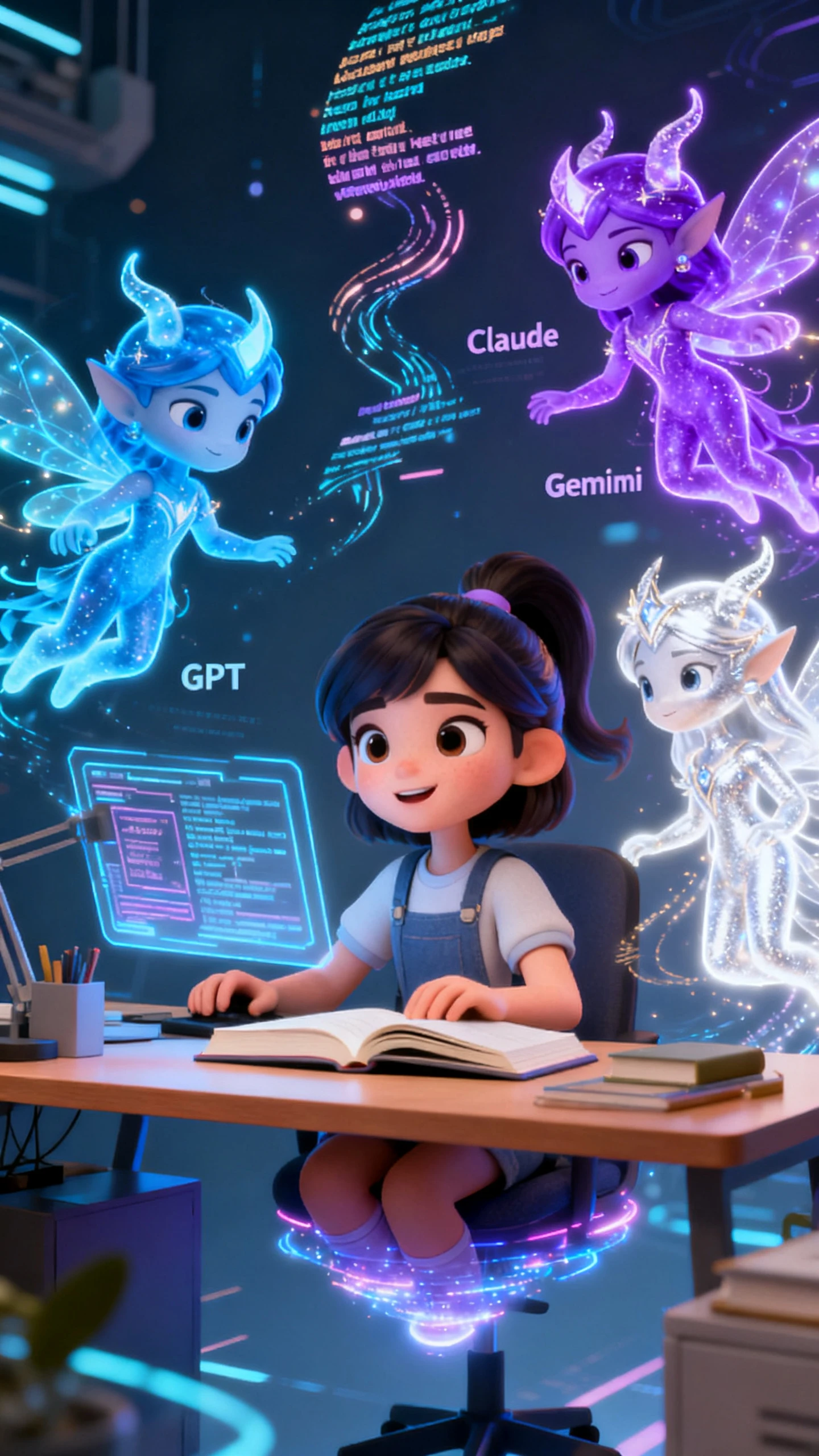
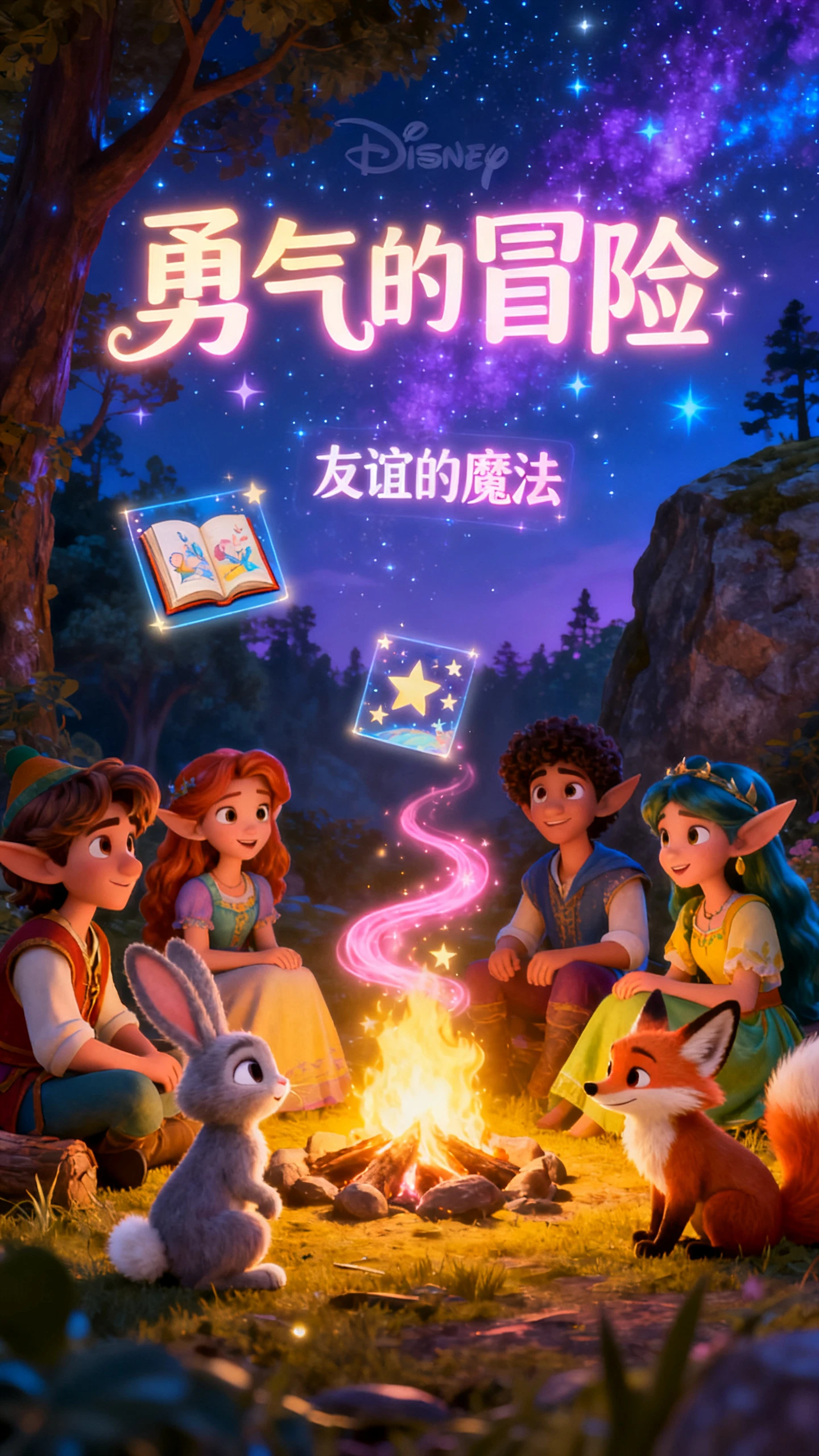
Using the free AI talking head video generator on Magiclight AI is simple. Follow these 4 steps to create your first talking head video today.
Go to AI Character Creation in Magiclight AI and set your character's name, look, and style. Choose a model like Seedream 2.0, Kling AI, or Veo 4 and generate your character.
Open the Story to Video or Character Vlog tool and enter your script. Magiclight AI supports up to 12,000 characters and multiple AI story models to help shape your content.
Review the auto-generated storyboard and edit scenes as needed. Adjust poses, expressions, clothing, and voiceovers before you create the final video.
Pick your resolution, subtitle style, and cover template inside Magiclight AI. Then download or publish your talking head video directly to your platform.
A talking head video generator turns your script into character-led videos. Magiclight AI handles the voice, motion, and visual style for you automatically.
Inside the Magiclight AI, it uses stable character models that keep the same look and style across all scenes. You set the character once, and it stays consistent in the video.
Magiclight AI supports realistic, cinematic, Disney, Pixar, Ghibli, comic book, and many more styles. You can also animate your talking head storyboard using 16 animation models.
Yes. Magiclight AI offers a free AI talking head video generator option so you can test the tool before choosing a paid plan. Free credits let you try characters and voices first.
Character creation, Nano storyboard, 37 voiceovers, and AI video models are available in Magiclight AI. That makes it ideal for creators who need more than basic output.
Yes, Magiclight AI handles talking head videos up to 50 minutes long. Most tools cannot come close to that length in one project.



Use Magiclight AI to turn any script into unique talking head videos.