Explore the Features of Magiclight AI Video Collage Maker
Make professional AI collage videos from prompts or photos within minutes in Magiclight AI. The AI collage video generator creates scenes and voices and arranges them in one video.

No need for any tools or editing skills to create collage videos. With Magiclight AI, you can create AI videos from a photo or a text prompt in your web browser for free.
Create Collage Video For FreeMake professional AI collage videos from prompts or photos within minutes in Magiclight AI. The AI collage video generator creates scenes and voices and arranges them in one video.

Pick one of 21 templates for photos, clips, or a mix of both. Magiclight AI puts every piece in place for you.
Magiclight AI turns any uploaded photo into a 10 to 15 second clip and then blends it with your filmed footage into the same collage video.
Choose from 40 background tracks to animate the whole video, and the music syncs across all clips and photos in Magiclight AI.
Apply one of 20+ visual styles, such as realistic or cinematic looks, to match the photos shot. Magiclight AI keeps the look the same from start to finish.



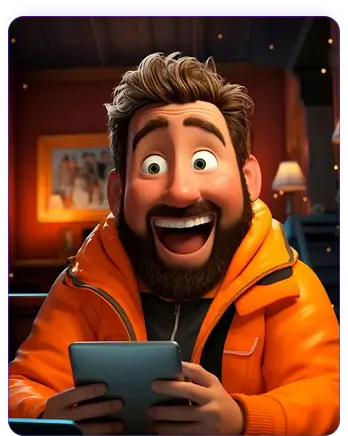
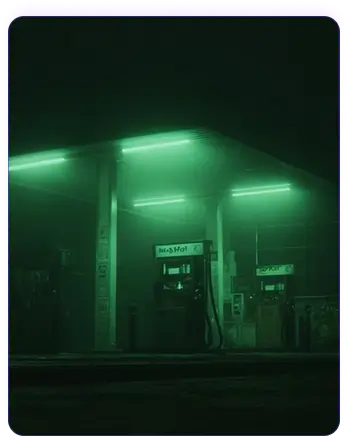
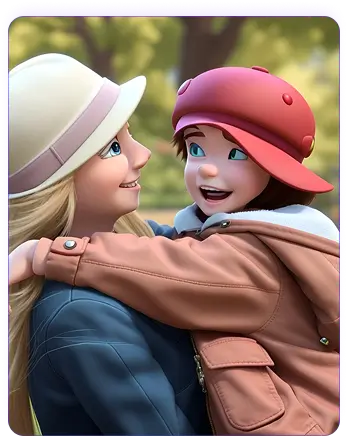
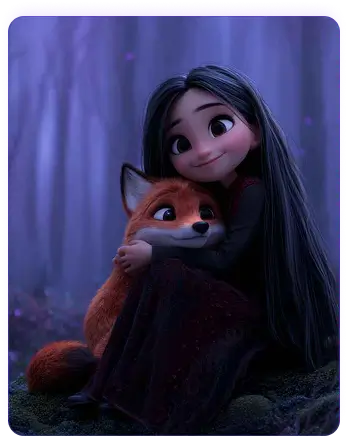
4 simple steps take your photos and clips and turn them into one finished video. The AI collage generator inside Magiclight AI handles the layout, motion, and export for you.
Describe your idea or upload photos that you want in the collage. Magiclight AI checks your prompts and ideas to determine the collage structure for creation.
Select one of 21 templates designed for the mood or occasion you want. Choose a visual style from Magiclight AI's library to set the right look.
Review the arranged clips and add a background track from Magiclight AI's music library. You can reorder clips or swap the style until the collage looks exactly right.
Preview your finished video and export it in 720p or 1080p resolution. Save the collage to your device and post it directly to your favorite platform.
An AI video collage maker in Magiclight AI combines your photos and clips into one finished video. You can also automatically apply music and style in a single workflow.
No. You only need your photos and collage video clips to continue further. The layout, music, and export can all be handled in Magiclight AI in one go.
Yes. Magiclight AI offers 19 video models that accept any combination of photos and clips in a single project. There are no additional tools or editing software that you need.
Yes, a free AI video collage maker plan is available for your first project. You can also upgrade at any time in Magiclight AI to access more advanced features.
There is no fixed limit on how many photos or collage clips you can combine. Add as many photos and clips as your story or event needs in Magiclight AI.
Every collage export in high definition at 720p or 1080p, ready to post on any social platform. Magiclight AI handles the export directly, without a separate tool.



Give the AI collage video generator your photos and clips to create one video today.