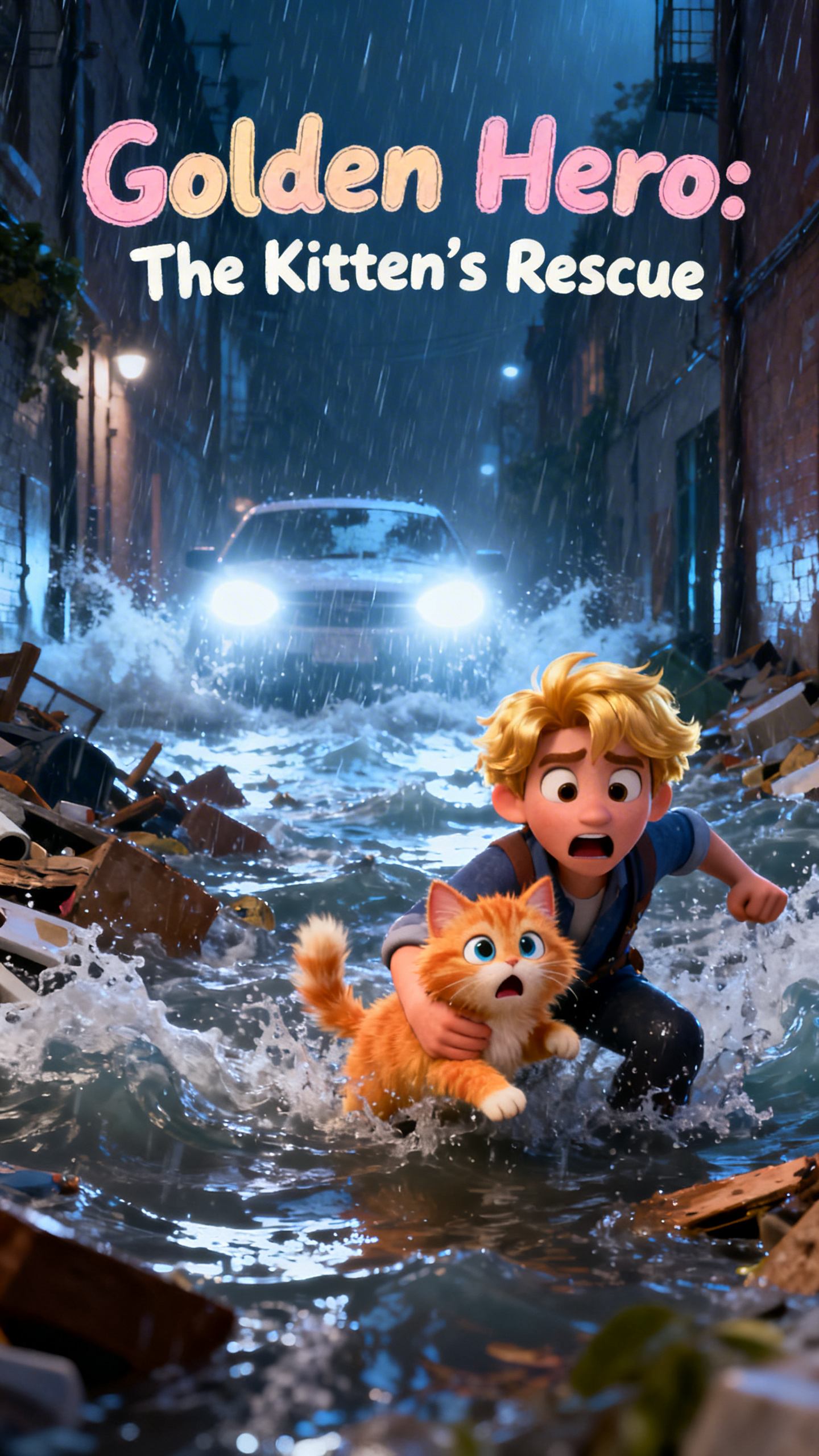
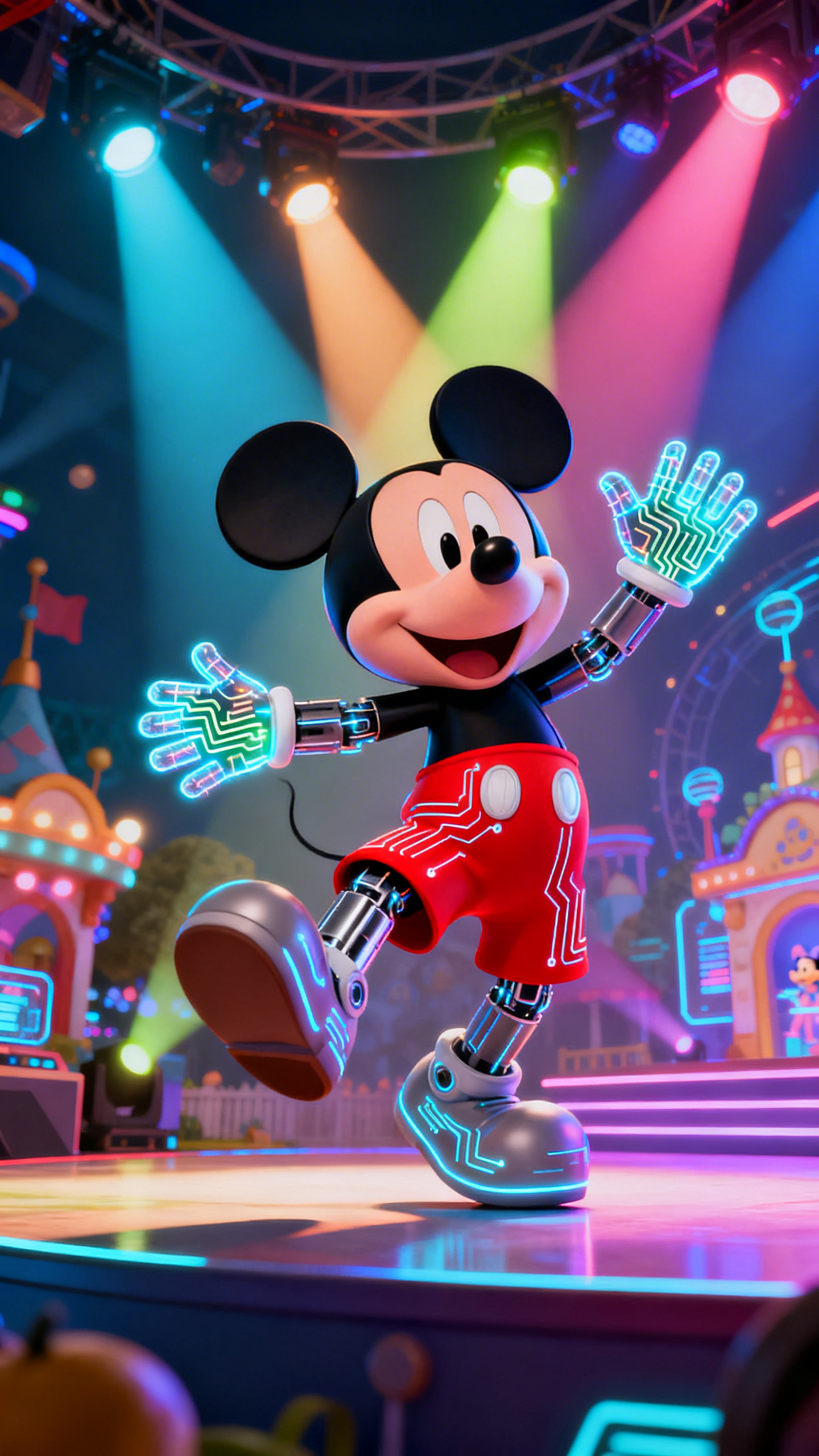
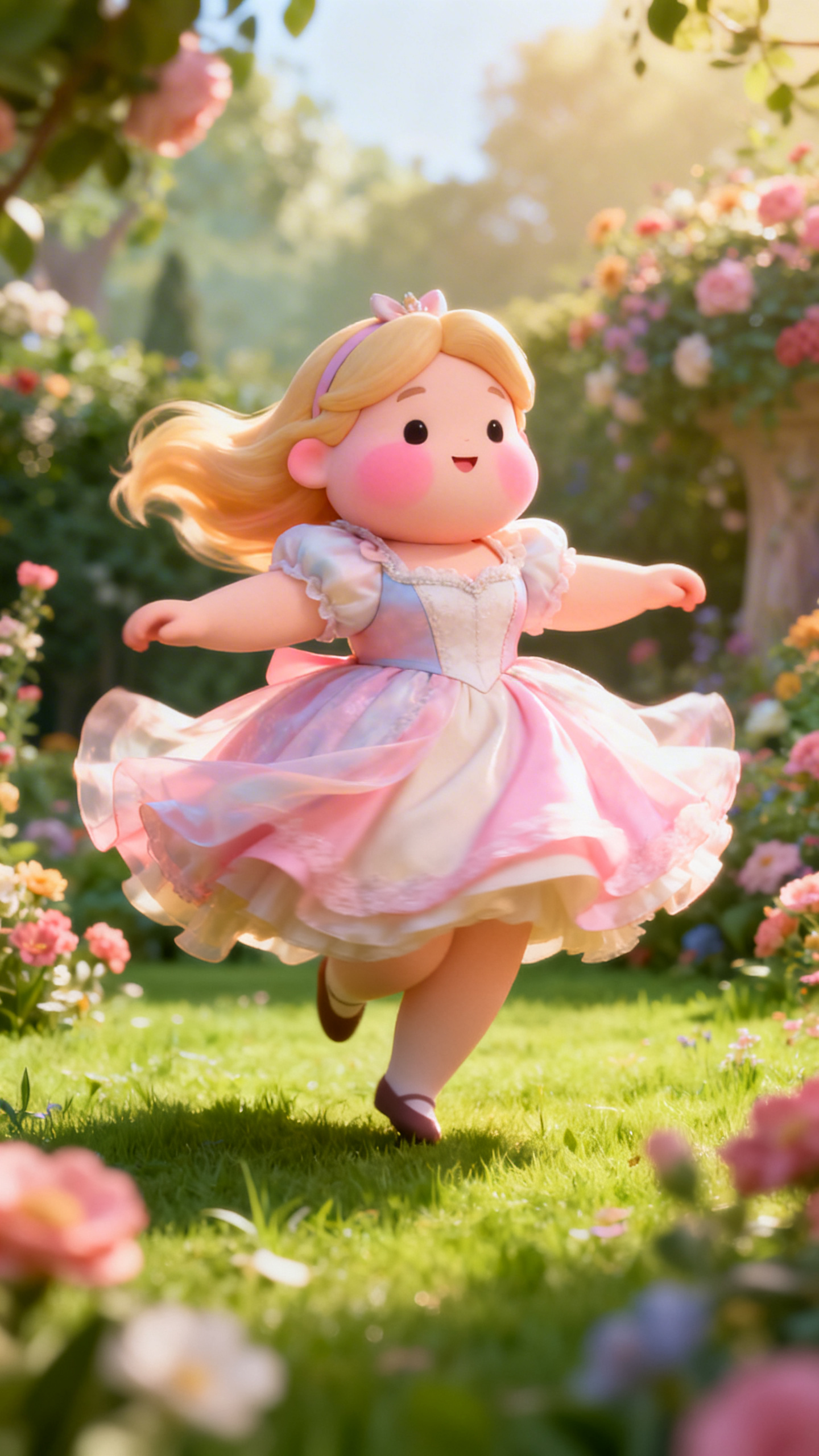
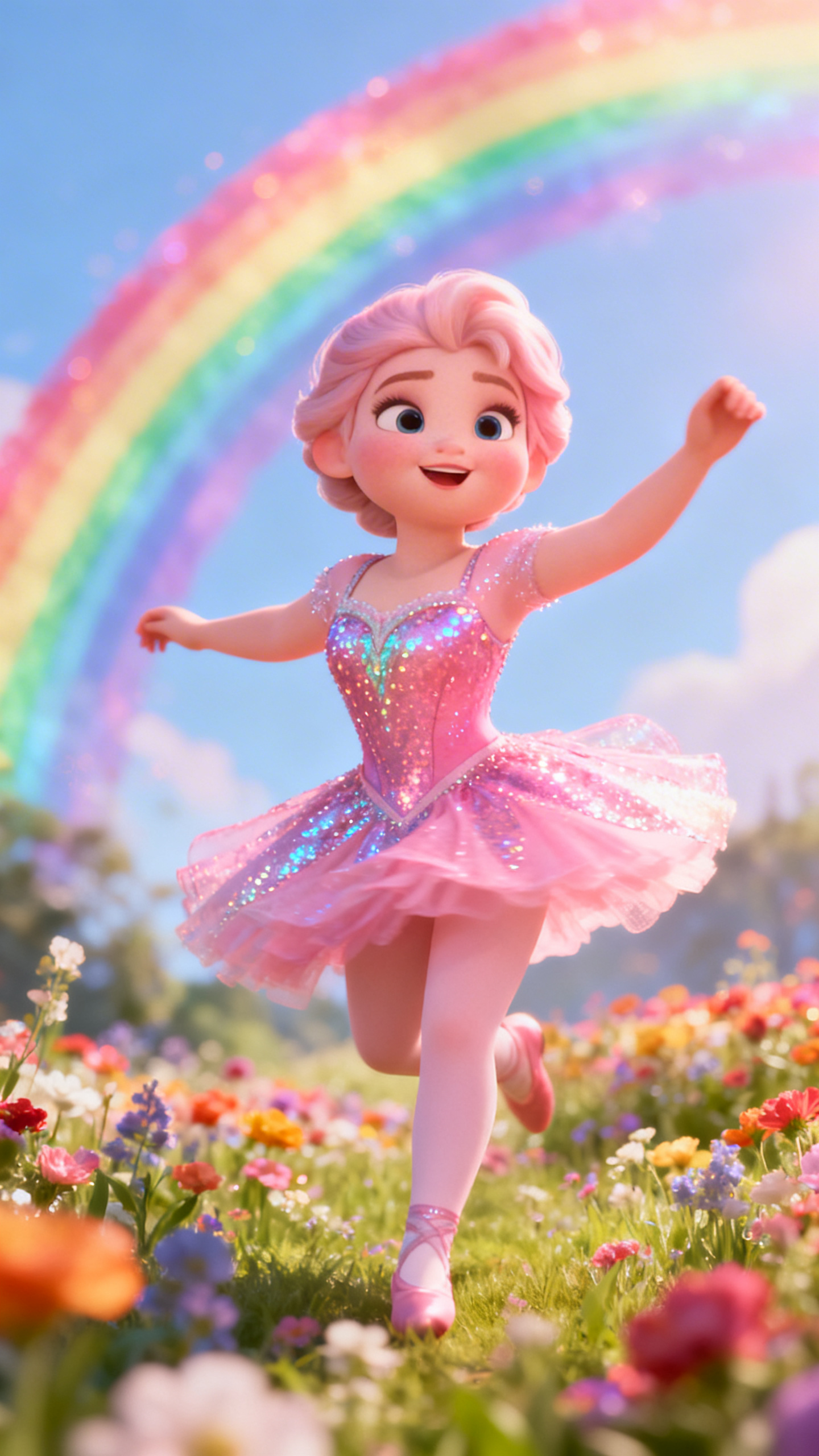
Hero background

FPE OC Maker Free Online:Create Custom FPE Character

Creating different school characters is now easy with Magiclight AI FPE OC maker. Fans can easily use them in their fanwork. Build with confidence today.

Create FPE OC Now
FPE OC Maker
Custom FPE Character
Student OC
Teacher OC
School Cast
Viral Videos
Animated OC
Magiclight AI
FPE OC Maker
Custom FPE Character
Student OC
Teacher OC
School Cast
Viral Videos
Animated OC
Magiclight AI
FPE OC Maker
Custom FPE Character
Student OC
Teacher OC
School Cast
Viral Videos
Animated OC
Magiclight AI

Explore Features of FPE OC Maker

Magiclight AI, as an FPE maker OC, is a good starting point for richer character creation. Customize your students' and teachers' OCs into reusable leads for videos.

Explore the video generator
3D decoration

Real Faces, Instant OCs

Transform real people into FPE-style OCs from a single photo. Magiclight AI studies faces, hair, and clothes to build a close, reusable match.

Detailed Prompt Control

Describe the look you want in plain language to refine each OC. You control small changes like eye color, skin tone, and hairstyle with each prompt.

Outfits That Match Your Style

Swap uniforms, casual wear, or themed outfits in seconds. The tool adapts new clothes, so they fit your student OCs perfectly.

Same Face in Every Scene

Creators can use the same student or teacher OC in many stories. Magiclight AI maintains its appearance in every new scene and video.

Who Is Magiclight AI FPE OC Maker Best For
As your FPE OC base maker, the tool turns simple ideas into detailed school casts. Creators can start with a single student OC, then grow a full world of moving school characters.
Skit Channels
For Skit Channels
Reuse the same school OCs for different skits and channel intros.
Keep student or teacher OCs consistent across weekly uploads.
Turn scripts into fast OC-led skits with visual variety.
Special Fans
For Special Fans
Export character visuals for profiles, banners, and posts.
Create detailed OCs for chats, servers, and collabs.
Match each OC's style to the mood of your fandom space.
Dedicated Educators
For Dedicated Educators
Design friendly teacher and student guides for lessons.
Turn lessons into explainer shorts and clips with fun OCs.
Reuse the same teacher OC host for many topics and subjects.
YouTube Creators
For YouTube Creators
Plan class rosters and staff lists for long-running stories.
Design school staff OCs that match your brand story.
Use your OCs to quickly create fan videos, visual recaps, or outros.
Why Magiclight AI's
Hazbin Hotel OC Maker Stands Out
Go beyond basic OC tools by keeping your school cast consistent across stories. Use Magiclight AI FPE teacher OC maker to build a custom teacher and full story, however you want.
Faster Stories
Simple Flow for Faster Stories
Magiclight AI lets you edit and publish all in one platform. So, creators focus on their FPE OCs rather than on complex settings, moving smoothly from idea to finished video.
Custom Voices
Custom Voices with Emotion, Accent, and Language
There are 37 voice styles and 11 languages to match your FPE OC's role. You can pick accent, gender, and tone, and adjust emotion so each character matches the story's vibe.
Character Library
Large Character Library
The library allows you to save personalized OCs, with names, traits, and roles attached. You can bring the same characters back in new scripts, and their look is the same each time.
Refine Frames
Quickly Refine Every Frame Of Your Story
With Magic Claw, users can fix small details in each scene without starting over. The AI model corrects facial features, poses, and backgrounds, and publishes your video quickly.
Lip Sync
Natural Lip Sync for Talking OCs
Our tool matches mouth shapes to each spoken line, so your school OCs feel alive. It keeps timing smooth across scenes, which is ideal for both skits and full story episodes.
Animated Video
From Single Image to Full Animated Video
Upload a photo and Magiclight AI turns it into a video with characters, poses, and camera moves. With 40 background music and 16 subtitle options, your clips feel professional.

4 Steps To Create a Fun Student OC With FPE OC Maker

Learning how to make an FPE OC in Magiclight AI is easy and fast. In 4 steps, you can create, edit, and publish your character's backstory or future event with minimal editing.

1.

Type Your Story Scene

Type an idea or a scene into the prompt box. Mention specific details like "bright, sunny day", so the tool knows what you are aiming for.

2.

Adjust the Characters

Select a visual style that you want your characters to have. Then, pick their age, gender, and voice-overs to make them feel more real.

3.

Edit the Generated Scenes

Refine the AI-generated scenes within the storyboard. You can change the poses, expressions, mood, and clothes.

4.

Download the Animated Clip

Preview the final video and make any last-minute changes. Once you are happy, export the final video or publish it to share it with others.

FAQs on FPE OC Maker

How do I use Magiclight AI as an FPE OC Maker?

You can use Magiclight AI as an FPE student OC maker to create characters from photos and prompts. It keeps faces, styles, and outfits consistent as you build your story.

How do I clone my own voice for my stories?

It is easy to clone your voice. You can record or upload a sample, and let Magiclight AI learn your voice. Then, you can make your FPE OCs speak full lines in your own voice.

Is it possible to change my student OC's uniform?

Yes. Magiclight AI lets you swap uniforms while keeping the same face. Furthermore, give characters different outfits so they fit each scene or vibe easily.

How can I reuse an old OC for a new story?

Magiclight AI supports saving many named characters in a shared library. Open the library and reuse student or teacher OCs in different episodes, lessons, or short videos.

Who can use this FPE OC maker in Magiclight AI?

The FPE OC maker in Magiclight AI can be used for many purposes. Content creators, fans, and online teachers can create fun school staff OCs for different projects and goals.

Can I create a lip-sync for my FPE teacher OC?

Yes. With a single image and a prompt, you can create a lip sync for a teacher OC. Make sure the image has a clear view of the face, so the AI moves the mouth to match the audio.


Create FPE OC with Magiclight AI

Produce a full moving story video for your customized school staff OCs with Magiclight AI now!