Explore the Features of Magiclight AI Infographic Video Generator
Magiclight AI video infographic generator turns raw information into clear video stories. Convert documents into clear visual presentations.

Magiclight AI turns complex information into infographic videos with automated visuals. Create perfect videos from simple prompts without editing skills.
Create Infographic Videos For Free

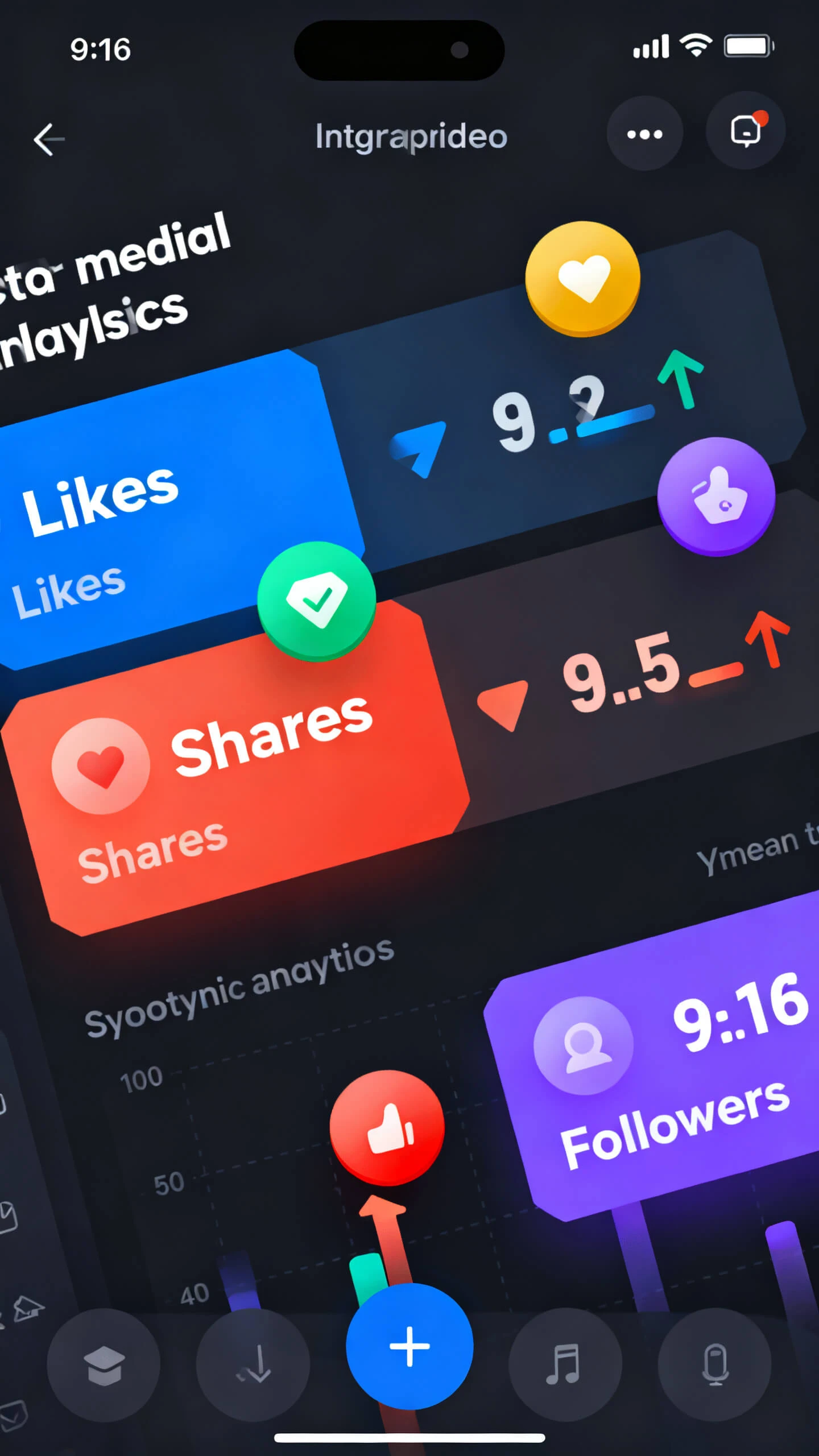

Magiclight AI video infographic generator turns raw information into clear video stories. Convert documents into clear visual presentations.

You can create detailed educational or research videos of up to 50 minutes. Combine multiple infographic scenes into complete presentations.
Explain infographic sections with natural AI voices. Choose from 37 voice options or use voice cloning to create consistent narration for your video.
Reach global viewers with support for 30 languages and AI voiceovers. Create localized infographic content with subtitles for different audiences.
Magiclight AI lets you choose from 20+ styles like realistic and animated. It helps create consistent infographic designs with organized layouts.


Magiclight AI infographic video generator free simplifies video creation with a simple workflow. Turn your information into an animated visual story quickly.
Enter your topic, upload information, or describe the infographic idea. Magiclight AI analyzes your input and creates a structured video plan.
Select a design style that fits your content goals. Customize how your data, graphics, and animations appear throughout the video.
Edit scenes using Nano Storyboard controls offered by Magiclight AI. Adjust visuals, transitions, movements, and details before generating the final video.
Add AI narration, background music, and subtitles to complete your infographic video. Export the final version in high quality for sharing.
It is a tool that transforms data and ideas into animated visual videos. Magiclight free AI infographic video maker combines graphics and storytelling in one workflow.
Yes, Magiclight AI converts written prompts and information into structured infographic videos. It automatically creates scenes and narrations for data video creation.
Yes, Magiclight AI’s Nano Storyboard lets you refine layouts, scene flow, and visual elements. Adjust each section to fit your content and branding needs.
It includes 37 AI voice options for narration. Choose voices offered by Magiclight AI that match your infographic video’s tone and purpose.
Magiclight AI offers cinematic, illustration, handcrafted, and other visual styles. Select a design that best matches your audience and message.
Yes. You can turn lessons and research topics into visual explainers with Magiclight AI free infographic video creator. These videos help simplify complex learning materials.



Turn statistics, reports, and ideas into engaging animated infographic videos with Magiclight AI.