Explore Gemini Omni Flash Features in Magiclight AI
Magiclight AI helps creators with Gemini Omni Flash for quick video generation, smart template workflows, and natural-language edits that make every draft easier to polish.

Try Gemini Omni Flash in Magiclight AI to turn scripts, prompts, and ideas into social-ready videos with fast creation, templates, and chat-based editing, no experience required.
Try Gemini Omni Flash For Free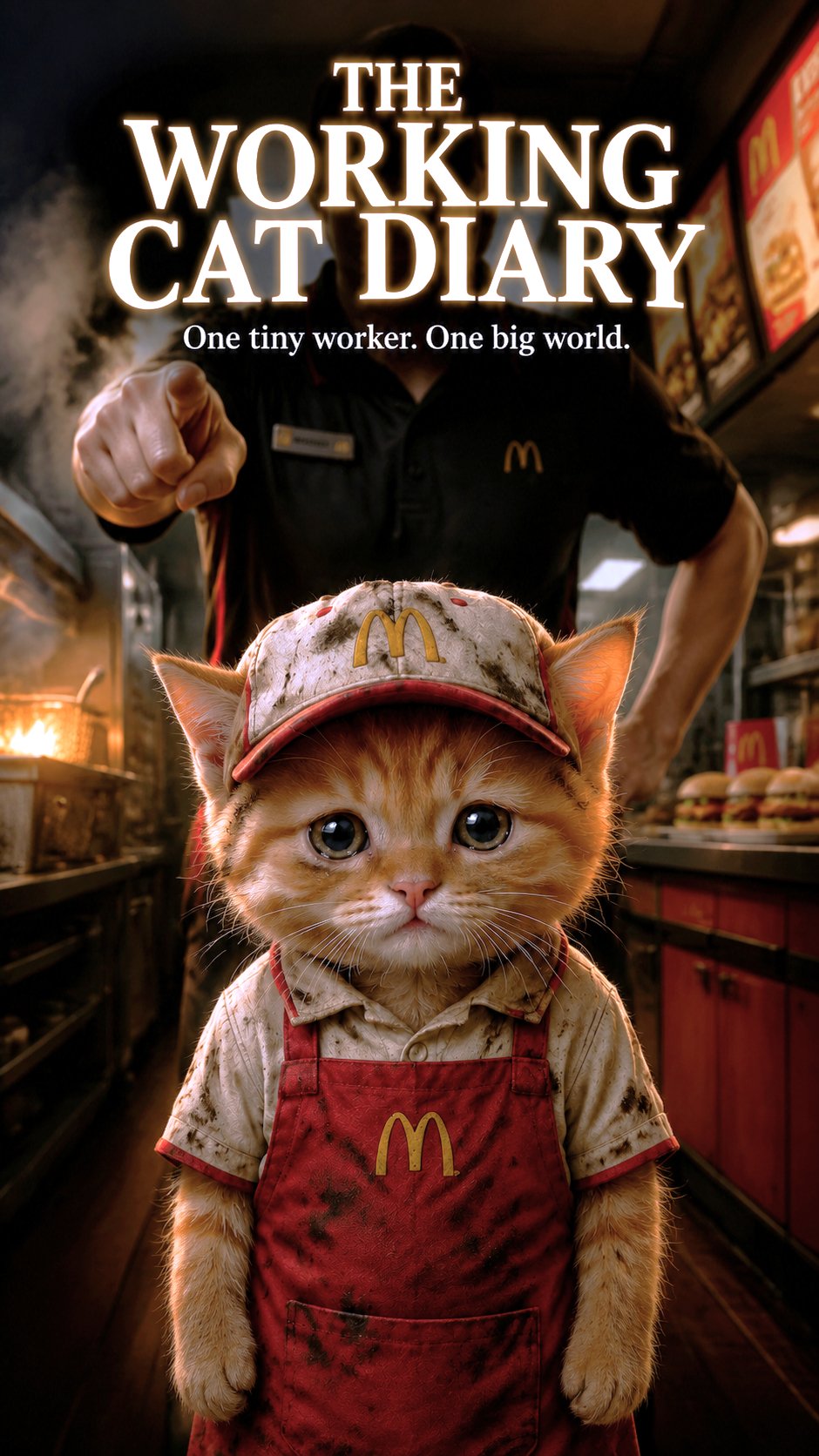
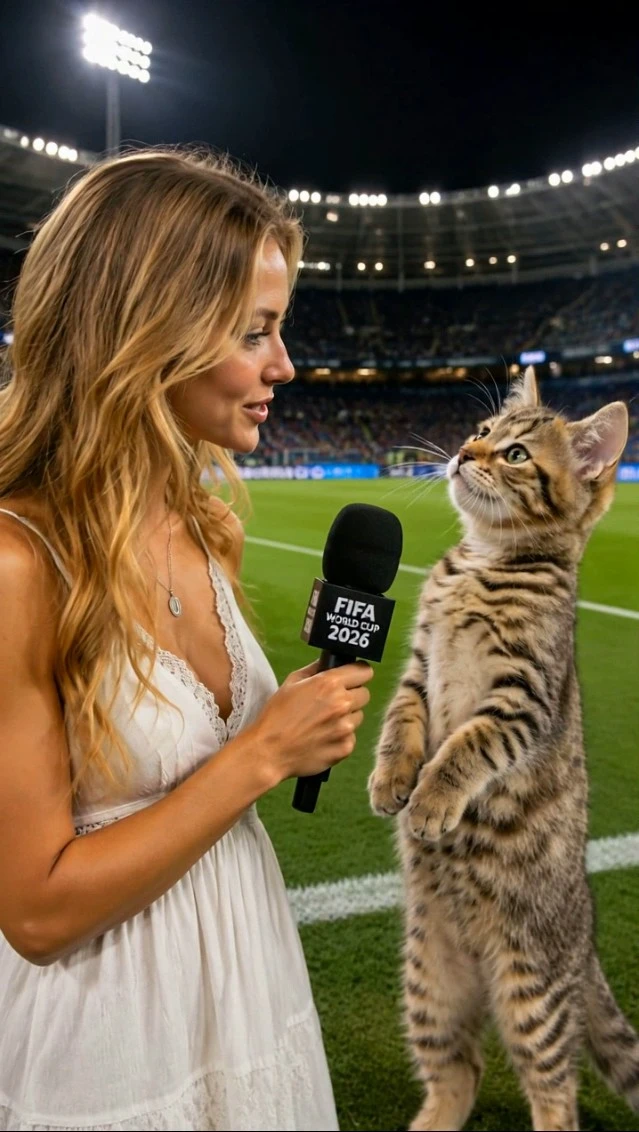



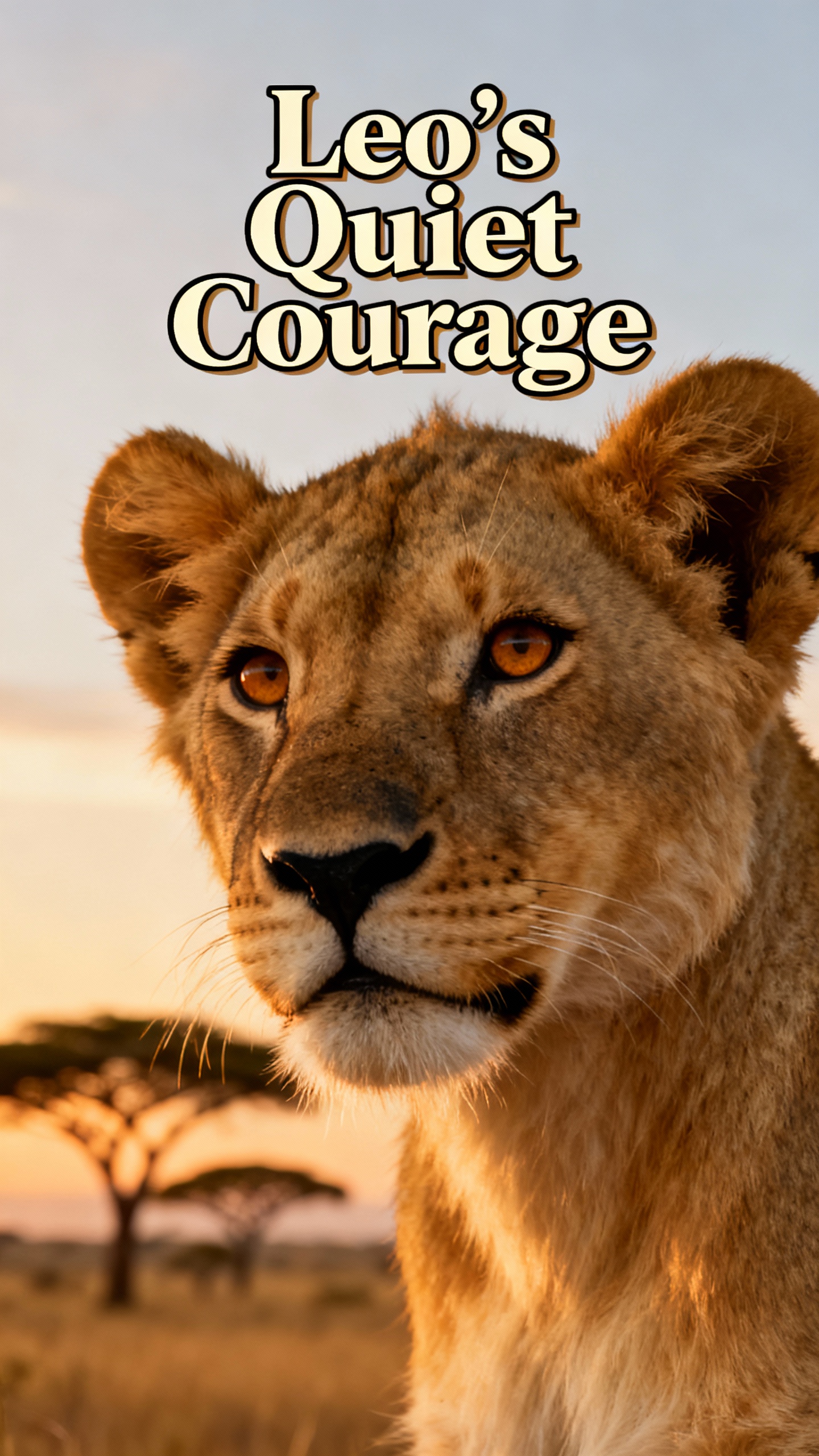
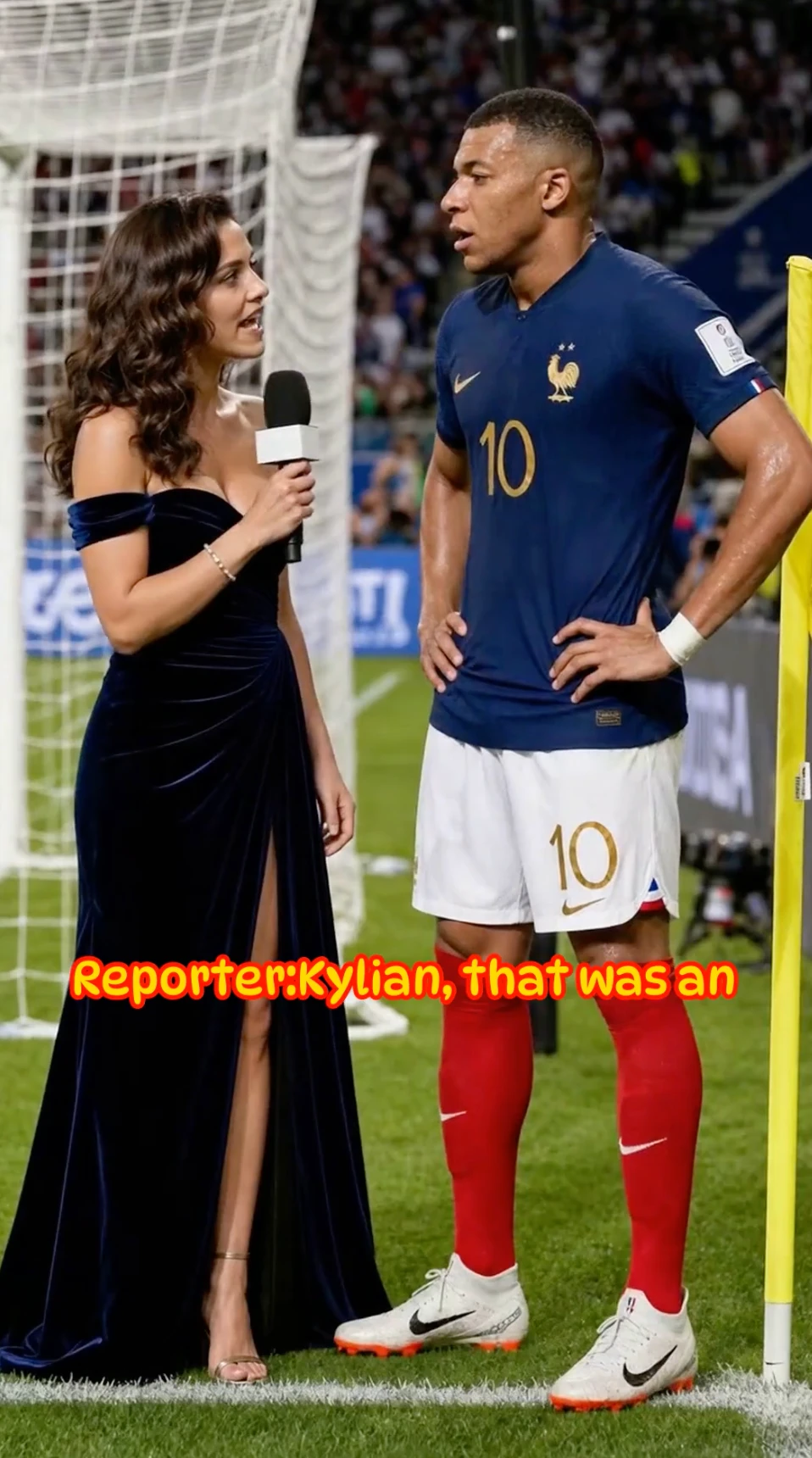

Magiclight AI helps creators with Gemini Omni Flash for quick video generation, smart template workflows, and natural-language edits that make every draft easier to polish.

Describe the scene, subject, movement, and tone you need. Magiclight AI uses Gemini Omni Flash to quickly turn your idea into a realistic video draft.
Start with templates for stories, explainers, ads, and social posts. Magiclight AI adapts each idea into the right format so you can create more content with less setup.
Update colors, swap branded elements, adjust backgrounds, or refine specific objects by describing the change. Magiclight AI helps apply targeted edits without rebuilding the whole clip.
Bring prompts, reference images, and generated clips into a single creative workflow. Gemini Omni Flash inside Magiclight AI keeps each input connected as your video evolves.


Move from an idea to a polished short video using Magiclight AI’s Gemini Omni Flash workflow. Write a prompt, choose a style, refine through chat, and export for your platform.
Enter the scene, characters, action, mood, and purpose of your clip. Magiclight AI uses Gemini Omni Flash to interpret the prompt and prepare a strong first draft.
Choose a visual direction, aspect ratio, voiceover, and content format. Magiclight AI helps match the output to social posts, explainers, ads, or storytelling videos.
Review the generated scenes and describe what should change. Adjust lighting, camera movement, object details, pacing, expressions, or background elements without timeline editing.
Watch the final video, resize it for your target channel, regenerate any scene if needed, then export a polished clip ready for YouTube, TikTok, Reels, or ads.
Gemini Omni Flash in Magiclight AI refers to Magiclight’s integration of the Gemini Omni Flash model for fast multimodal video creation. It helps turn prompts, scripts, and visual references into editable video clips.
Magiclight AI connects your prompts, templates, images, and edit requests with Gemini Omni Flash so you can generate video drafts, adjust scenes, and prepare content in one creative workspace.
No. You can describe the video you want in natural language, then keep refining it through chat. Magiclight AI handles scene generation, style changes, pacing, and export settings.
Yes. Creators can add scripts, prompts, and reference images to guide the result. Magiclight AI uses these inputs to help Gemini Omni Flash create videos that better match your story, brand, and visual direction.
Yes. Inside Magiclight AI, Gemini Omni Flash can support short-form videos, explainers, ads, Reels, Shorts, and other platform-ready content built from one idea or script.
You can request targeted changes such as background updates, logo swaps, color refinements, pacing adjustments, or scene mood changes. Magiclight AI lets you describe edits without manually rebuilding the video.



Use Magiclight AI’s Gemini Omni Flash integration to turn rough ideas, scripts, and prompts into cinematic, platform-ready videos with chat-based control.