Explore What Magiclight AI’s Google Video Generator Offers
Go from thought to ready-to-share clips in seconds with the Magiclight AI video generator Google. Discover how you can plan, write, and turn ideas into videos in one simple flow.

Using Magiclight AI’s Google AI Video Generator, turn basic ideas into visual stories for business, personal, and creative use. Start creating viral clips now!
Try Google AI For Free

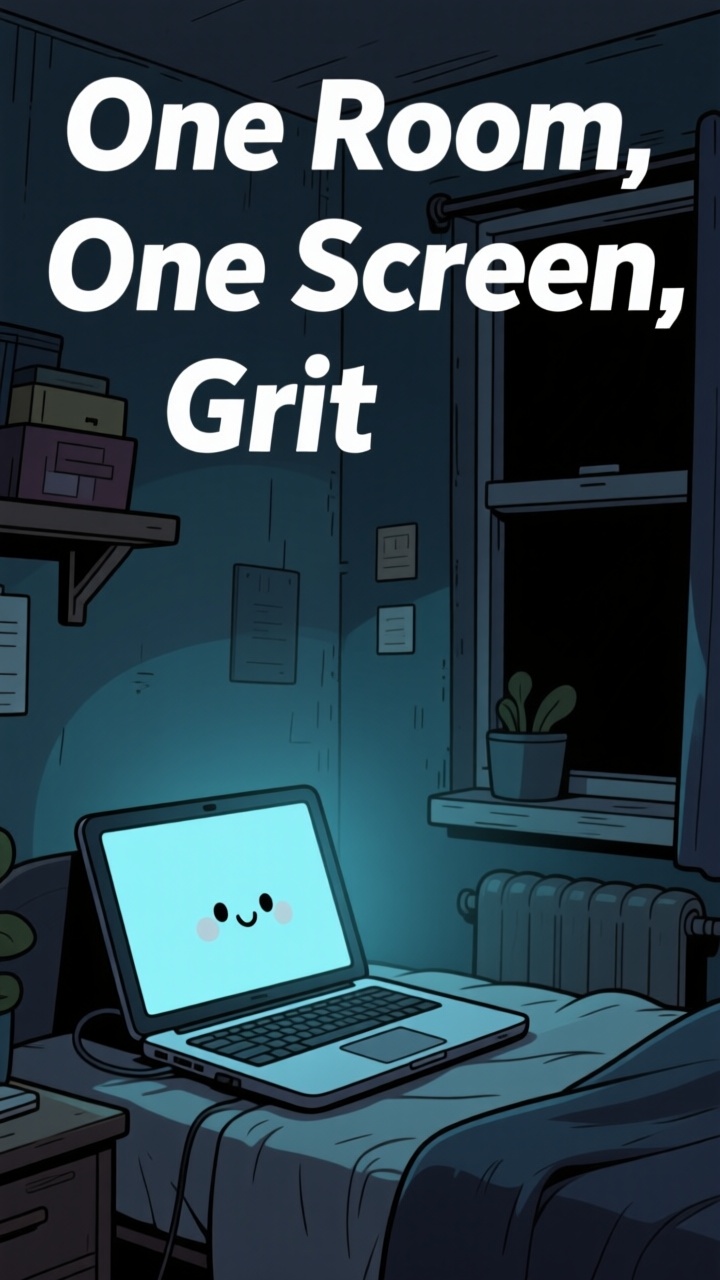
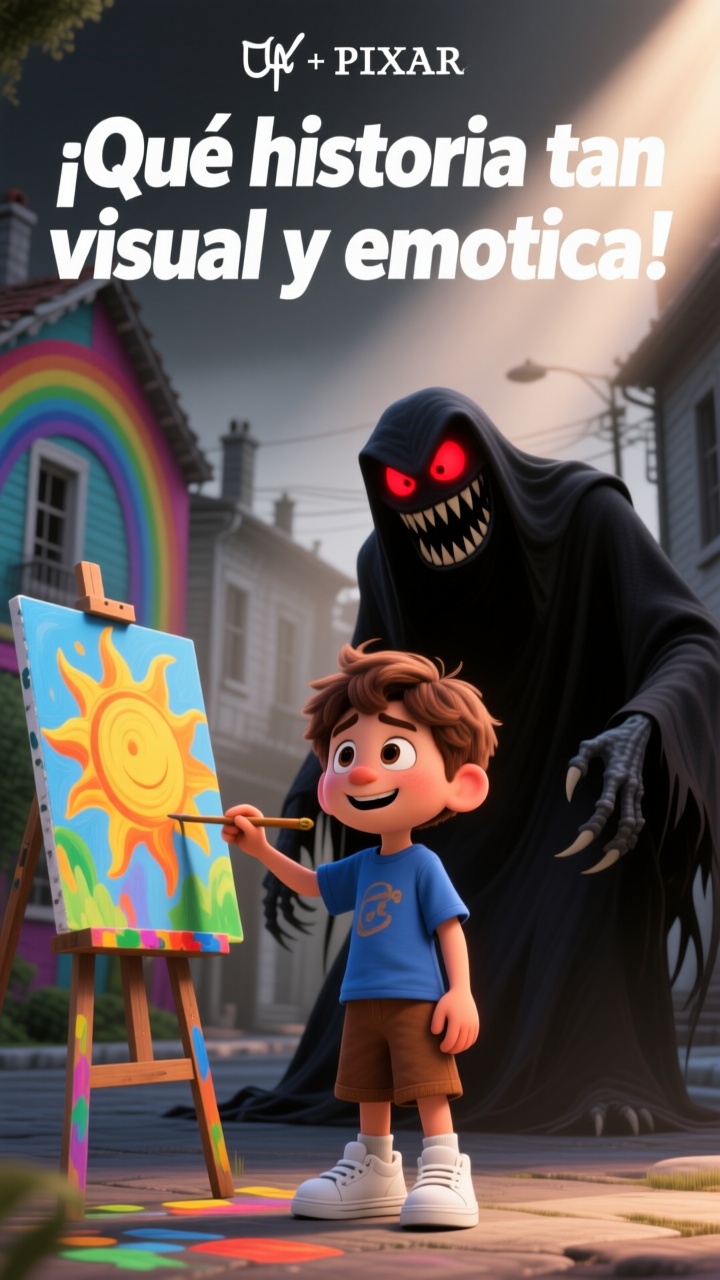
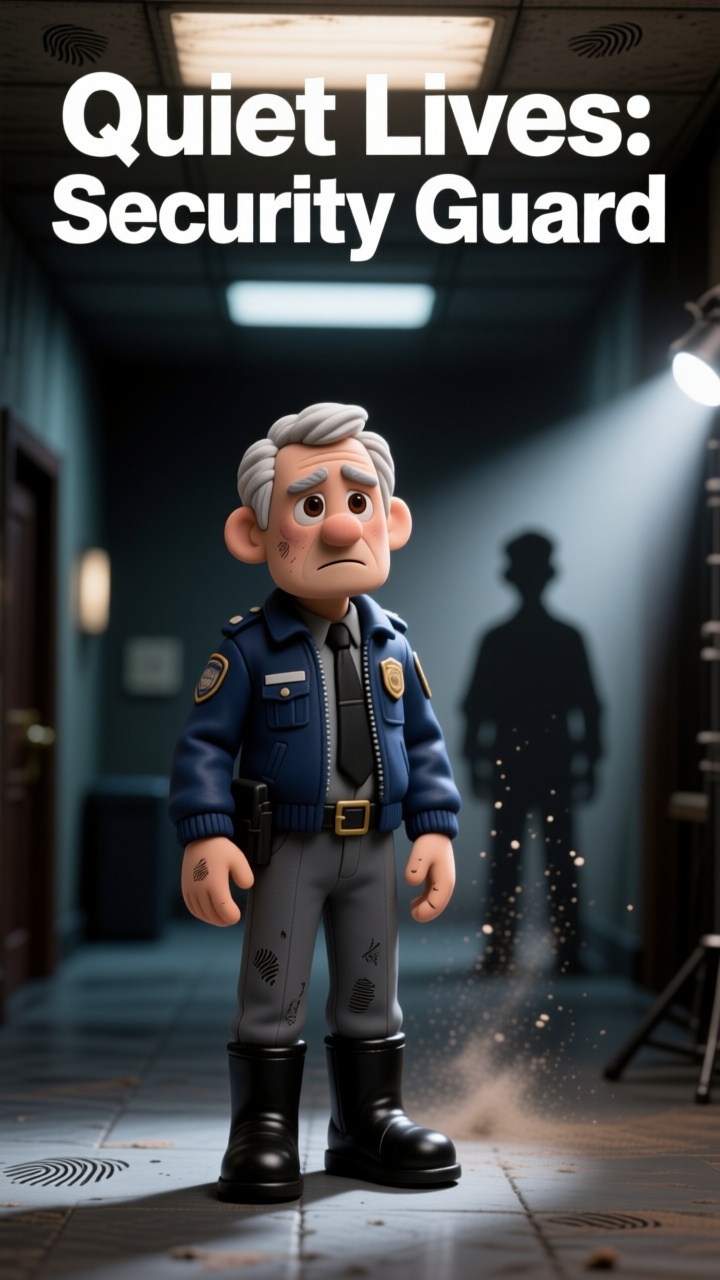
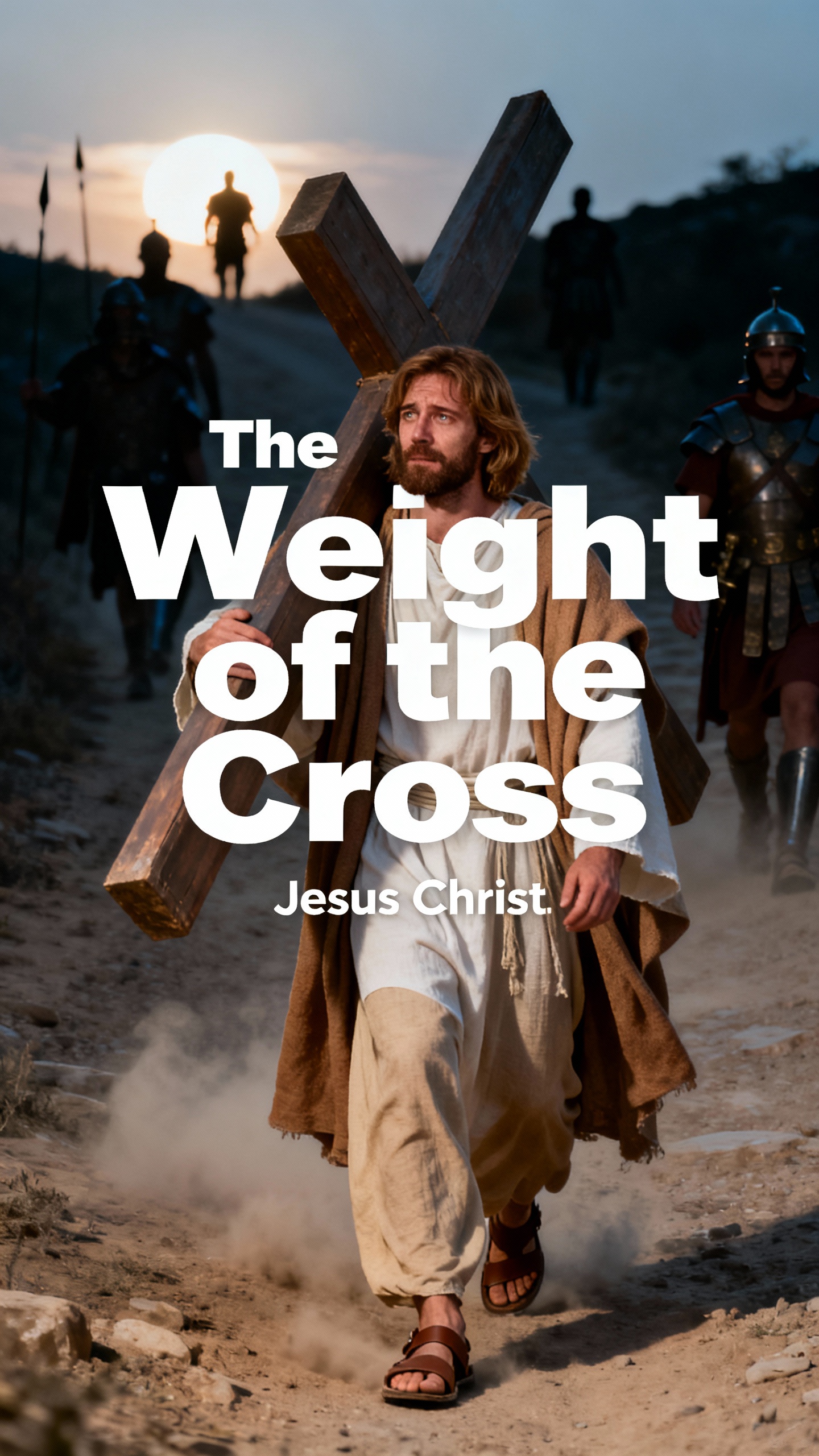
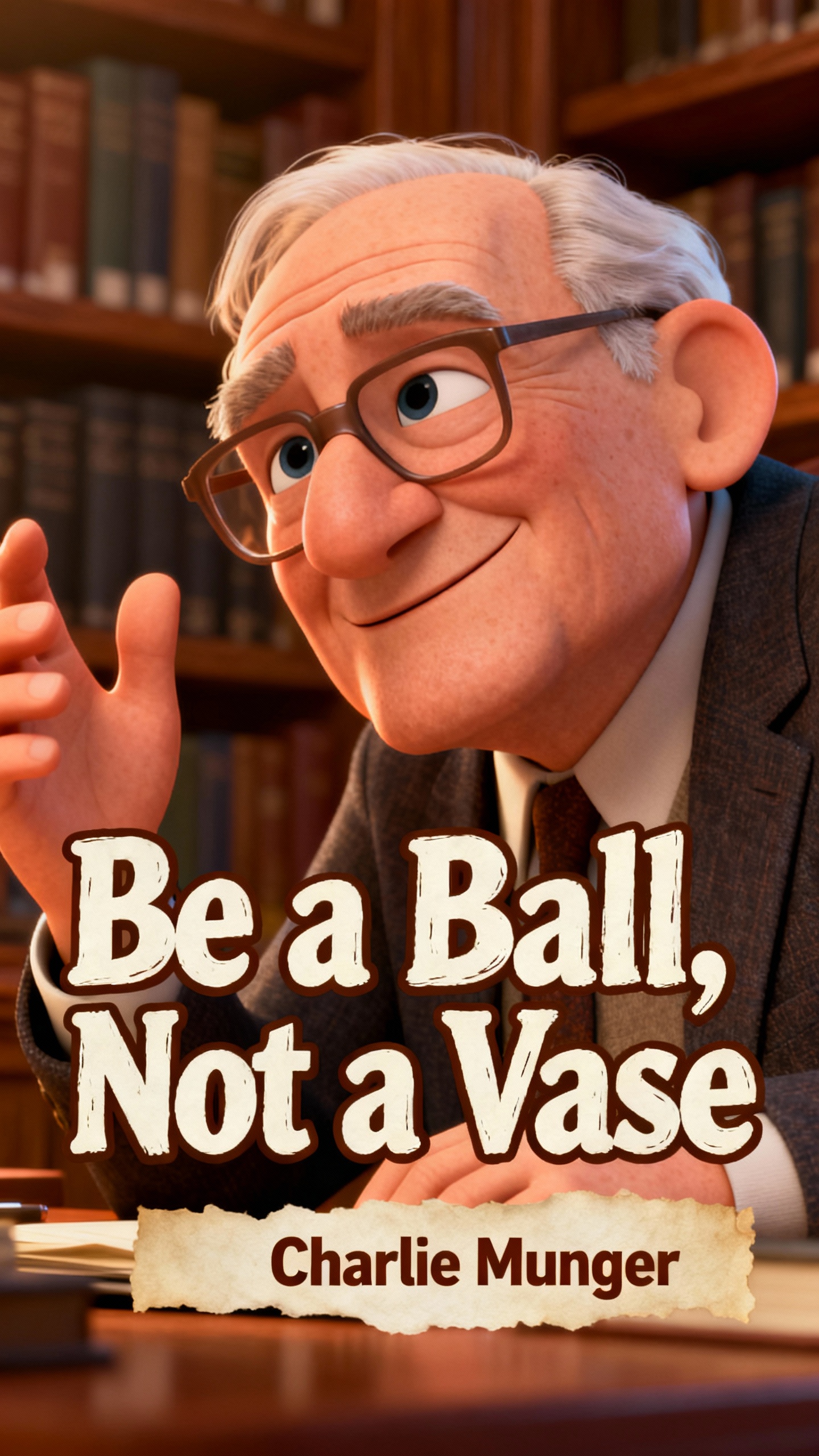
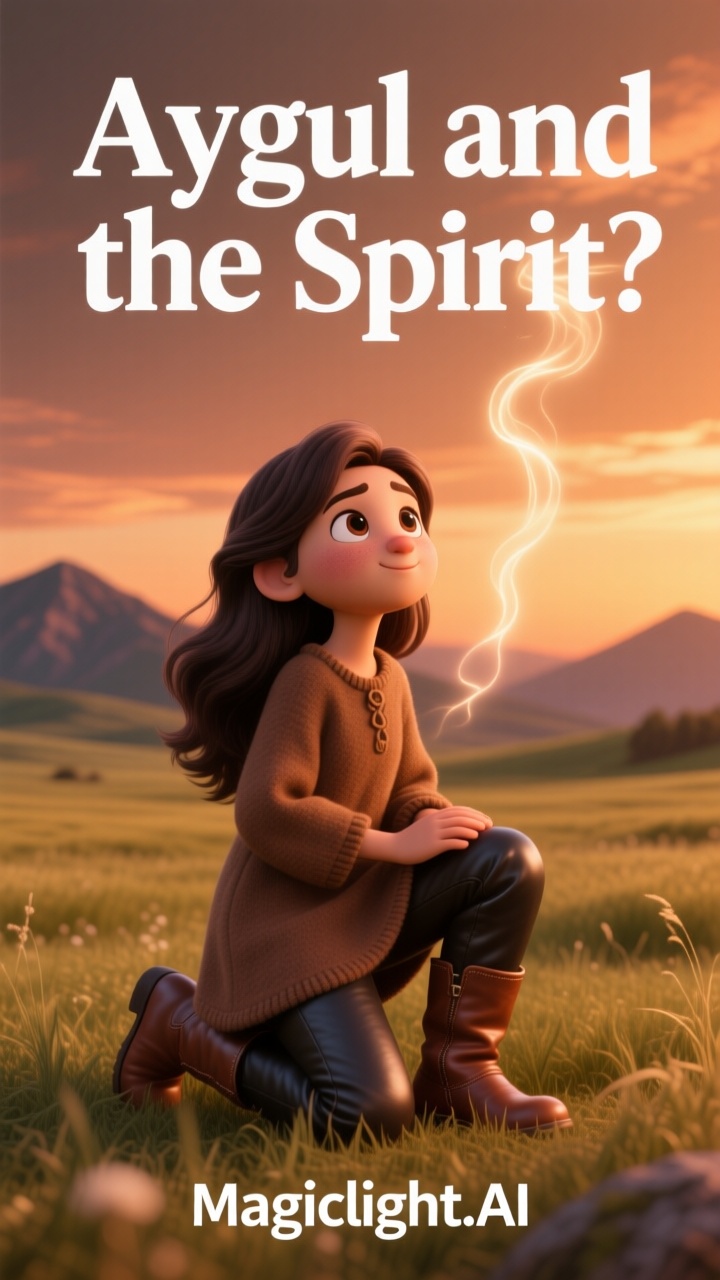
Go from thought to ready-to-share clips in seconds with the Magiclight AI video generator Google. Discover how you can plan, write, and turn ideas into videos in one simple flow.

With Magiclight AI, describe your idea and get a polished video fast. It understands your intent and lets you refine scenes with simple text changes.
Create your story line by line with prompts. Magiclight AI keeps each shot flowing naturally so visuals and pacing feel connected and clear.
Upload a photo and get a moving scene in seconds using Magiclight AI. It locks faces and backgrounds, so your character and objects stay consistent.
Magiclight AI lets you export videos in 720p or 1080p for fast sharing. The clips are sized for social feeds so you can post quickly with no extra work.


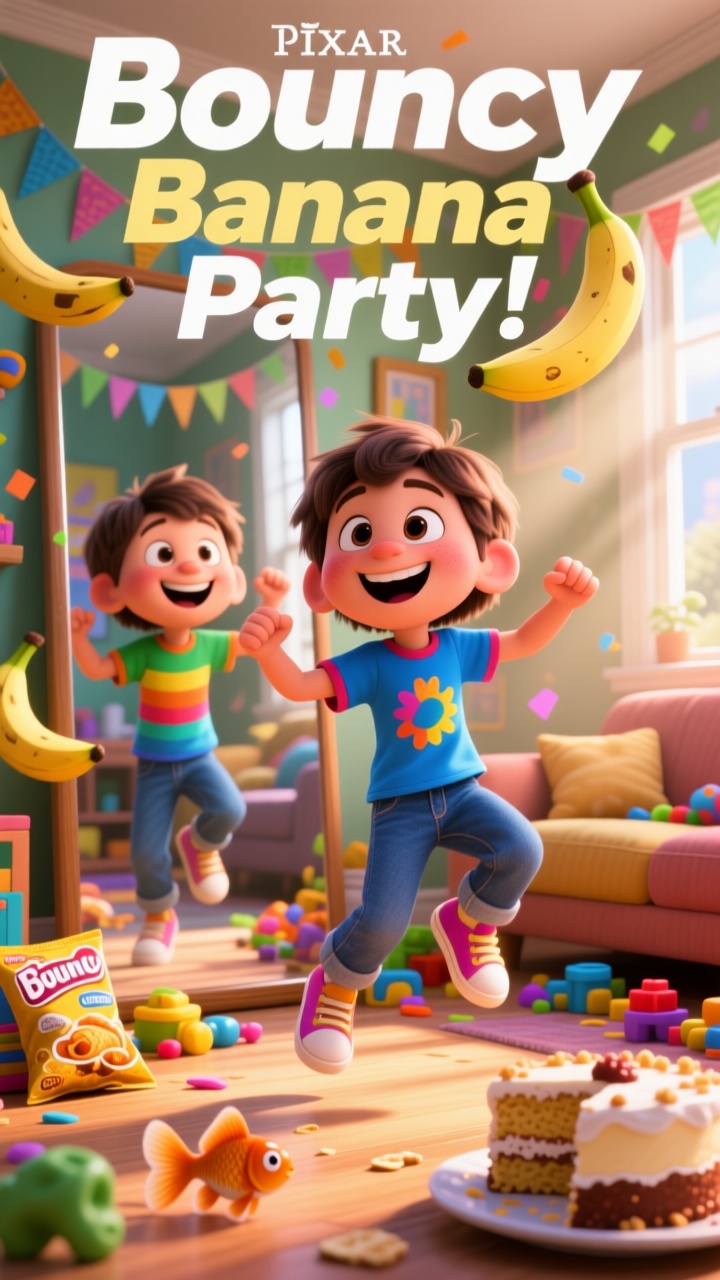

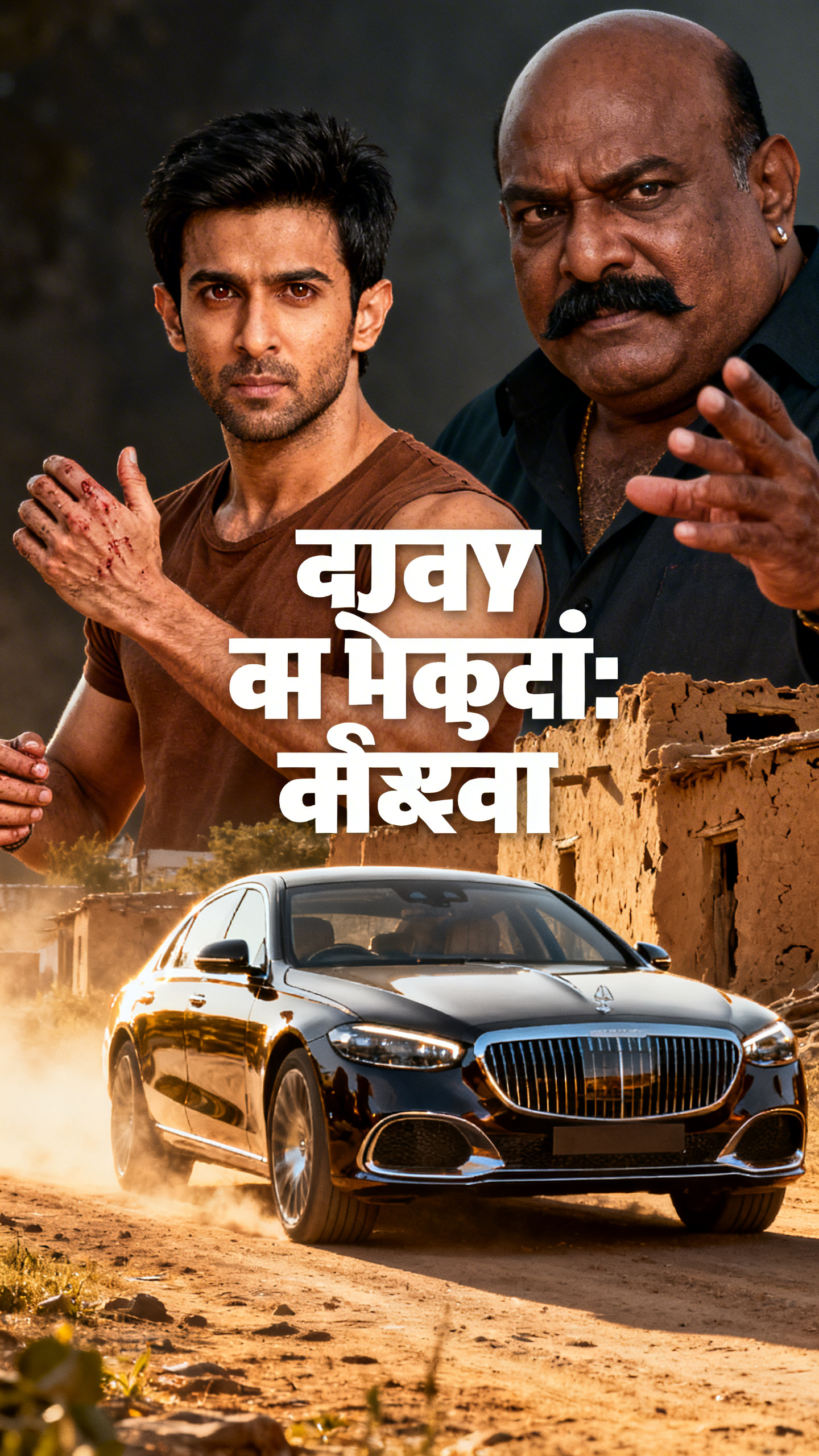

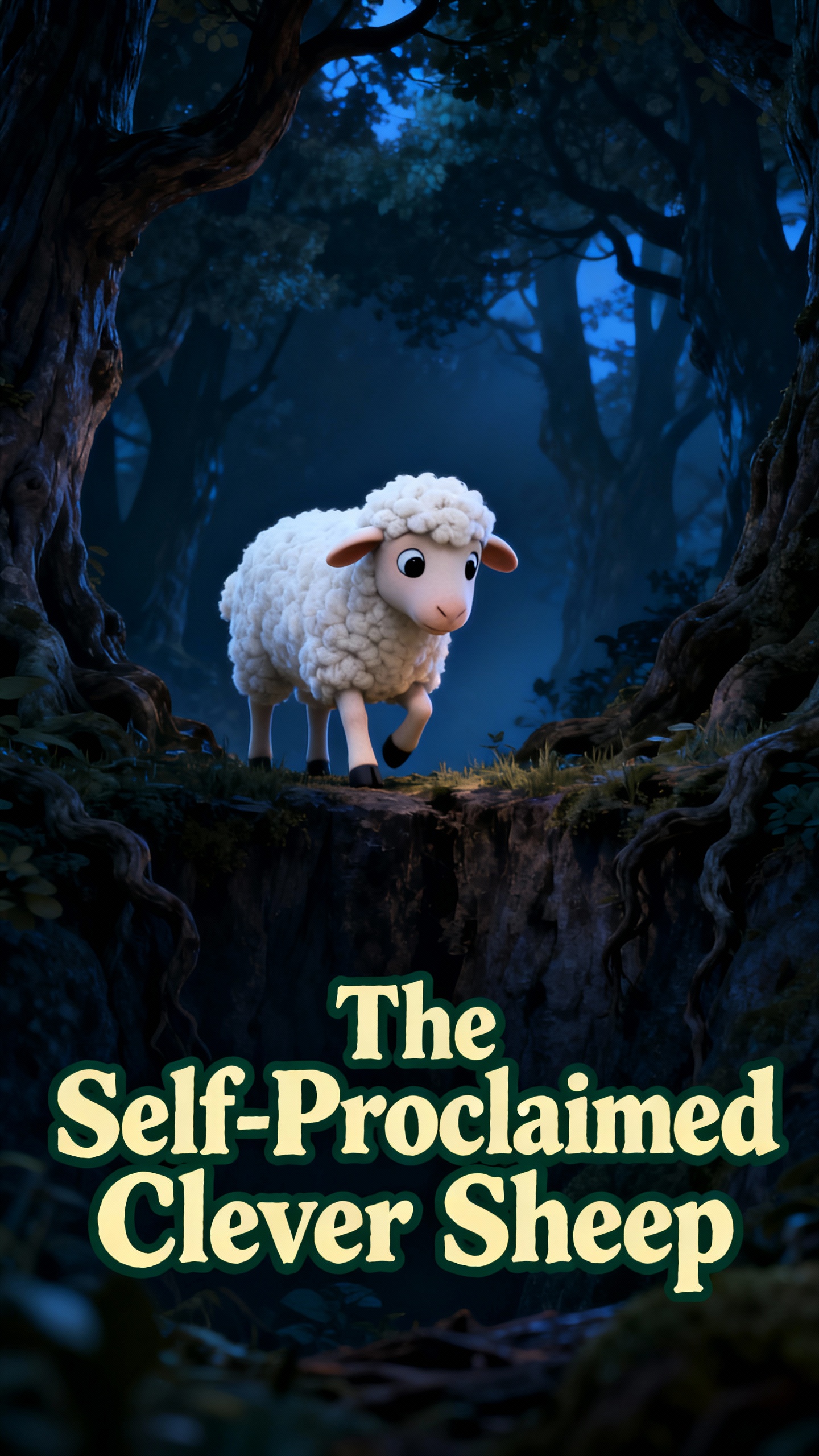
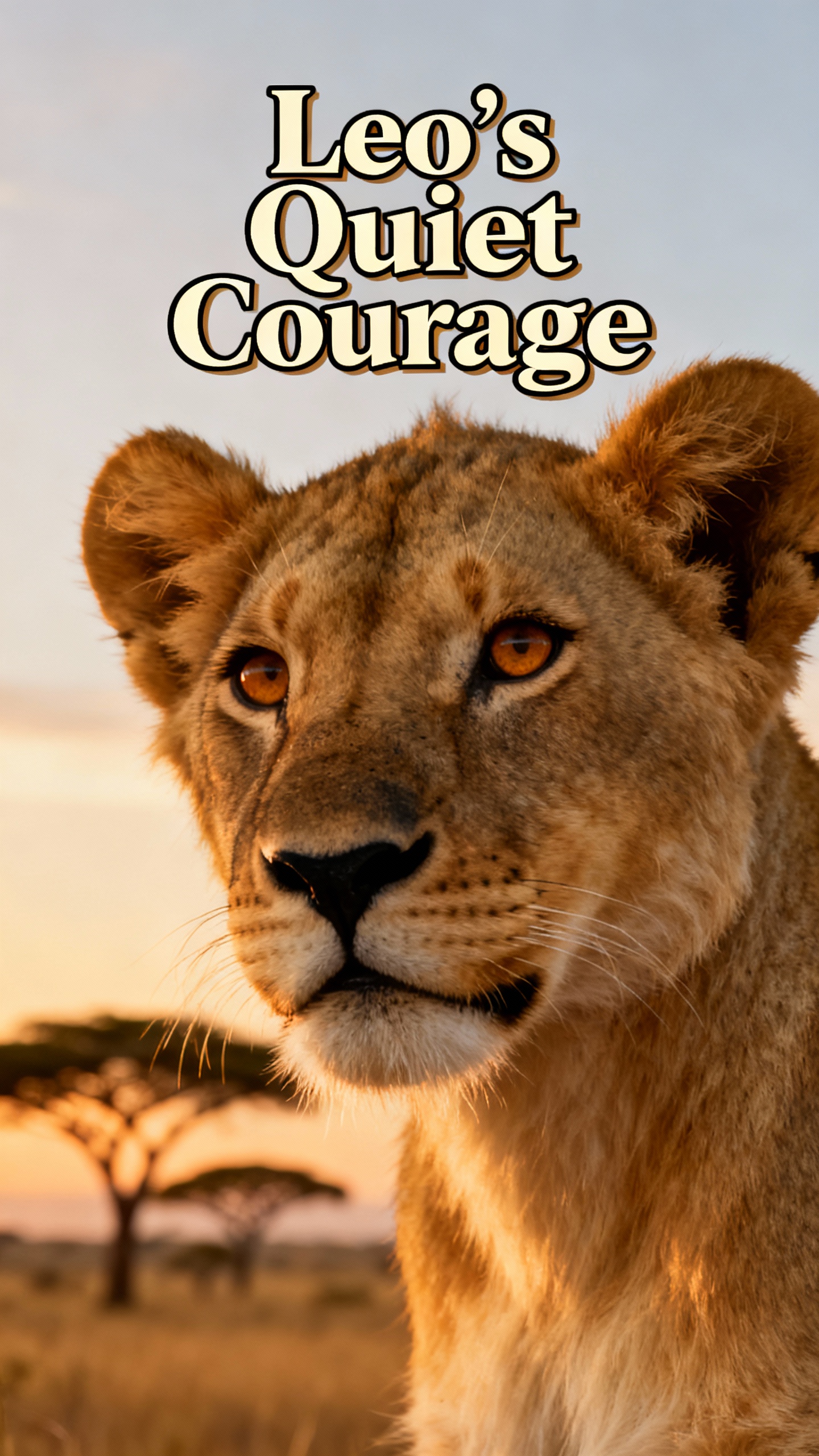
Start creating your first social-ready video with Magiclight AI’s Google AI video generator. Type a prompt or paste a script, and the AI handles the visuals for you.
Write your idea, script, or scene notes in the prompt box. Be as clear as you can, since your words tell the AI what to show and how it should move.
Choose a visual style for your video. You can also pick a voiceover for each character and adjust age, tone, and accent to match your story.
Review the auto-built storyboard and adjust each scene the way you like. Refine camera moves, pacing, and character details so every frame looks ready.
Tweak the timing and add subtitles or music to the final video. Then export in the format you need and share your video across social platforms.
Google’s AI video generator in Magiclight AI creates realistic, smooth clips based on your text and image inputs. With it, you can plan, edit, preview, and export videos quickly.
Yes, you can create fast social clips or longer, story-style videos in the same place. Magiclight AI lets you choose length, pace, and format so each project fits your goal.
Clear, simple prompts that describe scene, style, and mood work best for strong outputs in Magiclight AI. It creates a whole story video using the text you provide.
Yes. You can reuse the same looks, voices, and visual styles in many videos to keep a steady brand feel. Magiclight AI stores your choices, so you save time on each new project.
In Magiclight AI, you can export in common formats and sizes ready for various platforms. Select your required resolution and aspect ratio, then download or share your clip.
Yes, the Google free AI video generator in Magiclight AI is free to try, with a credit system. Beginners can explore features and styles before committing to a paid plan.



Enter your prompt in Magiclight AI and share polished, cinematic videos in just a few simple steps.