Hero background

Realistic AI Video Generator

Magiclight AI gives you the most realistic AI video generator models and styles in one platform. Turn photos, briefs, or prompts into photorealistic videos

Create AI Realistic Video Now
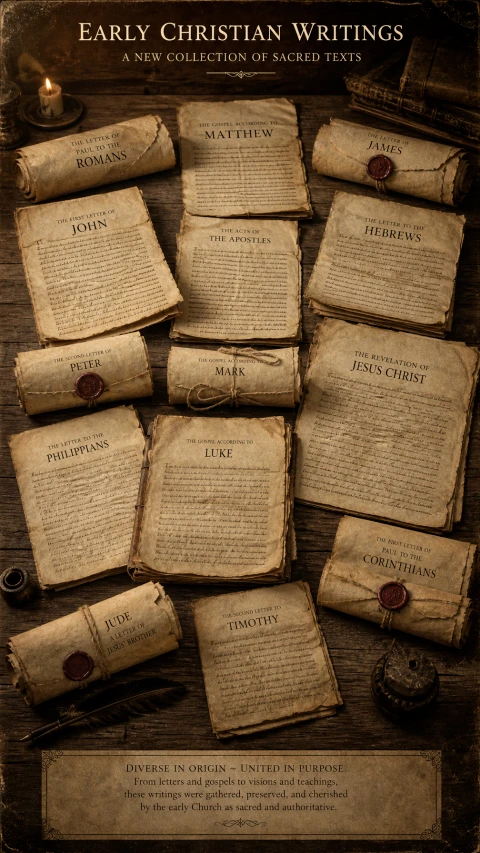
Early Christian ancient scrolls
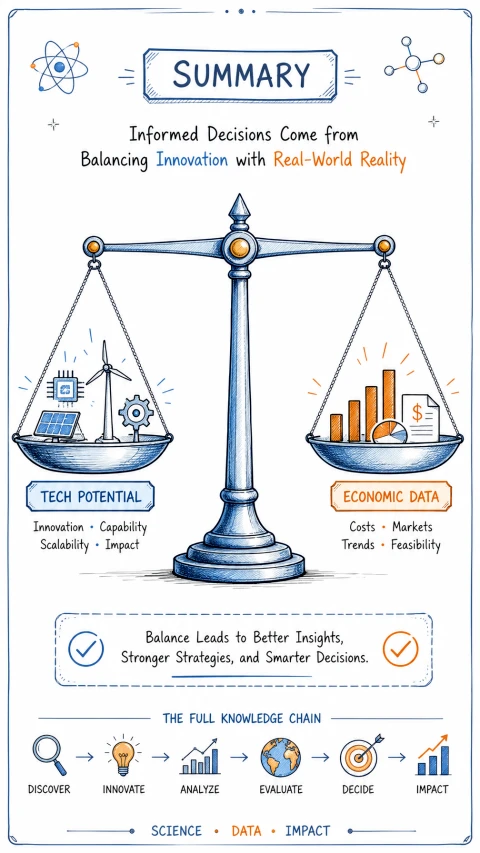
Balance tech and economy infographic
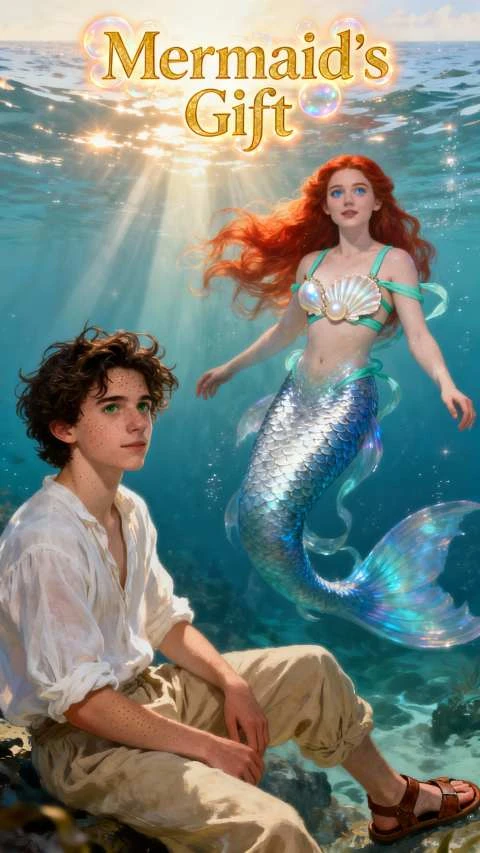
Mermaid underwater fantasy art
Tyrannosaurus extinction movie poster
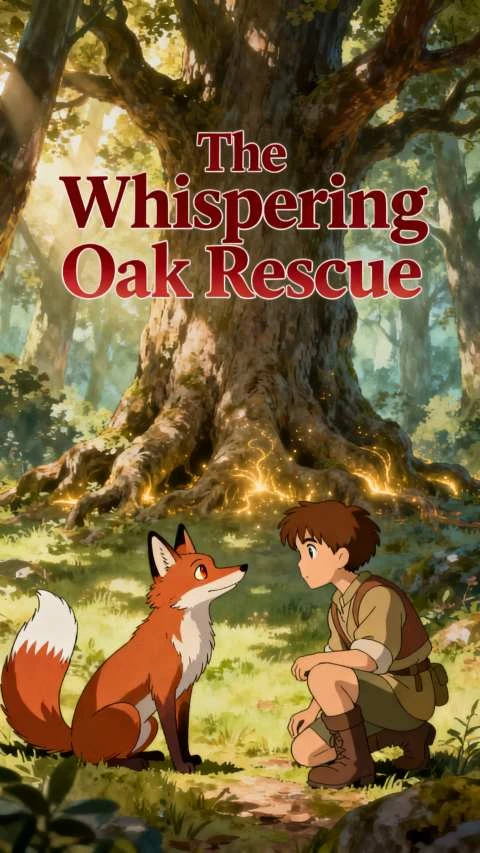
Ghibli fox boy forest illustration
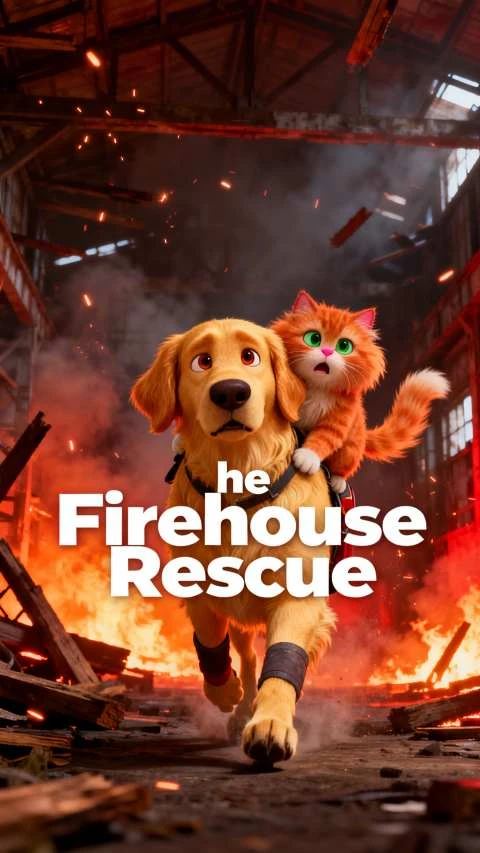
Dog cat fire rescue cartoon
Early Christian ancient scrolls
Balance tech and economy infographic
Mermaid underwater fantasy art
Tyrannosaurus extinction movie poster
Ghibli fox boy forest illustration
Dog cat fire rescue cartoon
Early Christian ancient scrolls
Balance tech and economy infographic
Mermaid underwater fantasy art
Tyrannosaurus extinction movie poster
Ghibli fox boy forest illustration
Dog cat fire rescue cartoon

Explore Features of Realistic AI Video Generator in Magiclight AI

Creating realistic video requires the right model, the right visual style, and frame-level control. Magiclight AI’s realistic video generator gives you all 3 in one workflow.

Create AI Realistic Video Now
3D decoration

Photorealistic Models

Select realistic video models in Magiclight AI: Veo 3.1, Seedance 2.0, and Kling 3.0. Each renders photorealistic motion with distinct visual output.

Realistic Visual Styles

Apply realistic or cinematic looks across 4 model families. Magiclight AI blends MagicLight 3.0 and Midjourney V7 quality to keep frames feeling grounded.

Long-Form Realistic Videos

Create story-driven videos of 50 minutes. Magiclight AI keeps characters and pacing consistent across long runtimes without extra editing.

Pre-Generation Direction for Realism

Set natural expressions, 50 pose options, and camera angles per shot in Nano Storyboard. Realism is directed before the generation starts.

Who Is Magiclight AI Realistic Video Generator Best For
The most realistic AI video generator use cases come from industries where visual accuracy matters most. Magiclight AI serves each with the right models and styles.
For Filmmakers and Short Film Creators
Generate cinematic scenes without crews or location shoots.
Capture realistic motion suited to short narrative projects.
Export finished films in 1080p for screenings worldwide.
For Product and Commercial Video Teams
Create hyper-real product showcases from a simple written brief.
Apply cinematic or CGI looks without studio overheads.
Deliver 1080p campaign videos for broadcast and digital.
For Training and Corporate Simulation Producers
Build realistic training scenarios without hiring live actors.
Keep presenter visuals consistent across every training module.
Localize training videos for global teams in many languages.
For Architecture and Real Estate Visualizers
Turn architectural photos into lifelike animated walkthrough clips.
Show smooth camera paths through rooms and open interiors.
Export realistic property videos in 1080p for listings.
Why Magiclight AI Is the Best
Realistic AI Video Generator
The models and styles that produce realism are only part of what Magiclight AI covers. It also ensures that the realistic video generator AI output reaches the right audience.
Physically Accurate Lighting
This mode copies real lighting behavior for believable, grounded scenes. Magiclight AI handles daylight and indoor lamps with natural depth and realism.
Make Video Reach Globally
Magiclight AI supports subtitles and narration in 11 languages. Realistic productions targeting one market reach global audiences without rebuilding the visual content.
HD Export for Broadcast-Quality Realism
Every realistic video in Magiclight AI exports at 720p or 1080p. Both options deliver the quality professional productions needed for broadcast and commercial use.
Human-True Character Detail
This mode renders human faces with convincing texture and subtle flaws. Magiclight AI avoids plastic skin, keeping proportions realistic and expressions emotionally readable.
Natural Voices for Realistic Audio
Magiclight AI includes 37 voice options and a natural-sounding human voice filterable by age and accent. Realistic video gets narration that matches the visual production standard.
Consistent Characters Across Every Scene
Character faces and visual identity stay locked across every scene in Magiclight AI. Realistic video loses impact when characters shift between cuts, and Magiclight prevents that.

How to Use Magiclight AI’s Realistic AI Video Generator in 4 Steps

From a detailed script to a photorealistic published video, Magiclight AI’s realistic video generator applies the realistic style, generates the video, and exports it at 1080p.

1.

Start From a Real Reference

Write or paste a descriptive scene brief. Use concrete, grounded language so the system understands real-world details.

2.

Lock In a Realistic Look

Pick a realism-focused visual style and set aspect ratio. Aim for a photographic tone so motion matches live-action footage expectations.

3.

Shape the Shots Before Render

Move into the storyboard view to break the idea into scenes. Adjust poses, expressions, and camera angles so every frame feels natural.

4.

Generate and Export the Final Clip

Preview the sequence, tweak timing, then render the full video in HD. Download the finished file ready for editing, sharing, or festival delivery.

FAQs on Realistic AI Video Generator

What is Magiclight AI as a realistic video generator AI platform?

Magiclight AI is a realistic video generator platform with Veo 3.1, Seedance 2.0, and Kling 3.0, plus realistic, CGI, and cinematic styles for photorealistic output.

How long can my AI-generated videos actually run?

You can create anything from detailed scripts to immersive stories approaching 50 minutes using Magiclight AI.

Can realistic videos be produced in other languages?

Yes. Magiclight AI supports 11 languages for narration and subtitles. Realistic productions targeting international markets produce localized versions from a single session.

What resolution does Magiclight AI export?

Magiclight AI exports realistic video at 720p and 1080p. Both meet the quality standard for broadcast, commercial use, and professional video delivery.

Is the realistic AI video generator free in Magiclight AI?

Yes. Magiclight AI has a free entry point for the realistic AI video generator free workflow. Visit the website for plan details and export resolution options.

Does Magiclight AI maintain character consistency?

Yes. Character visual consistency in Magiclight AI keeps the same face and appearance across every scene. Realistic productions never suffer from visual drift between cuts.


Create Your Most Realistic AI Videos With Magiclight AI

Create ultra-realistic videos in minutes with Magiclight AI. Start free and upgrade anytime.