Explore Features of Magiclight AI’s Training Video Software
Convert everyday situations into story‑driven lessons that engage learners using Magiclight AI’s training video-making software. The process is very simple and fast.

Magiclight AI's training video software simplifies course creation and updates for busy teams. Deliver modern, on‑demand learning for free. Try it today.
Create Training Videos For Free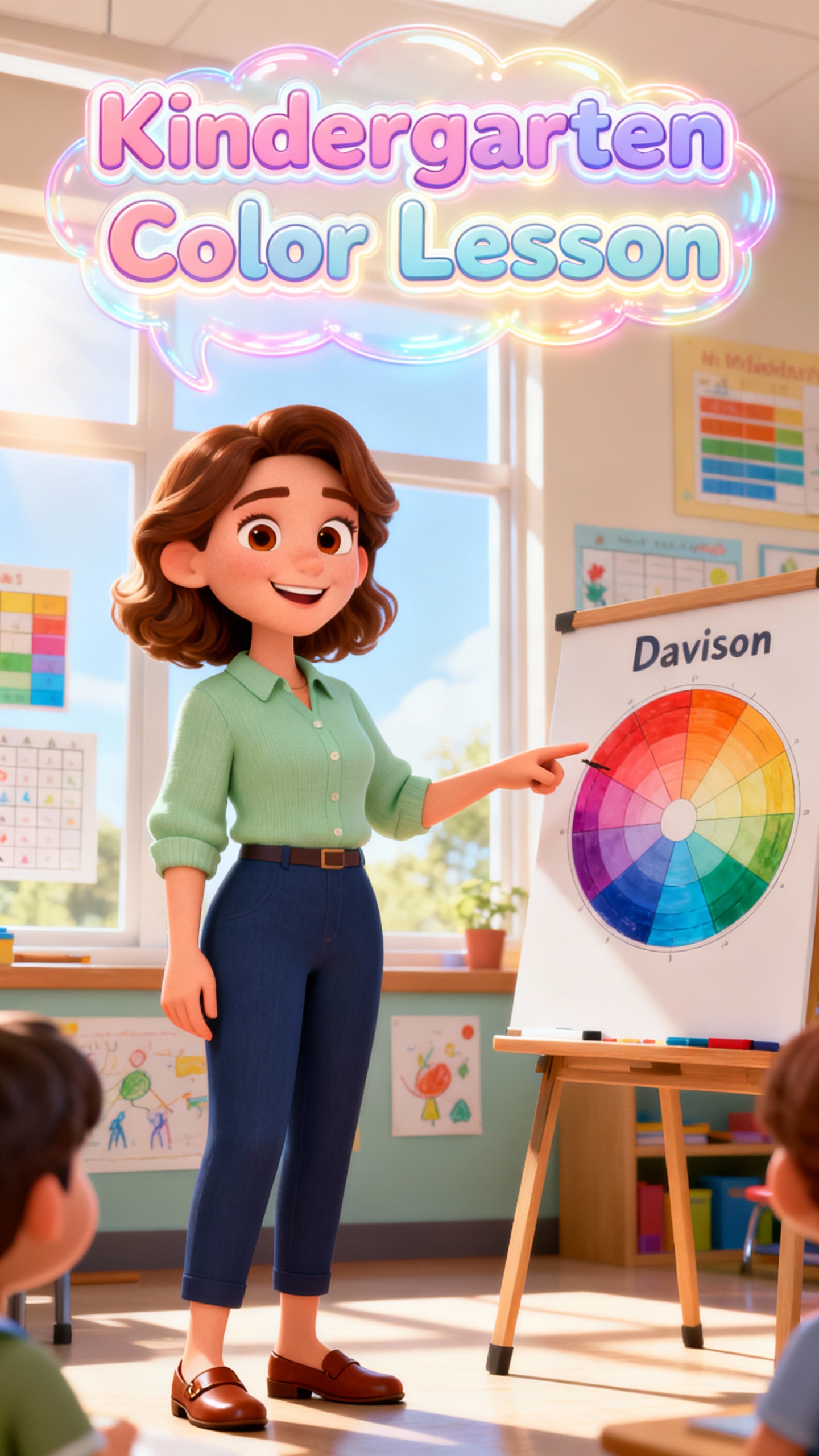
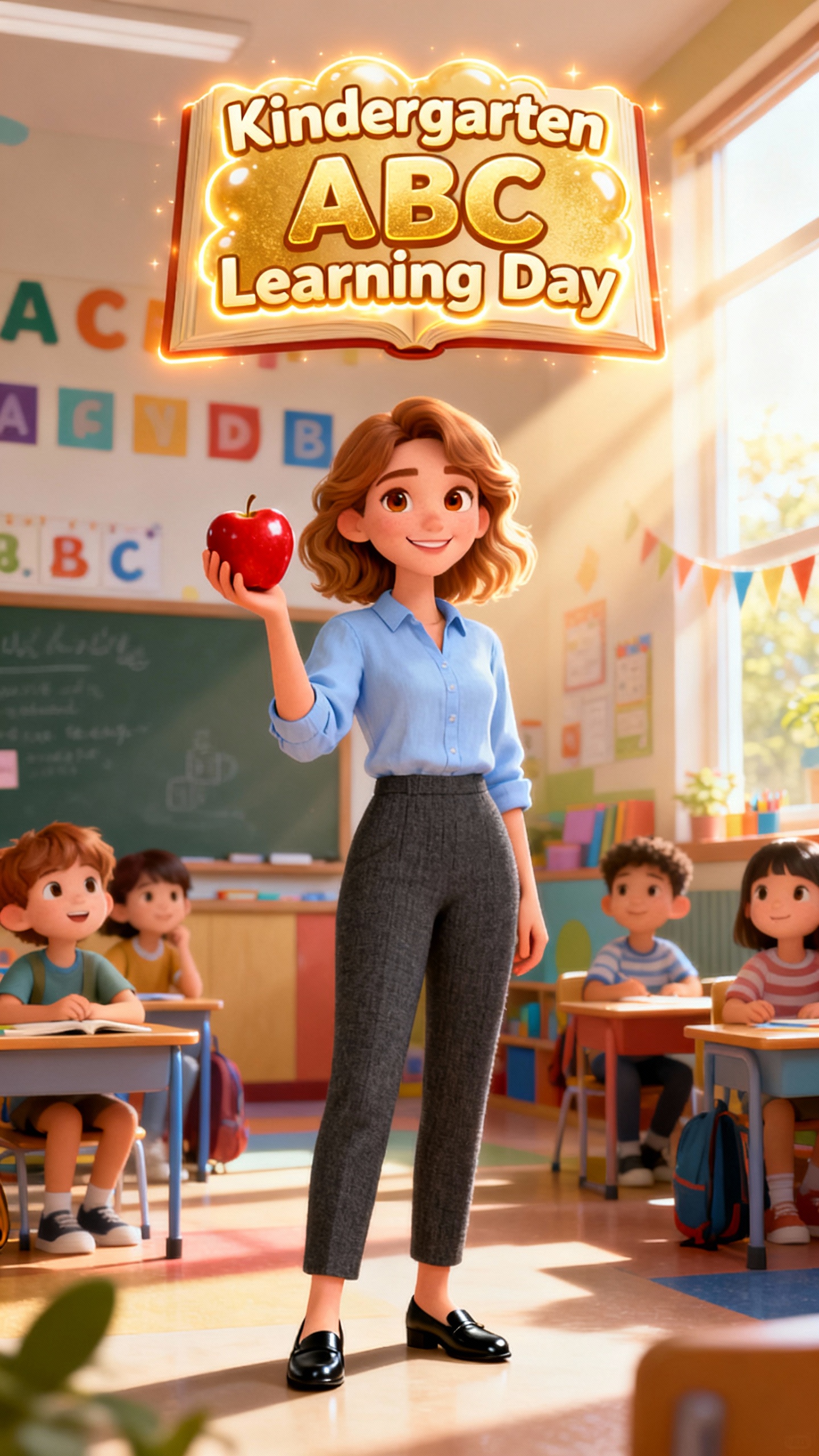

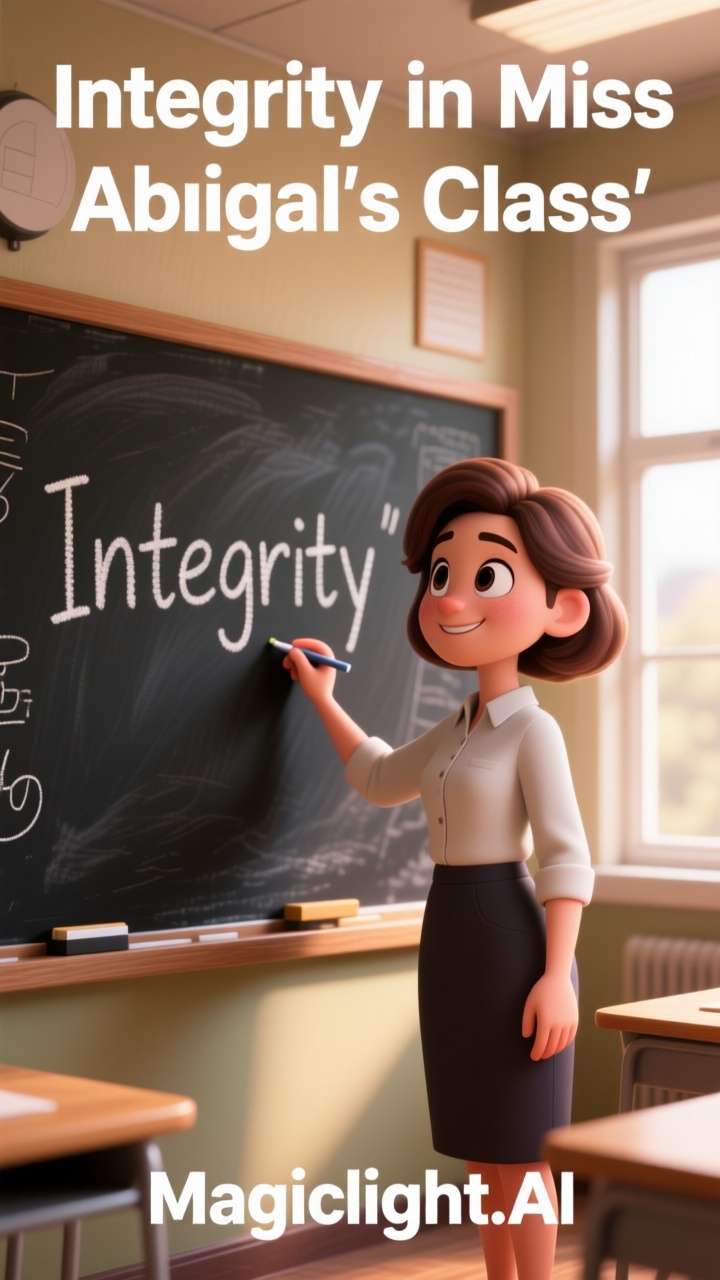
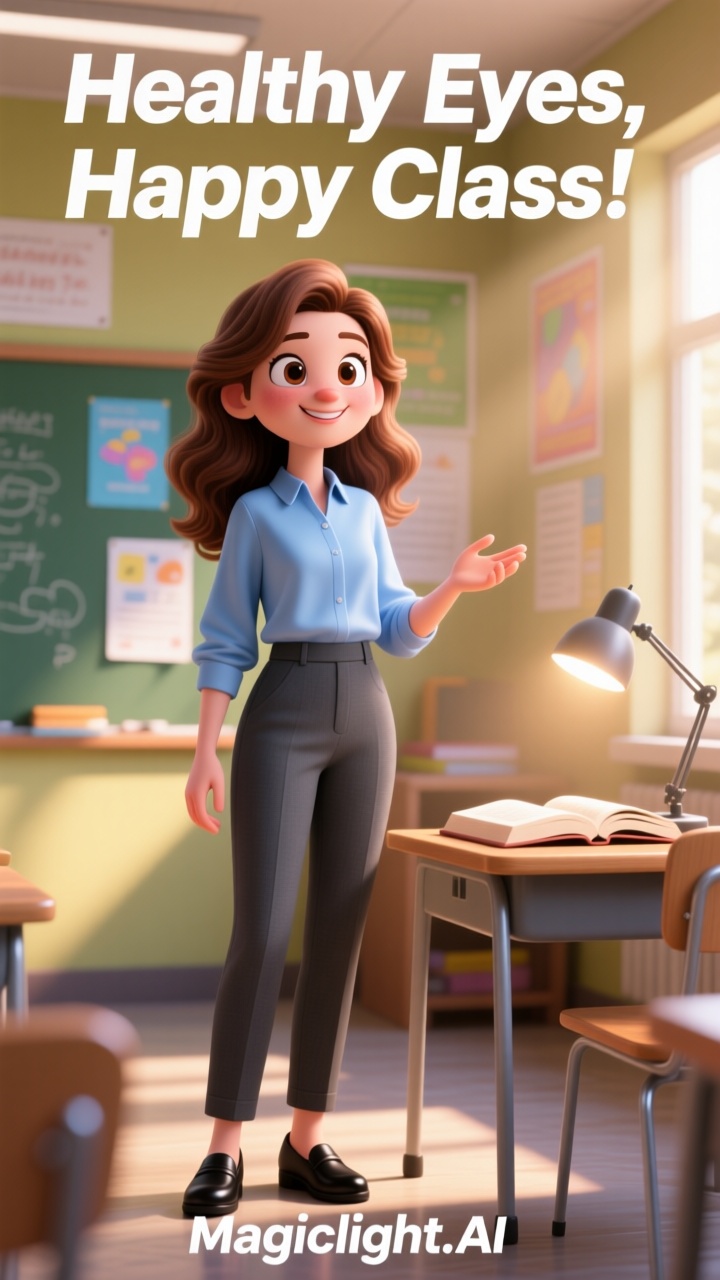

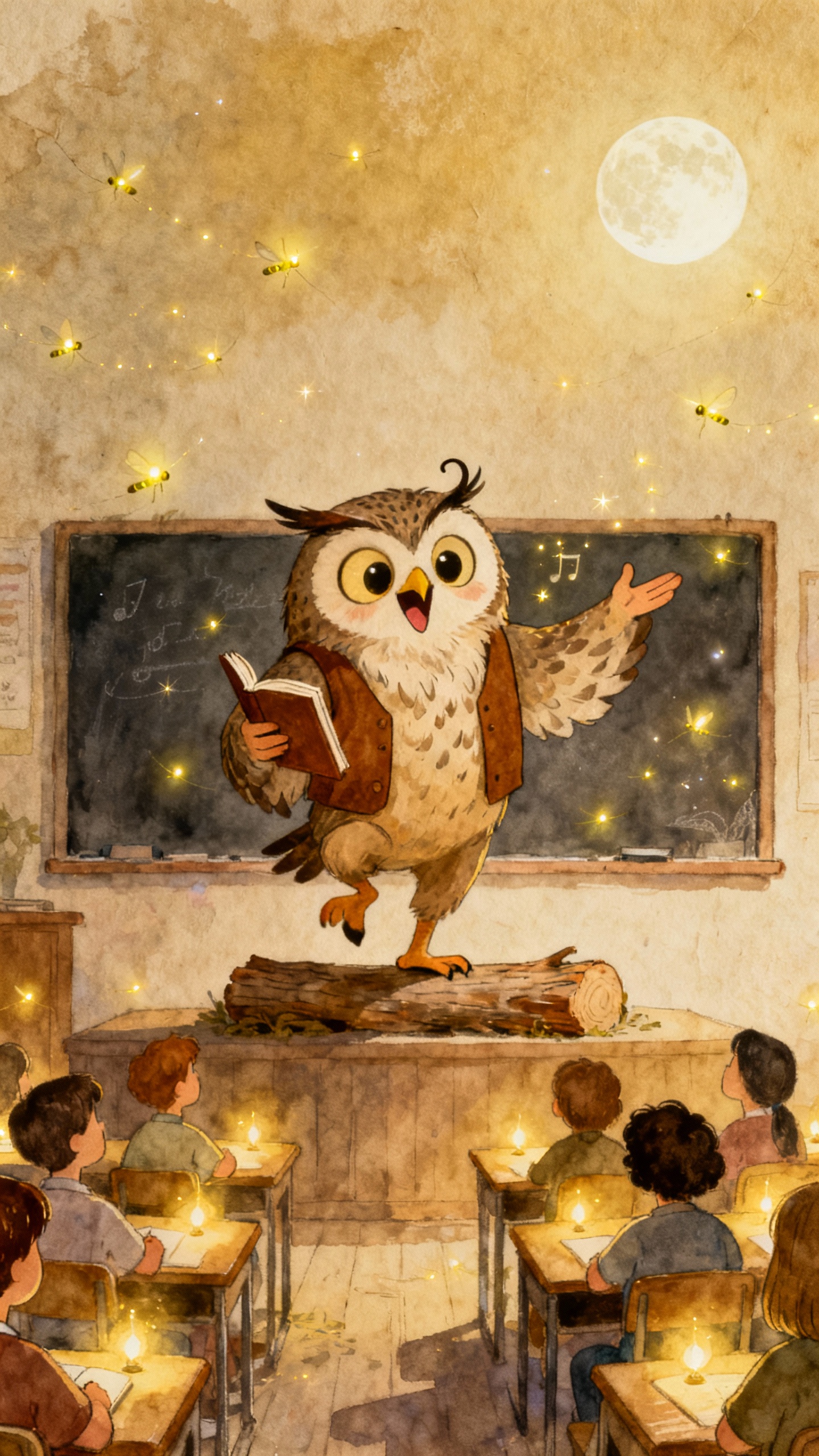
Convert everyday situations into story‑driven lessons that engage learners using Magiclight AI’s training video-making software. The process is very simple and fast.

Choose from 24 free explainer story themes to match any training scenario. Magiclight AI adapts each template to your brand and learning goals.
With Magiclight AI, users can access 11 languages and 9 story models for flexible learning content. It adjusts scripts and pacing for each audience.
Customize captions, video ratios, and HD output using Magiclight AI. This tool perfectly aligns visual and audio choices to your training goals.
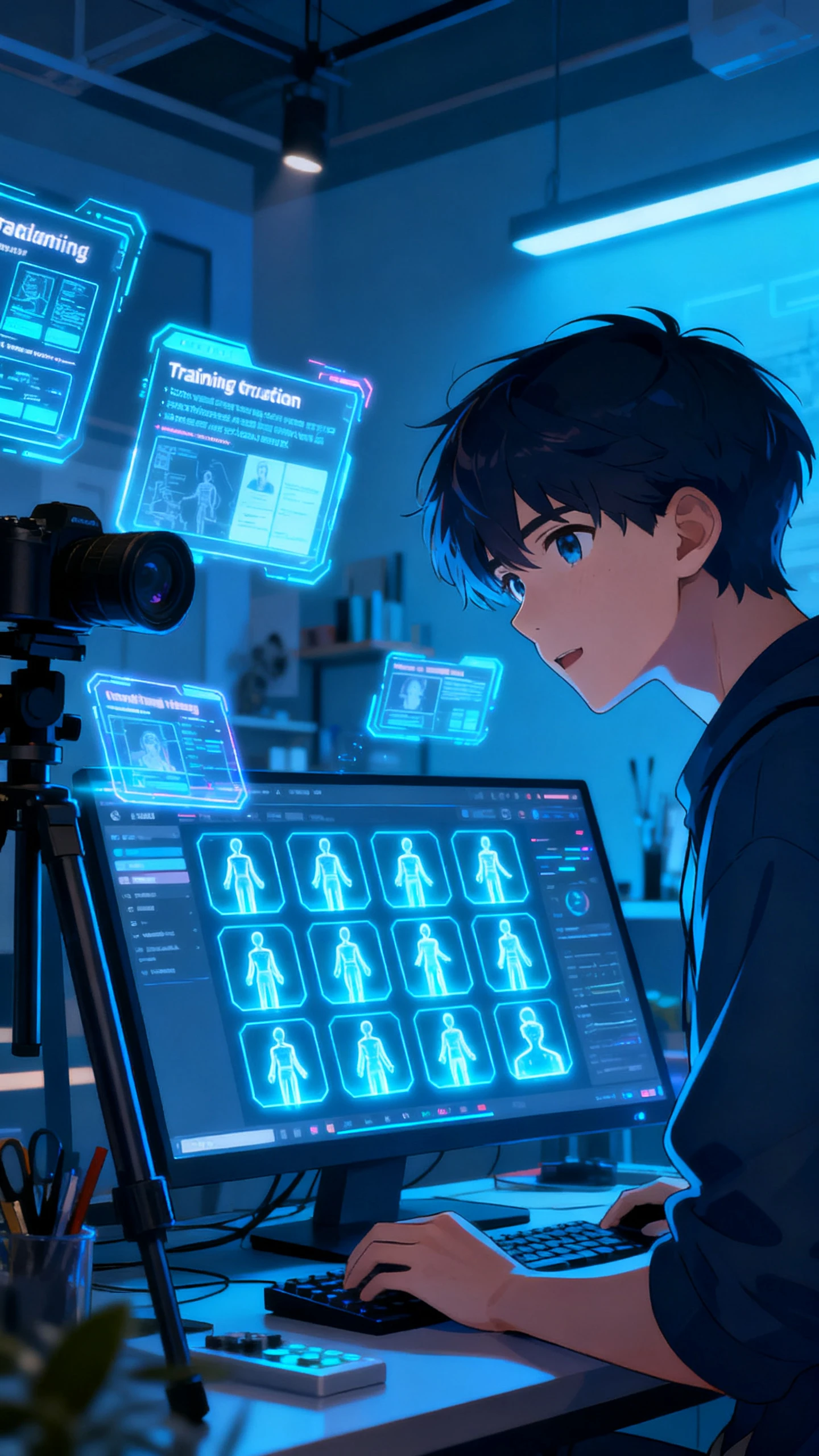
Get customized trainers for your training videos. Creators can precisely tweak hairstyle, outfit, poses, and accessories of trainers in Magiclight AI.


.webp)
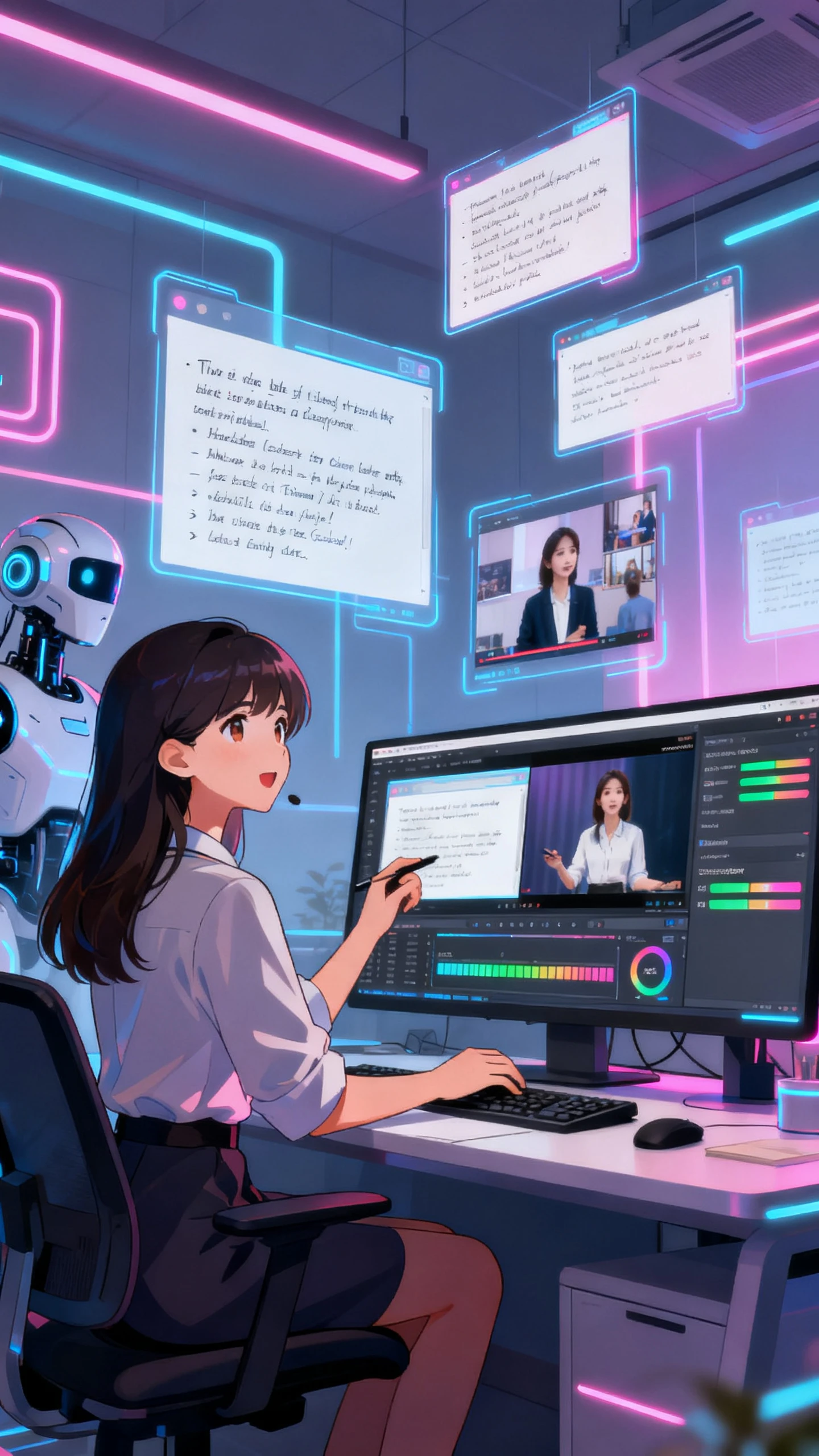
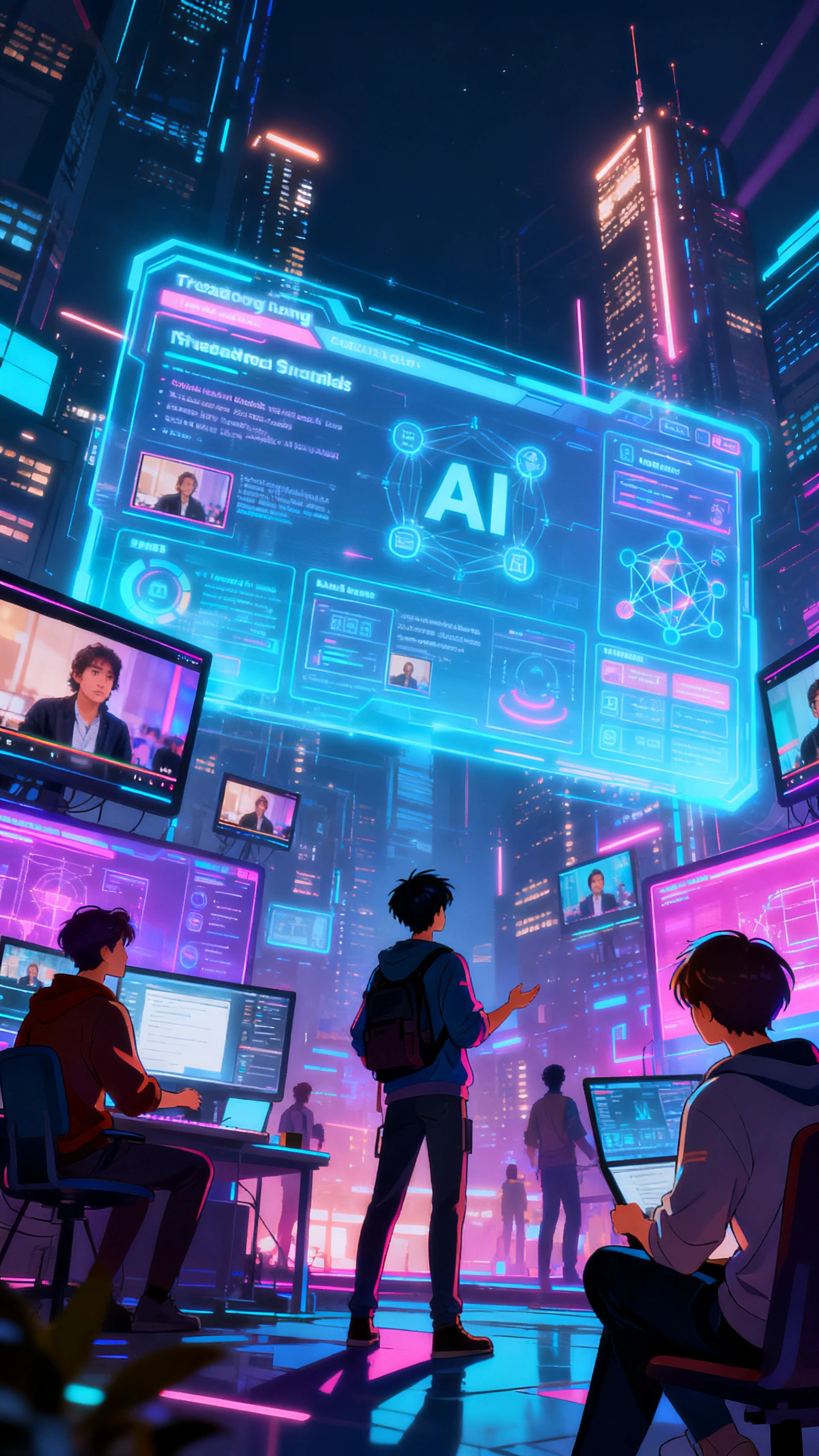
Teams can create videos with Magiclight AI’s training video software with a few guided steps. Anyone can go from rough notes to a complete, reusable training asset in minutes.
Start by writing a simple prompt with your training goal and objectives. Mention who it’s for and the tone you want so Magiclight AI can shape the video clearly.
Select a visual style for your video, characters, and voices that will engage your learners. This keeps every lesson looking consistent and sounding familiar.
Review each generated scene and check how the ideas are explained. Tweak text, images, or timing in Magiclight AI as required, so every moment of the clip feels clear.
Watch the full video once to check the flow from start to finish. Once you are happy with it, export the clip and share it with your learners.
Magiclight AI’s training video software turns prompts into full lessons with scenes, characters, voices, and visuals. You get ready‑to‑share videos without complex editing skills.
You can generate both short explainers and longer lesson videos in one flow. Magiclight AI is designed to handle extended content up to 50 minutes, while keeping the structure clear.
Teams can share prompts, reuse templates, and keep visuals consistent across courses using Magiclight AI. It helps organizations save time compared to hiring external agencies.
Yes, Magiclight AI allows you to adjust characters, styles, and scenes before exporting the video. Refine visuals and timing so each training video matches your brand or audience
Creators prefer Magiclight AI as it combines scripts, visuals, voice, and exports in one place. These features make it one of the best software to create training videos.
You can duplicate projects, tweak scripts or visuals, and re‑export updated versions. With Magiclight AI, keeping training content current takes minutes instead of full rebuilds.



Use Magiclight AI to turn your outlines into polished, ready‑to‑share training videos that engage your learners.