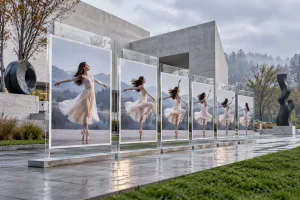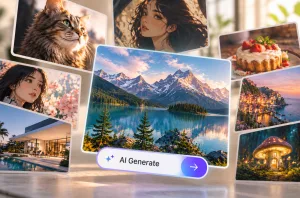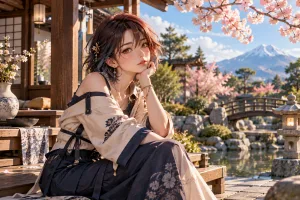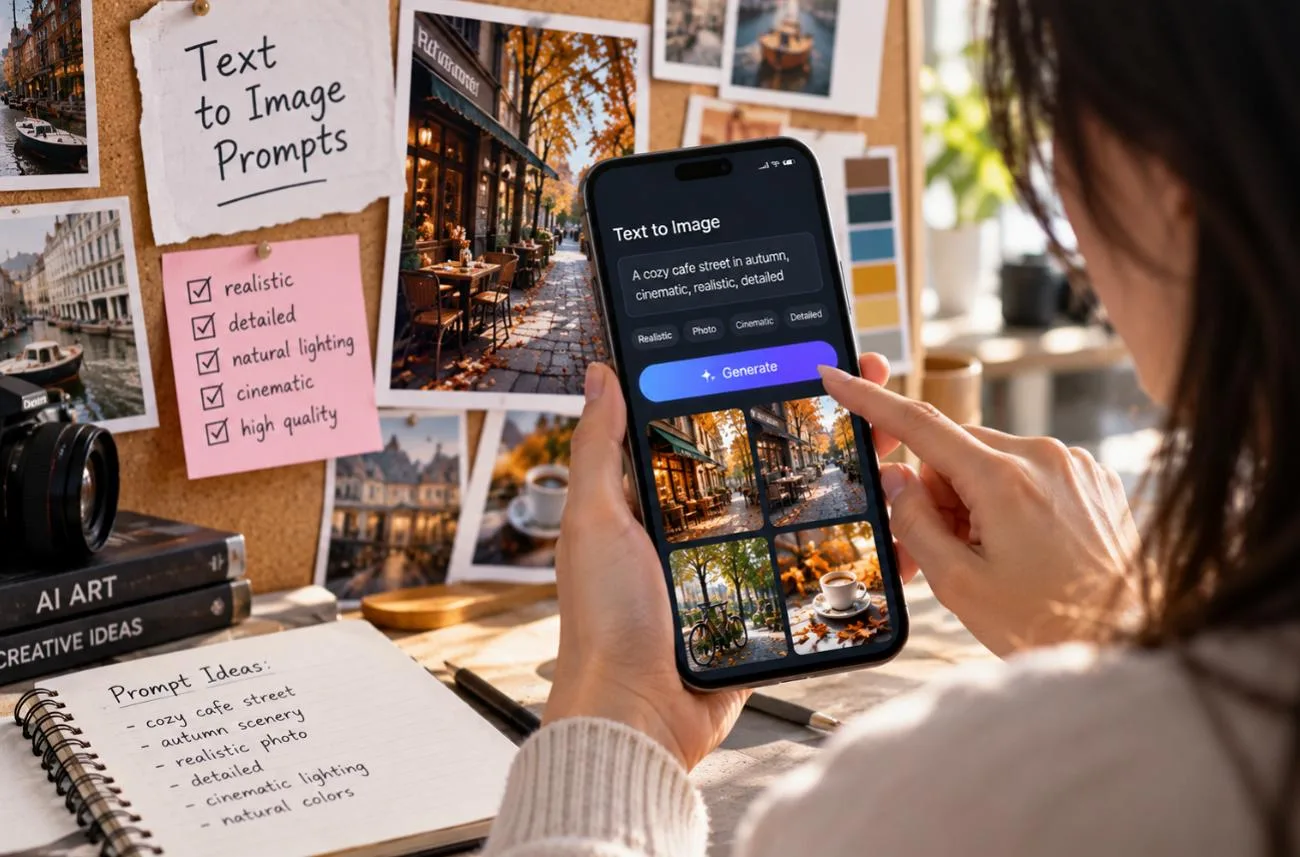
指令不夠明確,生成的圖片往往就會和你想像的不同。清楚的文字生圖提示詞能具體交代主體、場景、風格、構圖與光線,讓模型更有方向。人像、商品、美食、室內空間、海報與風格化藝術,各自需要不同的描述方式。Google 在 Nano Banana 提示詞指南中也建議描述完整場景,避免只堆疊零散的關鍵字。
第一部分:10 個讓 AI 圖像更出色的文字生圖提示詞
好的 AI 生圖提示詞,最好是一段完整的場景描述,先交代主體,再補上風格、光線與構圖。方括號標示的是可輕鬆替換的細節,方便你變化出不同成果。以下 10 個可直接使用的提示詞都採用這個結構,且每個都控制在 500 個字元以內:
1. 寫實人像
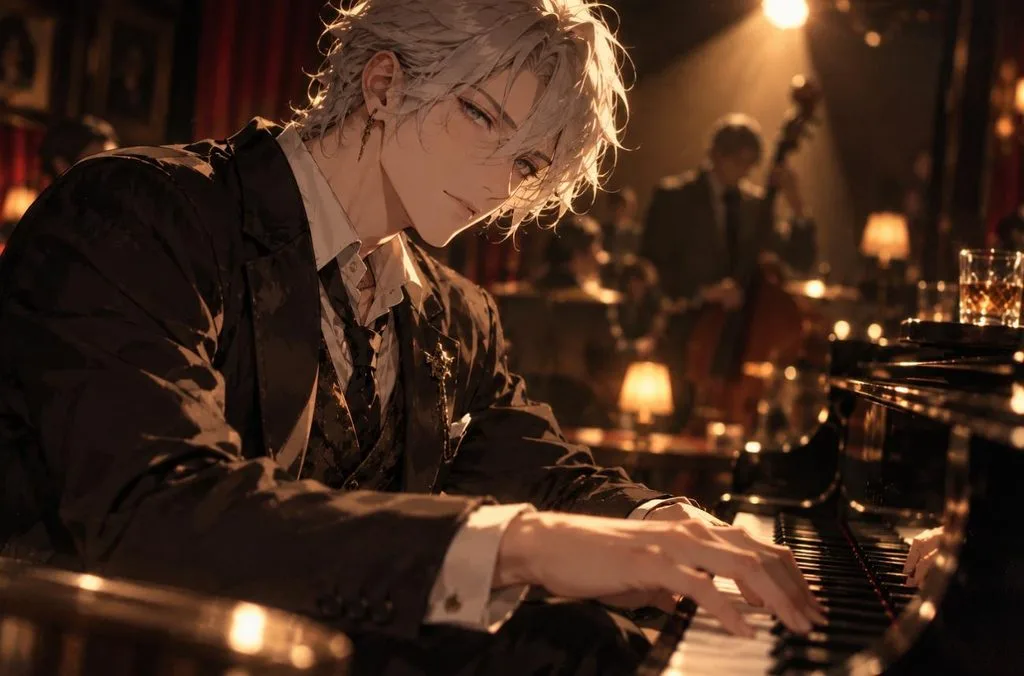
想讓人像看起來像真實照片,提示詞就要用攝影的語言。鏡頭焦距、光圈與明確的單一光源,都能引導模型呈現攝影質感,減少插畫感。
提示詞: A close-up portrait of [a silver-haired jazz pianist] resting his hands on the keys in a dim club. His face is lit by a single warm spotlight. Shot on an 85mm lens at f/1.8, shallow depth of field, natural skin texture, and subtle film grain.
2. 商品攝影
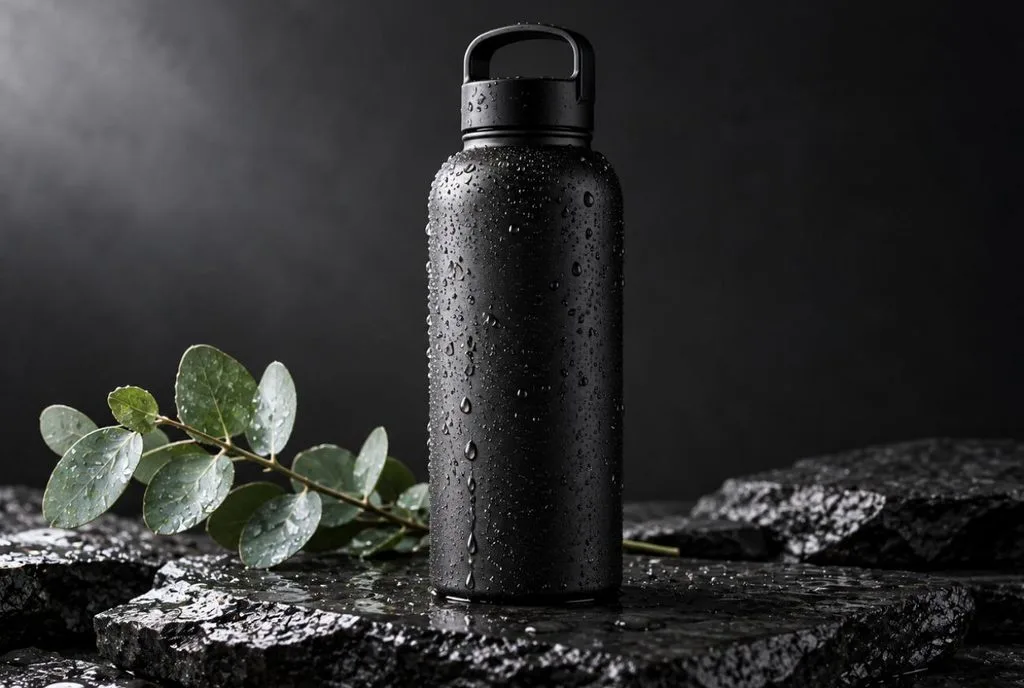
商品圖片的 AI 提示詞,最好清楚描述擺放商品的表面、搭配的道具,以及光線方向。這三項細節能讓網路商店的圖片維持乾淨一致、適合商品型錄的質感。
提示詞: A [matte black water bottle] standing on wet slate, water droplets on its sides, with a single eucalyptus sprig beside it. Soft diffused key light from the left, dark gradient background, sharp focus, clean commercial style.
3. 俯拍美食攝影
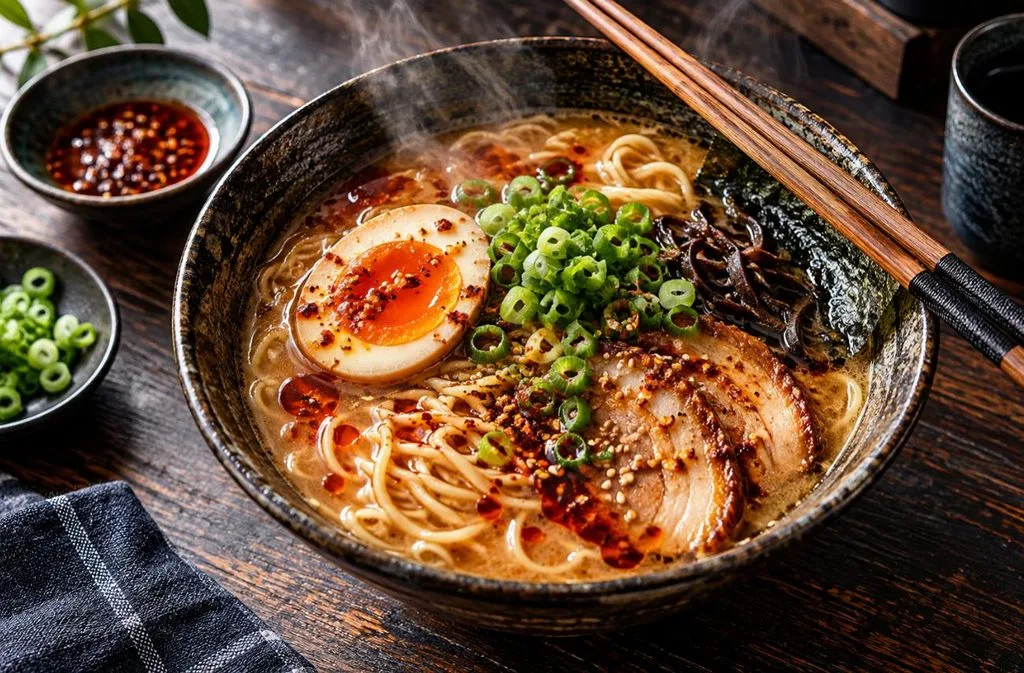
拍攝角度會大幅影響食物在 AI 生成圖片中的呈現,因此一開始就設定視角,能讓模型更清楚掌握構圖方向。再加上蒸氣、配料點綴與自然窗光,就能讓餐點看起來像剛上桌。
提示詞: Overhead flat lay of [a bowl of ramen] with a soft-boiled egg, scallions, and chili oil, chopsticks resting on the rim. Dark wooden table, natural window light, rising steam, rich colors, editorial food magazine style.
4. 現代室內設計
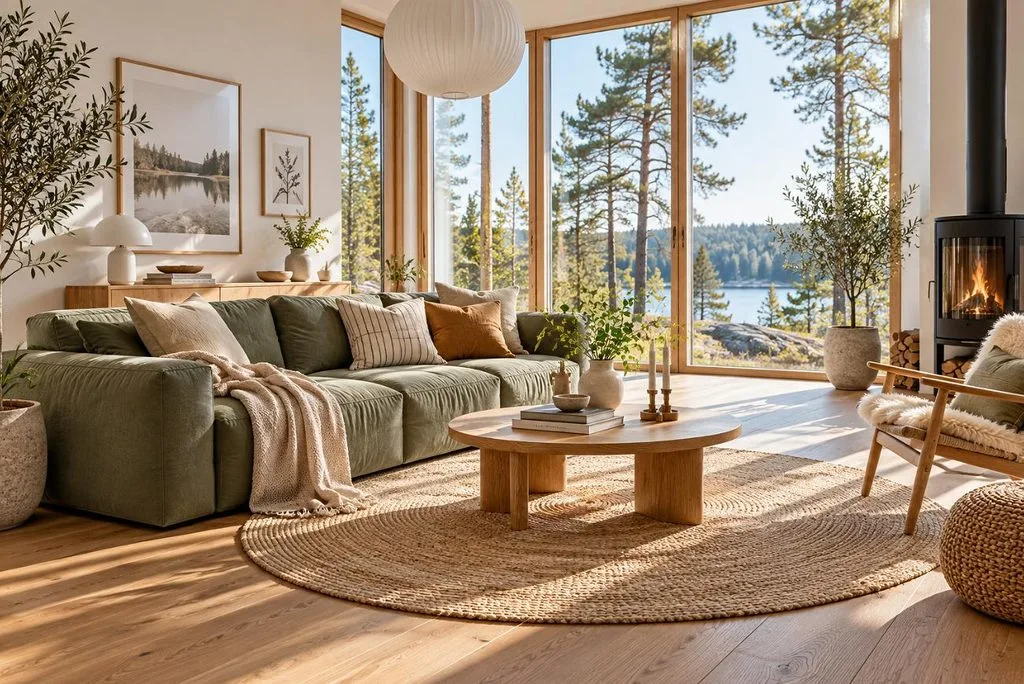
在提示詞中列出實際材質,並將點綴色限制為一種,能讓室內效果圖更協調。加入廣角與建築攝影用語,也有助於引導透視,讓空間比例更均衡。
提示詞: A bright Scandinavian living room with a [sage green] linen sofa, oak floors, a round jute rug, and tall windows overlooking pine trees. Morning sunlight, wide-angle architectural photo, clean lines, calm neutral palette.
5. 空拍風景
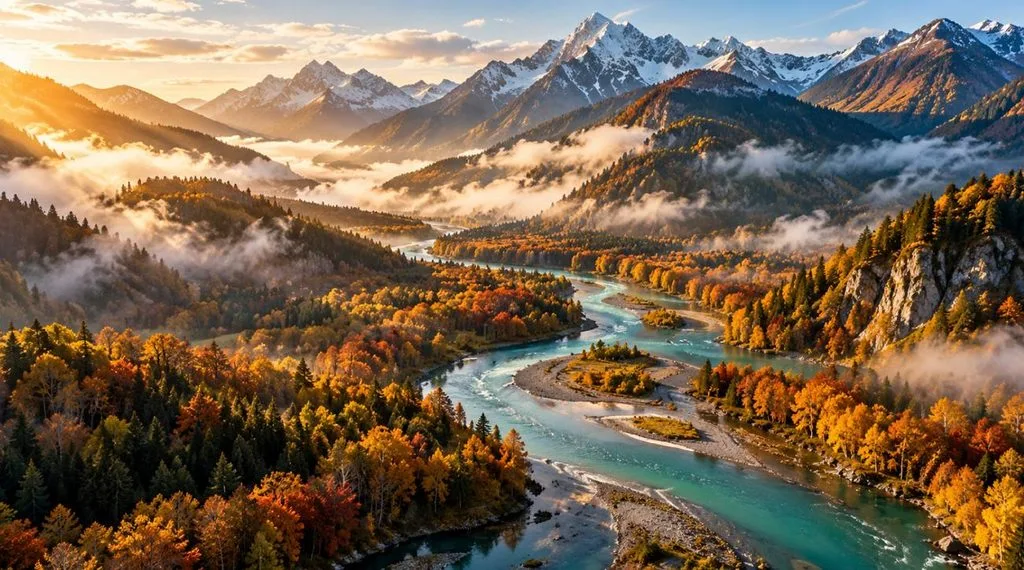
在生圖提示詞中明確交代視角,能避免風景圖出現地平線被裁切或構圖缺乏層次的問題。晨霧與低角度側光,則能補足簡單描述容易漏掉的景深與立體感。
提示詞: An aerial drone view of [a winding turquoise river] cutting through autumn forests in the mountains, with morning mist in the valleys. Golden sidelight, high detail, landscape photography style, wide 16:9 frame.
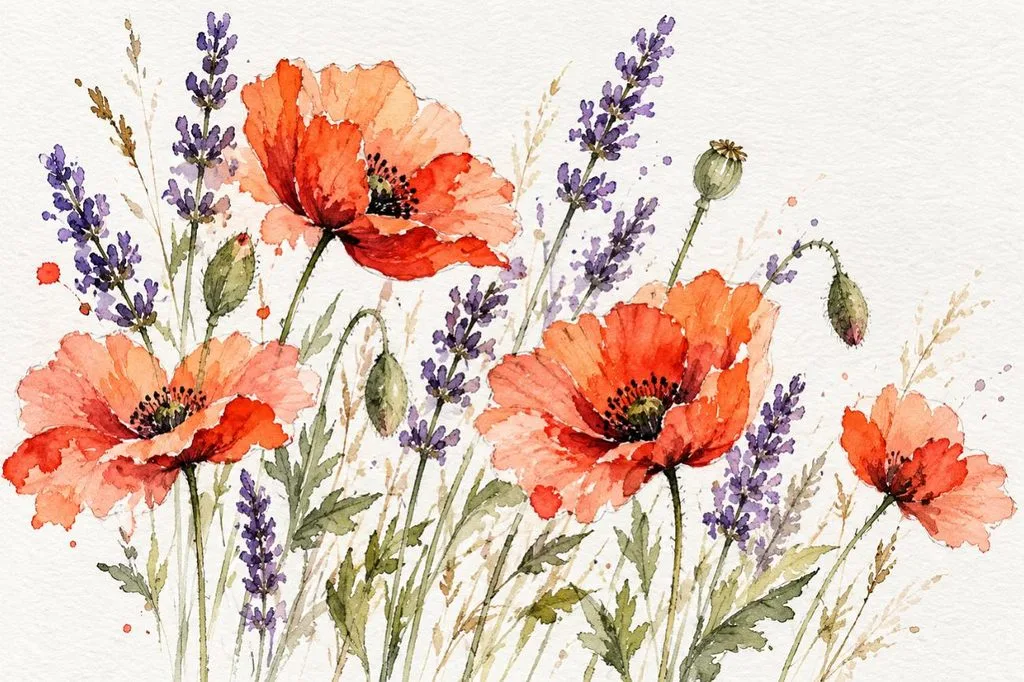
6. 水彩植物插畫
想讓傳統媒材風格呈現手繪質感,提示詞除了描述主體,也要交代紙張與筆觸的表現。柔和的色彩暈染與清晰可見的筆觸,能避免成品顯得過於平滑,帶有明顯的數位繪圖感。
提示詞: A loose watercolor illustration of [wild poppies and lavender] on textured cotton paper, with soft color bleeds and visible brush strokes. White space around the stems, delicate pencil outlines, and a light, airy palette.
7. 等角視角 3D 場景
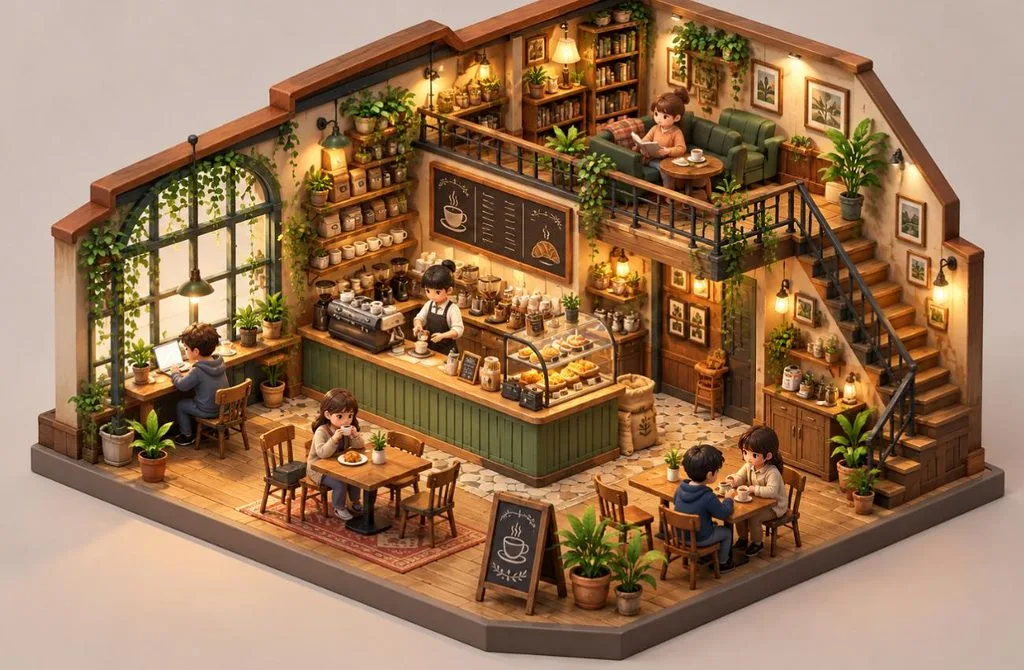
等角視角剖面圖能一次呈現完整空間,適合用於 App 圖像、遊戲素材與解說插圖。搭配黏土般的材質與簡潔背景,能讓迷你場景更容易看懂。
提示詞: An isometric 3D miniature of a [cozy coffee shop], cut away to show tiny customers, a barista at the counter, and plants on shelves. Soft pastel colors, clay-like materials, gentle studio lighting, plain background.
8. 字體排版海報
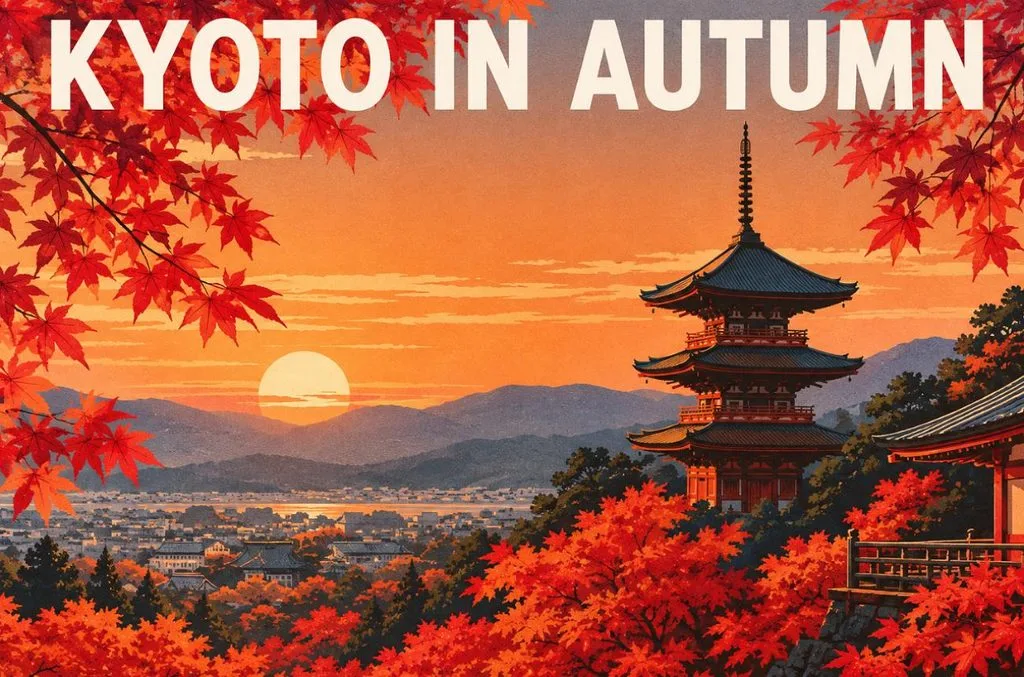
想讓圖片中的文字清楚可讀,就要用引號標出確切字句,並指定字體風格與版面配置,這也是 Google 對 Nano Banana 的建議。相較於完整句子,簡短標題通常也能生成得更穩定。
提示詞: A minimalist travel poster for [Kyoto] with the headline “KYOTO IN AUTUMN” in bold white sans-serif letters across the top. Red maple leaves frame a pagoda at sunset, with flat colors, a clean layout, and screen-print texture.
9. 科幻場景概念圖
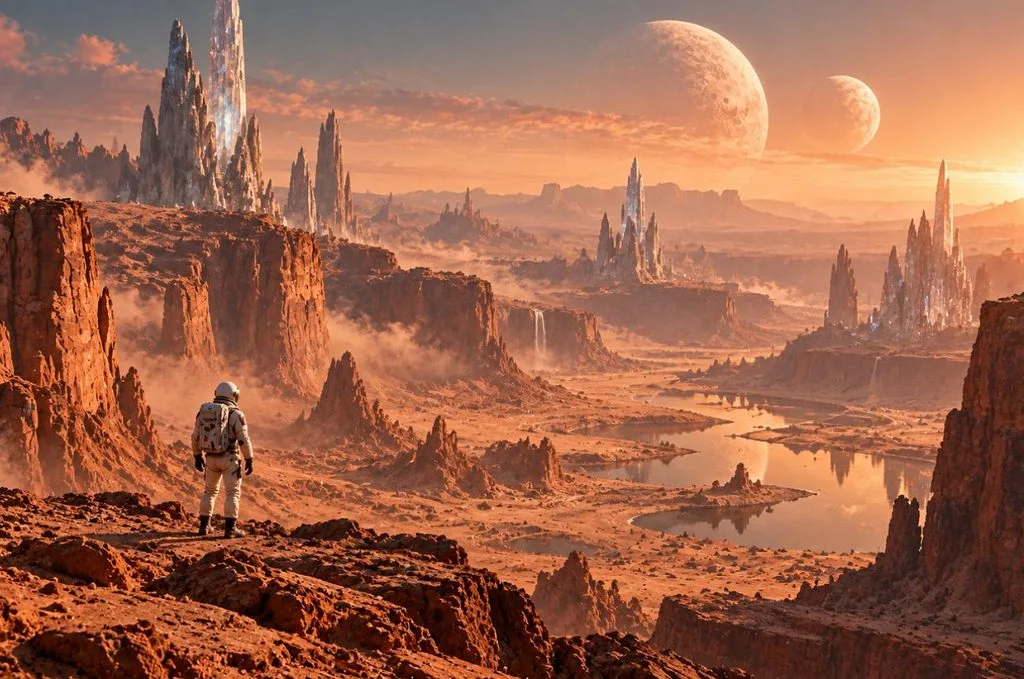
如果你正在蒐集科幻圖像的提示詞靈感,可以沿用這個結構,換上不同的星球或人物。在畫面中加入一個小人物作為比例參照,再加上一層薄霧,就能讓宏大的場景更有深度。
提示詞: A vast desert canyon on an alien planet with [twin moons] rising over crystal spires. One lone explorer in a white suit stands in the foreground for scale. Cinematic wide shot, warm dust haze, detailed matte painting style.
10. 角色三視圖
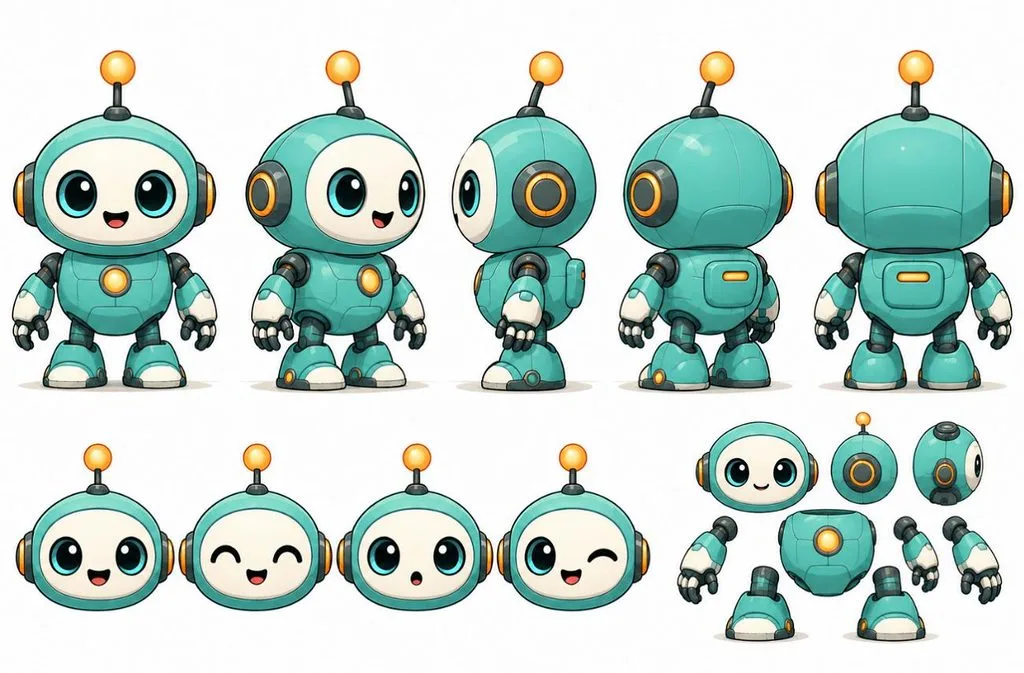
想讓同一個角色在 AI 圖片中保持一致,可以先從這樣的角色三視圖開始。三個相互對應的視角,能為後續每次輸入提示詞或上傳參考圖,提供固定的角色設計依據。
提示詞: A character turnaround sheet of [a friendly robot mascot] with a round teal body, one antenna, and big round eyes. It appears from the front, side, and back in flat cartoon style on a white background, with identical proportions in every view.
第二部分:如何讓文字生圖提示詞帶來更好的成果
小幅調整文字生圖提示詞,有時比換用不同的 AI 工具更能改善成果。下表比較較弱與改善後的提示詞,說明更清楚的細節、更明確的視覺方向,以及更好的結構,如何改變最後生成的圖片:
| 較弱的提示詞 | 更好的提示詞 | 改善重點 |
| A Dog | A golden retriever puppy chewing a red rope toy on a sunlit porch | 明確交代主體、動作與場景 |
| Cool City at Night | A rain-soaked Tokyo street at night, neon reflections, 35mm film look | 指定地點、光線與風格 |
| A Logo with Text | A flat vector logo reading “Blue Fern Cafe” in rounded sans-serif letters | 用引號標出確切文字,並指定字體風格 |
| No People in the Park | An empty park at dawn, benches wet with dew, mist over the grass | 直接描述想要的畫面,取代「不要出現」的否定句 |
除了提示詞的用字,以下 4 個實用習慣也能讓每一輪生圖更一致、更準確,也更容易掌控:
- 選擇合適的長寬比: 生成前先選好長寬比,例如動態貼文用 1:1、橫幅用 16:9,讓構圖符合預定的裁切範圍。
- 使用參考圖片: 需要精準對應細節時,請上傳商品、人臉或風格參考圖,因為光靠文字無法重現標誌或人物樣貌。
- 比較不同模型: 用同一個提示詞在 2 個引擎上生成圖片,看看哪個模型能更準確呈現你想要的風格與細節。
- 一次只改一個細節: 每一輪都保留相同的提示詞,只調整一個片語,例如讓光線更暖,或讓拍攝角度更低。
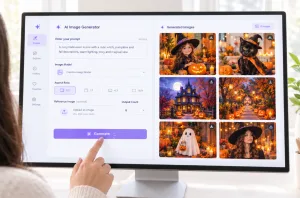
當必要的控制選項都集中在同一個地方,學習如何用文字提示詞生成圖片就會更容易。 MagicLight AI 整合了 5 個圖像引擎,包括 Nano Banana 2,讓你不用切換平台就能比較生成結果。
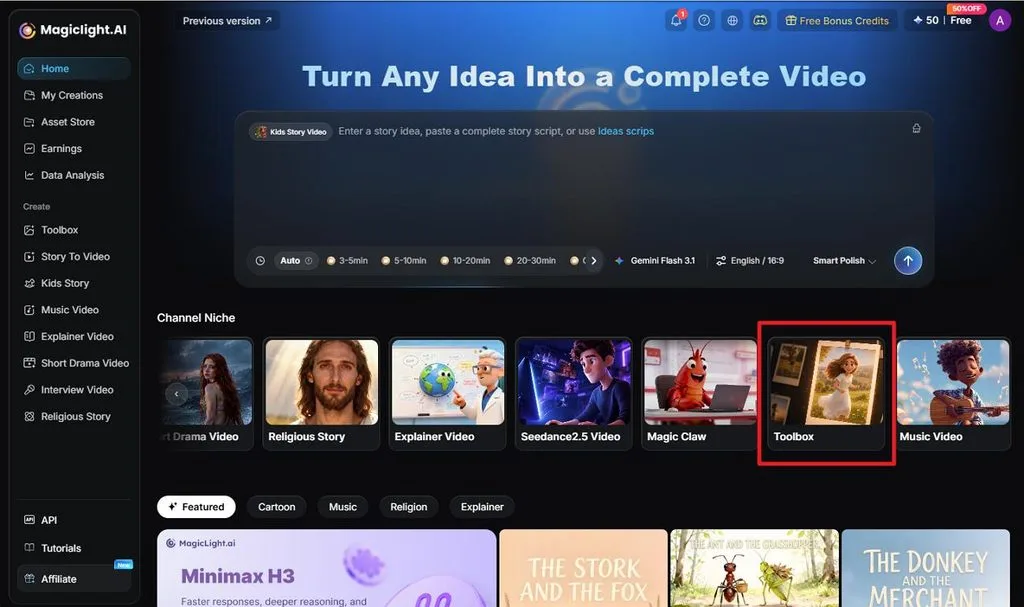
支援上傳最大 20MB 的參考圖片,有助於準確保留商品、人臉與其他重要視覺細節。你可以一次生成多個版本,再透過 Image to Video將喜歡的圖片轉成短片。 免費點數也讓你更容易先測試不同提示詞與設定,再決定是否繼續生成更多圖片。
結語
更好的文字生圖提示詞,會清楚交代主體、風格、光線、構圖與重要視覺細節。依照人像、商品、室內空間或藝術作品的需求,選用合適的描述用語,也能提升準確度。透過小幅調整提示詞並反覆測試,還能進一步改善成果。如果你想更方便地比較模型,並將圖片製作成影片,可以考慮 MagicLight AI。
常見問題
1. 好的文字生圖提示詞應該包含哪些內容?
好的文字生圖提示詞會交代主體與動作、場景、風格或攝影效果、光線,以及氛圍。再加上畫面比例,並用引號標出需要精確呈現的文字,就更完整。比起一串關鍵字,完整的描述句通常更有效。
2. 如何讓 AI 生成的圖片更逼真?
想生成寫實的 AI 圖片,可以在提示詞中使用攝影術語,例如鏡頭焦距、光圈、自然光,以及皮膚或布料紋理。Google 的 Nano Banana 指南指出,拍攝角度、鏡頭、光線與細節描寫,都能讓成果更接近真實攝影;加入參考照片也能提升準確度。
3. 可以用文字生圖提示詞創作外觀一致的角色嗎?
只靠文字,每次生成的角色外觀仍可能出現差異,因此可重複使用的 AI 生圖提示詞,應逐字沿用同一段詳細的角色描述。加入參考圖片能提升一致性,而 Story to Video 則是 MagicLight AI 中能讓已儲存角色在不同場景維持相同外觀的功能。
4. 哪些 AI 工具最適合搭配文字生圖提示詞使用?
MagicLight AI 的特色在於,將五個圖像引擎整合在同一個操作面板,並支援上傳參考圖片、批次生成與四種畫面比例。你可以在幾分鐘內,比較相同提示詞在不同引擎上的成果。ChatGPT、Gemini 與 Midjourney 也能依照詳細提示詞生成圖片,都是可以單獨使用的選擇。