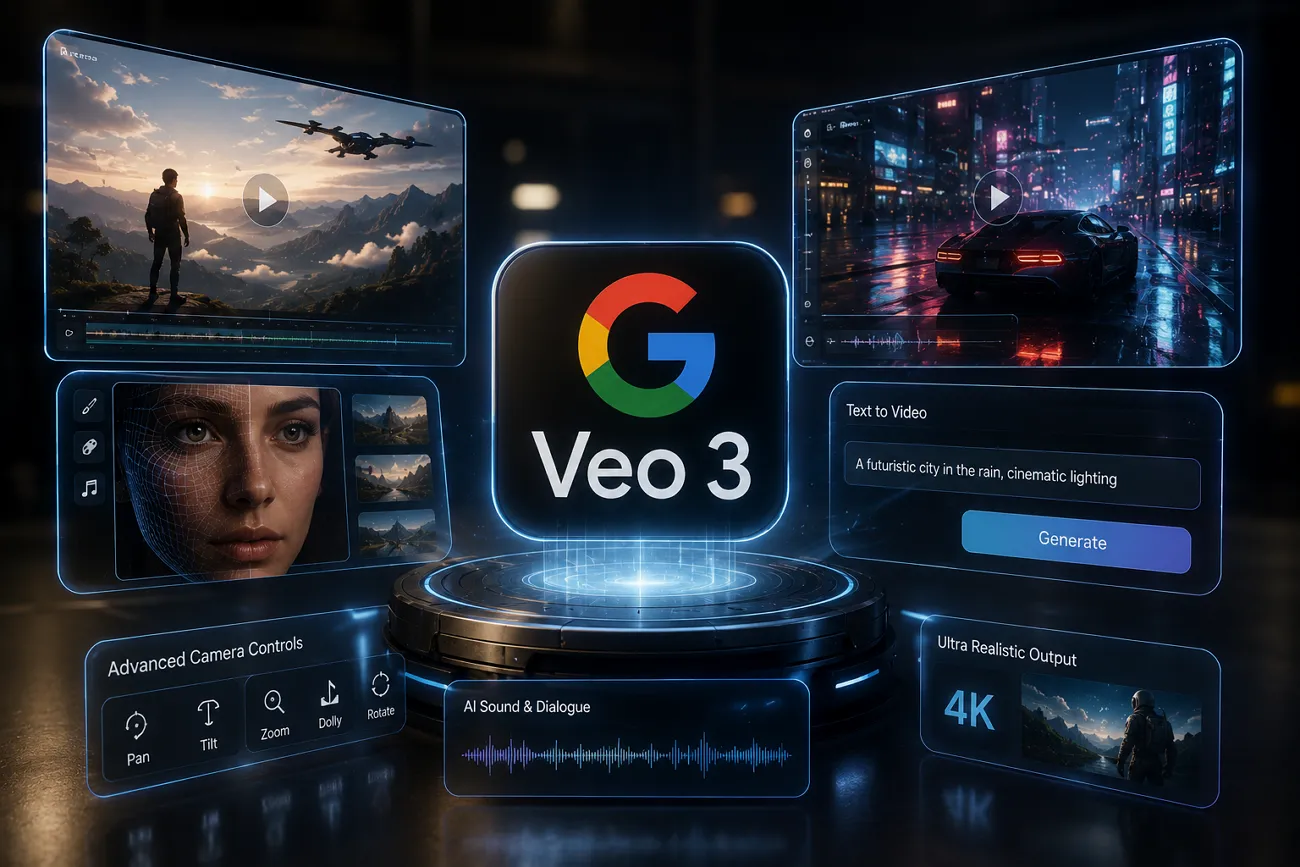
AI video models have been growing rapidly, changing how we create videos and stories. This technology is helping creators and businesses produce better content with less effort and higher quality results. One of the rising names in this space is Google Veo 3, known for its strong visual generation performance. In this Google AI Veo 3 review, you will explore its work, limitations, and also learn about its strong alternative.
Part 1. What Is Google Veo 3 AI?
Google Veo 3 is a powerful AI video generator created by Google DeepMind that turns text and images into high-quality videos. Released in May 2025 at Google I/O 2025, it builds on earlier versions by automatically adding dialogue that matches the visuals. While using it, you can generate videos up to 8 seconds per single request only.
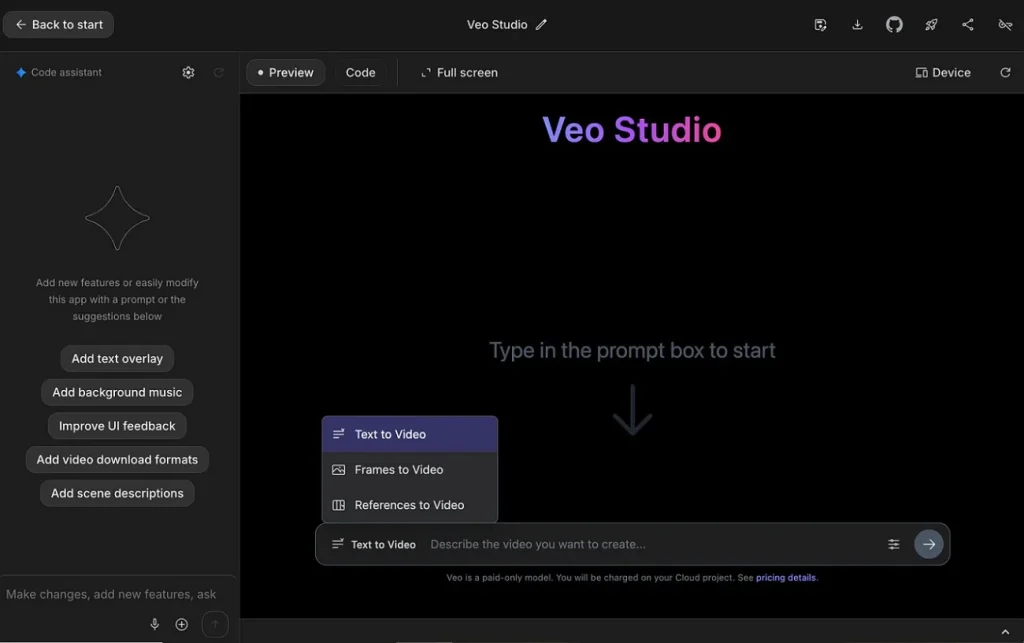
This AI model allows up to 3 reference images for consistent multi-shot video generation control. One of its key improvements is the ability to better understand complex instructions, such as camera angles, scene changes, and storytelling style. During video creation, it operates at a steady 24 frames per second, delivering cinematic motion throughout the output.
Key Features of Google Veo 3
- Physics Simulation: Simulates realistic physics, including gravity, fluid movement, and object interaction for natural scenes effectively.
- Consistency Lock: Maintains visual consistency of characters and backgrounds across multiple generated scenes.
- Style Control: Adapts video style, tone, and atmosphere based on descriptive user prompt inputs, flexibly and precisely.
- Scene Composition: Automatically arranges subjects and object elements into balanced visual compositions for better output.
- Motion Stability: Ensures smooth motion flow and reduces flicker and unnatural movement across generated video frames.
Google Veo 3 Video Quality Review [Pros & Cons Explained]
In this specific part, you will explore a few pros and drawbacks of Google Veo 3:
Pros
- Generates rough video drafts useful for pitching ideas and early visualization.
- Creates synchronized dialogue, ambient sounds, and effects within a single generation process.
Cons
- Sometimes, small objects and characters change unexpectedly across generated video frames.
- The same prompt may produce different results, reducing predictable creative control consistency.
Part 2. Is Google Veo 3 Worth It?
Google Veo 3 is generally considered a powerful AI video tool, but not perfect. Many creators praise its cinematic visuals and prebuilt audio generation, saying it helps speed up content production and creative testing. According to CNET, over 40 million AI videos have been made with Veo 3 since its May 2025 launch.
However, reviewers also highlight several drawbacks during practical use in this Google AI Veo 3 review. The model can sometimes produce inconsistent details, visual glitches, or unclear prompt interpretation, especially in complex scenes. Some testers even mention reliability issues with audio performance and premium quality settings.
Part 3. MagicLight AI: The Strong Alternative to Google Veo 3
This Google Veo 3 AI review shows impressive features but noticeable practical limitations. These issues encourage users to explore tools with improved control and consistency. To meet these needs, MagicLight AI emerges as a powerful alternative platform. This dedicated tool supports 19 AI video models, including Seedance 2.0 and Veo 3.1, for flexibility. Its image-to-video feature helps turn uploaded images into animated scenes for more creative variation.
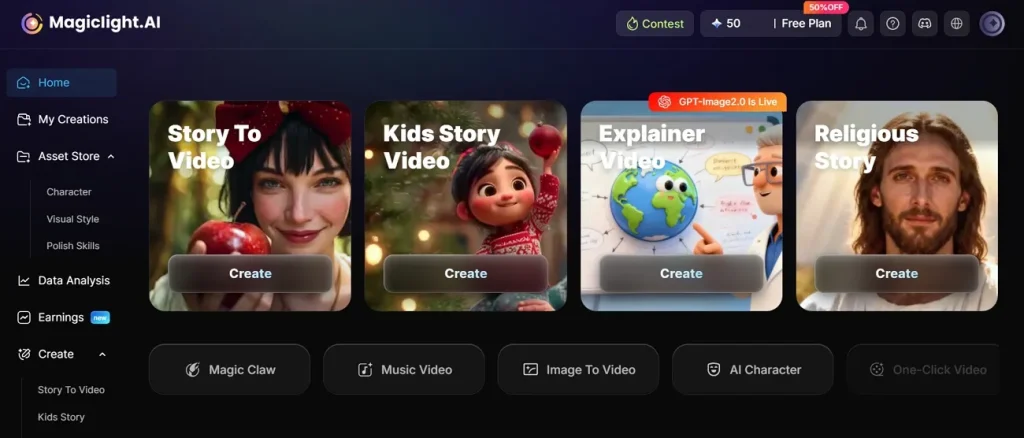
The tool includes more than 100 prebuilt prompts for quick and easy video creation. With its wide range of style options, you can create videos in Disney, Pixar, and 3D cartoon styles. MagicLight AI maintains stable characters and environments across multiple scenes, ensuring professional continuity in storytelling videos. Additionally, it automatically generates synchronized narration matched with characters, emotions, and scene timing accurately.
Key Features
- Long Videos: Generates extended videos up to 50 minutes for detailed storytelling and marketing content creation.
- Cover Generator: Automatically generates video covers using AI-selected frames and customizable title design templates.
- Language Support: Enables video creation in 11 global languages for worldwide audience content distribution reach.
- Music Sync: Aligns visuals and audio automatically for better emotional storytelling and immersive viewer experience output.
- Nano Editing: Offers micro-scene control with Nano adjustments for detailed visual refinement and animation precision.
Which Tool Is Better for AI Video Creation and Editing- Features Comparison
After exploring both tools, below is a detailed comparison of both mentioned tools based on important features:
| Feature | Google Veo 3 AI | MagicLight AI |
| Video Length | Generates short clips up to 8 seconds | Creates long videos up to 50 minutes |
| Story Generation | Basic prompt-based scene generation | Full automated narrative story building |
| Model Variety | Limited Veo model variations | Supports 19 different AI video models |
| Prompt Library | No built-in prompt system | 100+ prebuilt prompts available |
| Language Support | Limited language flexibility | Supports 11 global languages natively |
| Character Consistency | Sometimes inconsistent across scenes | Stable characters across all scenes |
| Editing Control | Limited post-generation editing options | Advanced Nano editing scene control |
| Style Options | Cinematic style adjustments only | Disney, Pixar, 3D anime styles |
Conclusion
In summary, this Google AI Veo 3 review highlights a major step forward for cinematic video production. The built-in audio tools offer excellent help for making short social media projects. Even with great features, the strict time limits might frustrate digital artists. For this reason, professional storytellers require a platform that removes these hurdles. If you want to make full-length videos, MagicLight AI is a better choice.
FAQs on Google Veo 3
1. Is Google Veo 3 better than other AI video tools?
The AI model is powerful but still has a few creative limitations. Alternatively, MagicLight AI offers longer videos, better control, and smoother storytelling features. Overall, MagicLight AI performs much better control for full video creation workflows.
2. Can Veo 3 create long videos?
Google Veo 3 mainly creates short clips of up to 8 seconds only. To generate long videos, MagicLight AI is highly recommended, as it offers much better settings. Therefore, MagicLight AI is more suitable for long-form video projects.
3. Is Google Veo 3 free or paid?
This advanced video software is generally available through paid or limited-access plans. Google offers limited free testing options inside its online developer research labs. Pricing depends on platform usage and selected quality or generation mode.
4. Does Veo 3 support audio generation?
Google Veo 3 can generate basic audio with video output. However, audio quality and syncing can sometimes vary during the generation process. In contrast, tools like MagicLight AI also provide more stable and smart synchronized narration tools.
5. Is Veo 3 good for YouTube Shorts?
Yes, this system works perfectly for making fast and engaging social media posts. The sharp 8-second clips match the exact quick style of popular online platforms. It gives modern creators beautiful cinematic results to attract viewers very quickly.


![How to Write a Commercial Script in 2026 [Full Guide]](https://magiclight.ai/wp-2/wp-content/uploads/commercial-script-writing-full-guide-300x169.png)