


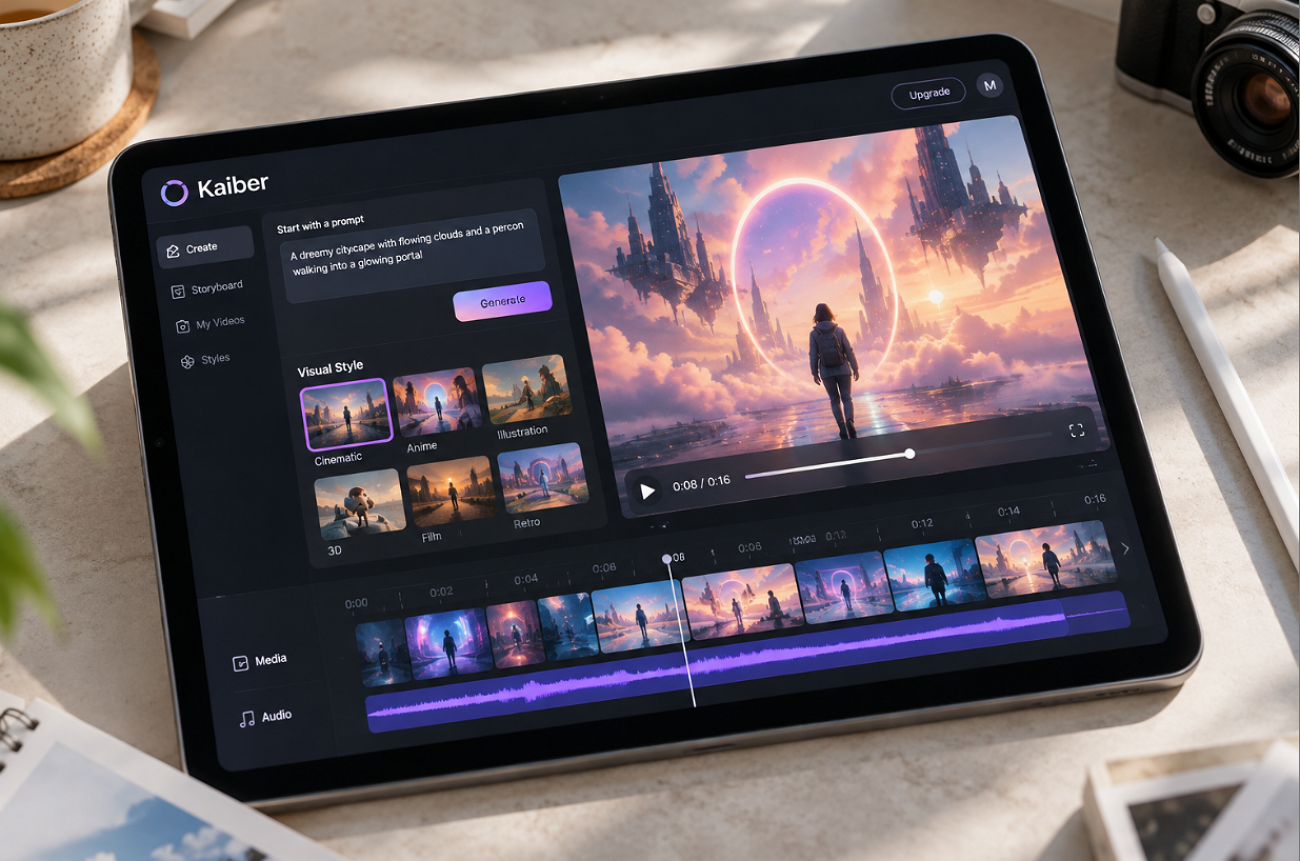
The Kaiber AI video generator built its name on stylized, artistic animation for musicians. Kaiber is credited with AI production on Linkin Park’s 2023 “Lost” video, and music visuals remain its best-known use. Its Superstudio workspace combines text-to-video, image-to-video, audio-reactive animation, and style transfer for existing footage on one canvas. Whether that flexibility is worth the learning curve and credit costs depends on the type of videos you want to create.
Part 1. What Can You Create With Kaiber AI
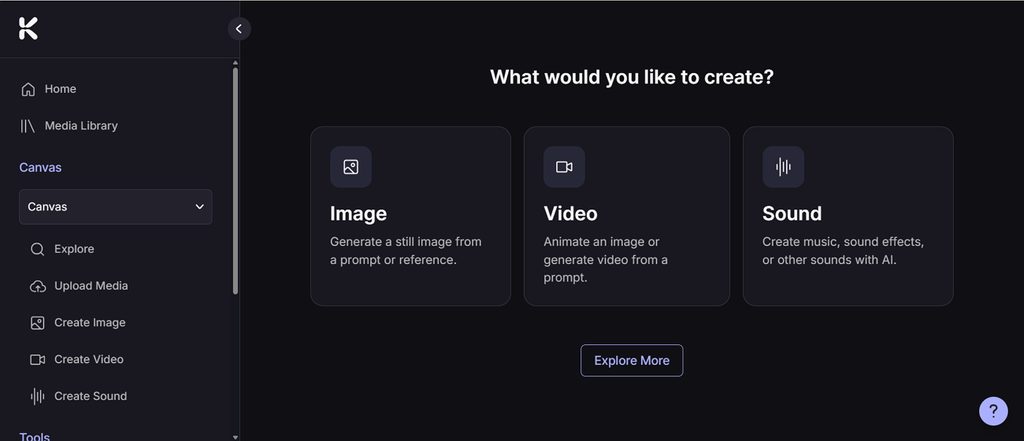
Each Kaiber AI tool is available within Superstudio, an infinite canvas where generations connect as nodes, allowing one idea to branch into several versions. Its capabilities fall into the following 4 main creative uses:
- Text-to-Video Clips
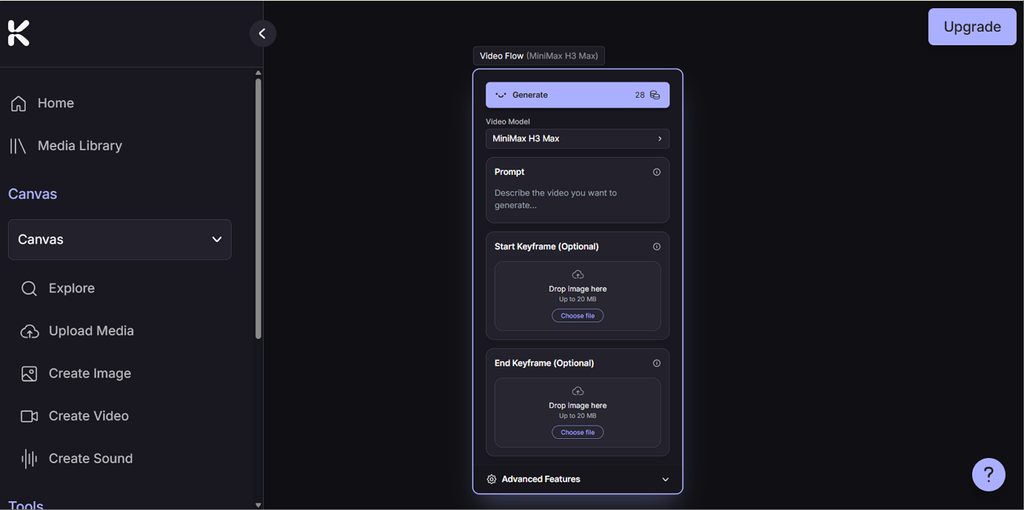
A written prompt can generate video in Kaiber Canvas using a selection of AI video models, including options from Kling, Veo, MiniMax, and Luma. The available models differ in features such as clip length, audio support, generation quality, and cost, so creators can choose one based on the type of shot they need.
- Image to Video
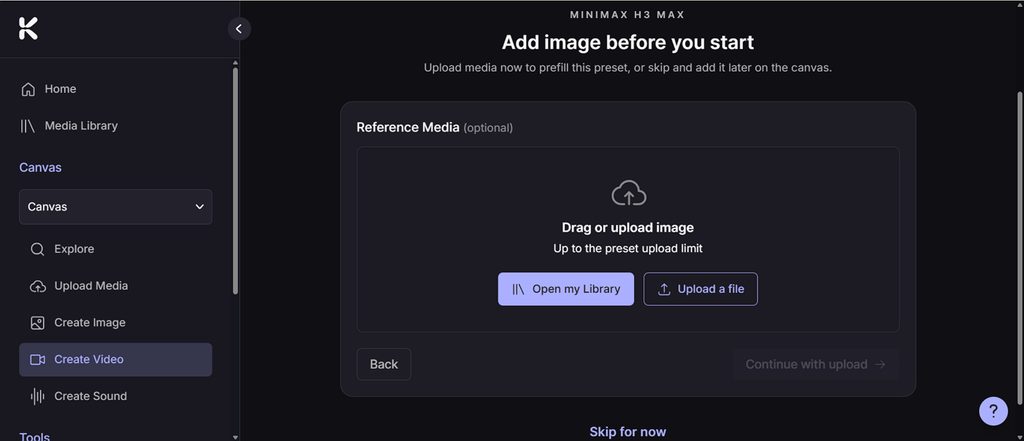
Kaiber AI can animate an uploaded image by pairing it with a prompt that describes the action, movement, or camera behavior. Creators can generate or edit the starting image in Canvas first, then animate it with a compatible video model.
- Audio-Reactive Music Videos
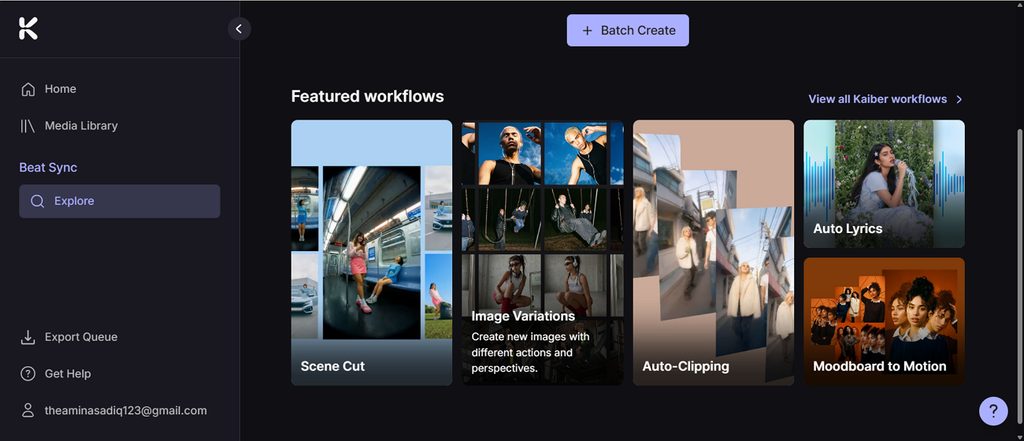
Beat Sync combines uploaded audio with images or video clips and cuts visuals to the beat. You can adjust transitions and cut speed to control the pacing of each sequence. Synchronized lyrics and custom text overlays add finishing touches to music videos and promotional clips.
- Other Creative Uses
Kaiber also includes workflows for creating and editing images, generating album covers and thumbnails, lip-syncing characters, creating looping videos, and assembling clips in its timeline Editor. Kaiber works through a mobile browser rather than a dedicated app, while desktop provides the full range of Canvas models, Beat Sync options, and Editor projects.
Part 2. Is Kaiber AI Right for Your Video Projects
Anyone considering Kaiber video AI for a real project should look beyond its creative features. The sections below examine its usability, video quality, and key limitations in everyday video projects:
Usability and Workflow
Kaiber Canvas brings video, image, and audio generation into one visual workspace for experimenting with different models and variations. Generated media can then move into Editor, where clips can be sequenced, layered with audio, and finished with transitions and text.
Video Quality
Video quality depends heavily on the selected model and its settings. Kaiber AI offers models suited to different priorities, from faster budget-friendly generations to higher-quality cinematic output. Available resolution, clip duration, audio support, and generation controls also vary between models.
Limitations
Kaiber offers plenty of creative flexibility, but model costs, short generation lengths, and plan restrictions can affect larger projects. These limitations are worth considering before committing credits to a full production:
- Credit Costs Vary: Each generation uses credits based on the model, media type, and duration. Kaiber displays the required credits beside the generation button before processing begins.
- Clip Length Depends on the Model: Individual video generations remain relatively short. Kling 3.0, for example, supports clips up to 15 seconds, so longer projects require multiple generations and editing.
- Consistency Depends on the Model: Character and visual consistency vary across models and workflows. Reference images and models designed for stronger consistency can provide more control across related shots.
- Starter Excludes Beat Sync: The Starter plan includes Canvas with standard models and one Editor timeline, but Beat Sync requires a higher plan.
Part 3. Best Alternative to Kaiber AI for Long-form AI Video Creation
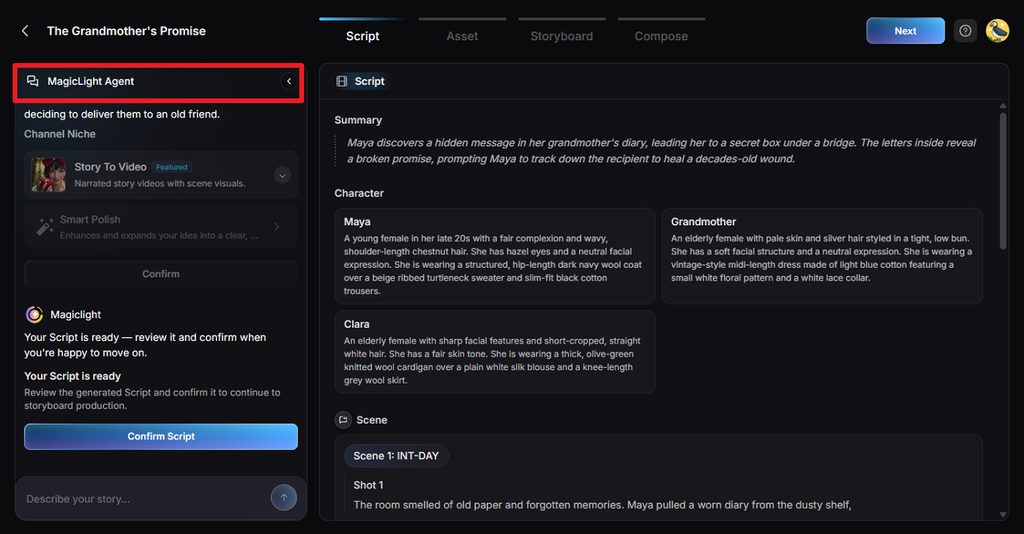
Kaiber works well for individual clips, but longer stories with recurring characters, scripts, and narration require a more structured workflow. For creators comparing an “AI video generator Kaiber” with long-form options, MagicLight AI handles projects from animated lessons to multi-episode series. MagicLight Agent turns a short brief into a script and production plan before generation begins.
After the plan is approved, Story to Video converts the script into ordered scenes with consistent characters, narration, music, and captions. A storyboard lets users review individual scenes before rendering the complete video. Three budget tiers provide different production levels, while sign-up credits let new users test the workflow before choosing a paid plan.
Key Features of MagicLight AI
- MagicLight Agent: A brief chat yields a full screenplay and storyboard, and nothing renders until the creator signs off on the plan.
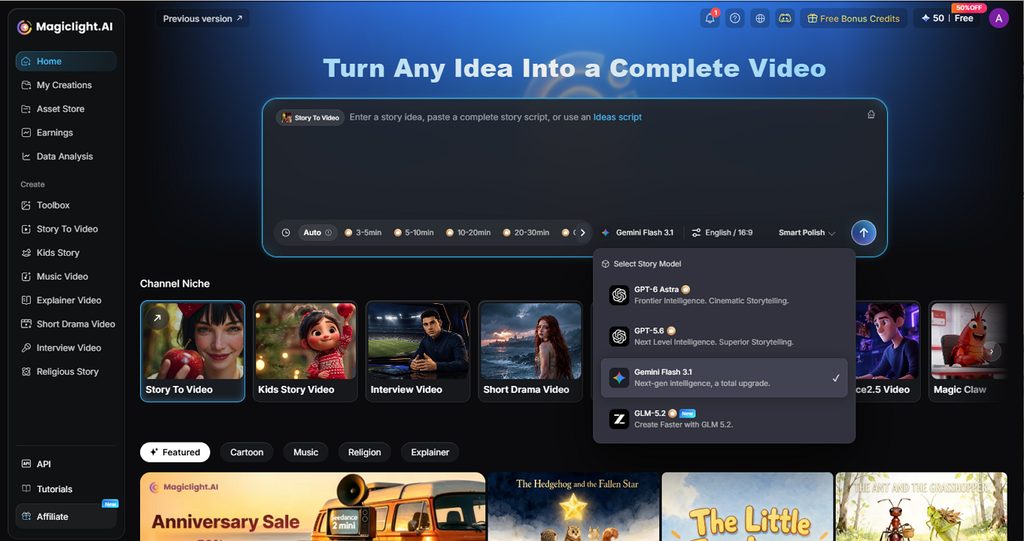
- Story-Length Projects: One script may run to 12,000 characters, with 14 AI story models to choose from. The Long Video Generator carries paid projects up to 50 minutes.
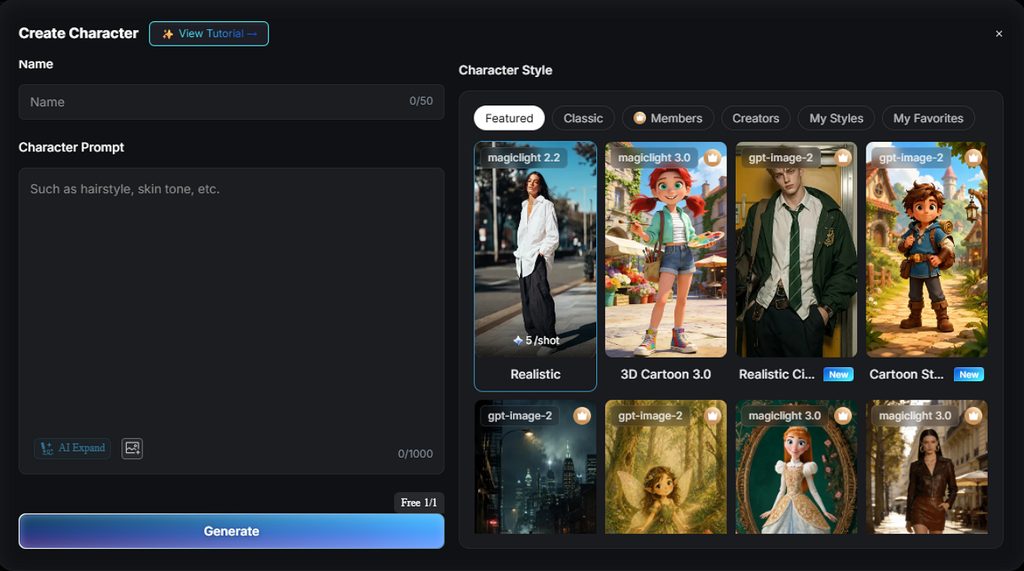
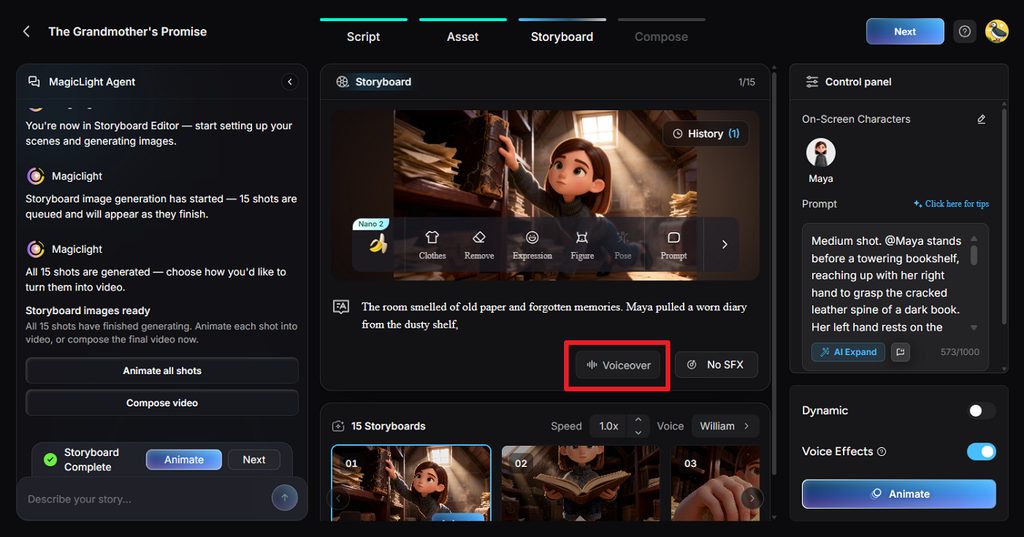
- Consistent Characters: Each saved character, whether uploaded as a photo or created from a text description of up to 1,000 characters, keeps a consistent look across scenes and an entire series.
- Narration and Lip Sync: MagicLight offers 37 voices, voice cloning, and 11 languages for narration, while Lip Sync makes characters speak their lines.
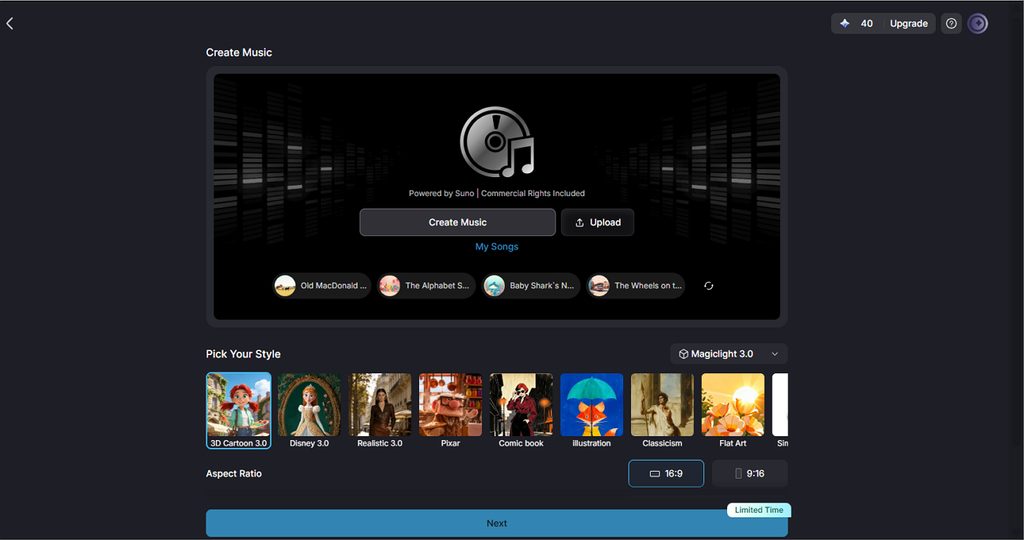
- Music Video Mode: A finished MP3, WAV, or M4A track, or one of 15 prebuilt songs, becomes a character-driven music video with on-screen lyrics.
Kaiber AI vs. MagicLight AI
Both tools generate AI video, but their workflows serve different types of projects. Kaiber centers on visual experimentation, while MagicLight AI builds videos around planned stories. The table below compares how they handle workflow, character consistency, audio, and video length:
| Feature | Kaiber AI | MagicLight AI |
| Best For | Stylized clips and music visualizers | Scripted stories and series |
| Workflow | Node-based canvas | Agent-planned script to finished video |
| Characters | Driven by prompts and references | Saved characters stay consistent |
| Audio | Beat Sync to an uploaded track | Voices, cloning, music, and lip sync |
| Length Focus | Short clips joined on a basic timeline | Paid projects up to 50 minutes |
Conclusion
For music visualizers, animated artwork, and stylized clips, Kaiber AI remains a capable choice, especially with Beat Sync. Its credit costs and short-form focus make it less suited to long, story-driven projects. Creators planning episodes or series with recurring characters will find MagicLight AI a better fit.
FAQs
1. What types of creative projects is Kaiber AI best suited for?
Kaiber suits short, stylized work such as music visualizers, animated album art, lyric videos, and experimental clips for social media. Beat Sync makes it especially useful for musicians, while projects with long scripts and recurring characters fit better on other platforms.
2. How much creative control does Kaiber AI give users over generated videos?
Users pick the model, write the prompt, adjust Flipbook camera moves, and chain generations on the canvas, which gives solid control over style. Models still interpret prompts in their own way, so precise timing and consistent characters take several attempts and extra credits.
3. What should you consider before paying for an AI video creation platform?
Check how credits convert into finished minutes, since costs per second can differ widely between models. Commercial rights, export resolution, watermark rules, and trial options also matter. Most importantly, the tool must support the length and format the project needs.
4. When might another AI video tool be a better fit than Kaiber AI?
Another tool fits better when a project depends on a script, recurring characters, narration, or a long running time. MagicLight AI is designed for such projects, taking an Agent-planned script all the way to voiced episodes that keep the same cast.


![How to Write a Commercial Script in 2026 [Full Guide]](https://magiclight.ai/wp-2/wp-content/uploads/commercial-script-writing-full-guide-300x169.png)

![How to Make a Memorial Video in 2026 [Step-by-Step Guide]](https://magiclight.ai/wp-2/wp-content/uploads/create-memorial-video-for-loved-ones-300x198.png)