
Go Beyond Static Image Editing
Clipdrop focuses on modifying and enhancing existing images. Creators who want to turn visual concepts into animated content may prefer a platform with dedicated AI video generation capabilities.
Clipdrop makes image editing and enhancement easier with a collection of AI-powered tools. MagicLight AI takes a different approach, helping creators turn visual ideas, images, and scripts into complete video projects.

Clipdrop is useful for quick image tasks, from removing unwanted objects to changing backgrounds and improving image quality. However, creators looking to develop video content may need more than standalone image editing tools.
Clipdrop focuses on modifying and enhancing existing images. Creators who want to turn visual concepts into animated content may prefer a platform with dedicated AI video generation capabilities.
A finished video often requires scripts, scenes, characters, and a clear narrative. MagicLight AI supports these production stages instead of focusing only on individual image operations.
For storytelling, educational content, and YouTube videos, generating short visual assets is only part of the process. Creators may need a workflow that supports longer scripts and connected scenes.
Video production involves more than visuals. Voiceovers, background music, subtitles, character design, and scene adjustments all contribute to the final result.
MagicLight AI and Clipdrop serve different creative needs. Compare their core capabilities to find the platform that better fits your content production goals.
Features | MagicLight AITry for free | Clipdrop |
|---|---|---|
| Primary Focus | AI video production and storytelling | AI image editing and generation |
| Image Generation | Text prompts and reference images | Text-to-image generation |
| Image Editing | Image creation and video-oriented adjustments | Cleanup, text removal, and background editing |
| Background Tools | Not a dedicated background editing suite | Background removal and replacement |
| Image Enhancement | Image generation with model and style options | Upscaling, relighting, and image cleanup |
| Image-to-Video | 10- or 15-second video generation | |
| Long-Form Video | Up to approximately 50 minutes | |
| Script-to-Video | Integrated script and storyboard workflow | |
| Voice and Music | Voiceovers, voice cloning, and music tools |
Clipdrop is a practical choice for improving individual images, while MagicLight AI is designed for creators who want to develop complete video content. Here are four ways MagicLight AI supports that process.
Start Creating Free
MagicLight AI's Story to Video workflow supports scripts of up to 12,000 words and videos of up to approximately 50 minutes. It helps creators produce storytelling videos, educational content, documentaries, and episodic series.
MagicLight AI offers dedicated modes for Story to Video, Short Drama, Kids Story, Music Video, Explainer Video, Character Vlog, and Religious Stories. Each workflow is designed around a different content format.
MagicLight AI combines an Image Generator with Image to Video, allowing creators to generate original visuals from prompts or reference images and animate selected images with video models.
MagicLight AI supports custom character creation and reusable character assets. Its Nano Storyboard also allows creators to refine shot-level actions, expressions, camera movements, and timing before generating animations.
MagicLight combines AI image generation, image-to-video conversion, character creation, and complete video production tools to help creators transform visual ideas into engaging video content.
MagicLight Agent provides a conversational creation experience that helps transform simple ideas into scripts, storyboards, characters, visual styles, and production plans. Creators can also choose different production approaches based on their goals and budgets.
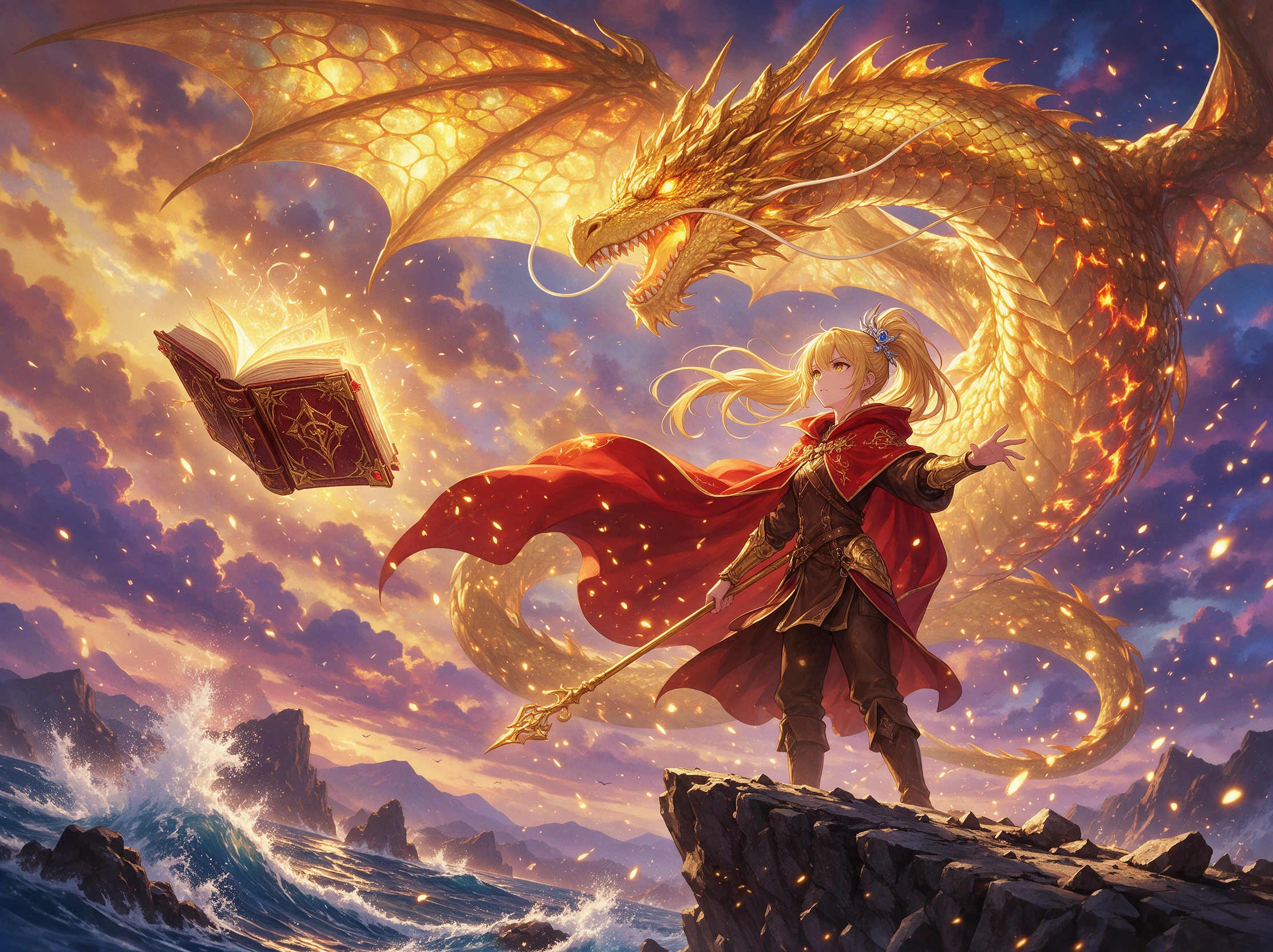
Bring Every Creative Idea to Life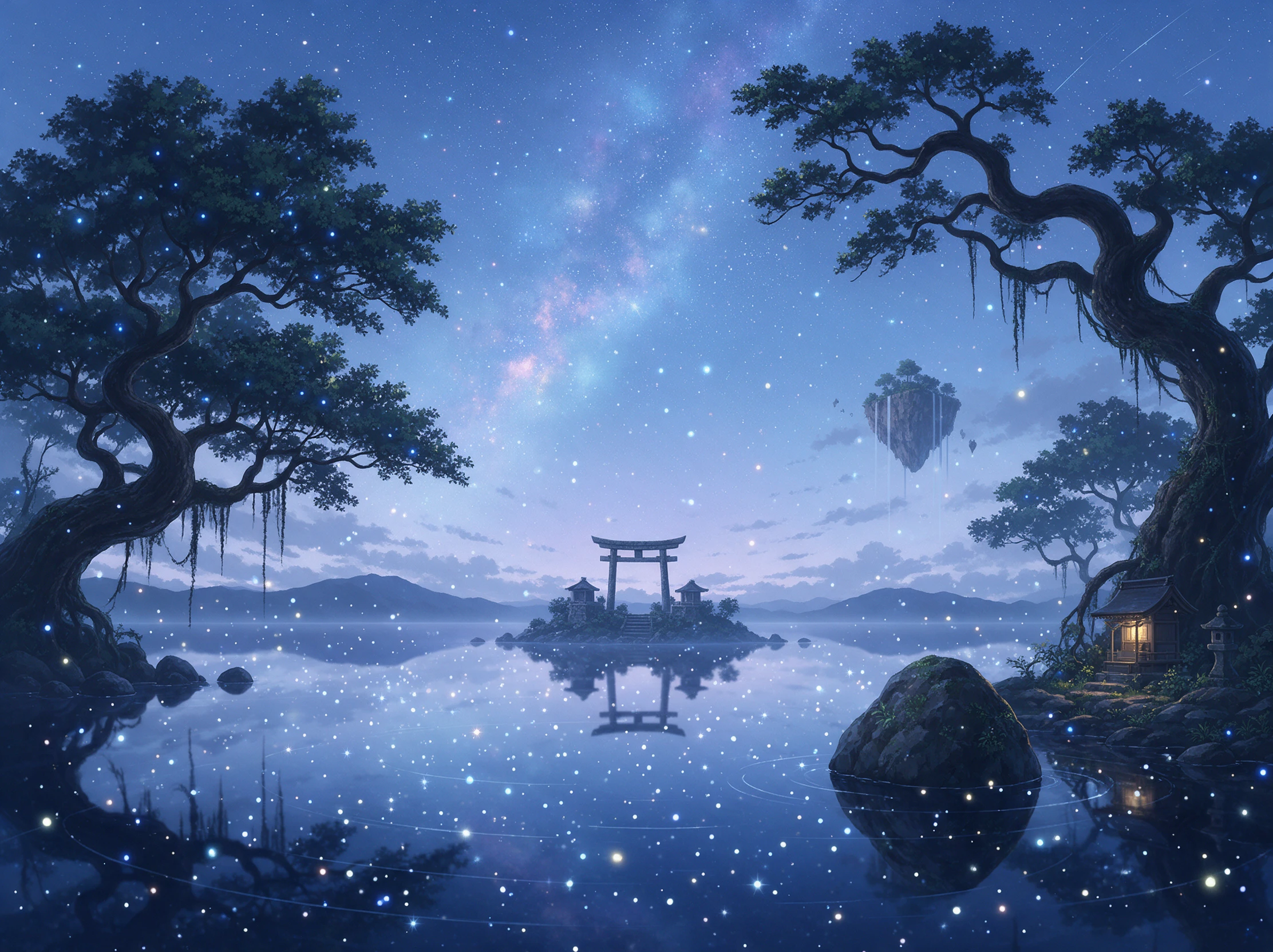
MagicLight AI's Image Generator creates original visuals from text prompts, with optional reference image uploads. Creators can select image models, output quantities, and aspect ratios to suit different visual needs.
Start Creating Now
MagicLight AI lets creators upload images, add prompts, and select from available AI video models to generate 10- or 15-second clips. This makes it easier to add movement to existing visual concepts.
Bring Every Creative Idea to Life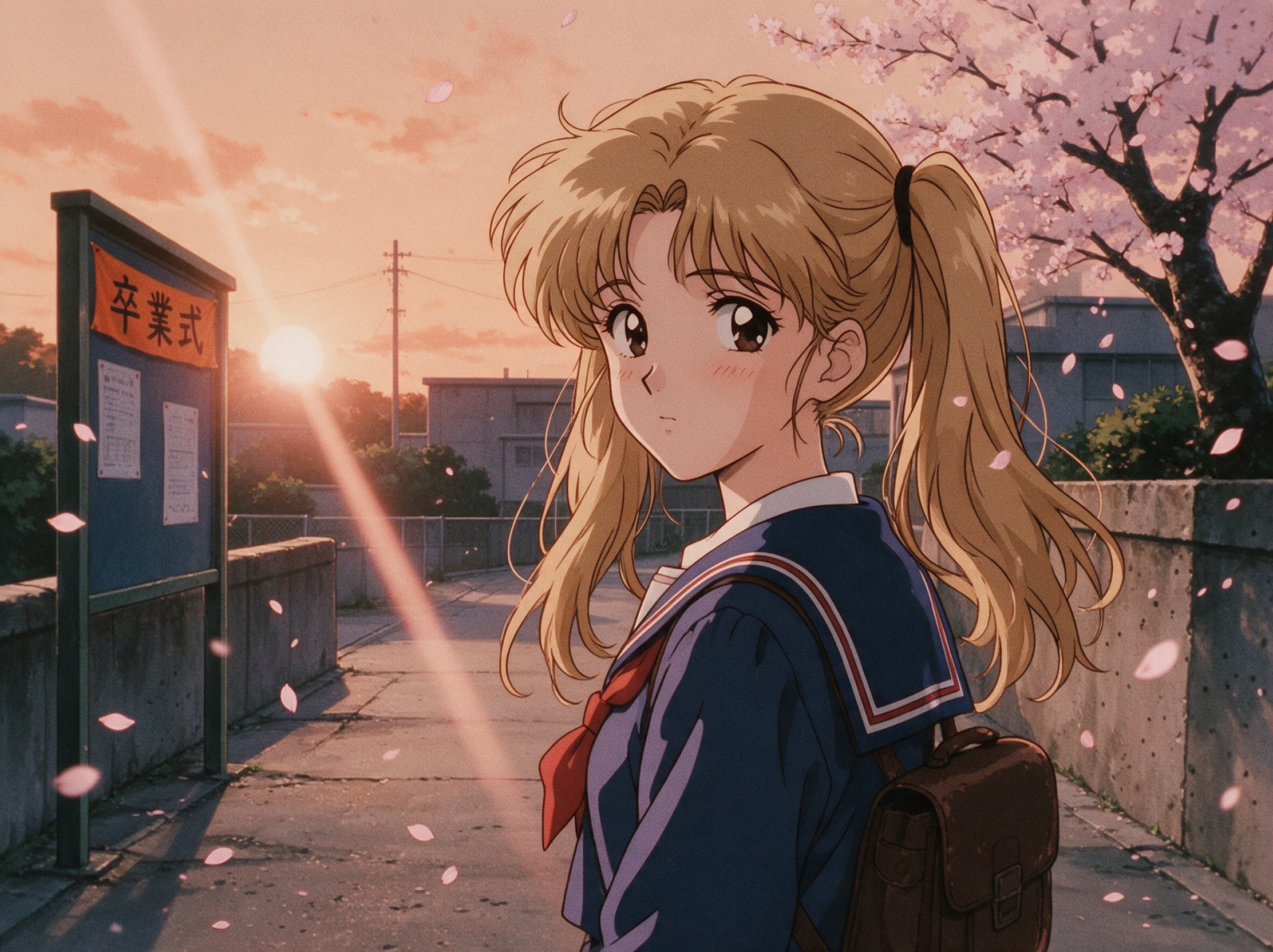
MagicLight AI's Nano Storyboard breaks individual shots into smaller actions with camera movements and timeline adjustments. Creators can refine character poses, expressions, clothing, and scene progression before generating the final animation.
Start Creating Free
Aaron Mitchell
Video Marketing Specialist
“I like that MagicLight AI lets me move from image creation to video production in the same platform. It gives me more ways to develop visual ideas instead of stopping at a finished picture.”
★★★★★
Grace Wilson
YouTube Creator
“MagicLight AI has been helpful for my storytelling projects. I can organize a script, develop characters, and generate longer videos without building the entire production process manually.”
★★★★★
Leo Parker
Digital Content Producer
“The variety of video models in MagicLight AI gives me more flexibility when working on different projects. I can experiment with different visual results and choose the style that fits my content.”
★★★★★
Emma Richardson
Independent Creator
“I enjoy using MagicLight AI to build recurring characters for my videos. Being able to reuse character designs and refine individual scenes makes it easier to develop a recognizable visual style.”
★★★★★



Image editing is only one part of the creative process. With MagicLight AI, you can develop original visuals, build characters, organize stories, and turn your ideas into complete videos.