
Lacks a Dedicated Multi-Scene Video Storyboard
Pixlr is built primarily around static image layers, masks, and graphic templates rather than multi-scene video pacing, making structured storytelling workflows slow and awkward to manage.
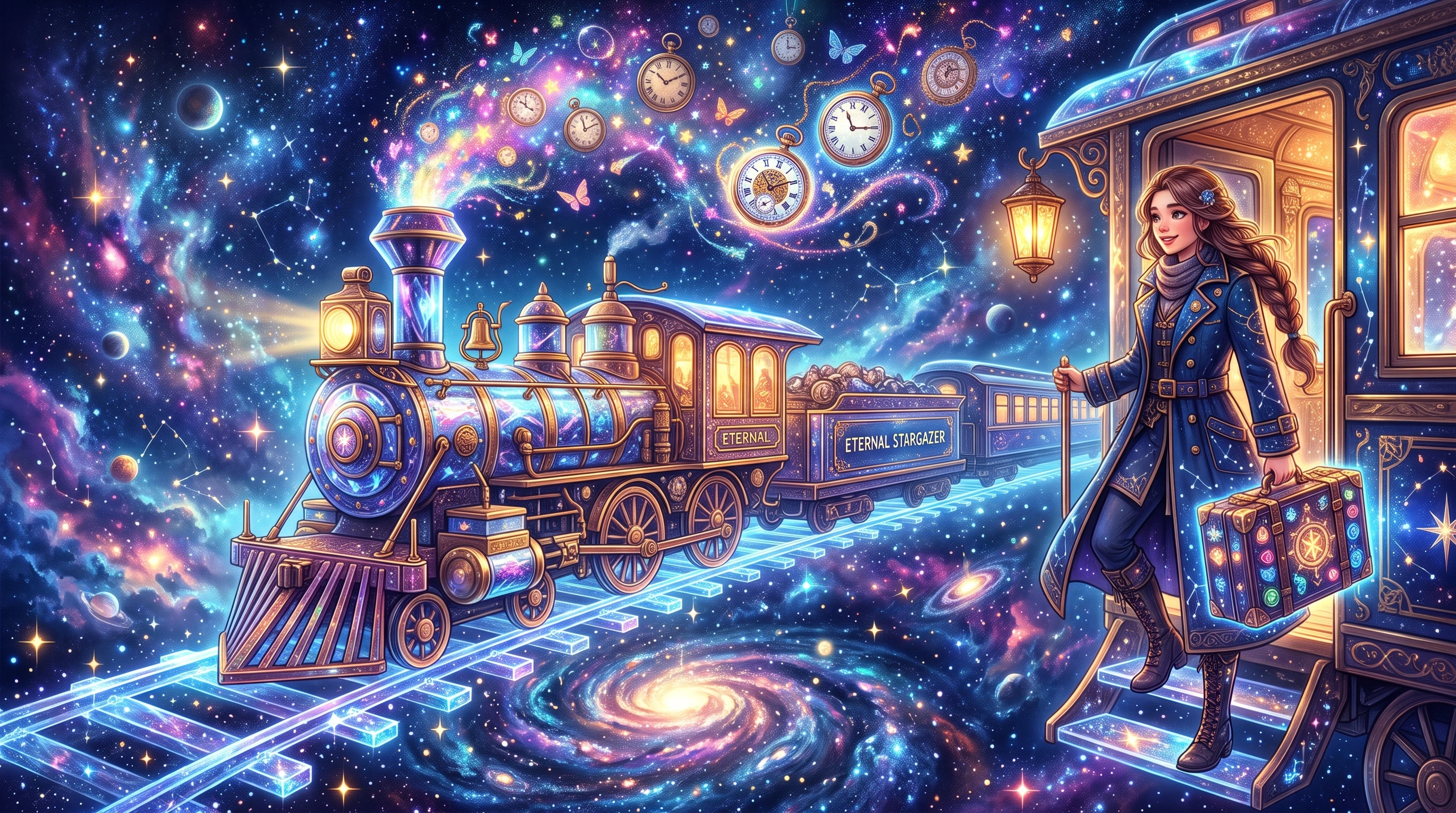
While Pixlr centers on static photo editing and brief standalone clips, full video production demands cohesive storytelling beyond single-frame tools. MagicLight bridges that gap as a dedicated Pixlr alternative, giving creators an end-to-end workspace built specifically for multi-scene AI videos.

Pixlr works well for browser photo editing and quick visual graphics, yet creators making full videos often encounter workflow limits. Here are four common reasons people look for a Pixlr alternative.
Pixlr is built primarily around static image layers, masks, and graphic templates rather than multi-scene video pacing, making structured storytelling workflows slow and awkward to manage.
AI video generation in Pixlr produces short, isolated clips rather than continuous narratives. Creators making longer videos must generate separate segments and assemble them elsewhere.
While single-frame photo edits look sharp, Pixlr lacks persistent character profiles, causing faces, outfits, and visual details to shift unpredictably from one generated clip to the next.
Pixlr focuses on visual design and does not include script-to-voice narration or automated caption syncing, forcing creators to rely on separate audio and editing tools to finish a video.
Compare MagicLight and Pixlr side by side across core capabilities, video length, consistency, audio tools, and export specifications.
Comparison | MagicLightTry for free | Pixlr |
|---|---|---|
| Core Features | AI story-to-video, long-form animation, image-to-video | Browser photo editor, AI image tools, short AI video clips |
| Maximum Video Length | Up to 50 minutes | × |
| Video Generation Workflow | Idea → script → storyboard → video | Prompt/image-to-clip, layer animation |
| Character Consistency | Saved character profiles across scenes | × |
| AI Models | Multiple video, story, image, and voice models | Third-party AI models |
| Supported Languages | 11 languages | Multilingual interface & prompt input |
| Voice Generation | 37 voice options and voice cloning | × |
| Pricing and Plans | Free starter credits; paid plans & credit pack | Ad-supported free tier; credit-based paid plans |
| Export Quality | 720p / 1080p | 720p / 1080p |
MagicLight shifts your workflow from piecing isolated visuals together to directing complete, cohesive video episodes in one place. Creators gain faster production speed, reliable visual continuity, and effortless storytelling from initial draft to final export.
Try MagicLight free
Pixlr is designed primarily around static image layers, masks, and graphic templates rather than multi-scene video storytelling, adding friction when building narrative video projects.
Video generation inside Pixlr centers on brief, single-shot clips. Creators producing longer stories or explainers must generate separate segments and stitch them together manually.
Creative revisions stay fast because every generated scene remains independently editable on your storyboard. You can rewrite prompts, adjust camera framing, or regenerate specific moments without disrupting surrounding shots, saving hours compared to rebuilding standalone clips.
Instead of exporting silent video clips into separate editing software for sound design, you can finish narration and subtitles inside the same workspace. Synced captions and multi-voice dialogue render directly onto your final 720p or 1080p MP4 file for immediate distribution.
MagicLight brings essential video production tools together inside a single browser studio. The six core features below show how you can convert scripts, animate static images, customize visual styles, add multi-language voiceovers, and export ready-to-publish videos.
Upload your own illustrations, product photos, or reference artwork into the Image to Video studio. Type a text prompt of up to 1,500 words to describe the motion, lighting shifts, or subject actions you want, then generate a smooth animated clip in 10 or 15 seconds.
Start Creating with MagicLight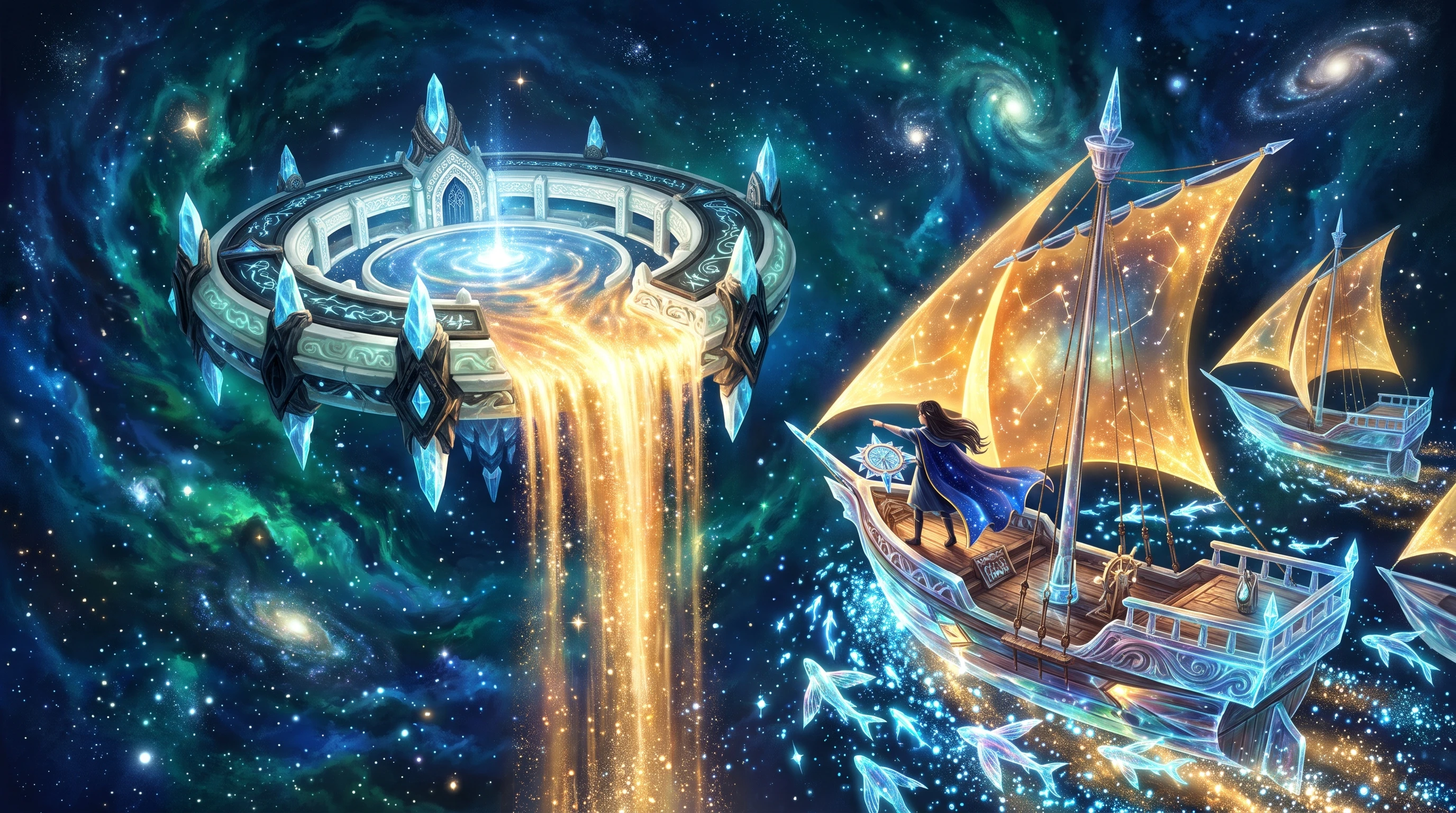
Choose from roughly 20 integrated AI video models and over 20 visual aesthetics—ranging from 3D animation and anime to realistic cinematic styles. You can switch models or styles per project to control motion fluidity, lighting texture, and rendering detail directly in your workspace.
Start Creating with MagicLight
Build dedicated character profiles using text descriptions or uploaded reference portraits. Each saved character stores facial features, hairstyle, and outfit details in your personal library, allowing you to insert the exact same cast member across multiple scenes and episodes.
Start Creating with MagicLight
Match separate AI voices to individual speakers within the same script rather than relying on a single narrator track. You can preview vocal tones across 37 built-in options, assign specific voices per character line, and balance dialogue pacing automatically across scenes.
Start Creating with MagicLight
All project drafts, generated clips, and completed renders are stored securely in your cloud workspace for ongoing access. Once rendering finishes, preview the synchronized video directly in your browser and download clean 720p or 1080p MP4 files ready for immediate publishing.
Start Creating with MagicLight
Manage your entire creative workflow from a central dashboard. Access all your drafts, published videos, and saved character profiles in one place. You can preview, rename, or edit past projects and instantly start new videos using your existing cast.
Start Creating with MagicLight
Mateo Alvarez
Online Course Creator
“I love how fast I can turn my lesson notes into a narrated video. Being able to pick a voice and get auto subtitles right in the browser saves me so much back-and-forth editing time.”
★★★★★
Priya Nair
Children's Book Illustrator
“Seeing my own character sketches move with start and end frame controls feels pretty cool. The 3D and anime styles look clean, and exporting in 1080p is super straightforward for my channel.”
★★★★★
Gabe Morales
Freelance Writer
“I write short fiction in my spare time and wanted a simple way to bring my stories to life. Saving my main character once and keeping their look steady across scenes feels super easy.”
★★★★★
Liam O'Connor
Small Business Owner
“I needed quick explainer clips for our new products without hiring an outside studio. Turning a few bullet points into a voiced 1080p video right in my browser worked out really well.”
★★★★★



Turn your scripts and static images into multi-scene HD videos with consistent characters, built-in voices, and synced captions in one browser studio.