
Interface Built Around Photo and Social Design
Navigating through photo filters, sticker packs, and upgrade prompts can feel distracting when your main goal is focused video production.
While Picsart centers on graphic design and quick social edits, MagicLight is built specifically for complete AI video storytelling in your browser. Turn written ideas or static visuals into cohesive, narrated videos without manual timeline assembly.

Picsart works well for quick photo edits and social graphics, yet creators making narrative AI videos often encounter workflow limits when moving from single clips to full episodes.
Navigating through photo filters, sticker packs, and upgrade prompts can feel distracting when your main goal is focused video production.
Prompt-generated clips can show awkward motion or shifting subject details, requiring repeated retries before getting a usable shot for your project.
AI video outputs are designed for brief social media clips lasting only seconds, making it difficult to produce cohesive, multi-minute episodes in one flow.
Free plans apply watermarks and strict limits, while paid subscriptions burn through monthly AI credits quickly when building multi-scene video projects.
Compare the core video creation features of both platforms to see which tool fits your storytelling workflow.
Feature | MagicLightTry for free | Picsart |
|---|---|---|
| Core Features | Script-to-video, storytelling, animation | Image editing, design, AI video |
| Maximum Video Length | Up to 50 minutes | Up to 30 seconds |
| Video Generation Workflow | Idea → script → storyboard → video | Text-to-video, image-to-video, video editing |
| Character Consistency | Reusable character profiles across scenes | × |
| AI Models | Approximately 20 video models | 85 integrated AI video models & proprietary tools |
| Supported Languages | 11 languages | Multilingual interface & prompt input |
| Voice Generation | 37 voice options and voice cloning | Basic text-to-speech voiceover tools |
| Pricing and Plans | Subscription and credit-based plans | Free tier; paid plans with monthly AI credits |
| Export Quality | 720p / 1080p | 480p, 720p, 1080p & 4K |
MagicLight shifts your workflow from manual graphic assembly to dedicated video storytelling. Rather than piecing together short social clips in a photo-first editor, you get a focused browser workspace built to plan, voice, and render cohesive episodes from start to finish.
Start Creating Free
Instead of prompting individual clips one at a time, you can turn a full script into an ordered sequence of scene cards automatically. MagicLight pairs each narrative beat with structured visual prompts, letting you review story pacing and refine shots before rendering video.
While graphic editors focus on brief social loops, MagicLight supports continuous narrated videos up to 50 minutes long. You can develop multi-chapter educational lessons, illustrated stories, or serialized episodes inside a single project without stitching dozens of exports.
Moving silent clips into external audio tools slows down publishing schedules. MagicLight integrates multi-speaker voice generation and automated subtitle timing right beside your storyboard, allowing you to adjust dialogue pacing and export a complete HD MP4 in one workflow.
Repurposing a horizontal episode for vertical feeds usually crops out vital visual details. MagicLight lets you configure native 16:9, 9:16, 1:1, 4:3, or 3:4 aspect ratios directly for your project, rendering each scene cleanly for YouTube, Shorts, or Reels without awkward framing.
MagicLight packs a focused suite of browser-based video creation tools into one streamlined workspace. Explore the six core capabilities below to see how you can transform text scripts, still images, and existing clips into finished videos.
Select from roughly 20 integrated AI video models and more than 20 visual styles from 3D animation to realistic cinema. You can assign different models per scene card to match specific motion dynamics, lighting moods, and artistic detail.
Create Your First AI Video Free
Generate custom character portraits from descriptive prompts or upload your own reference artwork to save inside a personal character library. Once stored, you can tag and insert any saved character into new scenes so their facial features and outfits stay locked across projects.
Create Your First AI Video Free
Upload an existing illustration, character design, or visual reference and describe the movement you want to see. MagicLight uses image-to-video generation to transform static artwork into animated scenes, giving creators another way to reuse visual materials in storytelling and video production.
Create Your First AI Video Free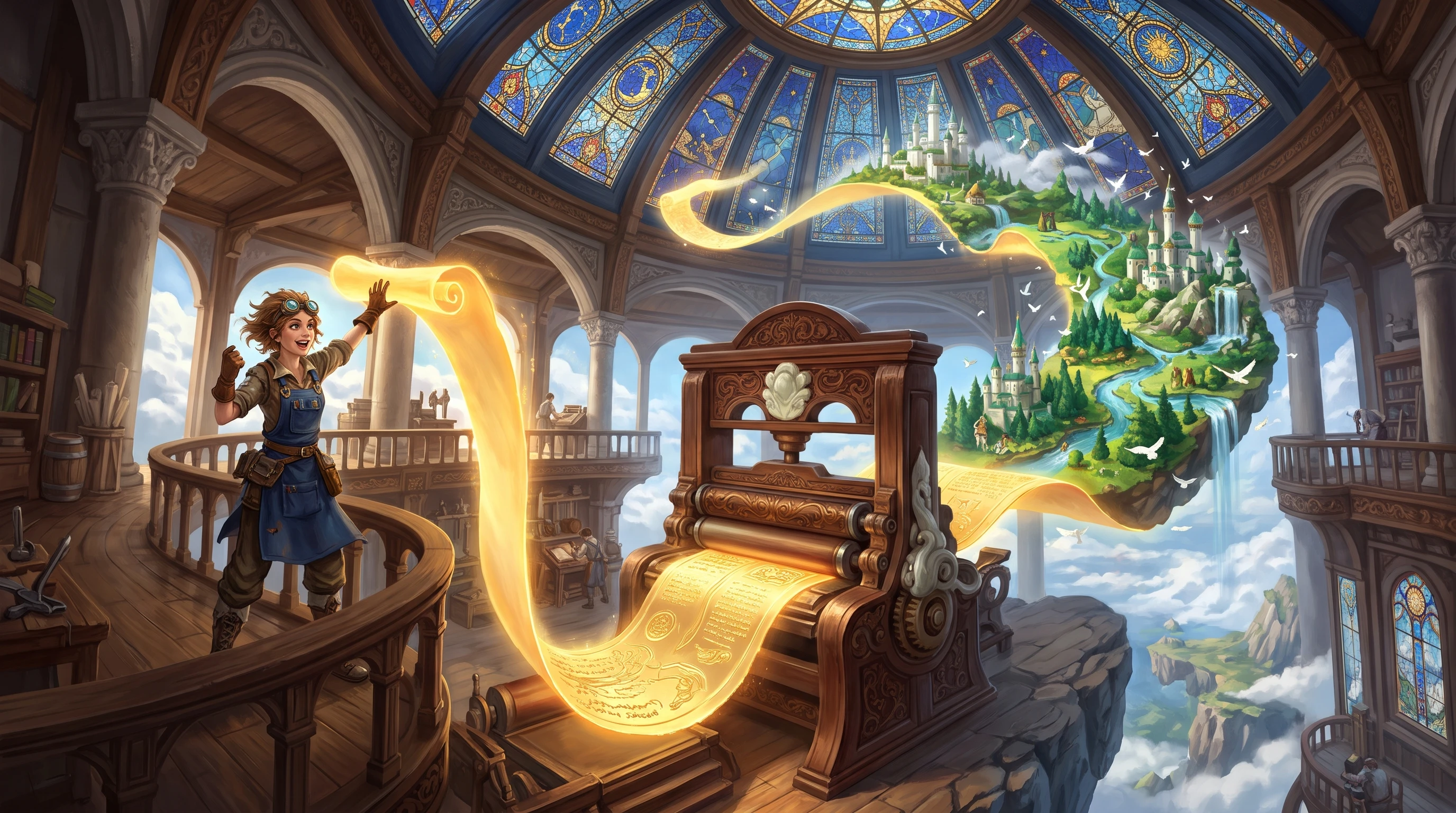
Enter a brief topic prompt when starting from scratch and let the built-in script assistant draft a structured narrative with dialogue and scene cues. You can review the generated script, rewrite individual lines, and set target episode pacing before generating visual frames.
Create Your First AI Video Free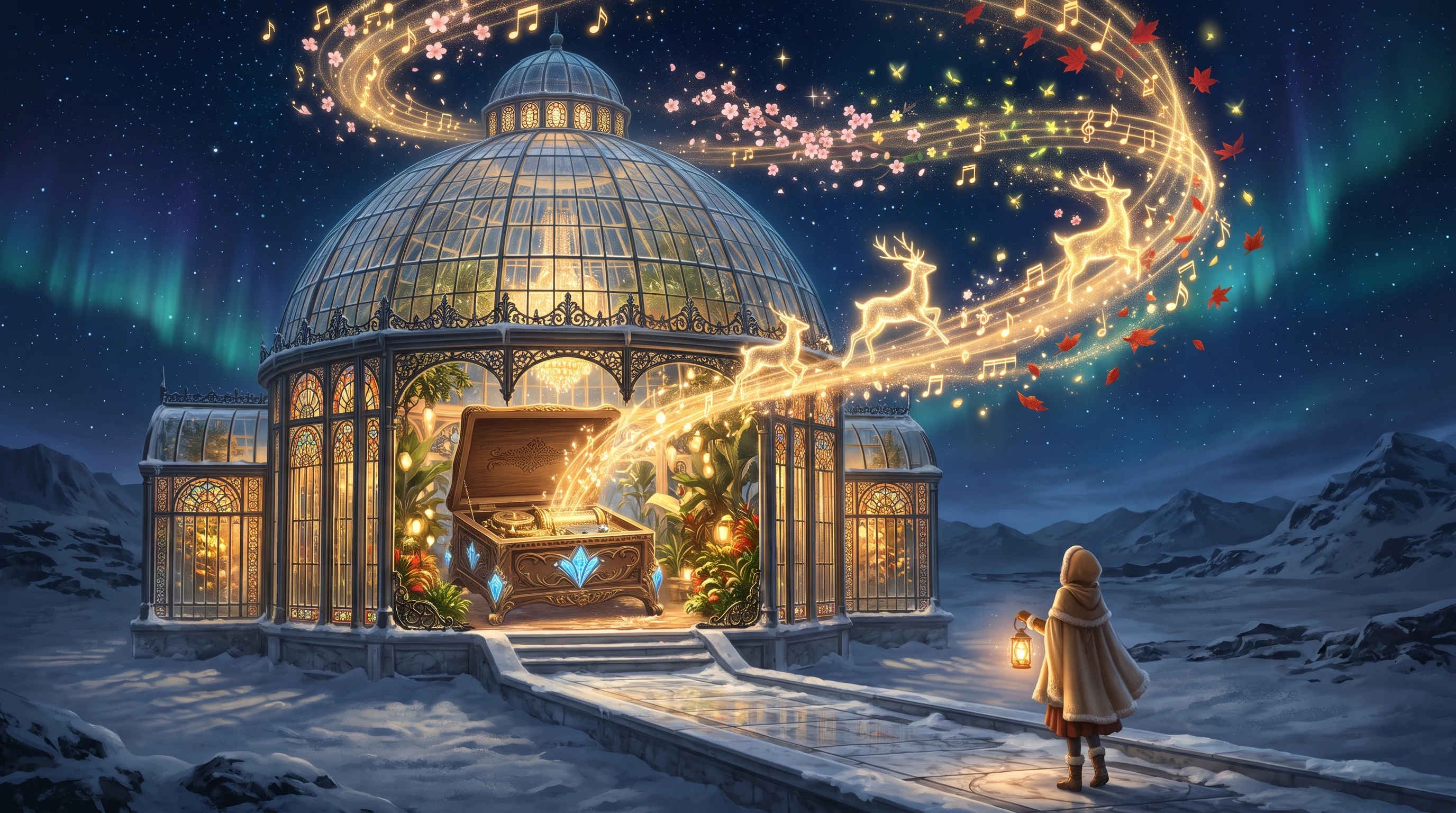
Open any individual scene card inside your storyboard to tweak camera angles, adjust lighting descriptions, or reroll the visual output independently. Modifying a single frame updates only that shot, preserving your surrounding scenes, voiceover timing, and overall episode flow.
Create Your First AI Video Free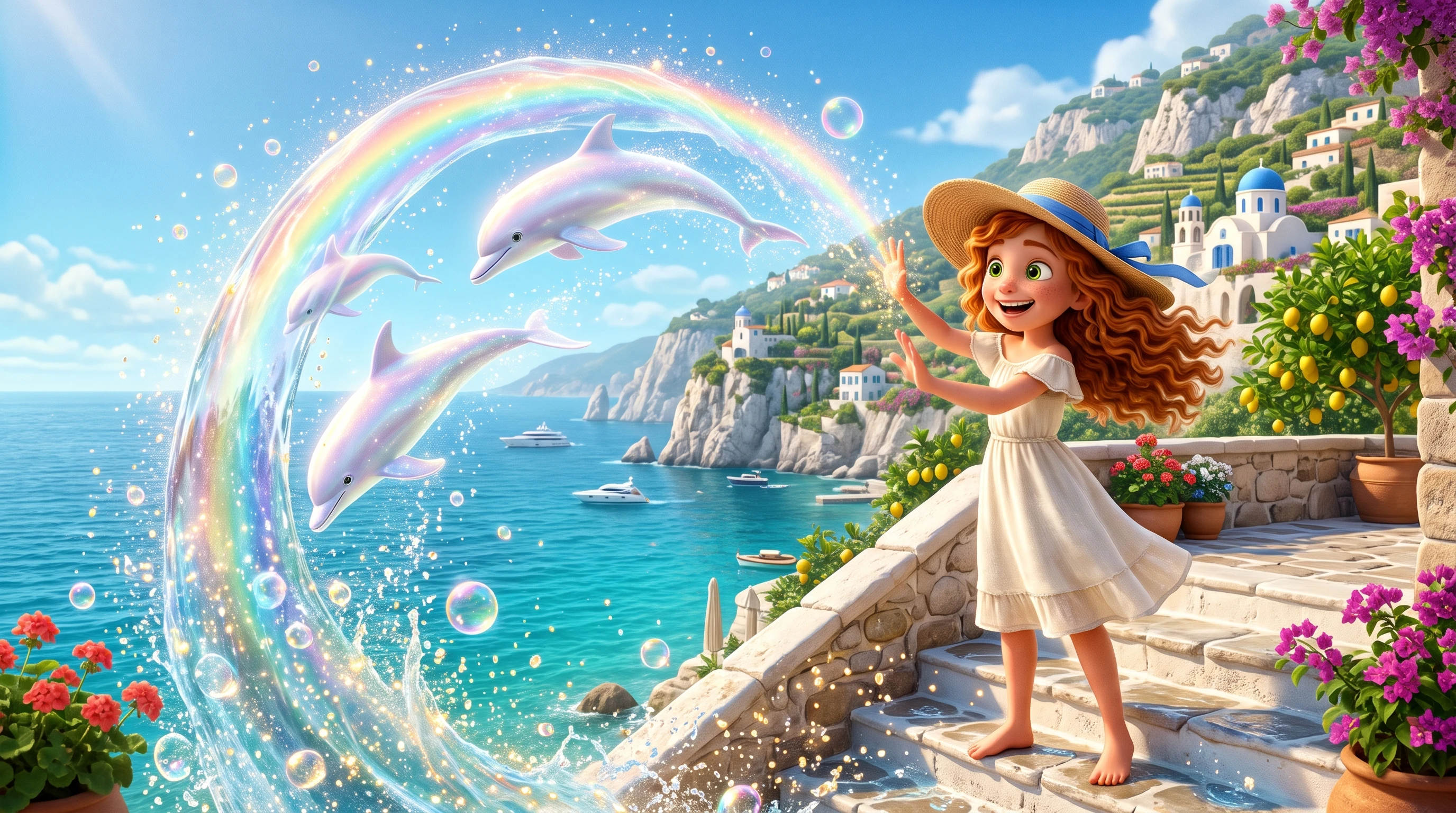
Prepare your finished project for different publishing destinations by selecting an appropriate aspect ratio. MagicLight supports 16:9, 9:16, 1:1, 4:3, and 3:4 formats, along with 720p and 1080p HD MP4 exports for a range of viewing experiences.
Create Your First AI Video Free
Devon Patel
Children's Author
“Keeping my main character looking identical from start to finish used to be my biggest headache. Now I save the character profile once and reuse it smoothly across ten chapters.”
★★★★★
Hector Silva
Podcast Host
“Turning my recorded episodes into narrated visual stories fits right into my browser workflow. The built-in voices and timed captions look clean and require almost no manual tweaks.”
★★★★★
Yuki Morimoto
Course Creator
“I appreciate switching between 16:9 and vertical formats right before rendering. Being able to test different AI styles on individual shots makes planning new lessons feel effortless.”
★★★★★
Audrey Foster
History Teacher
“I turn my weekly lecture outlines into short visual episodes right in my browser. Adjusting the pacing on individual scene cards makes it much easier to keep my students engaged.”
★★★★★



Leave manual clip stitching behind. Bring your ideas, scripts, or artwork into MagicLight and produce complete, voiced HD episodes right in your browser.