
Built Around Short Standalone Clips
Pollo AI focuses on generating brief, single-shot clips and viral effects. Turning separate outputs into a full story requires manually stitching videos in external editors.

MagicLight is a Pollo AI alternative built for creators who want to move beyond isolated video clips and one-off visual effects. Plan full stories with an interactive AI agent, refine every shot with micro-step storyboard controls, and reuse consistent characters and voices in one online platform.

Pollo AI is great for quick visual effects and short clips, but creators building complete narrative videos often hit workflow limits. Here is why many look elsewhere.
Pollo AI focuses on generating brief, single-shot clips and viral effects. Turning separate outputs into a full story requires manually stitching videos in external editors.
Prompt-driven clips leave little room for fine adjustments. Changing a character pose, expression, or camera angle usually requires regenerating the entire shot.
Switching between top third-party video models to test different prompts can consume credits quickly when trying to produce dozens of matching scenes for one project.
Pollo AI mainly outputs raw visual clips. Adding multi-character voiceovers, synced subtitles, background music, and video covers requires extra post-production apps.
Compare the key capabilities of both platforms to understand which solution better fits your video creation and storytelling needs.
Feature | MagicLightTry for free | Pollo AI |
|---|---|---|
| Core Features | Integrated AI video generation | Multi-model short clip generation |
| Maximum Video Length | Up to 50 minutes | 1 to 10 seconds per clip |
| Video Generation Workflow | End-to-end web workflow from idea to finished video | Single-prompt clip and effect generation |
| Character Consistency | Reusable character profiles across multiple scenes | Single-clip reference image support |
| AI Models | Multiple integrated story, image, and video models | 50+ third-party and proprietary video/image models |
| Supported Languages | 11+ languages | Multi-language UI and lip-sync in 15+ languages |
| Voice Generation | 37 voice options and voice cloning | AI lip-sync and talking avatars |
| Pricing and Plans | Free trial credits; subscription and credit plans | Free tier with watermark; paid subscriptions and credit top-ups |
| Export Quality | 720p / 1080p | 480p / 720p / 1080p |
For creators ready to move beyond isolated visual effects and short clips, the real challenge is building cohesive stories at scale. MagicLight connects story planning, visual control, and audio production into one streamlined workspace for complete video creation.
Start Creating Free
Pollo AI focuses on brief visual effects and single prompts, leaving you to assemble scenes manually. MagicLight bridges story structure, scene progression, and video generation in one pipeline so you can produce cohesive narratives, explainers, and episodic series without external editing.
Generating random video clips makes scene adjustments costly. With Nano Storyboard, each shot breaks down into editable static frames where you can adjust camera moves, clothing, expressions, and 50 character poses before animation, reducing wasted credits on full clip reruns.
Keeping character appearances steady across separate prompts is difficult in clip generators. MagicLight lets you create custom character profiles and pair them with consistent visual styles and voice emotions from the Asset Store, keeping your cast uniform across entire projects.
Different projects need different production approaches. MagicLight offers dedicated workflows for story videos, short dramas, kids' stories, explainers, music videos, and other formats, helping creators start with tools suited to their intended content.
MagicLight brings specialized video workflows, multi-model media generation, and built-in finishing tools together in one browser studio. Explore the core features that help you build and package complete videos from start to finish.
Upload an existing image and enter a text prompt of up to 1,500 words to describe the motion you want. Select from 19 integrated video models, generate 10-second or 15-second animated clips, and re-edit your settings directly during the generation process.
Create Your Story Video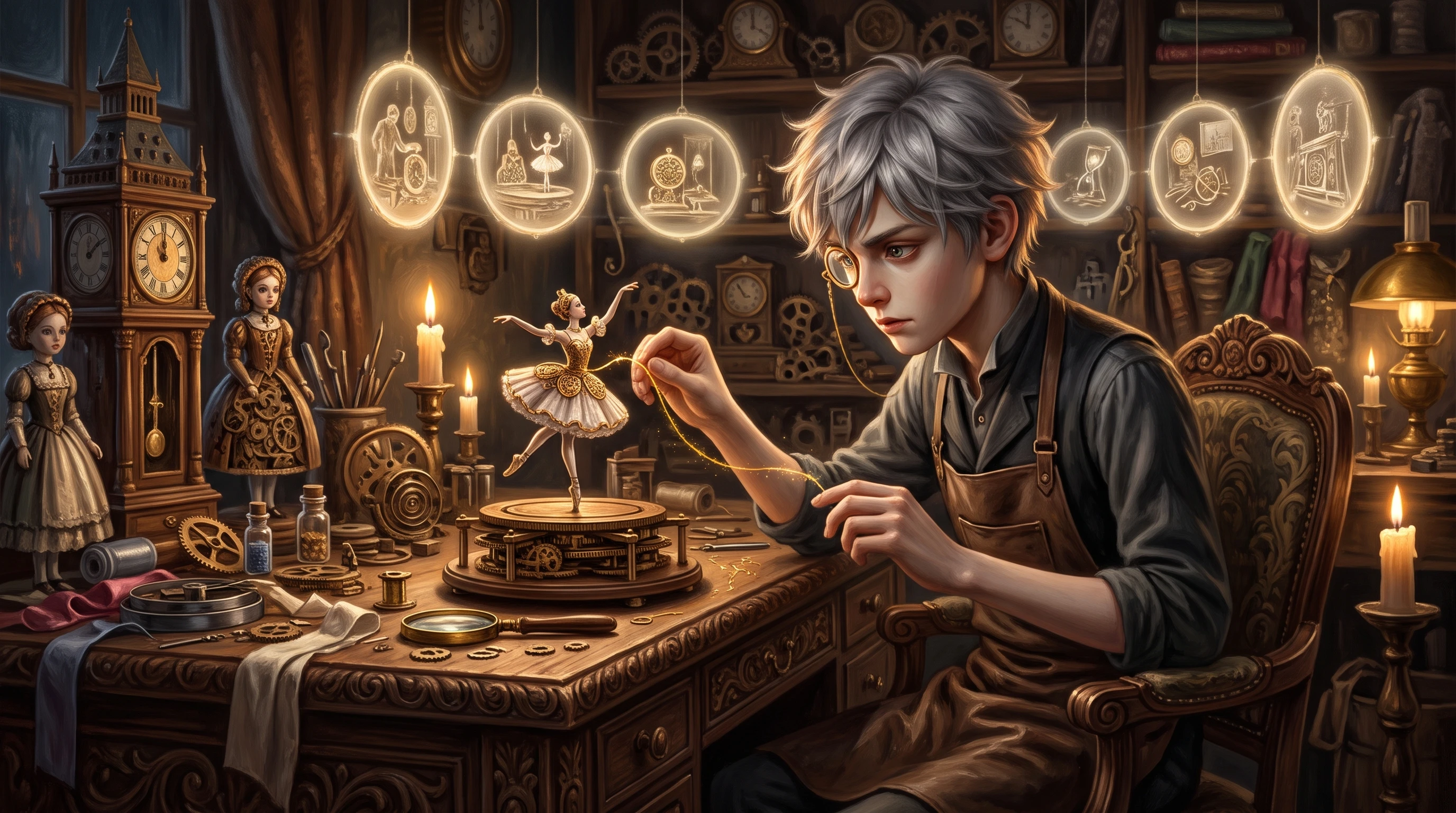
Edit auto-generated storyboard prompts and refine static frames before animation. Nano Storyboard lets you adjust character clothing, facial expressions, body types, and 50 pose options, giving you precise control over individual shots before rendering final videos.
Create Your Story Video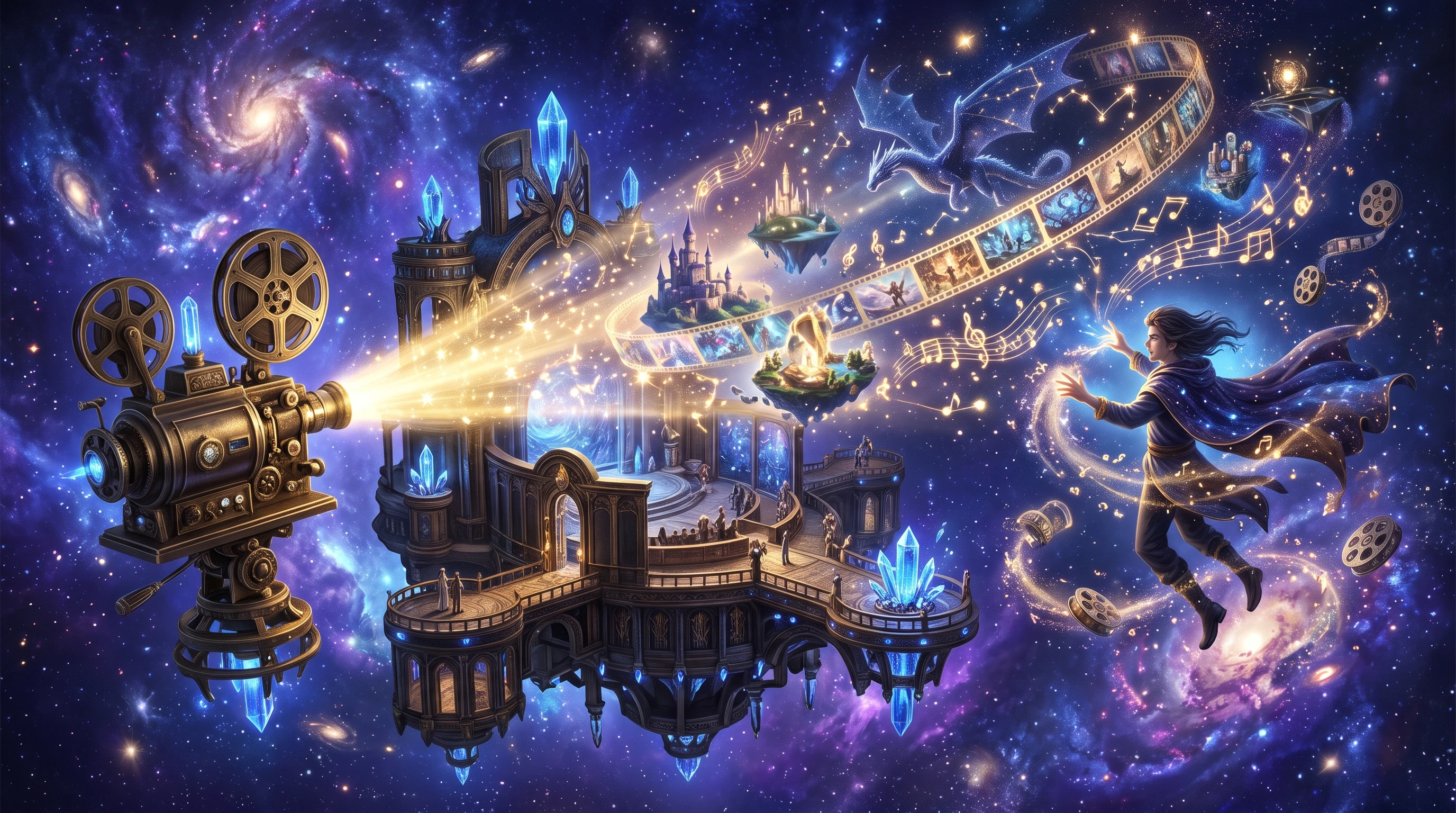
Choose from 37 built-in voiceovers across 11 languages, including English, Spanish, Japanese, Korean, and German. You can filter voices by accent, gender, age, or scenario, or record custom voice samples to clone unique vocal styles for your project.
Create Your Story Video
Use the Music Video tool to generate original tracks from text inputs and music genres, or pick from 15 prebuilt songs. Choose 16:9 or 9:16 aspect ratios, select visual styles from MagicLight 2.0 or 2.2, and render synced visuals in 720p or 1080p resolution.
Create Your Story Video
Input scripts of up to 12,000 words or generate new ones using 9 story models such as GPT-5.4, Claude Opus 4.6, and Gemini 3.1 Pro. Launch projects quickly with dedicated workflows for Kids Stories, Explainer Videos, Character Vlogs, and Religious Stories.
Create Your Story Video
Adapt your video aesthetics to any audience using style libraries across Midjourney V7 and MagicLight 2.0, 2.2, and 3.0. Render scenes in 3D cartoon, Pixar, Ghibli, Shinkai, 90s anime, clay, comic book, or picture book styles before exporting in 720p or 1080p.
Create Your Story Video
Jordan Ellis
Children's Book Illustrator
“Honestly, keeping my main character looking the same used to drive me crazy. Being able to save the character profile and just tweak poses in Nano Storyboard saved my bedtime story series.”
★★★★★
Ava Thompson
High School History Teacher
“I used to spend my whole Sunday making quick recap clips for class. Now I just dump my rough notes into MagicLight Agent, pick a decent voice, and I'm basically done before dinner.”
★★★★★
Liam Patel
Podcast Producer
“Editing audiograms across three different apps was getting super annoying. Having the voice options, subtitle presets, and cover templates in one browser tab actually makes my week easier.”
★★★★★
Zoe Williams
Indie Game Developer
“Look, you still have to play around with prompts a bit, especially for weird camera angles. Still, checking static frames before rendering saves me from burning credits on bad clips.”
★★★★★


Turn your ideas into complete, multi-scene videos with structured scripts, consistent characters, and built-in voiceovers in one browser workspace.