
Heavy Reliance on Pre-Recorded Footage
VEED is built mainly for post-production editing, making it hard to generate complete narrative videos from text without existing footage.
MagicLight is a browser-based AI video studio built for creators who want to generate complete stories from text rather than manually editing recorded clips. It streamlines visual storytelling in one workspace so you can bring ideas to life faster.

While VEED works well for editing recorded clips and adding subtitles, creators who want to generate original animated stories from scratch often encounter workflow and format limitations.
VEED is built mainly for post-production editing, making it hard to generate complete narrative videos from text without existing footage.
Building multi-scene videos still requires manually aligning clips, audio, and transitions on a timeline, slowing down frequent story publishing.
VEED's AI visuals focus on realistic talking-head avatars for business clips, offering limited support for cohesive 3D or anime storytelling.
Generating standalone AI clips in traditional editors makes it difficult to keep the exact same character appearance across sequential story shots.
Compare the core capabilities of both platforms to see which tool fits your AI video creation workflow.
Feature | MagicLightTry for free | VEED |
|---|---|---|
| Core Features | AI story-to-video, long-form storytelling, image-to-video | Cloud video editing, subtitles & AI avatars |
| Maximum Video Length | Up to 50 minutes in Story to Video | Unlimited on paid plans (10 min on free) |
| Video Generation Workflow | Idea, script, storyboard, and video generation | Script generation + manual timeline editing |
| Character Consistency | Saved character profiles across scenes | Custom talking avatars across clips |
| AI Models | Multi-model engine | × |
| Supported Languages | 11 languages | 30 languages |
| Voice Generation | 37 built-in voices, voice cloning | Stock AI voices, custom voice cloning |
| Pricing and Plans | Free starter credits; subscription & credit packs | Watermarked free tier; tiered paid plans |
| Export Quality | 720p / 1080p | 720p (free); 1080p & 4K (paid) |
MagicLight gives storytellers, educators, and content creators a unified production environment designed around narrative flow rather than post-production assembly. Instead of stitching external clips together, you move directly from an initial idea to a cohesive, ready-to-share animated video.
Create AI Videos Free
Instead of uploading raw footage and manually aligning timeline tracks, MagicLight builds the entire visual sequence from your script. It structures scenes, pairs matching visuals with narration, and handles pacing automatically so you can publish complete episodes far faster.
Instead of restricting visuals to talking-head avatars or stock clips, MagicLight offers over 20 distinct artistic styles, including 3D cartoon, anime, watercolor, and comic art. You can match the visual tone directly to your story genre without hiring an outside animation team.
Fixing one awkward moment in a traditional editor often forces you to re-cut surrounding audio and transitions. MagicLight lets you regenerate, re-prompt, or adjust specific shots independently while keeping the rest of your story pacing and soundtrack intact.
Bringing a cast of characters to life requires more than a single narrator track. MagicLight combines 37 distinct voice options across 11 languages with custom voice cloning, letting you assign unique vocal identities to every character without hiring voice actors.
MagicLight offers a practical suite of AI creation tools covering text input, video restyling, multilingual narration, and pre-export editing. Below is a closer look at six specific tools you can use to build and customize your videos step by step.
Paste an unformatted story, lesson, or rough draft of up to 12,000 characters directly into the editor. MagicLight reads the prose automatically, detects shifts in setting and dialogue without manual scene headers, and structures the text into a ready-to-render video timeline.
Create Your First AI Video
Upload an existing video clip up to 30 seconds long and enter a 1,500-character prompt to transform its visual appearance. The tool tracks original subject movement and camera motion while applying a new artistic look, saving you from manually re-animating every frame.
Create Your First AI Video
Before exporting, open MagicLight's Nano Storyboard to adjust camera direction, character poses, facial expressions, and shot timing. You can also fine-tune subtitle styles, swap background music tracks, and reorder individual scenes without rebuilding the entire project.
Create Your First AI Video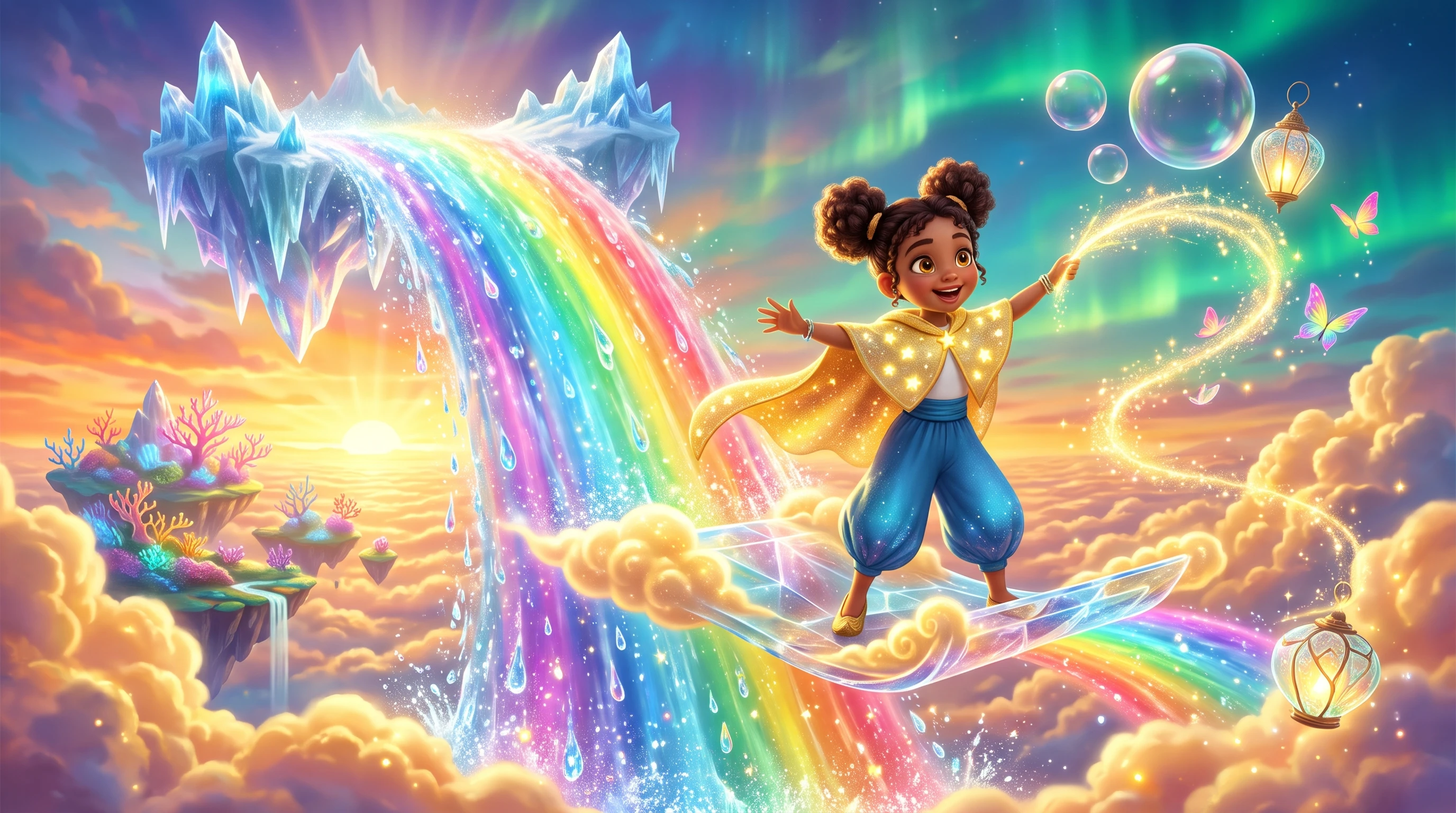
Upload a single character portrait, illustration, or landscape image and enter a motion prompt to bring it to life. MagicLight analyzes lighting, depth, and subject structure to generate smooth camera movement and natural character motion without requiring multi-frame drawings.
Create Your First AI Video
Type a short story idea or character concept into the script generator. MagicLight expands your input into a full multi-scene narrative with dialogue, scene descriptions, and narration cues, which you can edit before generating the final video.
Create Your First AI Video
Browse MagicLight's integrated audio library to add mood-matching background music directly to your video timeline. You can preview tracks across genres, adjust volume levels relative to spoken narration, and sync audio pacing with scene transitions without external editing software.
Create Your First AI Video
Devon Patel
Faceless YouTube Creator
“Building ten-minute narrated stories used to take me all weekend. Now I just pick a comic style, clone my own voice for the narration, and tweak single shots whenever a scene needs a quick fix.”
★★★★★
Owen Morales
Indie Game Designer
“Testing out cutscene ideas used to take me forever with rough sketches. Dropping my concept art into MagicLight's image-to-video tool gives me smooth animated previews in just a few clicks.”
★★★★★
Maya Lin
Language Tutor
“Making Spanish listening practice videos for my students is so much simpler now. I just type up a short dialogue, pick two natural voices, and export everything with matching captions ready to go.”
★★★★★
Tessa Jenkins
Digital Marketer
“Our small team needed vertical promo clips for Shorts without hiring an outside studio. Choosing a 9:16 template and customizing the cover card inside one workspace keeps our posts looking sharp.”
★★★★★



Experience a Veed alternative built for storytellers. Go from plain text to polished, multi-scene videos with AI voices in minutes.