
Time-Consuming Manual Timeline Assembly
Building scenes in Animaker often requires dragging characters, props, and keyframes onto a multi-layer timeline manually, which slows down production for longer multi-scene videos.
MagicLight is an Animaker alternative that transforms how animated videos are made. Instead of assembling templates clip by clip, creators can bring full narratives, recurring characters, and rich visual styles to life in a single web platform.

Animaker makes basic 2D explainer videos accessible, yet creators aiming for faster AI generation, cinematic visual styles, or longer stories often encounter workflow limits. Here is why many look elsewhere.
Building scenes in Animaker often requires dragging characters, props, and keyframes onto a multi-layer timeline manually, which slows down production for longer multi-scene videos.
Animaker centers on 2D vector characters, whiteboard animations, and corporate templates, offering fewer options for creators seeking 3D, anime, or cinematic storytelling styles.
Because editing relies on heavy browser-based canvas rendering with numerous layered assets, longer projects with multiple transitions and audio tracks can become sluggish to preview and edit.
Animaker relies heavily on pre-rigged 2D character actions and fixed facial expressions, making it difficult to direct nuanced body movements or custom camera angles for dramatic storytelling.
Compare the core capabilities of both platforms to see which tool fits your animated video workflow.
Feature | MagicLightTry for free | Animaker |
|---|---|---|
| Core Features | AI story-to-video, long-form animation, and AI voiceovers | Drag-and-drop 2D animation, whiteboard, and explainer videos |
| Maximum Video Length | Up to 50 minutes in Story to Video | Up to 15 minutes (Basic) / 30 minutes (Enterprise) |
| Video Generation Workflow | Automated script-to-storyboard AI workflow | Manual multi-layer timeline and template editing |
| Character Consistency | Consistent custom characters across scenes | Custom 2D character builder with preset expressions |
| AI Models | Multiple integrated AI video, image, and story models | Proprietary 2D animation engine and AI voice tools |
| Supported Languages | 11 languages | 180+ languages and accents for AI voices; subtitle tools support 130+ languages |
| Voice Generation | 37 voice options and voice cloning | 200+ text-to-speech voices with lipsync |
| Pricing and Plans | Subscription plans and credit-based usage | Free plan and paid subscription plans |
| Export Quality | 720p / 1080p | Up to 4K, depending on plan |
For creators ready to move beyond manual template assembly, MagicLight delivers an end-to-end AI production workflow. It bridges story planning, consistent visual design, and multi-scene rendering so you can produce complete animated series faster with less manual editing.
Create AI Animations Free
Instead of manually building scenes from scratch on a blank canvas, MagicLight guides you from an initial plot idea to a structured narrative. You can produce complete storytelling videos, explainers, and episodic series up to 50 minutes without complex timeline editing.
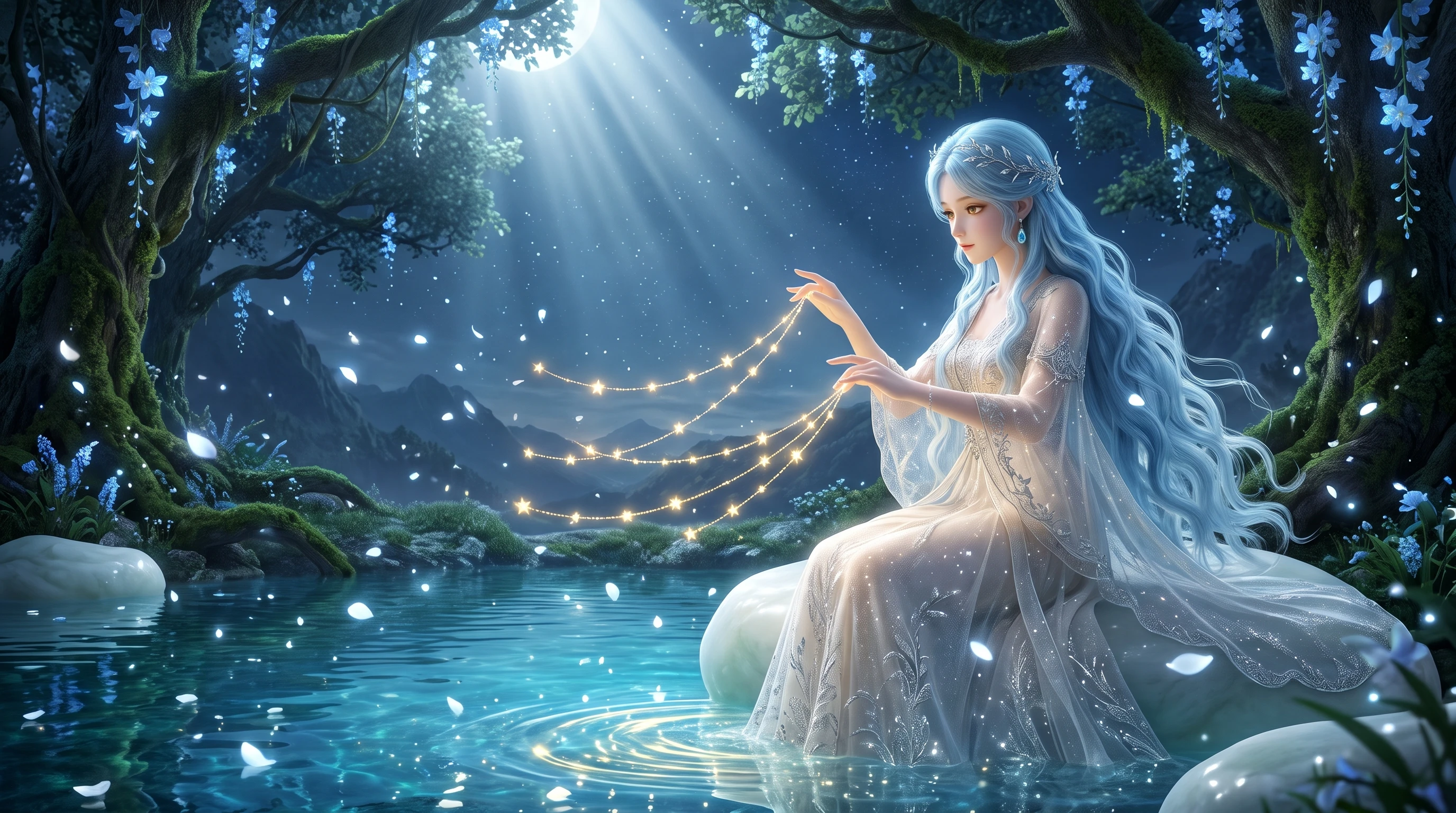
While traditional animation makers center on 2D vector templates, MagicLight supports a broad spectrum of creative styles. You can generate cohesive scenes in 3D cartoon, Pixar, Ghibli, comic book, and realistic styles to match your channel's unique visual direction.
MagicLight lets you go beyond publishing standalone videos by turning original characters, visual styles, and voice emotions into reusable digital assets. Share them in the Asset Store and track usage in the Earnings center to earn ongoing rewards from other creators.
Instead of manually rigging 2D bones or layering keyframes, you can upload existing illustrations and bring them to life with text prompts. MagicLight animates static visuals across multiple video models, letting illustrators turn custom artwork into smooth animated scenes.
MagicLight brings specialized creation modules together in one browser workspace. From turning written text and static images into animated clips to restyling existing footage, generating original music videos, and adding multi-language voiceovers, explore what each tool lets you build.
Enter a detailed prompt of up to 12,000 characters to turn written ideas into narrated scenes. Select your preferred aspect ratio and choose from over 20 visual styles—ranging from 3D cartoon and anime to realistic aesthetics—to generate complete video clips directly from text.
Start Animating Your Ideas Free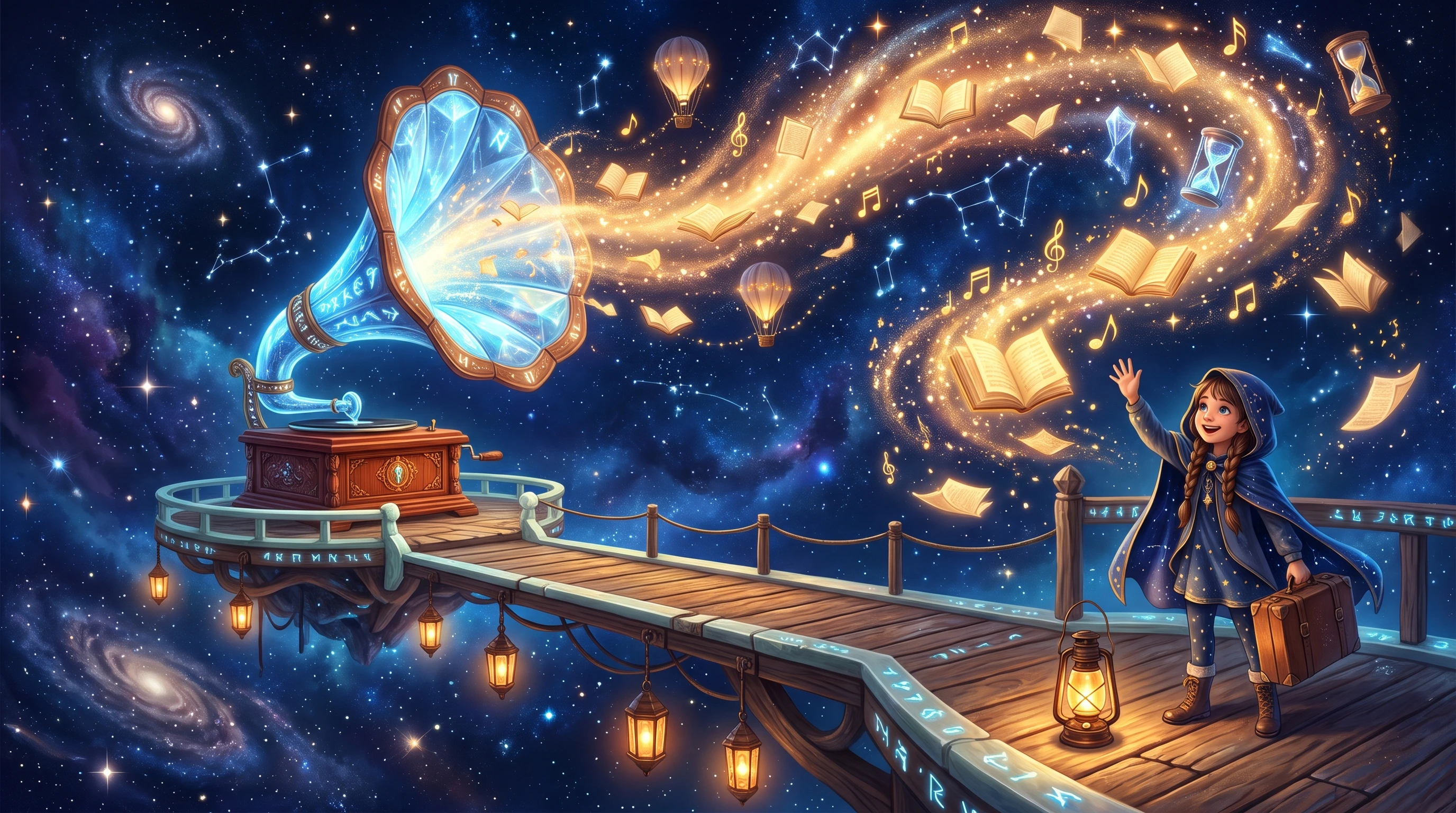
Upload any existing photo, product shot, or custom illustration and describe the motion you want in plain text. MagicLight animates your static frame using 19 integrated video models—including Seedance 2.0, Kling 3.0, and Veo 4—delivering smooth motion clips in seconds.
Start Animating Your Ideas Free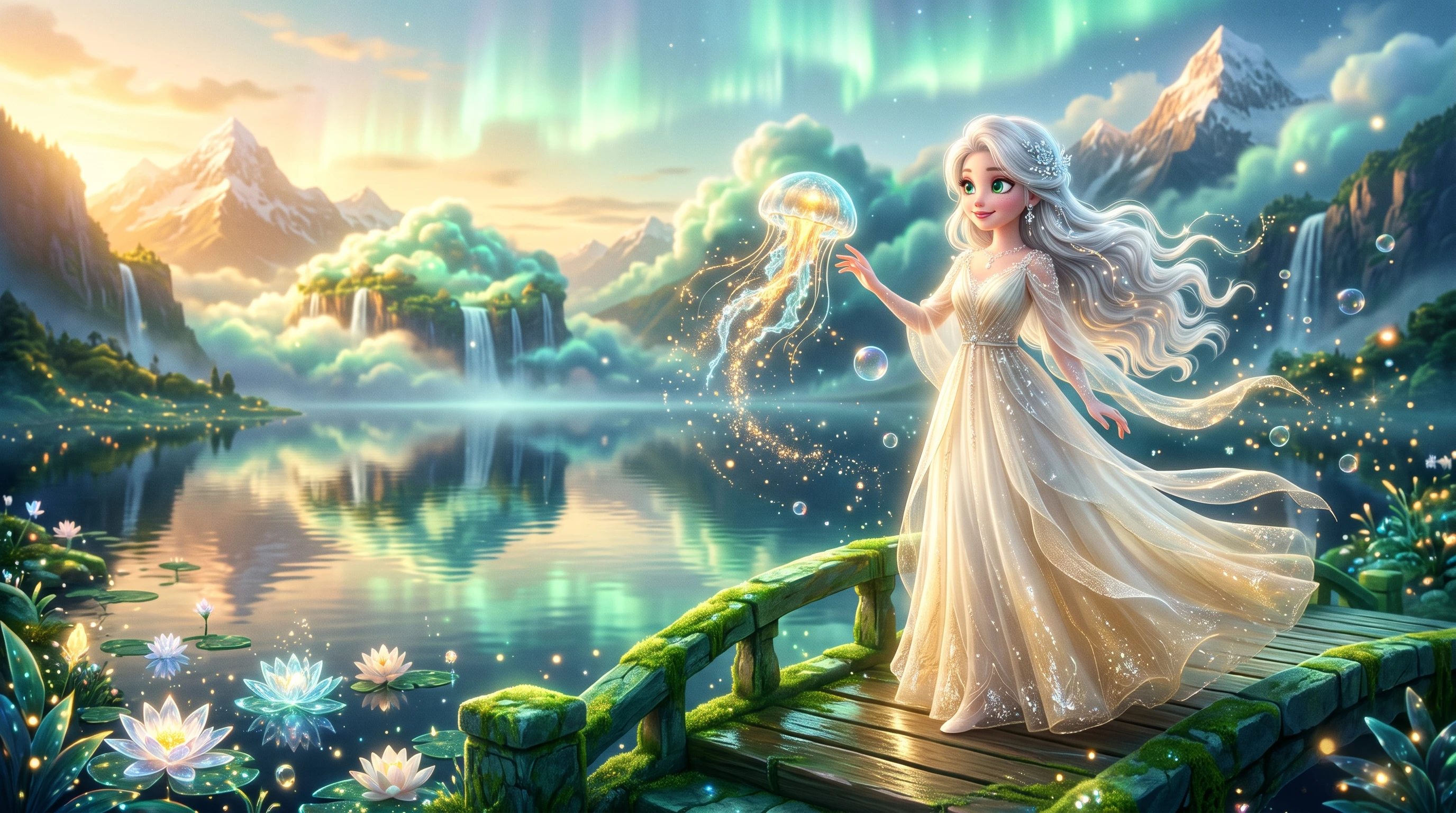
Upload an existing video clip up to 30 seconds and enter a 1,500-character description to transform its visual appearance. MagicLight tracks the original subject movement and camera motion automatically, letting you restyle footage in 16:9 or 9:16 without editing frame by frame.
Start Animating Your Ideas Free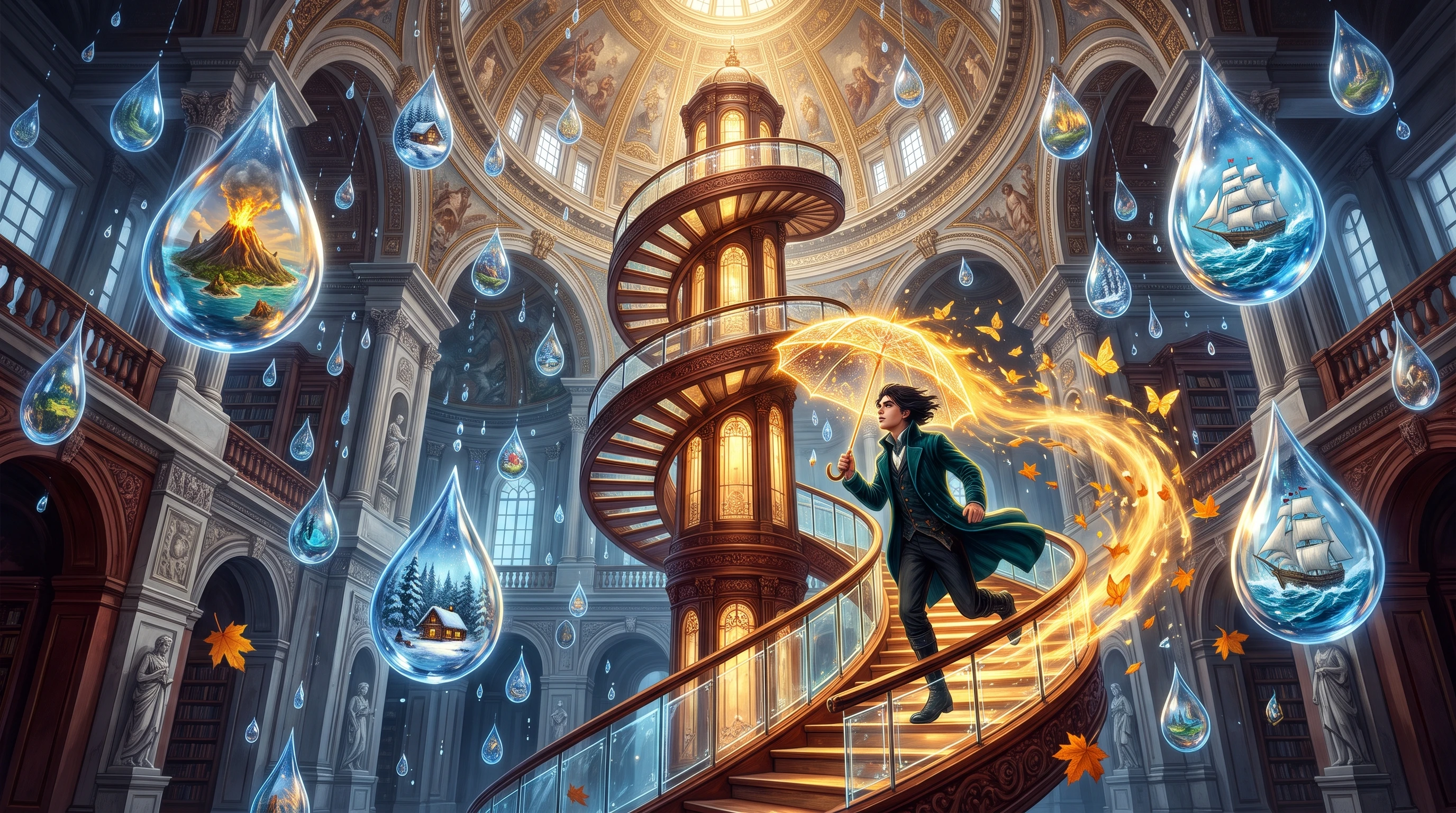
Generate original background tracks from genre prompts or pick from built-in songs to anchor your visuals. Pair the audio with stylized animated scenes in 16:9 or 9:16 aspect ratios, customize character poses, and add styled subtitles—all without needing spoken dialogue.
Start Animating Your Ideas Free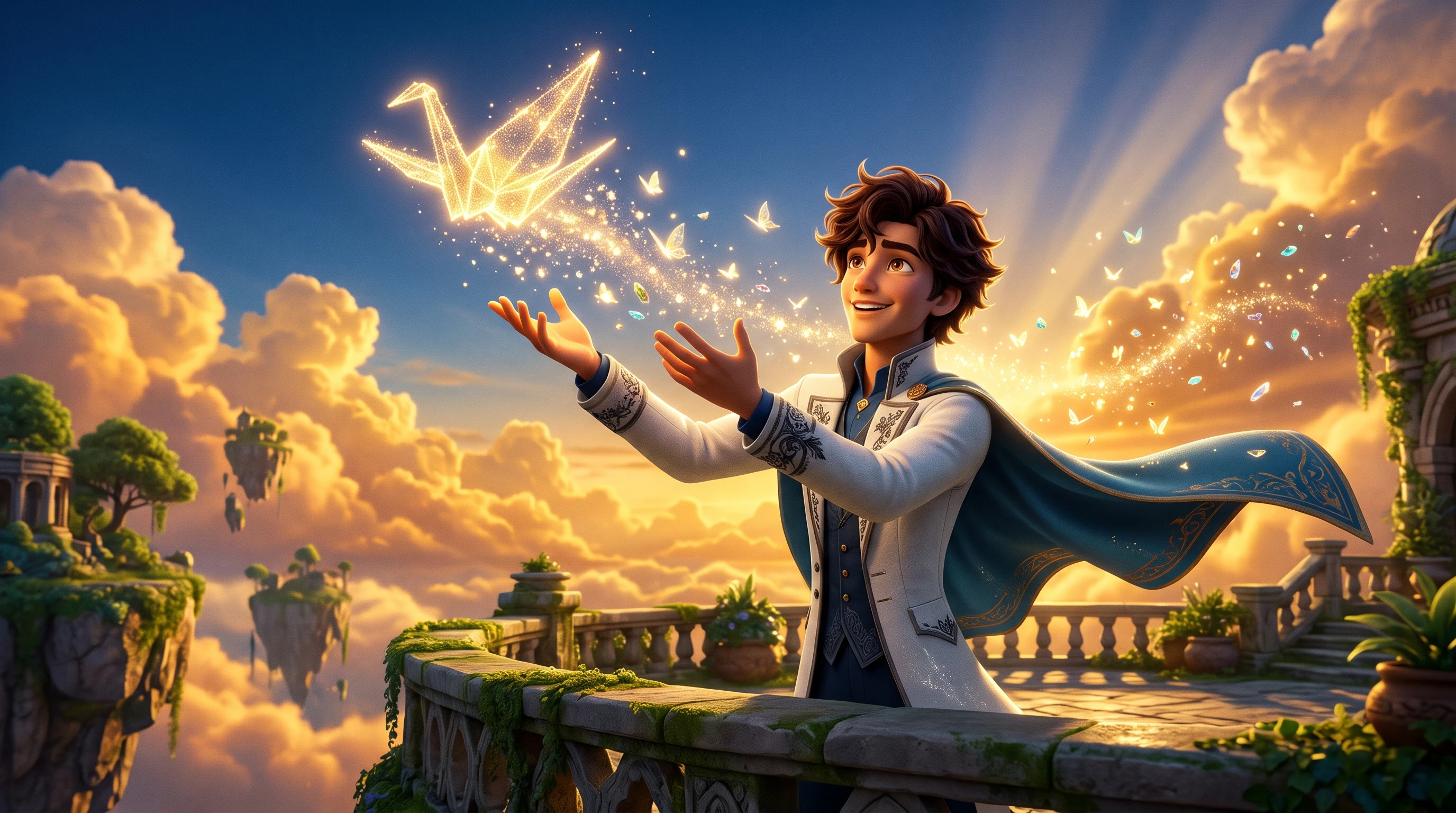
Edit individual shots after your video takes shape without regenerating the entire project. Modify character poses, outfits, and accessories on specific frames, rewrite dialogue lines, and adjust scene pacing so every transition aligns with your creative vision.
Start Animating Your Ideas Free
Build custom characters from scratch by typing descriptive prompts or uploading reference portraits. Save each persona's hairstyle, outfit, and facial traits to your personal library so you can insert the exact same cast into future episodes with one click.
Start Animating Your Ideas Free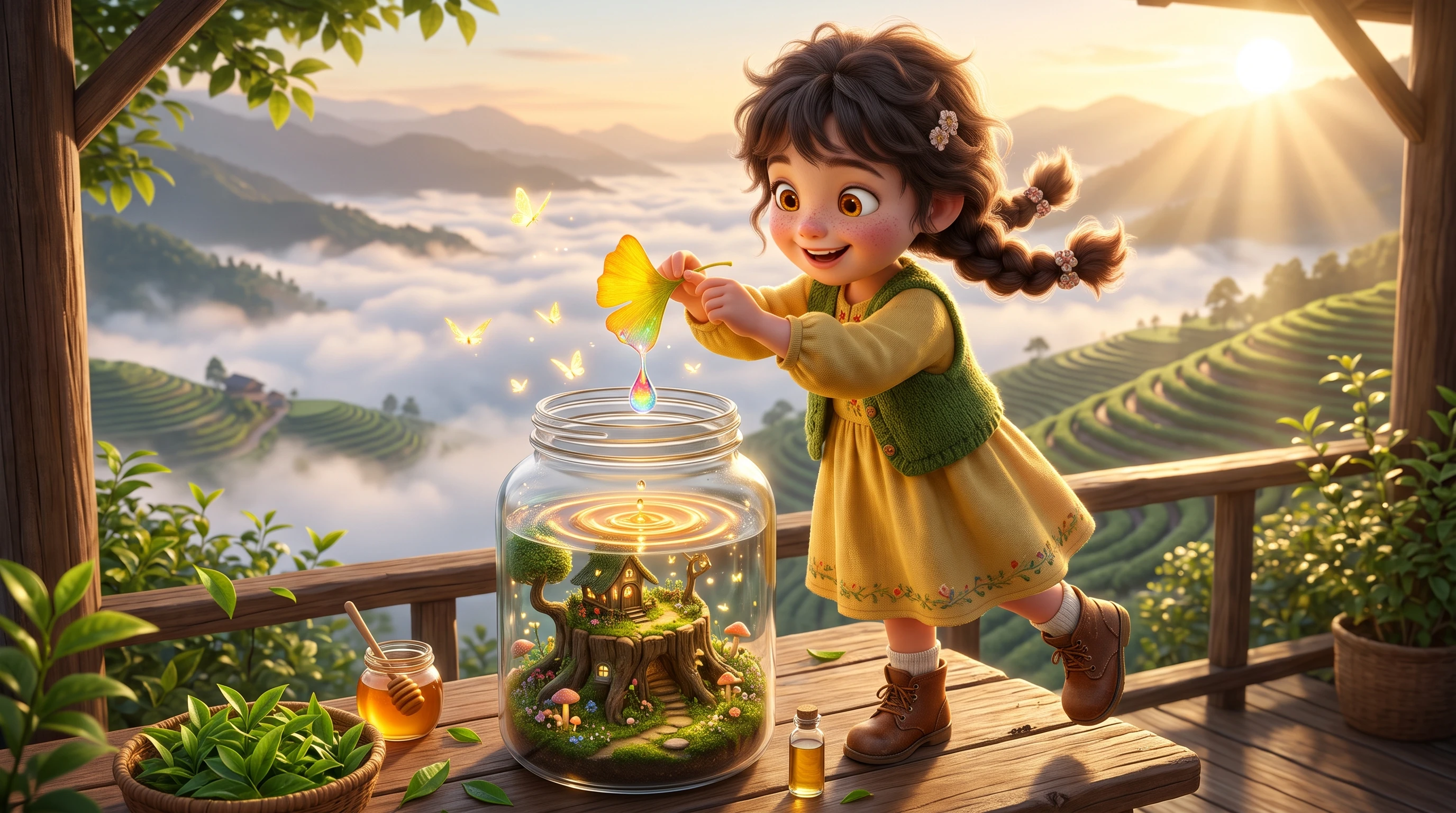
Caleb Wright
Freelance Copywriter
“I have zero animation skills, so I was pretty nervous at first. Watching my rough story outline turn into actual scenes with matching music and subtitles gave me a huge confidence boost.”
★★★★★
Mia
Animation Enthusiast
“I wanted recurring characters, but keeping their look consistent was a challenge. MagicLight made planning several scenes for one story feel more organized.”
★★★★★
Mei-Ling Zhou
Hobbyist Storyteller
“I love making cozy bedtime tales on weekends. Saving my main character's look once and reusing her across new episodes saves me so much hassle, and the watercolor style looks really sweet.”
★★★★★
Mateo Silva
Language Tutor
“I started making bite-sized dialogue clips for my Spanish students. Switching between different voice options and adjusting a character's expression on a single frame is pretty handy.”
★★★★★



Skip the tedious frame-by-frame timeline work and let AI build your characters, scenes, and narration in one streamlined workspace.