
37 Voices with Automatic Lip Sync
The voice and the sync are made in the same pass. Magiclight AI takes one of the 37 voices, or a clone of your own, and shapes the mouth to that recording rather than fitting it afterward.
Start Creating

Use 2D animation lip sync with no editing skills. Magiclight AI turns your script into matching voice and mouth movements, even after rewrites. No keyframes or mouth charts.
Create 2D Lip Sync Animations Now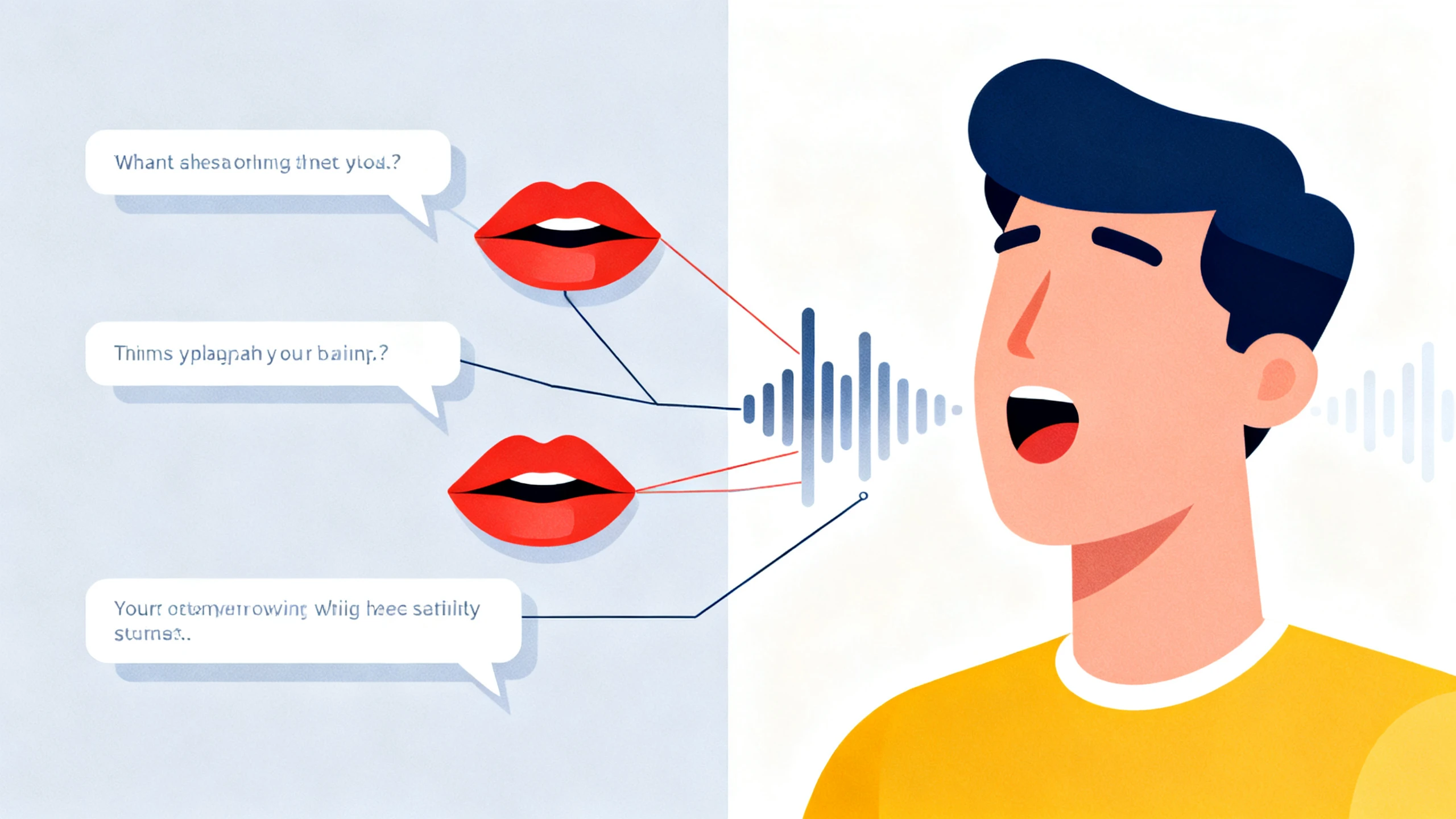









See how Magiclight AI handles 2D lip sync animation without a separate syncing step. Write your line, choose a voice, and get matching mouth movements automatically.
The voice and the sync are made in the same pass. Magiclight AI takes one of the 37 voices, or a clone of your own, and shapes the mouth to that recording rather than fitting it afterward.
Start CreatingSync one line, and you have a demo, not a scene. Feed in 12,000 characters of dialogue across Magiclight AI, and every line comes back synced, so a full conversation becomes one job instead of forty.
Start Creating
Dubbing normally means redoing the mouths for each language. Switch the script to any of the 11 languages Magiclight AI supports and the sync gets recreated with it, not patched over the old one.
Start Creating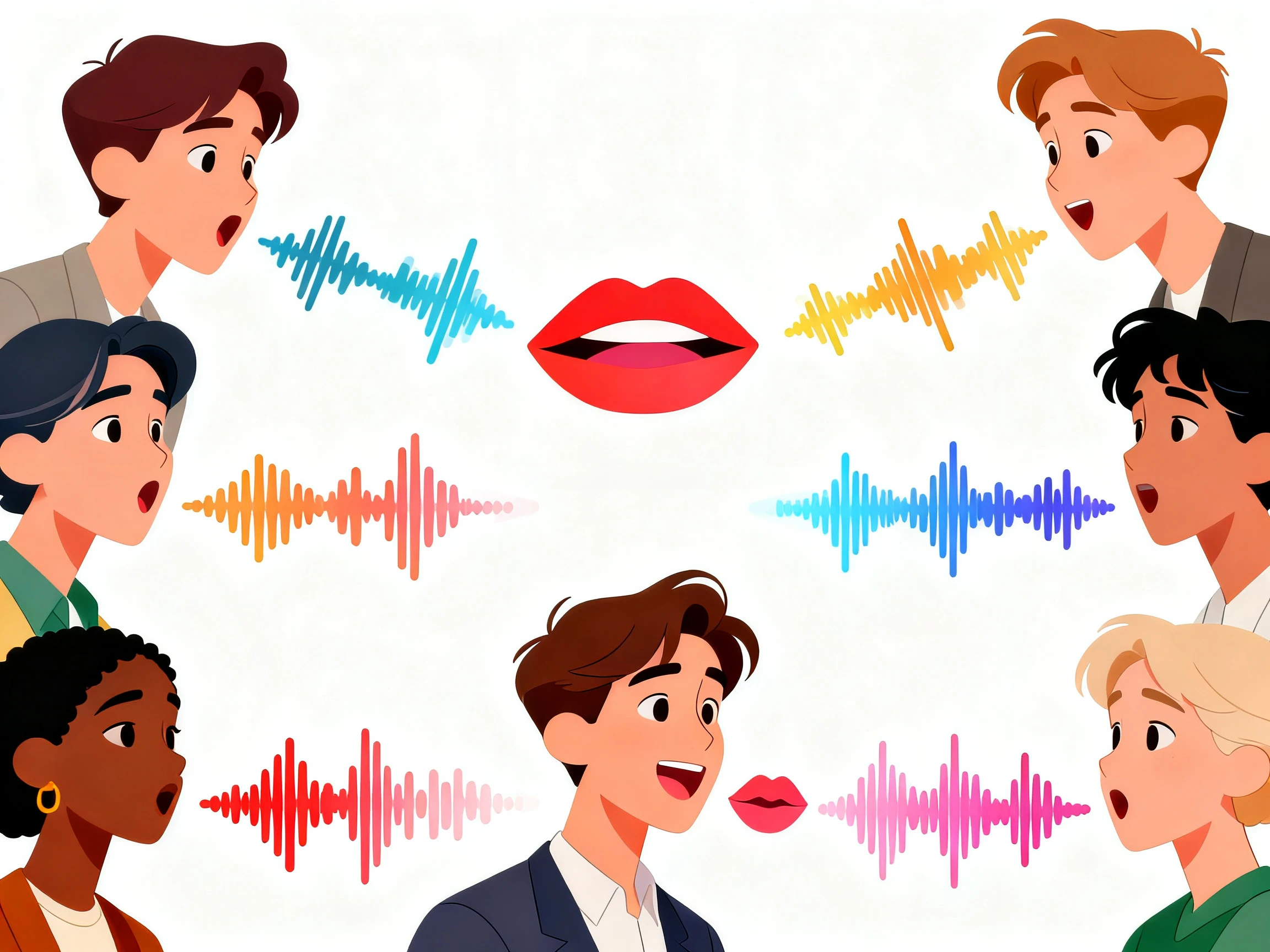
A mouth moving on a still body reads as wrong. Set the expression, the pose, and the camera on each shot from 50+ options in Magiclight AI, so the character is acting rather than only speaking.
Start Creating


Getting started takes just 4 steps. Add your dialogue script, choose the voices, set up each shot, and export the finished scene using the Magiclight AI 2D animation lip sync tool.
Paste your 12,000‑character script discussing all the details about the character and what to narrate. Choose the video settings, along with the voiceover or voice clone.
With the video scenes confirmed, choose an appropriate character from the AI‑generated options or the existing library.
Once the initial generation reaches Nano Storyboard, change the voiceover settings if needed. With all things confirmed, animate the video for automatic lip sync.
Check the talking character and make any needed changes before publishing or downloading the finished video. Magiclight AI’s broader video workflows also support HD export options.
Storyboard Artist
Every script change used to mean redoing the mouths for that whole section. I can now revise a line in Magiclight AI and have the new dialogue synced to the character.
Dubbing Editor
We release the same episode in three languages, and the mouth timing used to be a problem every time. With Magiclight, each version gets lip movements matched to its own voice.
Screenwriter
Magiclight AI lets me turn written dialogue into a talking character. I can see my lines spoken on screen without learning character rigs or animating mouth movements myself.
Film Student
A mouth moving on a frozen face looked wrong in everything I made. Setting the expressions per shot in Magiclight AI fixed that faster than I expected.
No. Characters are created and animated within the same platform, so you can't import external rigs. Magiclight AI handles the character and lip sync in one place.
Yes. Magiclight AI can generate the voice from your script or work from an audio file you supply, though generating it is what keeps a later rewrite cheap.
Magiclight AI supports 11 languages, matching the mouth movements to the dialogue in each language instead of simply reusing the original English timing.
Free credits arrive at registration, and no card is requested. That covers a short scene in Magiclight AI, which is enough to judge whether the mouth timing holds up.
Yes, and that is what most people are after here. Choose a flat 2D look from the 20+ visual styles in Magiclight AI and the sync is applied to that character as drawn.
Closed mouths on M, B, and P sounds, a jaw that opens on the vowels, and a face that moves along with it. Magiclight AI handles the first two and leaves the third for you to set.



Add your dialogue, choose the voices, and let Magiclight AI 2D animation lip sync match the mouth movements.