








Hero background

3D Cartoon Character Creator

Turn your character idea into a 3D cartoon video in minutes. Magiclight AI brings your characters and scenes to life, so you can focus on your story and create faster.

Create a 3D Cartoon Character For Free
Cartoon character example 1
Nano Banana
Google VEO 3
Sora 2
Gemini
Hailuo
Kling
Midjourney
Qwen
Seedance
Wan
Nano Banana
Google VEO 3
Sora 2
Gemini
Hailuo
Kling
Midjourney
Qwen
Seedance
Wan
Nano Banana
Google VEO 3
Sora 2
Gemini
Hailuo
Kling
Midjourney
Qwen
Seedance
Wan

Explore Features of the Magiclight 3D Cartoon Character Creator

Start with the tools that shape the result. Use the Magiclight 3D cartoon character maker to set the design and poses, add a voice, and see what each feature can do.

1000 Characters for Detailed Descriptions

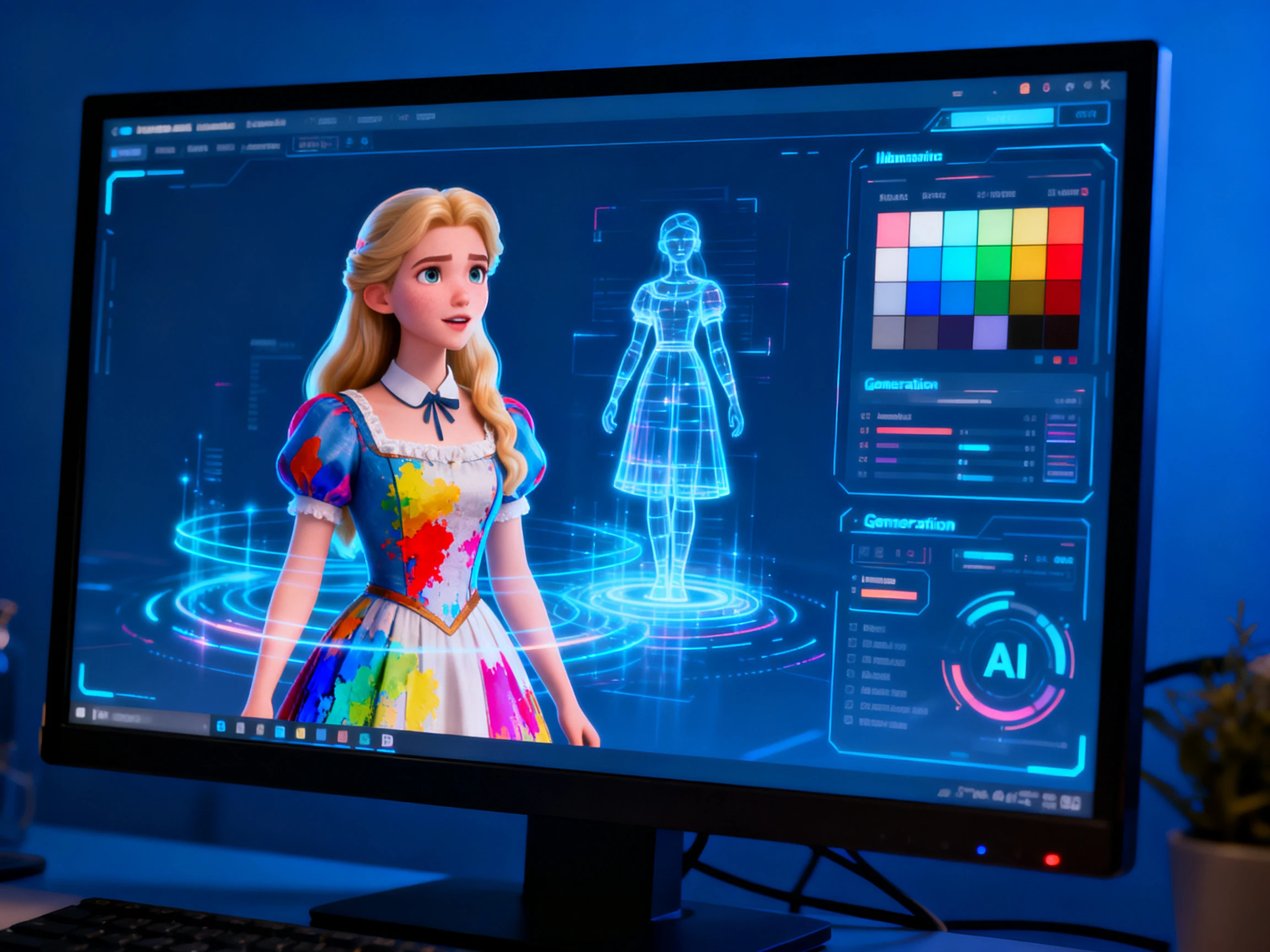
Use up to 1000 characters to describe the face, hair, clothes, body shape, colors, and other details you want. This gives Magiclight AI enough direction to create the character without requiring you to shape a 3D model.

Create Now
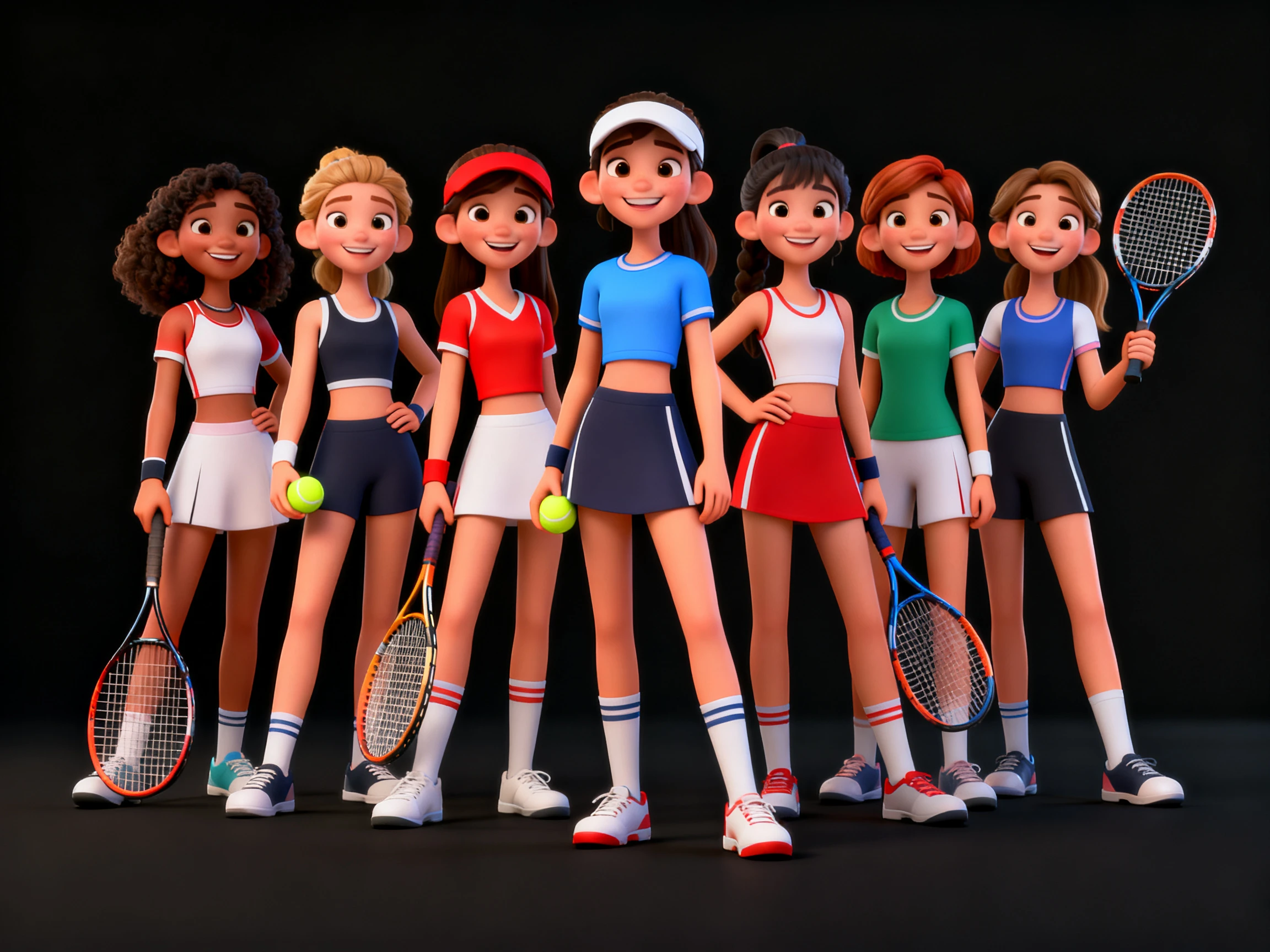
Magiclight template 1

52 Visual Styles to Change the Look

Choose from 52 visual styles to decide how your character appears on screen. You can move between different looks without starting the character again, making it easier to match the design to a story, scene, or video theme.

Create Characters
Magiclight template 2

50 Poses Without Manual Rigging

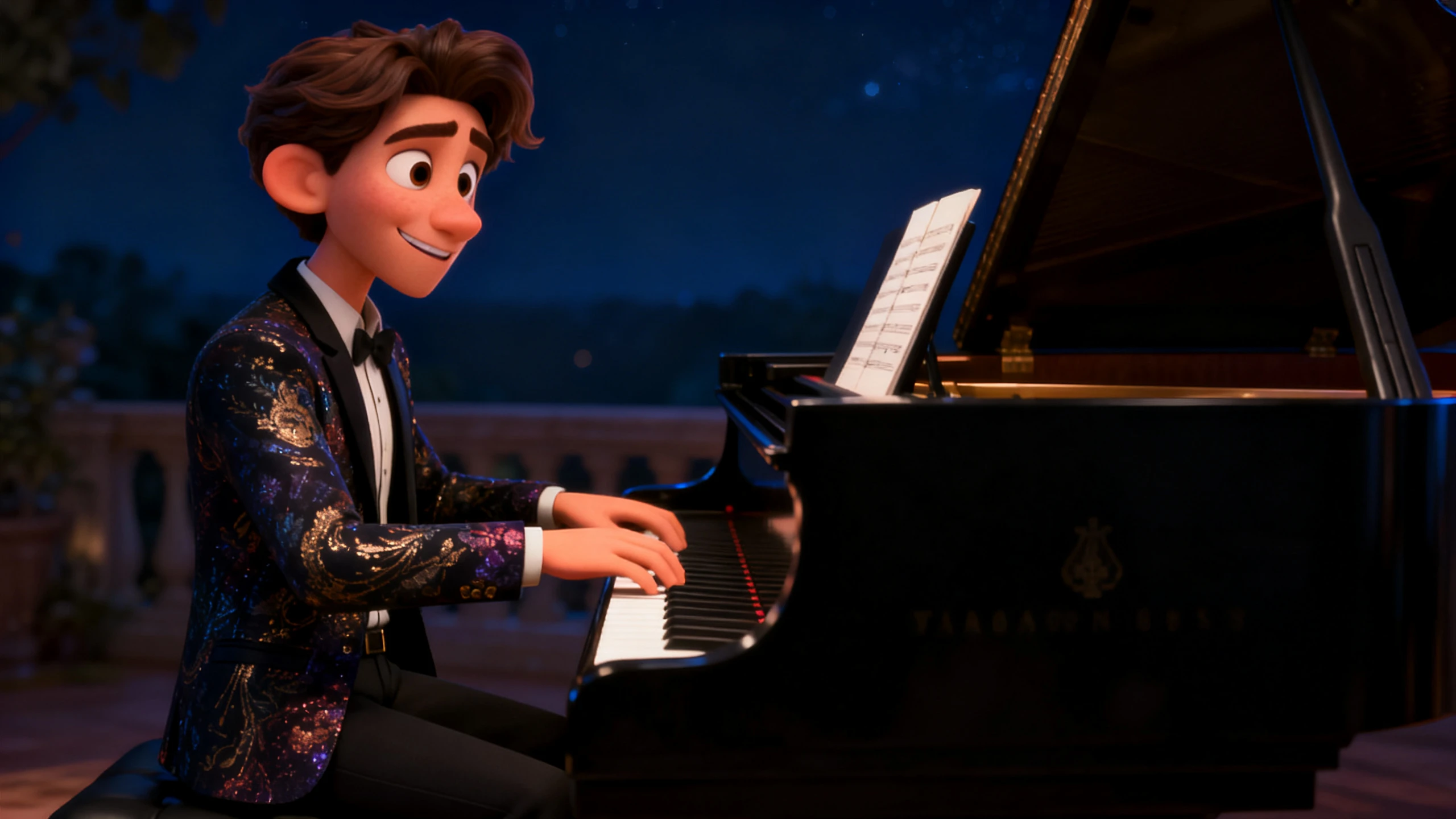
Pick from 50 poses and expressions to control how your character stands, reacts, or appears in different moments. Magiclight AI handles the character movement, so you do not have to create a skeleton or rig the model by hand.

Generate a Video
Magiclight template 3

37 Voices for Speaking Characters

Select from 37 voices to decide how your character sounds when delivering its lines. This brings the character into the story without recording every line yourself or handling a separate voice and lip-sync process.

Start Creating
Magiclight template 4
Who Can Use the Magiclight 3D Cartoon Character Creator
Different projects call for different characters. A 3D cartoon character generator can serve storytellers, teachers, marketers, and creators who need characters for video content.
 Pitches and Concepts
For Pitches and Concepts
Test character ideas across 52 different visual styles.
Create a 3D cartoon with a reference image and 1000-character prompt.
Save reusable characters for later client presentations.
Kids Content Channels
For Kids Content Channels
Pick from 37 AI voices for recurring cartoon characters.
Keep reusable cartoon characters consistent across new episodes.
Use 16 subtitle settings and 40 background music to support younger viewers.
Studios
For Small Studios
Choose from 14 story models to guide different narratives.
Write longer pilot stories with up to 12,000 characters.
Choose from 50 poses to vary scenes without rigging across Nano Storyboard.
Students and Hobbyists
For Students and Hobbyists
Try 21 ready-made cover templates for first character videos.
Use up to 1,500 characters to prompt image-to-video scenes.
Create character videos across 11 supported languages for diverse audience.

 How to Use the Magiclight AI 3D Cartoon Character Generator

Follow the 3 steps take the AI 3D cartoon character generator from idea to reusable character. Start with the character, choose the look, refine the result, and save it.

1.

Describe or Upload the Character

Describe the face, hair, clothes, and body in up to 1,000 characters, or upload a reference image so Magiclight AI has a clearer visual starting point.

2.

Choose the 3D Look

Pick a visual model and select a 3D style that suits the character. Try 3D cartoon, CGI, or 3D modeling looks to control the final appearance.

3.

Save the Character for Later

Save the finished character to your library once the design is ready. Reuse that same character in future scenes and videos without recreating it each time.

What Users Say About Magiclight AI's 3D Cartoon Character Creator

Bryn Talbot

Creative Producer

We were quoting 3 weeks of modeling for a pitch that might not even land. With Magiclight AI, the character was ready to show the client that week

Roxana Ilie

Kids Channel Editor

Children quickly notice when a character looks different. We save ours in Magiclight AI for reuse, so the same familiar face can return naturally from one episode to the next.

Kojo Baptiste

Games Student

I came here looking for a model file and worked out I did not need one at all. Magiclight AI gave me the video my coursework actually asked for.

Sigrid Lund

Studio Founder

I came in looking for a model file and realized I did not need one at all. What I actually needed for my coursework was a finished video, and Magiclight AI delivered that.

FAQs on 3D Cartoon Character Creator

Can I download the 3D cartoon model file?

No, and it is worth knowing before anything else. Magiclight AI 3d cartoon character generator exports no .glb, .fbx, or .vrm file, so nothing here will open in Blender or load into a game engine.

Is Magiclight AI a 3D cartoon character software?

Not in the modeling sense at all. Blender, Maya, and Character Creator makes models you can rig and export, while Magiclight AI makes the video those models would eventually have appeared in.

Can I create a 3D character from an image?

Yes. Upload a reference image instead of relying only on text. The image gives the generator a visual starting point for the character’s face, clothing, and overall appearance.

Is there a 3D cartoon character maker online?

Everything runs in a browser, with Android and iOS apps alongside it. Nothing installs on a machine in Magiclight AI, which is the usual barrier with modeling tools.

How does 3D cartoon creation compare to modeling by hand?

Faster, and less controllable. A modeled character can be posed to the millimeter, while Magiclight AI trades that precision for getting something watchable the same day.

Can the 3D cartoon character appear in a full video?

That is the point of creating it here. Give Magiclight AI 12,000 characters of writing and the saved character goes through every scene, out to fifty minutes.

Create a 3D Cartoon Character in Seconds with Magiclight AI

Decide the end goal first. Magiclight AI skips model files and puts a speaking character onscreen.