Hero background

Chibi Character Maker

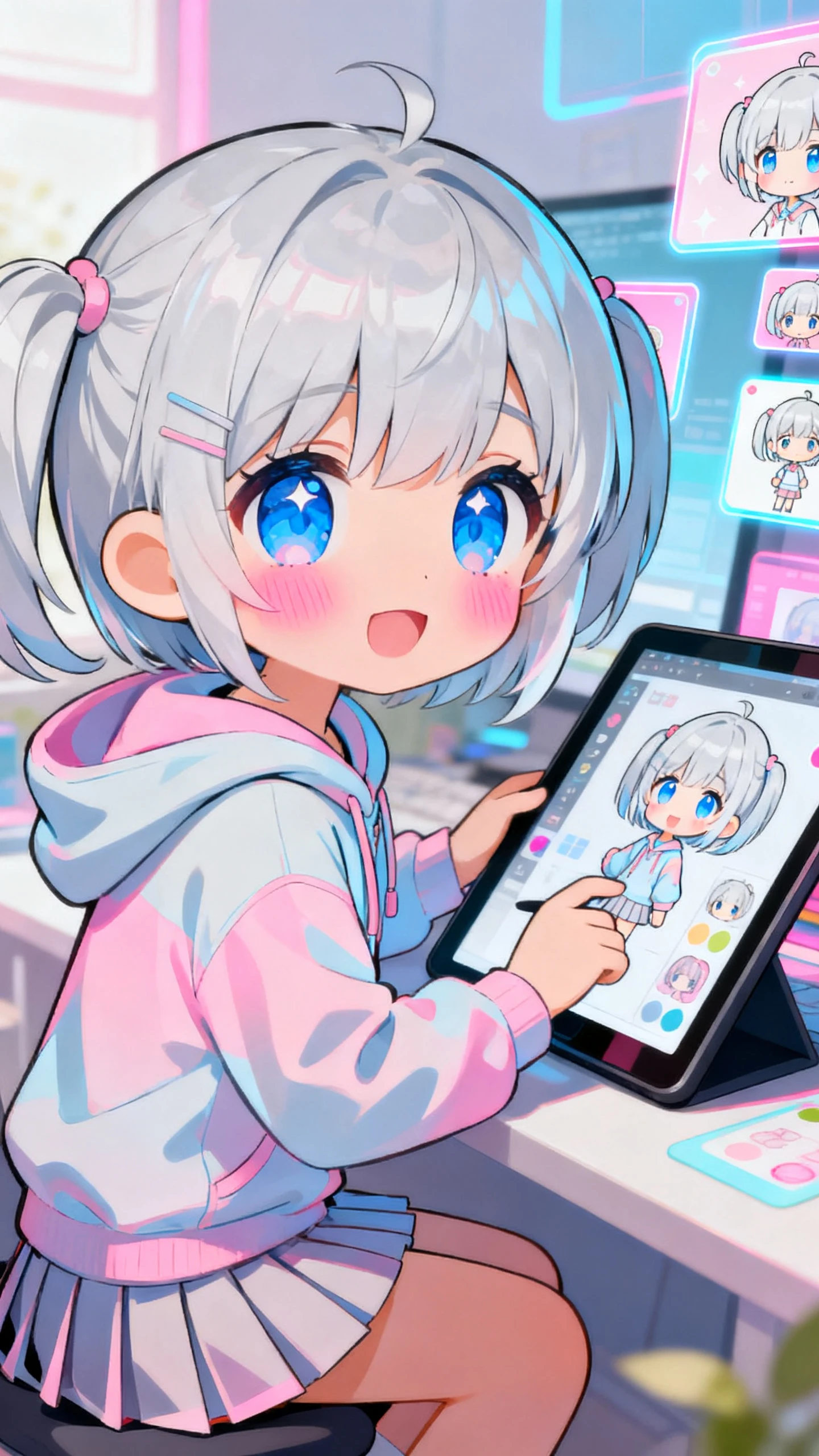
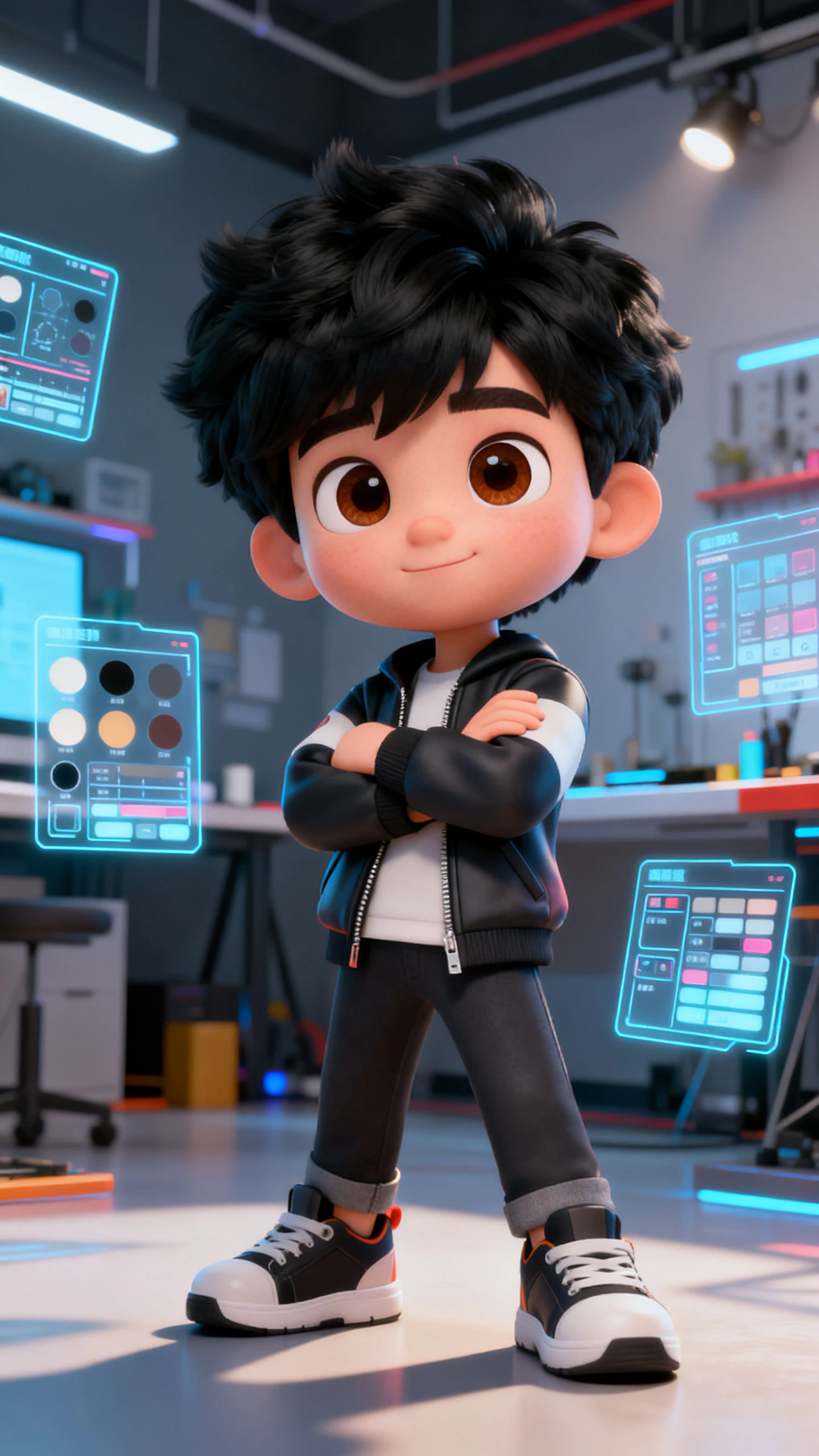
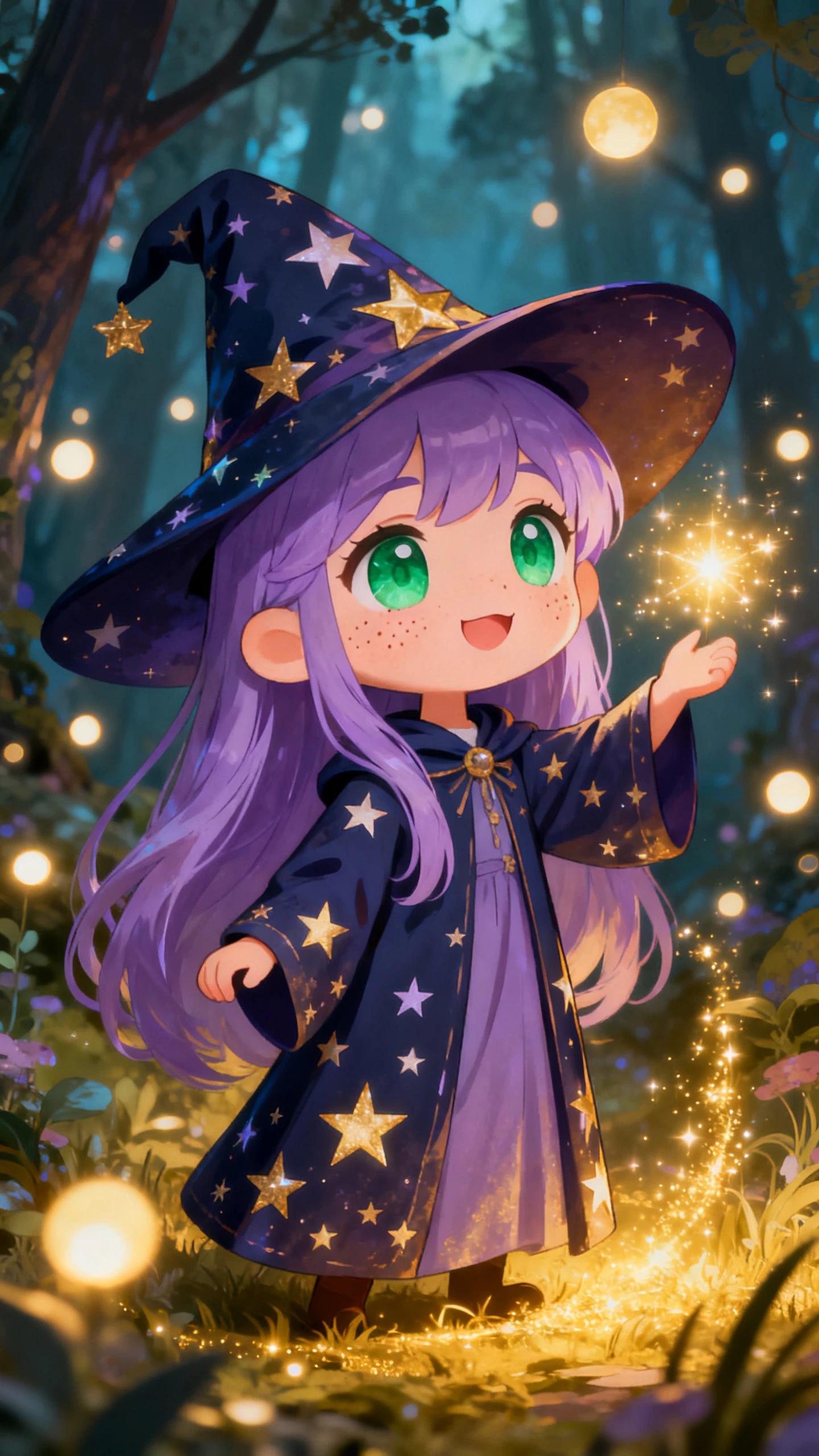
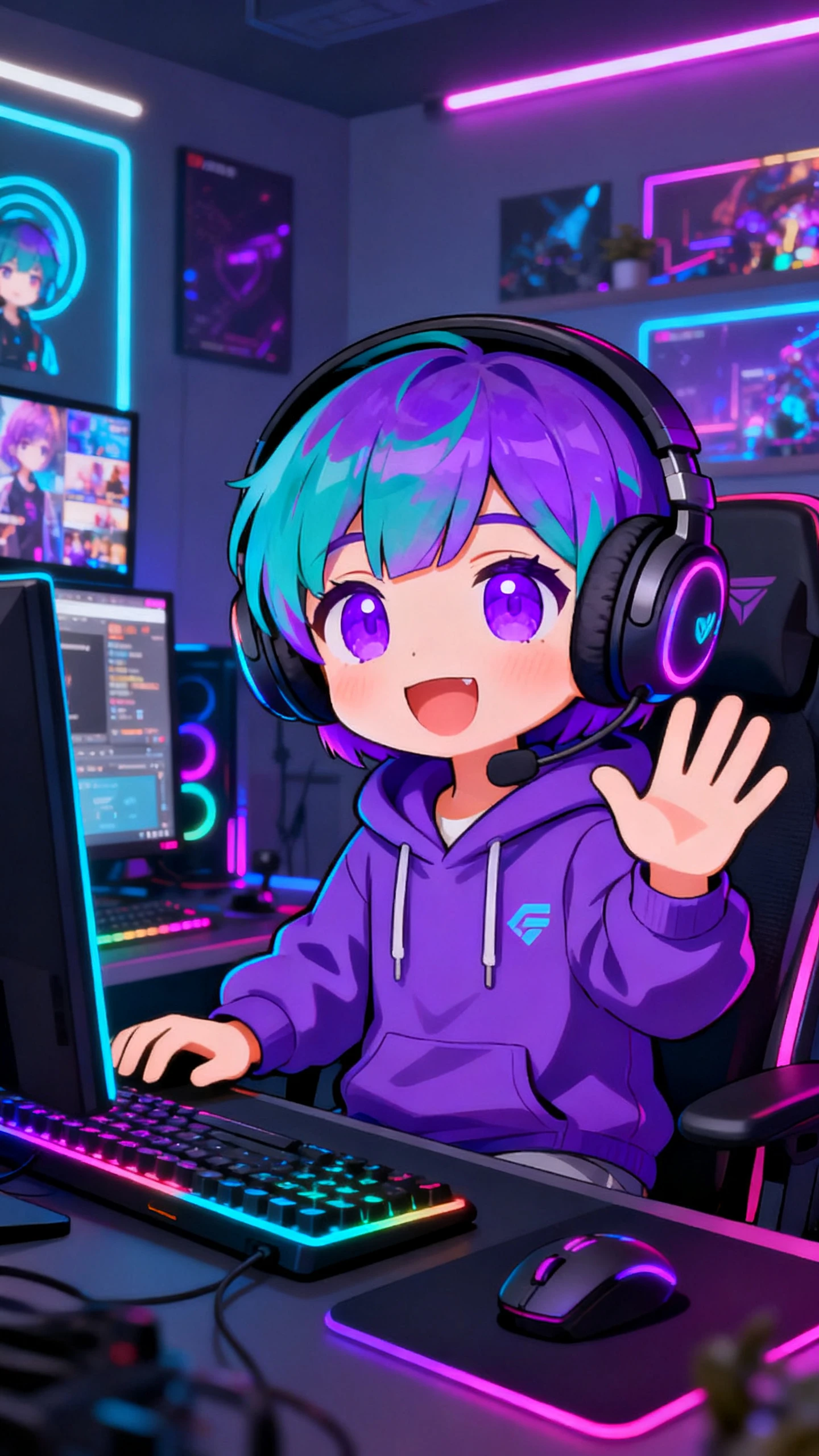
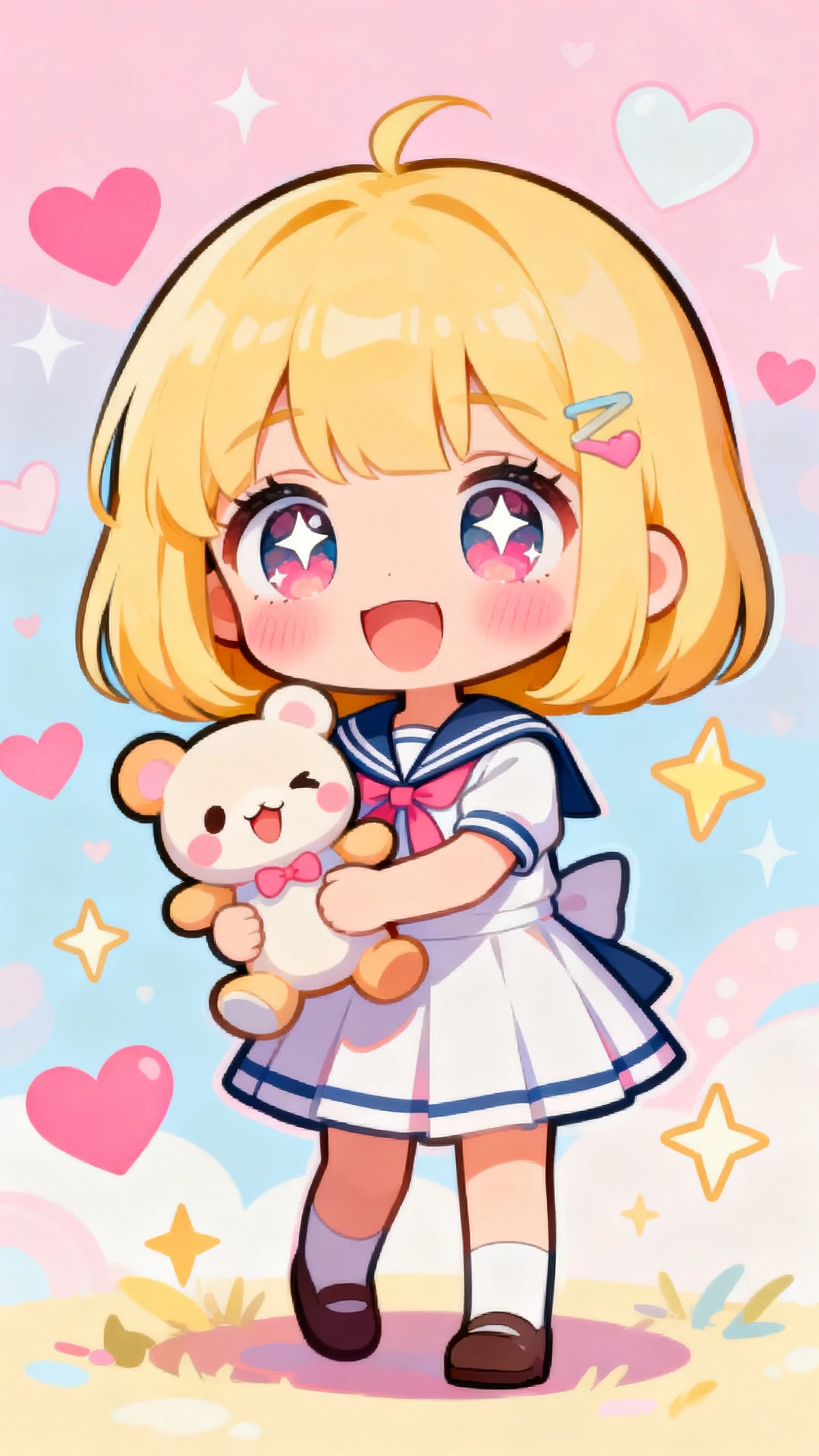
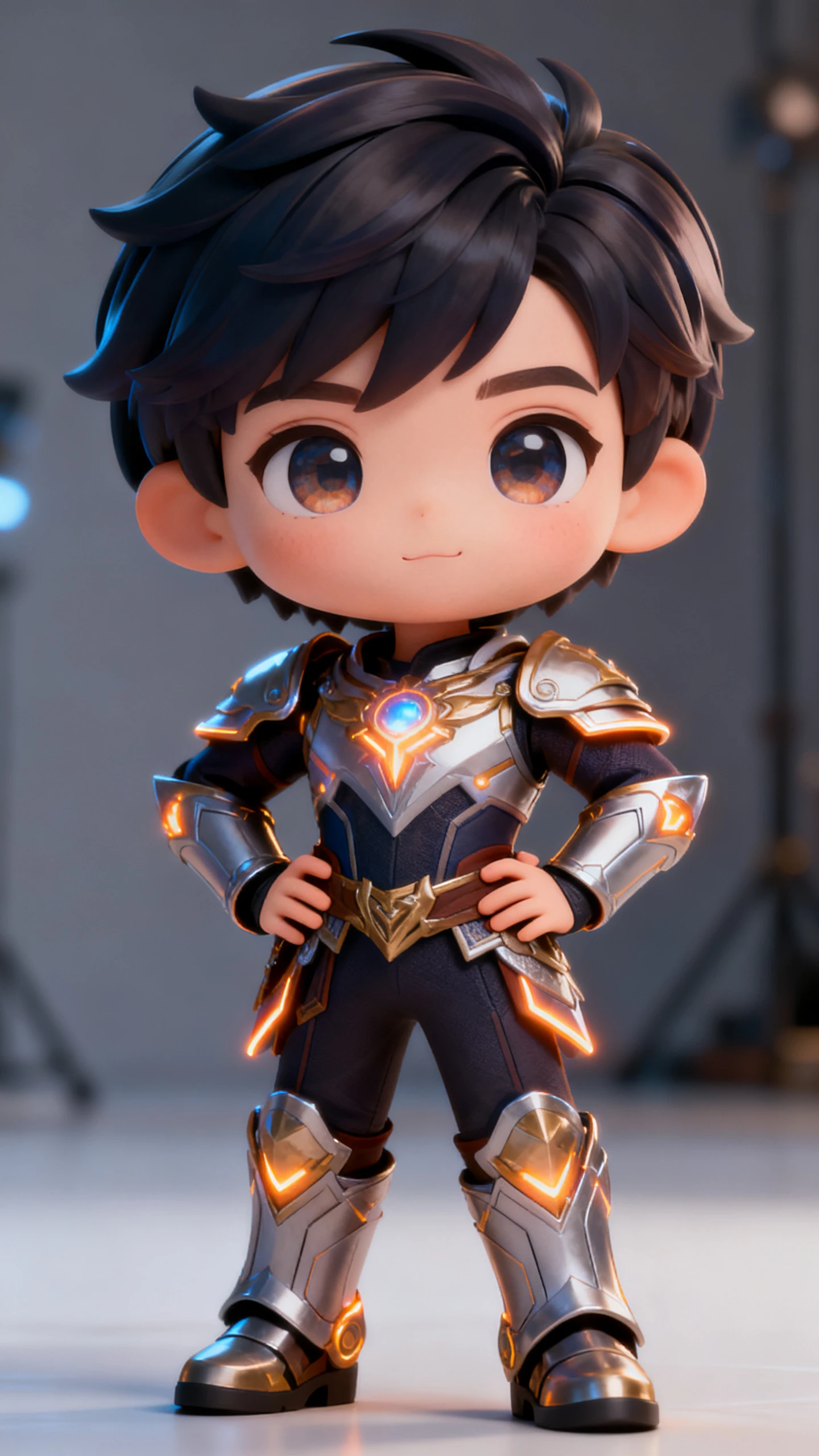
For OC creators and streamers, Magiclight AI chibi character maker provides a free chibi maker with anime and 3D styles, full control, and HD export.

Try Chibi Character Maker For Free
chibi character maker
3D chibi character maker
chibi character maker free
character chibi maker
chibi anime character maker
chibi character maker free
chibi character maker
3D chibi character maker
chibi character maker free
character chibi maker
chibi anime character maker
chibi character maker free
chibi character maker
3D chibi character maker
chibi character maker free
character chibi maker
chibi anime character maker
chibi character maker free

Explore Features of Magiclight AI’s Chibi Characters Generator

Magiclight AI 3D chibi character maker converts a character description into chibi art with expressive detail and export-ready output.

Explore the video generator
3D decoration

Design Chibi Characters From Text

Magiclight AI builds chibi characters from text prompts. Describe the outfit, personality, and expression to generate a fully designed character.

Use Chibi and Anime-Style Models

MagicLight 2.0 includes anime, cute 3D, and Zootopia styles. Apply them to create chibi characters with matching proportions and expressions.

Adjust Details in Nano Storyboard

Set poses from 50 options, refine expressions, modify outfits, and frame shots in Nano Storyboard before final rendering of image or video.

Animate Into Short Video Clips

Upload a chibi image and prompt up to 1,500 characters. Magiclight AI turns it into a 10 or 15-second animated chibi video clip.

Who Is Magiclight Chibi Character Maker Best For?
Magiclight AI character chibi maker supports creators in different contexts, where each user builds characters for unique goals and outcomes.
Educators
For Content Creators and Brands
Build a chibi mascot for your social media or YouTube channel.
Use the character chibi maker for branded merch design.
Animate your chibi for reaction clips and short-form video.
Vtubers and Streamers
For Vtubers and Streamers
Generate chibi emotes and overlays from a single prompt.
Keep your chibi avatar consistent across every scene.
Export chibi art for Twitch panels, alerts, and banners.
Anime OC Creators
For Anime OC Creators
Make a chibi character from your original character concept.
Use anime chibi character maker styles for accurate art.
Build a full chibi reference sheet for your character.
Game Developers
For Game Developers
Create 3D chibi character-maker assets for mobile games.
Generate chibi sprites without commissioning an artist.
Test multiple chibi designs in one session before deciding.
Why Magiclight AI
Is the Best AI AI Chibi Character Generator
Magiclight AI chibi anime character maker goes beyond sliders and presets, creating full chibi characters from text with one-session export.
Ensure Chibi Consistency Across Frames
Magiclight AI keeps character design, outfit, and expression consistent, ideal for streamers and sprite sheet creation workflows.
Export Chibi Assets in 1080p Quality
Chibi outputs can be exported in 720p or 1080p, making them ready for merch, game assets, or social media without extra editing.
Build a Chibi Cast in One Workflow
Creators can generate multiple chibi characters while reusing style, ensuring consistent proportions and design across entire character groups.
Create 3D, Anime, and Flat Chibi Styles
Magiclight AI supports multiple chibi styles, including 3D and flat illustration, all accessible in a single unified creation session.
Give Chibi Characters a Custom Voice
Magiclight AI offers 37 voice options and voice cloning, allowing creators to pair expressive voices with chibi characters.
Create Chibi Art Without Skills
Users simply describe their character in prompts, and Magiclight AI generates chibi designs, handling proportions and final rendering automatically.

How to Make a Chibi Character  With Magiclight AI

Magiclight AI chibi characters maker turns chibi concepts into finished characters through style selection and export in 4 simple steps.

1.

Describe Your Chibi Character

Type name, personality, outfit, hair, and accessories. Magiclight AI turns detailed prompts into unique chibi designs, not generic placeholders.

2.

Choose a Chibi Style

Select from anime, 3D cute, Zootopia, and 20+ styles. The tool applies proportions and visuals to match your chosen chibi look.

3.

Refine Chibi With Nano Storyboard

Adjust pose from 50 options, edit expression, outfit details, and camera framing. All changes are locked before final rendering.

4.

Export or Animate Your Chibi

Export in 720p or 1080p for merch or emotes or animate into short clips using image-to-video tools, with 40 background music tracks.

FAQ on Chibi Character Maker

What is a chibi character maker?

A chibi character maker creates characters with oversized heads, small bodies, and expressive features for cute designs. Magiclight AI uses character tools, chibi styles, and Nano Storyboard control for polished results.

Is the chibi character maker free in Magiclight AI?

Magiclight AI gives new users access to explore the chibi character maker free workflow. Visit magiclight.ai to check current plan details and which features are available at each level.

Can I make a 3D chibi character in Magiclight AI?

Yes. Magiclight AI’s 3D cute style produces 3d chibi character maker output with rounded, three-dimensional proportions. Select the 3D cute style from MagicLight 2.0, and the chibi renders with depth and dimensional shading.

Can I animate my chibi character in Magiclight AI?

Yes. Magiclight AI’s image-to-video workflow animates any chibi character into a 10 or 15-second clip using 19 motion models. The animated chibi exports at 1080p ready as a stream overlay, social clip, or video thumbnail.

Can I make multiple chibi characters in one Magiclight AI session?

Yes. Magiclight AI lets creators generate multiple chibi characters in a single session by reusing visual style and proportion settings. A full cast is produced inside the same workflow without reconfiguring the tool.

What styles can I use for anime chibi character maker output in Magiclight AI?

Magiclight AI’s MagicLight 2.0 model includes anime, 3D cute, and Zootopia chibi-compatible styles. The anime style produces flat illustration-based chibi art, while the 3D cute style adds dimension suited for game assets and stream overlays.


Create Anime Chibi Art With Magiclight AI

Write the character, choose the style, and walk away with chibi art that fits whatever you are building with Magiclight AI.