Create Video Artist in 1,000 Characters
Somebody has to be on screen throughout it. Describe the artist or band over 1000 characters and Magiclight AI brings them back on the next single without any redescribing at all.
Create Now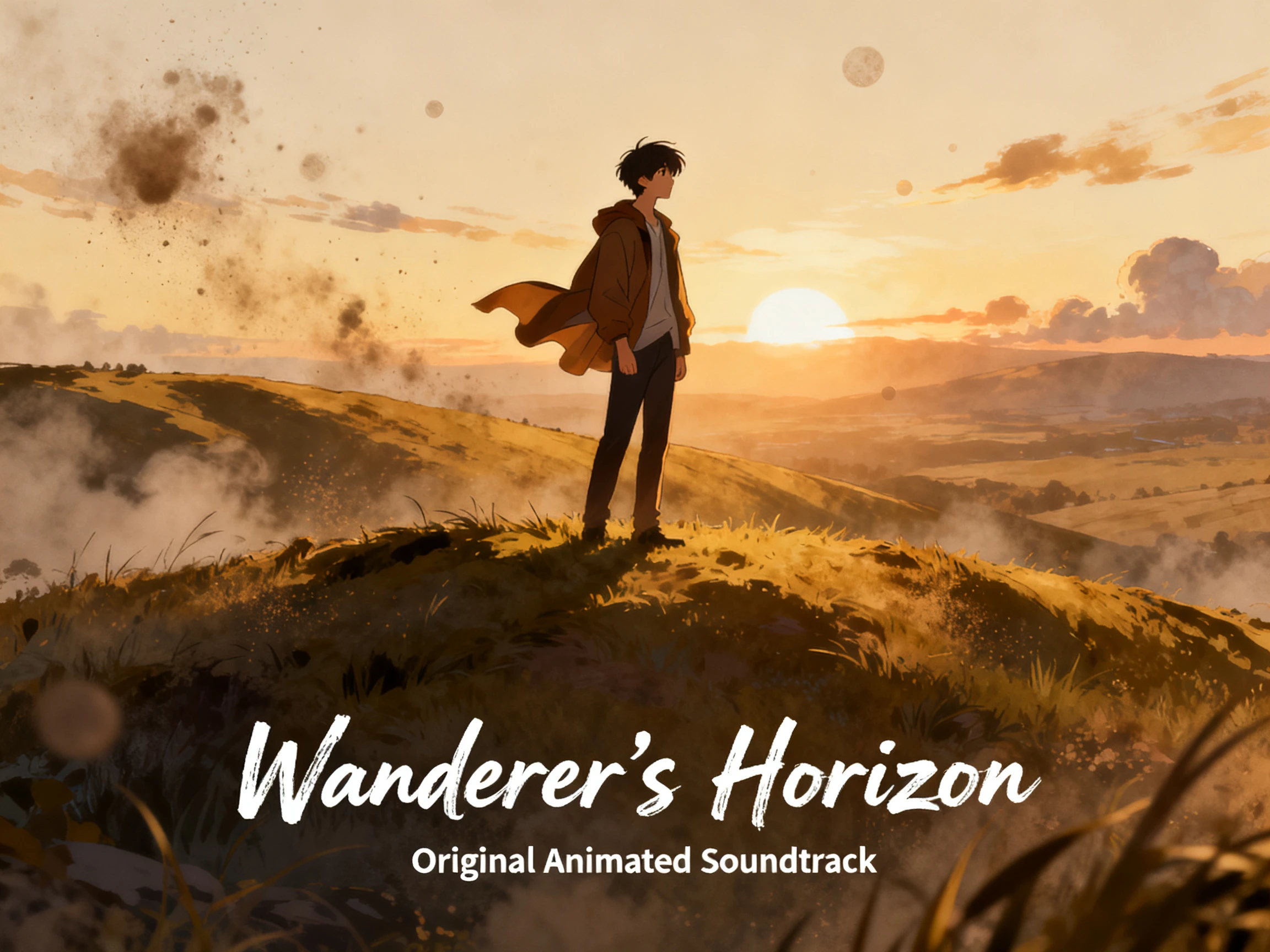

Drop in your finished track and let Magiclight AI turn its rhythm into an animated music video. Pick your style, skip the shoot, and make it work with no editing skills required.
Create AI Animated Music Video For Free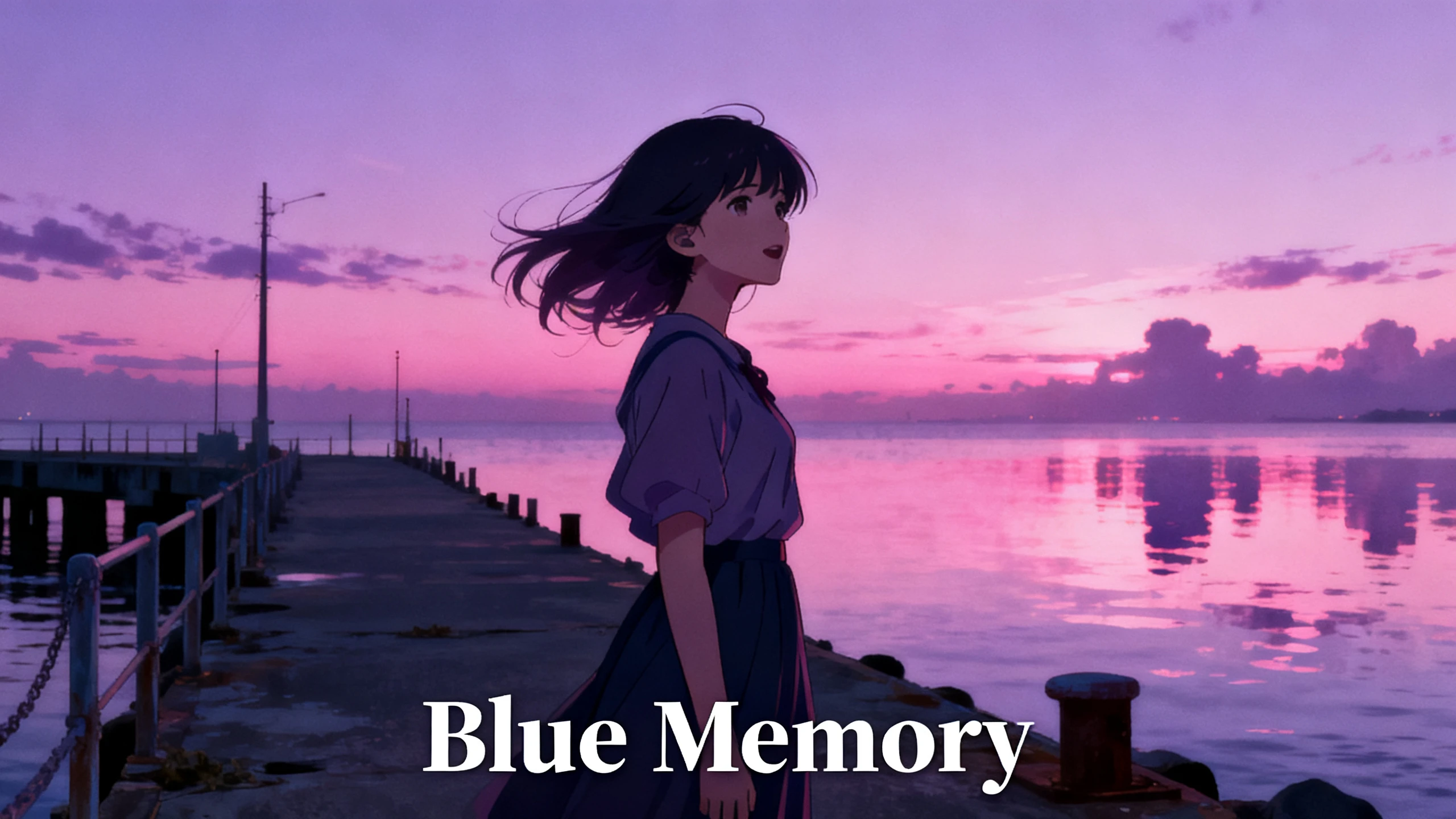










See what an animated music video generator needs when there is no script at all. Bring the track, choose the look then decide who appears and how each scene should feel onscreen.
Somebody has to be on screen throughout it. Describe the artist or band over 1000 characters and Magiclight AI brings them back on the next single without any redescribing at all.
Create NowThe audio is the starting point here rather than a script. Upload your own MP3, WAV or M4A recording, or take one of the 15 pre-built songs if the record is not finished yet.
Create Characters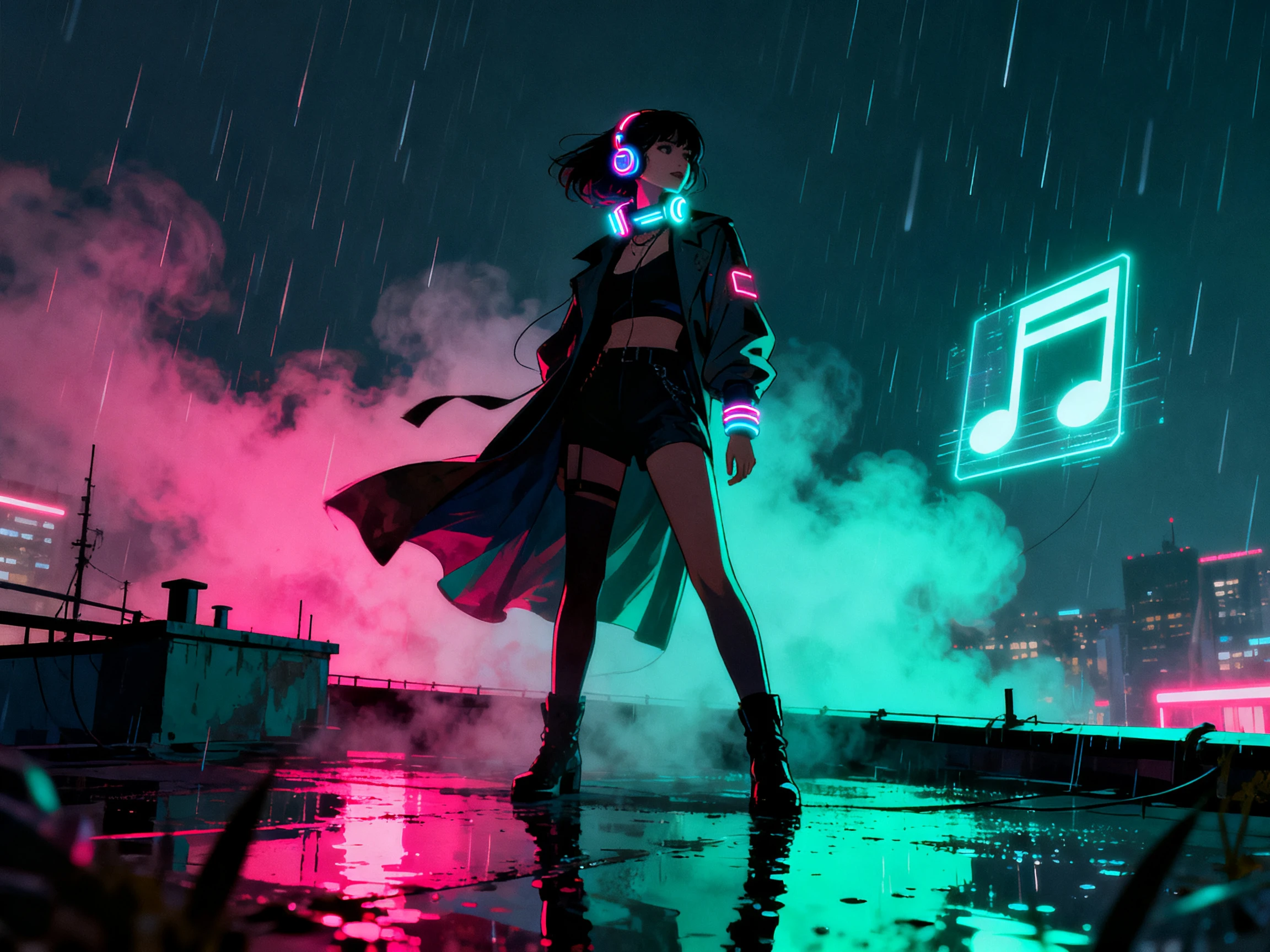
With nothing narrated, the look is doing all of the work. Choose from 52 styles held across four model groups and the record gets a treatment that suits it rather than a default one.
Generate a Video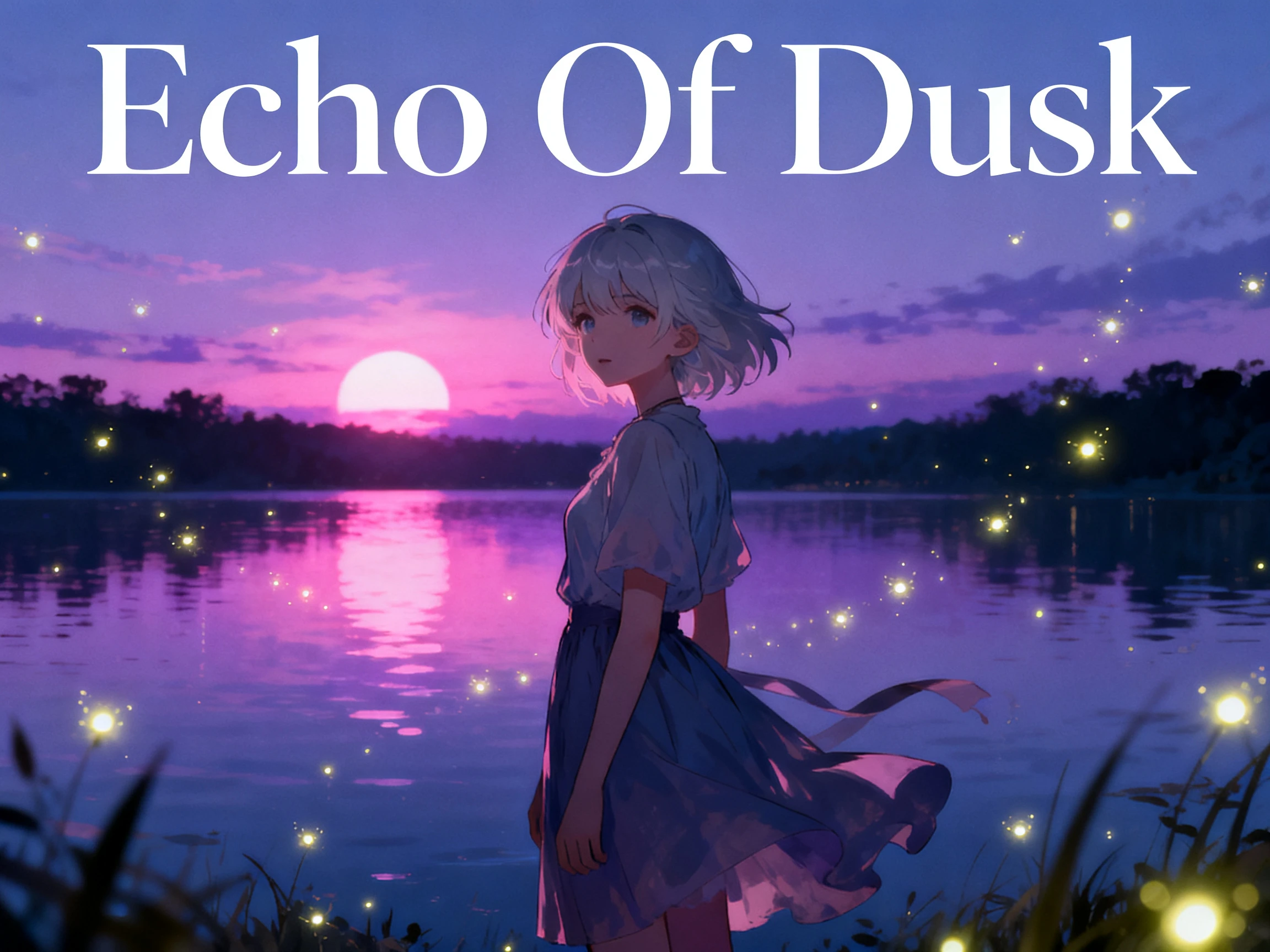
A good share of listeners will scroll past on mute. Put the words up with one of the 16 subtitle options, so the song still reaches somebody who never turns the sound on at all.
Start Creating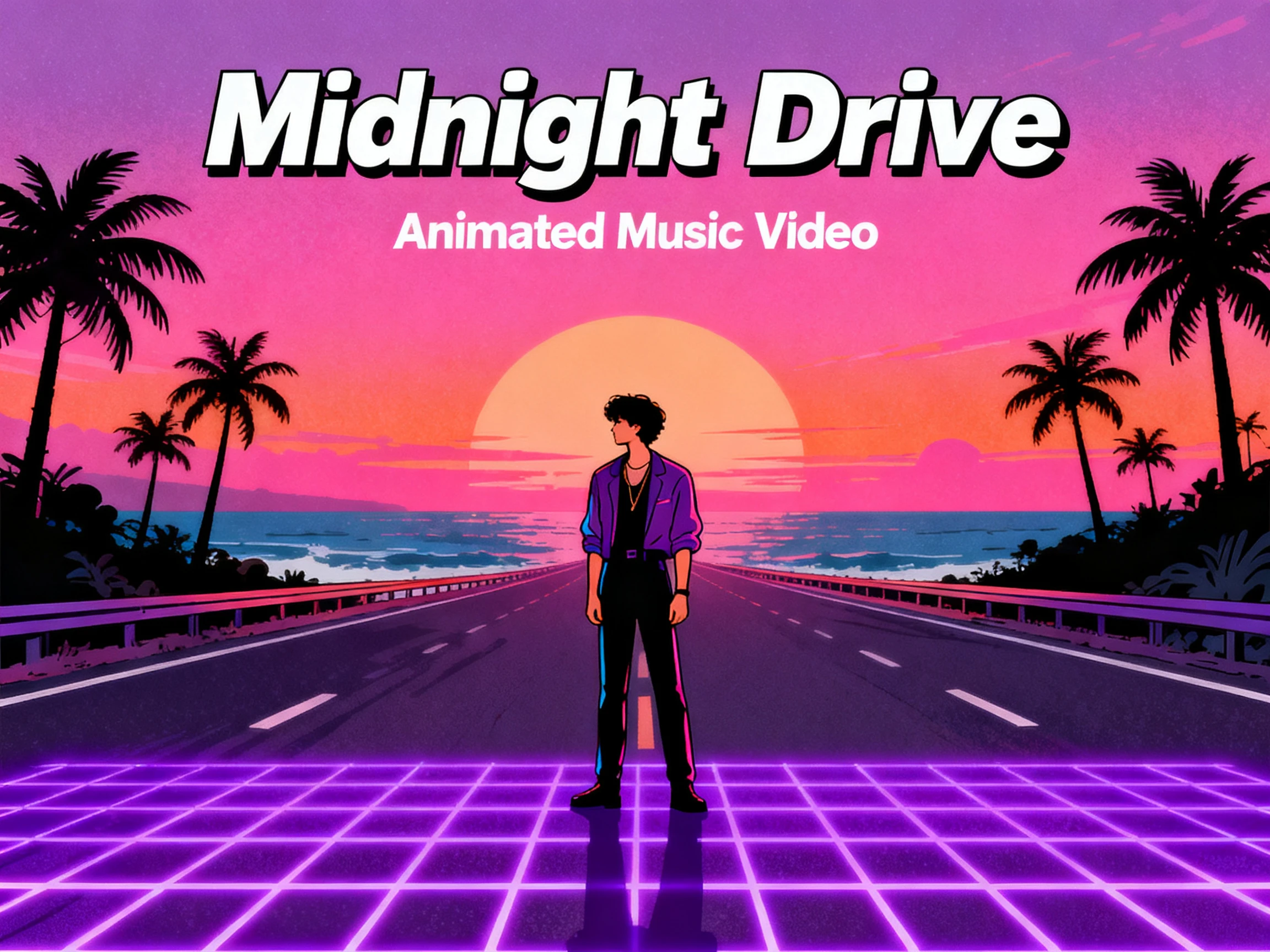


From first beat to final frame, 4 steps cover the whole process. Use an AI animation music video generator for free to set the track, visuals, lyrics, and export.
Describe your song in up to 200 characters and choose a genre, or select one of 15 prebuilt tracks when you want to get started without making audio first.
Pick the visual style for the video, then create a performer or choose a character already saved in your library to keep the same look across the scenes.
Set what happens in each shot before generation. Adjust the performer’s pose, expression, outfit, movement, and scene direction until the storyboard looks right.
Choose a subtitle style for the lyrics, select a cover from the available options, then export the finished song video in either 720p or 1080p.
Composer
I kept looking for a script box, but there simply isn’t one. Instead, Magiclight AI starts with the music and asks how I want the piece to look.
Independent Artist
A director quoted us more than the whole record cost. Using Magiclight AI gave us a music video we were genuinely comfortable releasing.
Music Publisher
Every release on our label needs its own look without losing quality. From one track to the next, Magiclight AI lets us switch the visual style easily.
Band Manager
Our band needed to look the same across four singles. The reusable characters in Magiclight AI helped us keep those familiar faces consistent in every video.
No. With a free AI animation music video generator like Magiclight AI, the finished track leads the process. You describe the visual direction instead of writing a spoken script.
Not in this mode, because the song is already the audio. Magiclight AI turns the voiceover off for music video work, so anything you want said has to be in the lyrics.
Yes. Choose 9:16 for Shorts, Reels, and TikTok or 16:9 for widescreen platforms. The Magiclight AI animated music video generator sets the frame before the video is generated.
MP3, WAV, and M4A files all go straight in. If the song is not ready, Magiclight AI has 15 pre-built tracks and can write one from a short description instead.
16 subtitle settings cover that. Putting the words up matters more in Magiclight AI here than on most formats, since plenty of people scroll past with the sound off.
Magiclight AI supports 11 project languages, so you can set the language around the song and audience before generation rather than adapting the finished video later.



You bring the song and then choose what it looks like. Magiclight AI handles the rest without ever asking you to write a word of narration.