Turn Songs Into Cartoon Scenes
Share a music idea, chorus concept, or mood. Magiclight AI turns your vision into a cartoon-style video with scenes that match the rhythm and mood.
Start Creating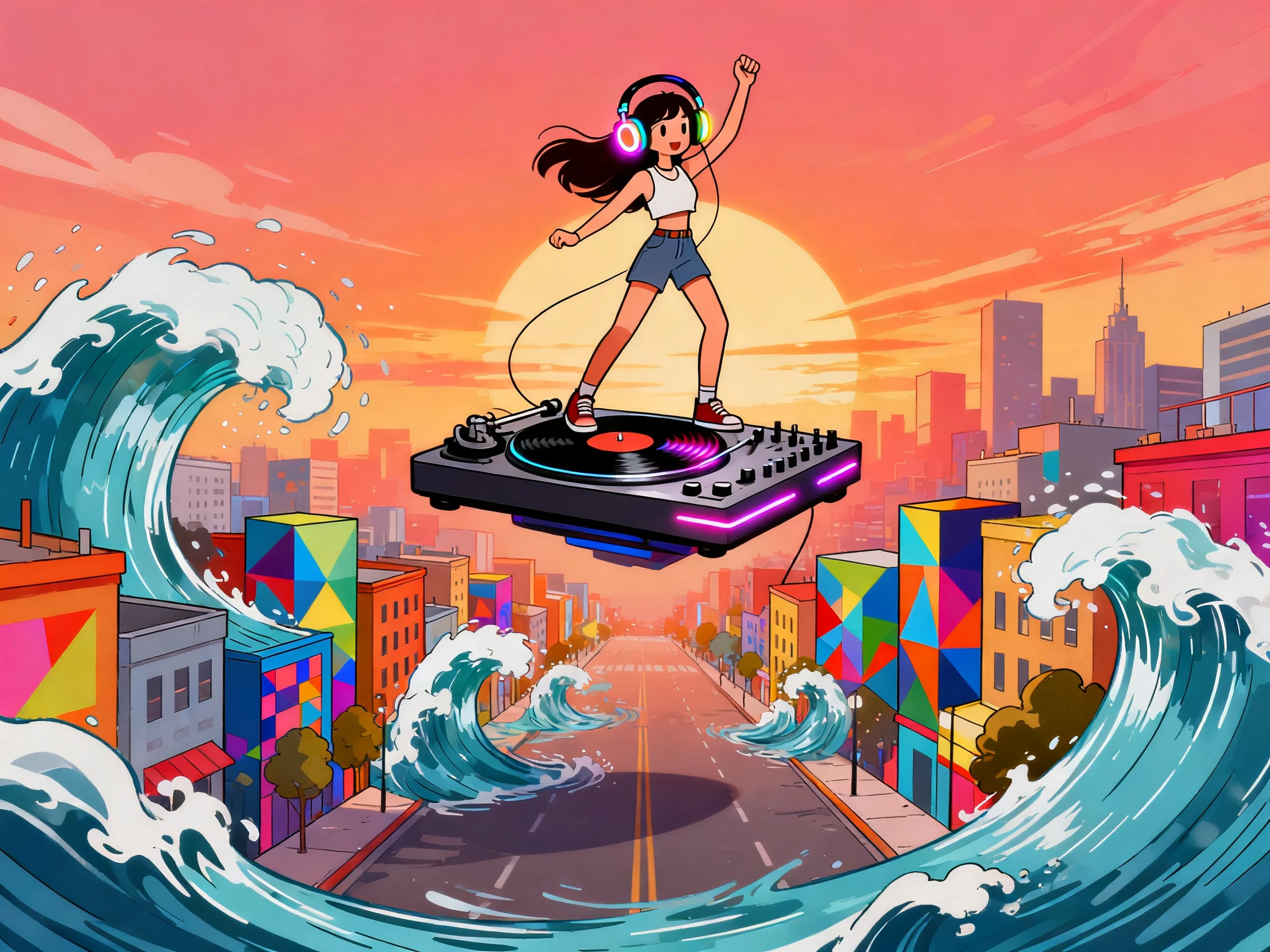

Turn music ideas, beats, or concepts into animated cartoon videos with Magiclight AI. Create characters, build scenes, and bring your vision to life with no experience needed.
Create Cartoon Music Video Free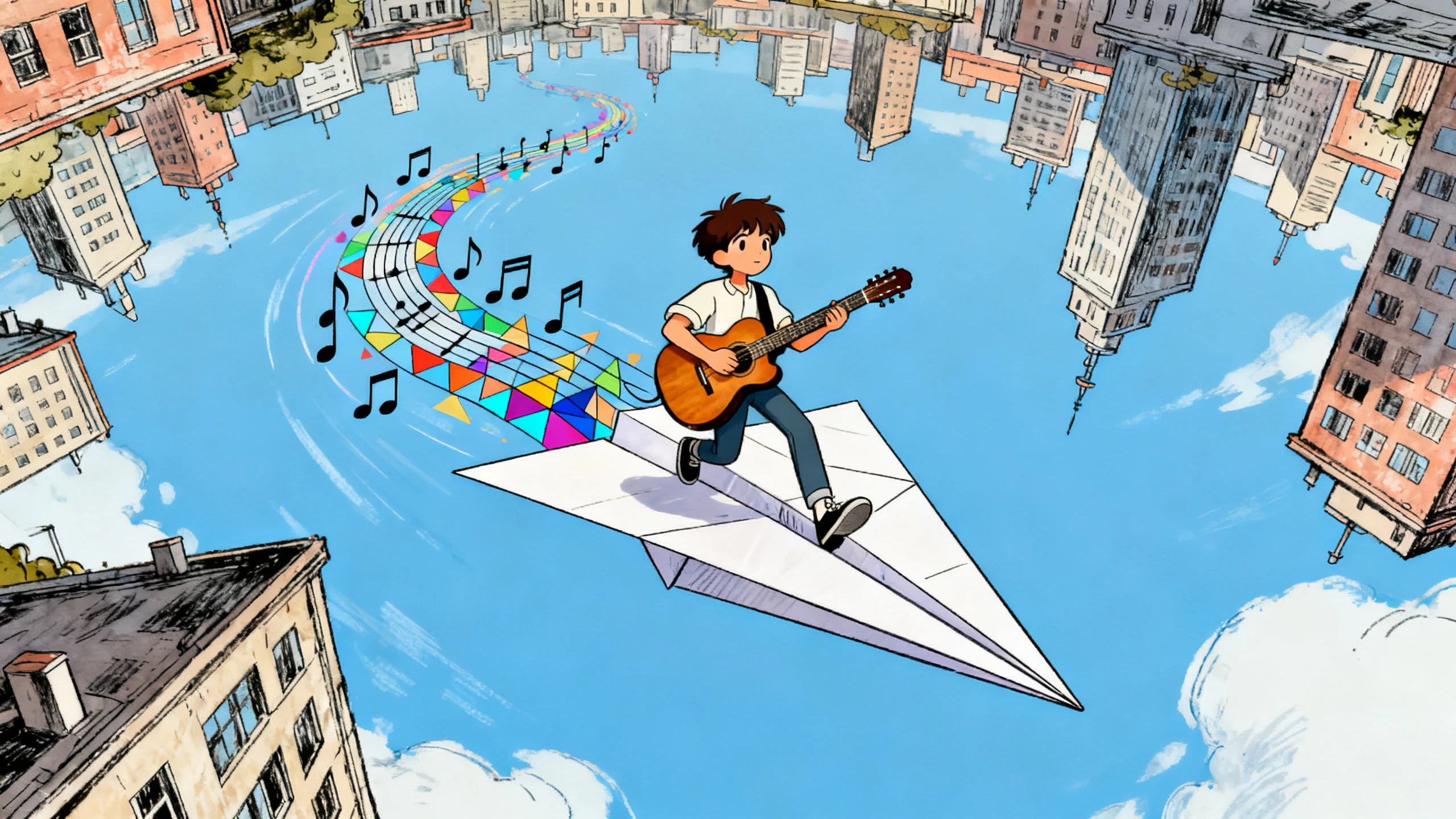









Magiclight AI turns your music ideas into visual stories instead of random clips. Create cartoon characters, plan scenes around your concept, choose a matching style, and build your video in one workflow.
Share a music idea, chorus concept, or mood. Magiclight AI turns your vision into a cartoon-style video with scenes that match the rhythm and mood.
Start CreatingDesign singers, dancers, mascots, heroes, band members, or recurring cartoon characters with the look and personality your music needs. Use the same cast across intros, chorus scenes, and ending shots.
Start Creating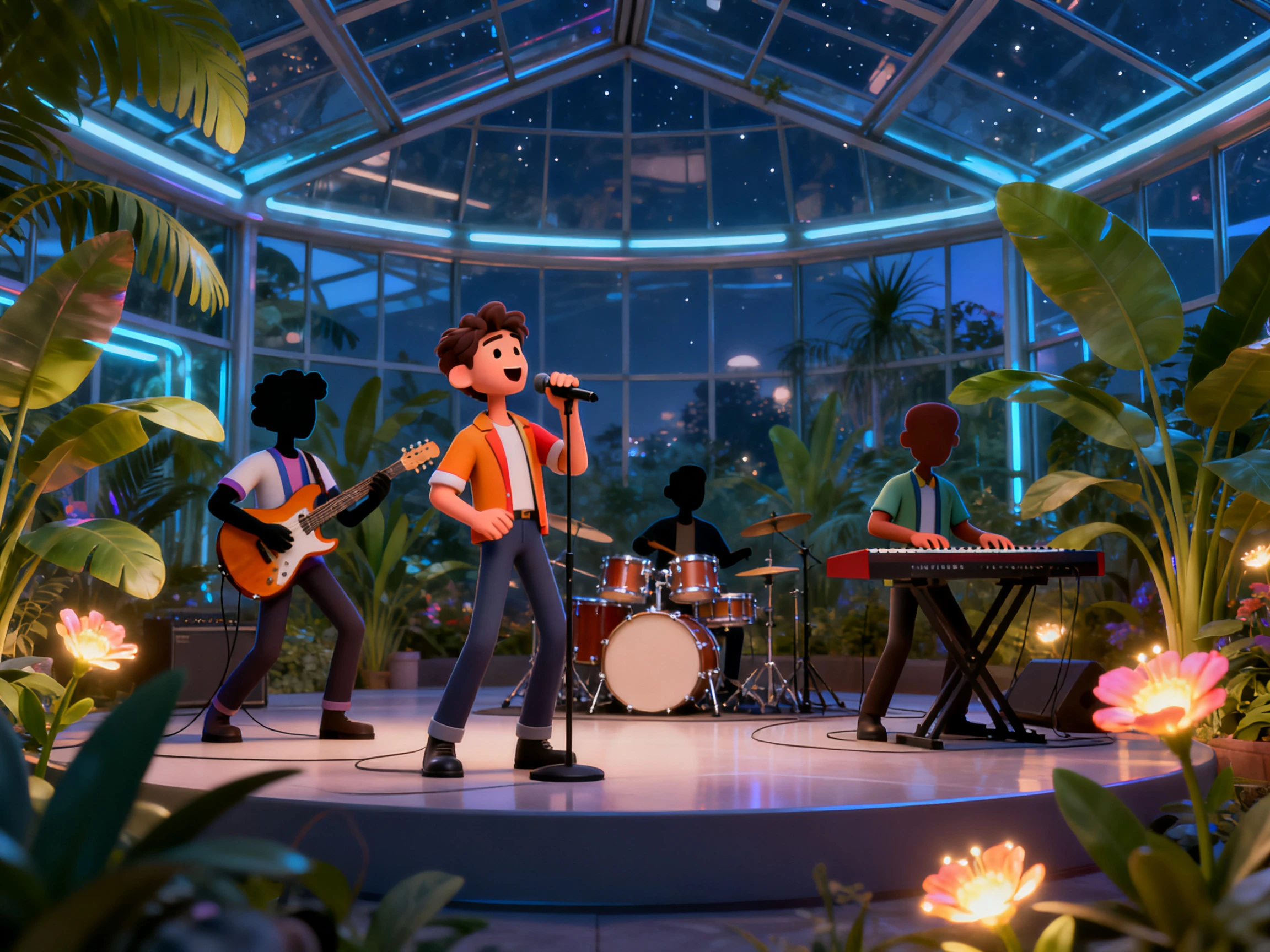
Choose a cartoon style that matches the track, from playful and colorful to dramatic and cinematic. Magiclight AI supports style selection so the video does not feel disconnected from the music.
Start Creating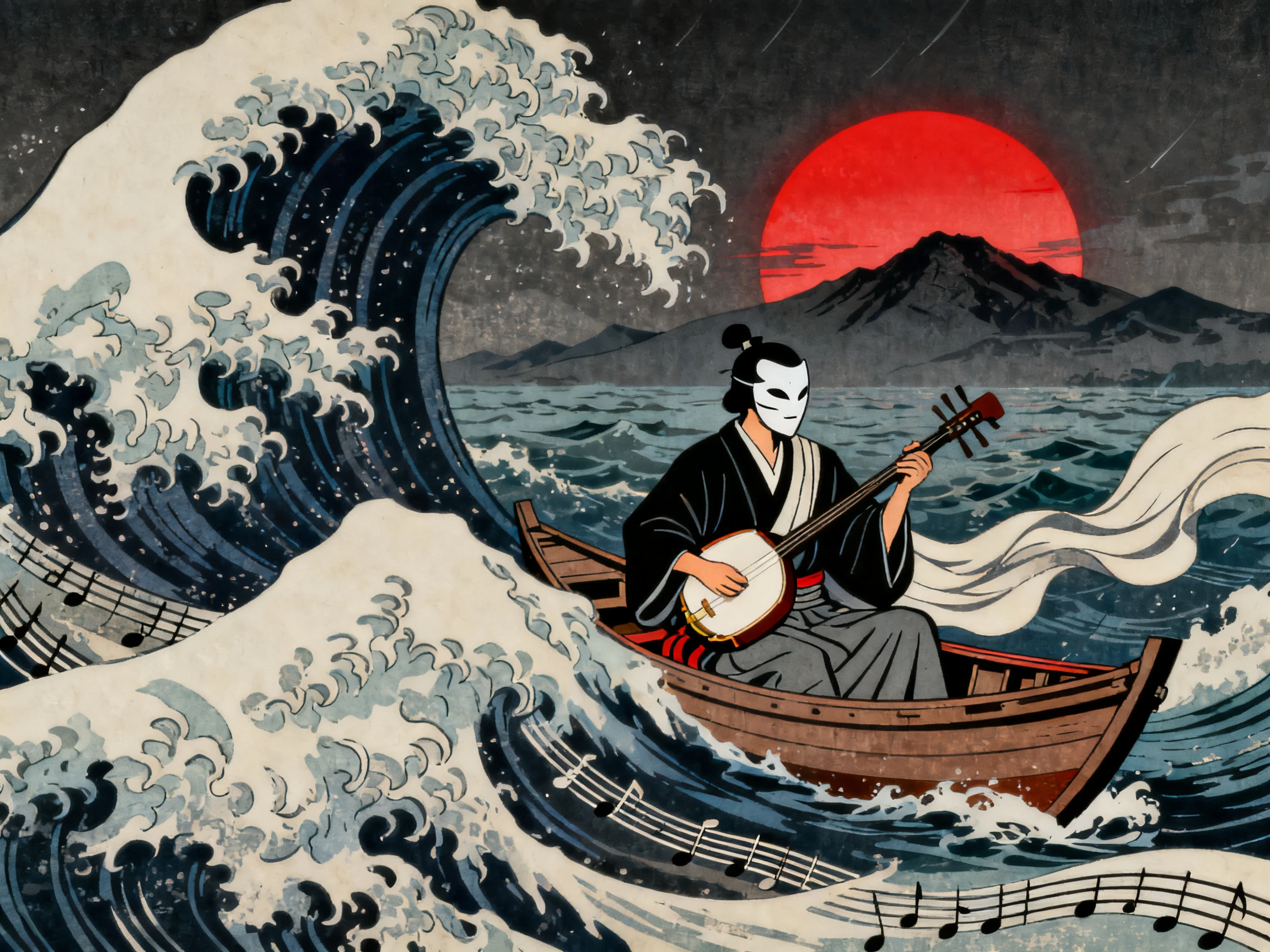
Use Magiclight's storyboard tools to line up verses, hooks, chorus changes, dance moments, and visual transitions. Adjust scenes before rendering so the final video feels planned instead of stitched together.
Start Creating


Turn your music ideas into animated videos. Create characters, plan scenes, refine visuals, and export your final video.
Start with a music idea, beat, chorus, lyric concept, or prompt. Describe your vision and let Magiclight AI turn it into a cartoon-style video.
Design the main characters, choose the cartoon look, and decide how the video should feel. You can keep the same characters across the full track if the song needs a recurring cast.
Arrange the storyboard so the visuals follow the verses, hook, drop, bridge, and final ending. Adjust timing, transitions, and scene energy before rendering.
Choose subtitles, cover art, background music options, and export settings. Preview the cartoon music video, then download or publish it from Magiclight AI.
Music Video Creator
I start with a music idea, and Magiclight AI turns it into a cartoon story with a clear visual direction. The storyboard helps shape the concept before export.
YouTube Channel Owner
The reusable characters are what made this useful for my channel. I can keep the same animated cast and switch songs without rebuilding everything from the beginning.
Social Media Creator
I use it for short cartoon clips built around one chorus or beat drop. Magiclight AI makes it easier to keep the timing tight and the visuals on rhythm.
Brand Content Manager
For campaign music, cartoon visuals help content stand out. Magiclight AI turns your music concepts into branded animated videos ready to publish.
An AI cartoon music video generator turns music concepts and lyric ideas into animated videos with characters, scenes, subtitles, and visuals that match the mood of the music.
No. You can build the cartoon music video on your music idea, then use Magiclight AI to create the visual story, characters, and scene flow that match it.
No. Magiclight AI supports character creation inside the workflow, so you can define the cast, keep them consistent, and reuse them across different scenes or future videos.
Yes. You can use the same workflow for short animated clips, chorus highlights, social posts, and beat-driven videos for platforms like Shorts, Reels, and TikTok.
Yes. You can use storyboard controls to adjust timing, scene order, character actions, transitions, subtitles, and visual style before rendering the final video.
You can also create cartoon visuals for campaigns, character-based promo content, animated hooks for social media, branded music clips, and story-driven song visuals.



Bring your music ideas to life with Magiclight AI. Create cartoon music videos with animated characters, engaging scenes, and visuals ready to publish.