








Hero background

AI Anime Story Video Generator

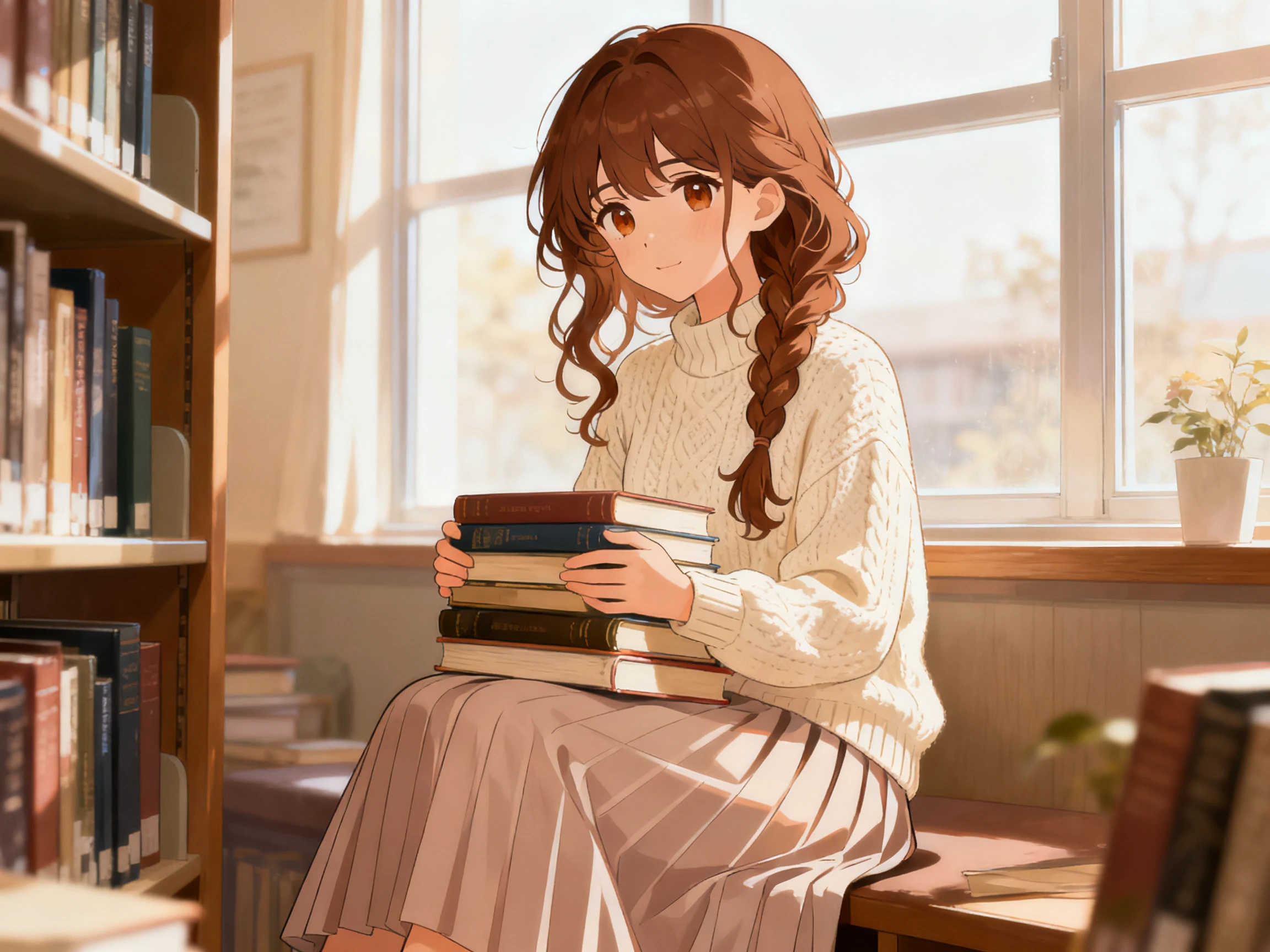
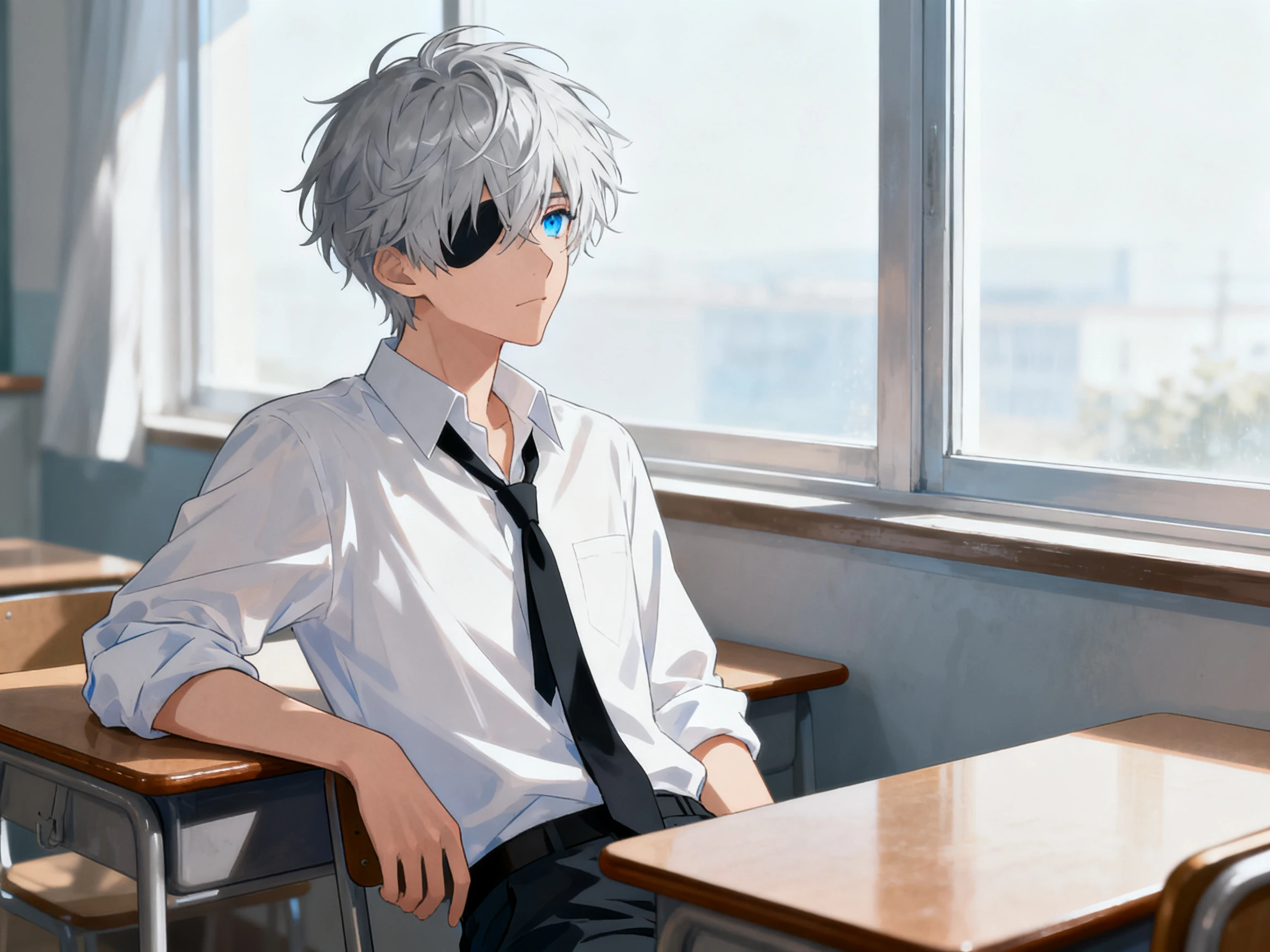
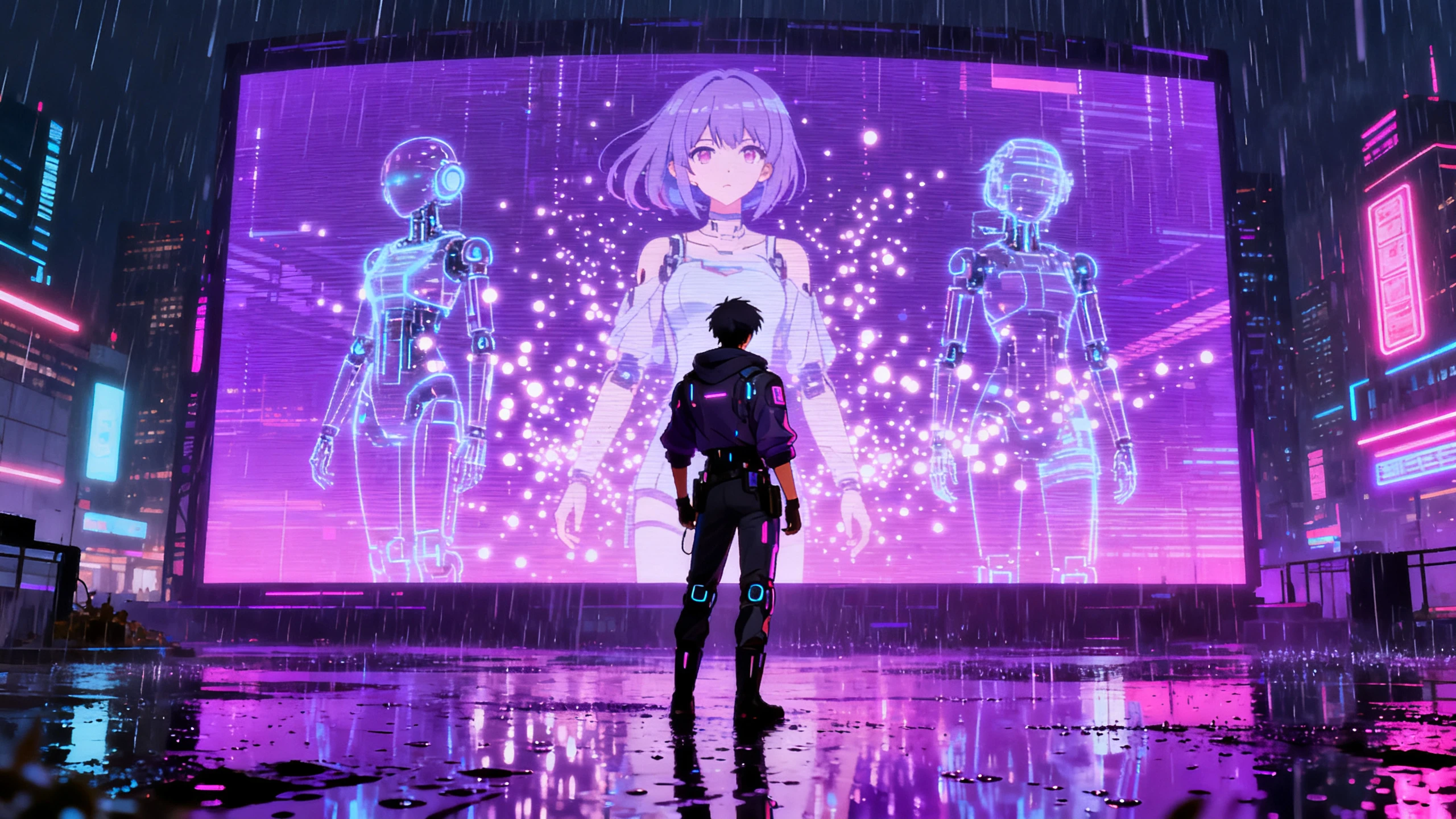
Turn anime stories, manga plots, or fantasy ideas into complete animated videos with Magiclight AI. Create consistent characters, scenes, voiceover, and music with no experience needed.

Create Anime Story Video Free
AI anime story video generator
gemini
sora
seedance
hailuo
kling
midjourney
qwen
nano banana
veo3
gemini
sora
seedance
hailuo
kling
midjourney
qwen
nano banana
veo3
gemini
sora
seedance
hailuo
kling
midjourney
qwen
nano banana
veo3

Explore the Features of Magiclight AIAnime Story Video Generator

Anime storytelling depends on character identity, visual style, emotional pacing, and shot-by-shot direction. Magiclight AI gives creators a full workflow from anime script to storyboard, character setup, voice, music, subtitles, and final video.

Turn Anime Plots Into Scene-Based Videos

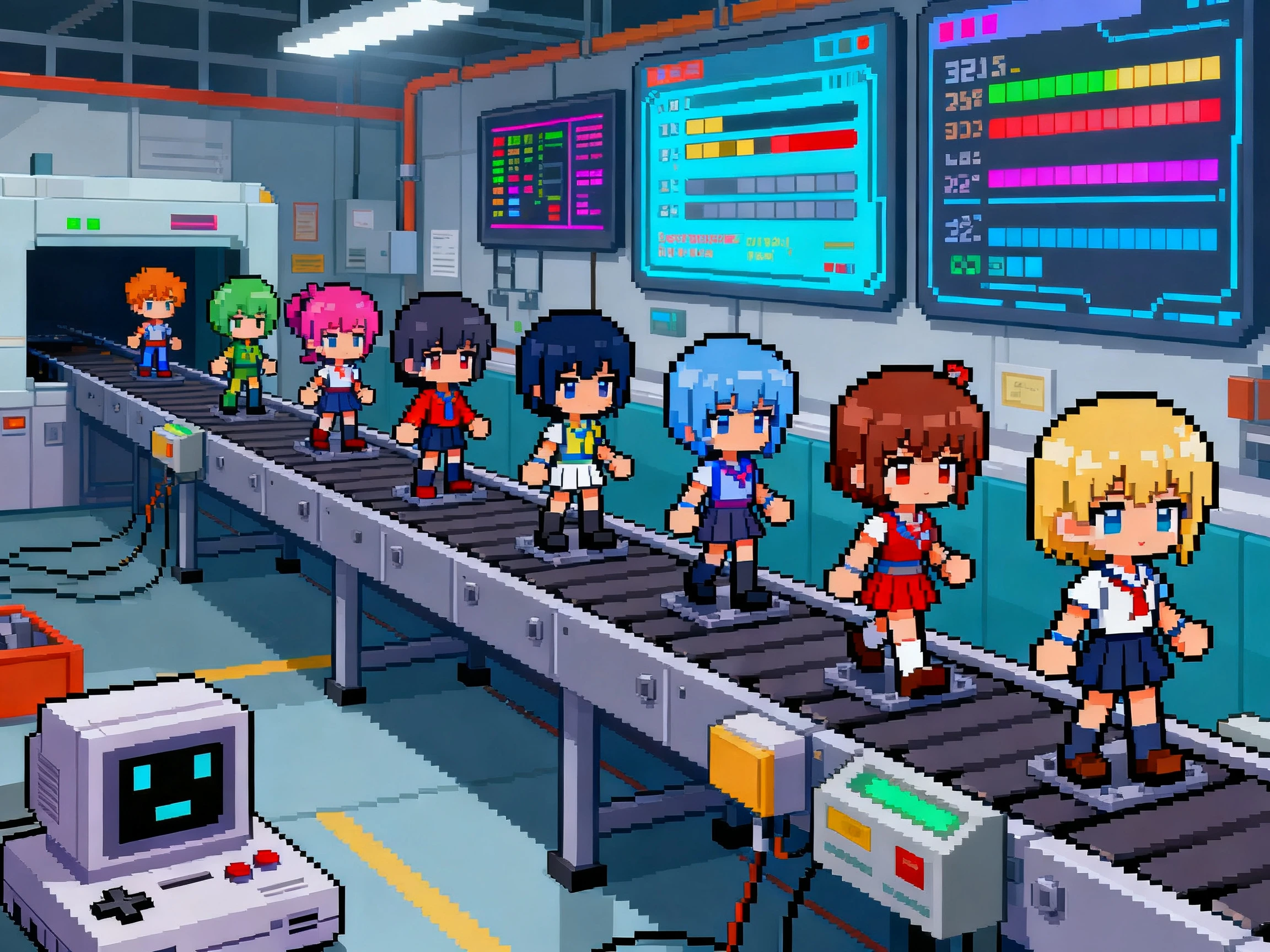
Paste an anime script, manga plot, light novel chapter, fantasy outline, school romance idea, battle scene, or isekai premise of up to 12,000 characters. Magiclight AI reads the story, detects shifts in location, time, action, and cast, then builds a scene structure for video generation.

Start Creating
anime story to video AI

Create Consistent Anime Characters

Design heroes, rivals, love interests, mentors, villains, and side characters with detailed prompts of up to 1000 characters. Magiclight AI helps keep their appearance, role, personality, and voice consistent across episodes, flashbacks, transformations, and recurring story arcs.

Start Creating
AI anime character video generator

Refine Shots in Nano Storyboard

Anime scenes often need precise expressions, poses, timing, camera angles, and action beats. Use Magiclight Nano Storyboard to adjust each scene before rendering, including character actions, emotional close-ups, camera movement, visual prompts, and 50+ pose or scene options.

Start Creating
anime storyboard video generator

Add Anime Voices, Music, and Subtitles

Choose from AI voices, narration, dialogue, subtitle styles, and background music to match the mood of the episode. Create softer scenes for romance, faster pacing for action, darker sound for suspense, or playful energy for comedy and school-life stories.

Start Creating
anime story video with AI voice and subtitles
Who Can Use Magiclight AI Anime Story Video Generator
The AI anime story video generator is built for creators who want character-led animated stories without drawing every frame, recording every voice, or editing every shot manually.
Anime Story Creators
For Anime Story Creators
Turn manga-style plots, light novel ideas, and anime scripts into videos.
Build recurring casts for school romance, fantasy, sci-fi, or adventure series.
Use 20+ visual styles to test different anime looks before publishing.
Faceless Anime Channels
For Faceless Anime Channels
Create narrated anime story videos for YouTube, TikTok, Reels, and Shorts.
Keep the same narrator, character set, and subtitle style across episodes.
Use Magiclight AI to generate covers, scenes, voiceover, music, and exports in one workflow.
Writers and Web Novel Creators
For Writers and Web Novel Creators
Preview a chapter as an anime-style video before turning it into a series.
Convert character introductions, plot twists, and emotional scenes into visual episodes.
Create trailers or teaser videos for web novels, comics, and serialized fiction.
Brands and Music Creators
For Brands and Music Creators
Turn a song, character mascot, or campaign idea into an anime-style story video.
Create visual stories for games, music releases, merchandise, and fan communities.
Use animated storytelling when a normal product clip feels too plain.

How to Create an Anime Story Video With Magiclight AI

Turn your anime idea into a polished video through a streamlined workflow from story planning and character creation to visual editing and final export.

1.

Paste Your Anime Story or Prompt

Start with a manga plot, anime script, character arc, web novel scene, fantasy premise, romance idea, battle sequence, or short outline. Add the genre, tone, and audience so Magiclight AI can shape the story direction.

2.

Build Characters and Visual Style

Create anime characters with names, personalities, appearances, voices, outfits, and roles. Choose a visual style that fits the story, from soft romance and school life to fantasy adventure or darker suspense.

3.

Edit the Anime Storyboard

Review the generated scenes in Nano Storyboard. Adjust expressions, poses, action beats, camera direction, dialogue, pacing, and scene prompts before video rendering begins.

4.

Add Audio, Subtitles, and Export

Select AI voices, background music, subtitle style, cover image, and export settings. Preview the anime story video, make final edits, then download or publish it from Magiclight AI.

What Users Say About Magiclight AI'sAnime Story Video Generator

Maya Whitmore

Anime Story Channel Creator

I write anime plots but I cannot animate a full episode by hand. Magiclight AI gives me scene splitting, characters, voices, and a storyboard I can actually edit before publishing.

Camille Rousseau

Web Novel Writer

My readers always ask for visual previews. I use Magiclight AI to turn chapter moments into anime-style videos with the same characters and a clear emotional beat.

Bo Nakamura

Faceless Channel Operator

The reusable character setup helps my channel feel like a series. I can bring the same hero back, change the story, and keep the voice and visual style consistent.

Greta Lindqvist

Music Video Producer

For anime-inspired music visuals, Magiclight AI helps me build a small story instead of random clips. The storyboard and music controls make the video feel planned.

FAQs on AI Anime Story Video Generator

What is an AI anime story video generator?

An AI anime story video generator turns anime scripts, manga-style plots, web novel scenes, character arcs, or story prompts into animated videos with scenes, characters, narration, music, subtitles, and visual style.

Can Magiclight AI create anime characters for my story?

Yes. Magiclight AI supports character creation with detailed prompts, including appearance, personality, role, style, and voice. You can reuse characters across multiple scenes or episodes.

Can I edit the anime scenes before exporting?

Yes. Nano Storyboard lets you review and refine scene prompts, character actions, expressions, poses, timing, camera direction, narration, subtitles, and music before final export.

What anime genres can I create?

You can create school romance, fantasy adventure, sci-fi stories, isekai plots, mystery episodes, emotional drama, comedy scenes, battle stories, music visuals, and faceless anime story videos.

Can I make a faceless anime story channel with Magiclight AI?

Yes. Magiclight AI is useful for faceless anime channels because it supports story generation, reusable characters, AI voices, subtitles, music, cover generation, and repeatable video workflows.

Can I start with only a short anime idea?

Yes. You can start with a short prompt or rough outline. Magiclight AI can help expand the idea into a structured story, split it into scenes, and prepare it for video generation.

Create Your AI Anime Story Video With Magiclight AI

Bring your anime stories to life with Magiclight AI. Turn your ideas into polished anime videos in just a few clicks.