19 AI Video Models for Smoother Motion
Match the movement to the mood using models such as Kling or Seedance 2.5. Magiclight AI can animate slow, controlled scenes without making the visuals feel too busy.
Start Creating Free

Generate calming ASMR videos with a steady voice and pace in Magiclight AI. No microphone or editing skills are needed for smooth, relaxing scenes from start to finish.
Create ASMR Video For Free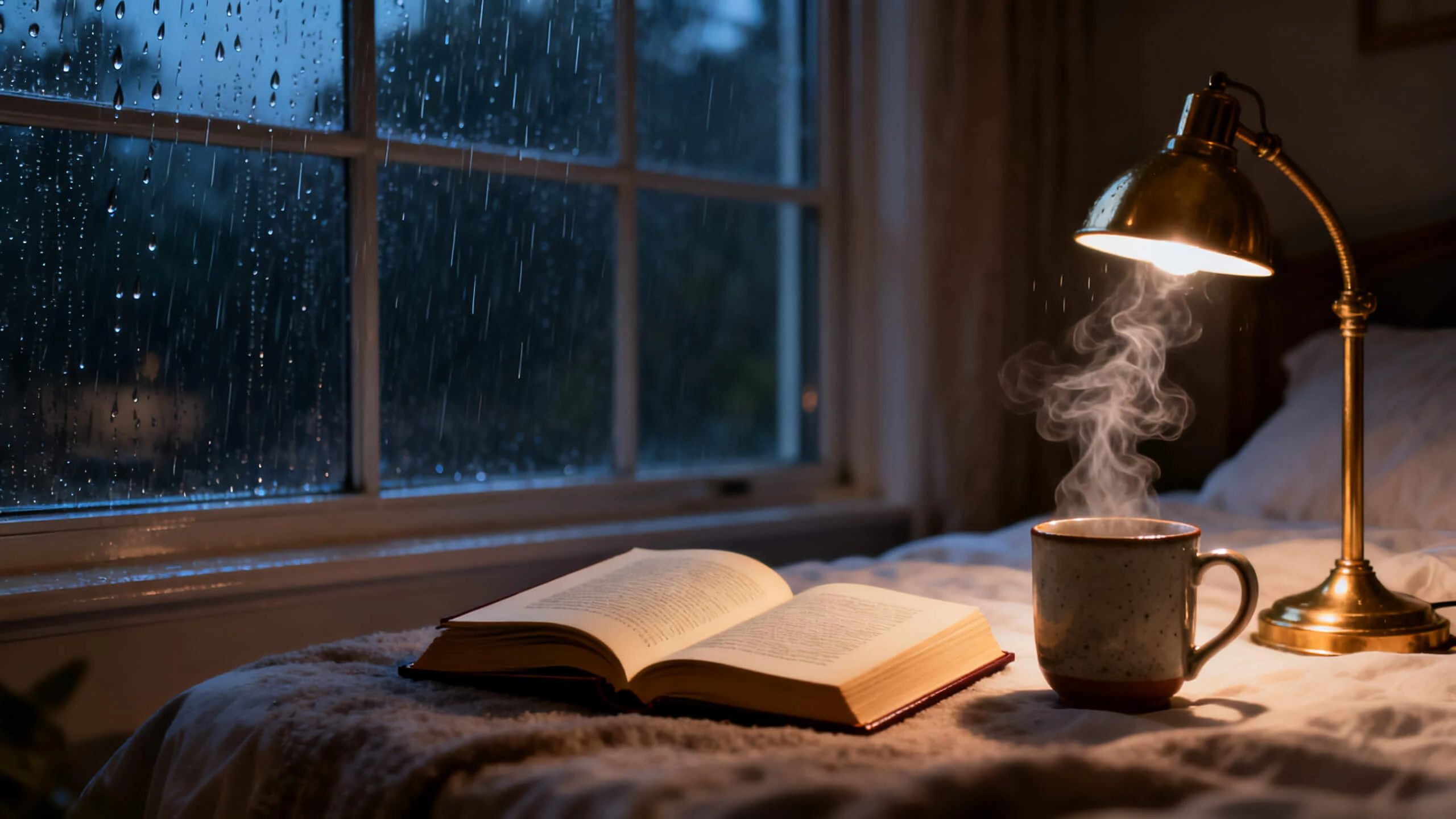










Keep your ASMR video calm from beginning to end with the Magiclight AI ASMR video generator. Set the voice, control the pace, and maintain one visual style across each scene.
Match the movement to the mood using models such as Kling or Seedance 2.5. Magiclight AI can animate slow, controlled scenes without making the visuals feel too busy.
Start Creating FreeUse Magiclight AI's animation models to give still concepts gentle movement. This works well for repetitive ASMR visuals where sudden changes would feel distracting to viewers.
Start Creating Free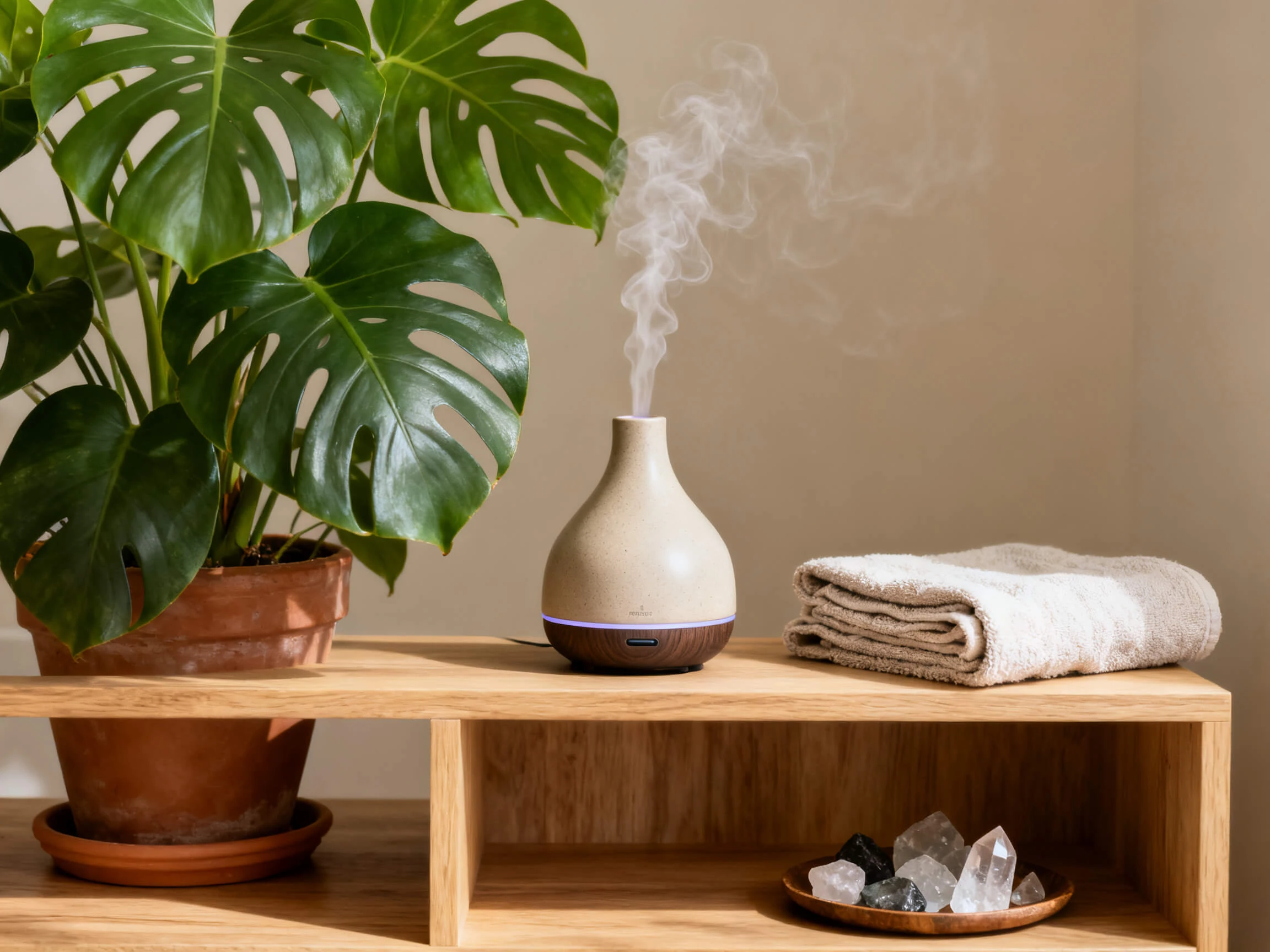
ASMR often works better in longer sessions than short clips. Add up to 12,000 characters of script so Magiclight AI can carry the idea across multiple scenes and create longer videos of 30- to -50-minutes.
Start Creating Free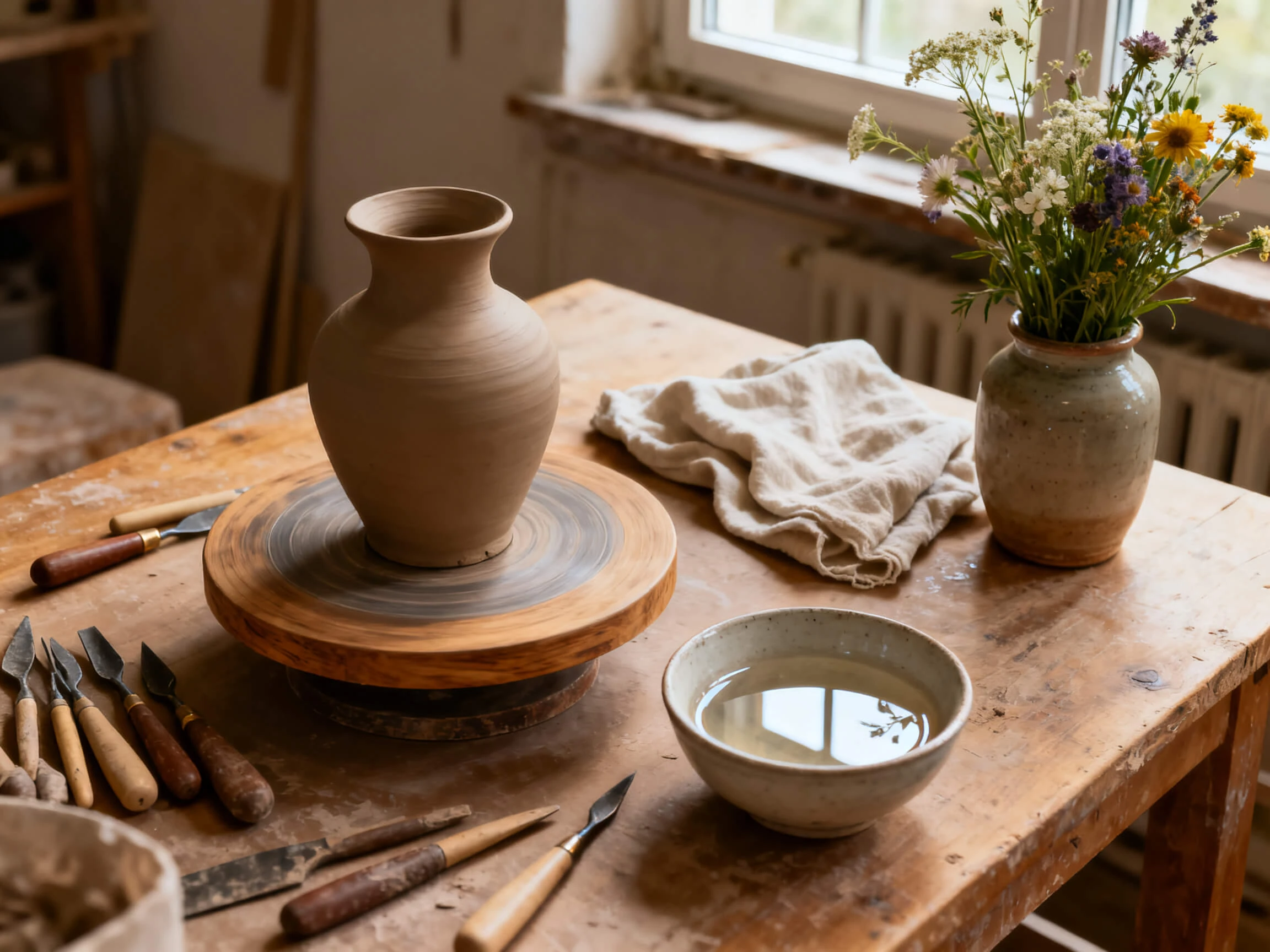
Set one of the 20+ visual styles within Magiclight AI to keep the same atmosphere across your scenes, rather than switching looks halfway through the ASMR video.
Start Creating Free


Start with the AI ASMR video generator free workflow and move through 4 steps. Add your script, select a calm voice, adjust the scenes, and export your video.
Enter your ASMR idea or script, with up to 12,000 characters available. Magiclight AI organizes the content into scenes for the video.
Pick from 37 voices or clone your own, then select a visual style that matches the calm mood you want throughout the video.
Review each scene and adjust the camera angle, character expression, and pose. Keep the visuals gentle and consistent with the mood of your ASMR video.
Add one of the 40 available background tracks, finish the presentation, and export your ASMR video in 720p or 1080p.
Podcaster
My listeners notice straight away if the voice changes partway through. Magiclight AI keeps the same voice running for the whole video, however long it is.
Video Producer
Short clips were never going to work for a sleep channel. Writing a full script in Magiclight AI gives me one long video instead of twenty small ones.
Voice Actor
I wanted the narration to sound like me without recording it every single night. Cloning my voice in Magiclight AI meant I only had to record once.
Wellness Coach
Half the people in my classes do not speak English at home. Magiclight AI lets me put out the same meditation in a few different languages at once.
Not this one, and it is worth knowing up front. Magiclight AI produces animated video only, so the glass-cutting and fruit-slicing clips you have seen elsewhere come from a different kind of tool.
Yes. Signing up gives you free credits with no card involved, which is enough to build a short session in Magiclight AI and hear how the voice and the music sit together.
Long enough for a full sleep video. A 12,000-character script goes into Magiclight AI as one project, so you are not stitching short clips together afterward.
Yes, but using an AI ASMR generator for monetized content requires a paid Magiclight AI plan. Free credits are intended for testing the output first.
Voice cloning sits inside Magiclight AI alongside the 37 stock voices, and free credits let you try the workflow first. Check the current plan page for which tier your own cloned voice falls under.
Judge it on whether one voice holds for the whole video, whether the music stays level, and whether the picture slows down instead of cutting. Magiclight AI is built around those three.



Write your session with the free ASMR AI video generator. Magiclight AI adds the voice, keeps scenes consistent, and adds calming background music.