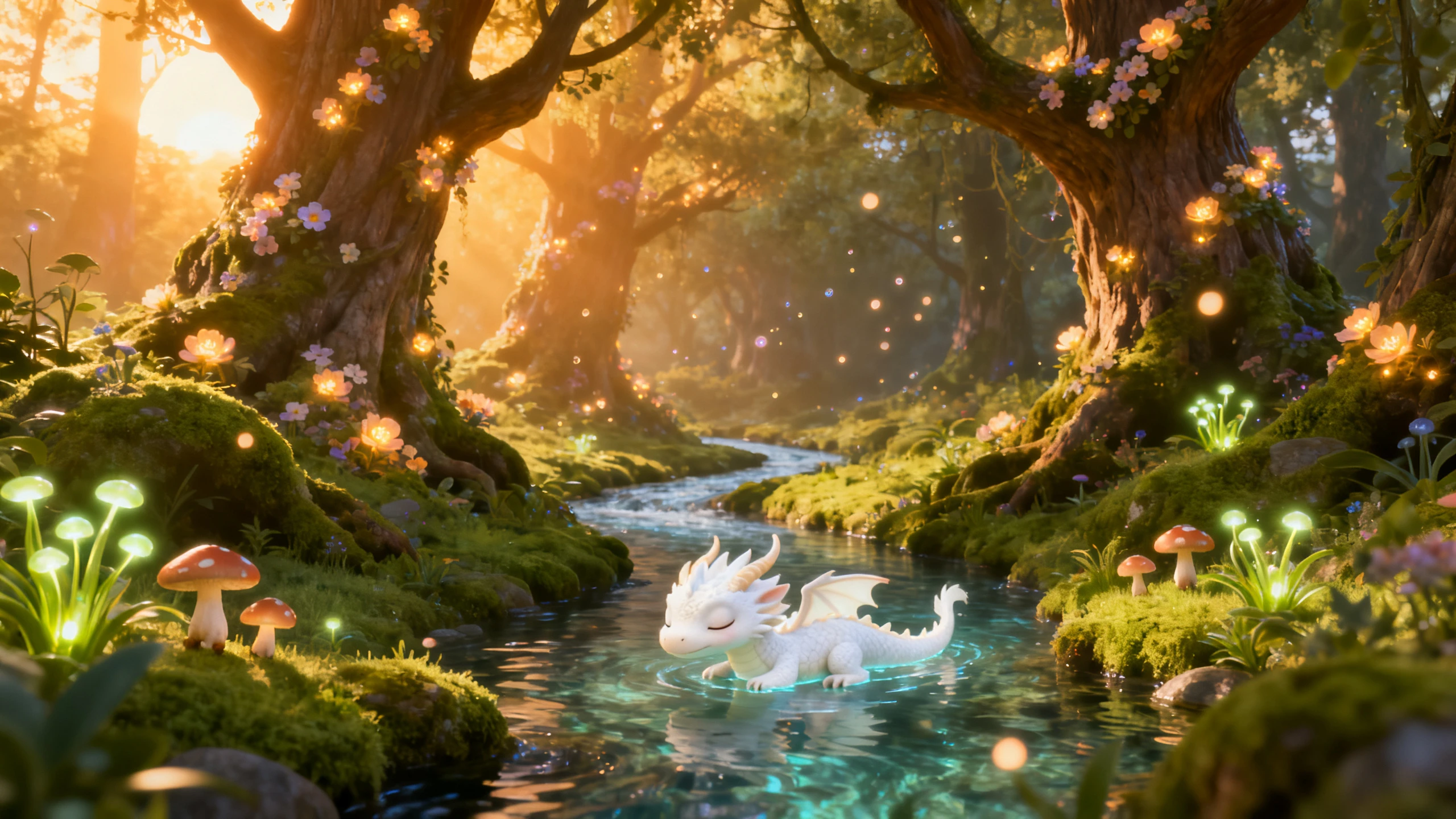
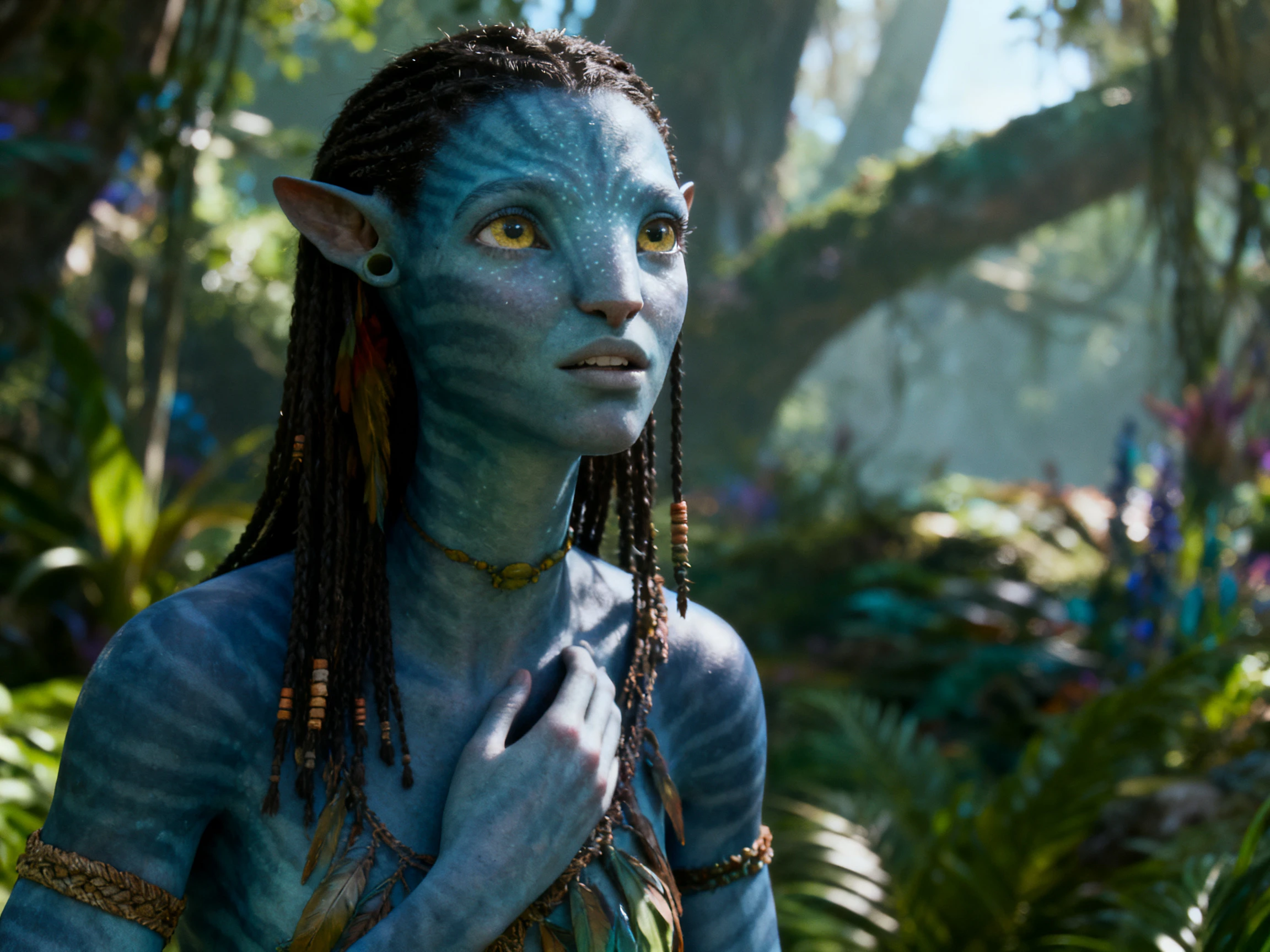
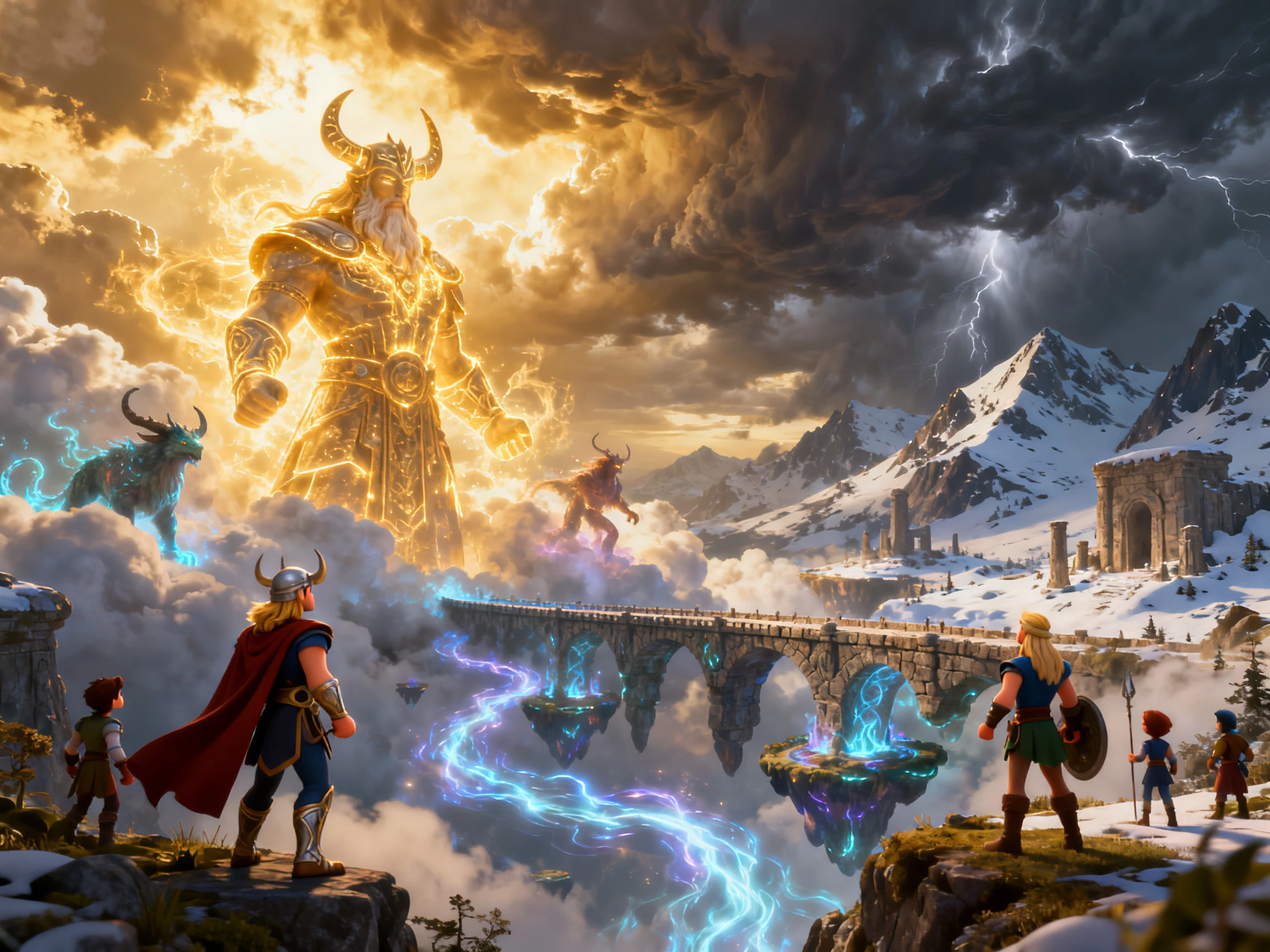
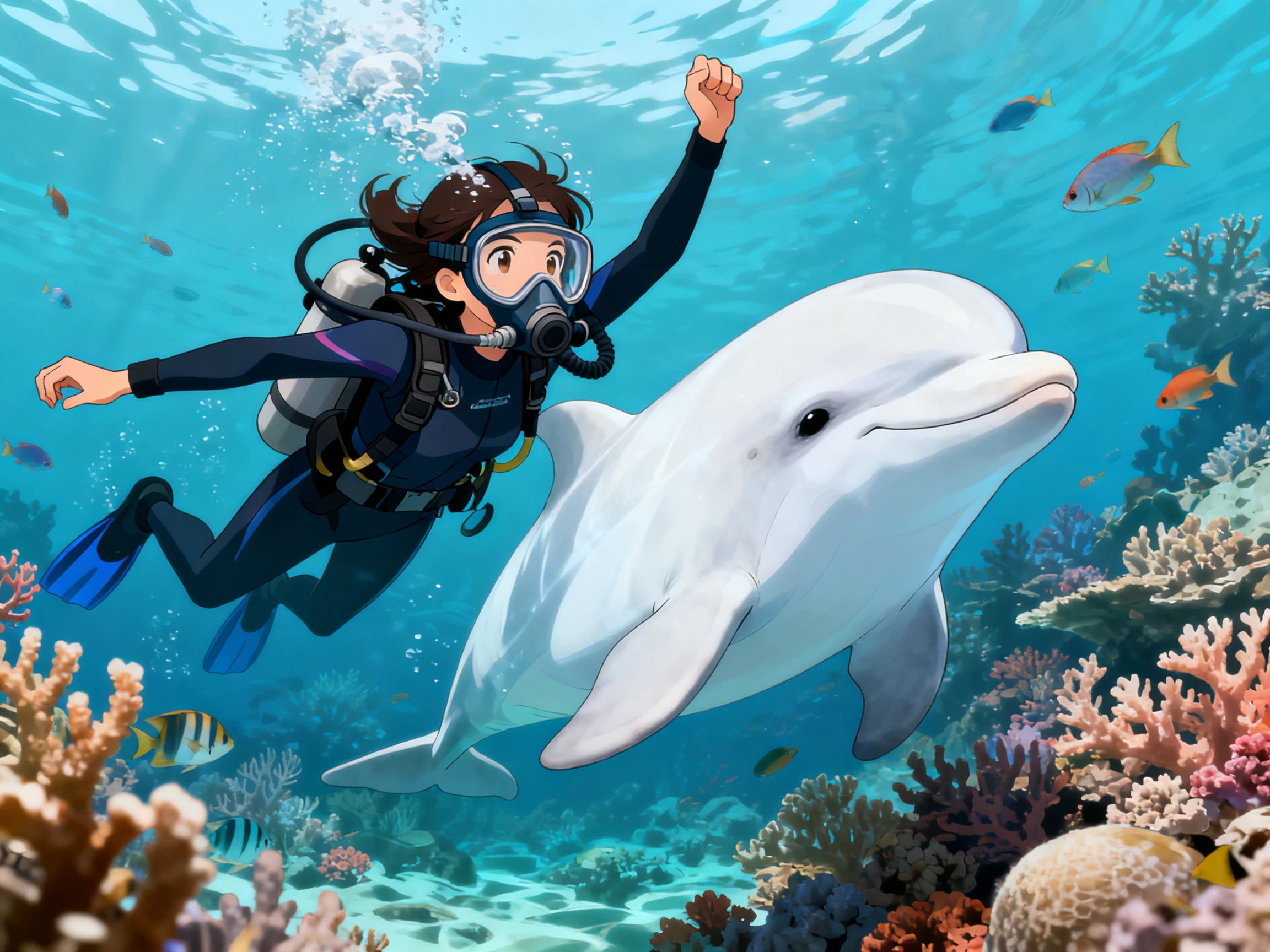
Turn one cartoon character into a complete cartoon video from your story. Magiclight AI handles the face, voice, expressions, and scenes. No animation background is required.
Explore the Features ofMagiclight AI Cartoon Avatar Video Generator
Discover how the Magiclight AI cartoon character video generator keeps your avatar consistent from start to finish. Choose the design, add a voice, and adjust each expression.
1000-Characters for Avatar Details
Give your avatar up to 1000 characters of description covering the hair, face, clothing, and accessories. Magiclight AI follows those details to create a character that stays recognizable throughout the video.
Pick from 37 AI voices or clone your own for a familiar sound. Your chosen voice stays with the avatar across every scene, giving the character a consistent personality from start to finish.
Use Seedance 2.5, Kling 3.0, and several other AI video models to create the perfect video for your cartoon. Expand simple ideas into professional videos with AI model assistance.
Save your finished avatar once, then bring the same character into future projects. The face, hairstyle, clothing, and overall design stay consistent in Magiclight AI across every new video.
Who Can Use the Magiclight Cartoon Avatar Video Generator
A single cartoon avatar can introduce lessons, explain products, answer questions, and present updates using the free AI cartoon avatar video generator.
Here are some of the ways you can use Magiclight AI cartoon avatars:
For Faceless YouTube Channels
Reuse the same avatar across every video on your channel.
Add up to 12,000 characters of dialogue per episode.
Publish commercially across YouTube through a paid Magiclight AI plan.
For Online Tutors
Change expressions using any of the 50 available poses.
Present lessons in all 11 supported languages when needed.
Add captions from 16 subtitle styles for every lesson.
For Customer Support Videos
Select from 37 voices to match your brand personality.
Answer one question clearly in each short support video.
Export every video in 720p or 1080p for your help center.
For Personal Brand Accounts
Describe your avatar with up to 1,000 characters.
Use 20 different AI video models to create specific brand-related videos.
Export 9:16 and 16:9 videos with the same character avatar.
How to Use the Magiclight AI Cartoon Avatar Video Generator for Free
Magiclight AI cartoon character video generator takes your avatar from idea to finished video in 4 steps. Describe the character, assign a voice, set expressions, and export.
1.
Create Your Cartoon Avatar
Describe your cartoon avatar in up to 1000 characters, or begin from a photo. Save the character in Magiclight AI so the same avatar returns in every future video.
2.
Write Your Video Script
Enter up to 12,000 characters describing the dialogue, story, or presentation. Magiclight AI uses your script to prepare the scenes and assign the avatar throughout the video.
3.
Edit Scenes in Nano Storyboard
Review each scene inside the Nano Storyboard before generation. Adjust character poses, expressions, and voice settings until every shot matches your script.
4.
Export Your Cartoon Avatar Video
Choose 9:16 or 16:9, then add subtitles before exporting. Finish your cartoon avatar video in 1080p when everything looks ready.
What Users Say AboutMagiclight AI's Cartoon Avatars
Nia Okonjo
Online Tutor
My first avatar looked fine until it filled the screen during lessons. Changing the expressions in Magiclight AI gave the character much more personality.
Lukas Brandt
Support Lead
Our help center needed the same presenter across dozens of support videos. Magiclight AI kept the avatar consistent, so every guide looked like part of one series.
Farah Sultan
Podcaster
Being on camera never felt comfortable for me, even after years of recording. I finally found a presenter I liked by using Magiclight AI instead.
Eitan Levi
Business Coach
People started remembering my cartoon avatar before they remembered my business name. Keeping the same character in every video turned out to matter more than I expected.
The AI cartoon avatar video generator can start from your uploaded photo. Magiclight AI turns it into a cartoon instead of copying your exact appearance.
Will the face look static while it talks?
Change expressions and poses across scenes for a more natural cartoon performance. Magiclight AI lets every shot use different facial expressions and character poses.
Is the AI cartoon avatar video generator free?
Magiclight AI gives free credits after registration without requesting payment details. Those credits usually cover one complete cartoon avatar video for testing.
Does it work as a cartoon character video generator?
The same platform creates single avatars or complete cartoon character casts. Magiclight AI cartoon character video generator supports recurring characters across different scenes and future projects.
Can a single avatar carry a whole channel?
Save your finished avatar once for every future project you create later. The same character returns consistently throughout Magiclight AI without repeated setup.
How long can one avatar video run?
One project can run for up to 50 minutes from one complete script. Magiclight AI supports 12,000-character scripts for longer tutorials and presentations.
Create a Talking Cartoon Avatar With Magiclight AI
Start with your avatar idea and a simple script. Magiclight AI gives the character a voice, expressions, and scenes for a complete animated video.