
Explore Features of Magiclight AI's Unlimited AI Video Generator
Magiclight AI’s video generator, free unlimited shows you each key tool in action. Users can test different styles, compare results, and pick what suits their content.

Magiclight AI offers an image to video AI for free, unlimited usage. You can upload images, tweak simple settings, and generate smooth videos ready to share.
Turn Images Into Videos Free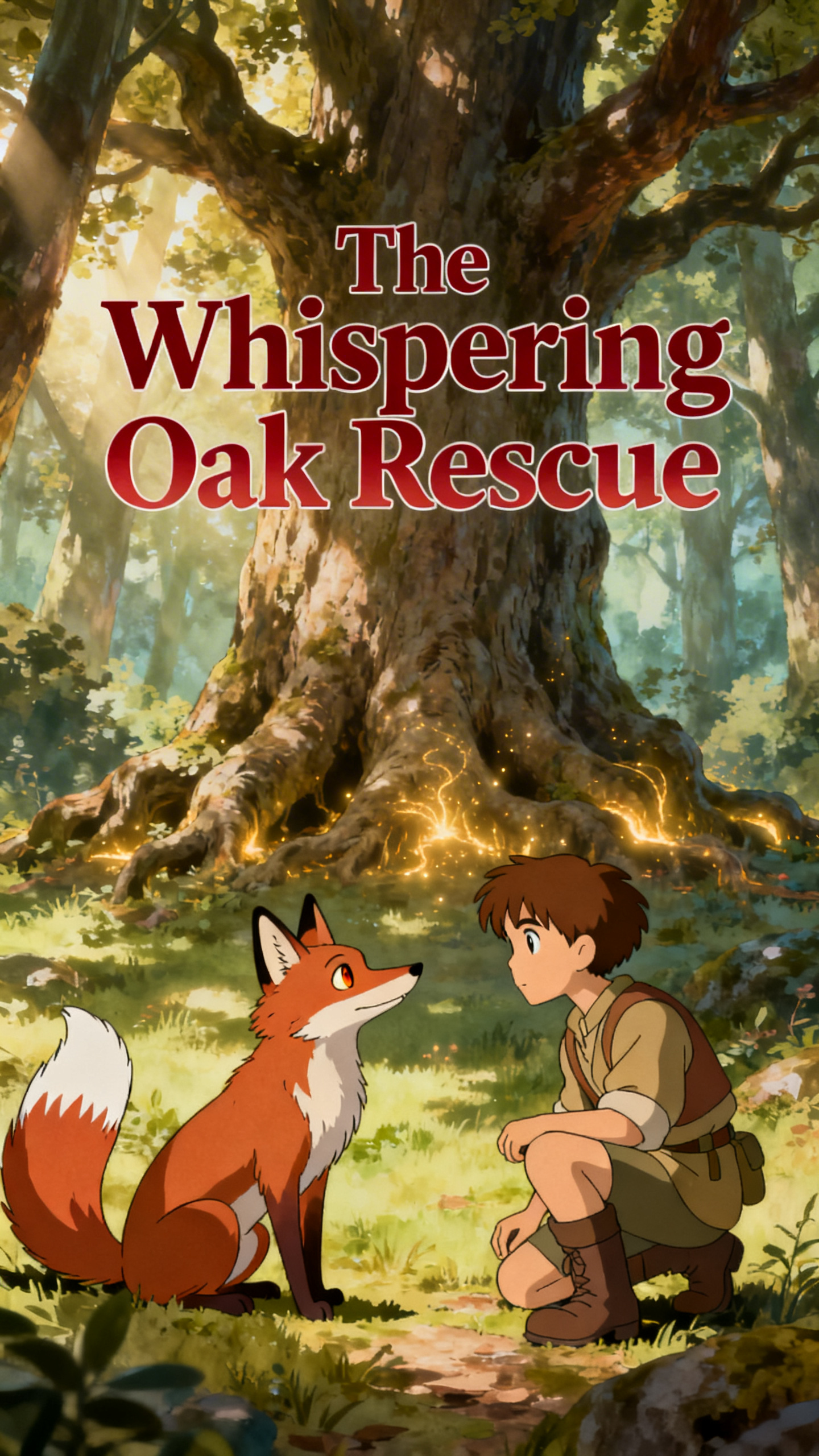
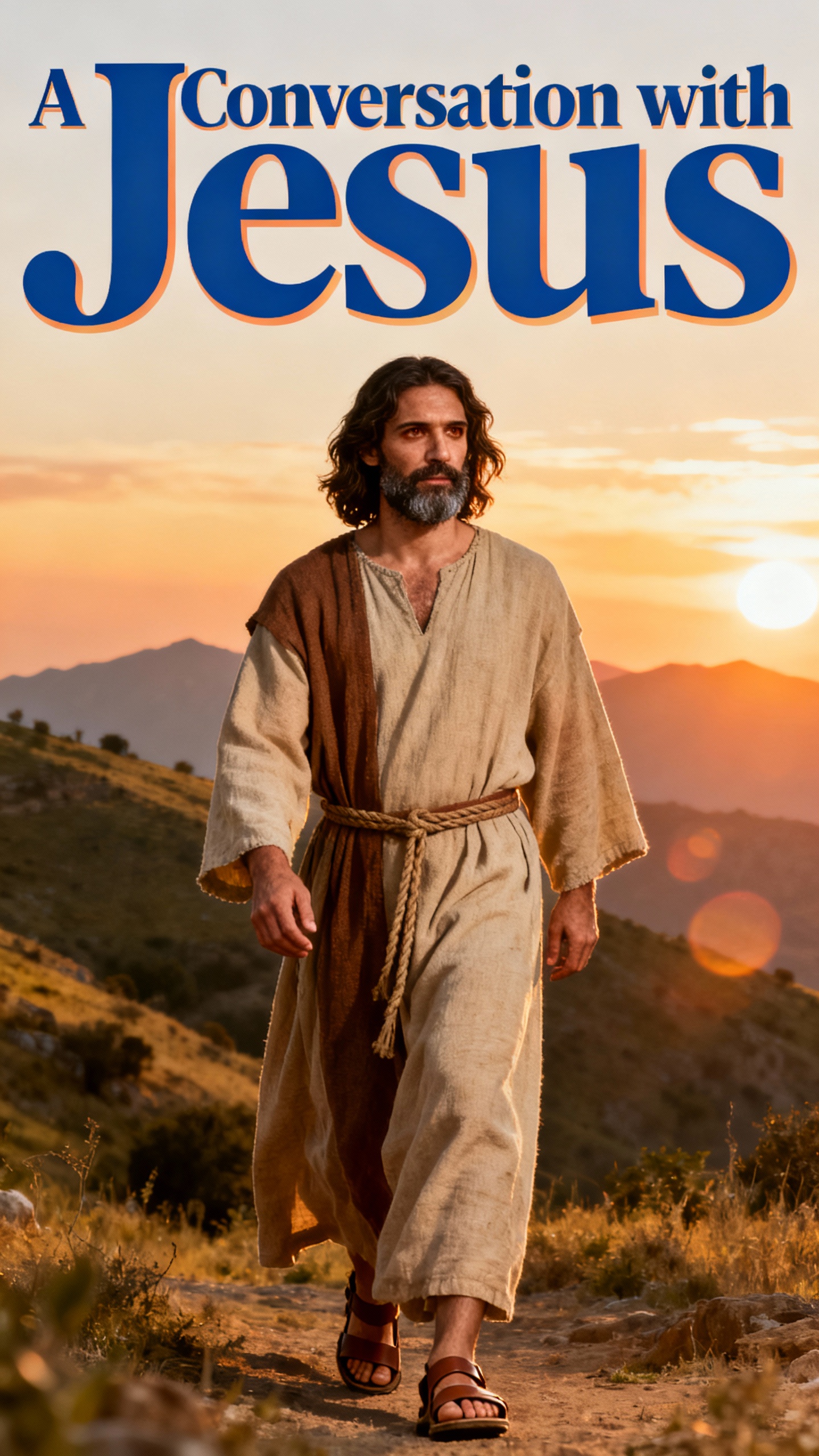
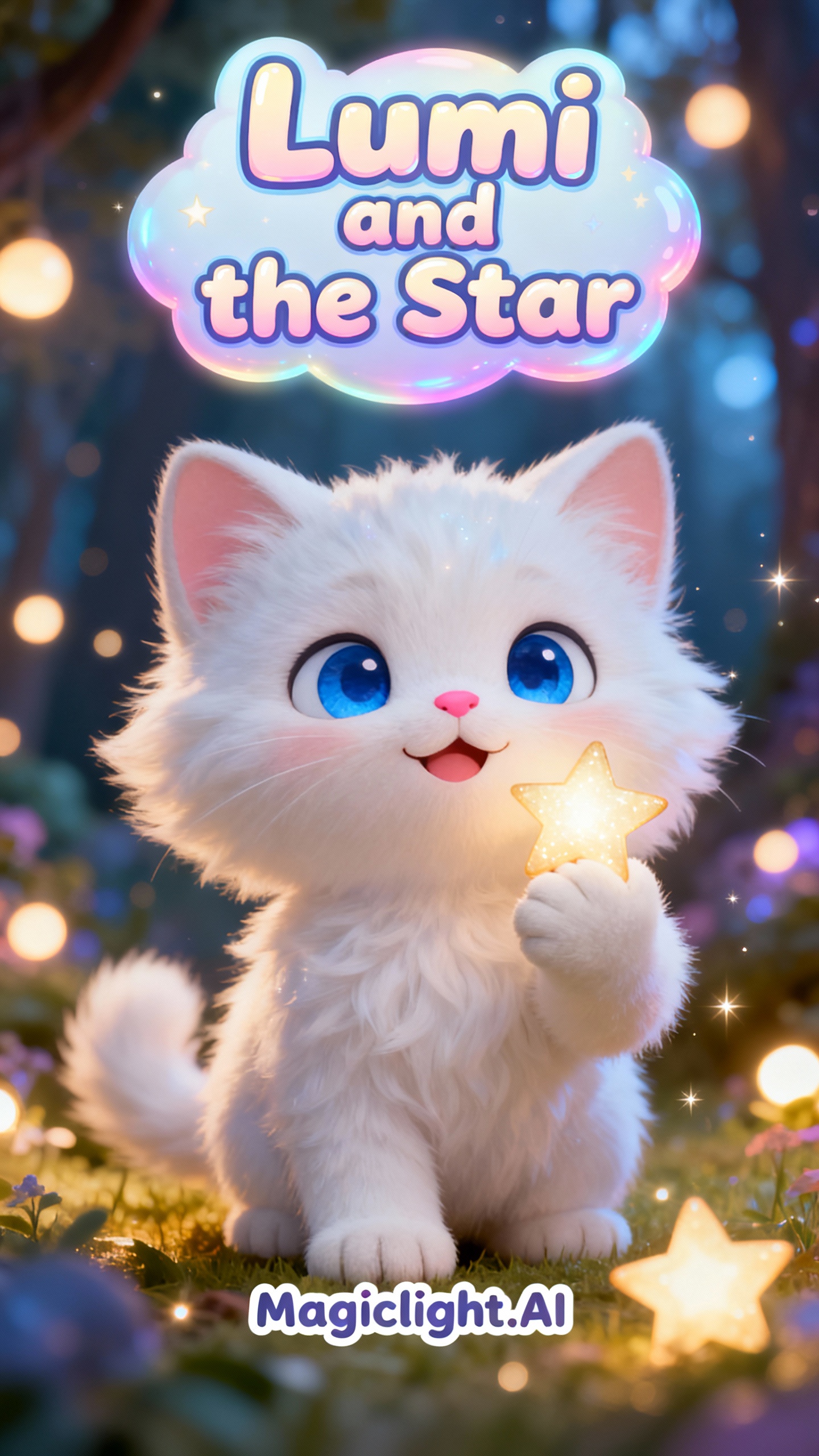
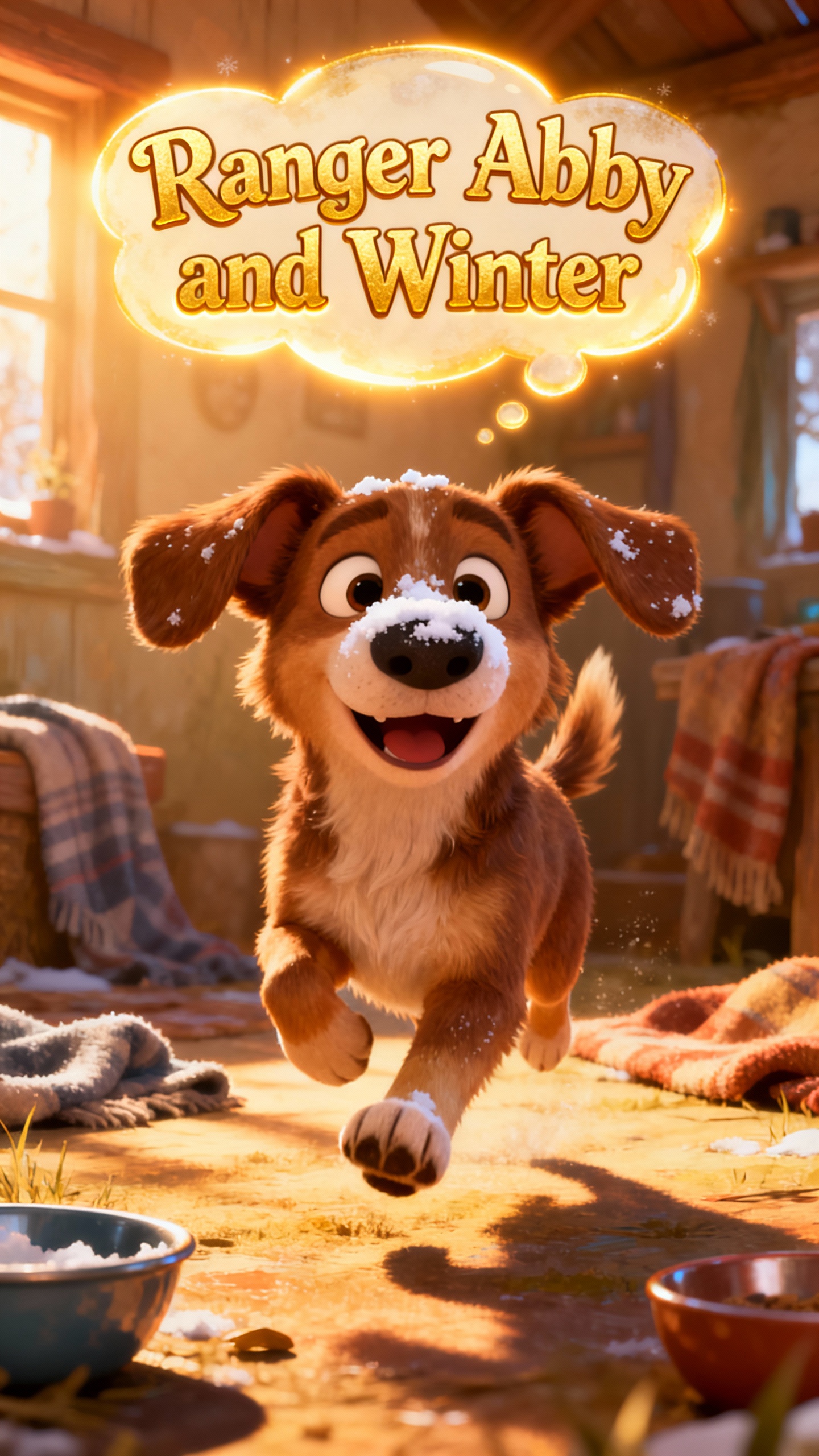
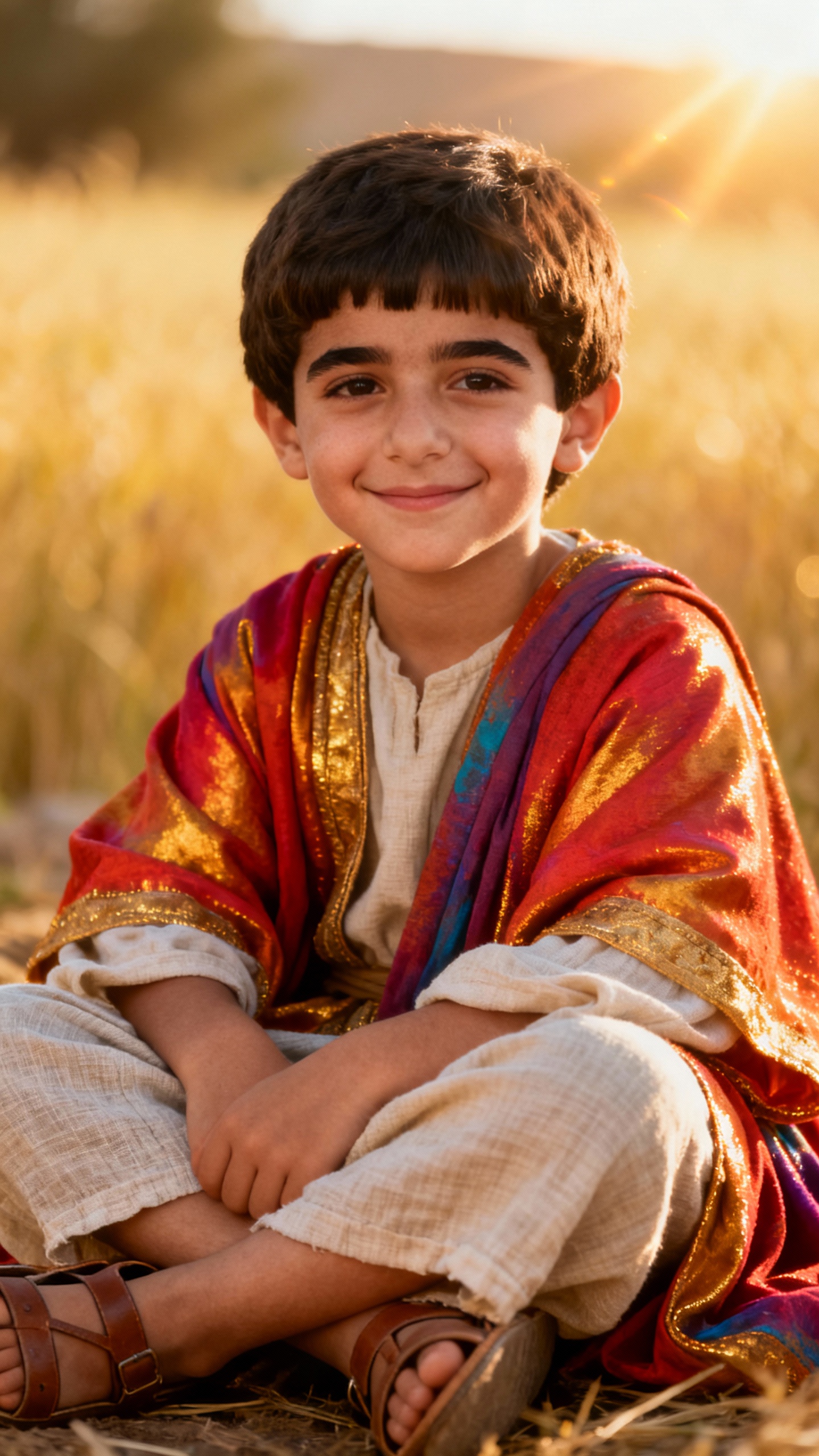
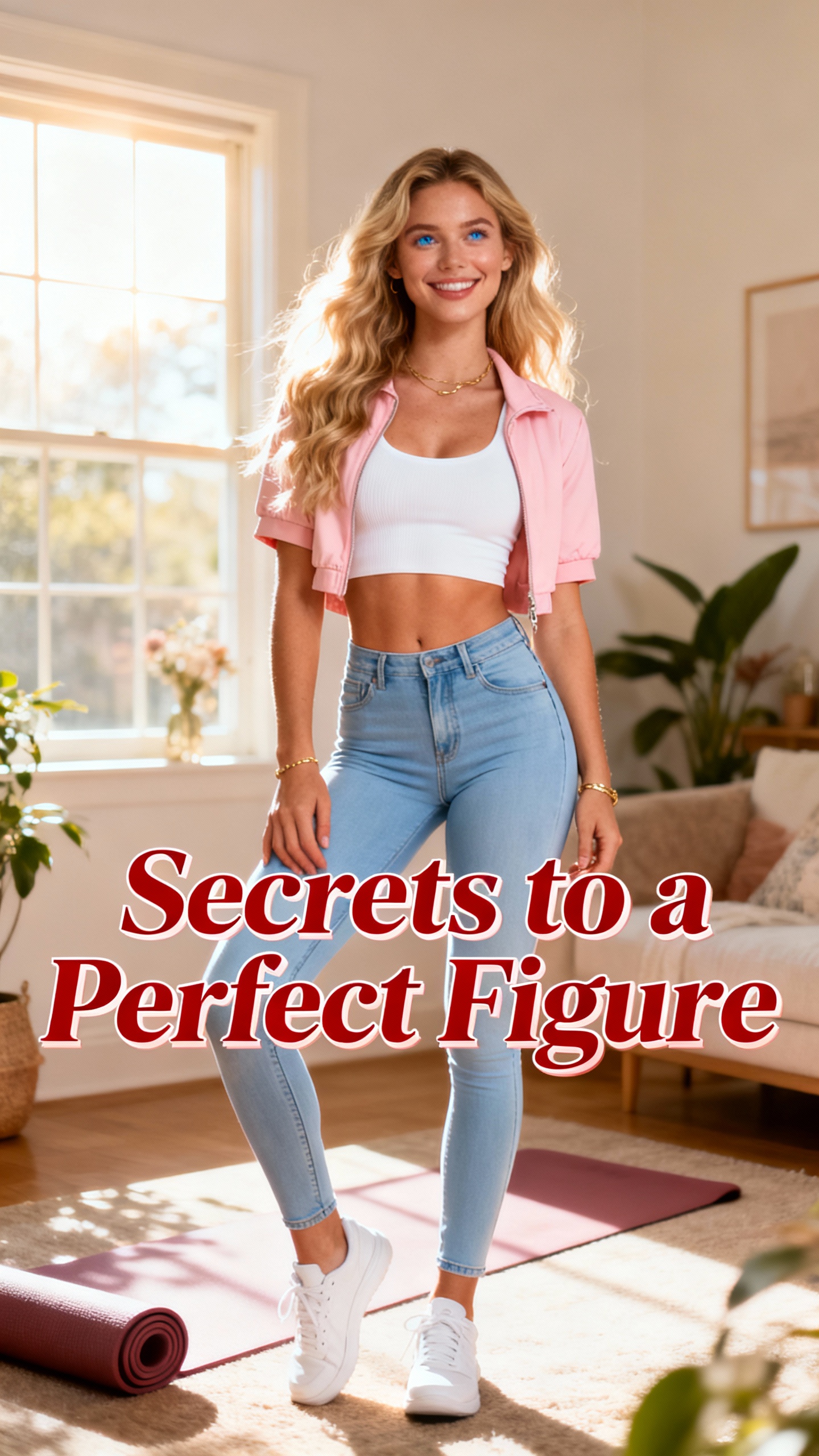
Magiclight AI’s video generator, free unlimited shows you each key tool in action. Users can test different styles, compare results, and pick what suits their content.

With Magiclight AI, one image becomes a smooth multi‑scene video. In just a few steps, users can build 1–3 flowing moments from any static frame.
Magiclight AI includes Seedance 2.0 Fast, Kling 3.0, Veo 3.1 Fast, and more. Users can switch among 19 models to match style, speed, and quality.
With prompt‑based control, users type how characters move or cameras pan. Magiclight AI reads up to 1500 characters to shape complex animated stories.
You can change prompts, styles, or settings while the video is generating. If the first pass feels off, refine the details without starting again.


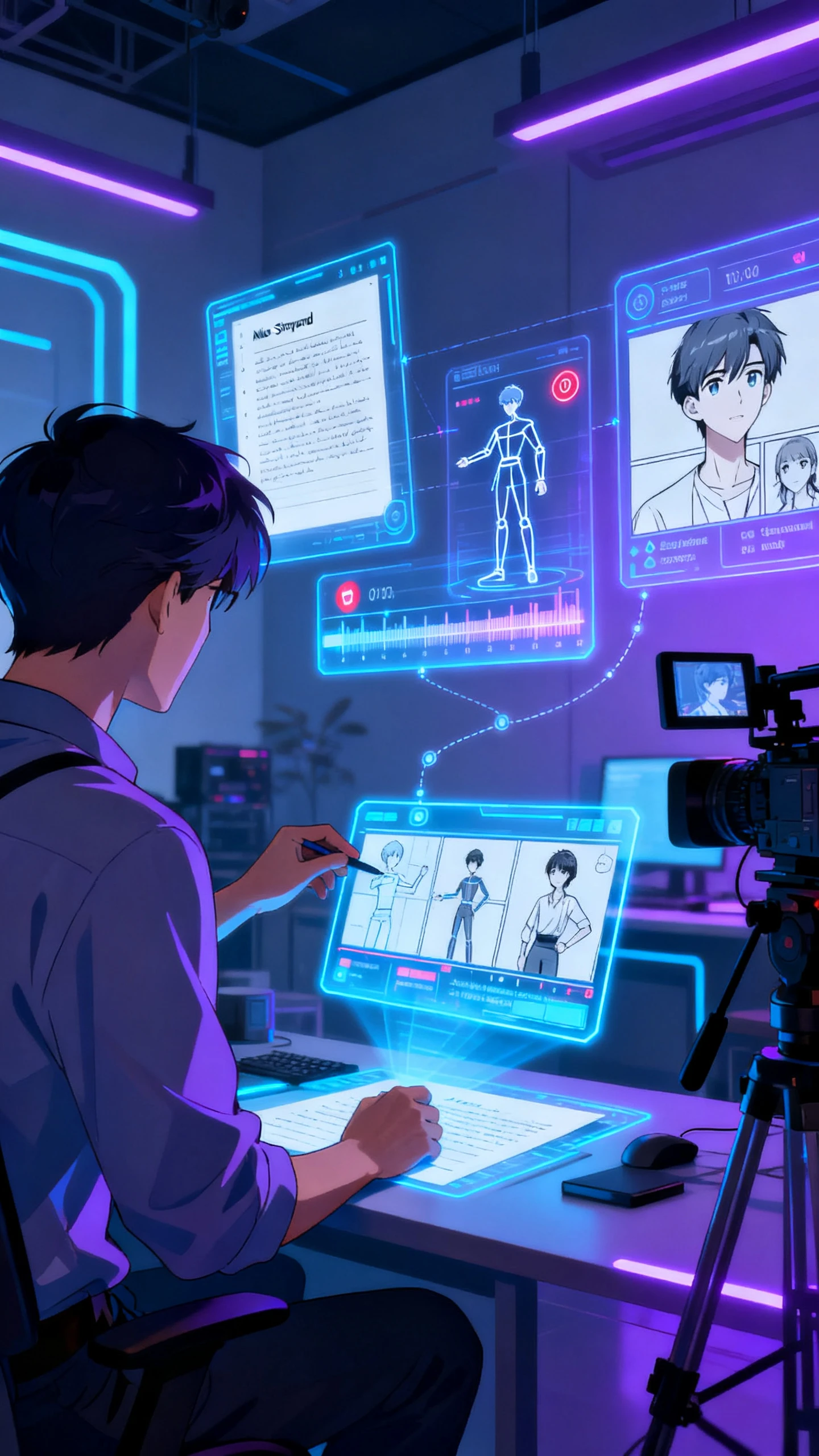
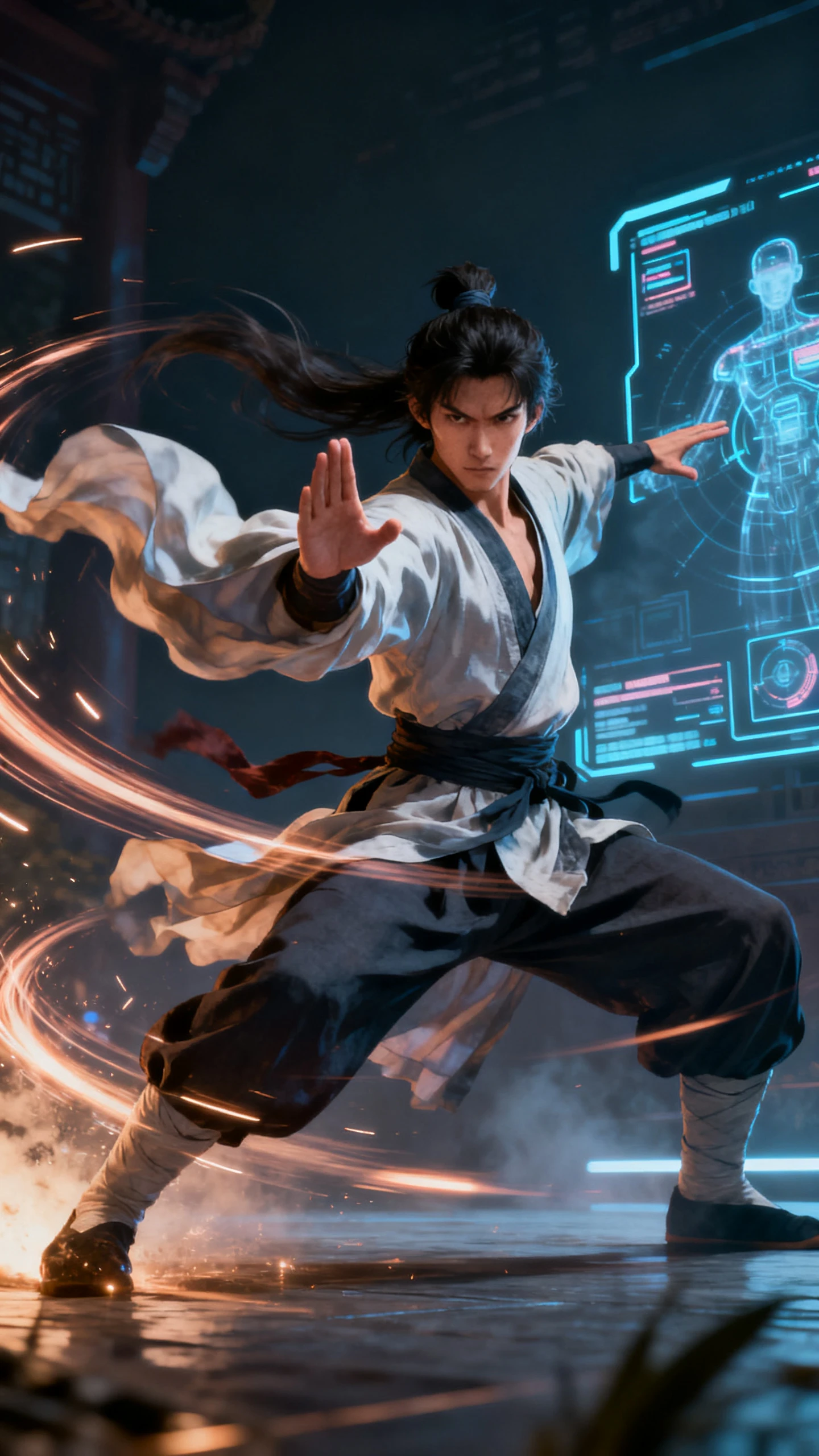
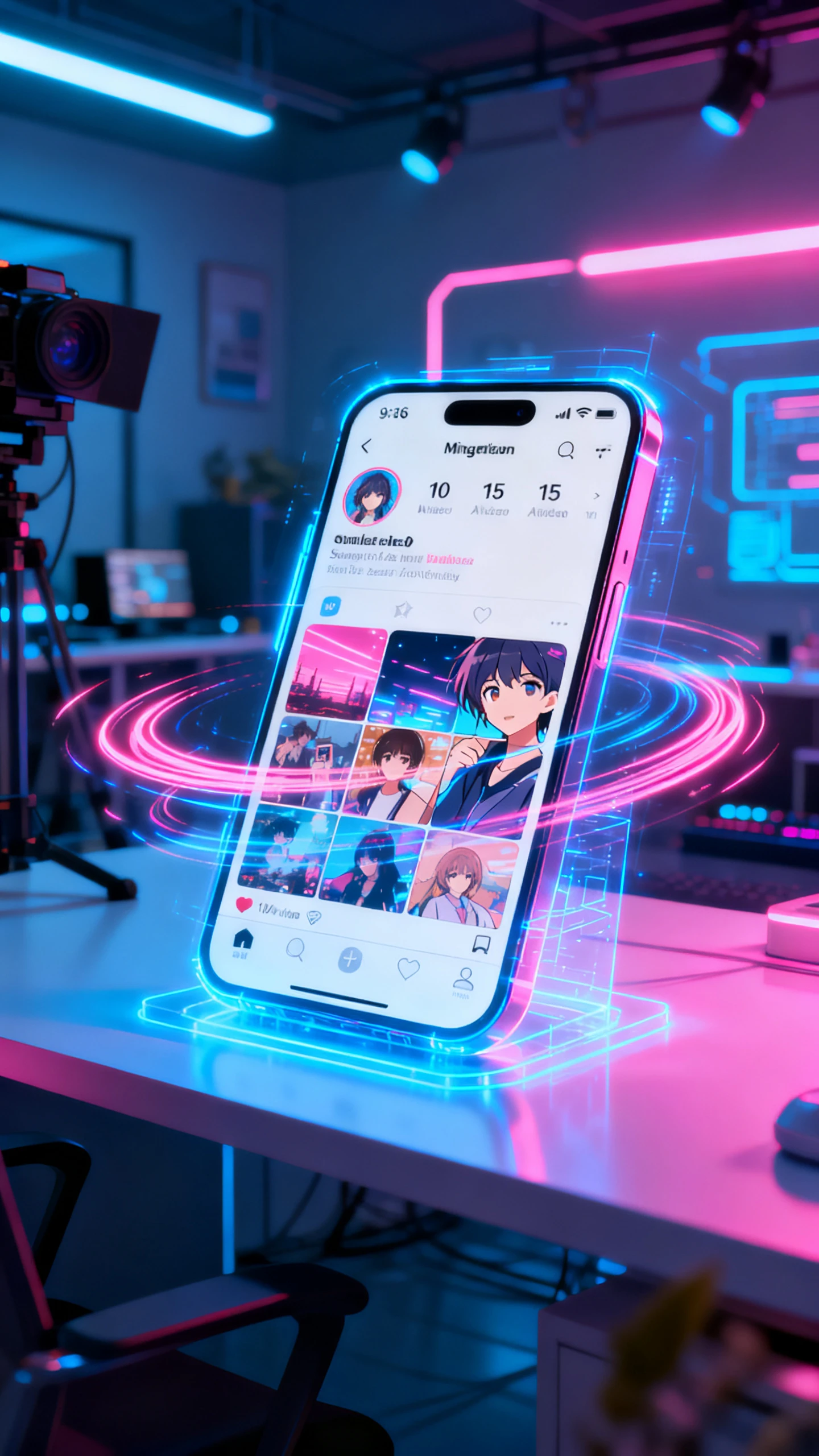
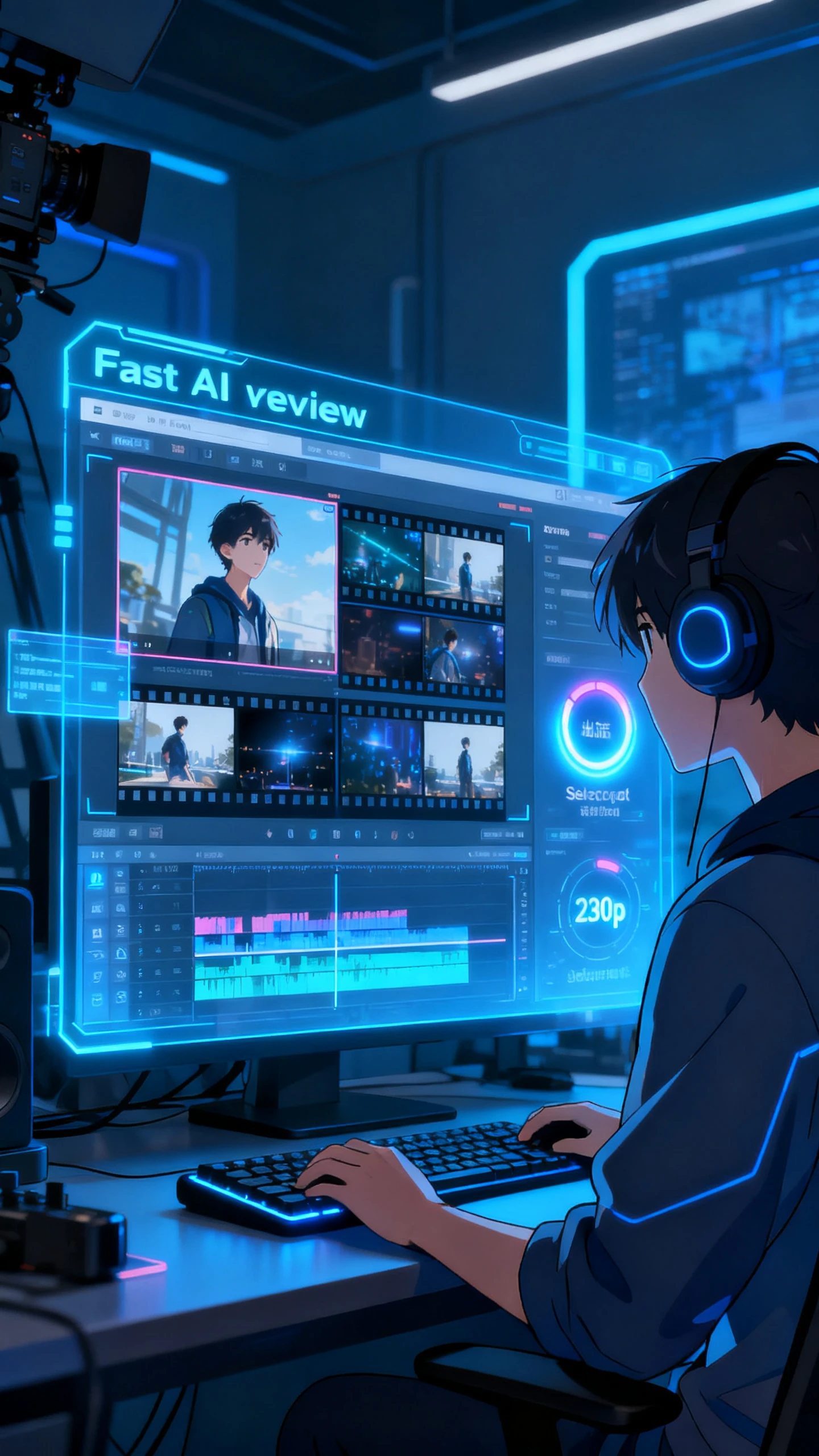
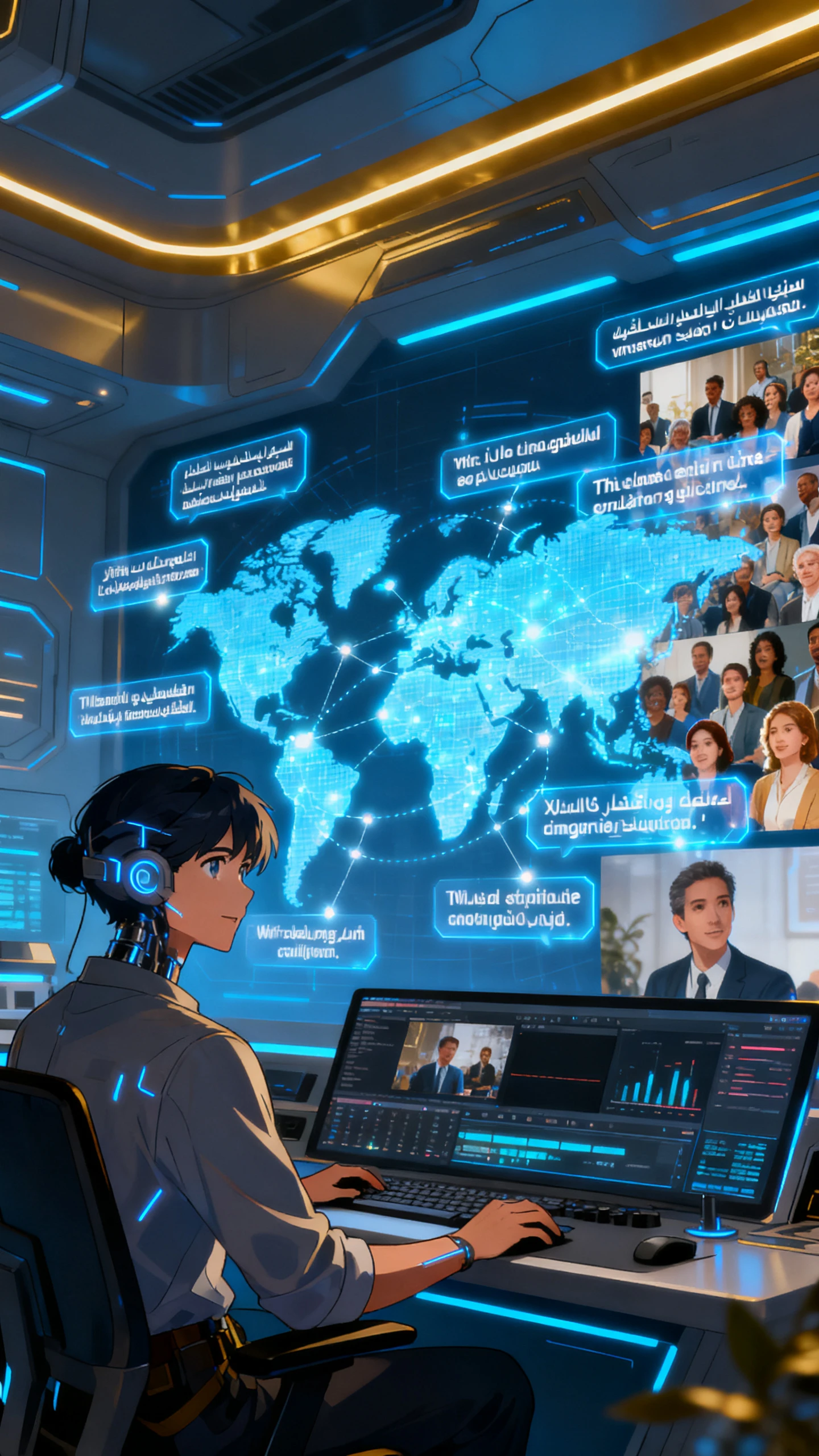
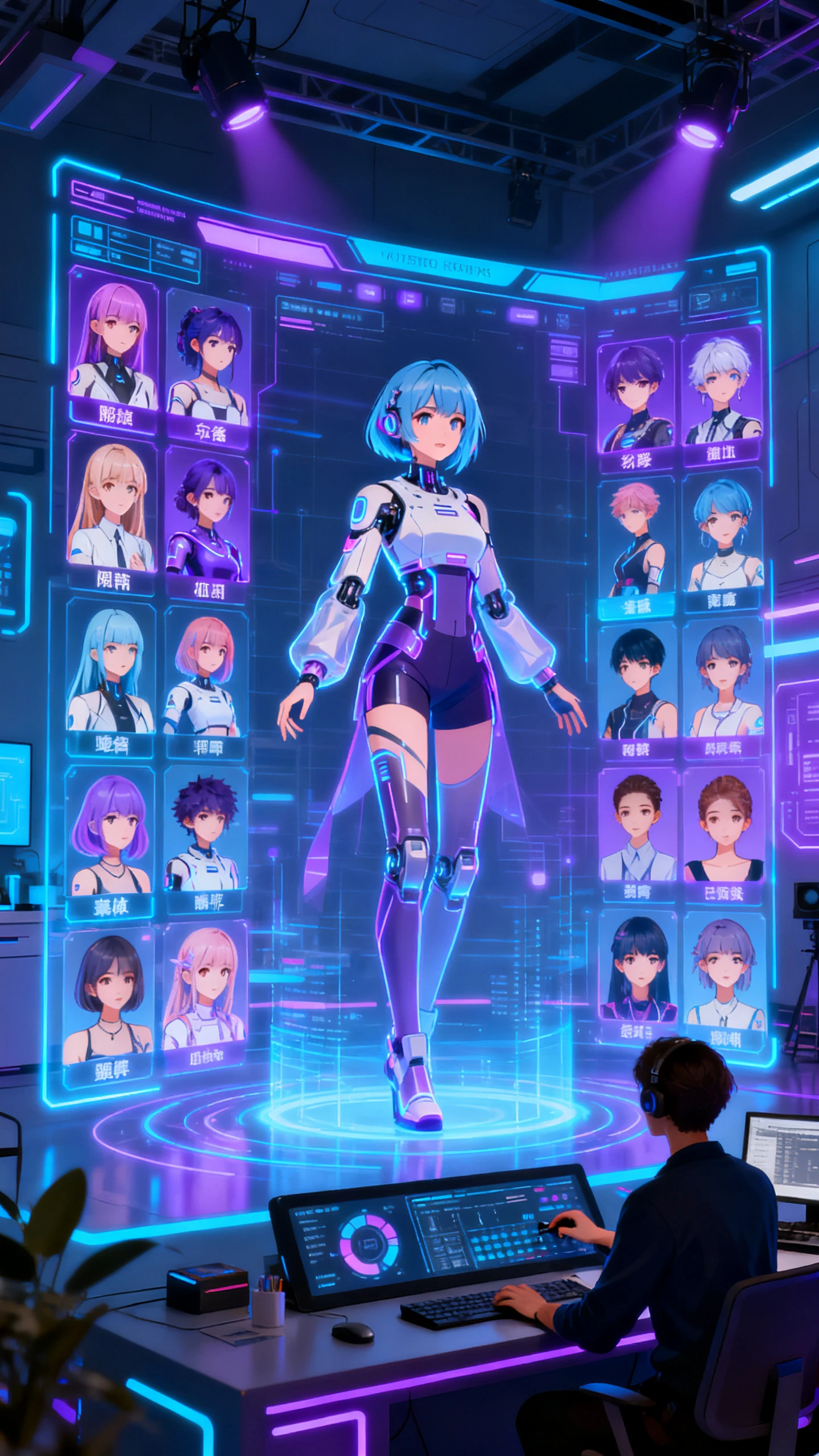
Start with a simple image and a basic idea for your video. Magiclight AI's image-to-video unlimited free generator then guides each step until export.
Pick a clear image, like a close‑up product or person you want animated. Upload it into Magiclight AI’s image-to-video generator to begin.
Type a prompt that explains movement, mood, and any changes you want shown. Mention outfits, lighting, camera angles, or expressions in simple words.
Select a visual style that matches your brand or the platform you post on. Then, pick your clip duration and screen ratio, like vertical, square, or wide.
Generate a preview first, then check if the motion and look feel right. If you’re happy, download the video, or tweak settings and run it again.
Image to video AI free unlimited generator turns images into videos without strict usage limits. In Magiclight AI, you can upload pictures and instantly get smooth clips from them.
You can start creating image‑based videos for free within the current credit limits. Magiclight AI lets you explore core tools before you think about paying anything.
Clear portraits and artwork usually give the cleanest motion results. Magiclight AI handles close‑ups especially well, keeping details sharp while animating them.
Yes. Magiclight AI is ideal for reels, promos, and marketing clips. This AI image-to-video free unlimited supports common social ratios, like vertical and standard widescreen.
Magiclight AI lets you adjust prompts, styles, or length and then run the clip again. With this, regeneration is easy, so improving results doesn’t feel stressful.
Yes. You can pick from various looks, like realistic, cinematic, or stylized. Magiclight AI offers 20+ specialized visual styles to match different content goals.



Upload a photo now and let Magiclight AI turn it into a ready‑to‑share video.