
One Image Instead of an Hour of Footage
Start with a single JPG or PNG and describe your highlight in up to 1500 characters. Magiclight AI adds the movement from there, so one team photo or stage shot is enough without recorded footage.
Create Now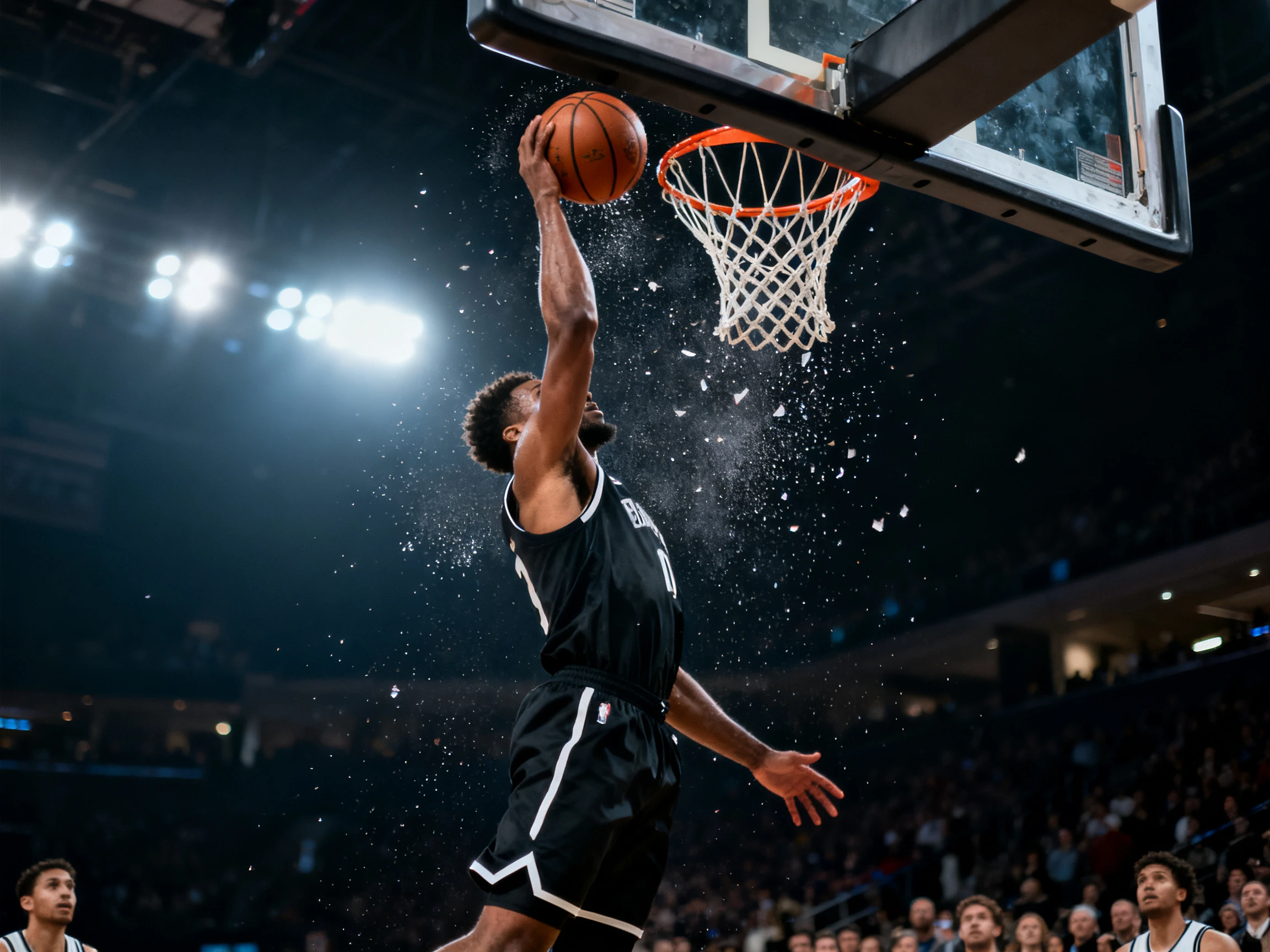

One image is enough to turn a standout moment into a short clip. The Magiclight AI highlight video maker handles the movement, captions, and scenes. No existing footage needed.
Create AI Highlight Videos For Free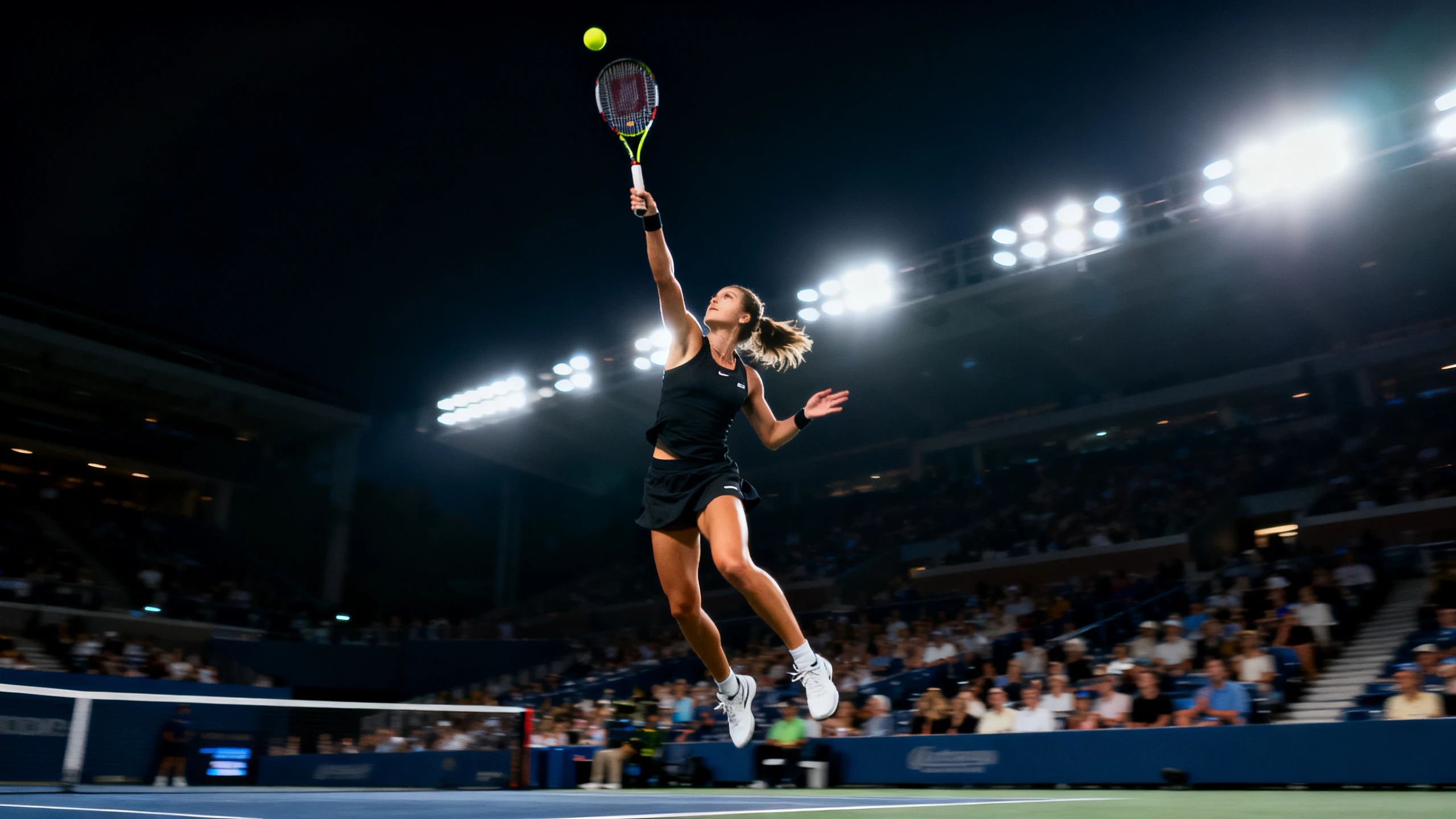










Start with the moment you want to bring back on screen. The Magiclight AI video highlight maker adds motion to your image and lets you finish the clip with captions.
Start with a single JPG or PNG and describe your highlight in up to 1500 characters. Magiclight AI adds the movement from there, so one team photo or stage shot is enough without recorded footage.
Create NowDifferent highlight moments need different types of movement. Choose from 20 video models, such as Seedance 2.5 or Kling 3.0 in Magiclight AI, so a crowd shot, stage moment, or trophy lift gets the motion that fits it.
Create Characters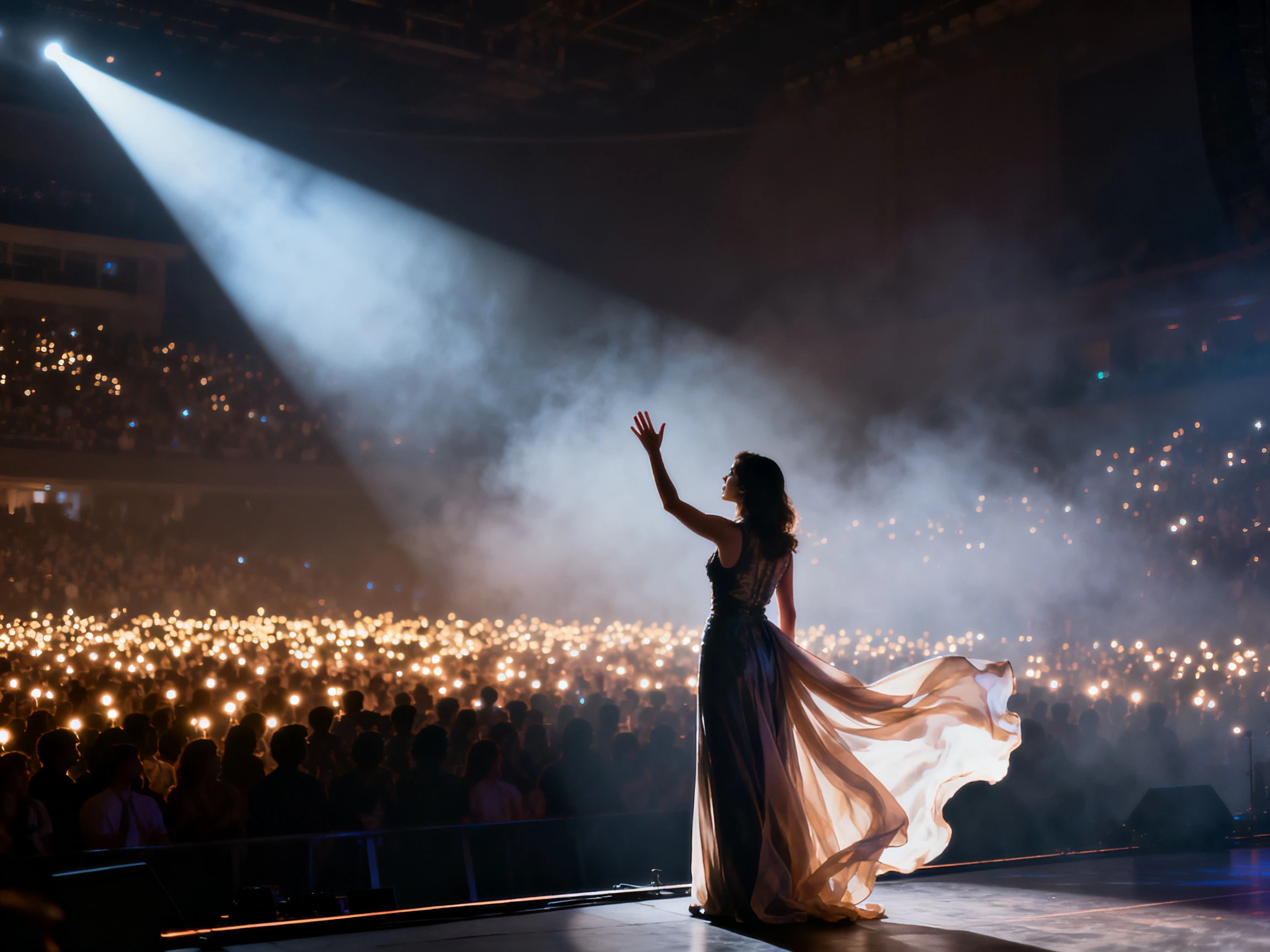
Give your highlight the right energy with one of 40 available music tracks. Magiclight AI puts your chosen audio under the clip, so the moment does not have to play out in silence.
Generate a Video
Magiclight AI turns the same image into both wide and vertical highlight videos. Choose 16:9 for standard posts or 9:16 for Stories and Reels, so each clip fits where you share it.
Start Creating


The free AI highlight video maker from Magiclight AI takes your image through 4 simple steps. Upload your photo, describe the moment, choose a model, and select the final format.
Upload the photo you want to turn into a highlight video. Start with a clear JPG or PNG under 10MB, so Magiclight AI has a strong image to work from.
Enter a detailed prompt of up to 1500 characters to guide the clip. Describe the movement and pace you want for the moment.
Choose from 20 video models, then set the style, duration, and aspect ratio. Select 16:9 for standard posts or 9:16 for Shorts, Reels, and vertical feeds.
Watch the generated video and check that the movement fits the moment. Once everything looks right, download the finished highlight clip to your device.
Club Secretary
Most matches leave us with nothing more than a photo someone took on their phone. Magiclight AI turns those photos into short clips for our club page.
PE Teacher
Magiclight AI gives us something we can post without filming the whole school match. Our budget is limited, so starting from the team photo works well.
Esports Manager
A screenshot of the winning play was all I had after the stream ended. I put that single frame into Magiclight AI and got a 15-second video.
Events Coordinator
Our photographer covers the stage, but we rarely have anyone there to film. We animate one of her photos with Magiclight AI and post it that evening.
The AI highlight video maker creates clips directly from one image. Magiclight AI needs no long footage to scan, cut, or edit.
Magiclight AI needs one clear JPG or PNG under 10MB. Add up to 1500 characters describing the movement you want onscreen.
Choose either 10 or 15 seconds depending on your highlight moment. Both clip lengths are available directly within Magiclight AI for sharing.
Free credits arrive when you register, without requiring a payment card. Use them in Magiclight AI to try your first highlight clips.
Image-generated highlight clips from Magiclight AI export at 720p resolution. Higher resolutions are available for longer videos created through script-led projects.
One image should be enough to start creating a short highlight clip. Magiclight AI also gives you useful formats for sharing across social feeds.



Nobody filmed the moment, but you may still have its photo. The Magiclight AI video highlight maker turns that single image into a short clip worth sharing.