20+ Visual Styles Chosen Per Track
A visualizer preset looks the same on a ballad and on a drum track. Choose from the 20+ visual styles here and the video takes a direction that suits this one particular song.
Create Now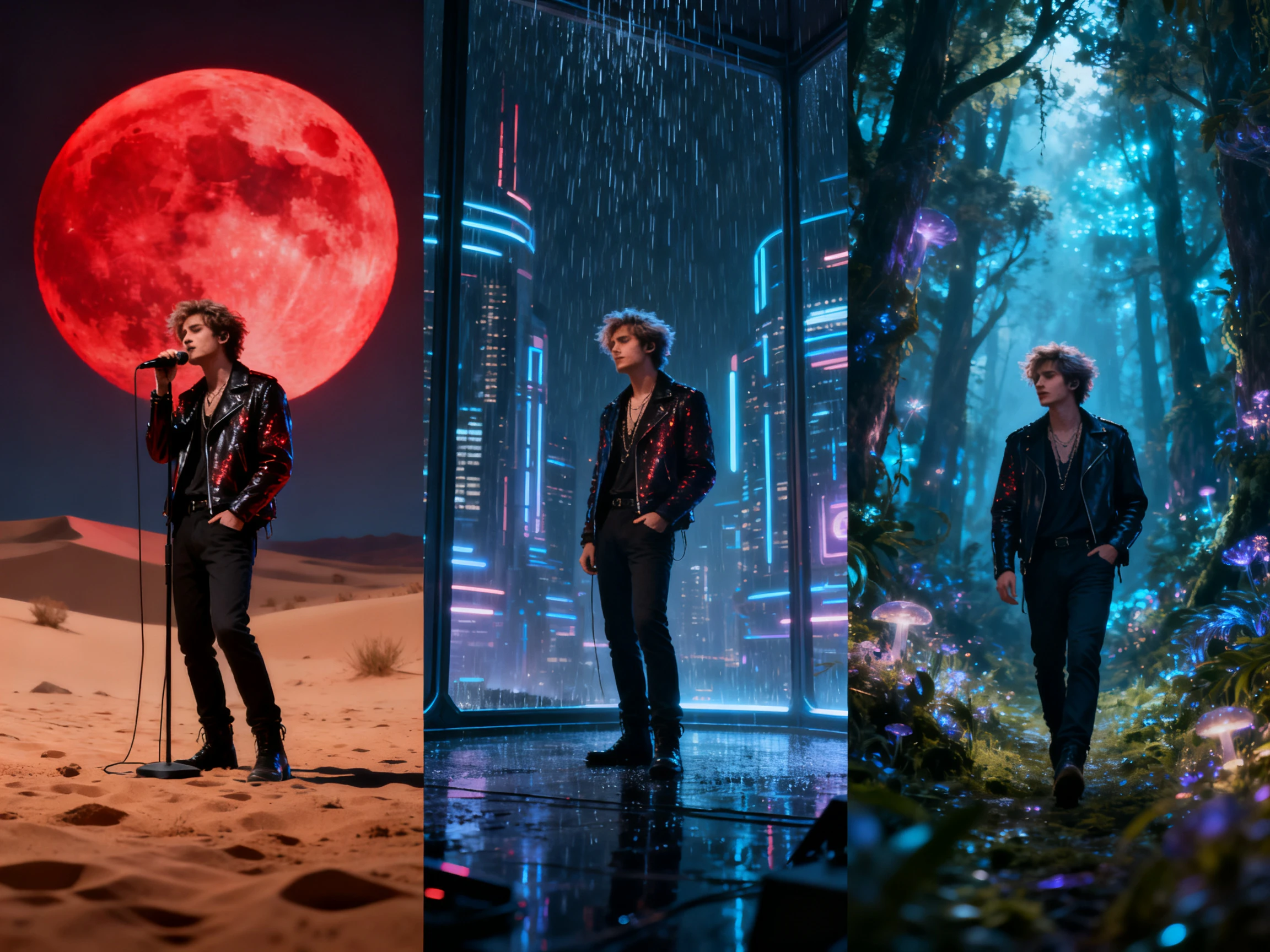

Go beyond basic music visualizers with Magiclight AI, turning your track into scenes with characters, settings, and a matching style. No editing skills required.
Create a Music Video For Free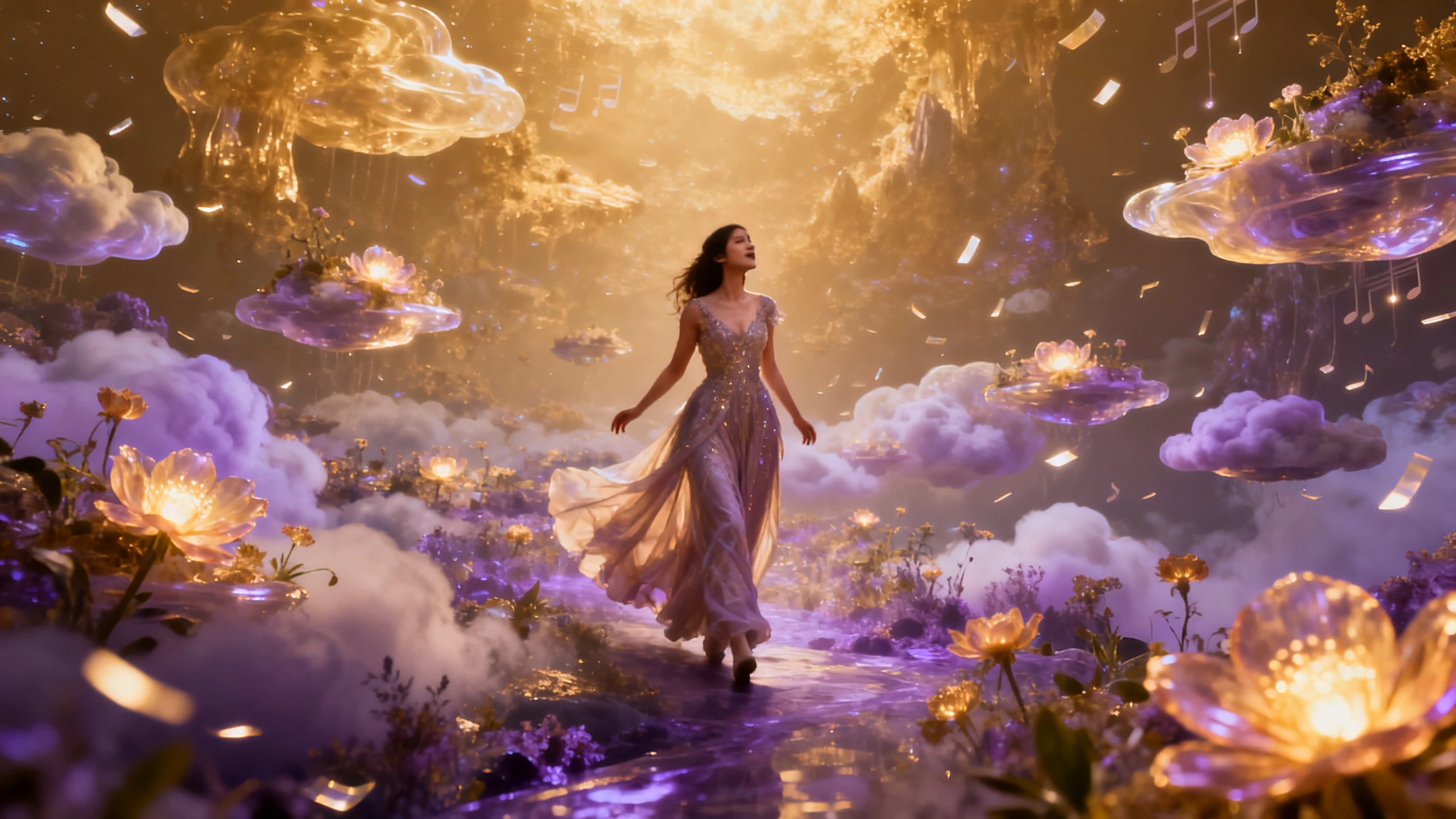










Learn how the Magiclight music visualizer video generator turns a track into a scene rather than a graphic. Upload the audio, pick the look, then shape each shot.
A visualizer preset looks the same on a ballad and on a drum track. Choose from the 20+ visual styles here and the video takes a direction that suits this one particular song.
Create NowYour track does not need converting first. Magiclight AI takes MP3, WAV, and M4A files directly, so whatever came out of your session or your distributor is already in the right format.
Create Characters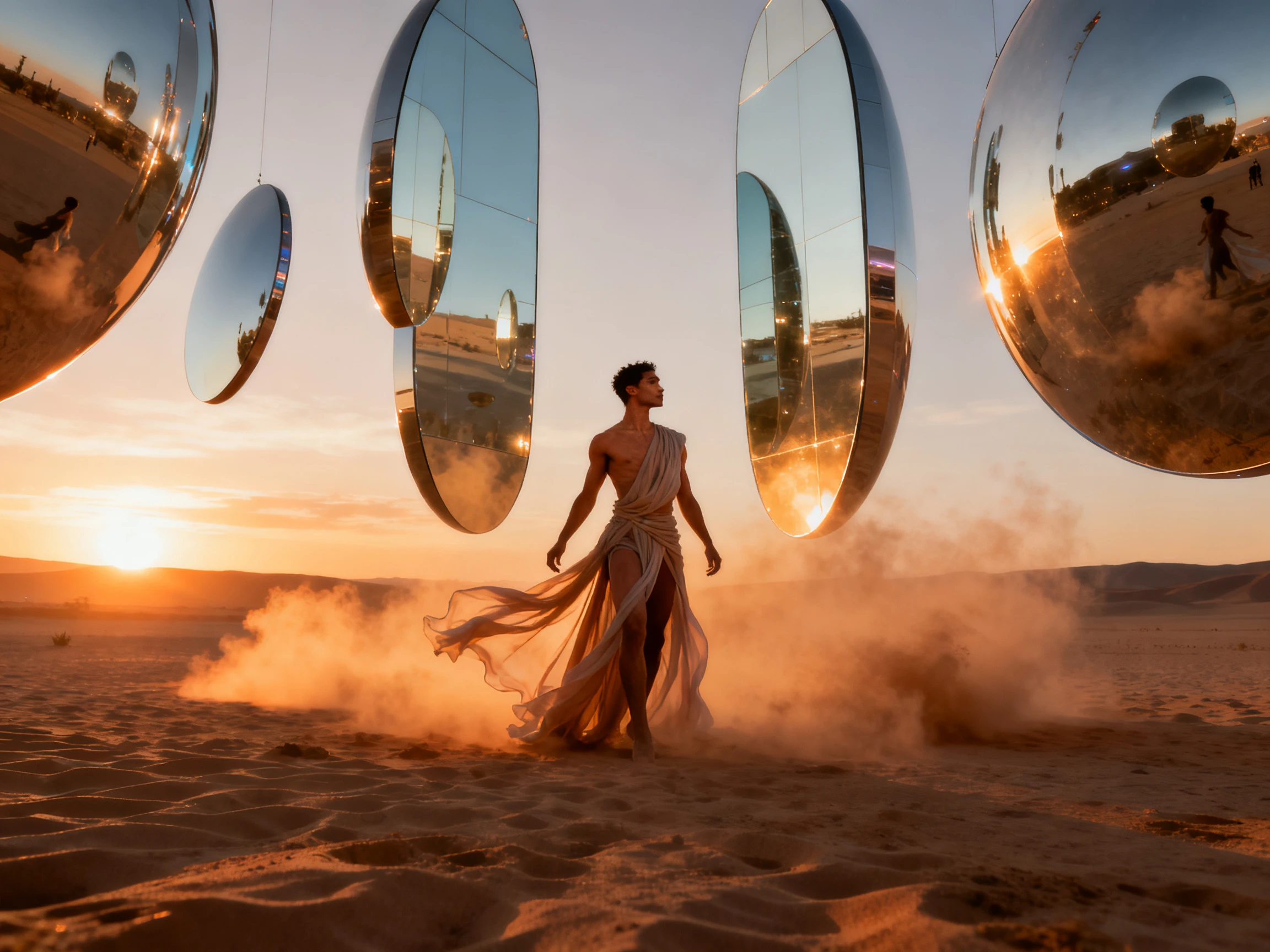
One release usually needs more than one crop. A wide 16:9 cut for YouTube and a vertical one for Reels, Shorts, or a Spotify Canvas loop both come out of the same project at 1080p.
Generate a Video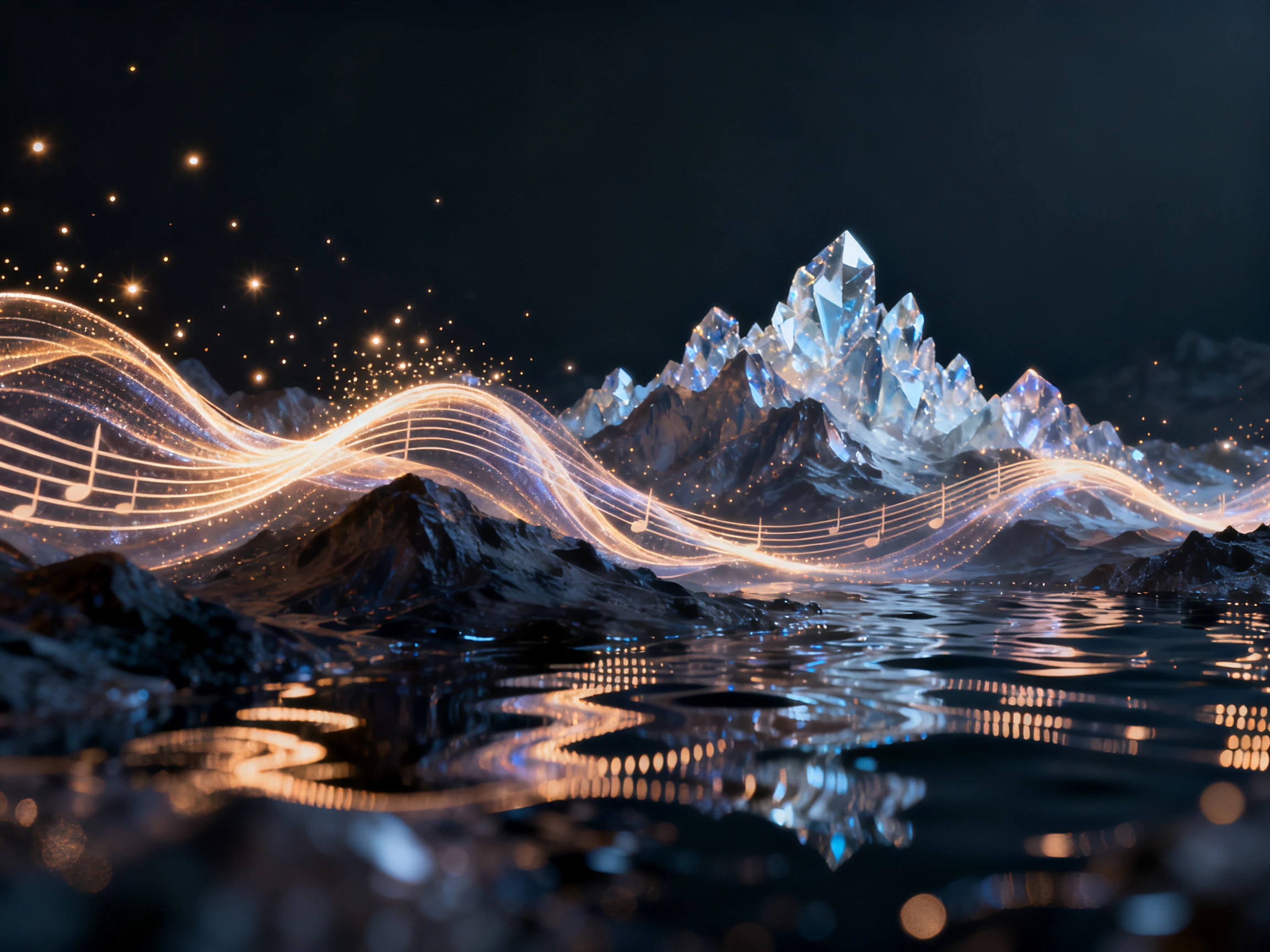
Most visualizers give you nothing to recognize between releases. Make a character once in Magiclight AI and the same face fronts every track, which is how a channel starts looking like a body of work.
Start Creating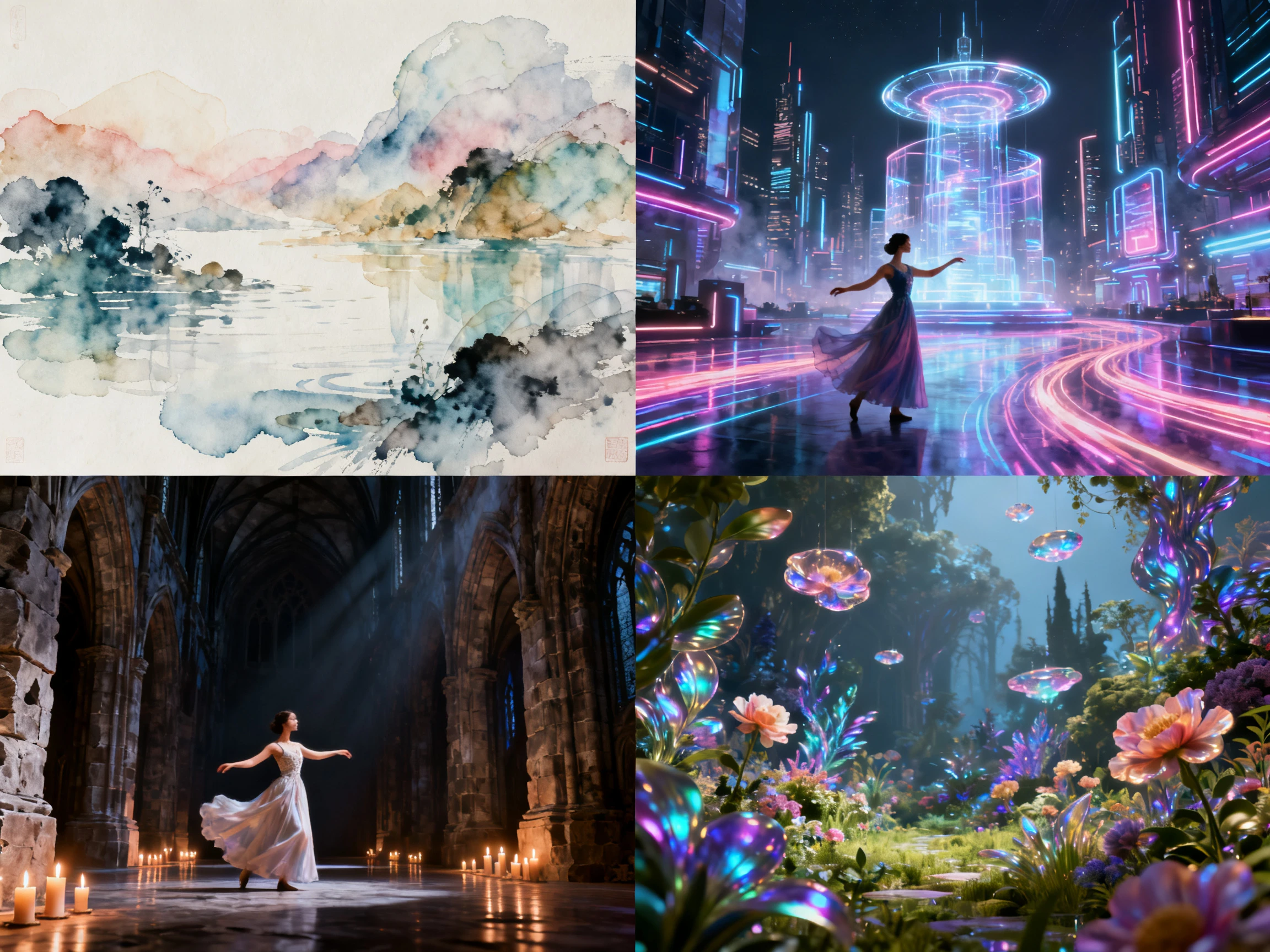


Put your track at the center of the free music visualizer video maker. Magiclight AI turns it into a visual concept, then lets you shape the performer and scenes.
Upload the track you want to visualize, or generate custom music from a description. Magiclight AI uses the audio as the foundation for the video.
Pick a visual look that matches the song’s mood and genre. The selected style guides how the generated scenes appear throughout the music video.
Review the generated storyboard and adjust character poses, movement, or pacing where needed. This lets you shape individual scenes before the final render.
Add lyric captions or cover art if needed, then export the completed music video in 720p or 1080p for publishing on your chosen platform.
Music Producer
Every visualizer I tried made my tracks look like everybody else's did. Magiclight AI gave this record its own setting and its own character.
Label Manager
Magiclight AI helps when we have several artists releasing music each month. We can keep a different character and visual identity for each artist.
DJ
My mixes can run for an hour, so turning everything into short clips is not practical. I use longer video projects in Magiclight AI to keep the mix together.
Recording Artist
I often need different formats when releasing a track. The export options in Magiclight AI help me prepare music visuals for both wide and vertical platforms.
Yes. Signing up releases credits with no card involved, and they cover a first video in the Magiclight AI editor, enough to tell whether the look suits the track.
No. The AI music visualizer generator in Magiclight AI creates animated scenes rather than audio-reactive waveforms, spectrum bars, or beat visualizations.
Credits rather than open access. They cover putting a video together and reviewing it inside Magiclight AI, and they draw down as you generate rather than resetting each day.
Yes, in MP3, WAV, or M4A format. Magiclight AI can also write a track from a 200-character description if you are still deciding what the song should sound like.
Not on free credits. Releasing, monetizing, or licensing any video means moving up to a paid Magiclight AI plan, which is where the commercial terms actually sit.
A single track usually fits inside the starting credits. A full mix or an album run gets through them faster, so anything long is worth planning against a paid Magiclight AI tier.



Bars going up and down say nothing about the song. This music video visualizer AI creates a scene around the track, with a performer, a setting, and a look of its own.