
Magiclight Agent Reads the Poem First
Your poem goes in exactly as written. Magiclight Agent reads it and picks a fitting niche, such as a kids' story for a bedtime rhyme. Then it shows you the full text to confirm.
Create Now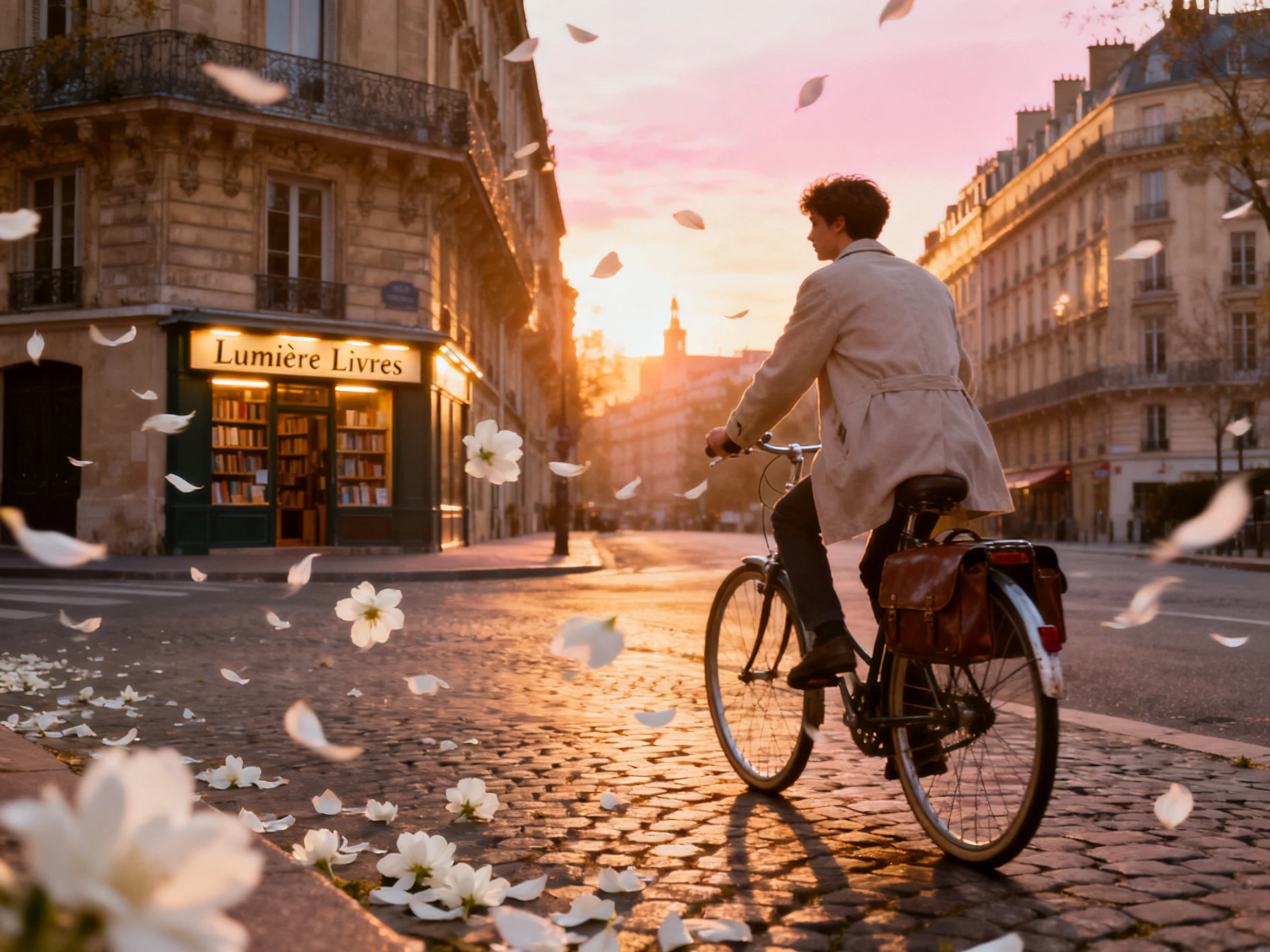

Paste a poem and turn it into a video with characters, scenes, and voiceovers. MagicLight AI brings your words to life with no camera or animation skills needed.
Create a Poetry Video for Free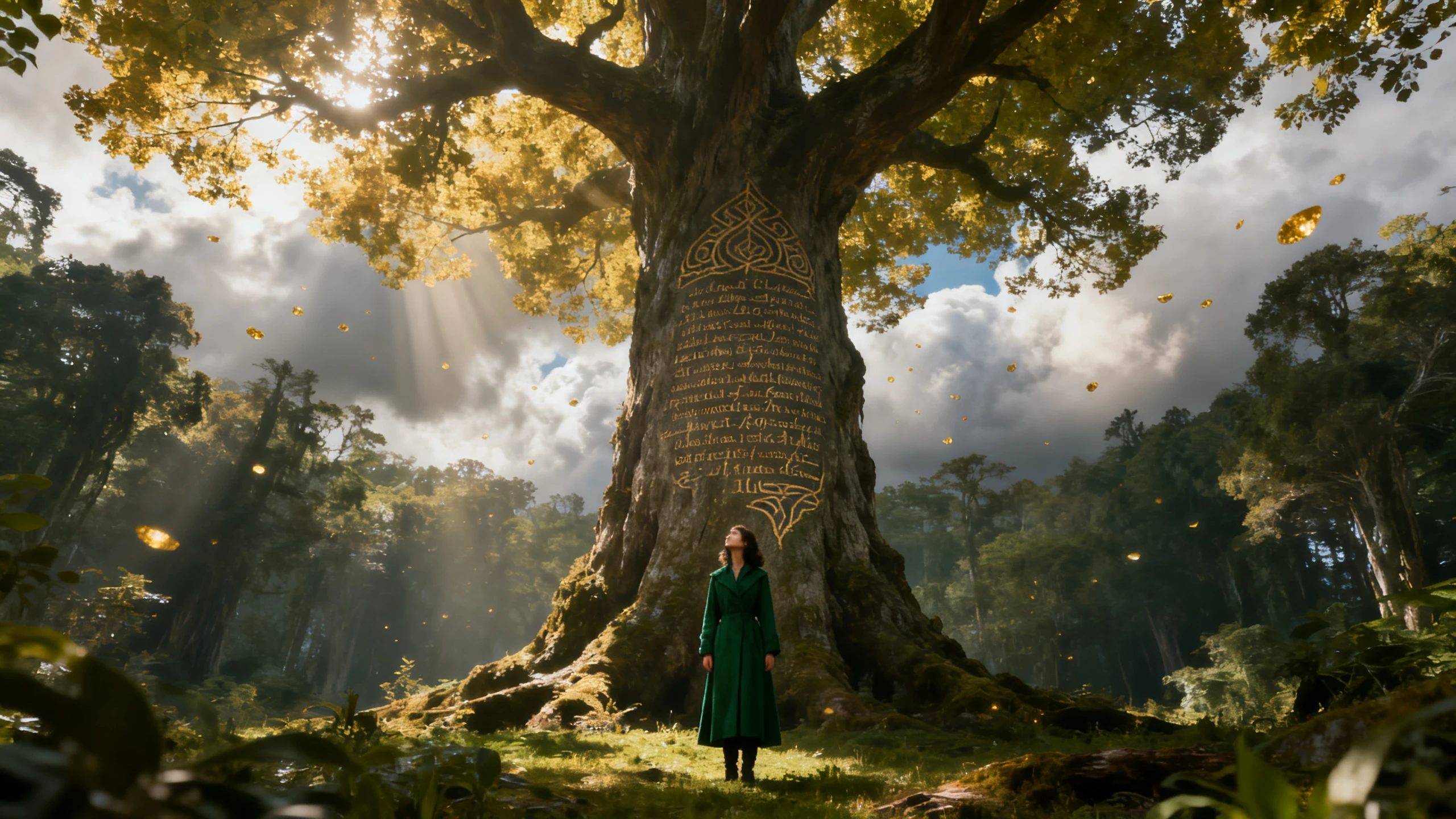










The MagicLight AI poetry video generator builds each scene around a consistent character who speaks your poem. Customize the character, choose a voice, and add your words to the screen.
Your poem goes in exactly as written. Magiclight Agent reads it and picks a fitting niche, such as a kids' story for a bedtime rhyme. Then it shows you the full text to confirm.
Create NowDescribe the poem's speaker in up to 1000 characters, from age and clothing to hair and face. Magiclight AI then keeps that person unchanged in every scene, from first line to last.
Create Characters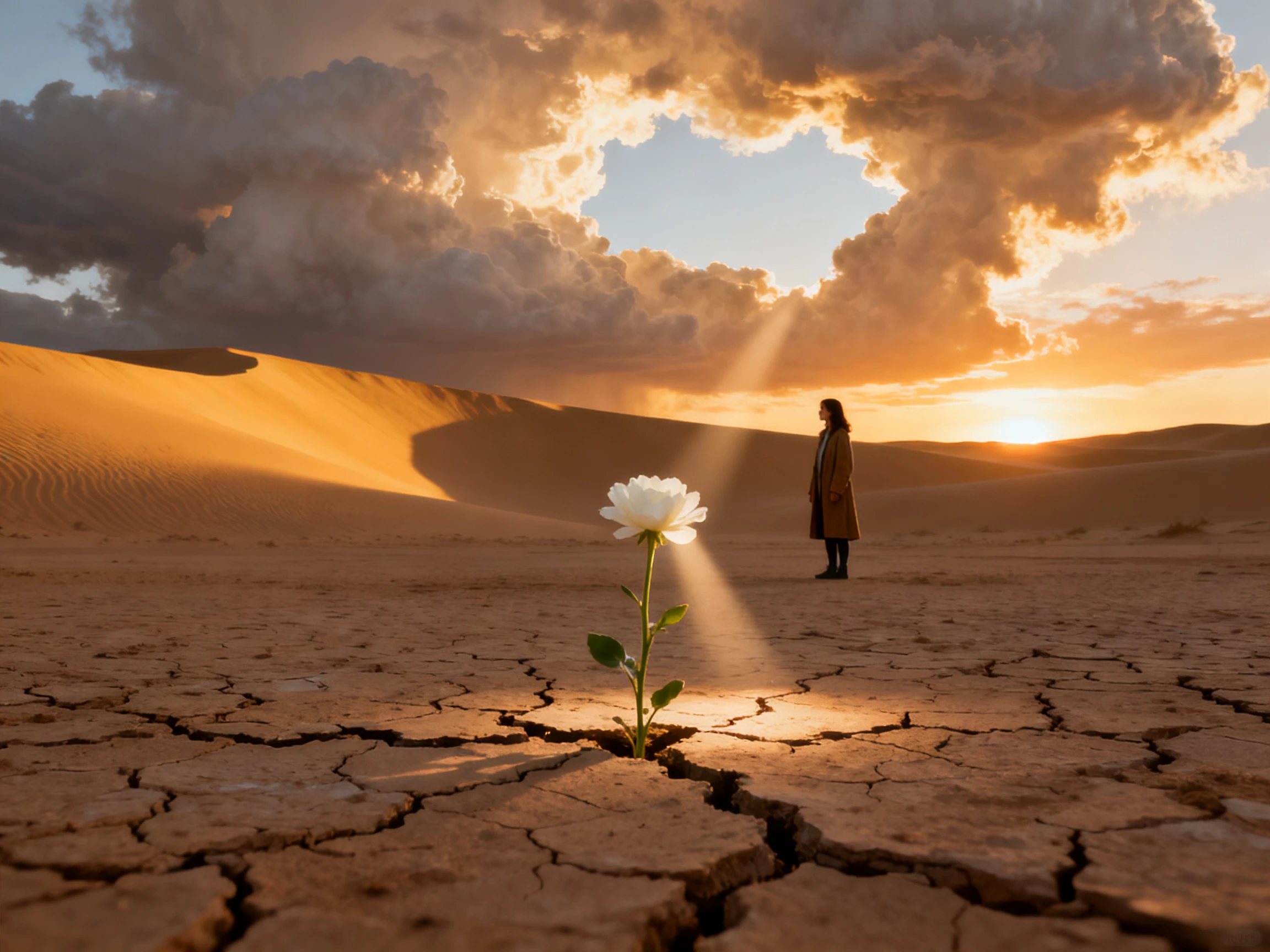
Make your poem sound young, old, gentle, or bold. Filter the 37 voices by age, gender, and accent, or clone your own. Magiclight AI keeps that single reader consistent throughout the poem.
Choose a Voice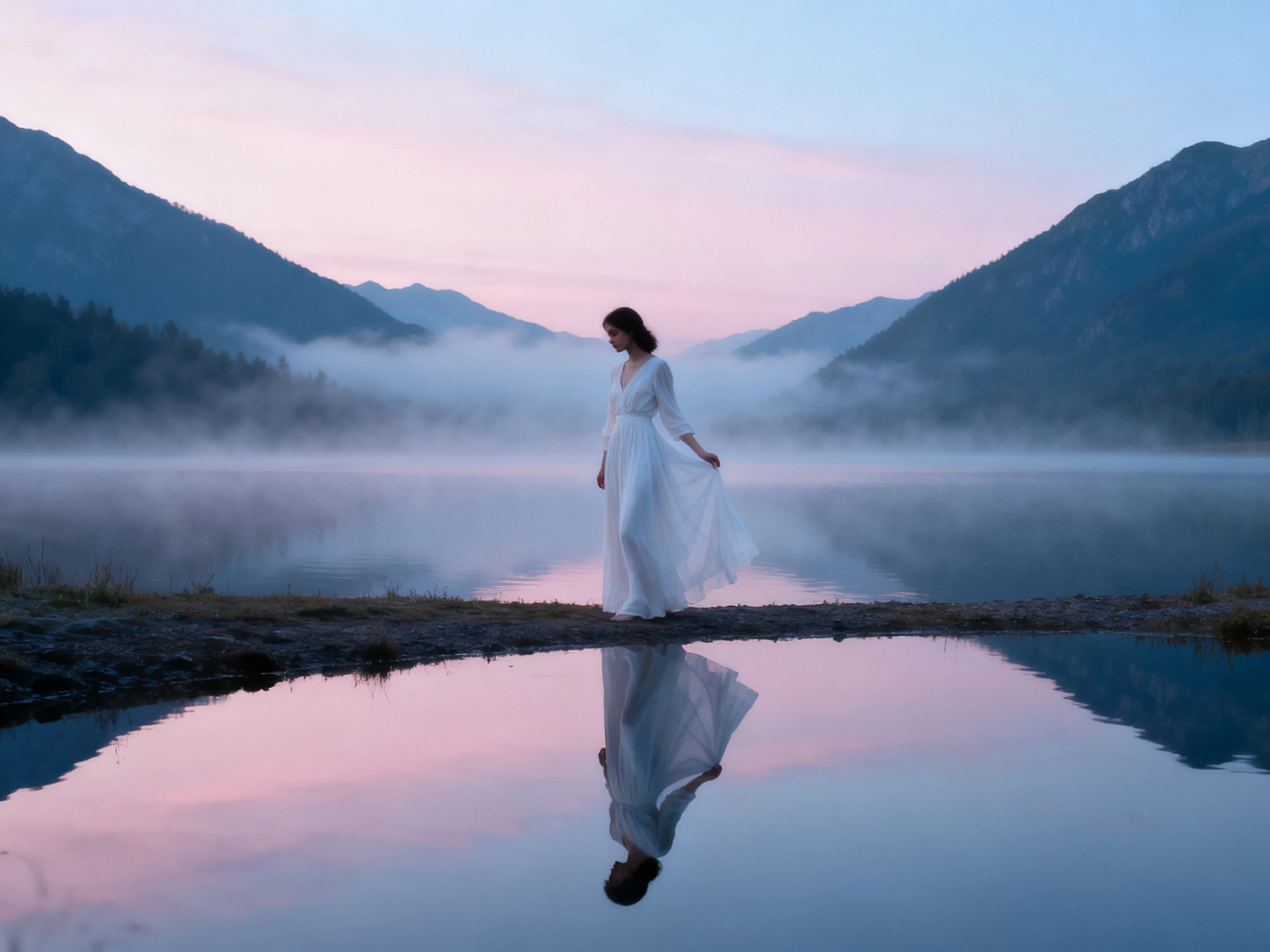
Many viewers watch with the sound turned off, so the poem must be readable as well. Pick one of 16 subtitle settings, and Magiclight AI shows the words on screen as they are read.
Start Creating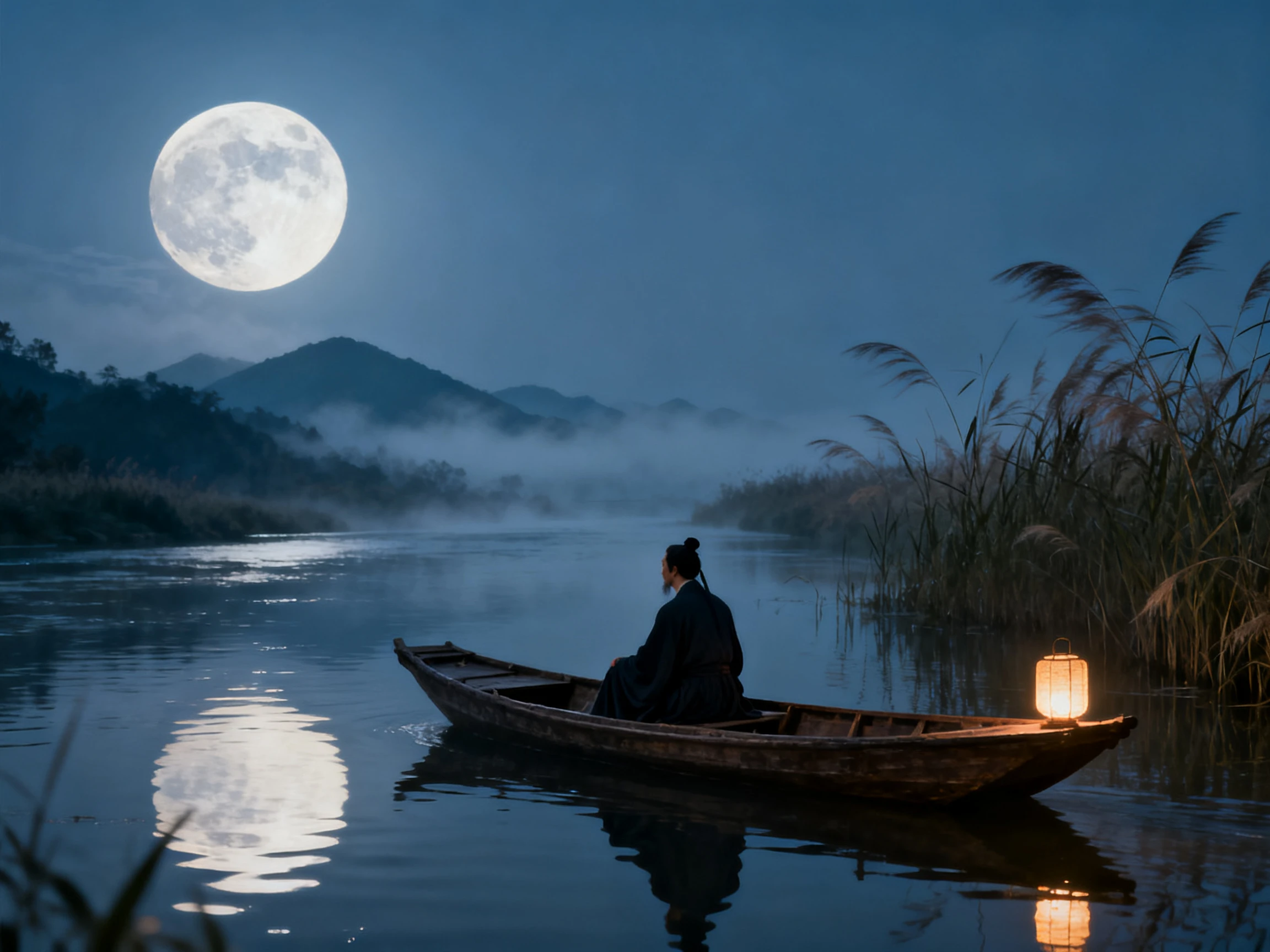


Bring a finished poem, and the Magiclight AI poetry video generator makes it a shareable video in 4 steps. Paste it, create the speaker, set each scene, and pick the voice.
Paste your poem into Magiclight AI; the text field supports 12,000 characters. MagicLight Agent reads it, picks the video niche, and shows you the text to approve.
Choose one of 20+ visual styles to set the look of every scene. Select the character offered in the AI-generated options or choose one from the library.
Go through the storyboard, set the speaker's pose from 50 options, and redo any scene that takes a line too literally. MagicLight Agent then animates the poem.
Pick one 16 subtitle style and the 40 background music options to give a unique look. Generate the finished poetry video and export it to share.
Poet
I had recordings of my readings but nothing to show with them. Now Magiclight AI reads each poem in my cloned voice, and followers say it sounds like me reading live.
English Teacher
My students read a poem differently once they have seen it. Magiclight AI puts each stanza's images on screen, and the class now argues about what the lines mean.
YouTuber
Every Sunday my channel posts a classic poem read by the same old sailor. Magiclight AI keeps his face identical each week, so viewers recognize the channel before he speaks.
Author
Quotes on a plain background never sold my first book. This time, Magiclight AI turned 3 poems into a trailer with the same speaker throughout, and I run it in my launch ads.
When each line is made as a separate picture, the figure can change every few seconds. The Magiclight AI poetry video generator keeps your speaker the same in every scene.
MagicLight Agent shows you the text before it creates any scene, so you can check each line against your poem. Magiclight AI then works from the version you confirmed.
You can start without paying. A new Magiclight AI account comes with free credits, so test a short poem and hear the reading before you pay for a plan.
It can happen. A line like “my heart is a stone” may show an actual stone, so redo that scene in Nano Storyboard before Magiclight AI animates the poem.
Yes. Magiclight AI offers voice cloning alongside its 37 voices, so the video sounds like you. Clone only a voice you own or have clear permission to use.
Public-domain poems are free to use, but many modern poems are still under copyright and need permission. Magiclight AI does not clear those rights for you.



Choose the poem you want people to hear first. Magiclight AI assigns one speaker and one voice to each line, with scenes drawn from the poem's own images.