SALEAnniversary Sale For Unlimited Minimax-H3 is Live! Ends Oct 15!Create Now
Invitation Video Maker
Add your event details, message, or photos, and Magiclight AI turns them into polished invitation videos with scenes, music, captions, and covers. No editing experience needed.
Explore the Features of MagiclightAI Invitation Video Maker
Magiclight is built for more than turning text into a clip. It helps you organize the event message, create the visual mood, add motion, and finish the invitation with the details guests need to see.
Turn Event Details Into A Video Invite
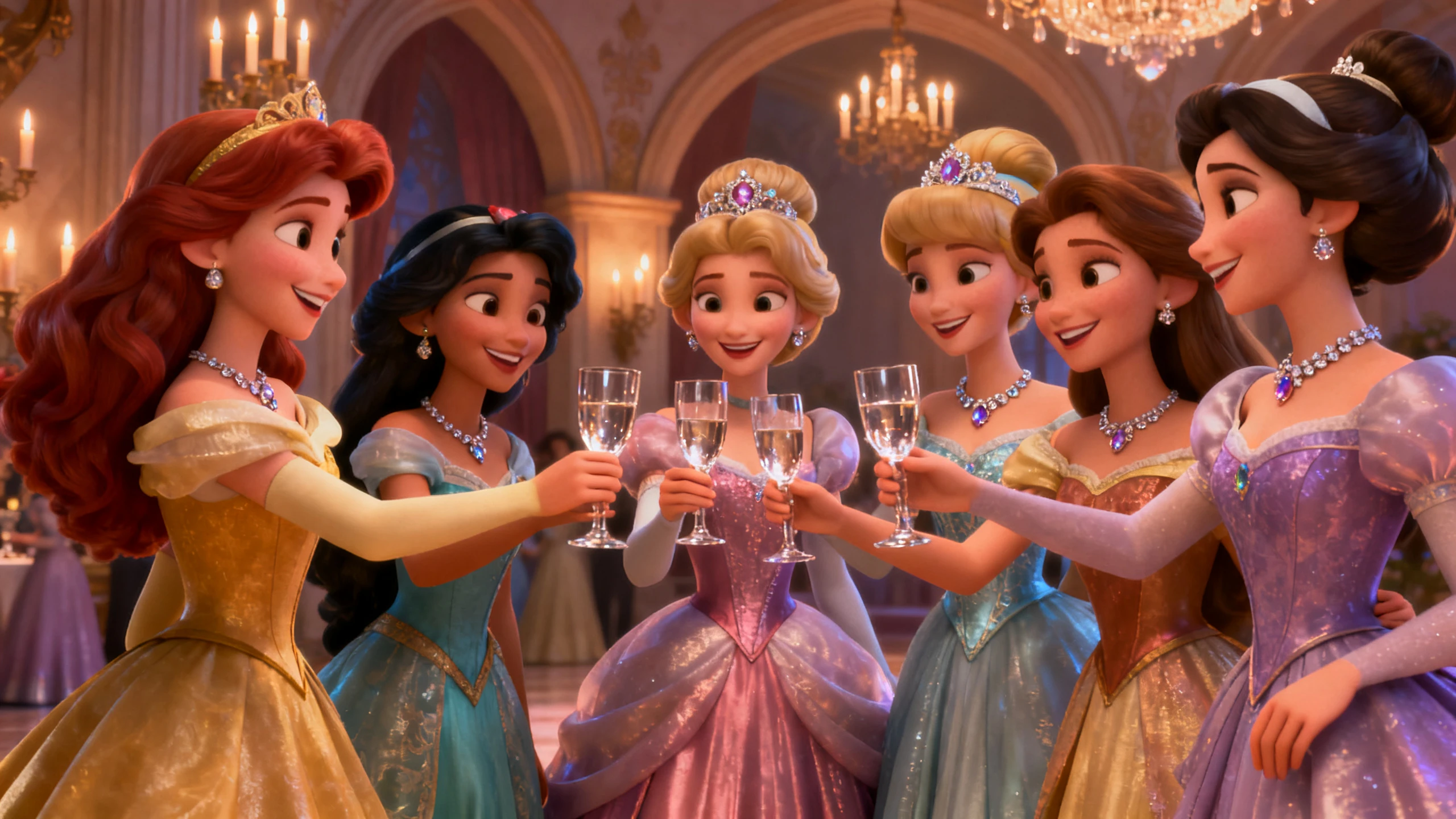
Start with a wedding note, birthday message, party theme, graduation announcement, or business event brief. Magiclight helps shape the information into a clear scene flow, so the invitation does not feel like a flat card with music added on top.
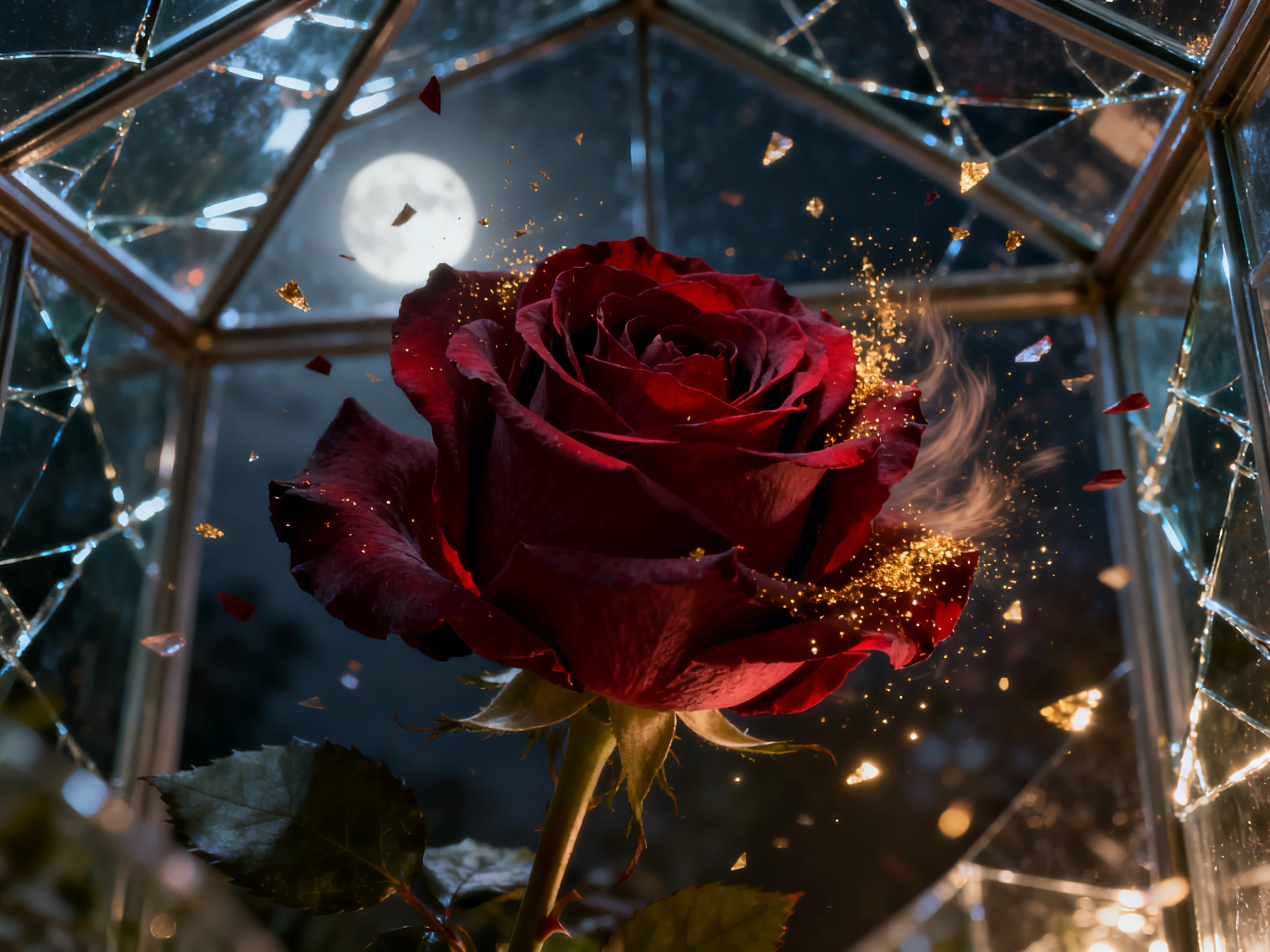
Upload event photos or start from text, then choose a model for the result you want. Use Seedance, Veo, Wan, Kling, or Hailuo options for motion, and apply image or style models when you need invitation backgrounds, character visuals, or themed scenes.
Create a romantic, playful, formal, or cinematic invitation with 37 AI voices, more than 11 languages, 40 background music options, and AI music support from Suno. Voice models such as ElevenLabs and MiniMax help make narration sound more natural when the invite needs a spoken message.
Use Nano Storyboard to adjust scene order, timing, character actions, poses, expressions, subtitles, music, and cover art. You can also prepare the final video for download, publishing, or sharing after the invitation feels ready.
Who Can Use Magiclight AI's Invitation Video Maker
It works for anyone who wants an invitation that feels personal, clear, and ready to share, without spending time in a full editing suite.
Use it for emotional family events, fast social invitations, polished business announcements, or recurring event formats that need a consistent look.
For Wedding Creators
Turn couple photos, date details, and venue mood into a shareable invite.
Add soft music, subtitles, and cover art for a polished announcement.
Create save-the-date clips, ceremony invites, or reception teasers.
For Families And Friends
Make birthday, baby shower, graduation, or holiday invitations from a few notes.
Use photos and simple prompts to make the video feel personal.
Create a warm invite without learning editing or design software.
For Event Planners
Create invite versions for different clients, themes, and venues.
Keep the workflow organized when each event needs a different tone.
Use templates, covers, voices, and music to speed up production.
For Business Teams
Create invitation videos for webinars, launches, workshops, and internal events.
Turn agenda points and speaker details into a cleaner visual flow.
Export polished event content for email, social posts, or campaign pages.
How to Make an Invitation Video With Magiclight
The workflow starts with the event details, then moves through scene setup, model selection, mood design, and final export without making you build the whole invite manually.
1.
Add The Event Details
Enter the occasion, names, date, location, short message, or upload photos that should appear in the invitation.
2.
Choose The Visual Direction
Pick a style, aspect ratio, and model path that fits the event, from romantic wedding scenes to polished business announcements.
3.
Refine Scenes And Audio
Use Nano Storyboard to adjust the scene order, captions, timing, music, voiceover, character actions, and cover design.
4.
Export And Share
Review the final invitation video, make last changes, then download or publish it for email, social posts, event pages, or messaging.
What Users Say About Magiclight AI'sInvitation Video Maker
Mia Chen
Wedding Planner
I can turn a couple's photos and event details into a video invitation without rebuilding the whole design from scratch. It feels much faster than using separate design and editing tools.
Noah Patel
Marketing Manager
For webinars and launches, Magiclight helps us turn agenda notes into cleaner event videos. The cover, captions, and music controls make the final result easier to use in campaigns.
Sara Lind
Family Content Creator
I used it for a graduation invite and could include photos, short text, and background music without learning an editing app. The result looked more thoughtful than a static image.
Omar Reyes
Event Studio Founder
The workflow is useful when every client wants a different theme. We can change the style, adjust the storyboard, and export a finished invitation from the same place.
What can I create with Magiclight invitation video maker?
You can create invitation videos for weddings, birthdays, baby showers, graduations, parties, webinars, workshops, product launches, and other events.
Do I need editing or design experience?
No. You can start with event details, a short message, or uploaded photos. Magiclight helps build the scene flow, visual mood, music, captions, and cover art.
Can I make an invitation video from photos?
Yes. You can upload photos and use Magiclight's image-to-video workflow to add motion, scene changes, text, music, and a more polished presentation.
Can I add narration or different languages?
Yes. Magiclight supports 37 AI voices, more than 11 languages, voice models such as ElevenLabs and MiniMax, plus subtitles for clearer event information.
Can I choose different styles for different events?
Yes. You can choose from 20+ visual styles and use different model options to match romantic, playful, formal, cinematic, cartoon, or brand-focused invitation videos.
What can I do before exporting the final invite?
You can use Nano Storyboard to adjust timing, scene order, captions, poses, expressions, music, and cover art before downloading or publishing the invitation video.
Create Invitation Videos Ready to Share
Turn your event details, photos, and message into a polished video invitation with scenes, music, captions, and a cover ready to share.